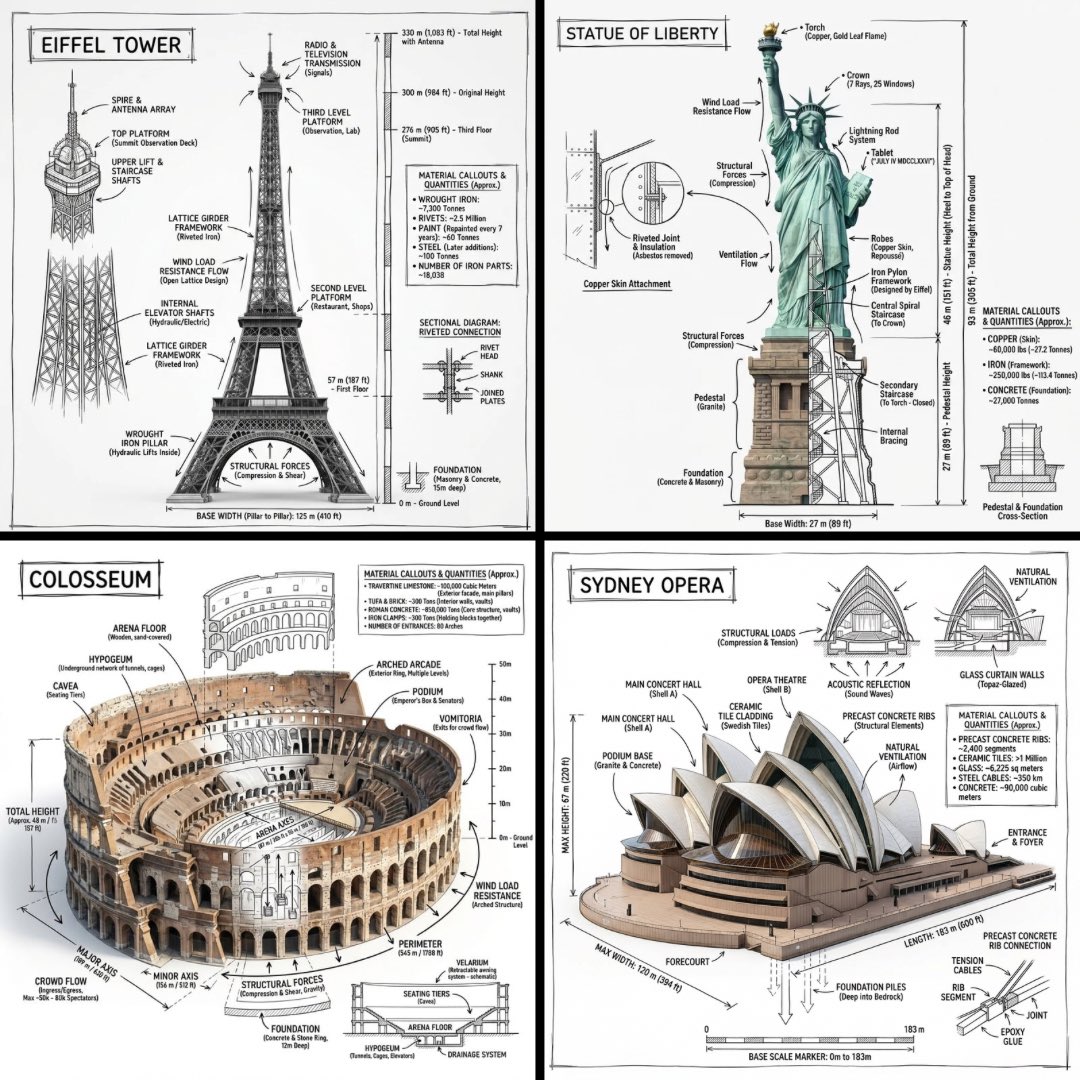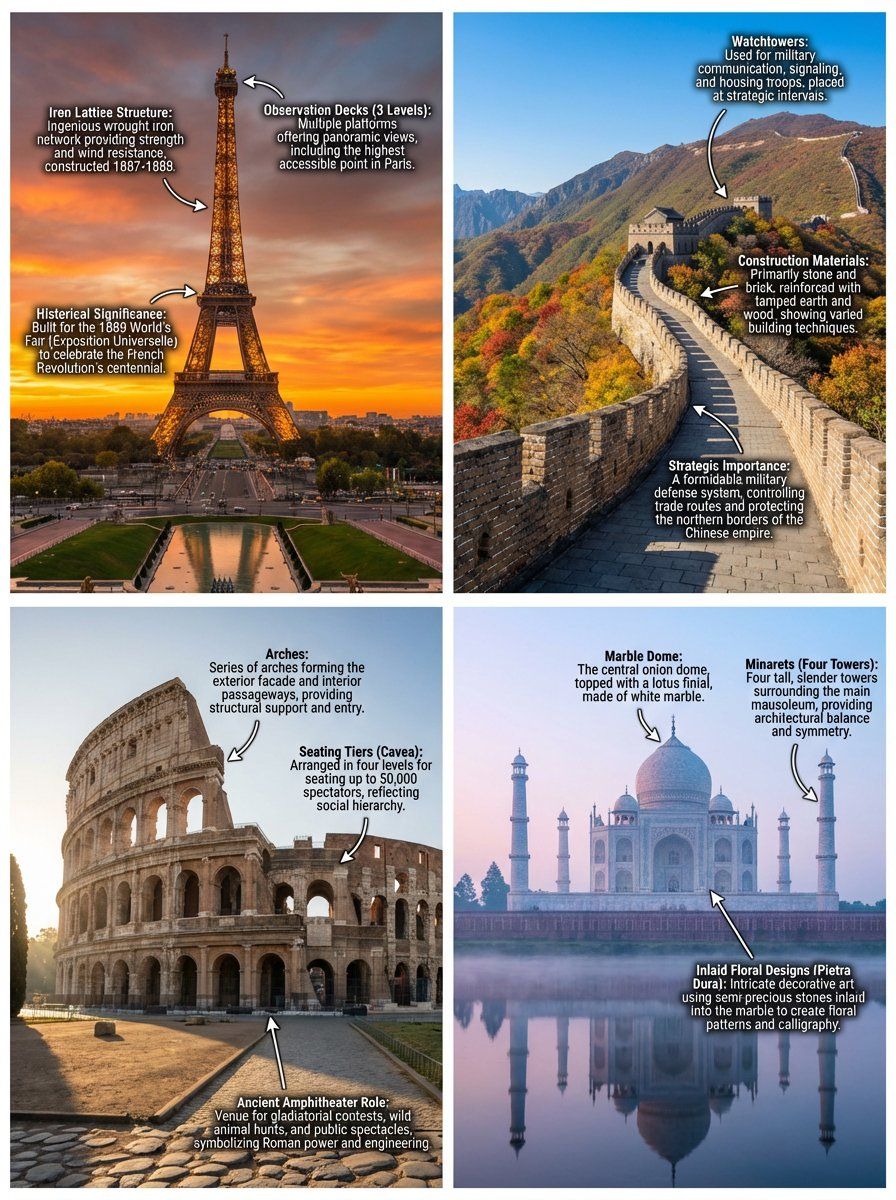
带叠加描述的带注释地标图像
提示词
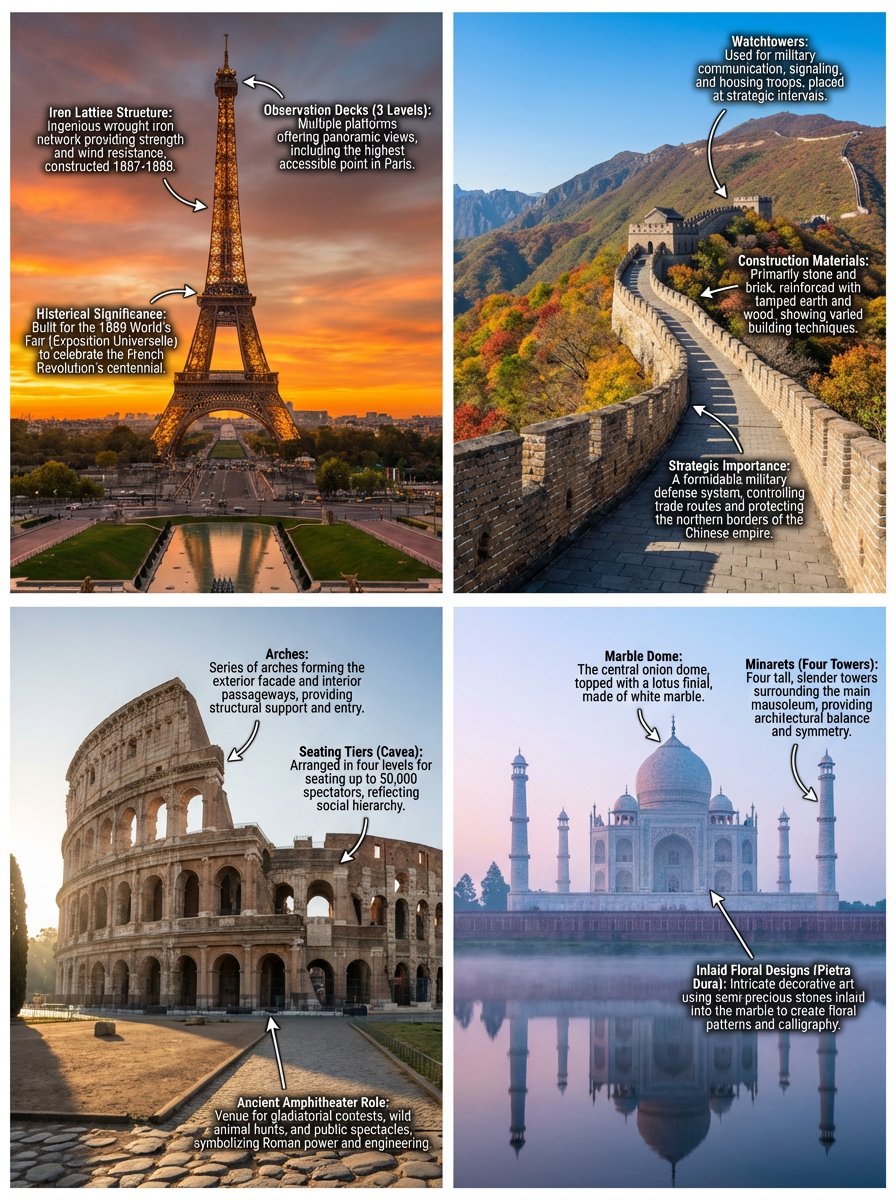
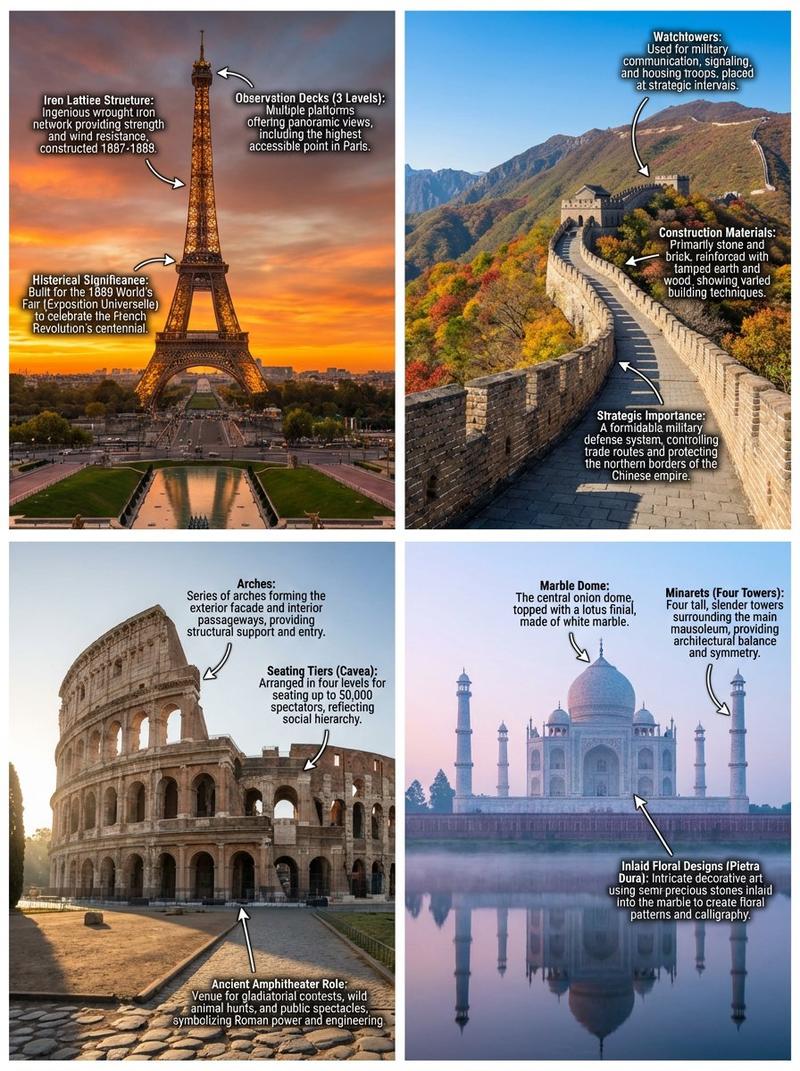
Generate four distinct, hyper-realistic images, each depicting a world-renowned landmark. For each image, include a comprehensive and clearly legible set of annotations directly overlaid onto key architectural features, historical elements, or culturally significant details. These annotations should provide brief, informative descriptions.

The first image should feature the Eiffel Tower in Paris, France, at sunset, with annotations highlighting its iron lattice structure, observation decks, and historical significance.

The second image should showcase the Great Wall of China, specifically a section in Mutianyu, during a clear autumn day, with annotations detailing its watchtowers, construction materials, and strategic importance.

The third image should present the Colosseum in Rome, Italy, bathed in morning light, with annotations identifying its arches, seating tiers, and its role as an ancient amphitheater.

The fourth image should capture the Taj Mahal in Agra, India, under a soft, ethereal pre-dawn glow, with annotations pointing out its marble dome, minarets, and inlaid floral designs.

Each image should be rendered with exceptional detail, vibrant colors, and dynamic lighting to emphasize the grandeur of the location, making the annotations seamlessly integrated into the visual narrative.
- 分类
- 创意图片
- 模型
- Nano Banana Pro
- 来源 ID
- fd9453e3-296e-401e-993d-41ebb1eaa46a
- 发布时间
- 2026年3月8日
浏览量0