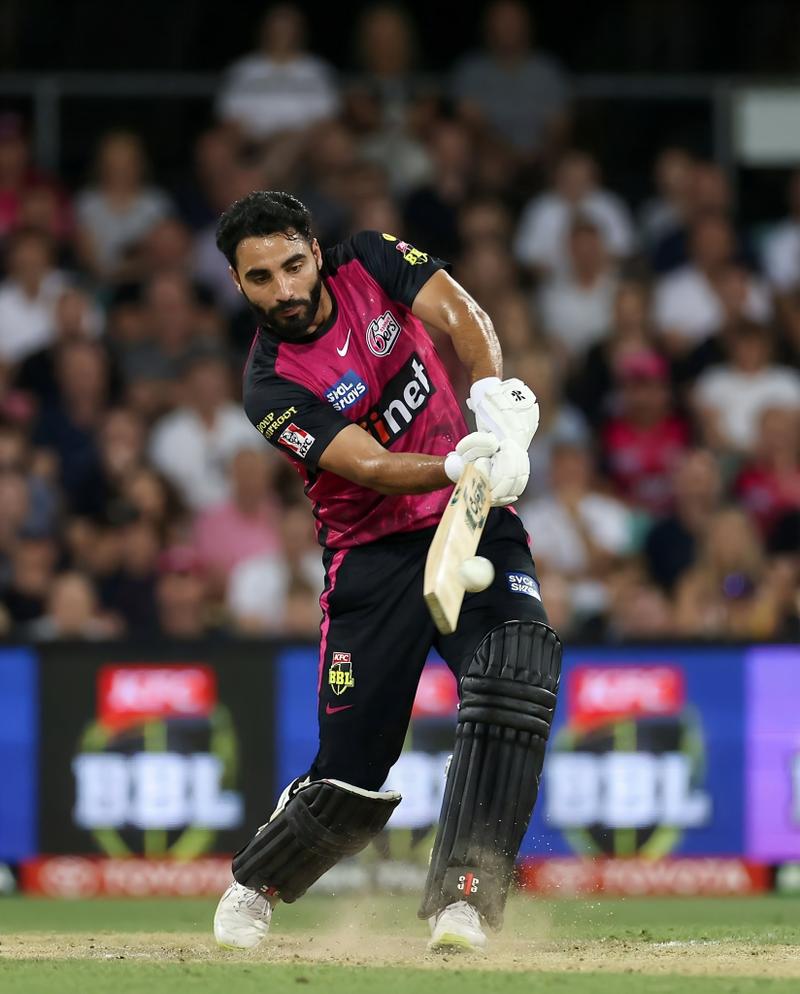
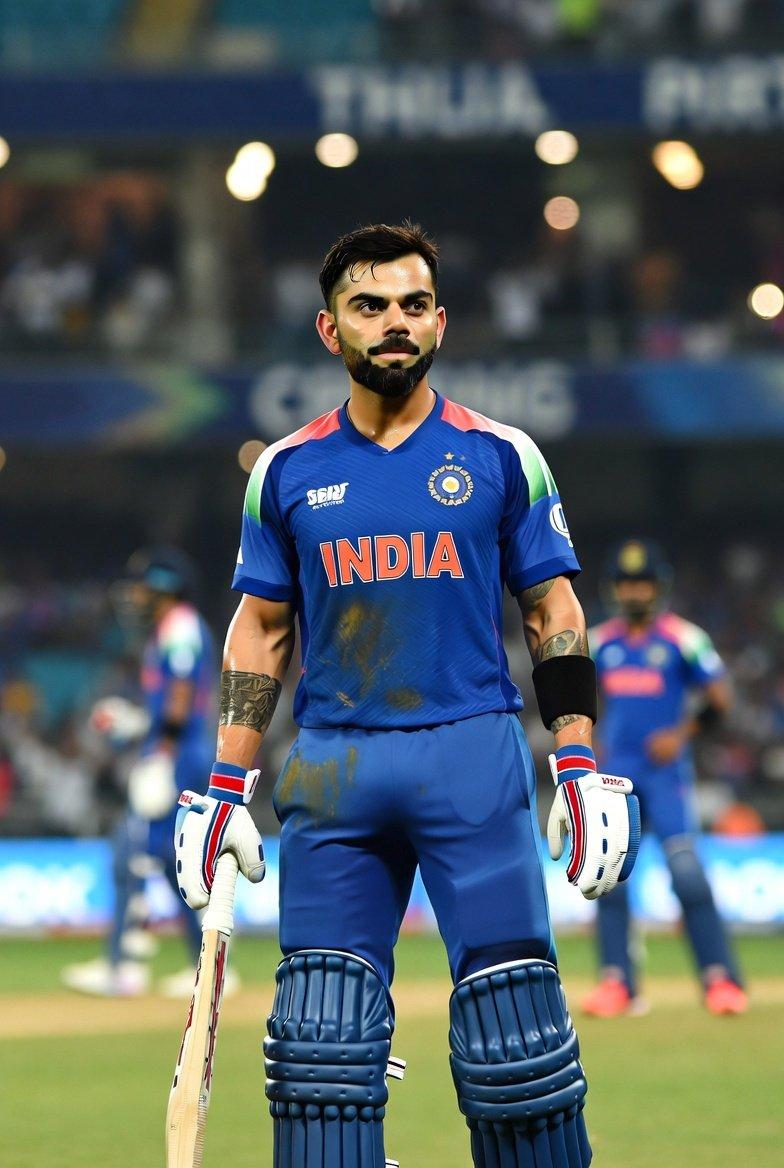
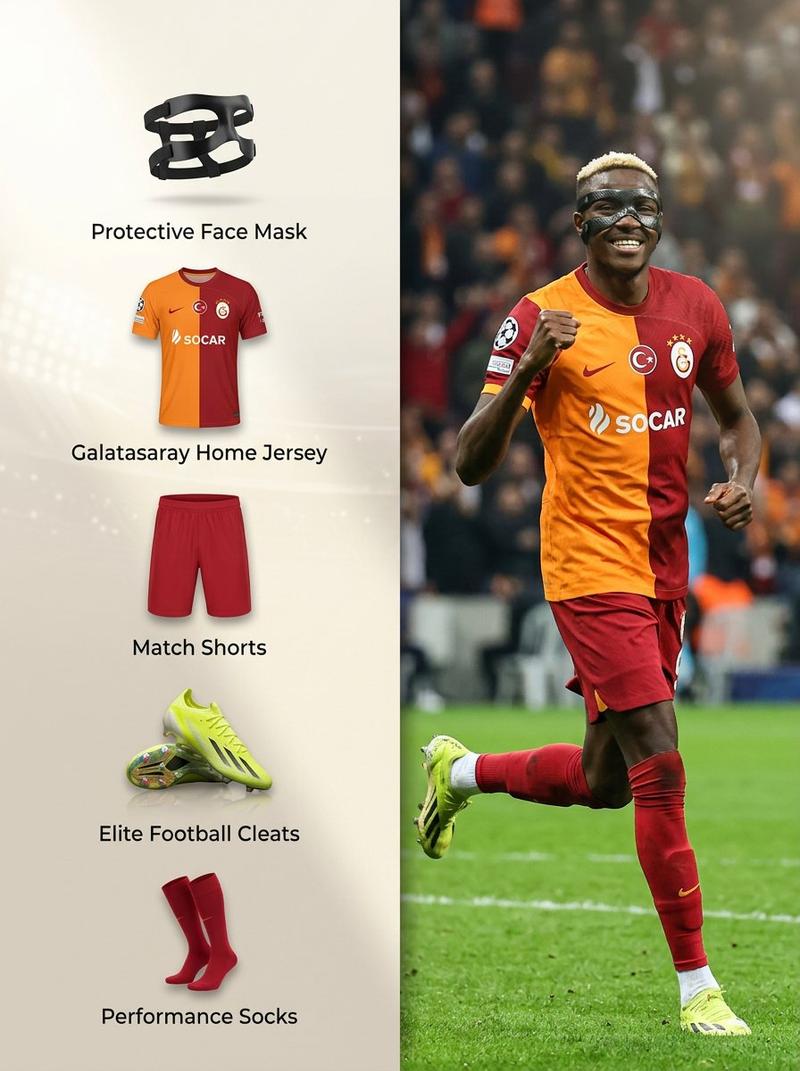
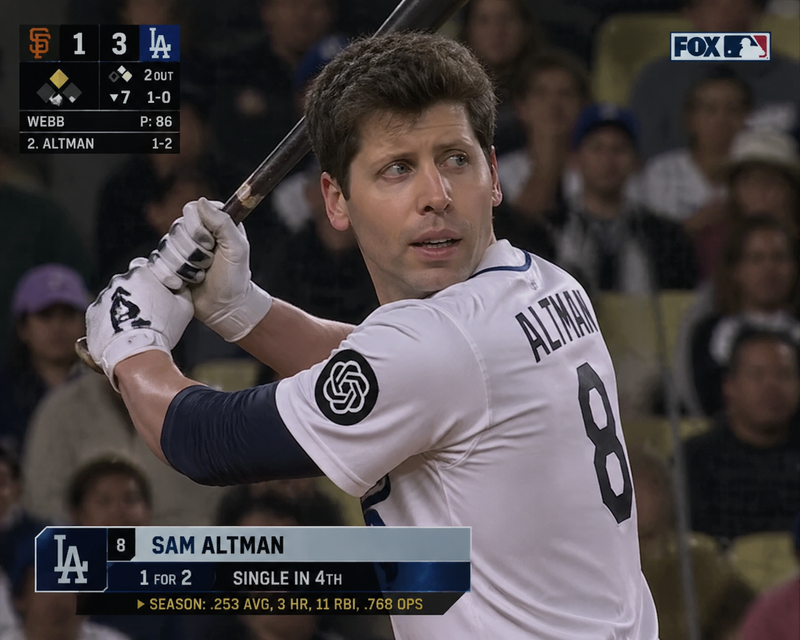
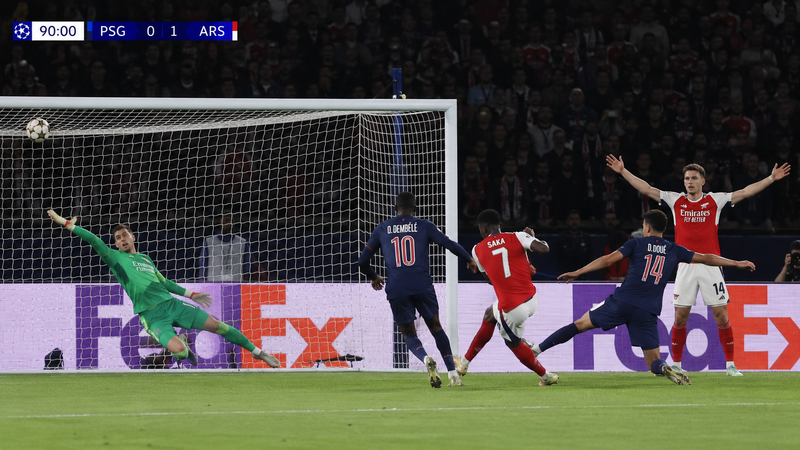
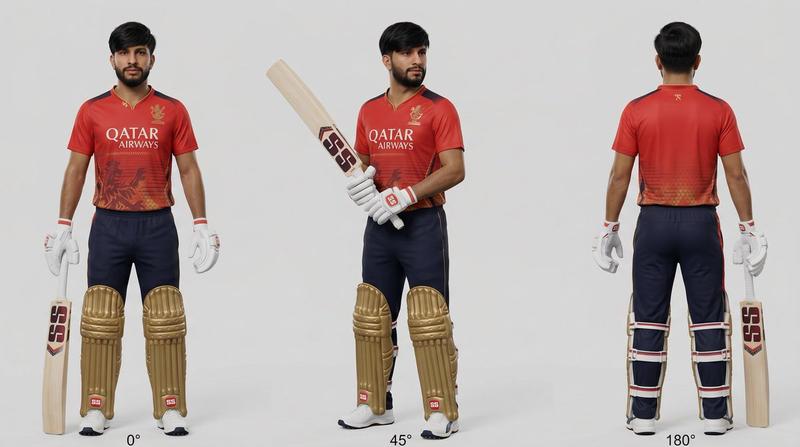
BBL 板球赛场动作抓拍,带人脸匹配功能
提示词
Use my face exactly as shown in the uploaded photo. Recreate it with perfect likeness, skin texture, facial structure, hairstyle, and expression. Place me in a hyper-real 8K action scene playing in the Big Bash League (BBL) as {argument name="team name" default="sydney sixers"} in Australia. I am wearing an official BBL cricket kit with realistic fabric texture, sweat details, and stadium lighting reflections. Show me mid-action — {argument name="action type" default="powerful batting stance or fast bowling release"} — with motion blur, flying dust, and stadium crowd in soft focus. Background: a packed Australian cricket stadium at night, bright floodlights casting cinematic shadows. Include authentic BBL branding on the ground and LED boards. Make the scene feel like a real broadcast photo taken by a professional sports photographer: shallow depth of field, perfect lens bokeh, slight motion blur, natural skin highlights, no CGI look. Ensure the final image looks like an official BBL promotional shot with me as a pro player, using my real face from the uploaded photo.

8K | photoreal | sports action | Australian BBL | documentary realism | perfect face match- 分类
- 创意图片
- 模型
- Nano Banana Pro
- 来源作者
- Saul Goodman
- 来源 ID
- 1c6891d5-6614-48e2-8fae-f59ea19f05fe
- 发布时间
- 2026年3月8日
浏览量0