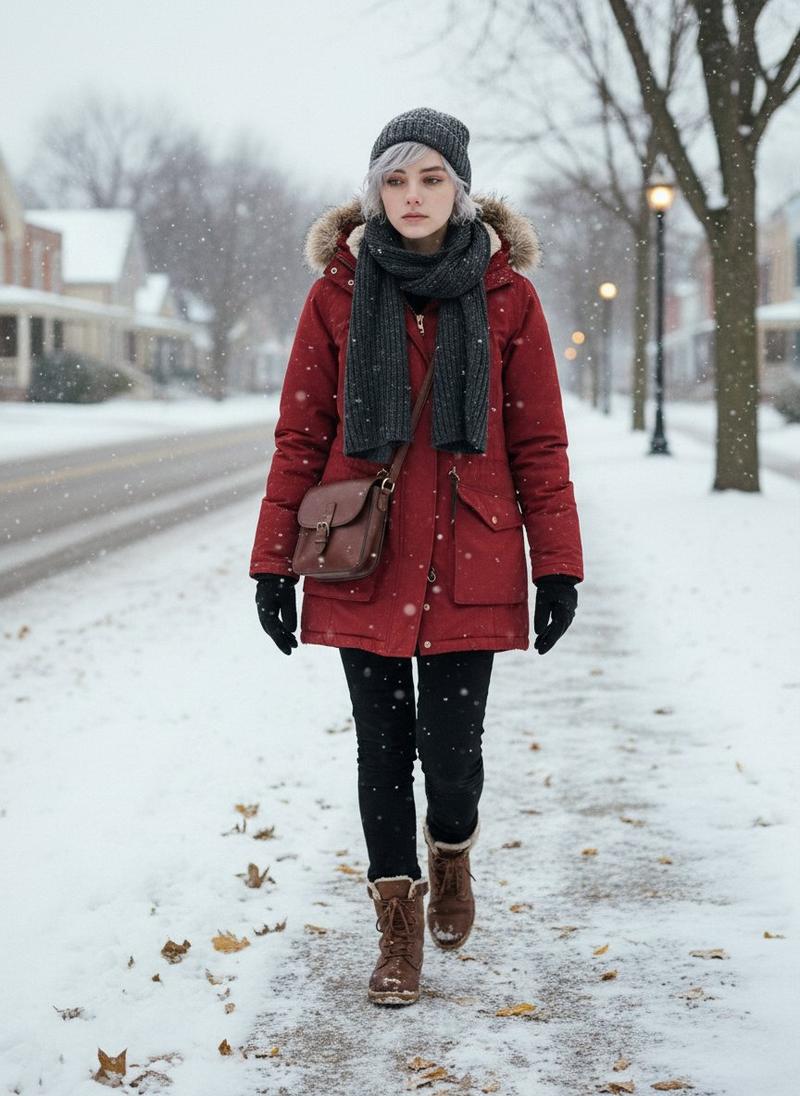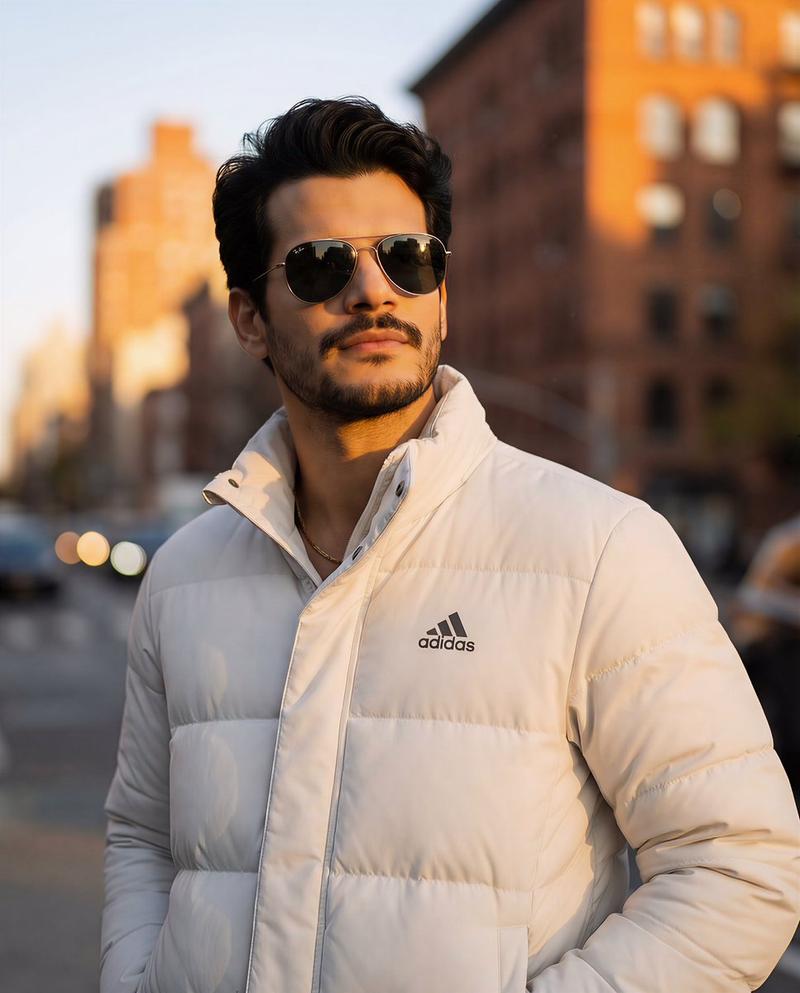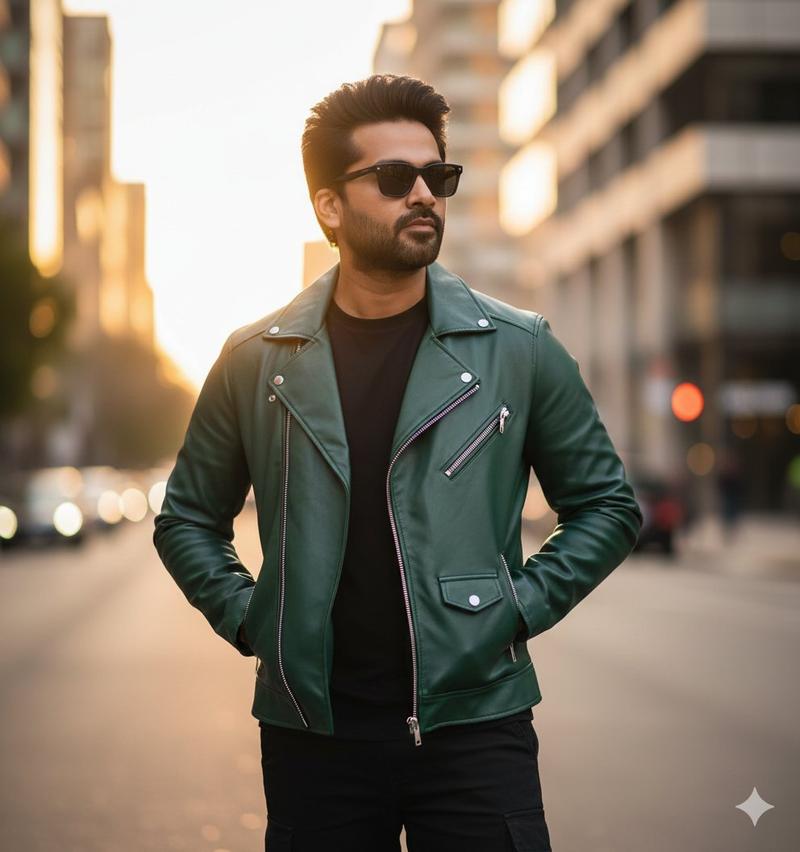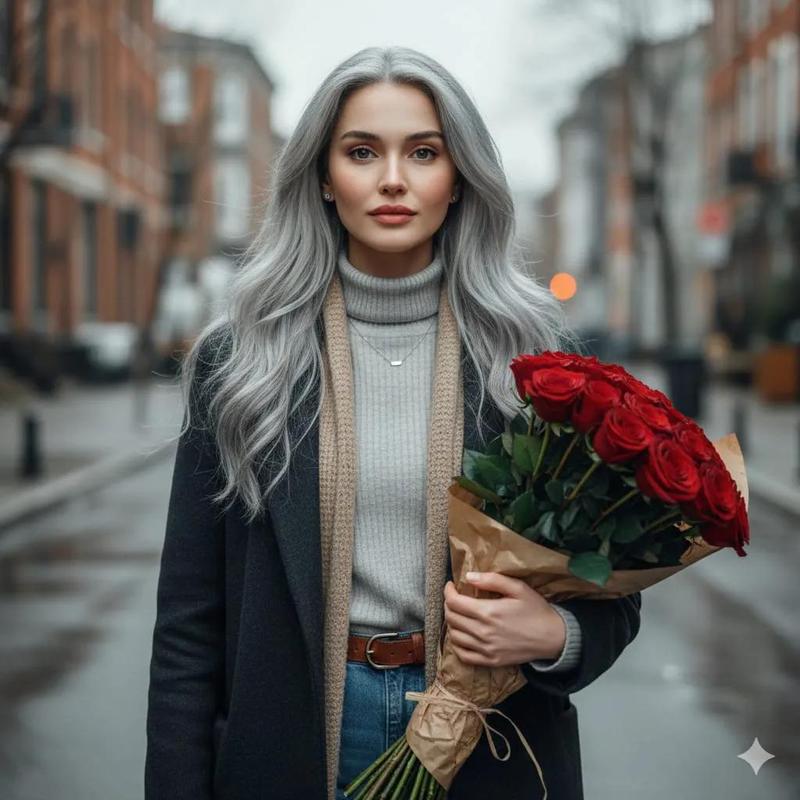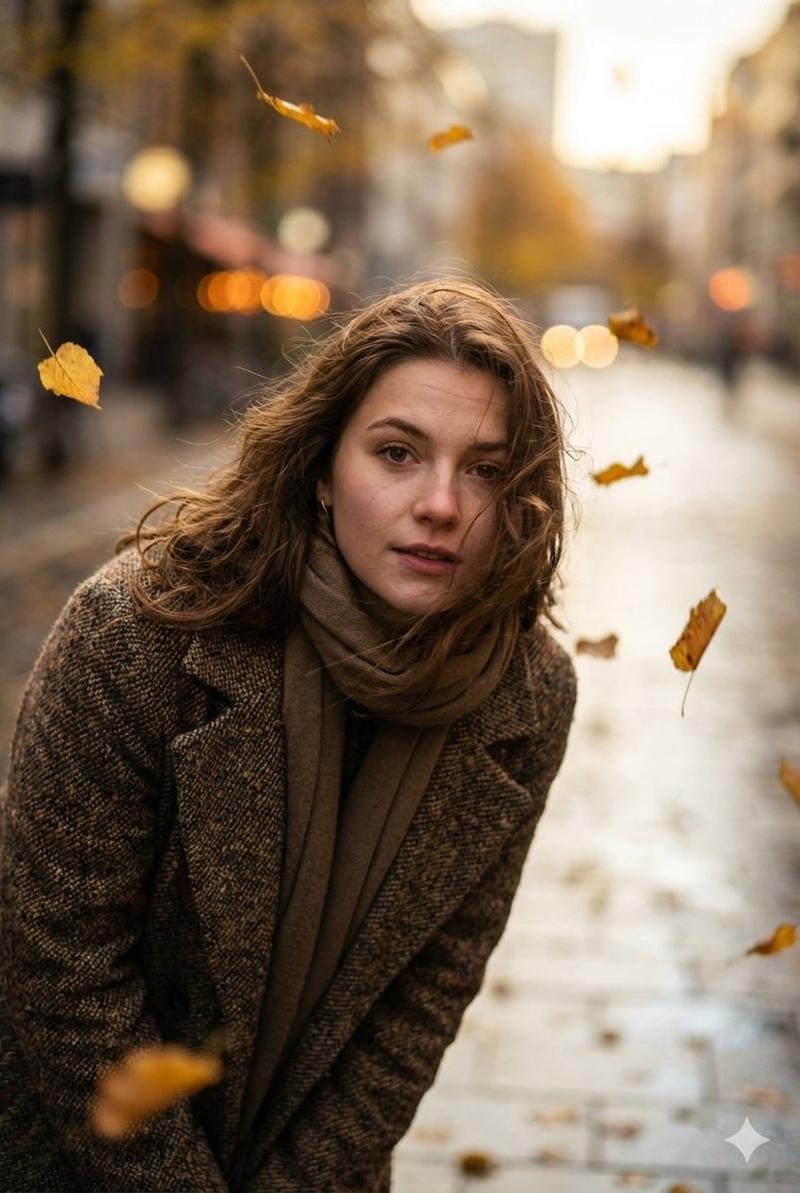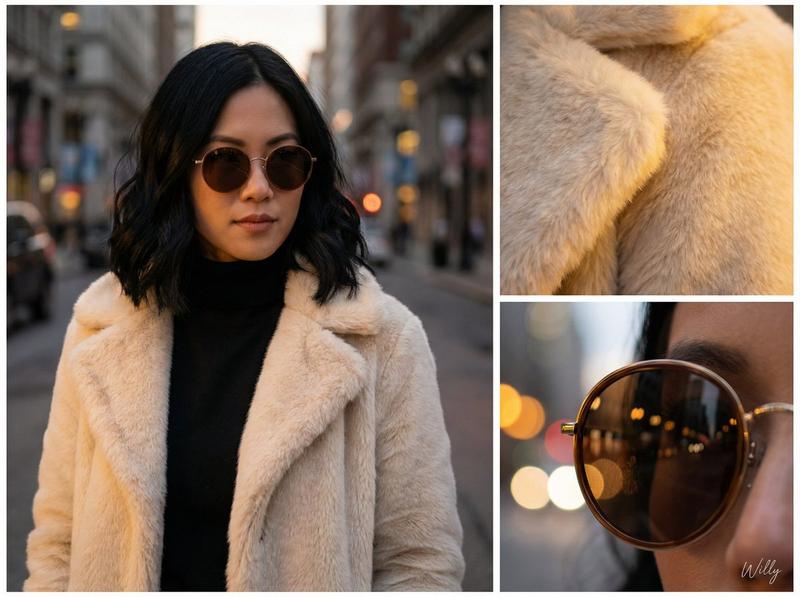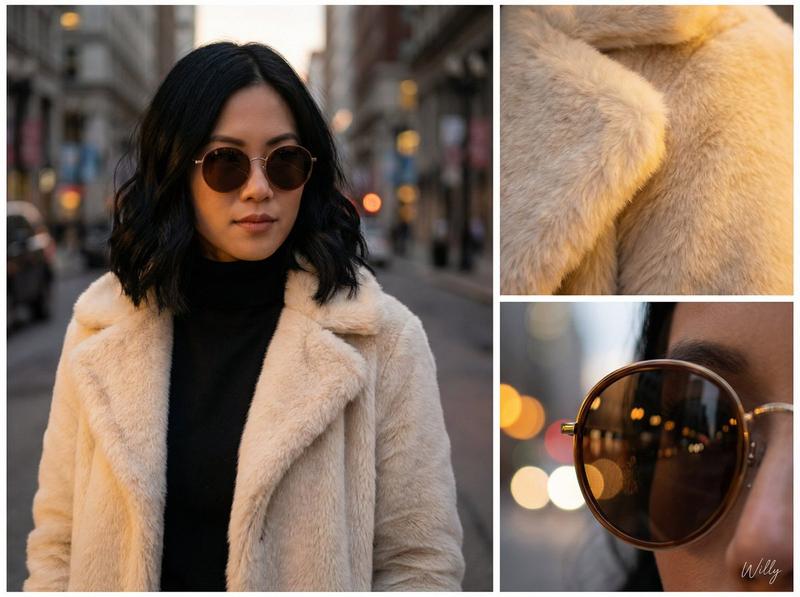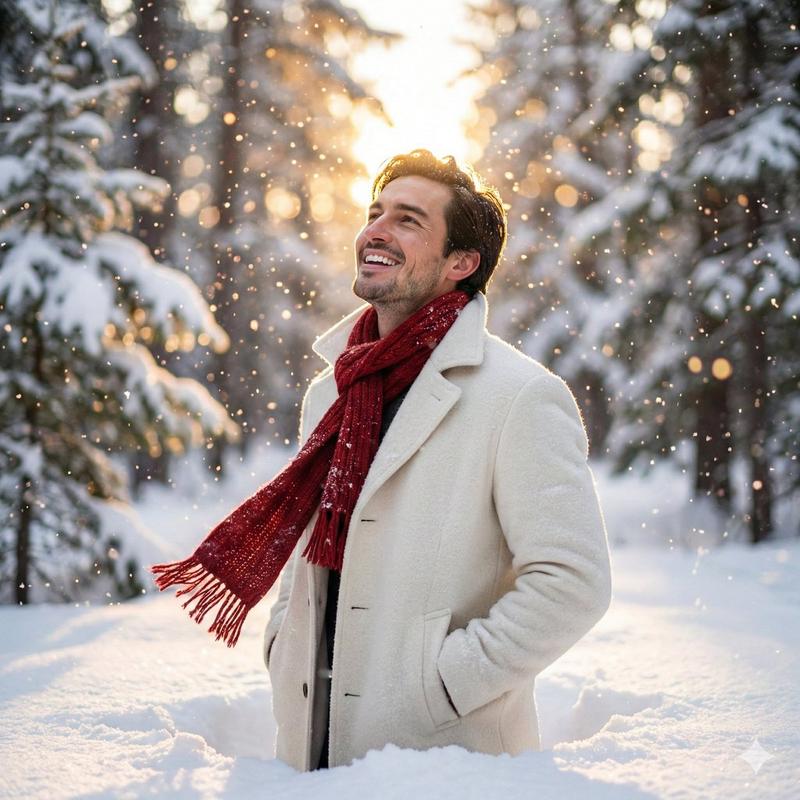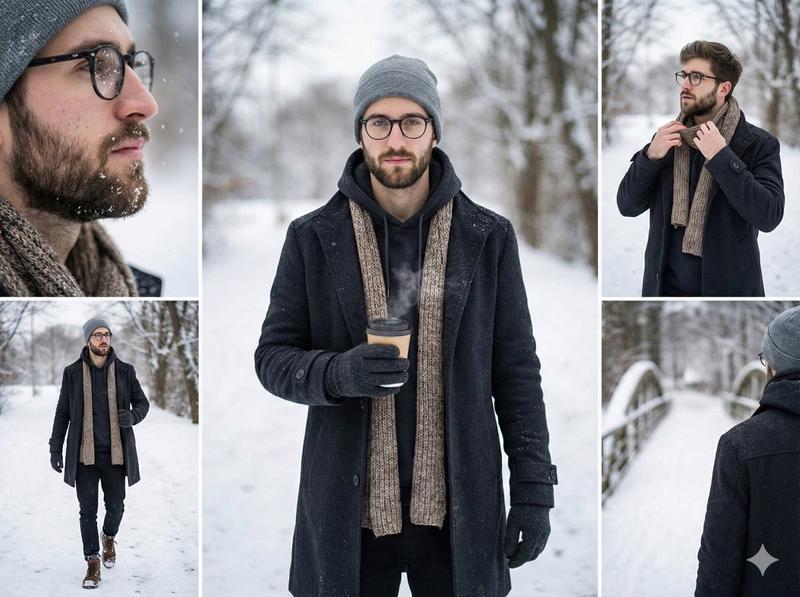
冬季时尚肖像,面部保持一致性
提示词
{
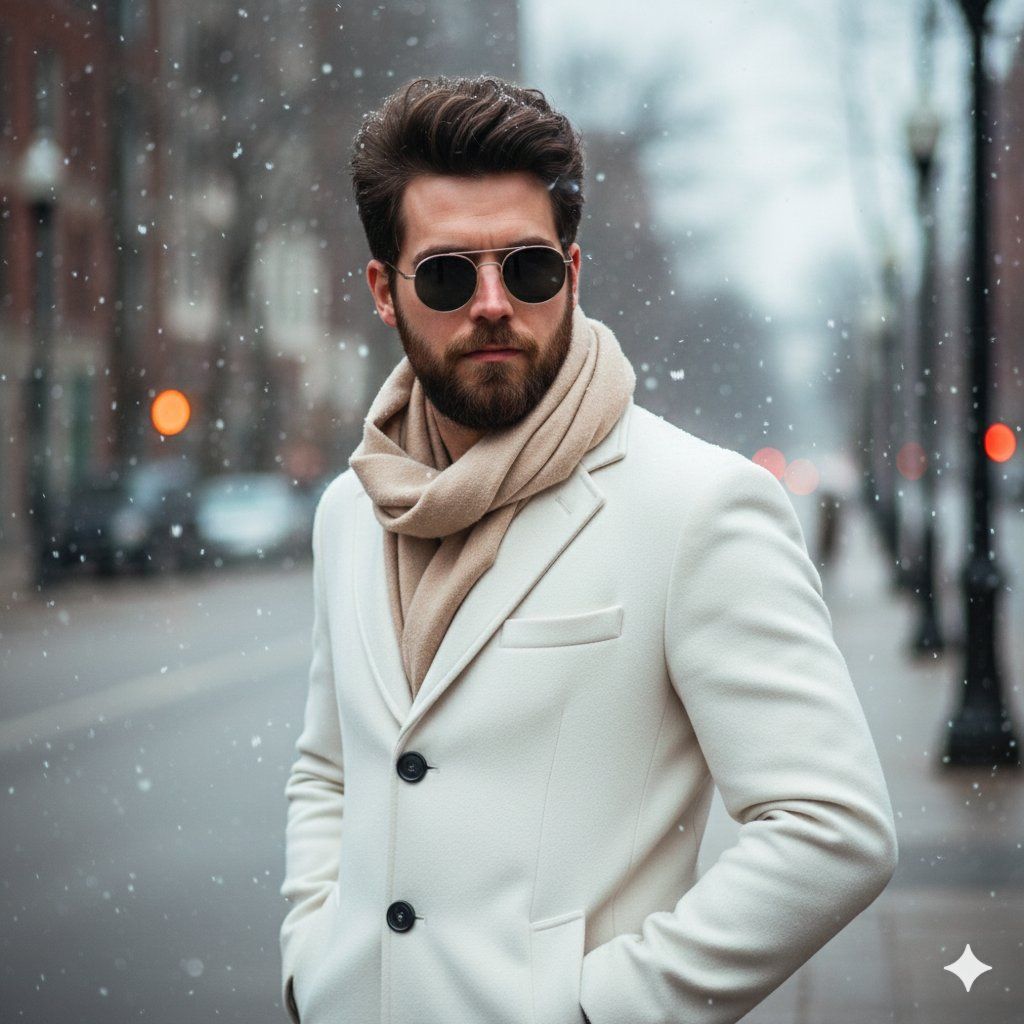
  "Objective": "Create an ultra-realistic winter fashion portrait of a young man in a dynamic modeling pose during light snowfall.",

  "Identity_Safety": "Maintain facial features, expression, hairstyle, and overall appearance consistent with the provided reference image without alteration.",

  "Subject": {
    "Gender": "Male",
    "Appearance": {
      "Expression": "Same calm expression as the reference image",
      "Hair": "High-volume, thick, perfectly styled for a trendy fashion look",
      "Eyewear": "Black sunglasses adding sophistication and confidence",
      "Posture": "Standing outdoors in a slightly turned dynamic modeling pose"
    }
  },

  "Wardrobe": {
    "Outerwear": "Stylish white winter coat with rich texture and modern tailoring",
    "Scarf": "Soft beige scarf draped fashionably",
    "Overall_Style": "High-fashion, winter editorial aesthetic"
  },

  "Scene": {
    "Setting": "Outdoor winter environment",
    "Weather": "Light snowfall drifting around the subject",
    "Background": "Soft, blurred winter atmosphere enhancing the subject's presence",
    "Mood": "Elegant, confident, cinematic winter fashion vibe"
  },

  "Lighting_and_Color": {
    "Lighting": "Soft natural daylight with gentle highlights on the"
}- 分类
- 创意图片
- 模型
- Nano Banana Pro
- 来源作者
- Taaruk
- 来源 ID
- 7d685b9e-3f51-46a5-b456-cf49918375b4
- 发布时间
- 2026年3月8日
浏览量0