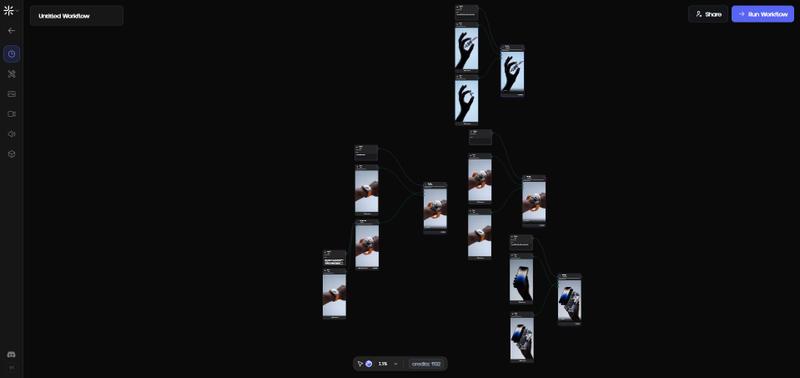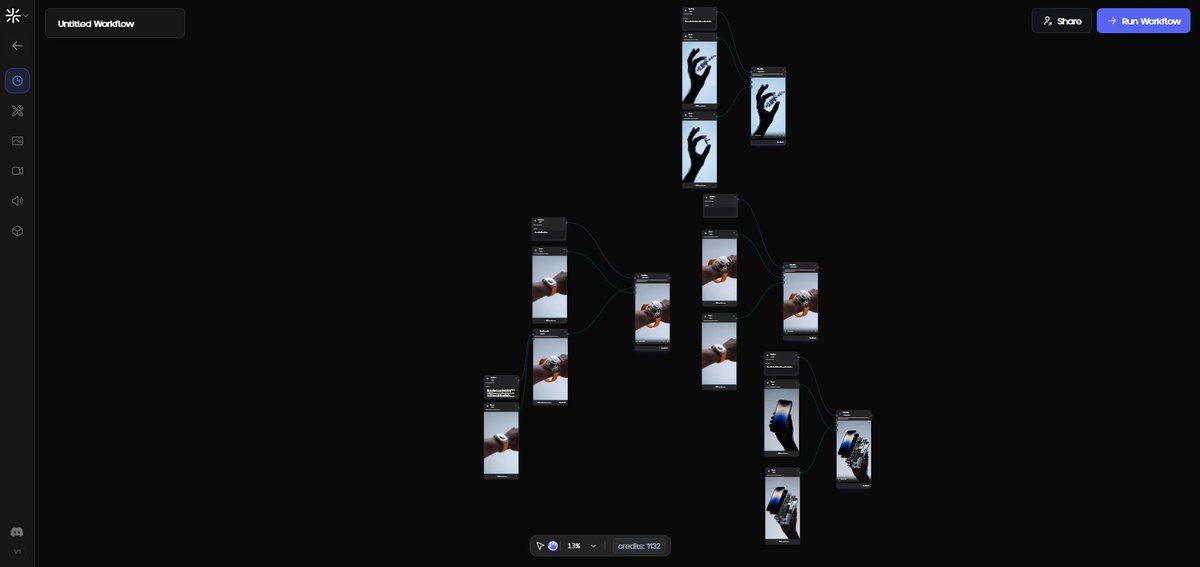
Apple Watch Ultra 和 iPhone 爆炸图拆解
提示词
Apple Watch
Create a dynamic scene where the Apple Watch Ultra from Reference 1 breaks down into its individual components, with each piece leaving the dial in a controlled, forward-floating sequence that retains the original direction and perspective of the watch, maintaining the metallic finish, glass reflections, and rugged structure visible in the reference; place the detached orange strap behind the wrist while keeping the same soft, neutral studio lighting, the close-up composition of the arm, and the smooth muted background tone. Enhance micro-details, improve overall image fidelity, increase clarity, and make the colors more vibrant and saturated.

IPhone
Create a precise exploded-view animation of the Apple iPhone from Reference 1 where every internal and external layer, casing, glass, display, internal chips, modules, and structural parts, moves outward from the screen in a smooth, orderly chain, while keeping the same fixed viewpoint: a low frontal angle with the device vertical, right side slightly visible, left side largely hidden, the hand gripping the phone in the same position, and the soft diffused lighting unchanged; ensure each floating element is lit exactly like the main scene and casts subtle, accurate shadows onto adjacent parts and onto the hand, creating strong spatial realism without altering the composition. Enhance micro-details, improve overall image fidelity, increase clarity, and make the colors more vibrant and saturated.
- 分类
- 创意图片
- 模型
- Nano Banana Pro
- 来源作者
- Mehdi Sharifi
- 来源 ID
- ece23ce3-bc06-49cb-aac6-f8c4c5b6f759
- 发布时间
- 2026年3月8日
浏览量0