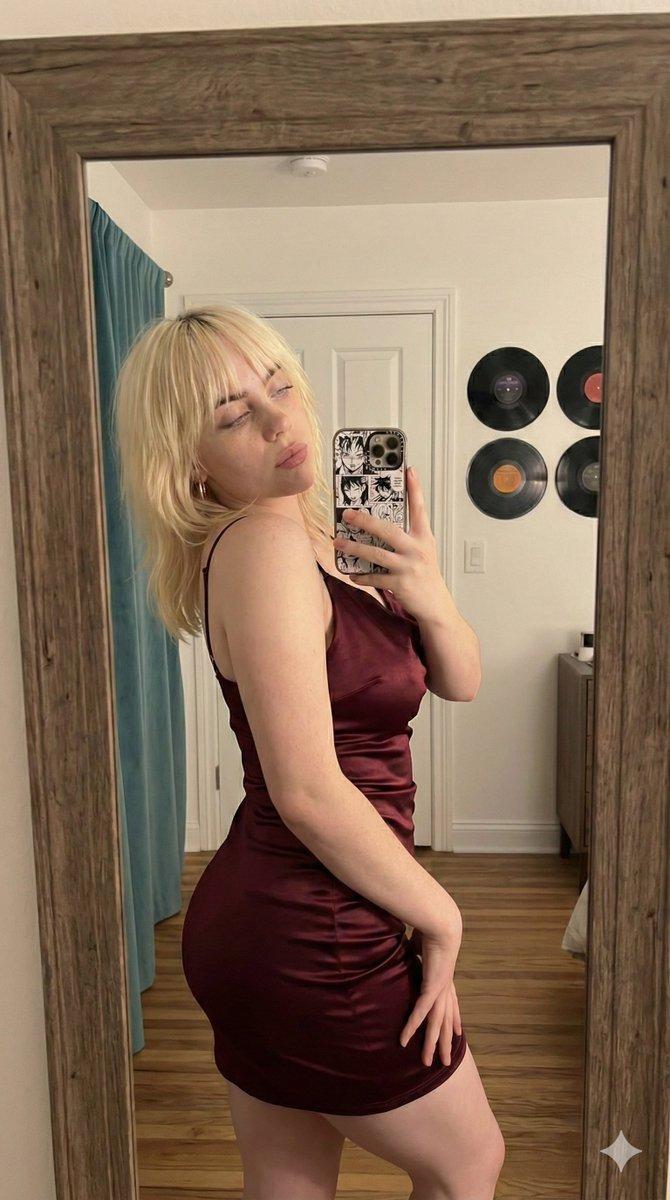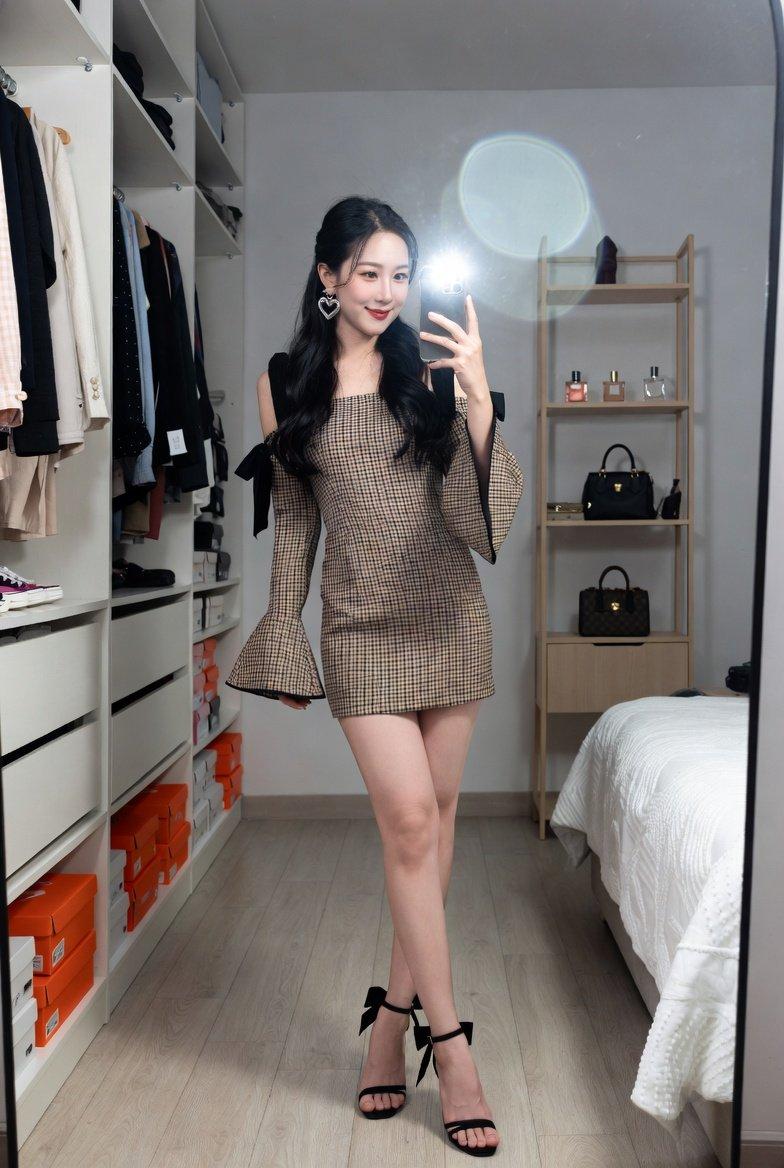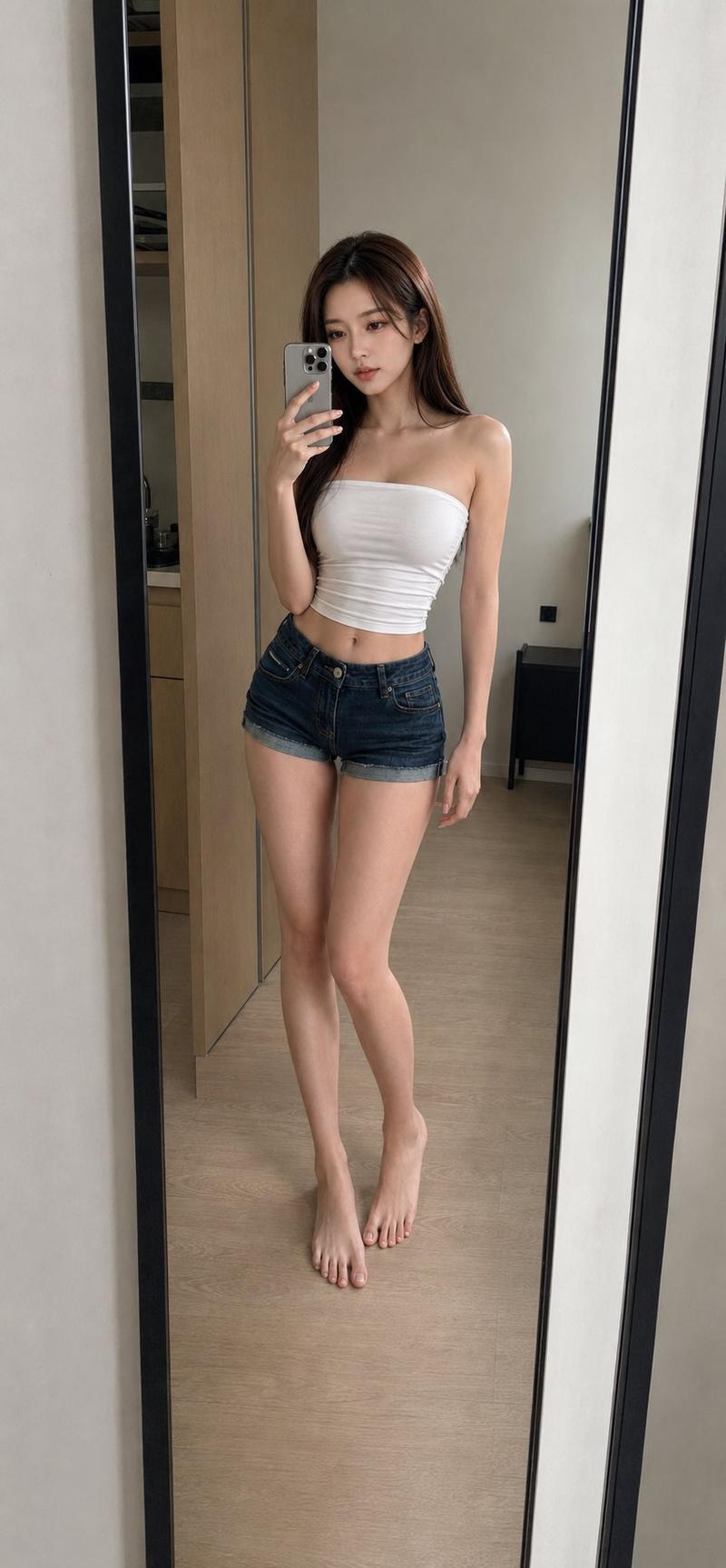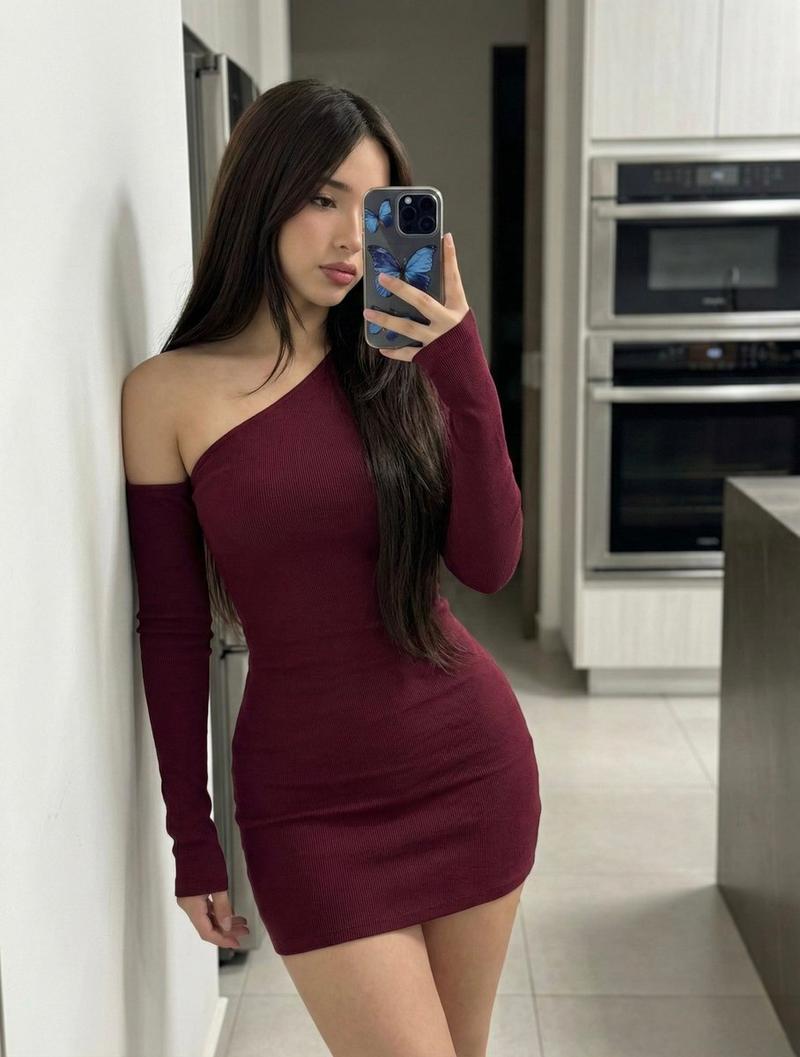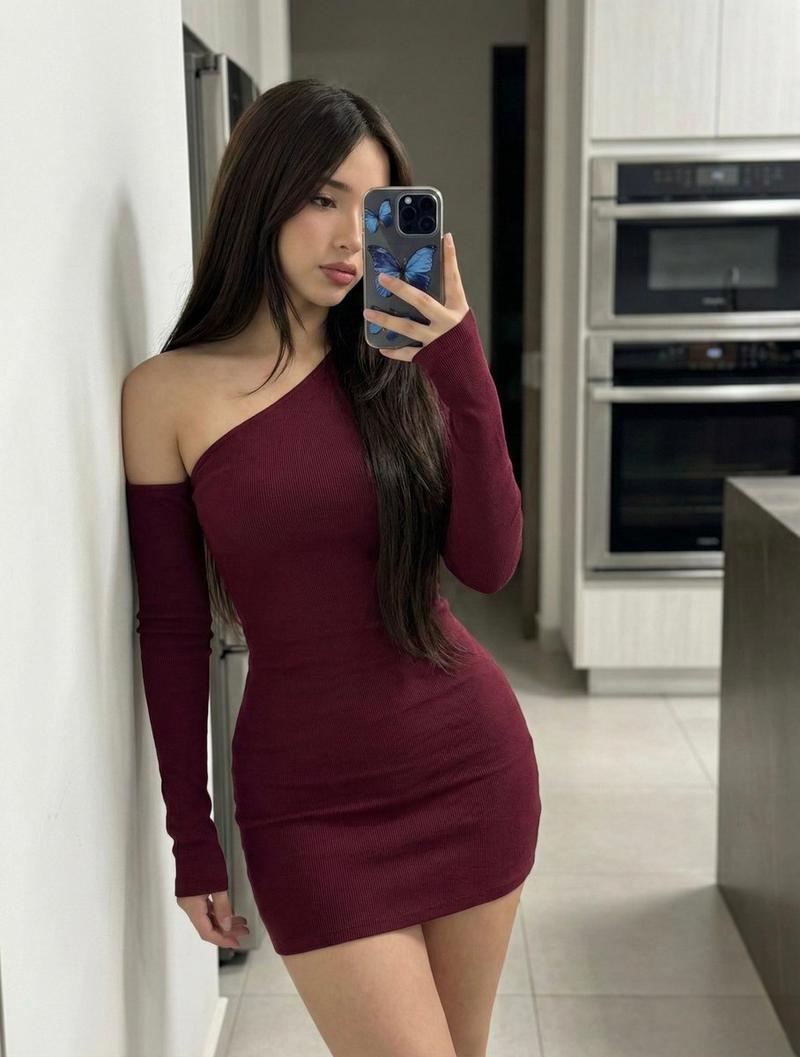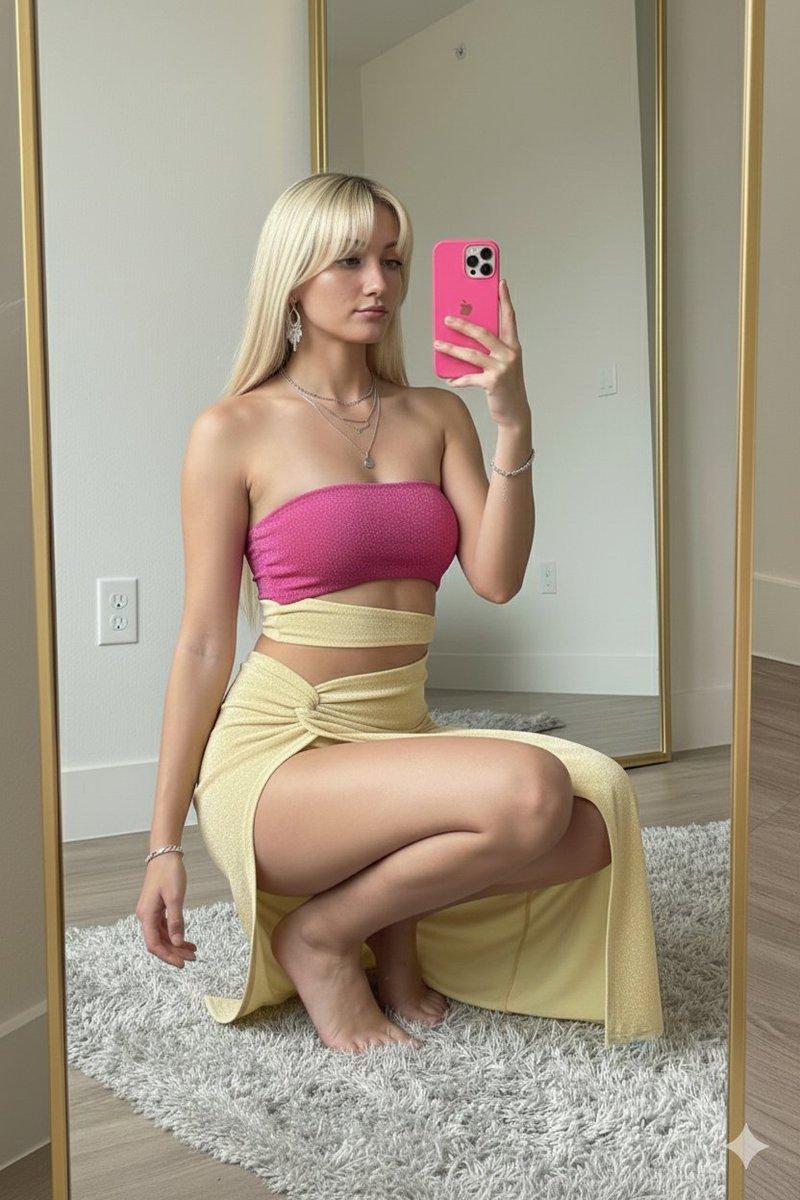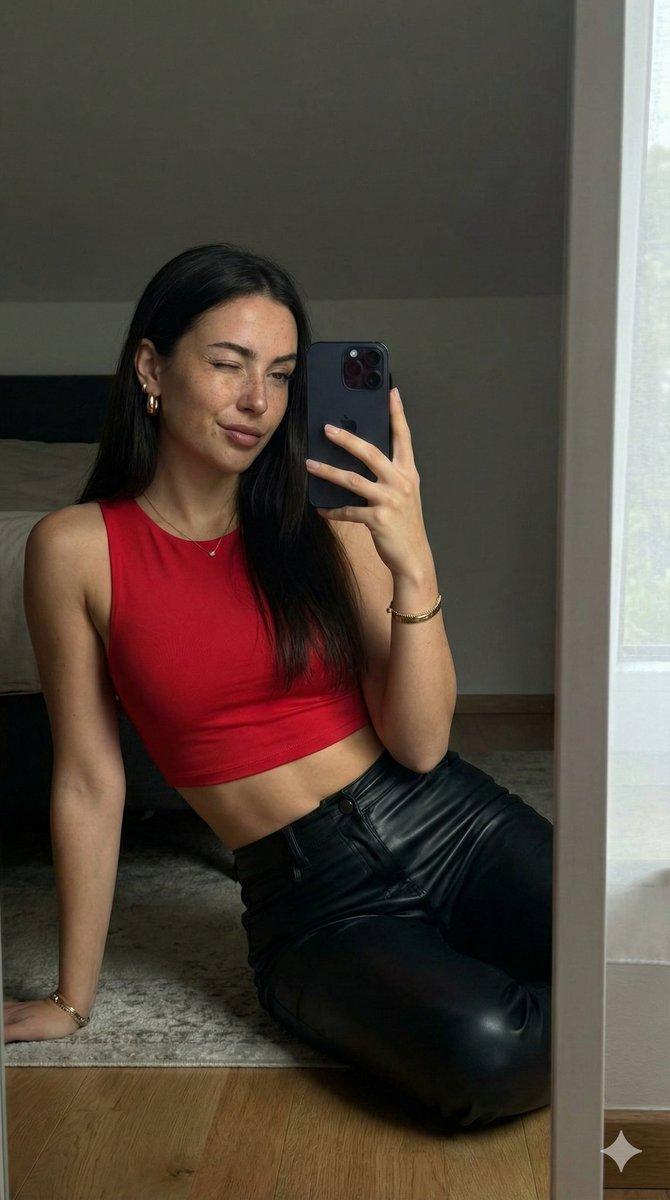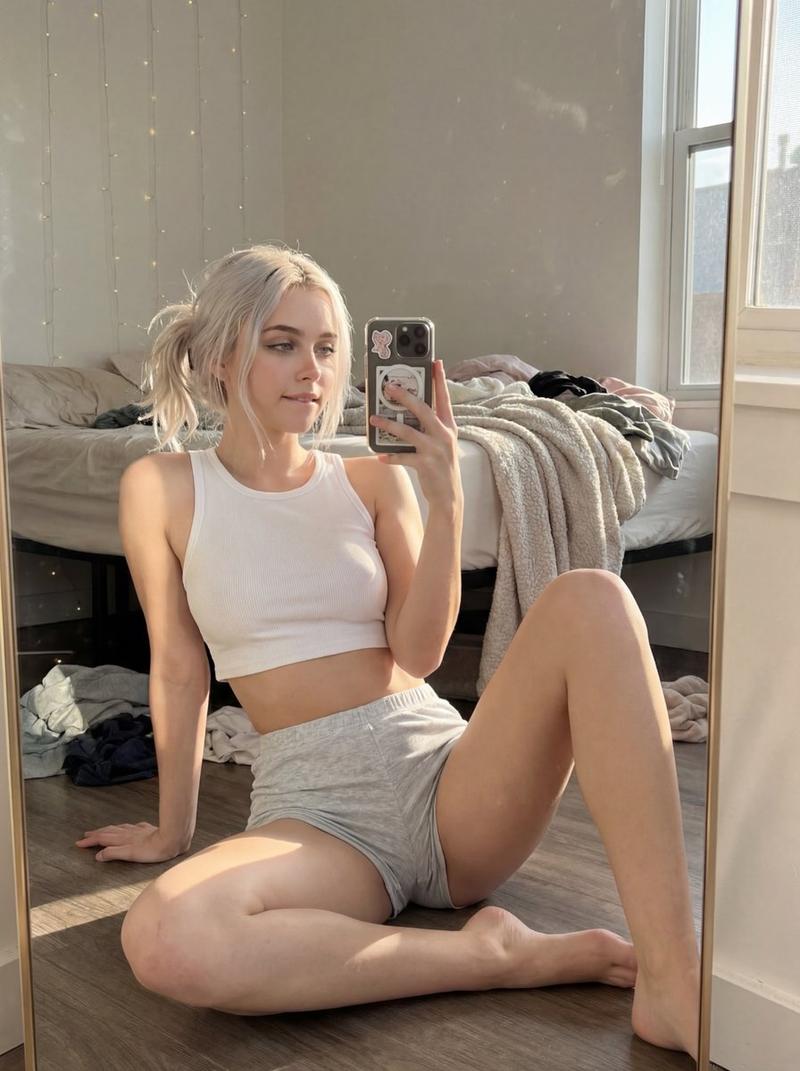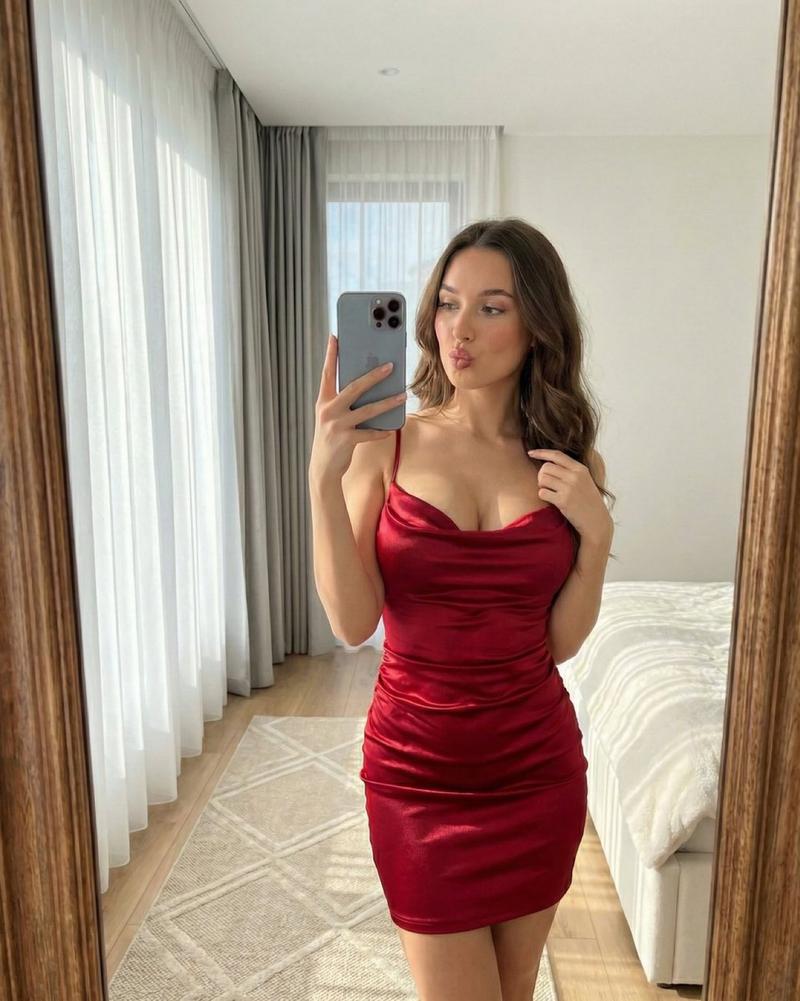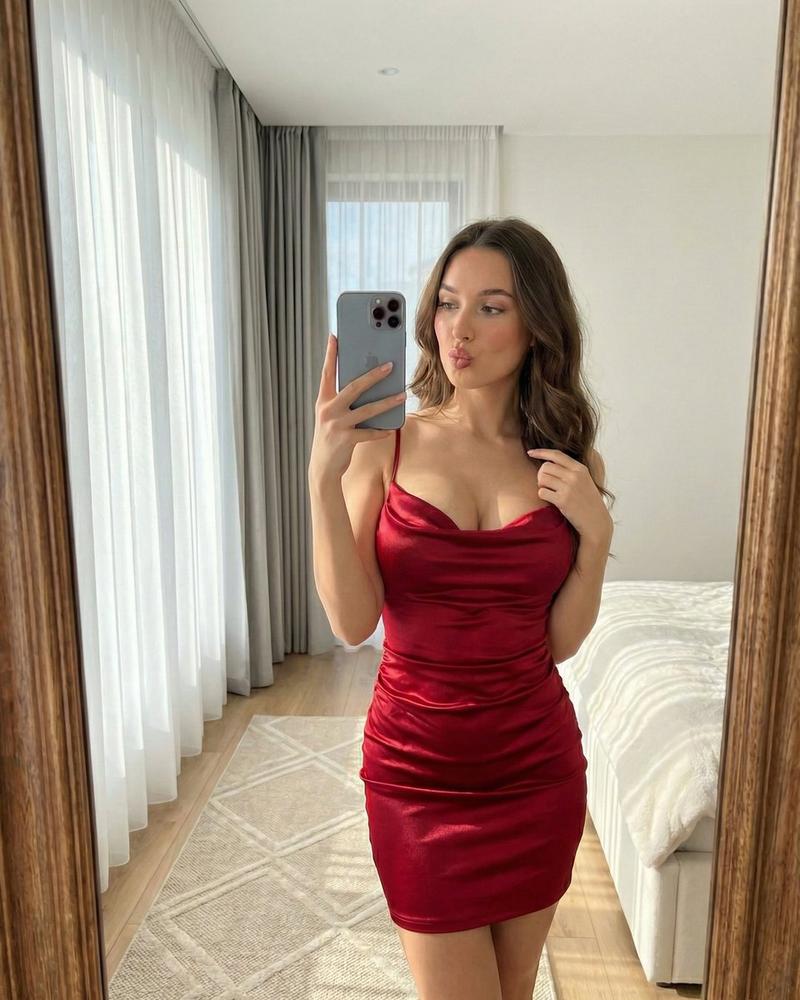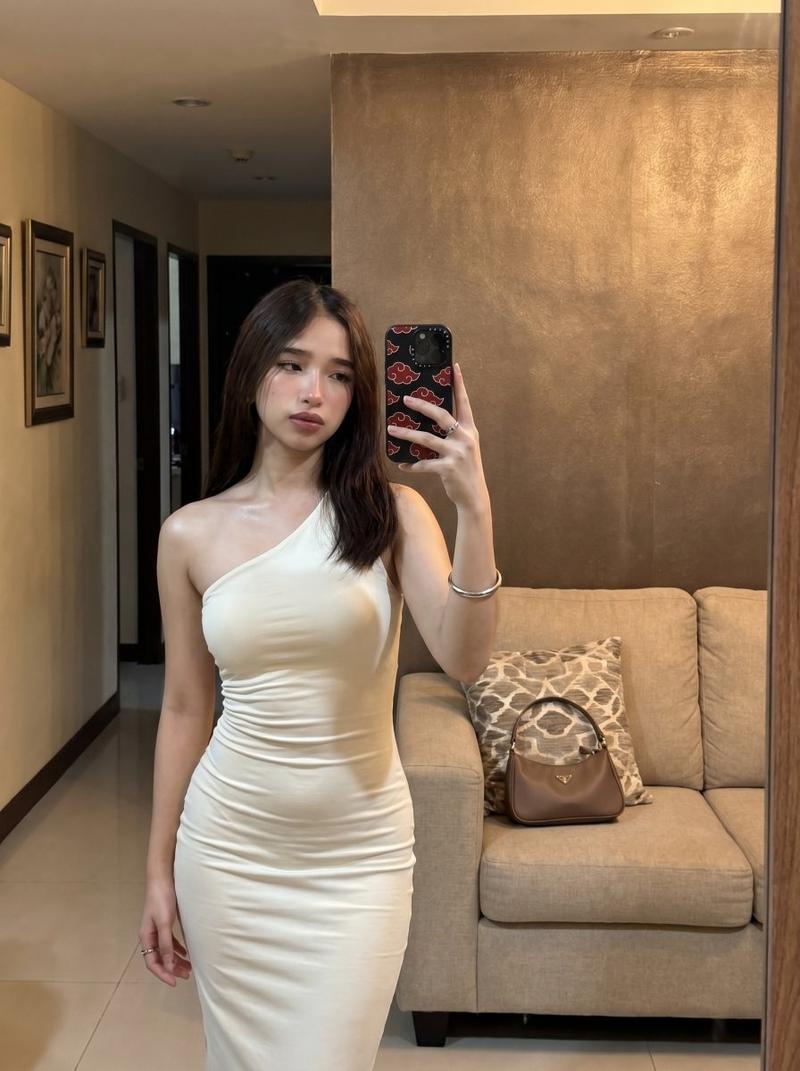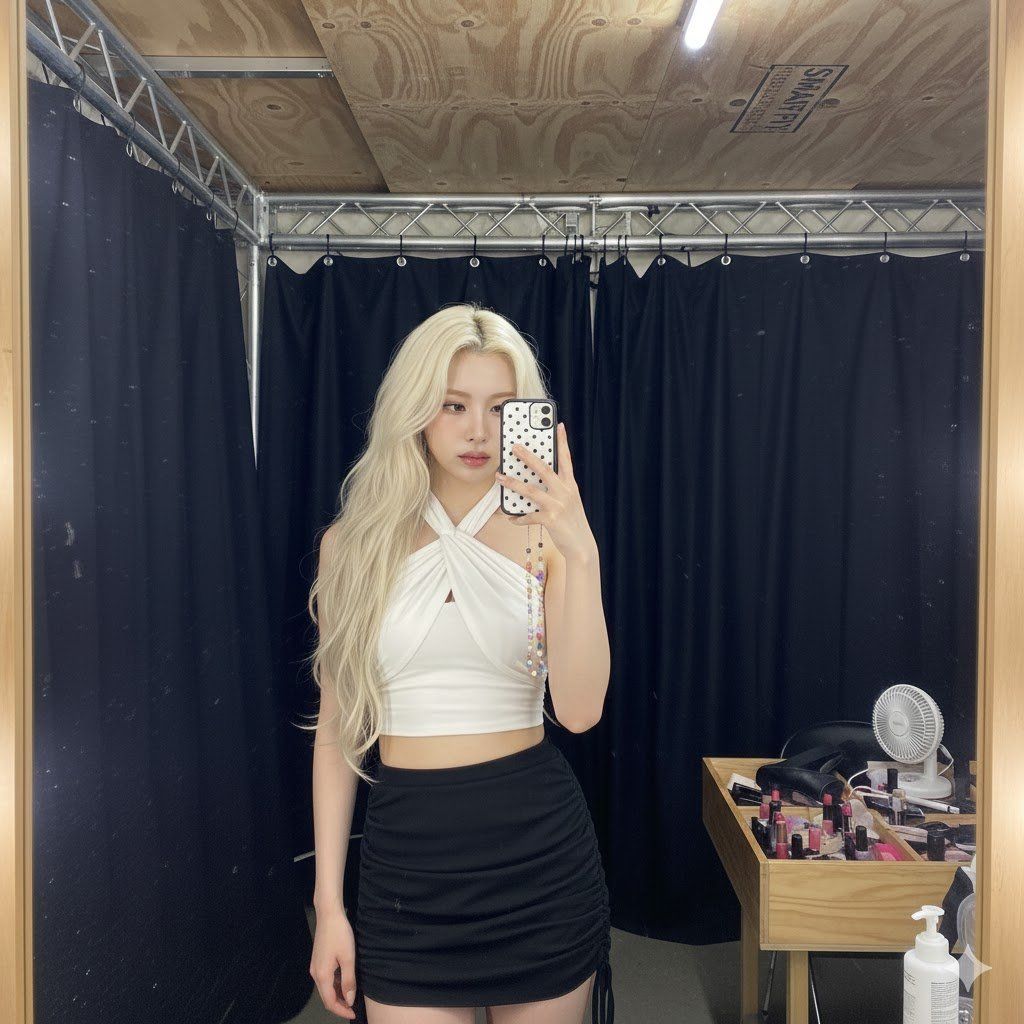
详细的后台镜子自拍分析提示
提示词
{
"metadata": {
"confidence_score": "high",
"image_type": "photograph",
"primary_purpose": "social media/behind-the-scenes/candid"
},
"composition": {
"rule_applied": "center composition",
"aspect_ratio": "3:4 vertical",
"layout": "single subject",
"focal_points": [
"Subject's face and upper torso",
"Smartphone with polka dot case"
],
"visual_hierarchy": "Eye is drawn to the subject's face, then moves to the phone case, down the torso to the outfit details, and finally scans the cluttered backstage environment.",
"balance": "asymmetric - heavy black negative space on left, cluttered details on right, subject centered"
},
"color_profile": {
"dominant_colors": [
{
"color": "Rust white",
"hex": "#8A5A4A",
"percentage": "15%",
"role": "subject clothing (top)"
},
{
"color": "Matte Black",
"hex": "#151515",
"percentage": "45%",
"role": "background curtains/phone/skirt"
},
{
"color": "Pale Porcelain Skin",
"hex": "#F3E2D5",
"percentage": "20%",
"role": "primary subject"
},
{
"color": "Platinum Blonde",
"hex": "#E6D6B8",
"percentage": "15%",
"role": "hair"
},
{
"color": "Plywood Beige",
"hex": "#A89F91",
"percentage": "5%",
"role": "ceiling structure"
}
],
"color_palette": "neutral with warm accents (brown/blonde vs black)",
"temperature": "mixed - cool blacks vs warm artificial lighting on skin",
"saturation": "moderate",
"contrast": "high contrast (bright subject vs dark background)"
},
"lighting": {
"type": "artificial/backstage vanity lights",
"source_count": "multiple sources (likely a vanity mirror array)",
"direction": "front",
"directionality": "moderately directional",
"quality": "hard light",
"intensity": "bright",
"contrast_ratio": "high contrast",
"mood": "raw/candid/backstage/edgy",
"shadows": {
"type": "harsh defined edges",
"density": "deep black",
"placement": "behind subject on the black curtain",
"length": "short"
},
"highlights": {
"treatment": "specular",
"placement": "forehead, nose bridge, collarbones, shoulders, cheekbones"
},
"ambient_fill": "minimal - falloff is rapid",
"light_temperature": "neutral/slightly cool white"
},
"technical_specs": {
"medium": "digital photography (smartphone mirror selfie)",
"style": "realistic/candid/snapshot",
"texture": "slightly grainy/digital noise visible",
"sharpness": "moderately sharp",
"grain": "digital noise (ISO grain visible in darks)",
"depth_of_field": "deep - everything relatively in focus due to wide lens and small sensor",
"perspective": "eye level/mirror reflection"
},
"artistic_elements": {
"genre": "selfie/celebrity style/behind-the-scenes",
"influences": [
"K-pop idol aesthetic",
"Y2K revival fashion",
"Casual instagram stories"
],
"mood": "cool/nonchalant/confident/rushed",
"atmosphere": "Backstage chaos, pre-performance prep, raw documentation",
"visual_style": "cluttered/authentic/flash-aesthetic"
},
"typography": {
"present": true,
"fonts": [
{
"type": "sans-serif",
"wei"- 分类
- 创意图片
- 模型
- Nano Banana Pro
- 来源作者
- Andry Dina
- 来源 ID
- 3384d730-95f4-4052-a66d-9a4c2ffa2242
- 发布时间
- 2026年3月8日
浏览量0