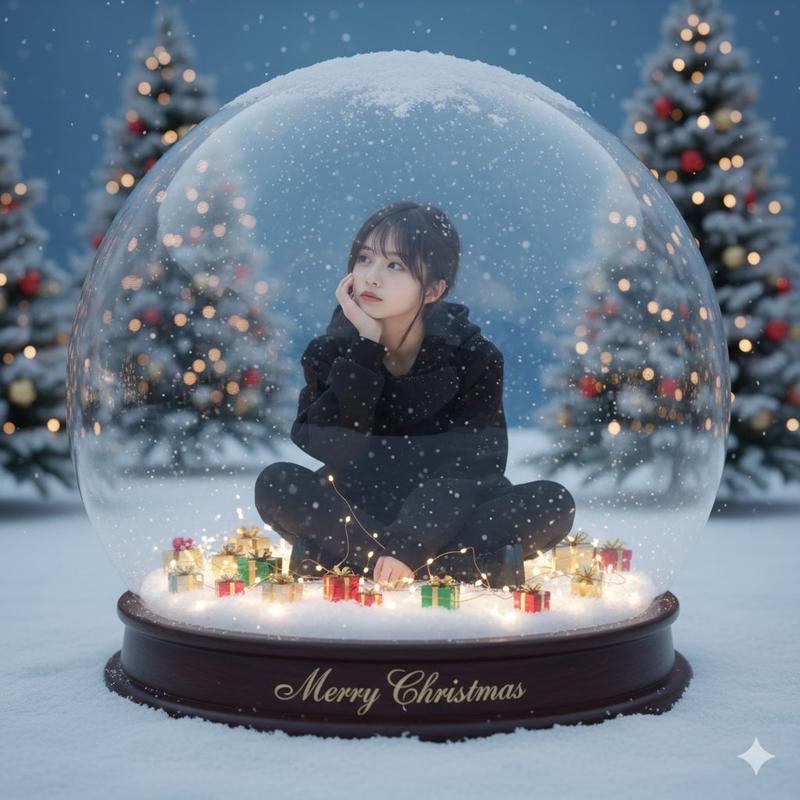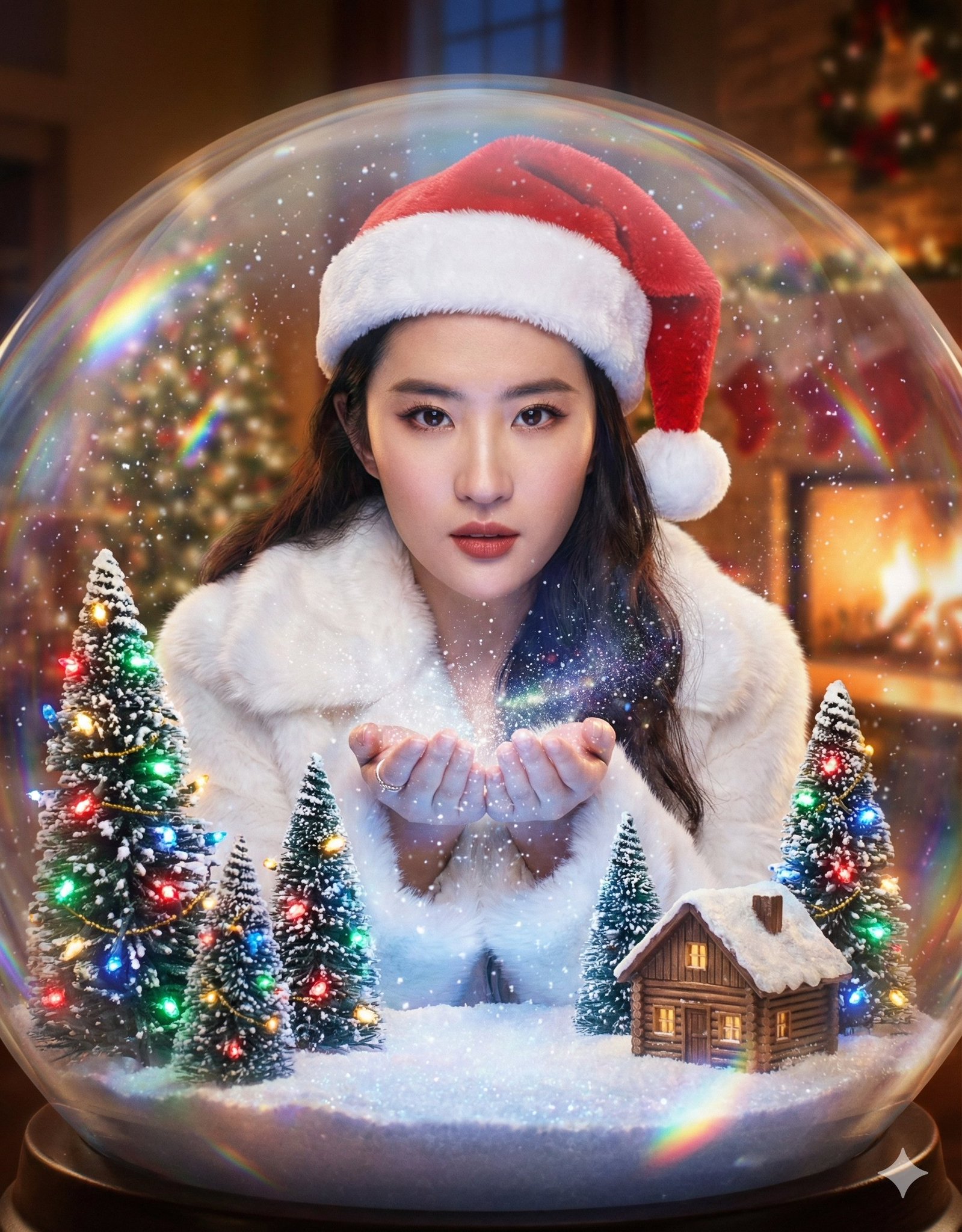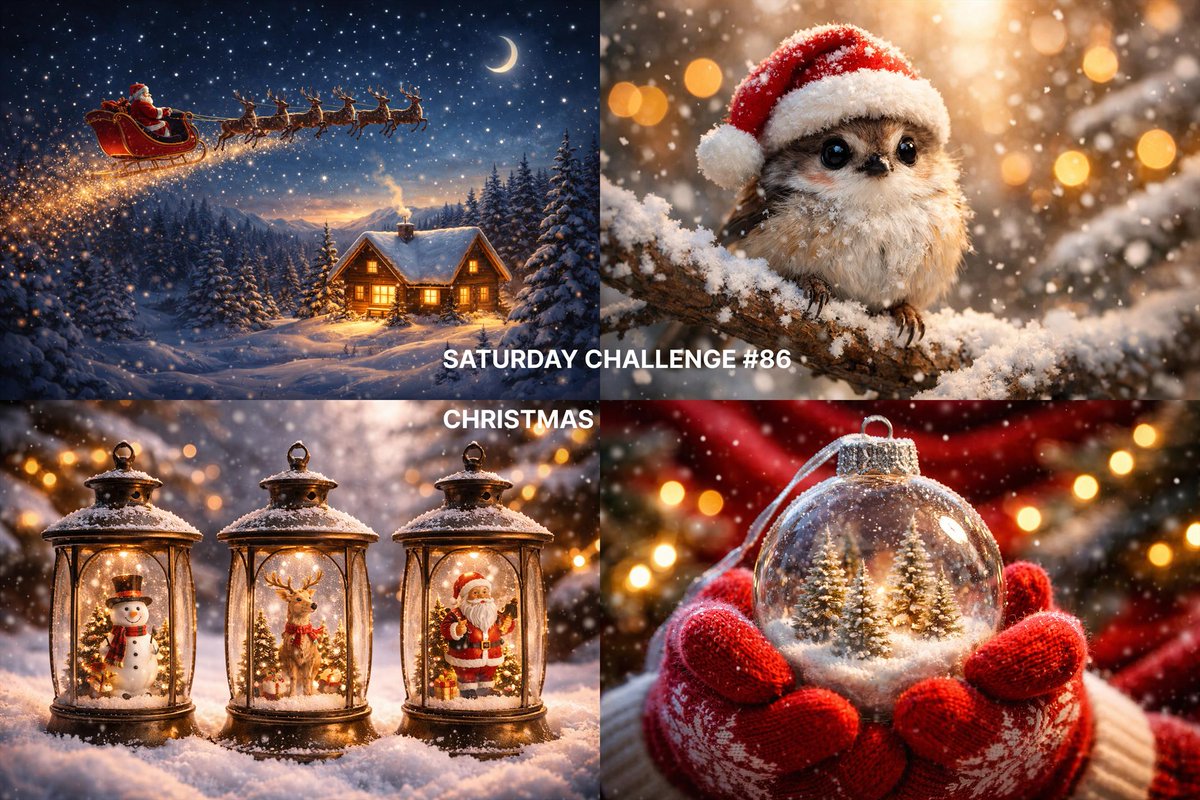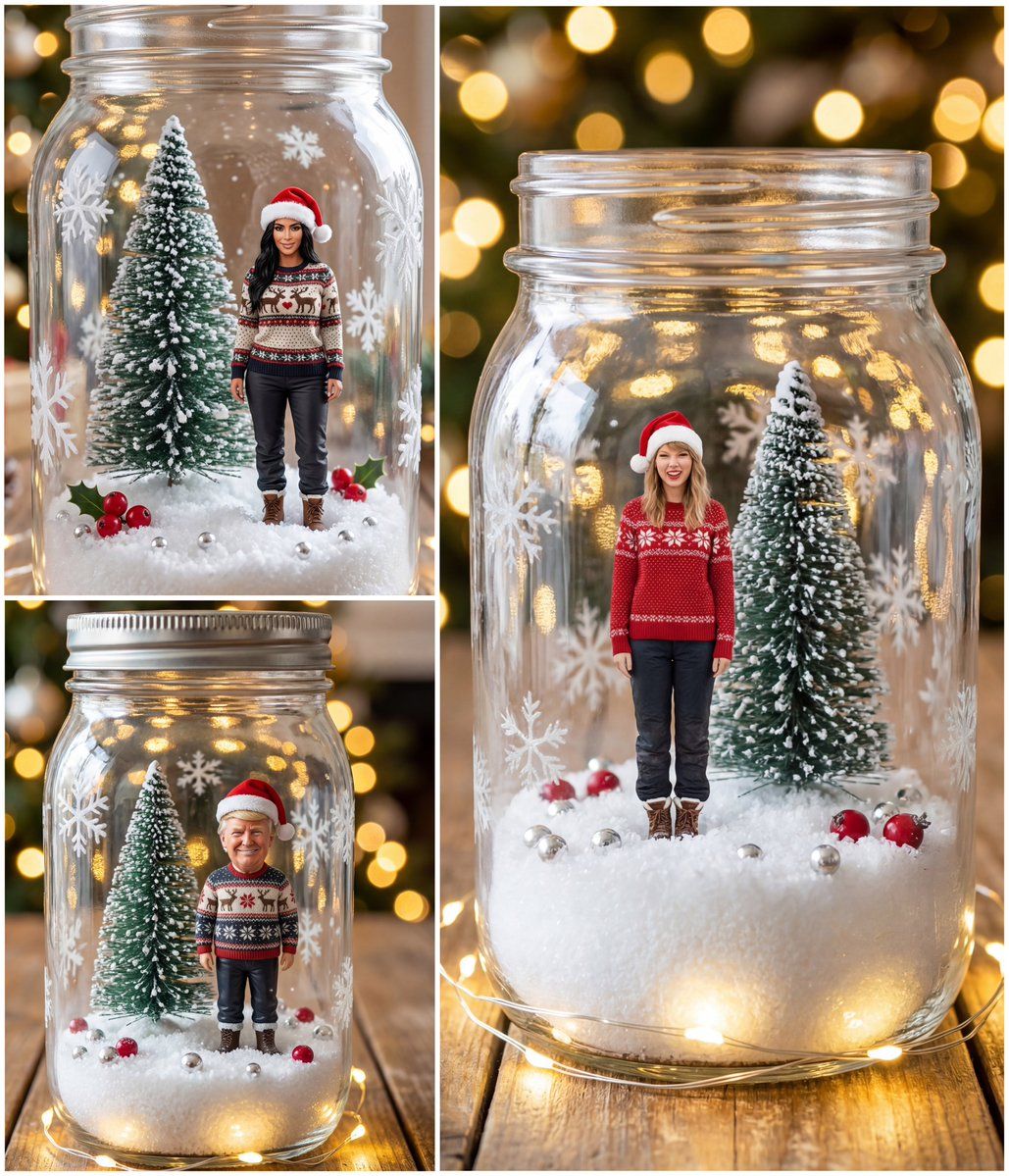
被困在梅森罐雪花球里的小圣诞角色
提示词
{
  "model": "image-generation",
  "input_image": "<PERSON_IMAGE>",
  "prompt": "Ultra realistic vertical Christmas photo of a closed clear glass mason jar snow globe on a rustic wooden table. Warm golden bokeh Christmas lights in the blurred background, soft shallow depth of field. Inside the jar, on a thick layer of fluffy white artificial snow with a few sparkling silver beads and bright red berries, there are two tiny subjects: one snowy green bottle-brush Christmas tree and, next to it, a tiny highly detailed realistic person that looks exactly like the person in the input image. The tiny person is standing on the snow, same scale as the tree, wearing festive Christmas clothes ({argument name="clothing" default="cozy knitted Christmas sweater, winter pants, small boots, and a red Santa hat with white fur trim"}). The person’s face, hair, skin tone, and unique features clearly match the input photo, with a gentle happy smile, looking slightly toward the camera. Frosted snowflakes are painted on the glass of the jar. Warm white fairy lights wrap loosely around the jar on the wooden table, creating glowing reflections on the glass. Hyper realistic, 8K, crisp details, natural lighting, cinematic look, no distortion of the person’s face.",
  "size": "1024x1792",
  "n": 1
}- 分类
- 创意图片
- 模型
- Nano Banana Pro
- 来源作者
- Saman | AI
- 来源 ID
- 7bf2bfb9-5f43-4309-b238-1d8cab2386e4
- 发布时间
- 2026年3月8日
浏览量0