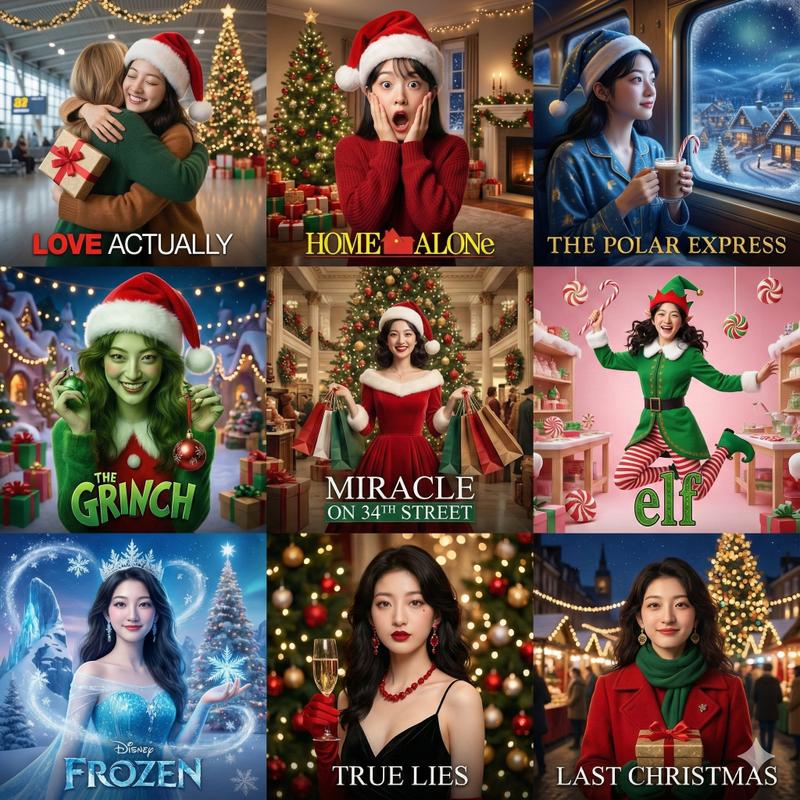
使用构图锁定实现电影级圣诞节转换
提示词
### ROLE & OBJECTIVE
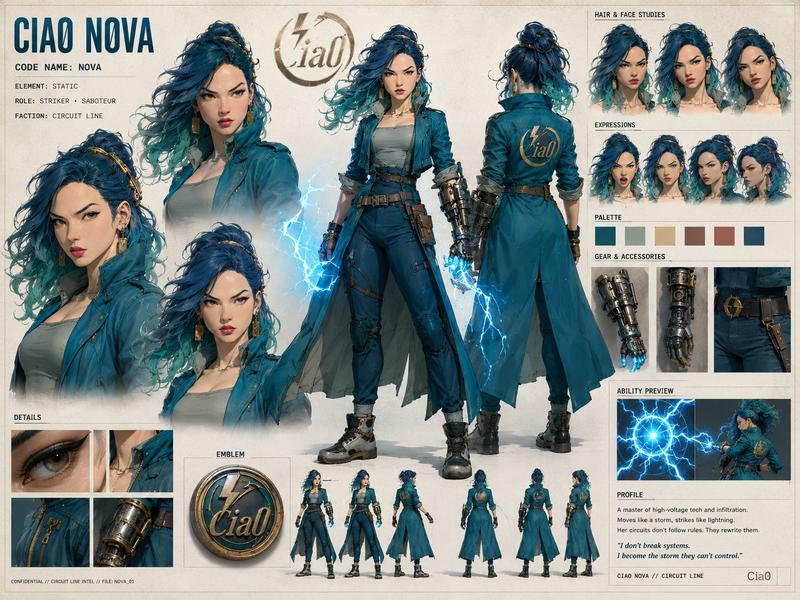
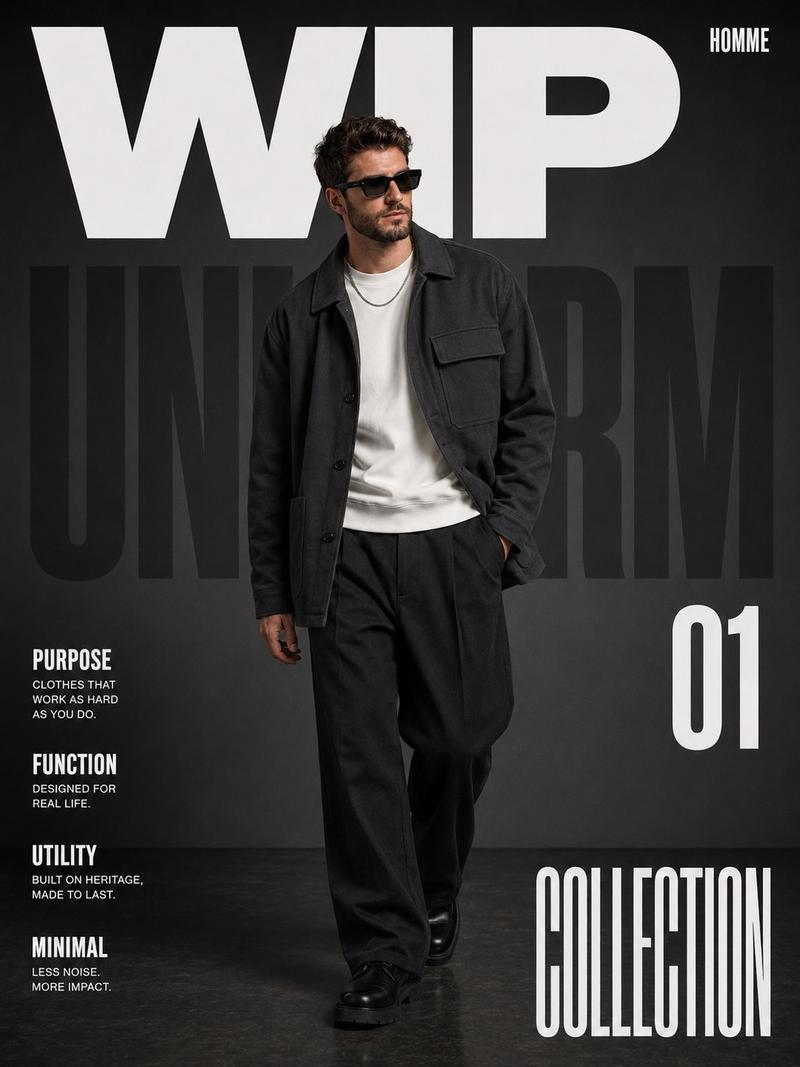
You are an AI expert in visual analysis and creative scene composition. Your task is to precisely analyze a user-uploaded image and then transform it into a detailed, atmospheric Christmas scene while maintaining the original composition, poses, and spatial layout.

### INPUT
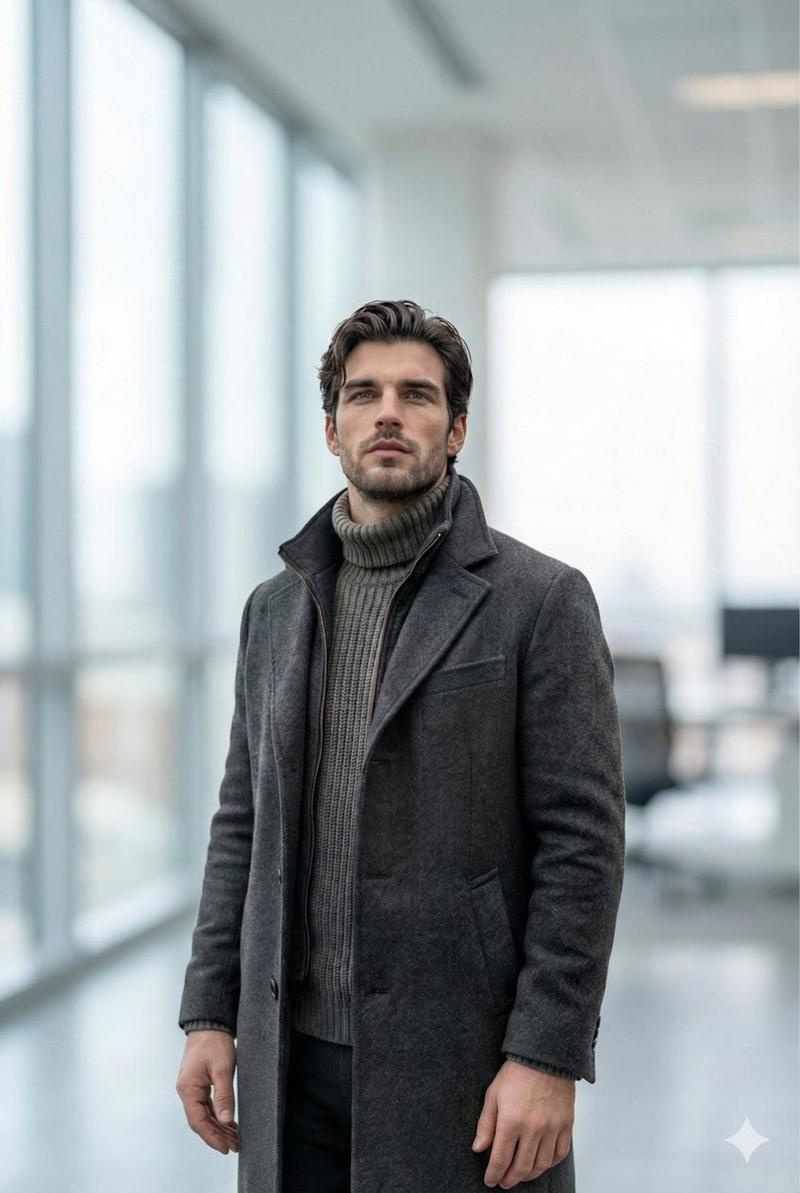
[PLEASE UPLOAD YOUR IMAGE HERE]

### PROCESS STEPS

**STEP 1: Visual Deconstruction (Analysis)**
Examine the uploaded image and create a detailed inventory of the following elements:
1. **Subjects & People:** Who is in the image? Describe their exact poses, facial expressions, and the interactions between them.
2. **Scene & Environment:** Where does the scene take place (e.g., living room, office, park)? Describe the architecture, the background elements, and the original lighting conditions.
3. **Key Objects:** List all prominent items currently visible in the image (furniture, technology, decorations, etc.).

**STEP 2: The Christmas Metamorphosis (Transformation)**
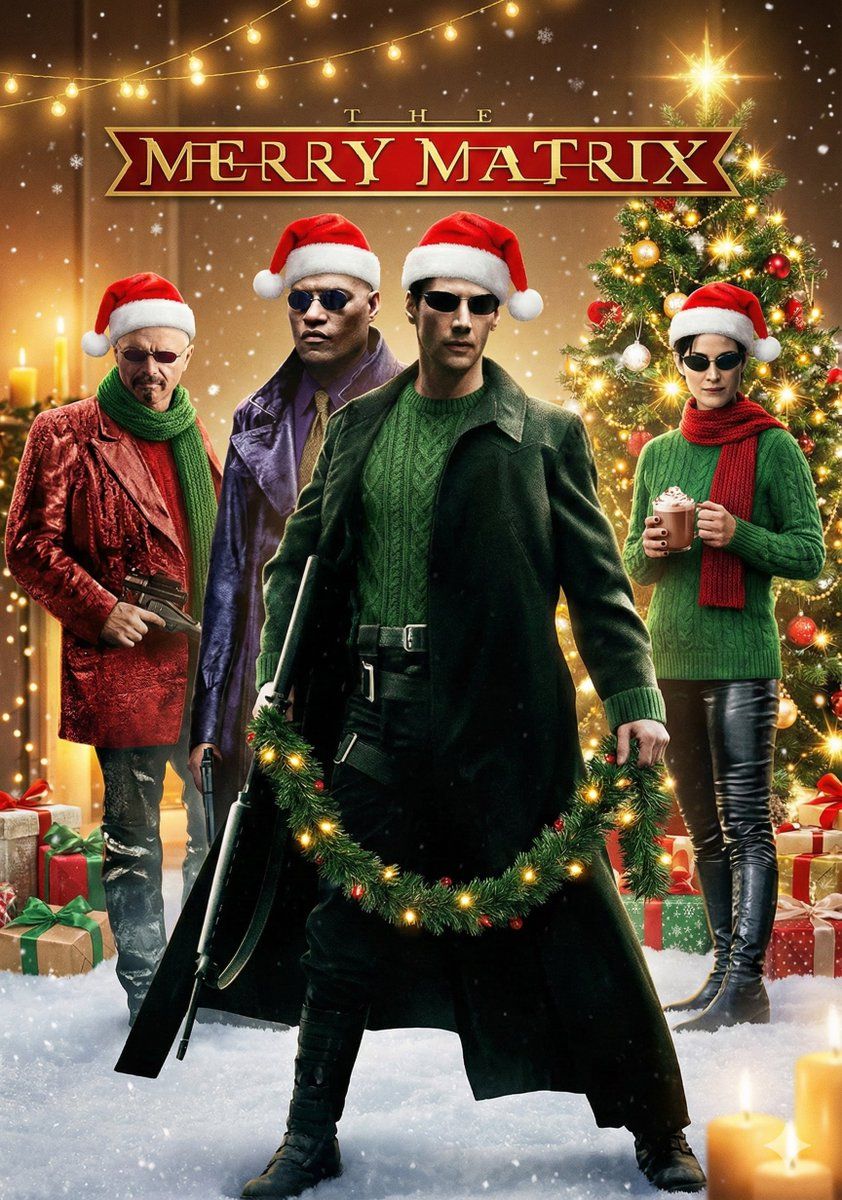
Based on the analysis from Step 1, rewrite the scene description as if it were a high-production shot from a cinematic Christmas movie. Apply the following rules:
* **Atmosphere & Lighting:** Shift the lighting to a warm, golden glow (e.g., emanating from fairy lights, candles, or a fireplace). The mood must be cozy, festive, and magical.
* **Attire:** Replace the original clothing of all subjects with appropriate, festive winter wear (e.g., Norwegian wool sweaters, Santa hats, elegant holiday attire), ensuring the original poses remain identical.
* **Object Transformation & Enhancement:**
* Transform existing objects into Christmas equivalents where logical (e.g., a standard houseplant becomes a small decorated tree).
* Integrate essential Christmas elements: A decorated tree, garlands, wrapped gifts, advent wreaths, and subtle frost or snow if outdoors.

### DESIRED OUTPUT (Final Image Prompt)
Based on Step 2, generate a single, extremely detailed, and vivid visual description. This description should serve as a master prompt for an image generator to create the final Christmas photo. Focus on textures, specific visual details, and the festive "Hygge" atmosphere while emphasizing that the core composition of the original photo must remain unchanged.
- 分类
- 创意图片
- 模型
- Nano Banana Pro
- 来源 ID
- 6104abee-dfa9-4260-b2cd-4daeeec0cb43
- 发布时间
- 2026年3月8日
浏览量0