《怪奇物语》电影场景:史蒂夫大战威可那
提示词
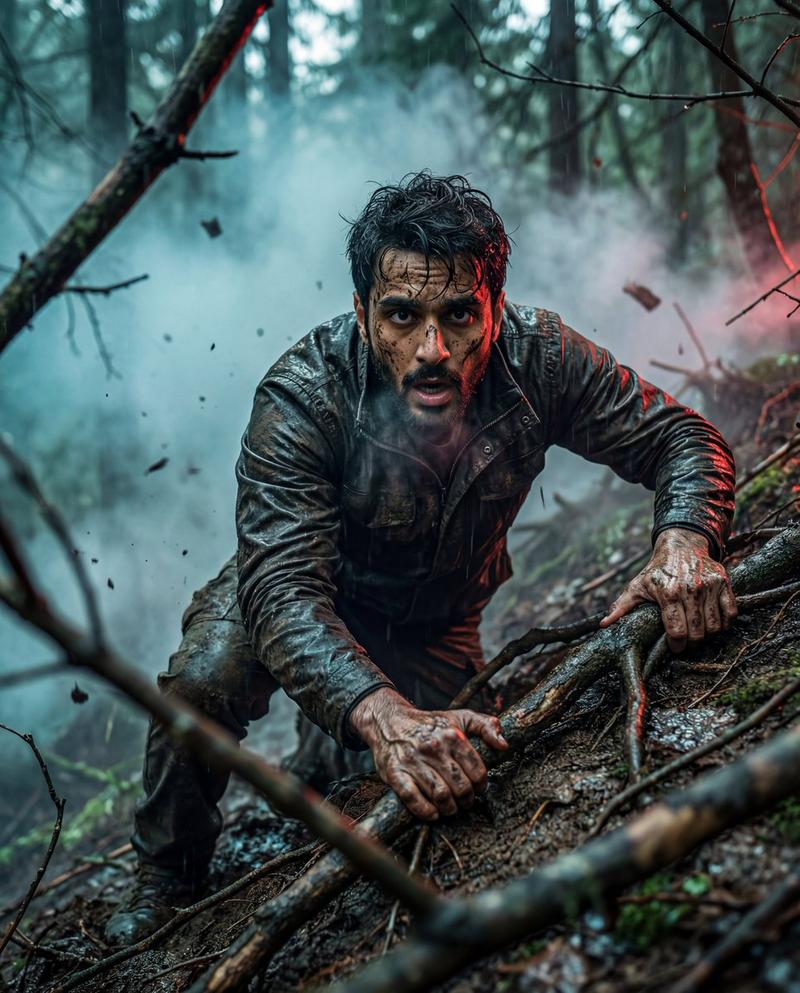
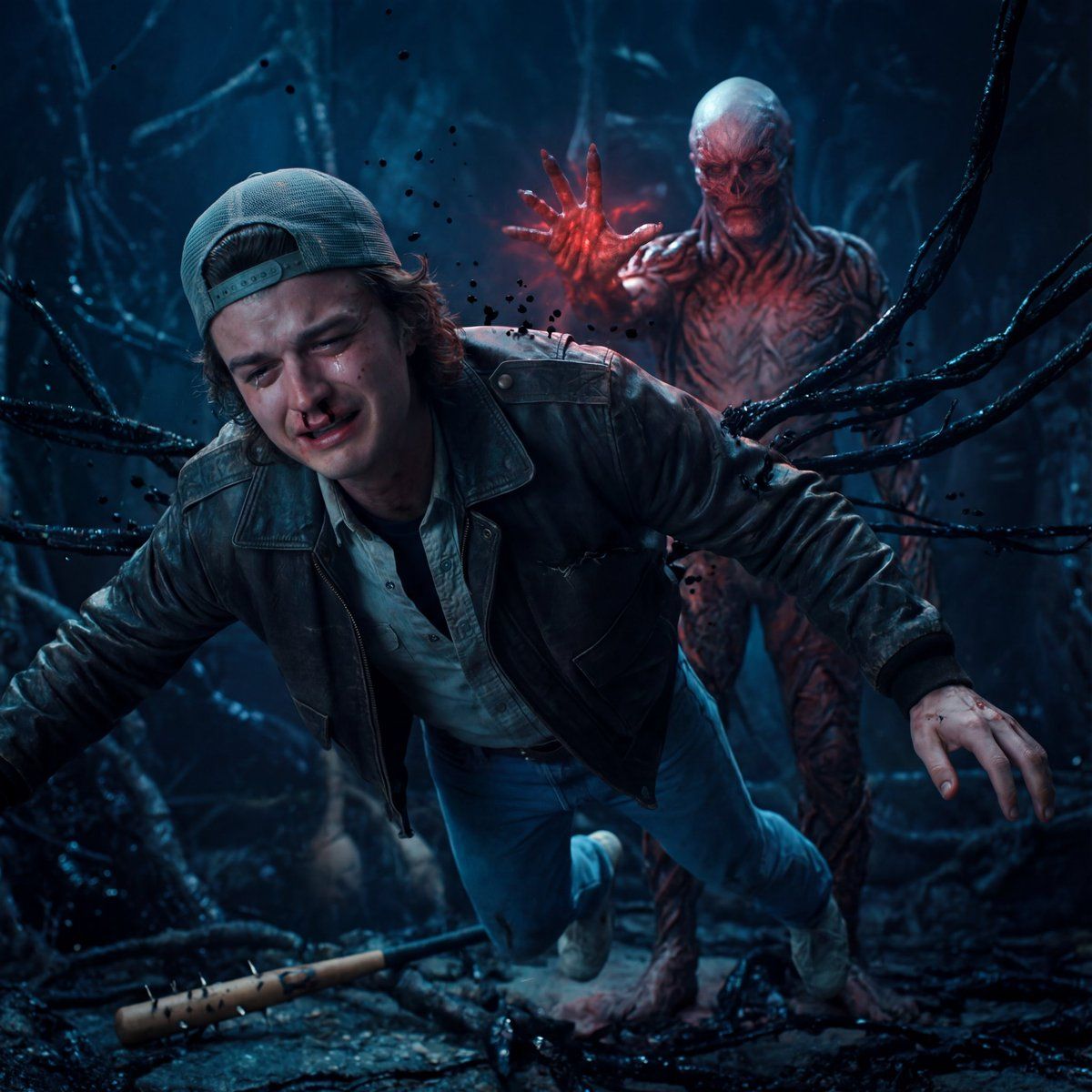
Ultra-realistic cinematic scene inspired by Stranger Things. Steve Harrington (from Image 1) is suspended in mid-air inside the Upside Down, his face clearly visible and emotionally broken—eyes glassy with tears, lips trembling, fear mixed with acceptance. His body is slightly contorted by an unseen psychic force, veins subtly visible, a faint trail of blood from his nose.
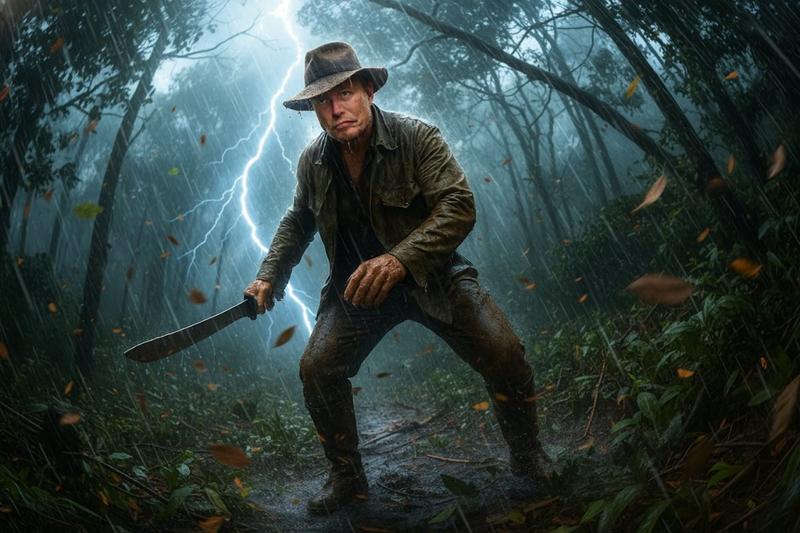
Vecna (from Image 2) appears behind him, partially emerging from darkness and red mist, not attacking violently but silently controlling the moment, one hand raised with cracked, organic skin and glowing red energy. Vecna’s presence feels inevitable and overwhelming rather than loud.
The environment is alive: black vines crawl along ruined structures, spores floating slowly through the air like falling ash. Steve’s bat lies broken on the ground below, symbolizing loss and sacrifice.
Lighting is highly emotional—cold blue light on Steve’s face to highlight vulnerability, contrasted with deep crimson and shadow around Vecna. Shallow depth of field, cinematic focus on Steve’s expression, volumetric fog, dramatic backlighting, hyper-real skin detail, emotional micro-expressions, Netflix dark horror drama style, photorealistic, ultra-detailed, 35mm film look
- 分类
- 创意图片
- 模型
- Nano Banana Pro
- 来源作者
- Prasad Rao
- 来源 ID
- ff198f3e-5ef9-4926-bc76-17c15c3fa291
- 发布时间
- 2026年3月8日
浏览量0