食谱生成系统的食物推荐提示
提示词
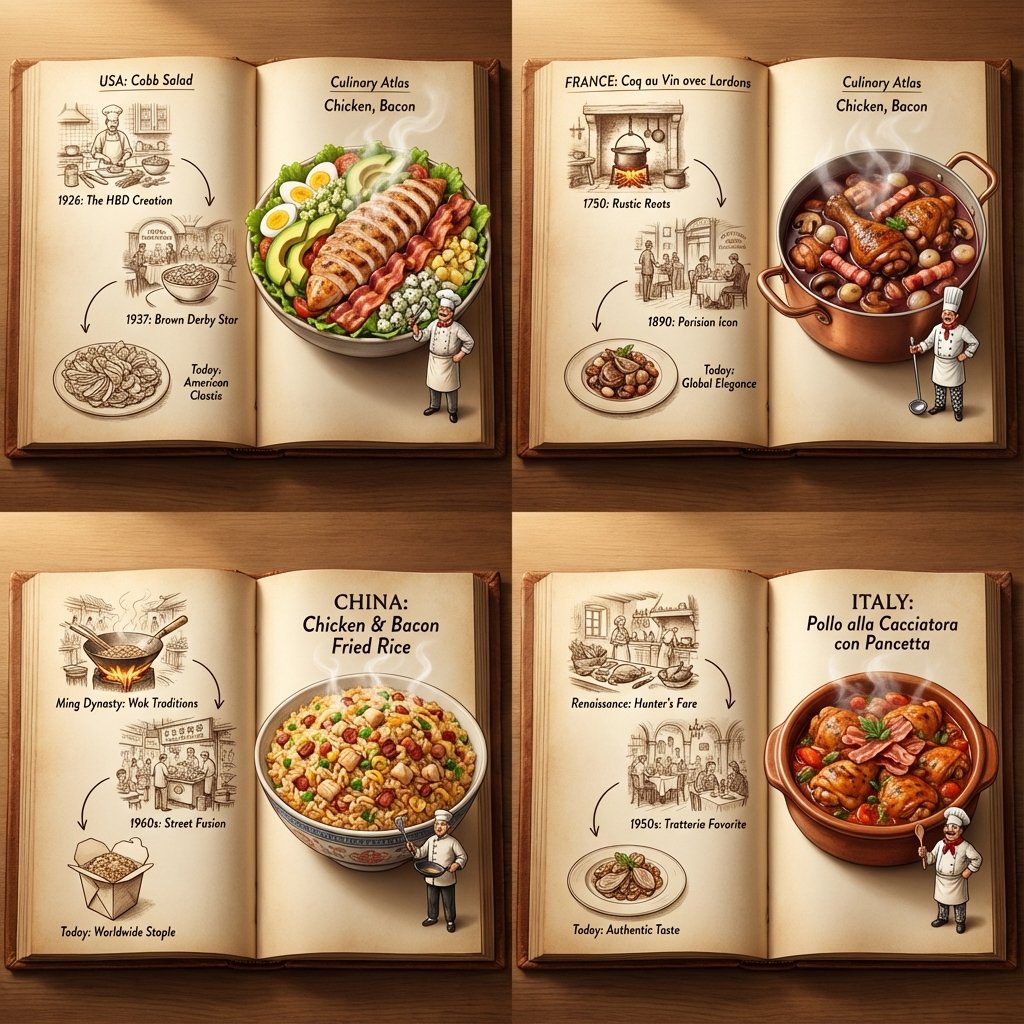
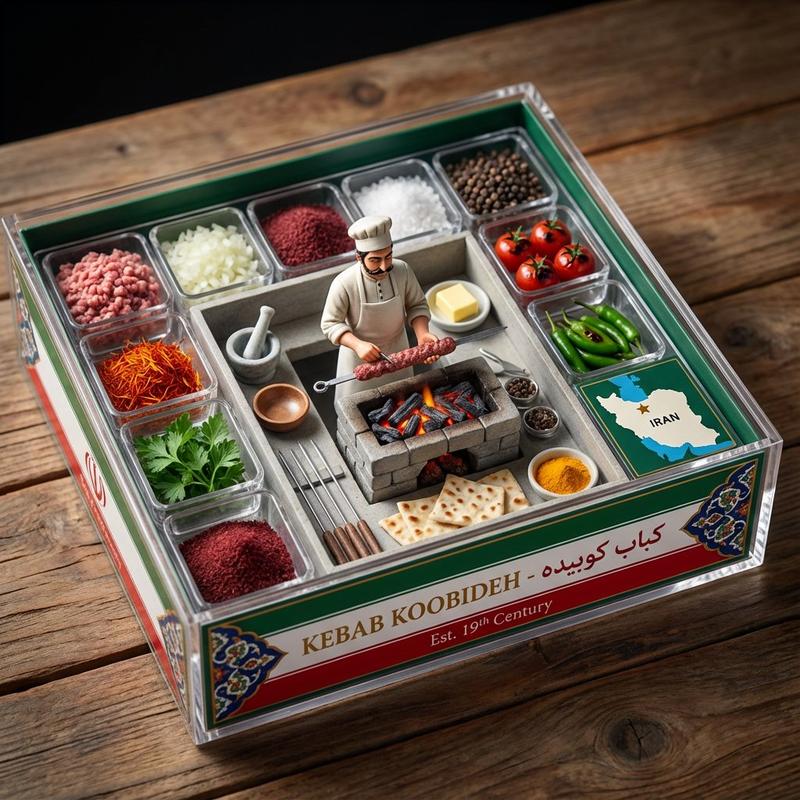
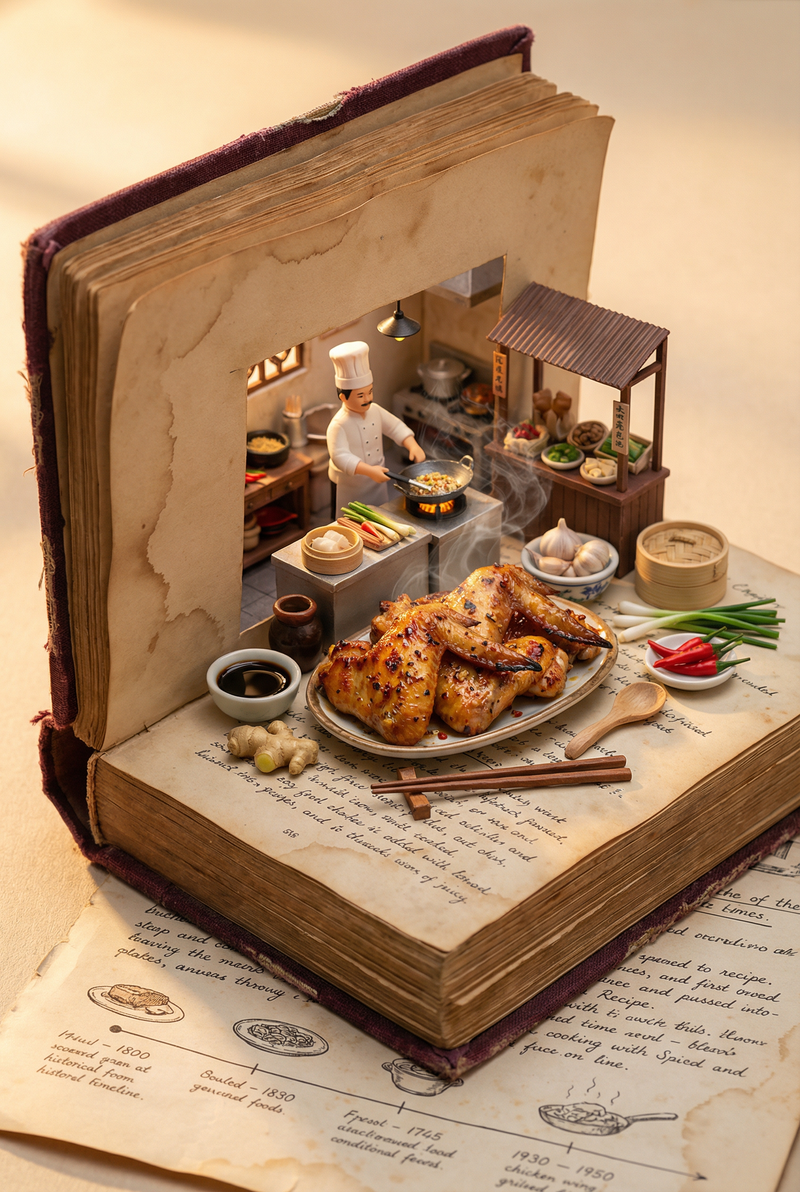
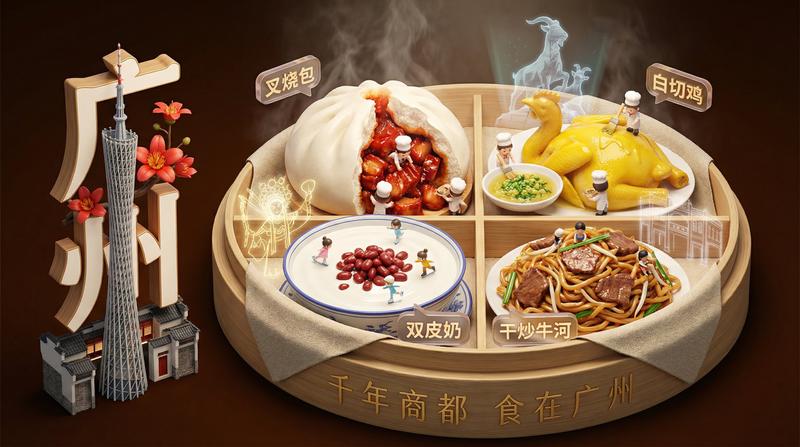
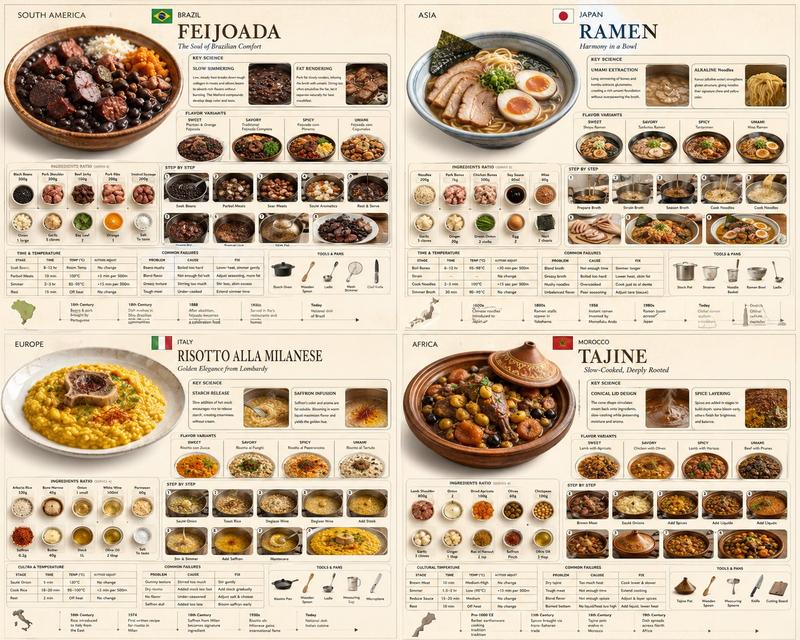
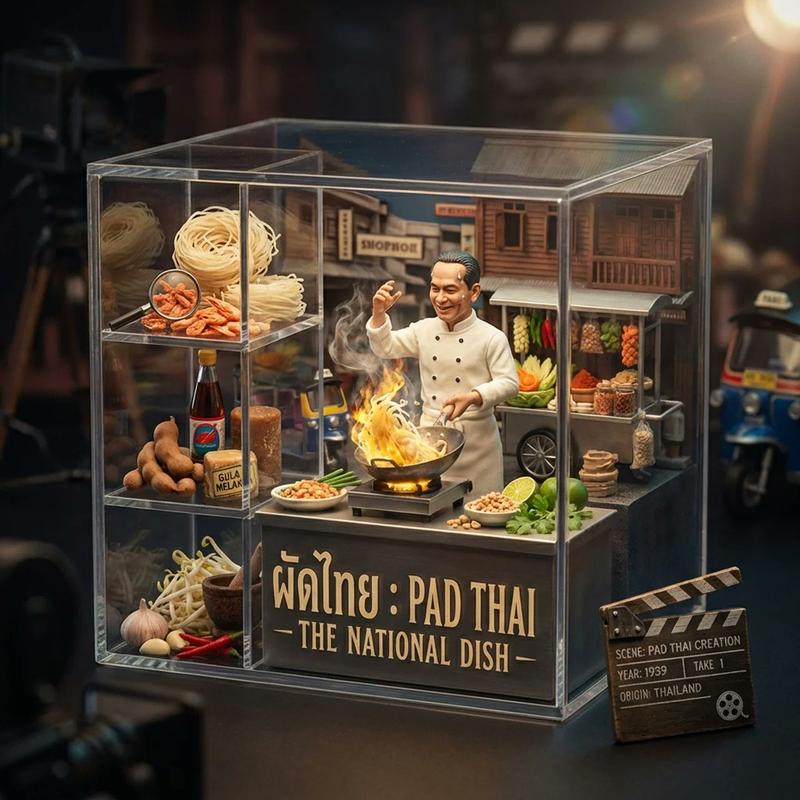
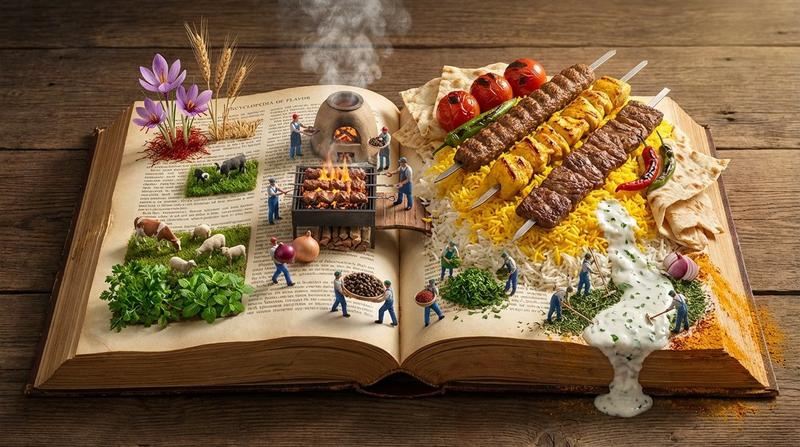
do this for {argument name="ingredient one" default="bacon"} and {argument name="ingredient two" default="chicken"}: <instructions> step 1. user enters one or more ingredients. step 2. analyze the ingredients, their taste and delicious meals that can be made with all of them. step 3. pick 4 random countries and their popular food that maybe be less known that use all these ingredients (if given one, only that, if given 2, the meal should have both those). Goal: A cookbook where ingredients and dishes emerge in delicious detail Rules: Base: A vintage cookbook with stained pages and fabric cover, historical timeline of food Scene: 3D Miniature kitchen or market scene with 3D chef & ingredients Details: Detailed and accurate food textures, steam effects, cooking implements Lighting: Warm kitchen lighting with golden hour quality Output: a 2x2 grid, each with a Single 1:1 image of the meals with appetizing details </instructions>- 分类
- 创意图片
- 模型
- Nano Banana Pro
- 来源作者
- Gadgetify
- 来源 ID
- 7dfe3b0c-8b63-4a27-b225-6d4d1681c71d
- 发布时间
- 2026年3月8日
浏览量0