Nano Banana Pro 图表生成提示(15 个模板)
提示词
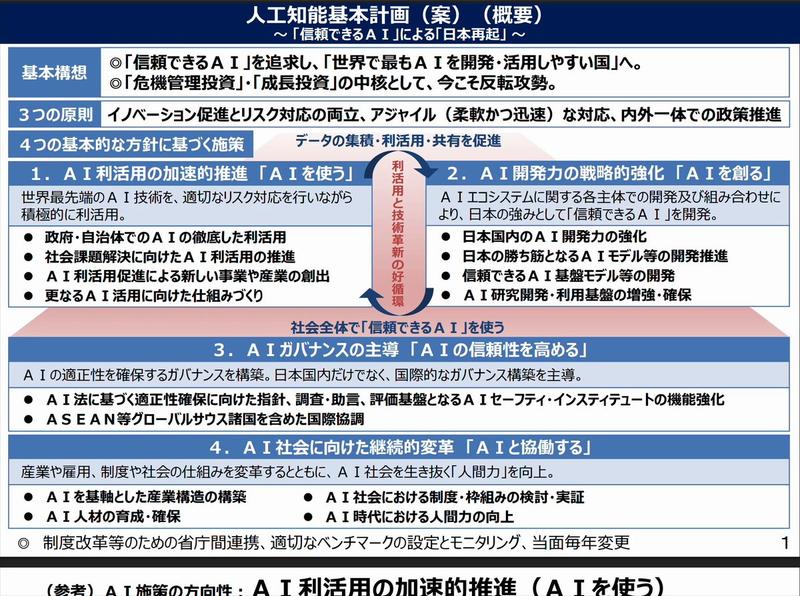
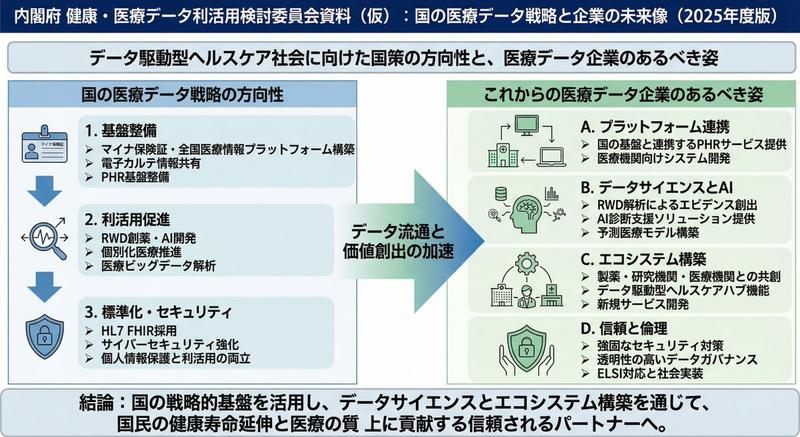
01. Create a clean presentation-style overview diagram that shows the entire structure at a glance with labeled sections.

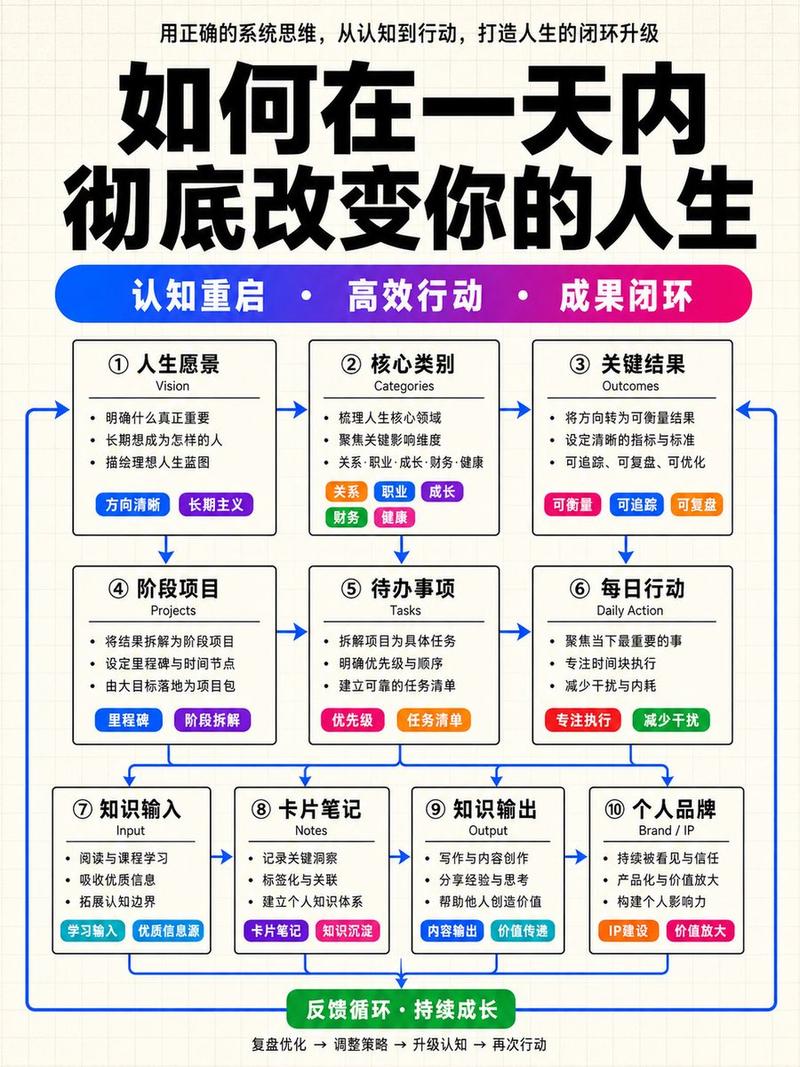
02. Create a dynamic flow diagram with arrows that visually guide the viewer from start to finish.

03. Create a bold side-by-side comparison slide with clear visual separation and minimal text.

04. Create a before-and-after presentation slide with strong visual contrast and clear labels.

05. Create a three-step breakdown slide that visually explains the process in simple stages.

06. Create a pyramid-style diagram that visually shows hierarchy from bottom to top.

07. Create a diagram that shows the big picture with a highlighted zoom-in detail section.

08. Create a clean timeline slide showing progression from past to future.

09. Create a presentation diagram that highlights the most important points using visual emphasis.

10. Create a four-quadrant presentation slide that organizes information into clear sections.

11. Create a roadmap-style slide showing a clear path from start to goal.

12. Create a layered diagram that visually stacks concepts in an easy-to-understand way.

13. Create a relationship diagram showing how key elements connect to each other.

14. Create a presentation slide that emphasizes key numbers with bold visual design.

15. Create a final summary slide that cleanly wraps up all key points in one visual.
- 分类
- 创意图片
- 模型
- Nano Banana Pro
- 来源作者
- あい|AIマネタイズ
- 来源 ID
- 13f72de0-4eba-4eaa-ad66-5efc0d903ec2
- 发布时间
- 2026年3月8日
浏览量0