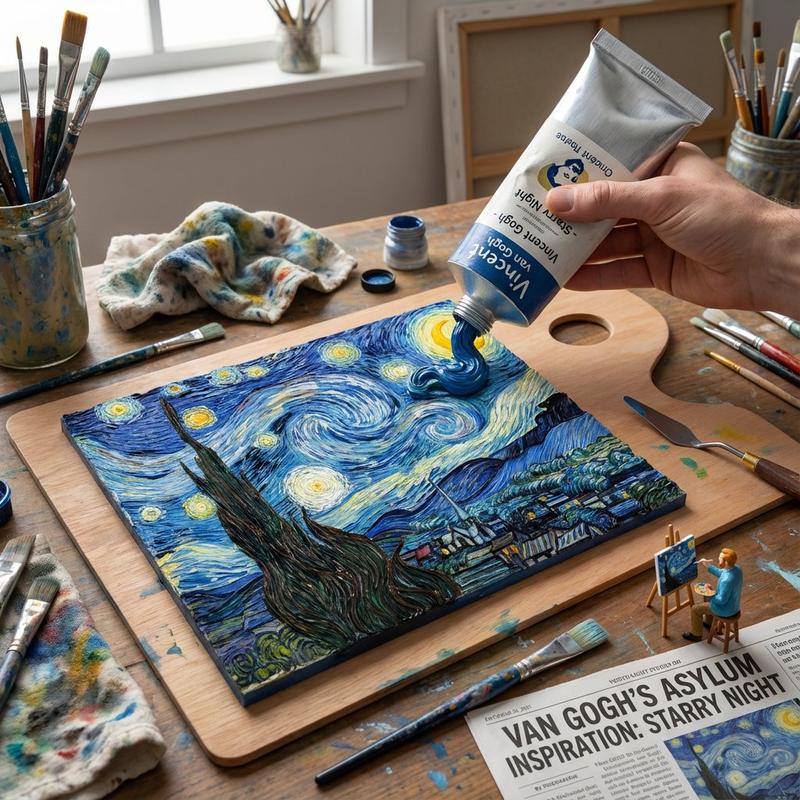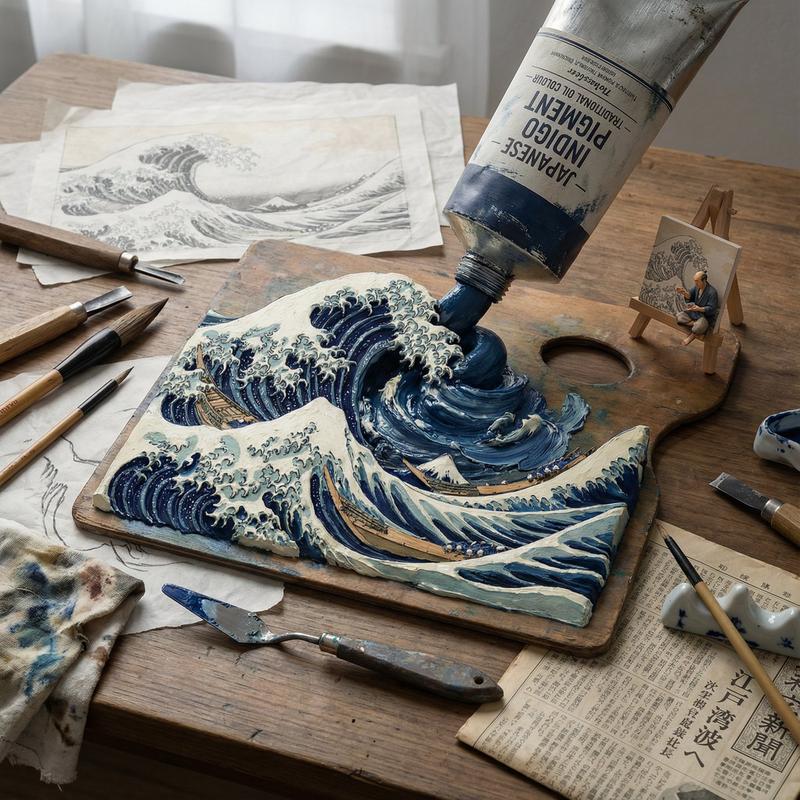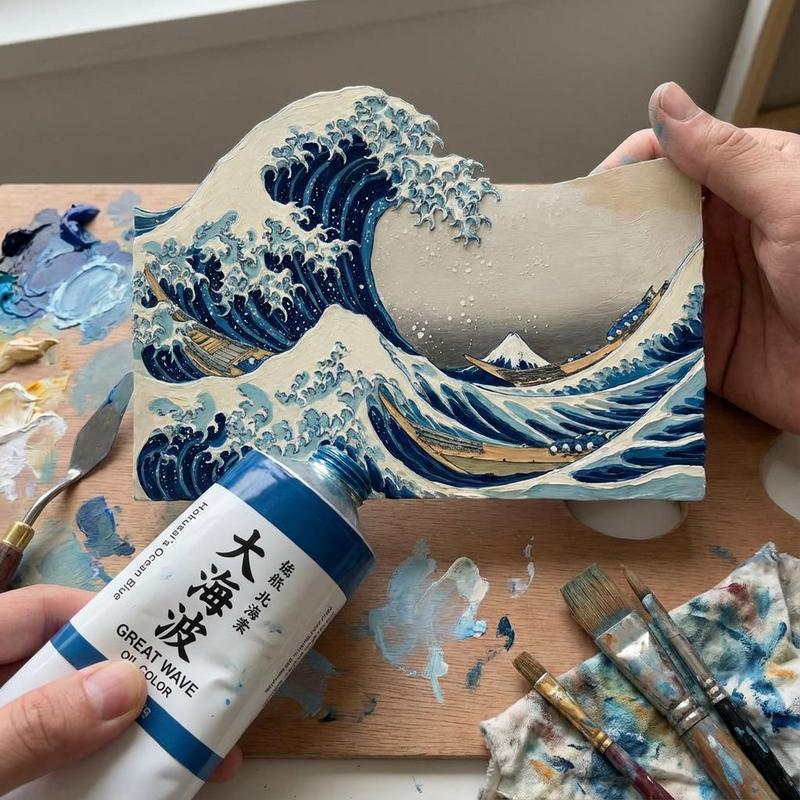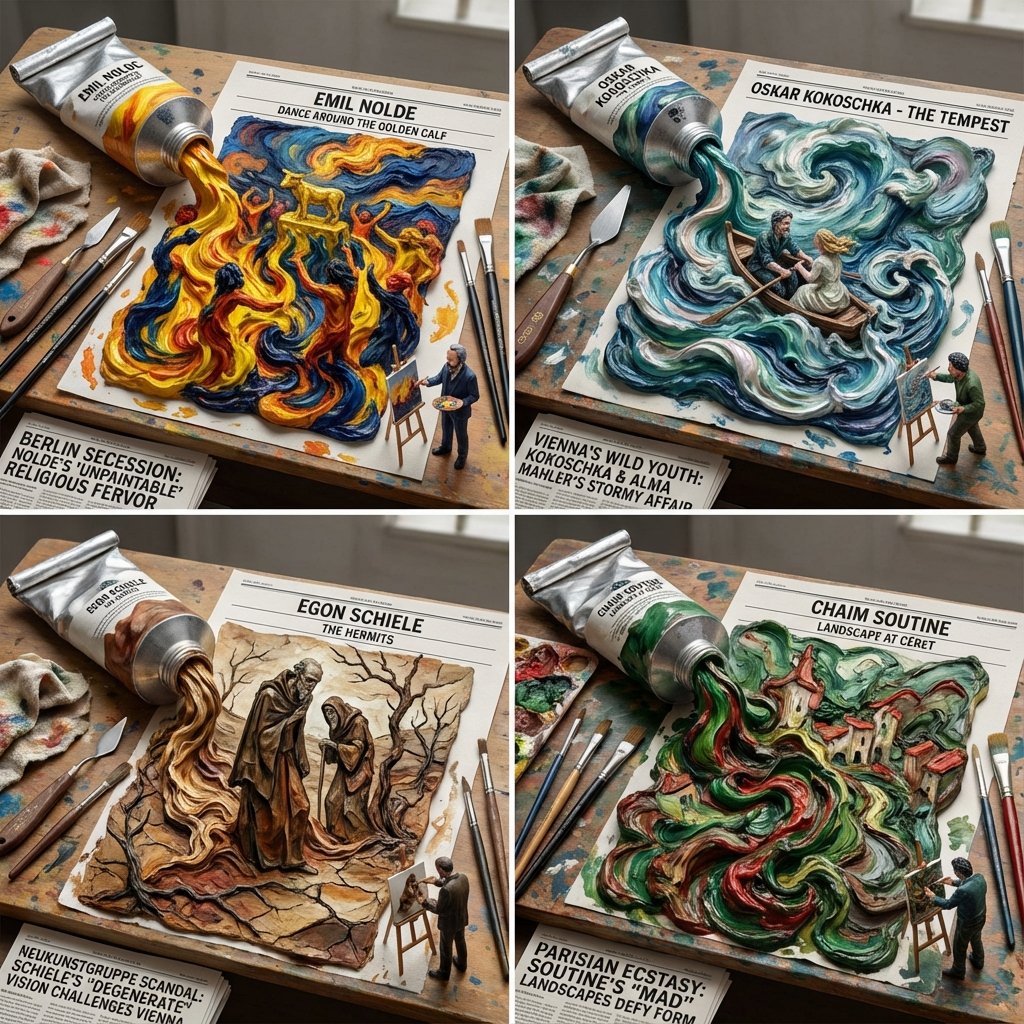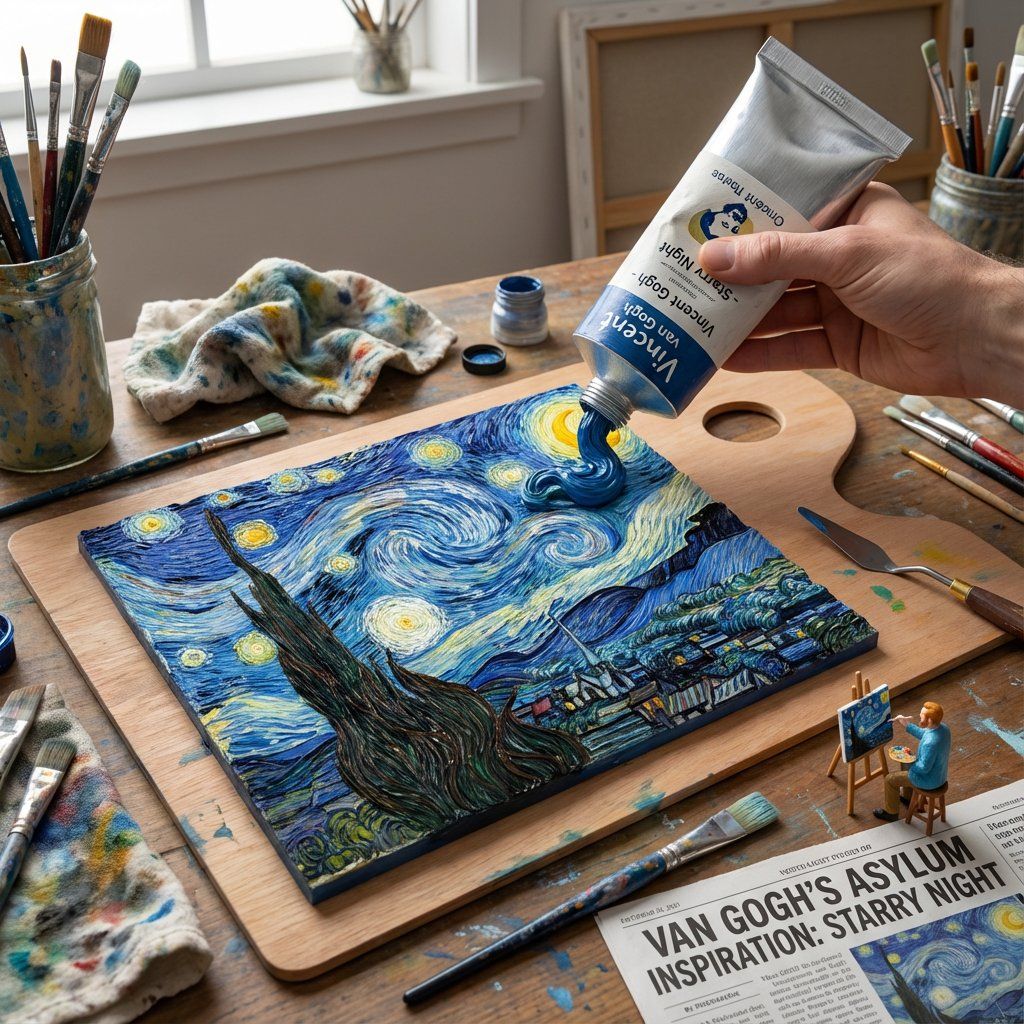
颜料管挤压:3D 浮雕星夜
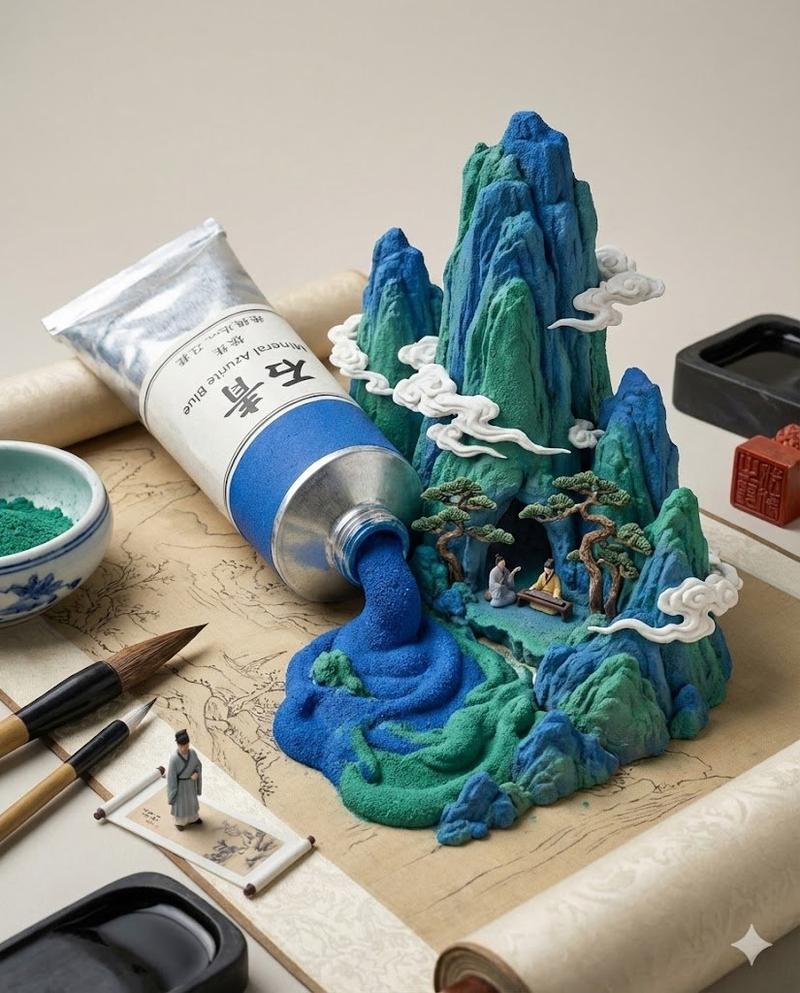
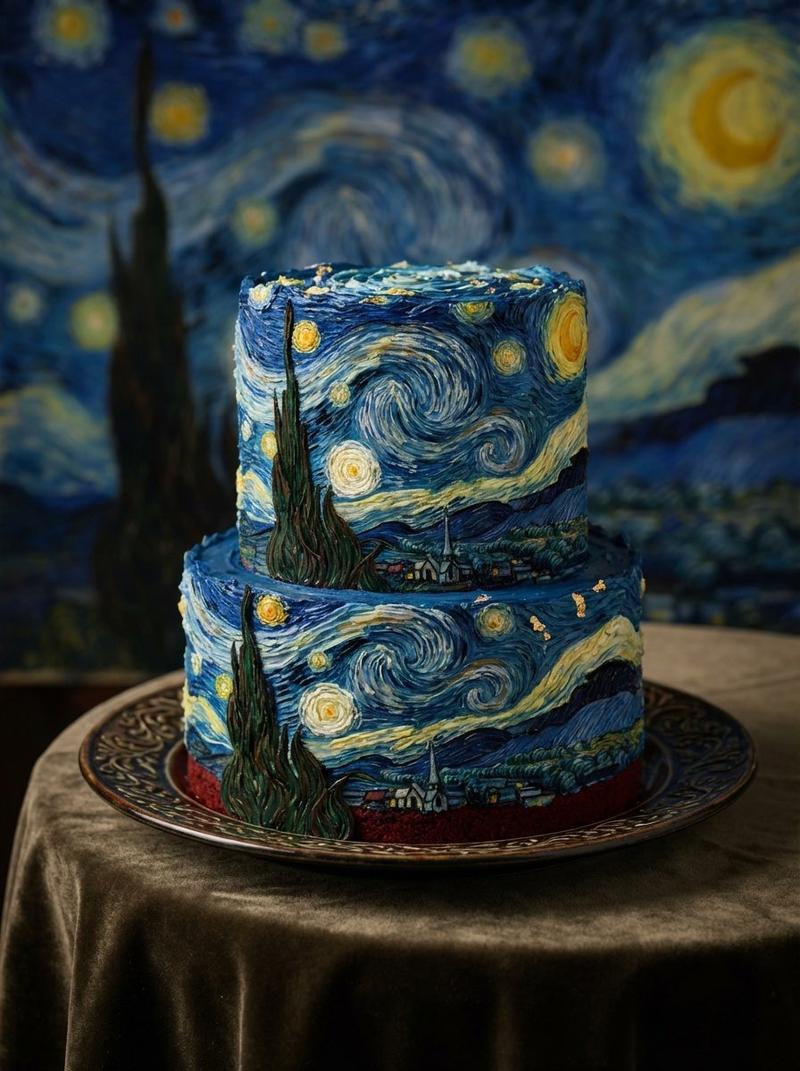
提示词
Do this for {argument name="painting name" default="Starry Night"}<instruction>

Input A is a Famous Painting (e.g., The Mona Lisa, The Scream). Analyze: The brushstroke technique, the 3D depth implied, and the hidden symbols.
Goal: A "Paint Tube Squeeze." A giant, realistic oil paint tube sitting on a palette.
Rules:
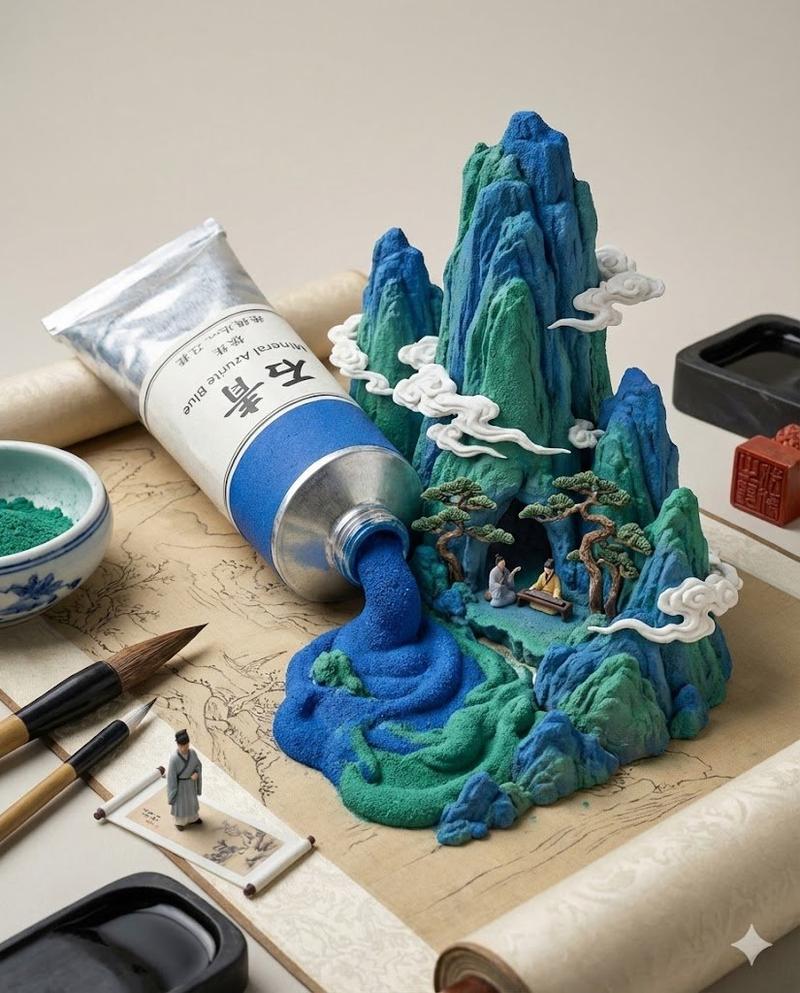
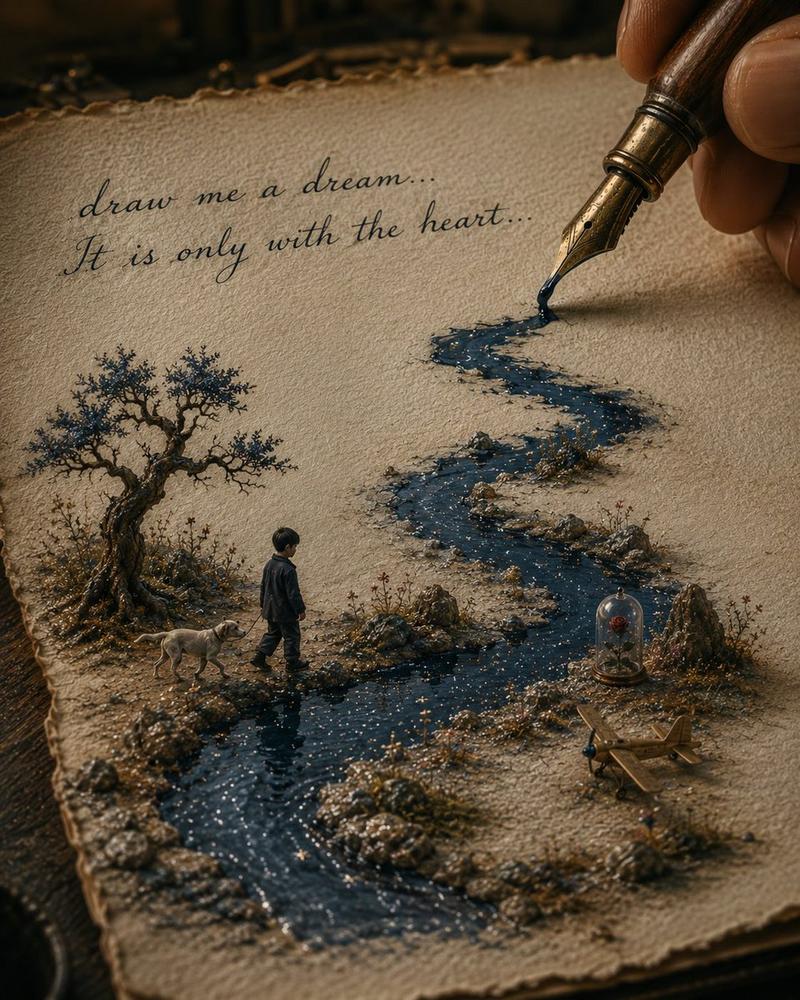
Action: The tube is being squeezed, and the paint coming out is not just a blob, but it forms the 3D landscape of the painting. The Mona Lisa's face is emerging in 3D relief from the 2D smear of paint.
Texture: Viscous, thick oil paint texture (impasto).
Props: Paintbrushes, a dirty rag, a palette knife, plus culture appropriate tools and environment and tiny 3D printed version of the painter on the desk drawing it on a tiny easel and a newspaper headline covering the inspiration behind it.
Lighting: North-light studio lighting, true color representation. Output:
ONE image, 4:5, "artistic process" aesthetic. </instruction>- 分类
- 创意图片
- 模型
- Nano Banana Pro
- 来源作者
- Gadgetify
- 来源 ID
- c66d44da-cfdb-401b-b264-24b33a782f75
- 发布时间
- 2026年3月8日
浏览量0