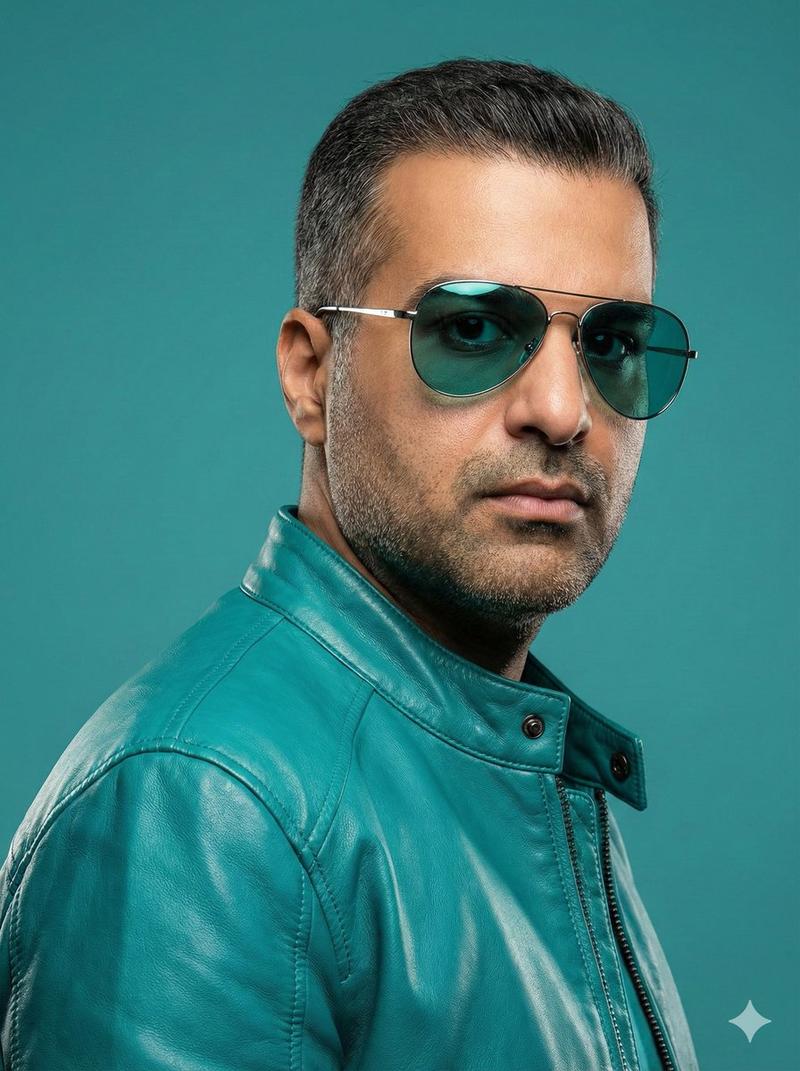
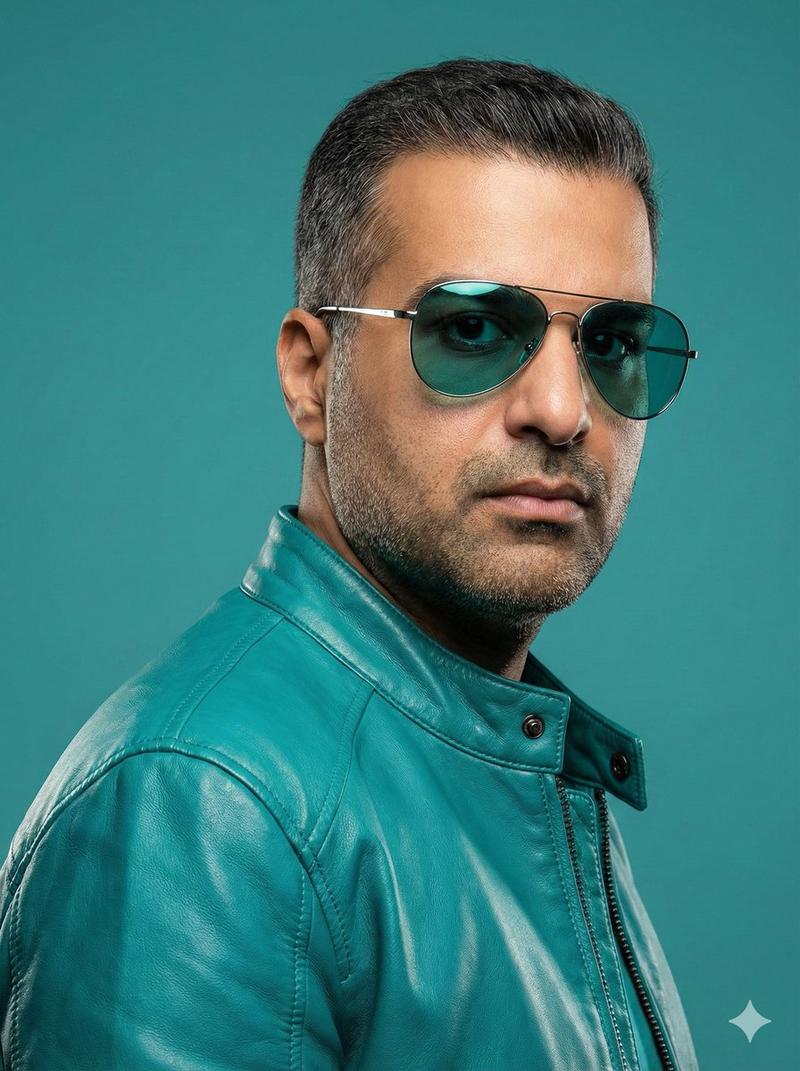
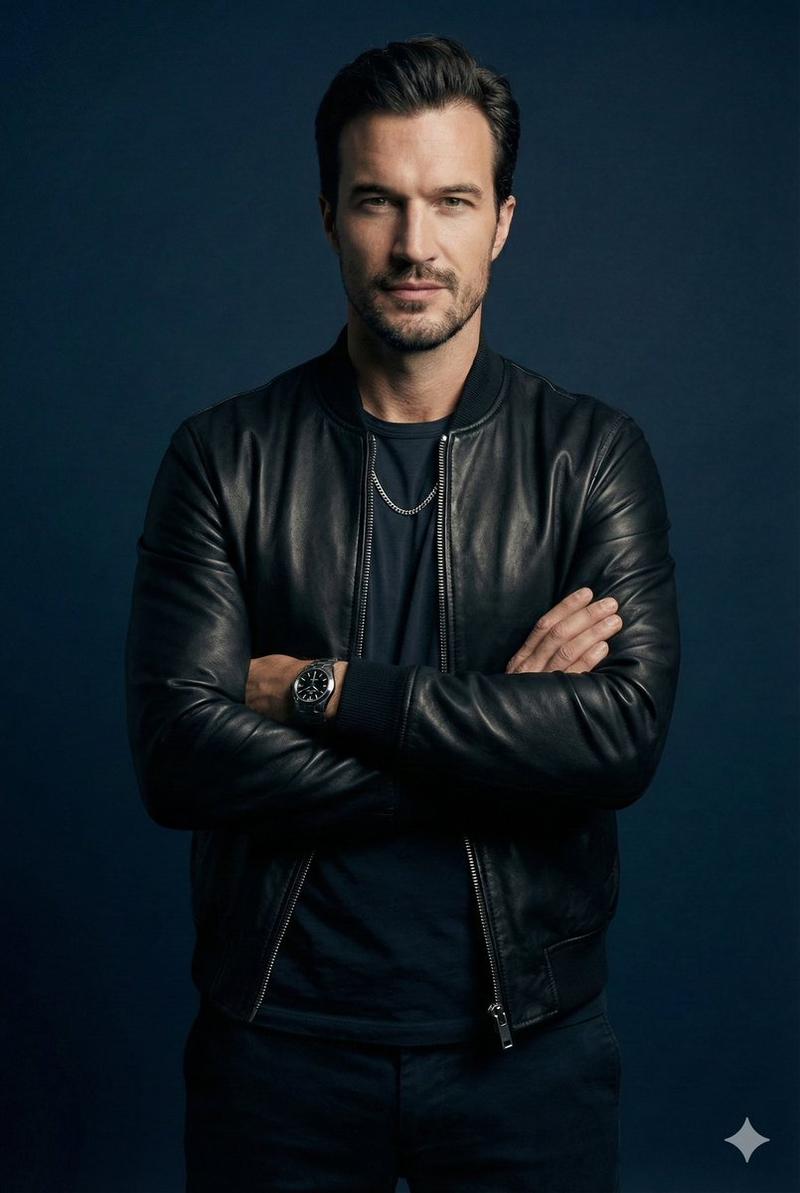
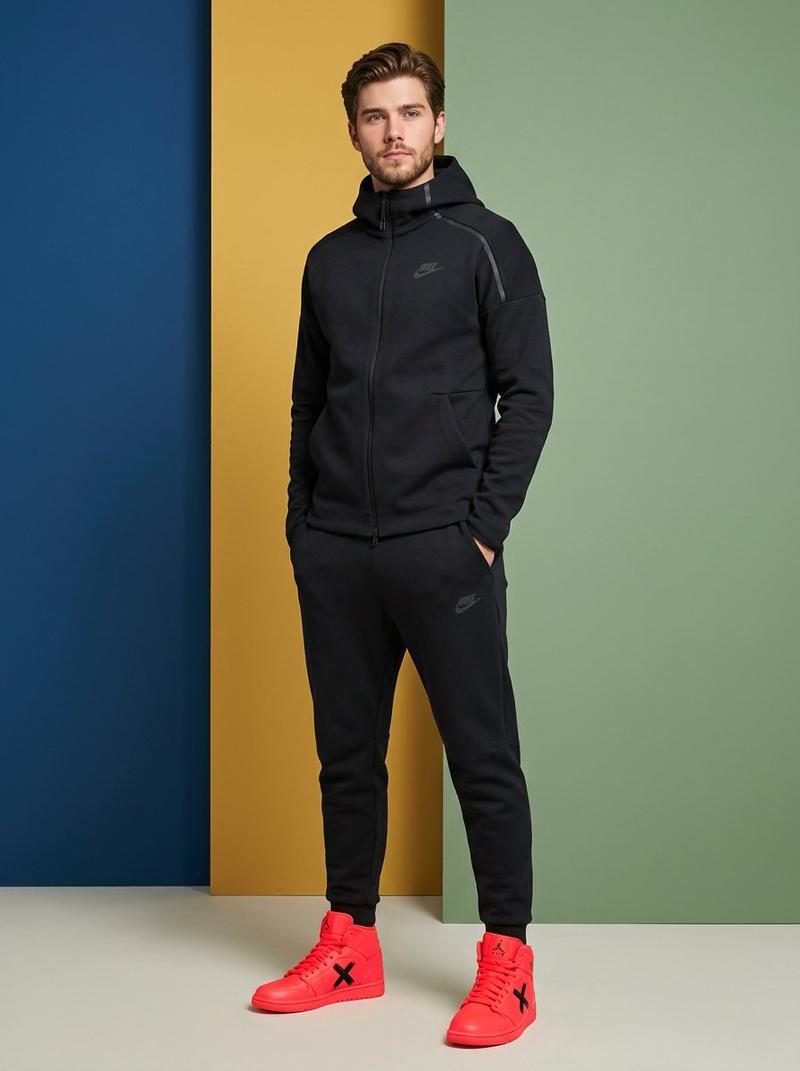
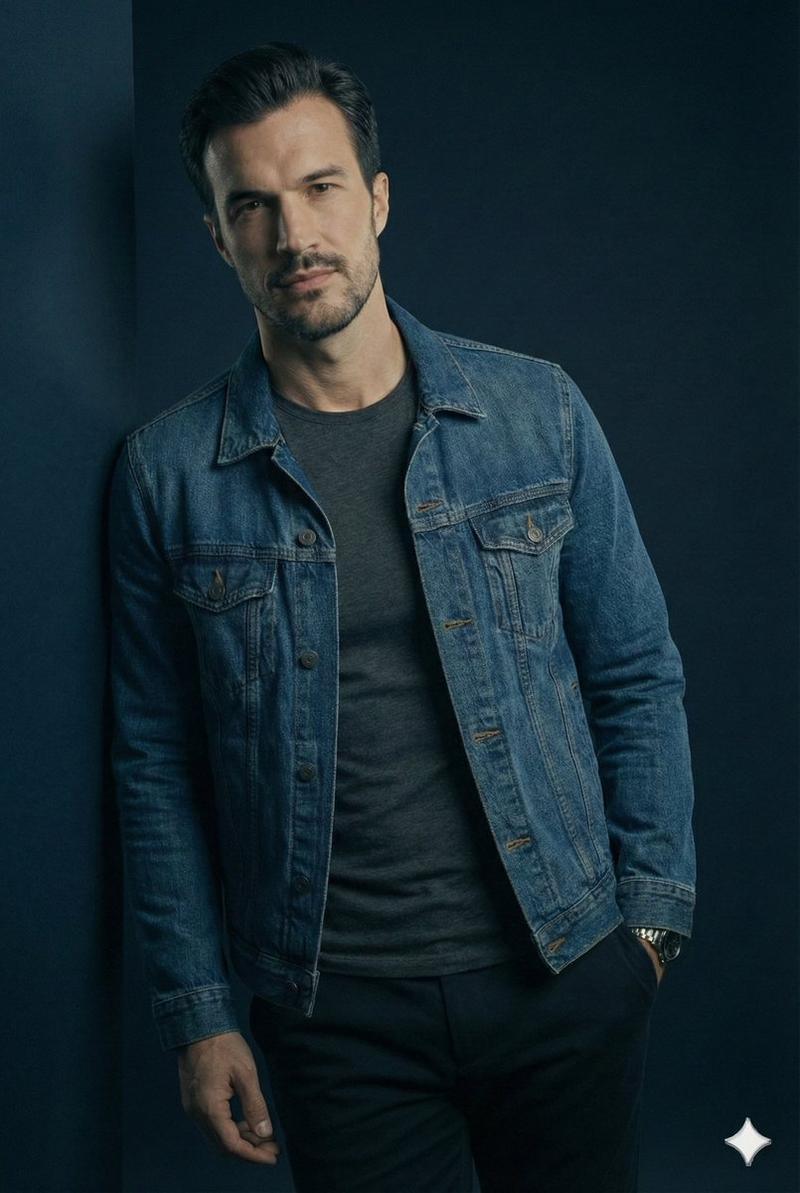
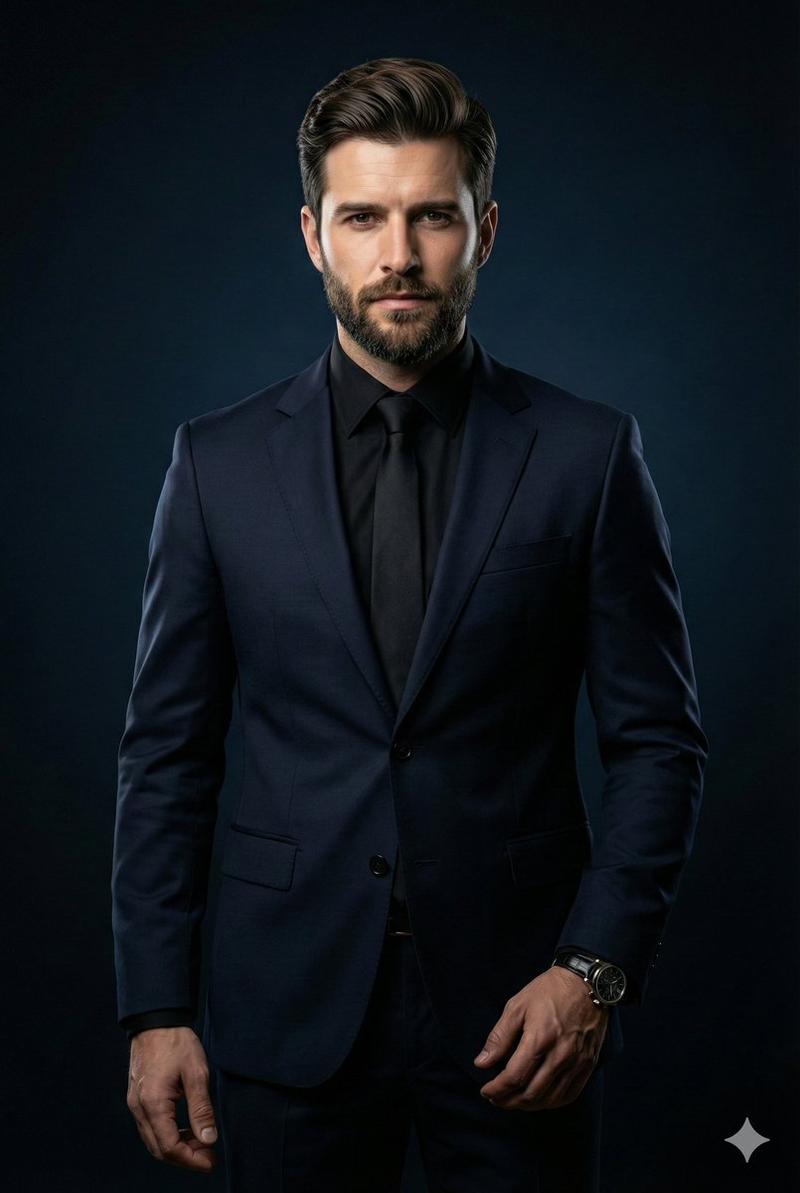
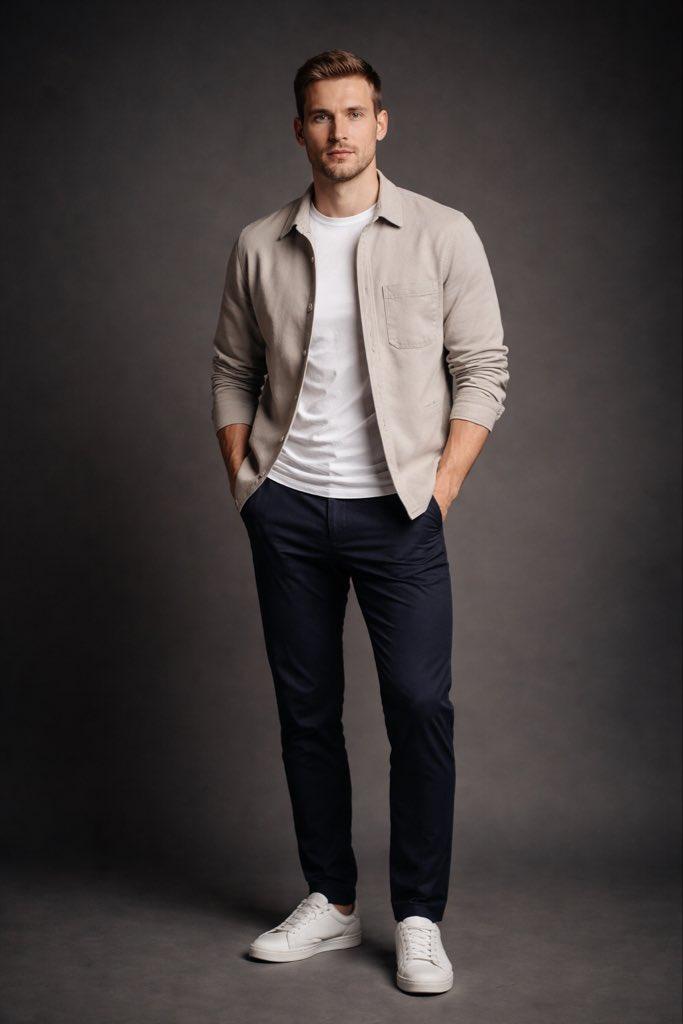
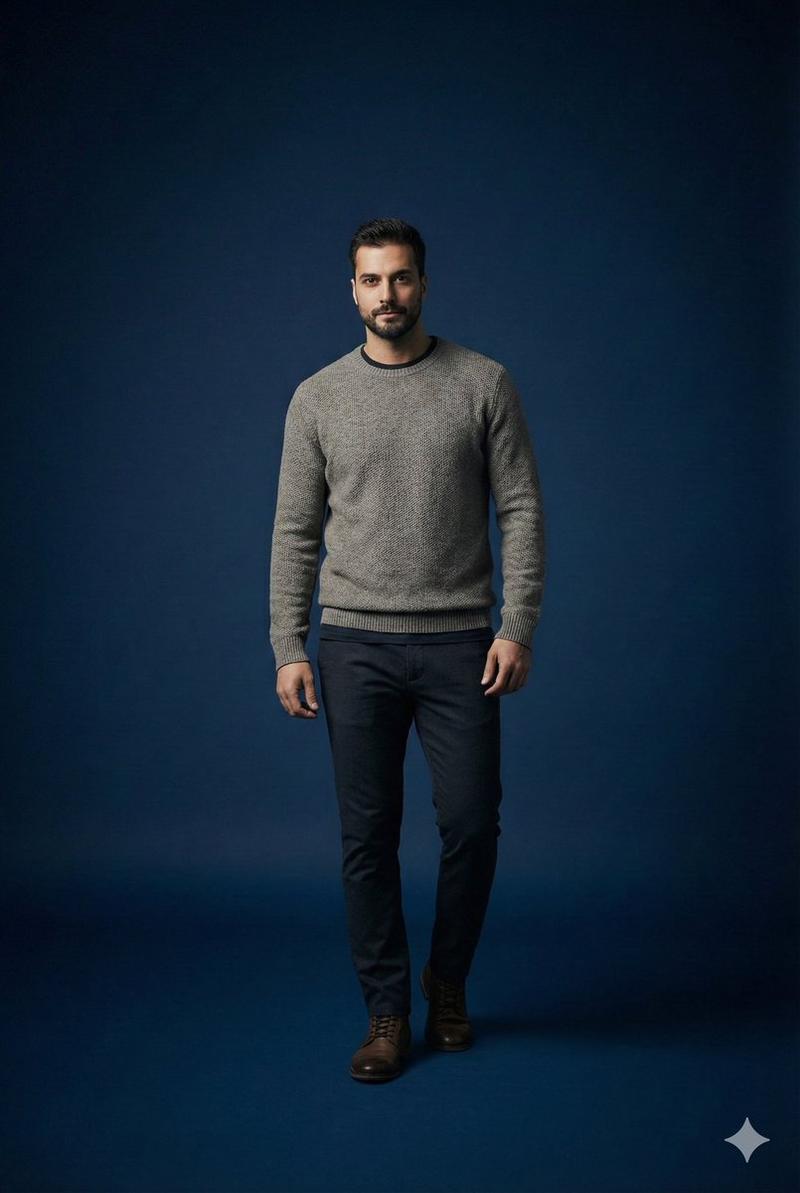
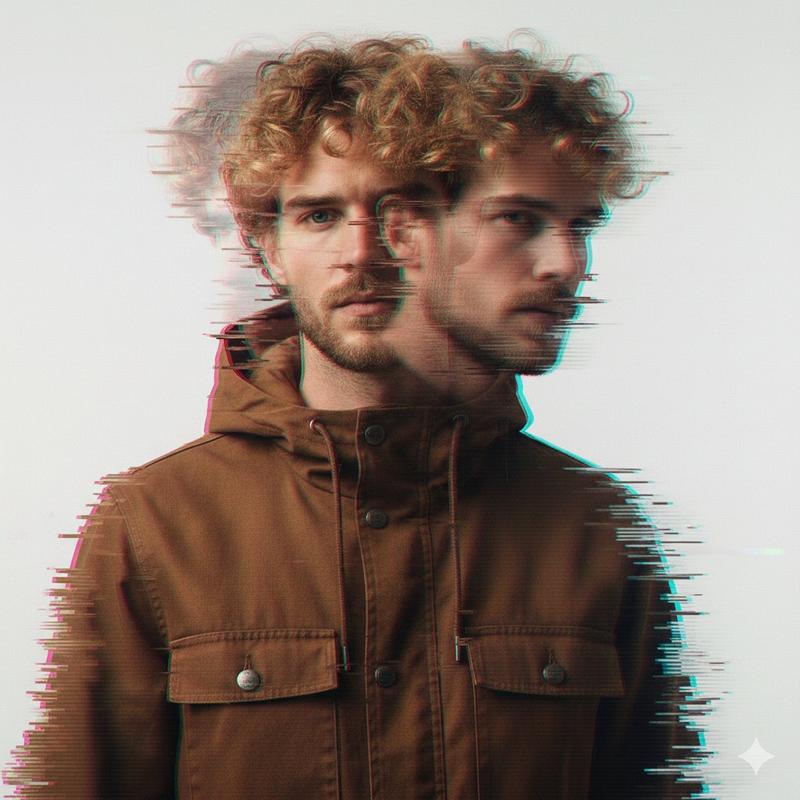
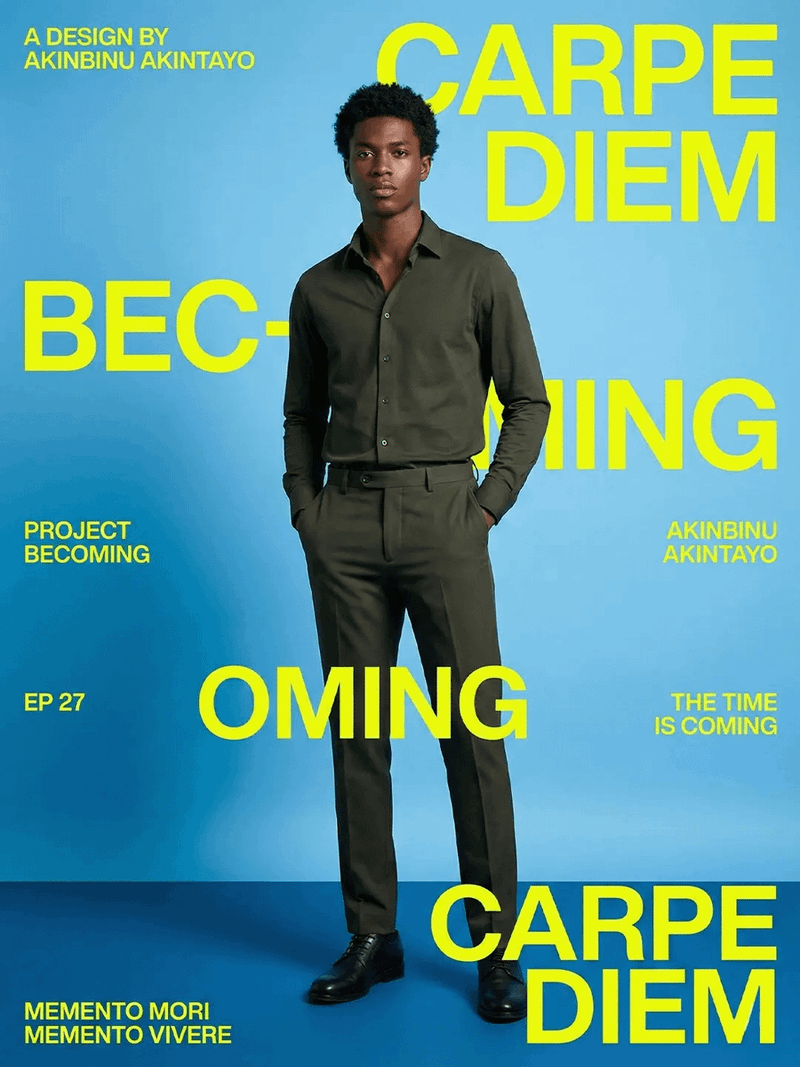
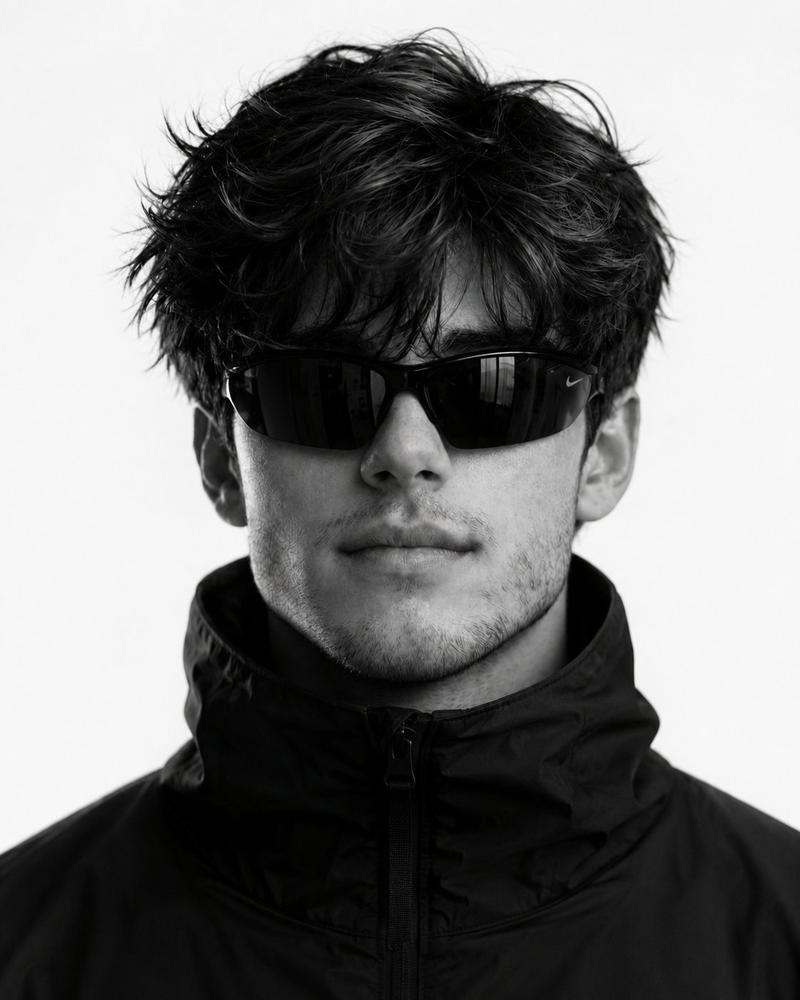
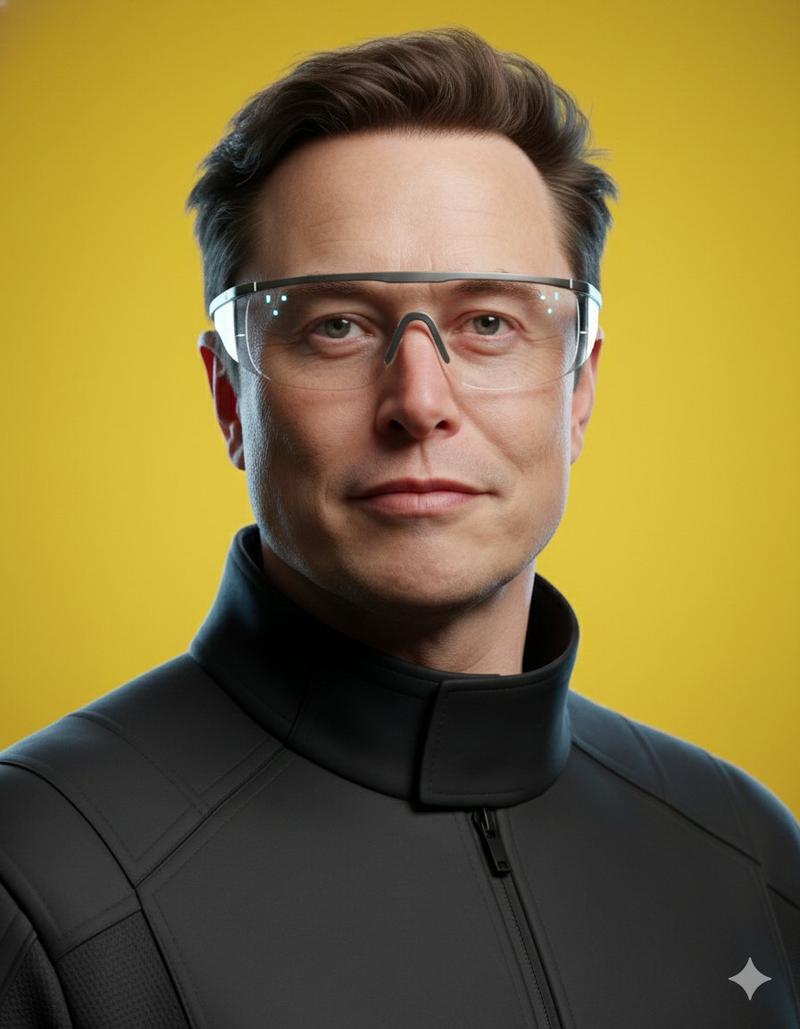
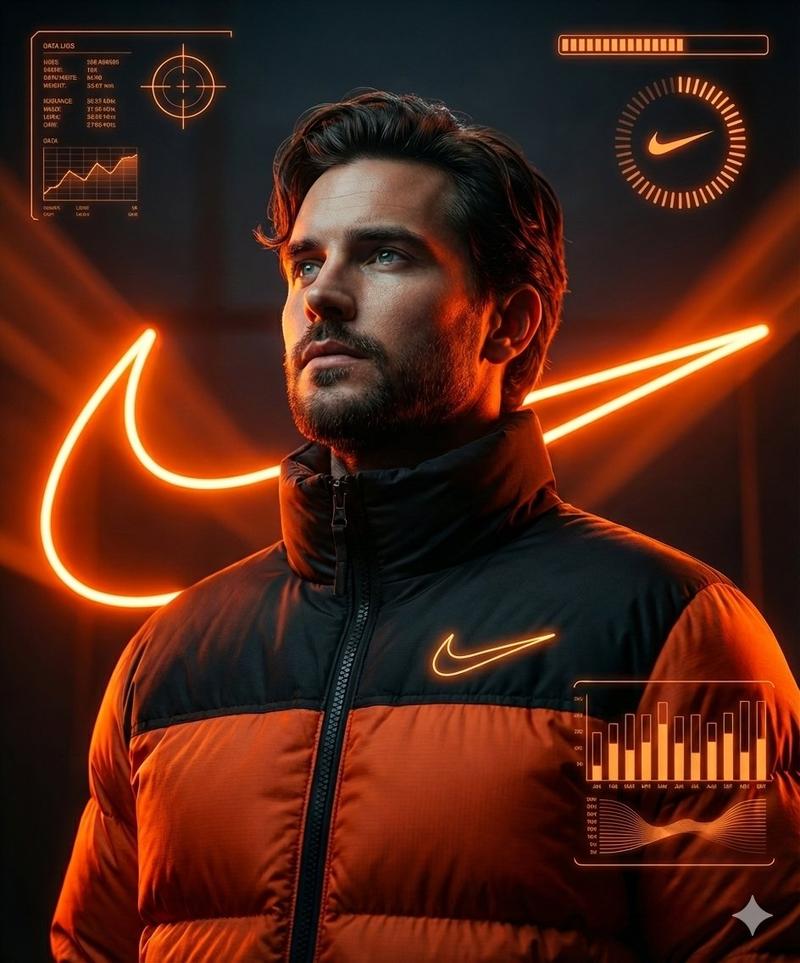
Ultra-Realistic Futuristic Cinematic Portrait
提示词
Ultra-realistic futuristic cinematic portrait of a man (same face and body as reference), standing confidently in a studio.
Minimal, moody lighting with soft shadows, background dark and clean so all focus is on him.
He wears a casual but futuristic outfit — {argument name="outfit description" default="sleek layered jacket, subtle tech-textures, modern fabrics, hidden seams, minimal accessories"}.
The man is posing confidently, relaxed posture, natural expression, charismatic presence.
Camera perspective: mid-shot to full-body, shallow depth of field, sharp focus on subject, background slightly blurred.
Lighting style: soft rim light + key light, cinematic contrast, no harsh reflections.
Color tone: cool futuristic mood, slightly desaturated, high detail skin and fabric textures.
Style: cinematic, photo-realistic, high resolution, studio photography, editorial fashion shoot, 85mm lens, f/1.8, HDR, film-grade color grading, clean composition.
--no clutter, no props, no busy background, no distortion, no cartoon look, no extra people
--ar 2:3 --v 5- 分类
- 创意图片
- 模型
- Nano Banana Pro
- 来源作者
- Johnn
- 来源 ID
- 04e269f4-24ce-4e69-a05a-abda735ba205
- 发布时间
- 2026年3月8日
浏览量0