科学理论可视化:从 2D 到 3D 挤出
提示词
<instructions> do this for {argument name="scientific concept" default="black holes"}
  Input Variable:   [{argument name="formula type" default="Theorem / Formula"}]
Phase 1: Schematic Decomposition
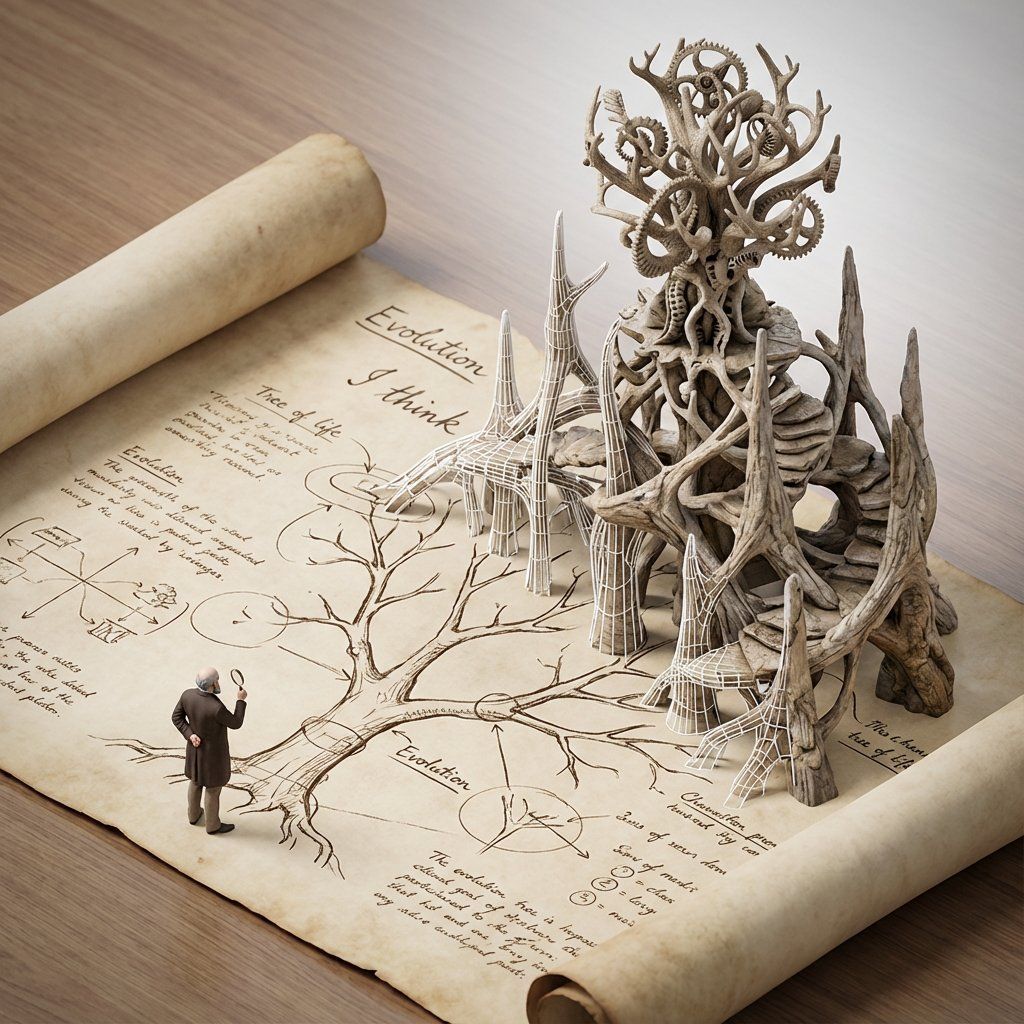
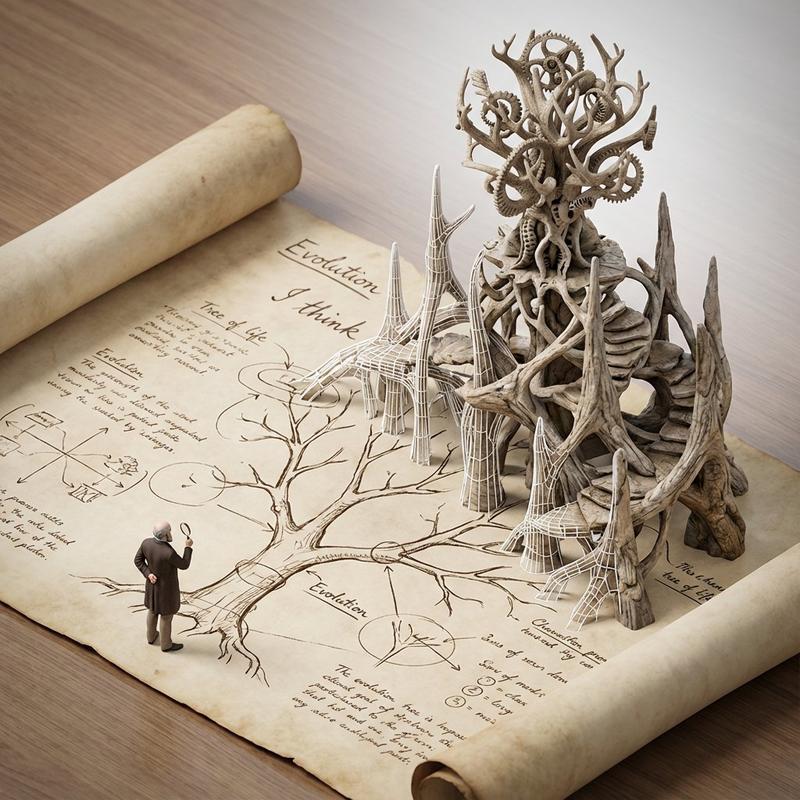
Analyze the Notation: Identify the primary visual language of the scientist (Chalk on blackboard? Ink on parchment? Pencil on graph paper?).
Identify the "Structure": If this theory were a building, what would it look like?
Logic: Chaos Theory -> Fractal Spire. Thermodynamics -> Engine Block.
Phase 2: The Dimensional Transition
The Base: A flat surface covered in the [Notation Medium] (e.g., a slate blackboard covered in chalk equations).
The Extrusion: The chalk lines physically lift off the surface. They begin as white wireframes, then gain opacity, then gain texture.
The Climax: At the top of the image, the wireframes have fully solidified into a photorealistic, impossible structure representing the theory.
The Observer: A tiny, scale-model figure of the scientist stands on the flat "2D" section, looking up in awe at the massive "3D" structure they have summoned.
Output: High-Angle Isometric, "Architectural Visualization" style, stark contrast between sketchy lines and solid mass.
</instructions>- 分类
- 创意图片
- 模型
- Nano Banana Pro
- 来源作者
- Gadgetify
- 来源 ID
- b4e99d86-c91a-47ba-8498-1f80a8d5517f
- 发布时间
- 2026年3月8日
浏览量0











![A hyper-realistic 3D world guide infographic poster for [SHOW]](https://whqgdndlpxjbwosvipip.supabase.co/storage/v1/render/image/public/prompt-source-media/promptsref/work-2519/image-1-c923c74e9444681d.png?width=800&quality=75&resize=contain)