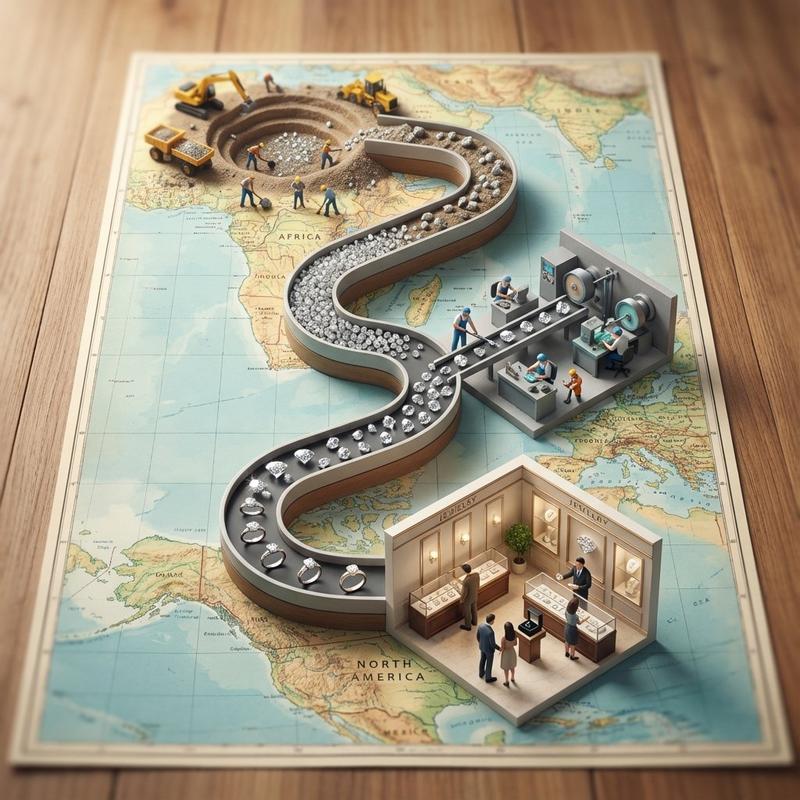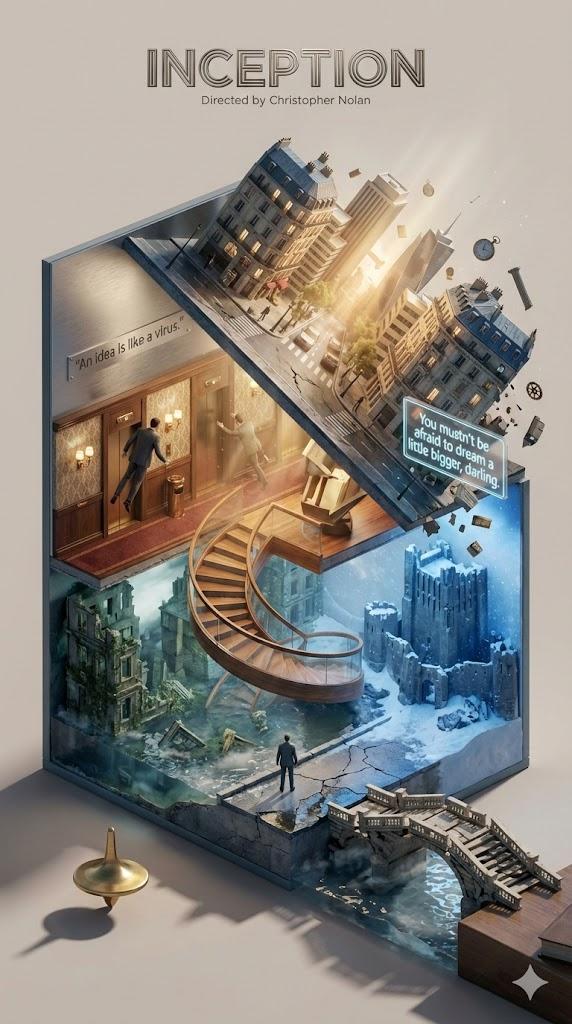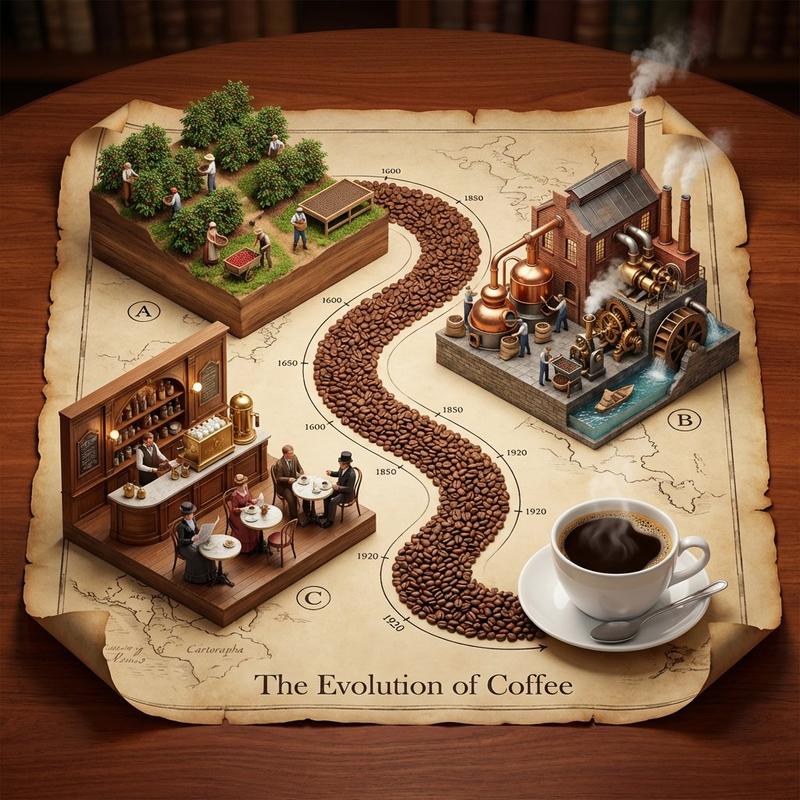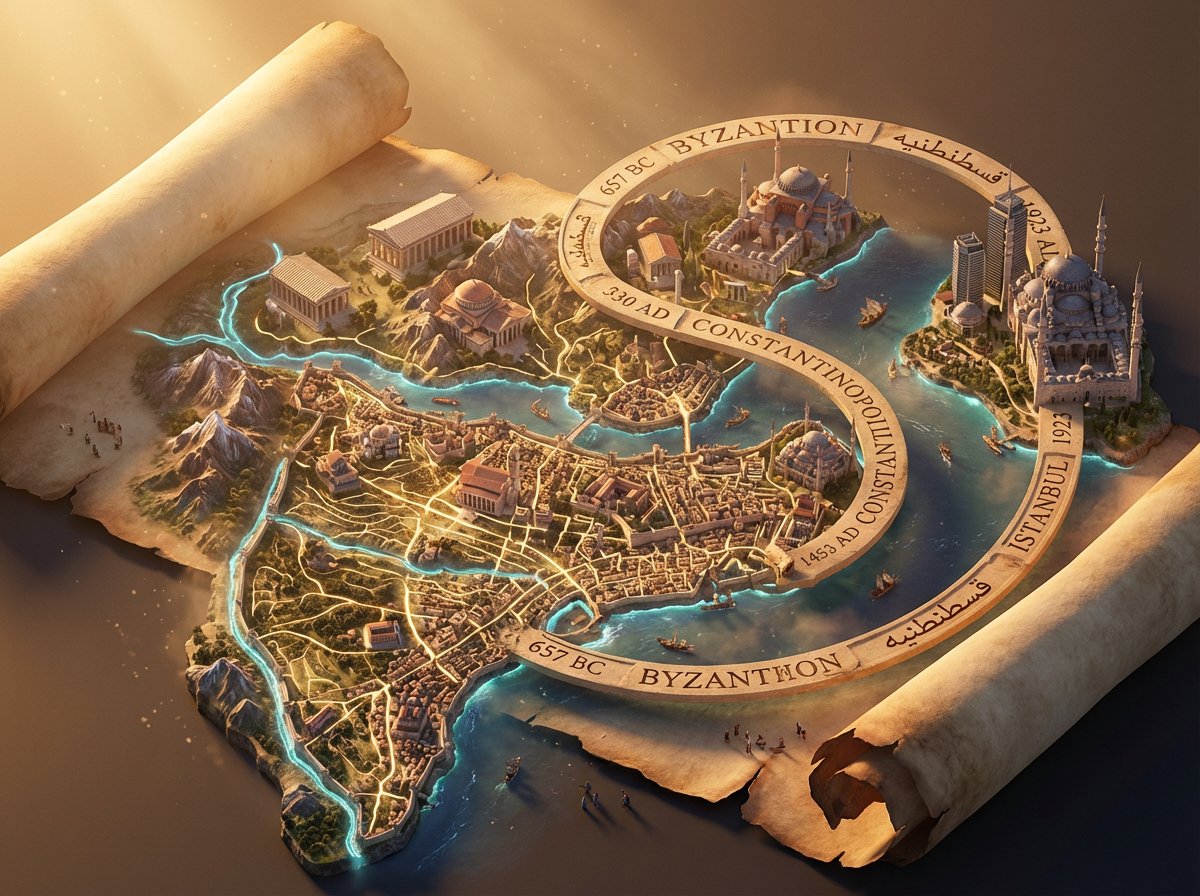
从种子到货架立体模型流程图提示
提示词
<instruction>
  1. Analyze Input Variable:
Input A is a Global Commodity with a distinct production lifecycle (e.g., Coffee, Chocolate/Cocoa, Wine, Denim/Cotton).
Deconstruct the lifecycle into   3 Distinct Stages  :
   Stage 1 (The Origin):  The agricultural source (e.g., Coffee Plantation, Cacao Trees).
   Stage 2 (The Process):  The industrial transformation (e.g., Roasting Plant, Fermentation Vats).
   Stage 3 (The Destination):  The retail experience (e.g., A Hipster Cafe, A Chocolatier Shop).
2.  Container (The Map Table):
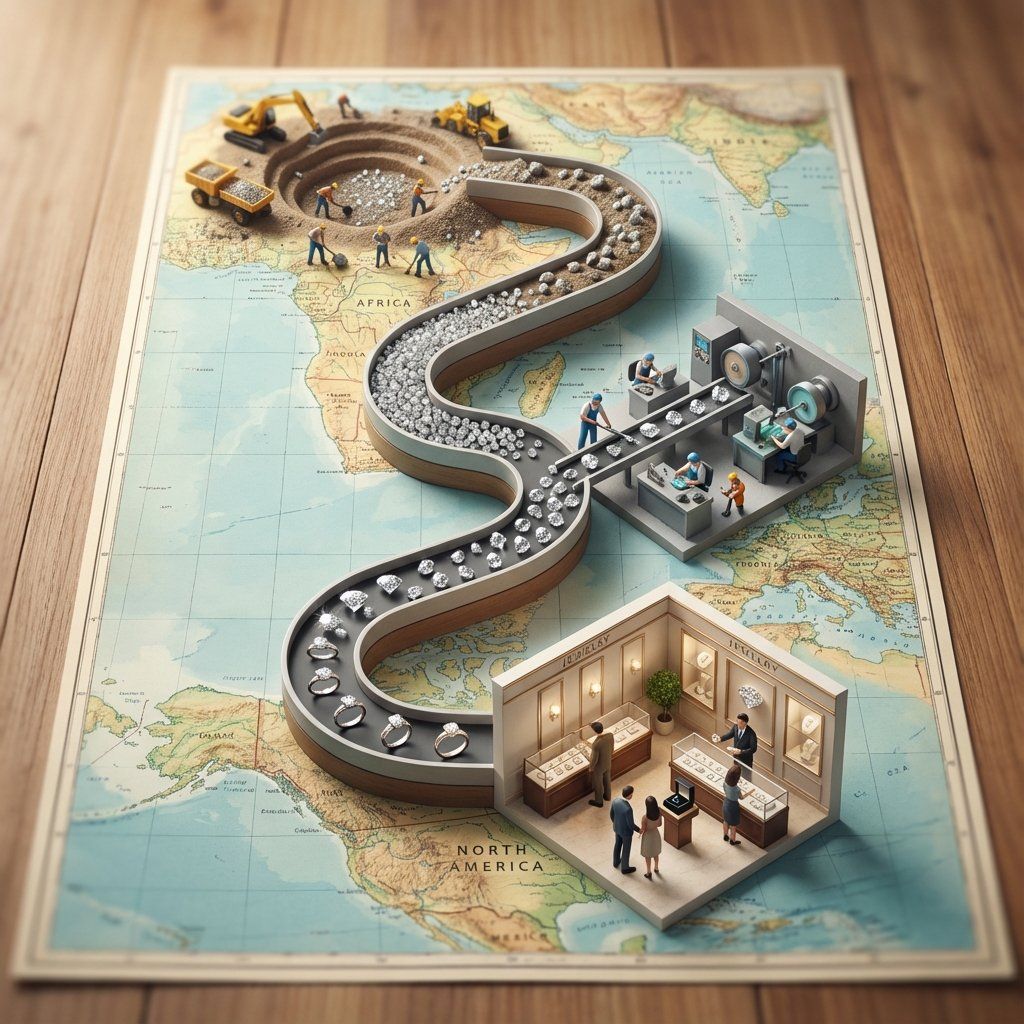
Goal: A "Seed to Shelf" Flowchart Diorama.
The Base: A large, vintage World Map (blue oceans, pastel continents) laid flat on a wooden dining table.
The Spine: A raised, winding S-Shaped Chute/Conveyor snakes through the center of the image, physically connecting the three stages.
The Flow: The chute is filled with the product, which visually transforms as it moves down the path (e.g., Red Coffee Cherries at the top
→
→
 Brown Roasted Beans in the middle
→
→
 Fine Ground Powder at the bottom).
3. The Vignettes (The Stations):
Construct a 3D diorama "Island" at each key point of the S-curve:
Top Station (Origin): A square patch of terrain sitting on the map (e.g., South America). Detailed crops, trees, and farmers harvesting the raw material.
Middle Station (Process): A compact industrial facility sitting on the map (e.g., Europe/USA). Metallic roasters, silos, smoke stacks, and factory workers.
Bottom Station (Destination): An architectural Cutaway Box. The front wall is removed to reveal the interior of a shop (e.g., Espresso machines, tiny customers sitting at tables, baristas serving).
4. The Narrative Scale (The Workers):
Scale: 1:87 (HO Scale) miniature figures.
Action: The figures are not just standing; they are actively moving the product from the "Station" into the "Chute" (e.g., Farmers dumping baskets of cherries into the stream, Factory workers shoveling beans).
5. Lighting & Atmosphere:
Camera Angle: High-Angle Perspective (45-60 degrees). Looking down the length of the table.
Lighting: Natural Daylight. Bright, cheerful, and even. Shadows fall softly on the map.
Depth of Field: Tilt-Shift effect. The top and bottom edges of the table are slightly blurred to make the models look tiny.
Output: ONE image, Vertical Aspect Ratio (4:5), Miniature Photography, Educational Diorama aesthetic.
</instruction>
- 分类
- 创意图片
- 模型
- Nano Banana Pro
- 来源作者
- Gadgetify
- 来源 ID
- b6109a1a-6f65-48ba-a763-53a151089b4d
- 发布时间
- 2026年3月8日
浏览量0