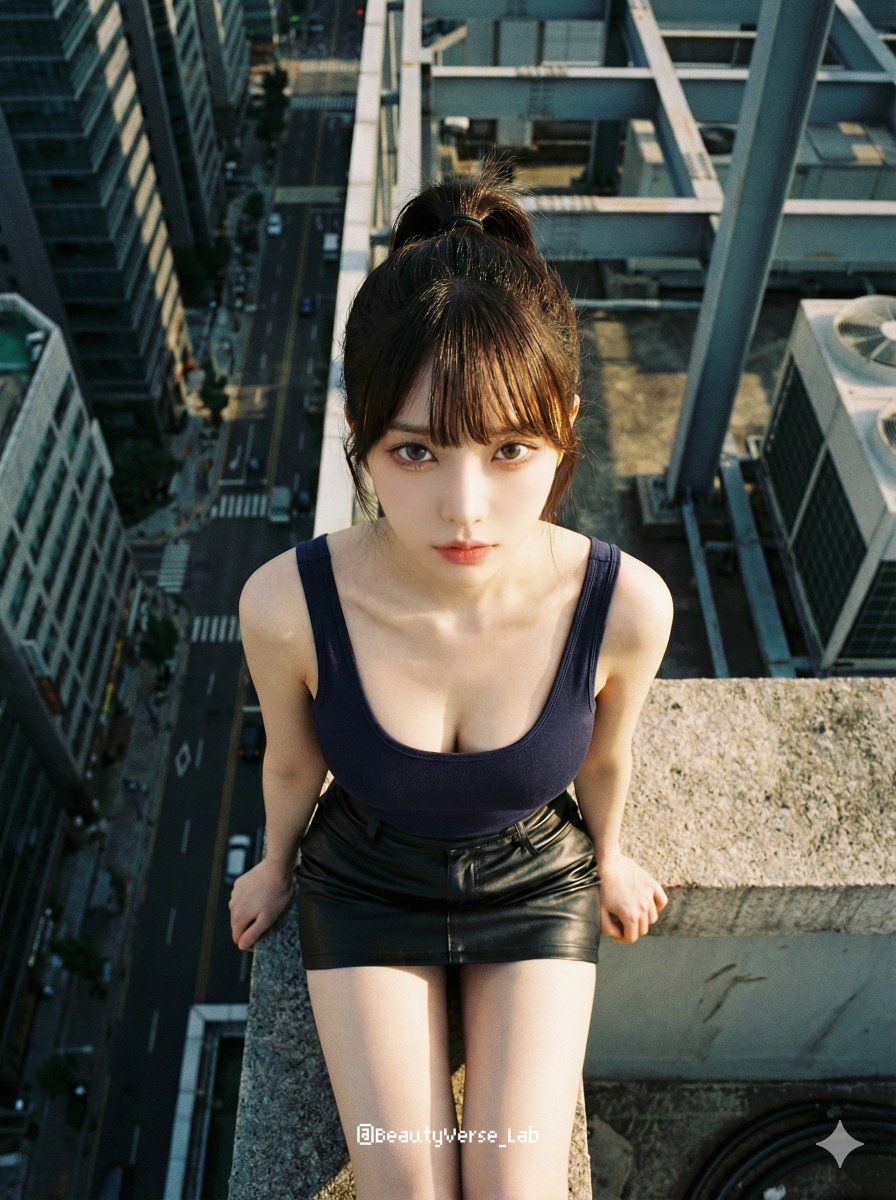
极致俯视摩天大楼边缘人像提示词
提示词
{
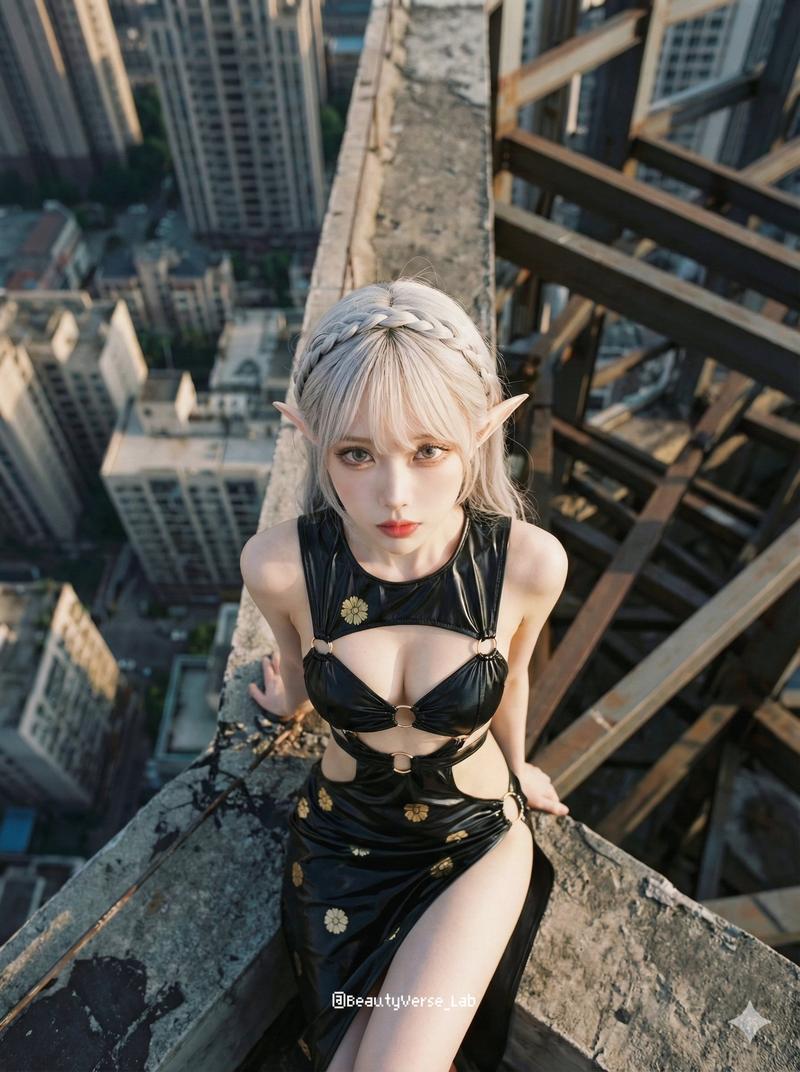
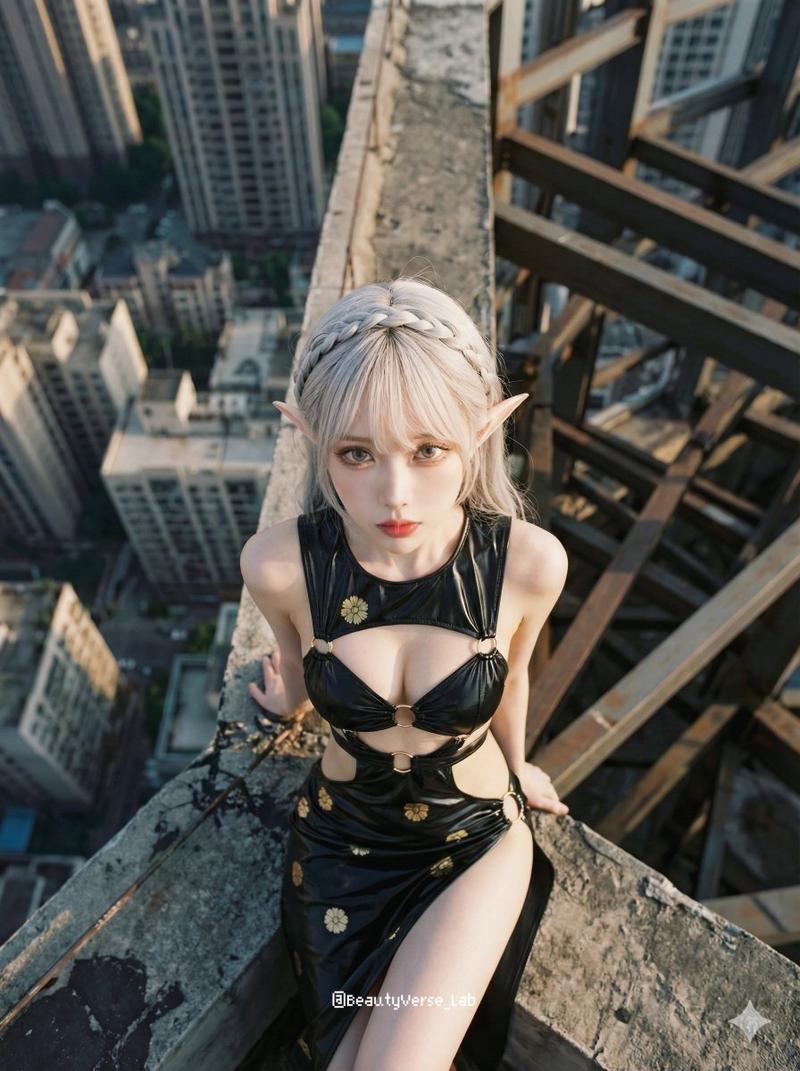
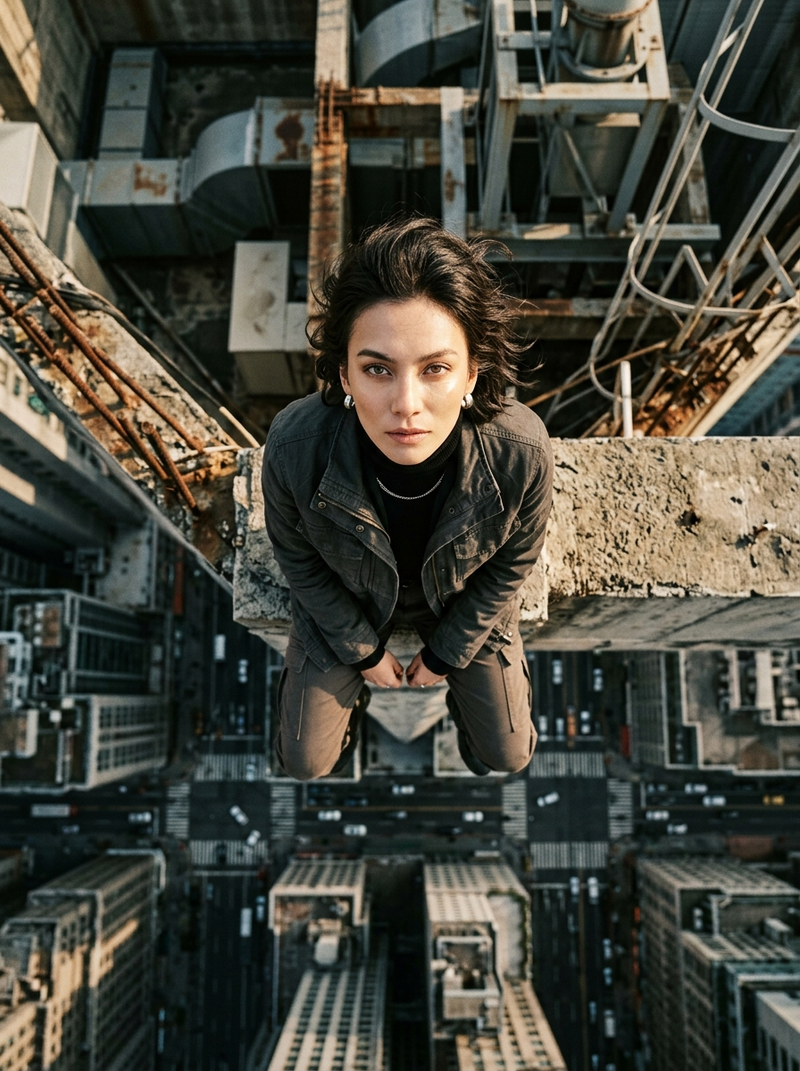
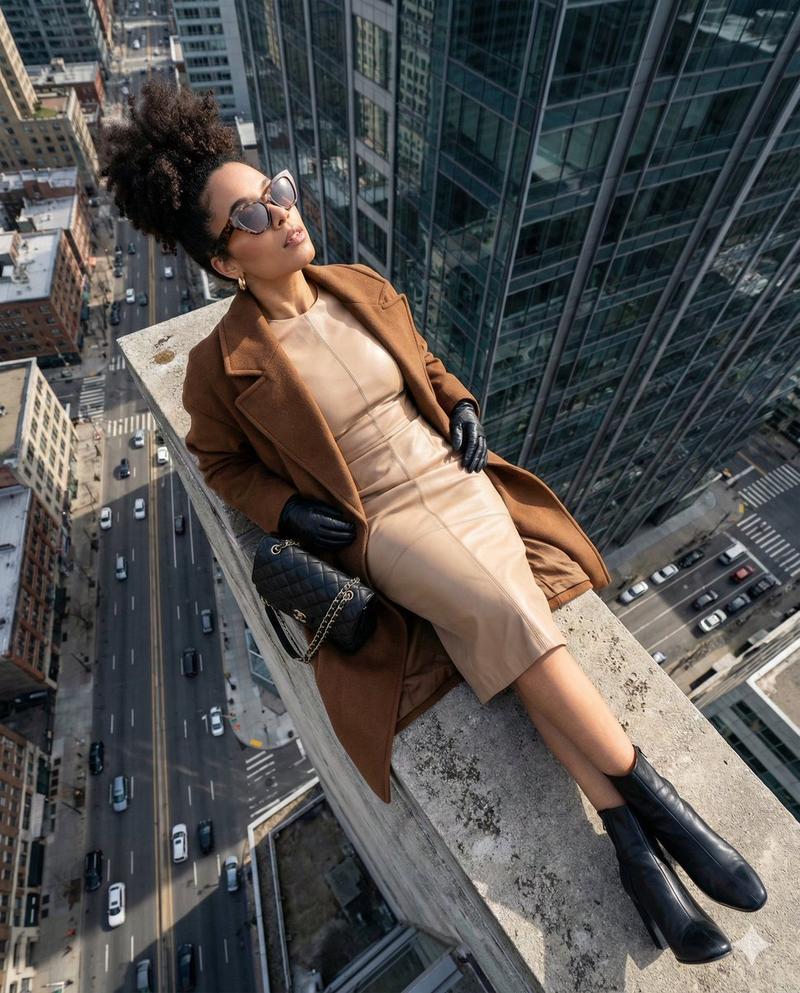
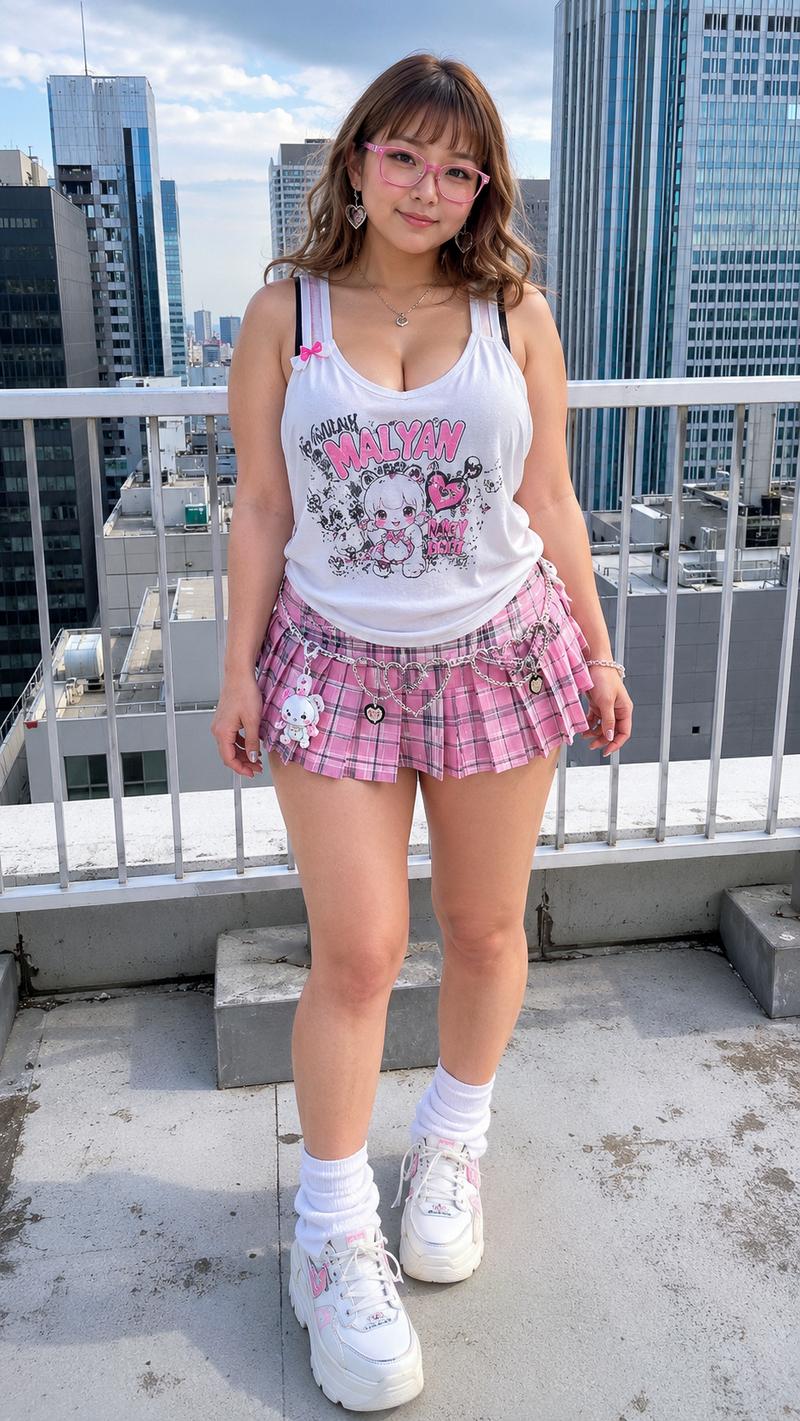
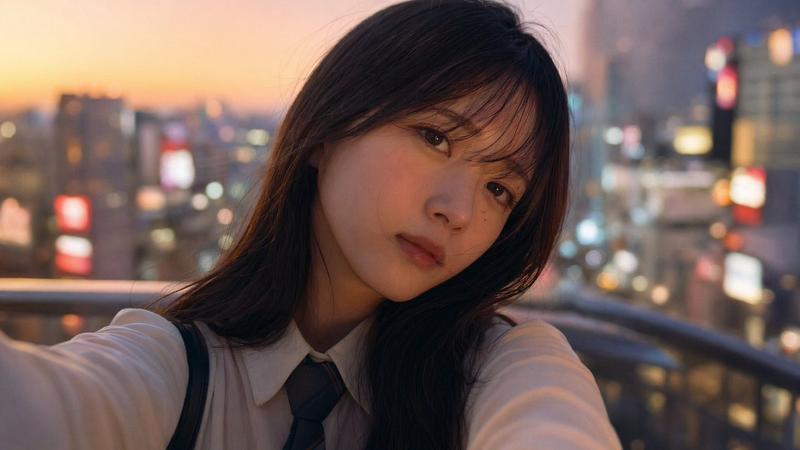
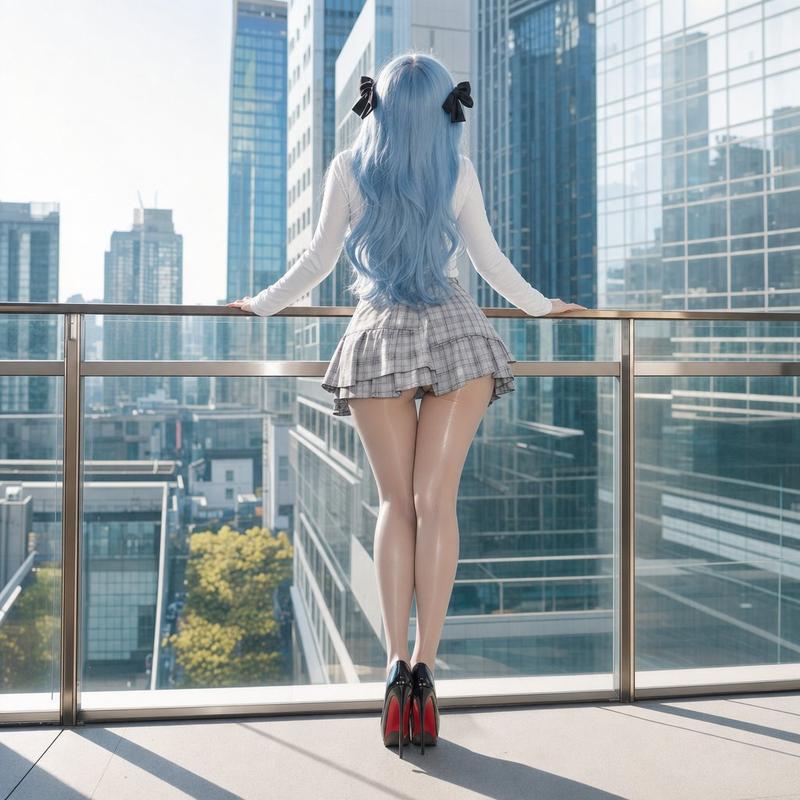
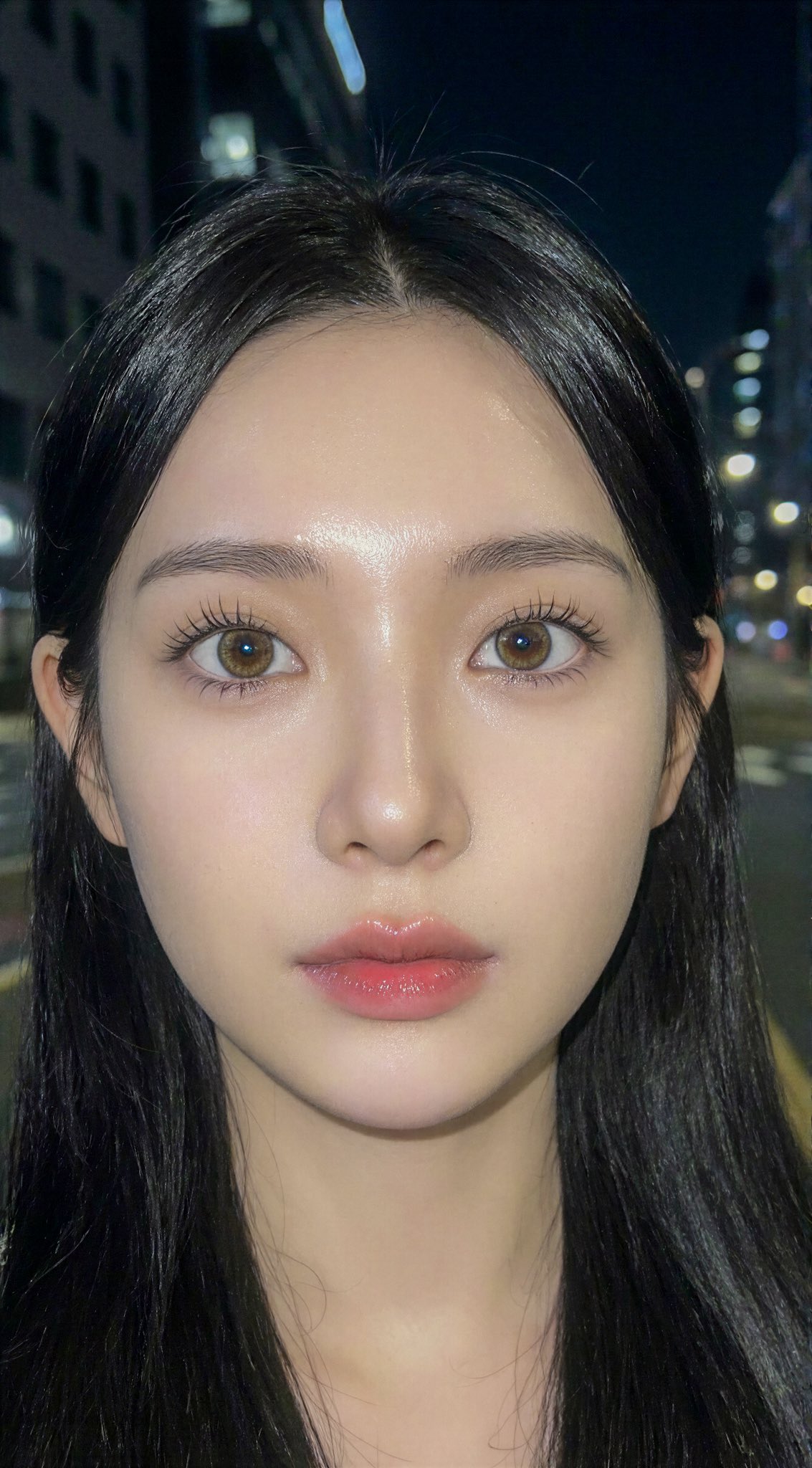
  "prompt": "Cinematic film still, **extreme top-down MEDIUM shot**. The woman is positioned at the center of the frame, **looking directly up into the camera lens with intense eye contact**. Her figure is prominent and fills a significant portion of the frame. **Replicate the exact hairstyle, clothing, and accessories from the reference image faithfully.** She is sitting on the edge of the tallest skyscraper. The rooftop environment features rough concrete textures and chaotic steel structures. Far below, the blurred city buildings create a dizzying urban vertigo mood. **Dramatic warm natural daylight, high contrast, with sunlight reflecting in her eyes.** Muted industrial tones with visible film grain, Kodak Portra 800 aesthetic. Ultra-detailed, sharp focus on her face and eyes, 8K realism. --ar 3:4",
  "negative_prompt": "looking away, eyes closed, looking down, wide shot, tiny subject, person too small, changing hairstyle, different clothing, low quality, distorted face",
  "style": "high-fashion editorial, cinematic film still, analog film aesthetic",
  "camera": "Top-down medium shot, looking directly up at camera",
  "aspect_ratio": "3:4",
  "lighting": "natural daylight, high contrast, catchlights in eyes"
}- 分类
- 创意图片
- 模型
- Nano Banana Pro
- 来源作者
- BeautyVerse
- 来源 ID
- 3d000adf-7a2d-4f3f-8be2-1f441e68b858
- 发布时间
- 2026年3月8日
浏览量0