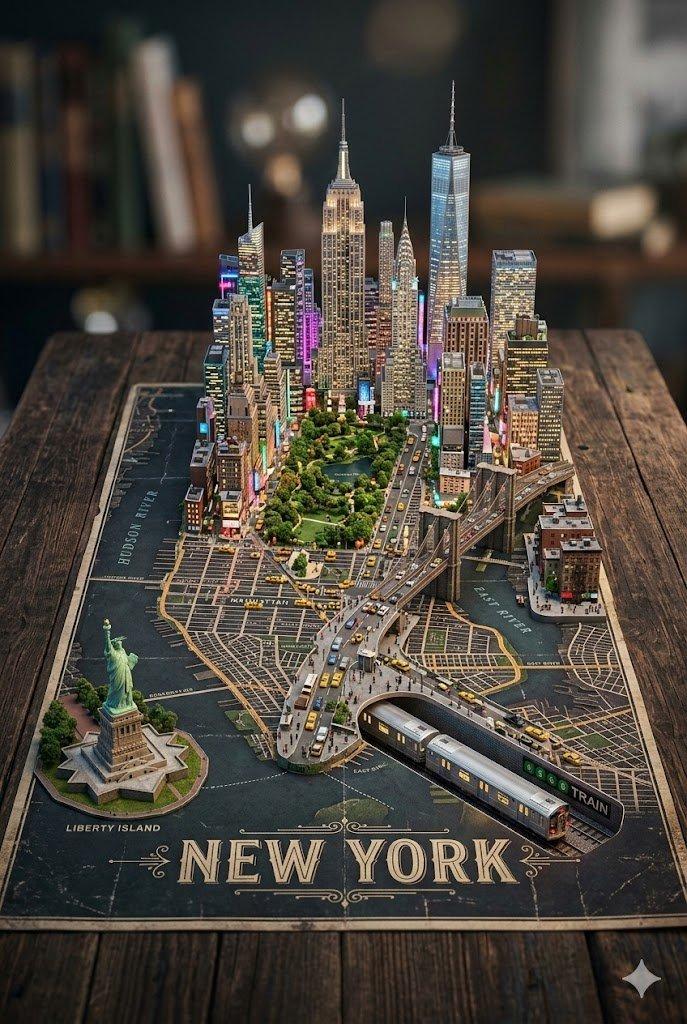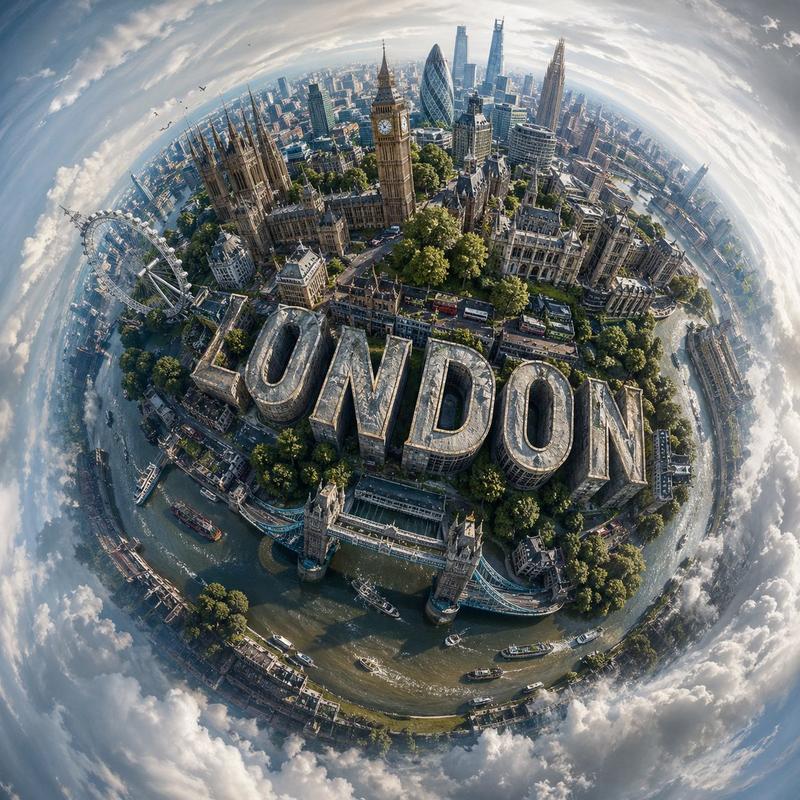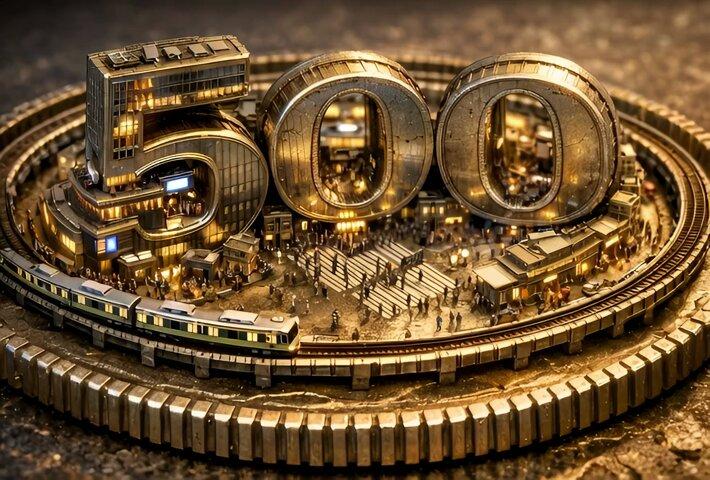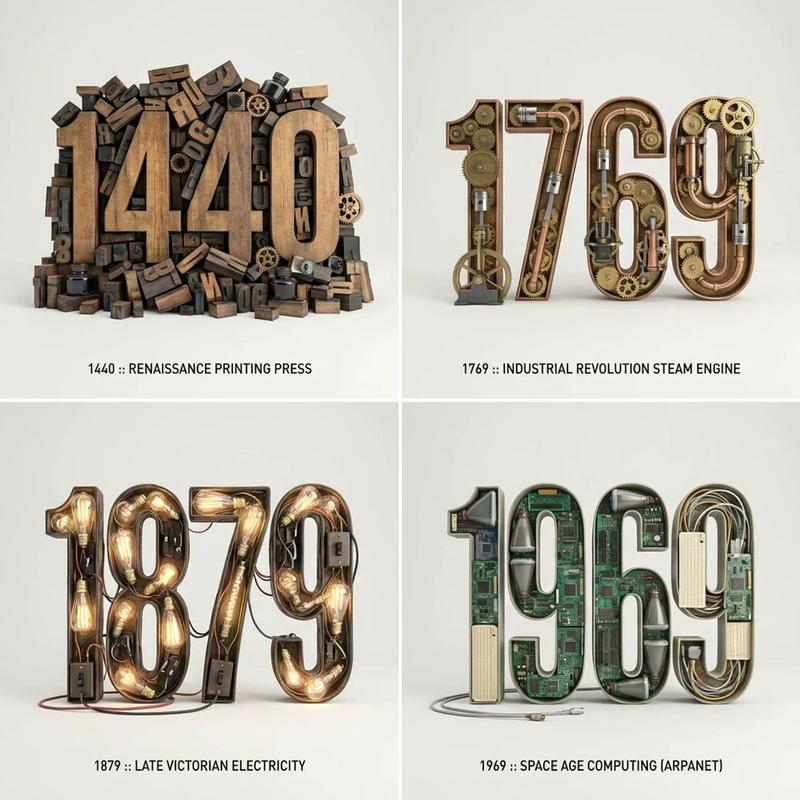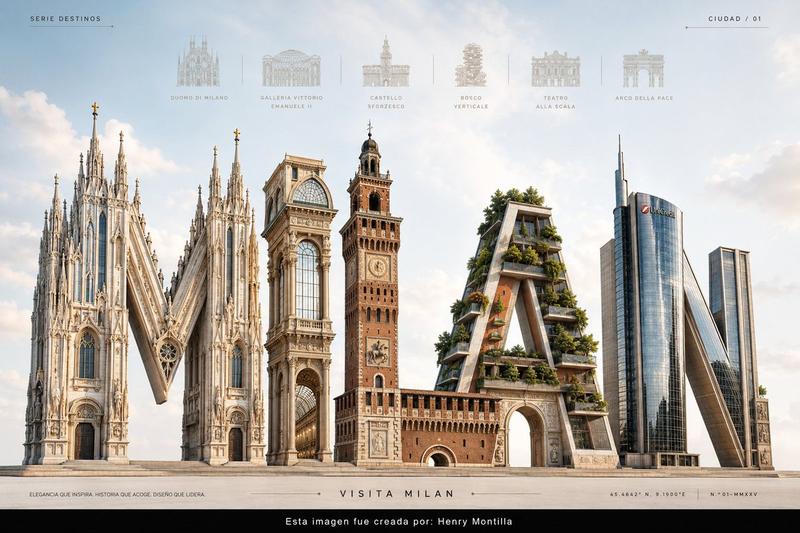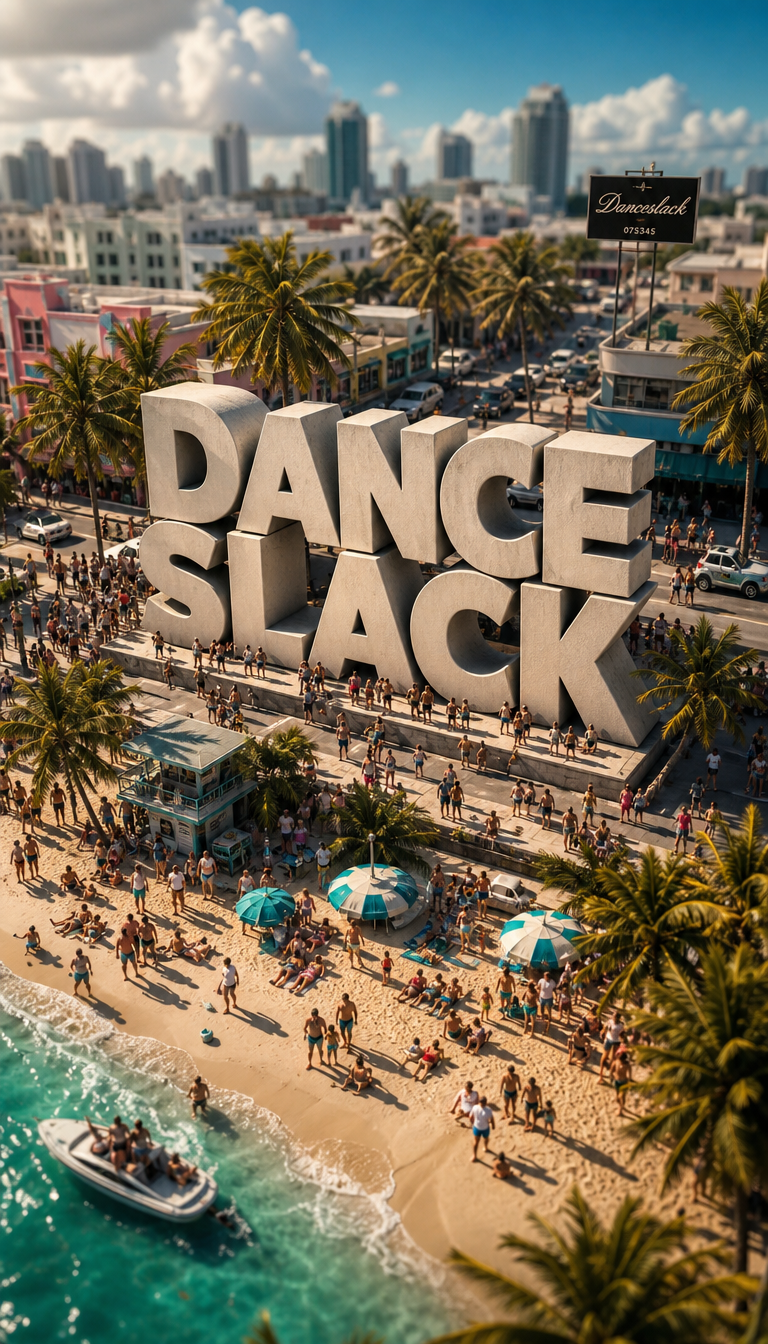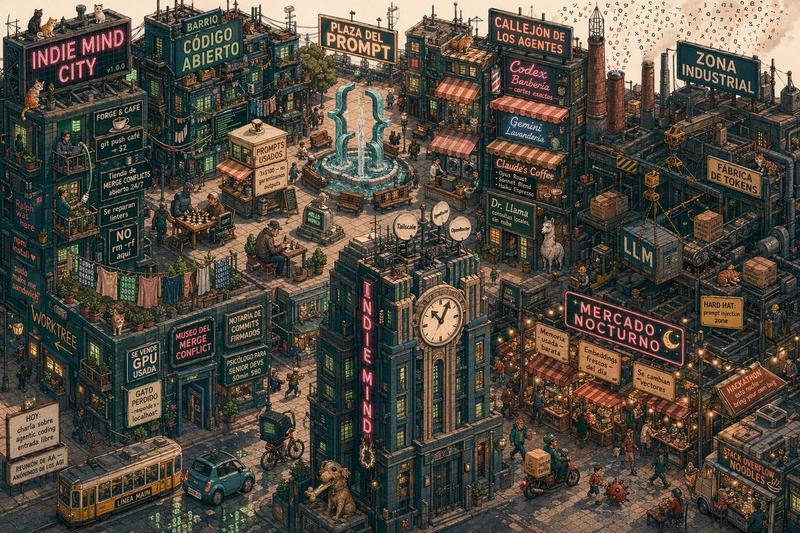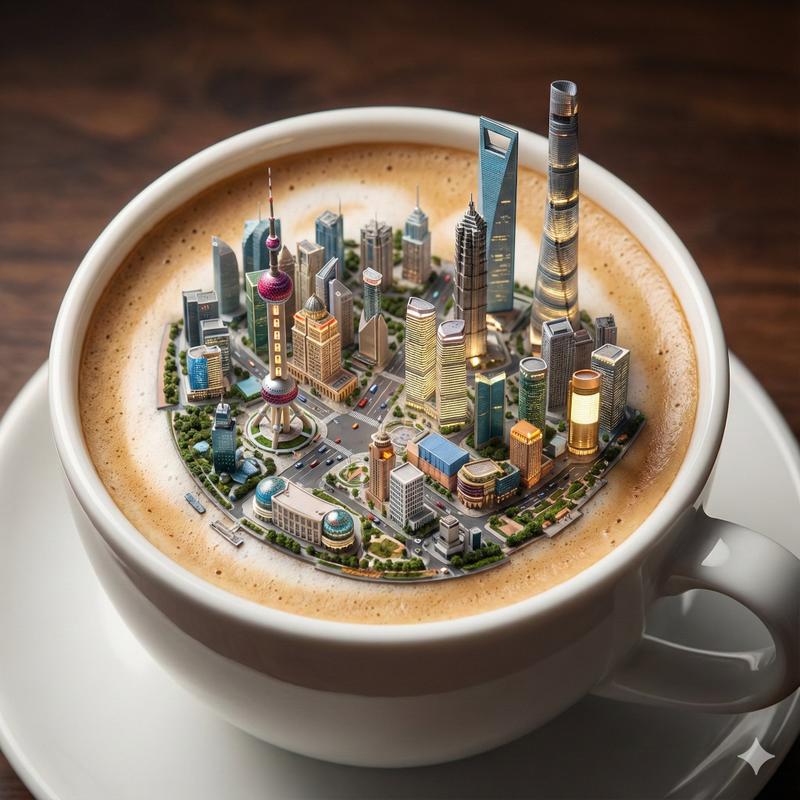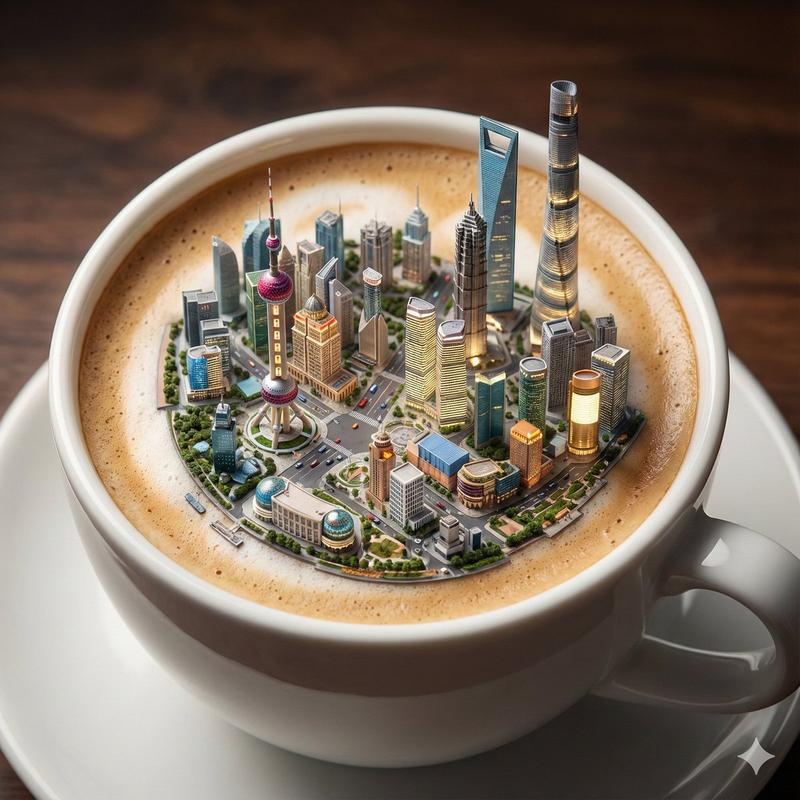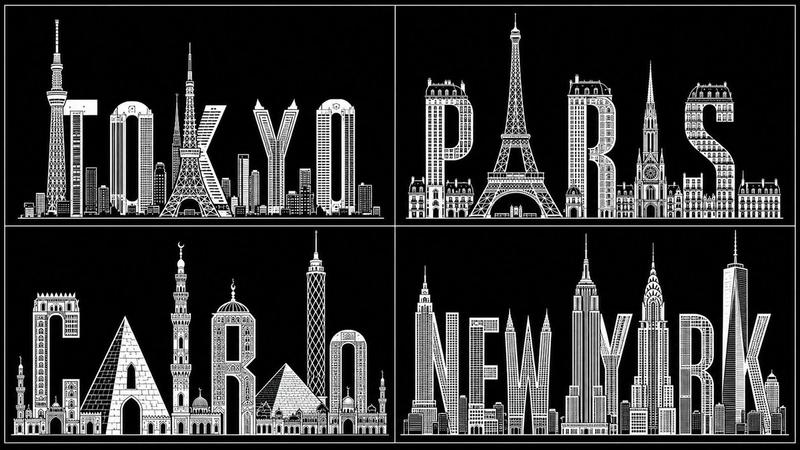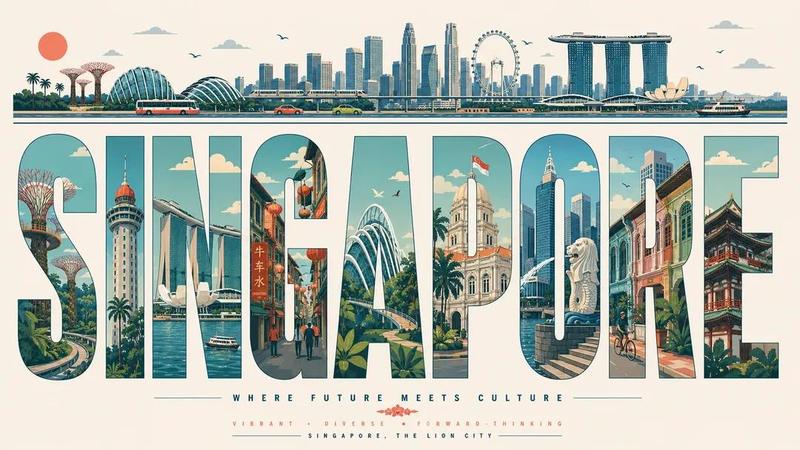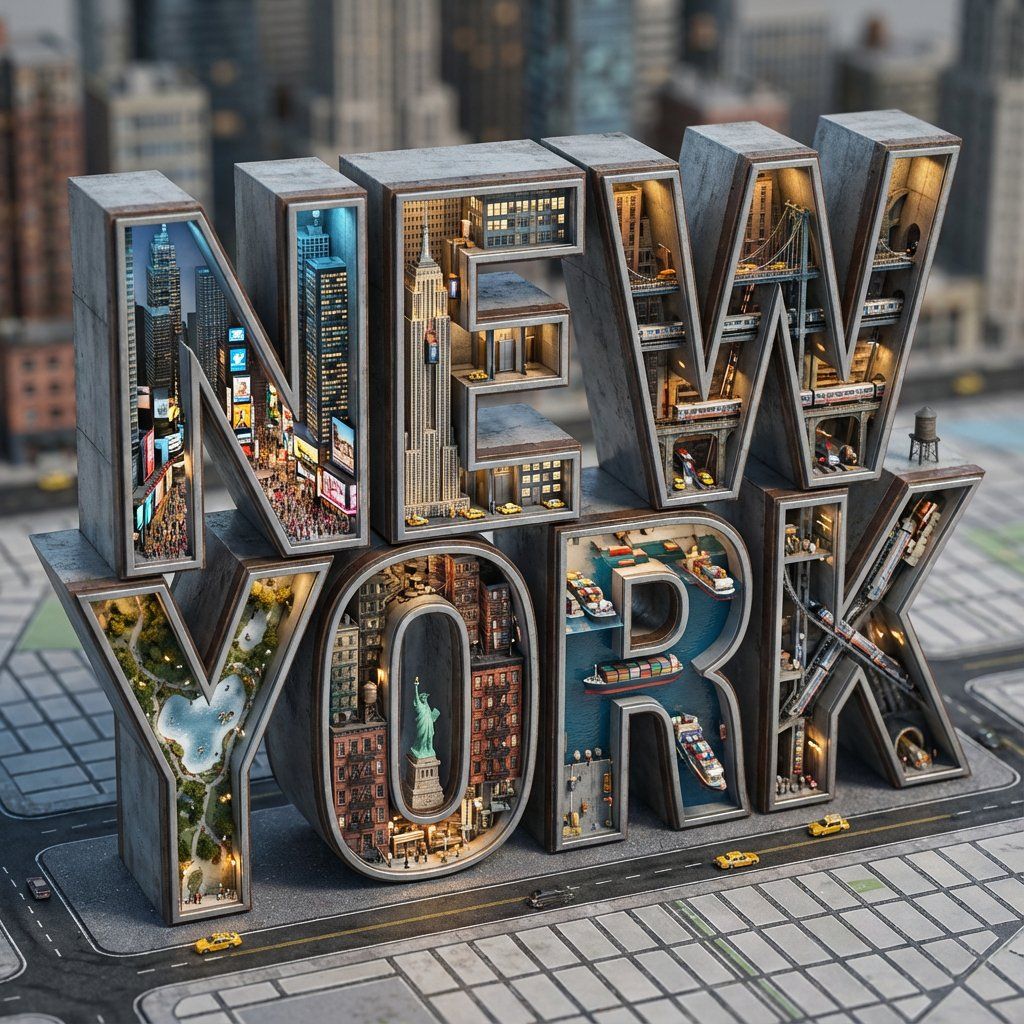
建筑排版微观世界渲染提示(纽约)
提示词
Do this for {argument name="city" default="New York"}: System Instruction:
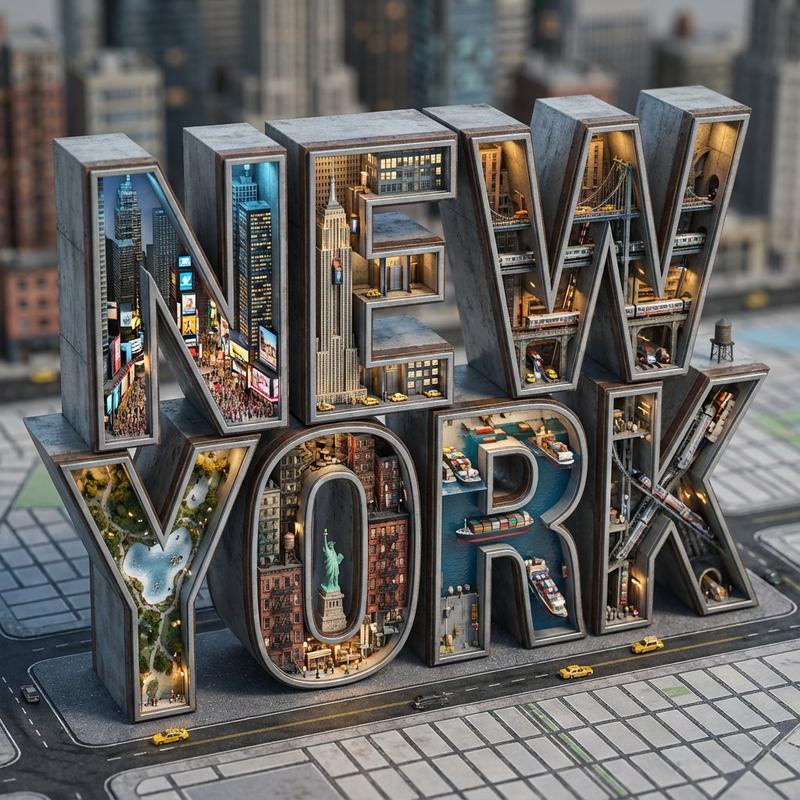
Generate a hyper-realistic 3D architectural typography render. The letters must act as massive, hollow containers housing a "Micro-World" that semantically matches the Input Word.
1. Semantic Inference (The Blueprint):
Analyze the Input Word to determine the Biome, Material, and Lighting:
If Organic (e.g., JUNGLE, LIFE): Material = Glass & Wood. Interior = Vines, Waterfalls, Trees. Light = Sunlight/Green.
If Urban (e.g., CITY, NYC): Material = Steel & Concrete. Interior = Skyscrapers, Traffic, Streetlights. Light = Amber/Blue.
If Industrial (e.g., FACTORY, RUST): Material = Rusted Iron & Mesh. Interior = Pipes, Steam, Gears. Light = Orange Furnace glow.
If Abstract (e.g., LOVE, HOPE): Material = Gold or White Marble. Interior = Floating petals, soft clouds, candles. Light = Soft Pink/Gold.
2. The Immutable Container (The Mega-Letters):
Geometry: Massive, blocky sans-serif typography.
The Shell: The letterforms are Hollow Containers with open faces or glass walls. They act like terrariums or shadow boxes.
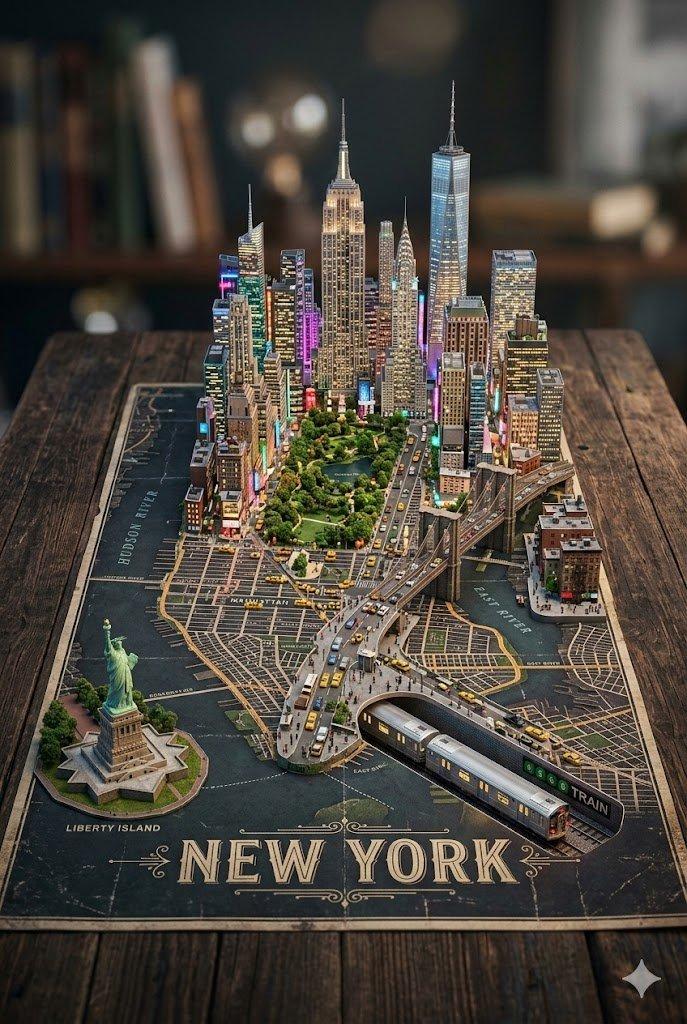
The Base: The letters rest on a surface relevant to the theme (e.g., A map for Cities; Moss for Nature; Blueprint for Industry).
3. The Internal Ecosystem (The Diorama):
CRITICAL: The "World" lives inside the negative space of the letters.
The Density: Fill the interior volume with thousands of tiny details (Micro-Scale).
Example: If "TOKYO," tiny neon signs, vending machines, and pedestrians fill the inside of the "T".
The Verticality: Use the height of the letters. Elevators, vines, or ladders should climb up the vertical strokes.
4. Visual Syntax:
Scale: Tilt-Shift Focus. Blur the background to make the letters look like tangible miniature models.
Detail: High-frequency textures. We need to see individual leaves, bricks, or rivets.
5. Lighting:
Internal Glow: The letters are lit from within by the bioluminescence or streetlights of the micro-world.
External Sun: A soft studio key light highlights the rim of the letter casing.
Output: 3D Render, Octane/Redshift, "Micro-World" Aesthetic, 8k Resolution.- 分类
- 创意图片
- 模型
- Nano Banana Pro
- 来源作者
- Gadgetify
- 来源 ID
- 2d1b8c96-5acd-4f74-9b66-6a1bb5cd01ad
- 发布时间
- 2026年3月8日
浏览量0