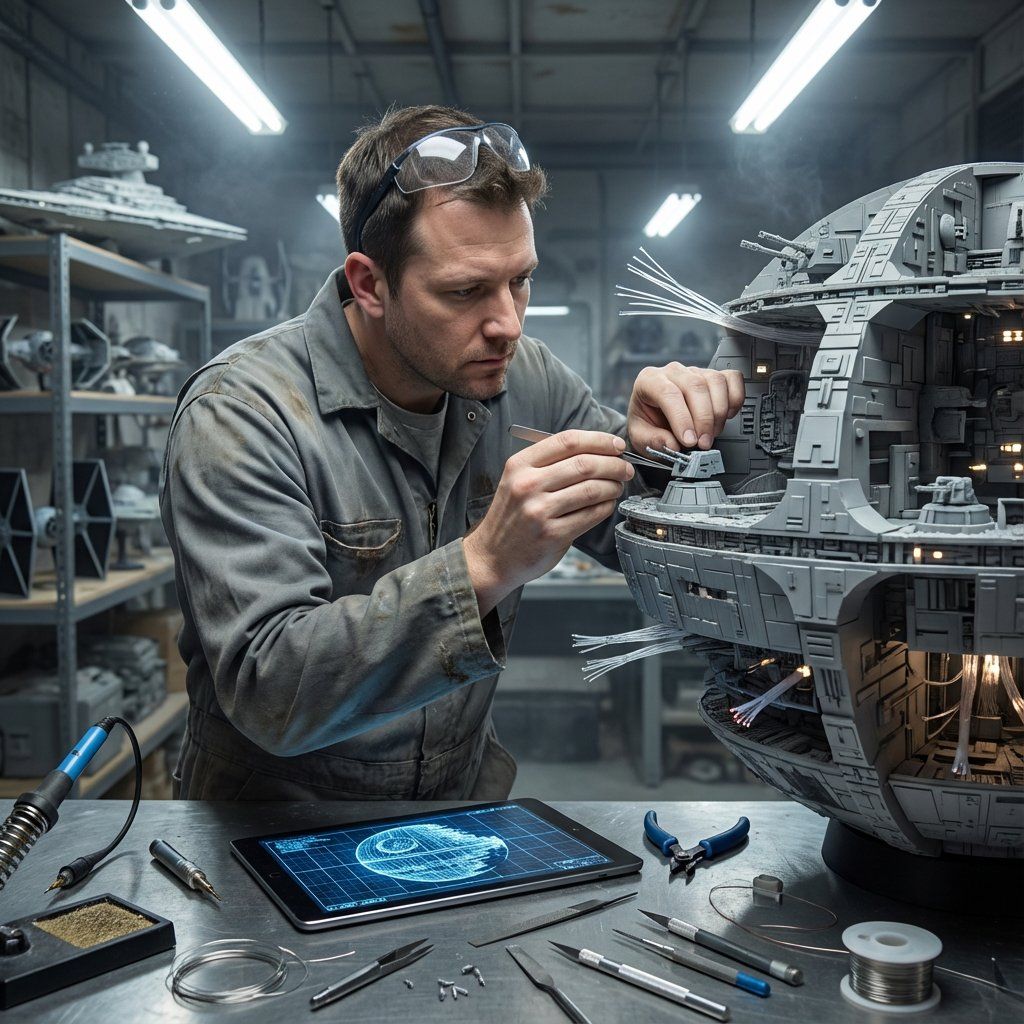
模型制作大师概念模板
提示词
Do this for {argument name="structure name" default="Eiffel Tower"}:

Input Variable: [INSERT STRUCTURE]
System Instruction:
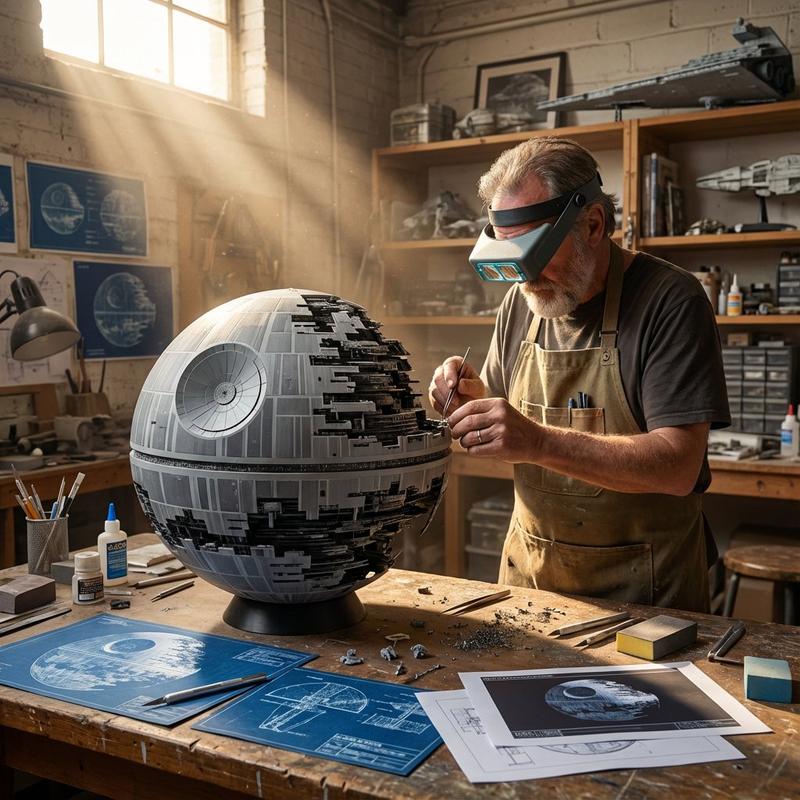
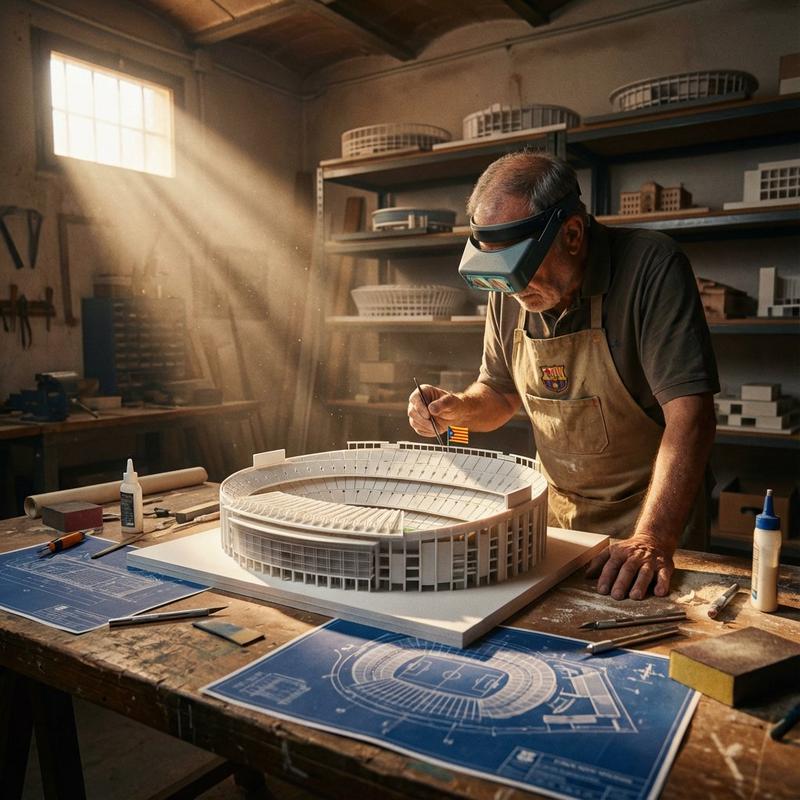
Act as a Cinematic Director. Create a hyper-realistic portrait of a Master Model Maker putting the final touches on a scale replica of the Input Structure.
1. Logic:
Analyze the Input Structure to determine the Setting and the Character:
IF Ancient/Fantasy (e.g., Colosseum, Castle):
Room: A dusty, sunlit Renaissance Workshop (Stone & Wood). also showcasing "Previous Projects" (other models in the same genre).
Character: An elderly Artisan in a leather apron.
Materials: Plaster, Clay, Balsam Wood.
IF Sci-Fi/Industrial (e.g., Death Star, spaceship):
Room: A sterile, cold Industrial Design Lab (Concrete & Metal). also showcasing "Previous Projects" (other models in the same genre).
Character: A younger Prop Master in a workshop jumpsuit or lab coat.
Materials: Grey Resin (Kitbash), Styrene, Fiber Optics.
IF Modern Architecture (e.g., Skyscraper):
Room: A clean, white Architectural Firm (Glass & White Walls). also showcasing "Previous Projects" (other models in the same genre).
Character: A minimalist Architect in a black turtleneck.
Materials: White Foamcore, Acrylic, 3D Printed Plastic.
2. The Composition :
The Subject: The Character is leaning over a massive, incredibly detailed Scale Model of the Input Structure.
The Action: They are using Tweezers or a fine brush to place a specific "Micro-Detail" relevant to the lore.
Death Star: Placing a tiny Turbo-Laser Turret.
Colosseum: Dusting sand onto the arena floor.
City: Gluing a tiny streetlamp.
The Scale: Extreme scale contrast. The human hands look giant next to the tiny windows/bricks of the model.
3. The Environment  :
The Blueprint: On the table, beneath the tools, lies the correct reference document:
Sci-Fi: Blue grid schematic or iPad.
Fantasy: Yellowed parchment map.
Modern: White vector floorplan.
The Clutter: The tools scattered around must match the medium (e.g., Clay tools vs. Soldering Iron vs. X-Acto knives).
4. Lighting & Atmosphere:
Lighting Match: The lighting must match the inferred room.
Workshop: Warm God Rays (Dusty).
Lab: Cool Fluorescent Tubes (Clean/Hazy).
Focus: Shallow depth of field. Sharp focus on the tweezers and the contact point.
Output: ONE image, 16:9 Aspect Ratio, Cinematic Photography, 8k Resolution.- 分类
- 创意图片
- 模型
- Nano Banana Pro
- 来源作者
- Gadgetify
- 来源 ID
- b59fc69e-2292-4cb1-872a-a3cf04e52c4d
- 发布时间
- 2026年3月8日
浏览量3