咖啡馆窗影下的电影感编辑人像
提示词
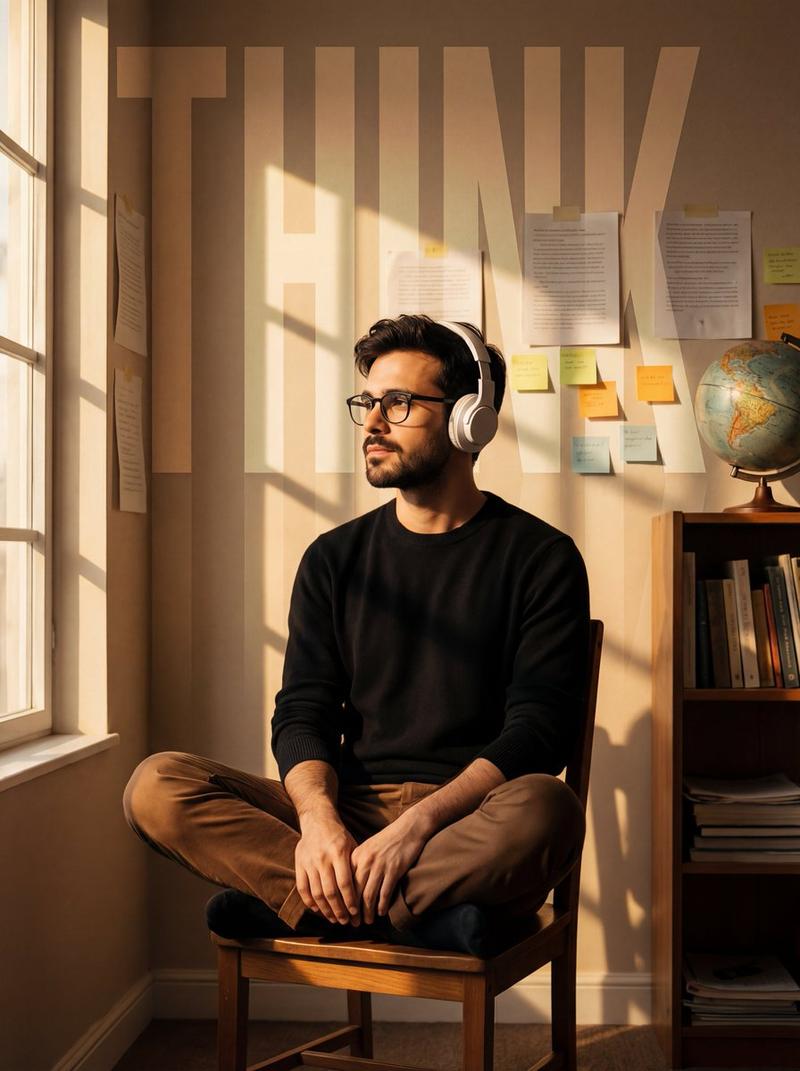
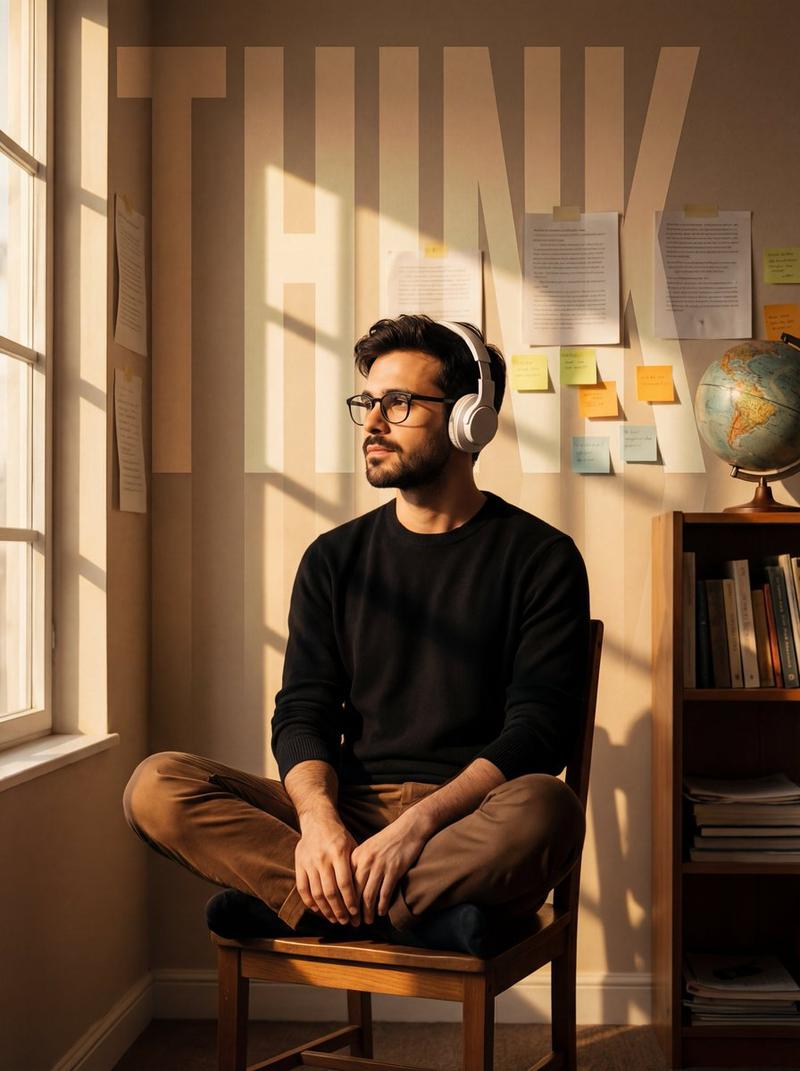
Cinematic editorial portrait, ultra-detailed.
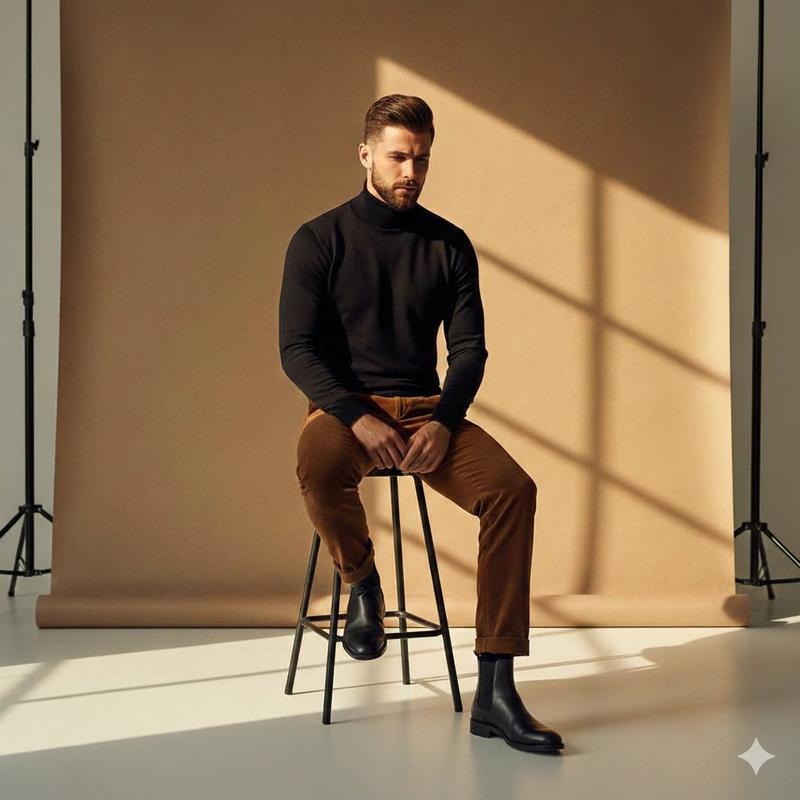
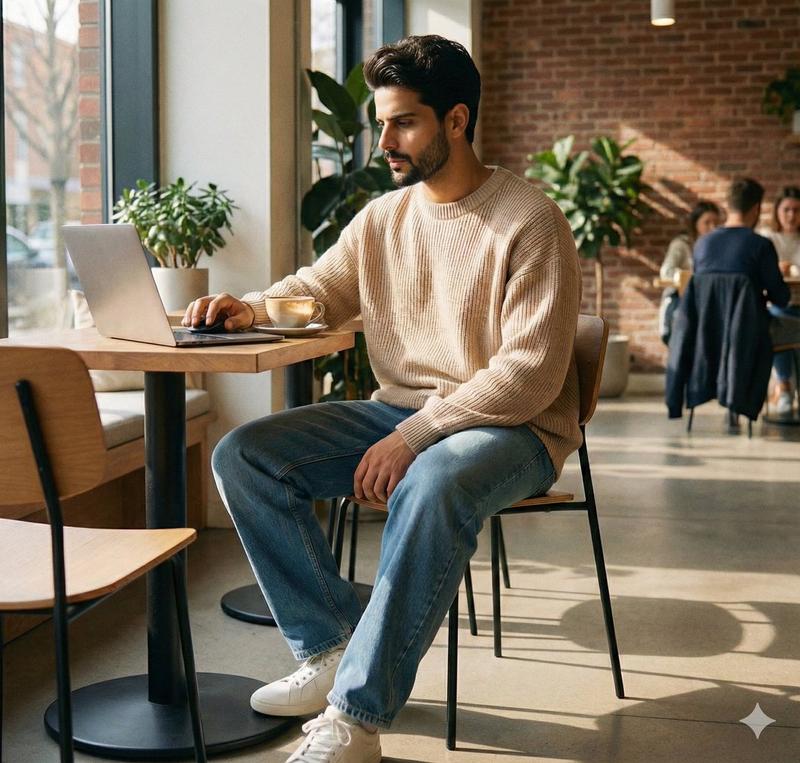
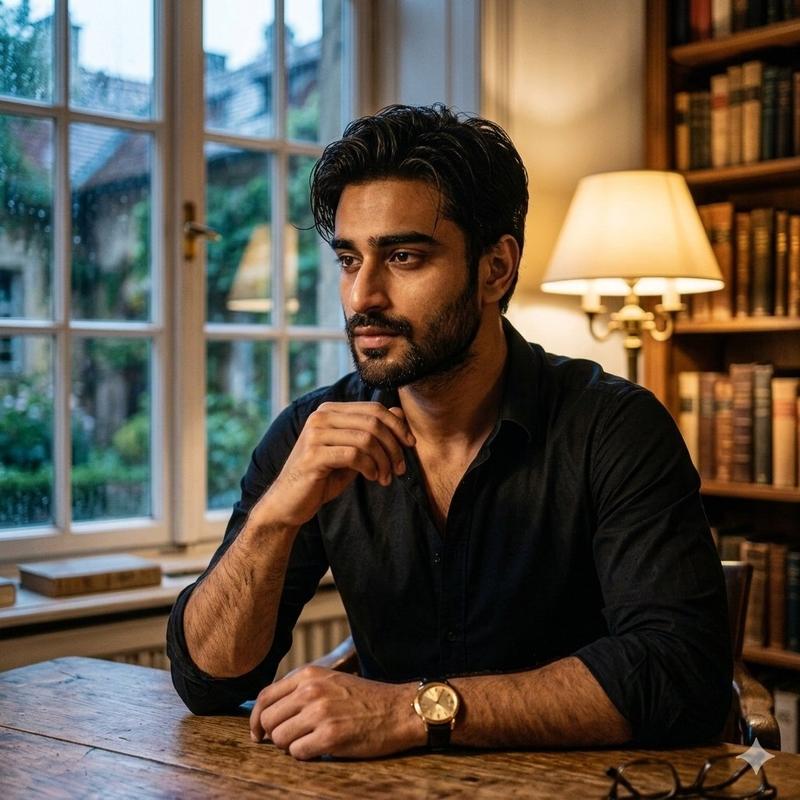
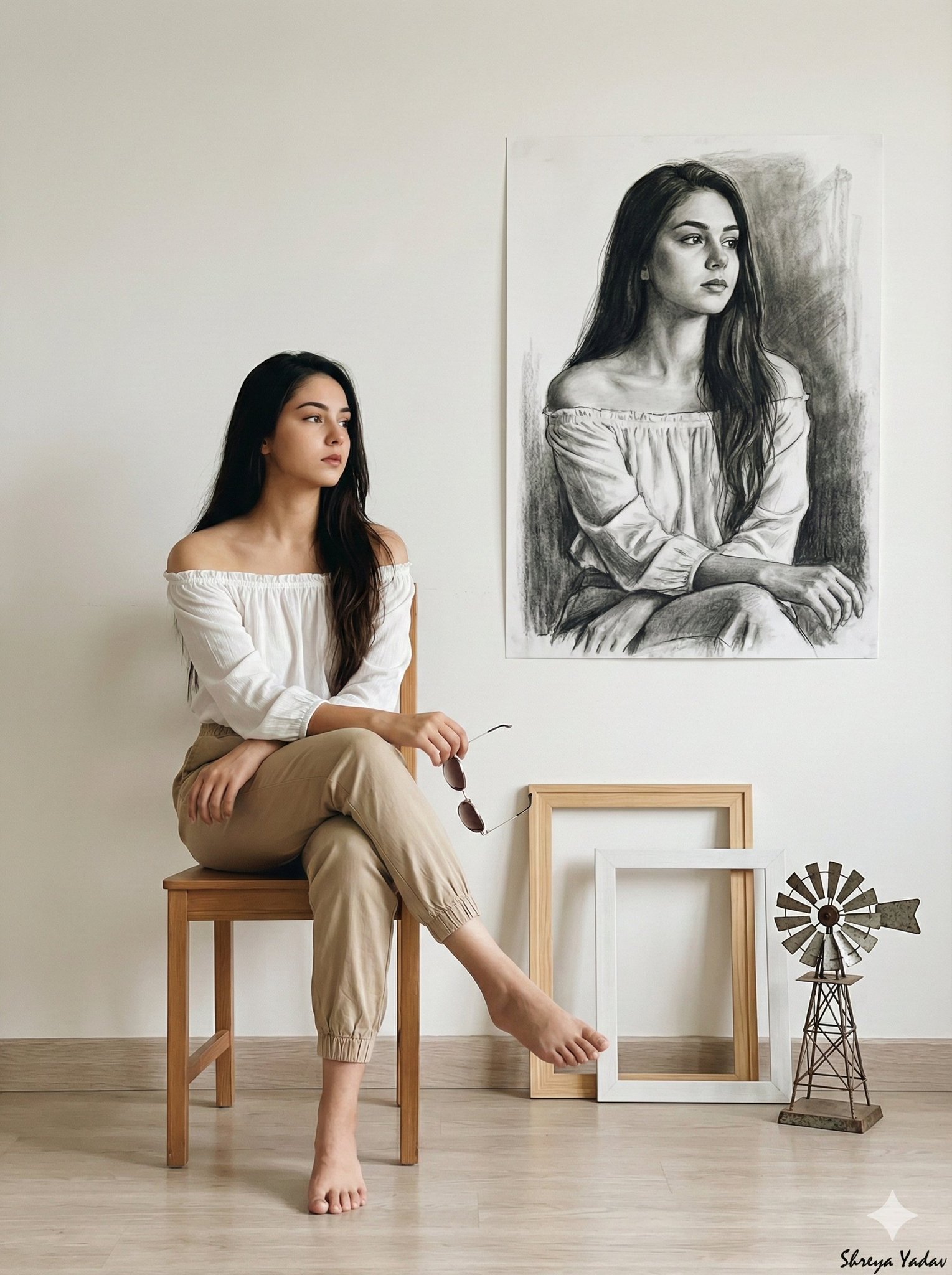
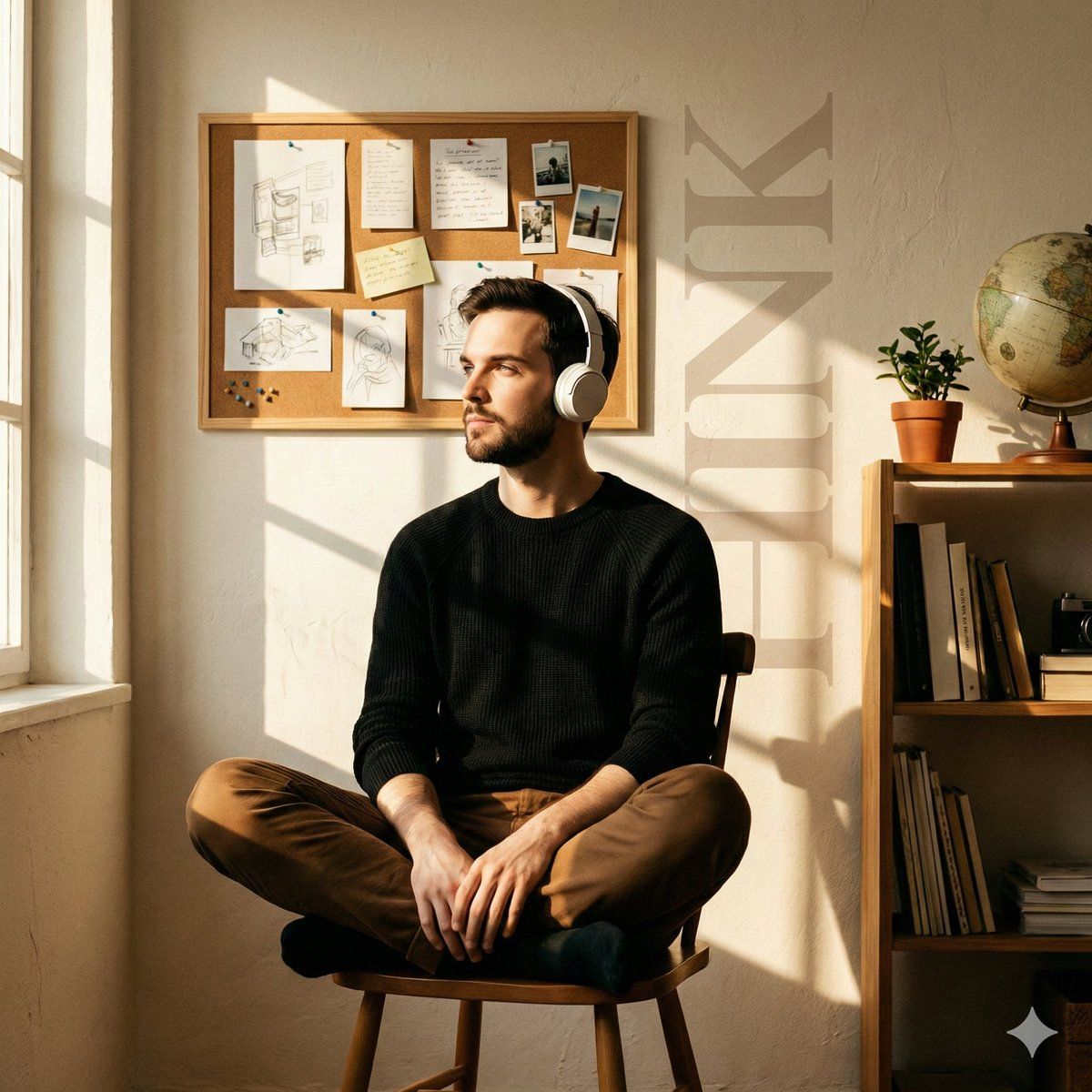
A young man sits cross-legged on a simple wooden chair, relaxed yet introspective, wearing white over-ear headphones, a black knit sweater, and brown trousers. His face is turned toward the incoming light, eyes calm and reflective.

Interior setting: an intimate creative workspace with warm, textured off-white walls. The background features a corkboard filled with pinned sketches, handwritten notes, and clipped photographs, arranged organically rather than neatly. A tall wooden side shelf on the right holds stacked books, a small indoor plant, and a vintage globe, adding depth and visual balance.

Lighting: rich golden-hour sunlight entering from the left, passing through a window and casting crisp, rectangular window-grid shadows across the subject and the back wall. Strong directional light with warm highlights and soft falloff.

Visual elements: oversized vertical typography reading “{argument name="background text" default="THINK"}” subtly embedded into the background, semi-transparent, softly faded, blending into the wall texture.

Mood & texture: warm, nostalgic, cinematic tone, quiet and contemplative atmosphere, subtle film grain, slight vignette, natural color palette, realistic skin tones, shallow depth of field, high-end photography aesthetic.- 分类
- 创意图片
- 模型
- Nano Banana Pro
- 来源作者
- Johnn
- 来源 ID
- 87a069a9-138b-49d4-8223-f4b2540ef364
- 发布时间
- 2026年3月8日
浏览量0