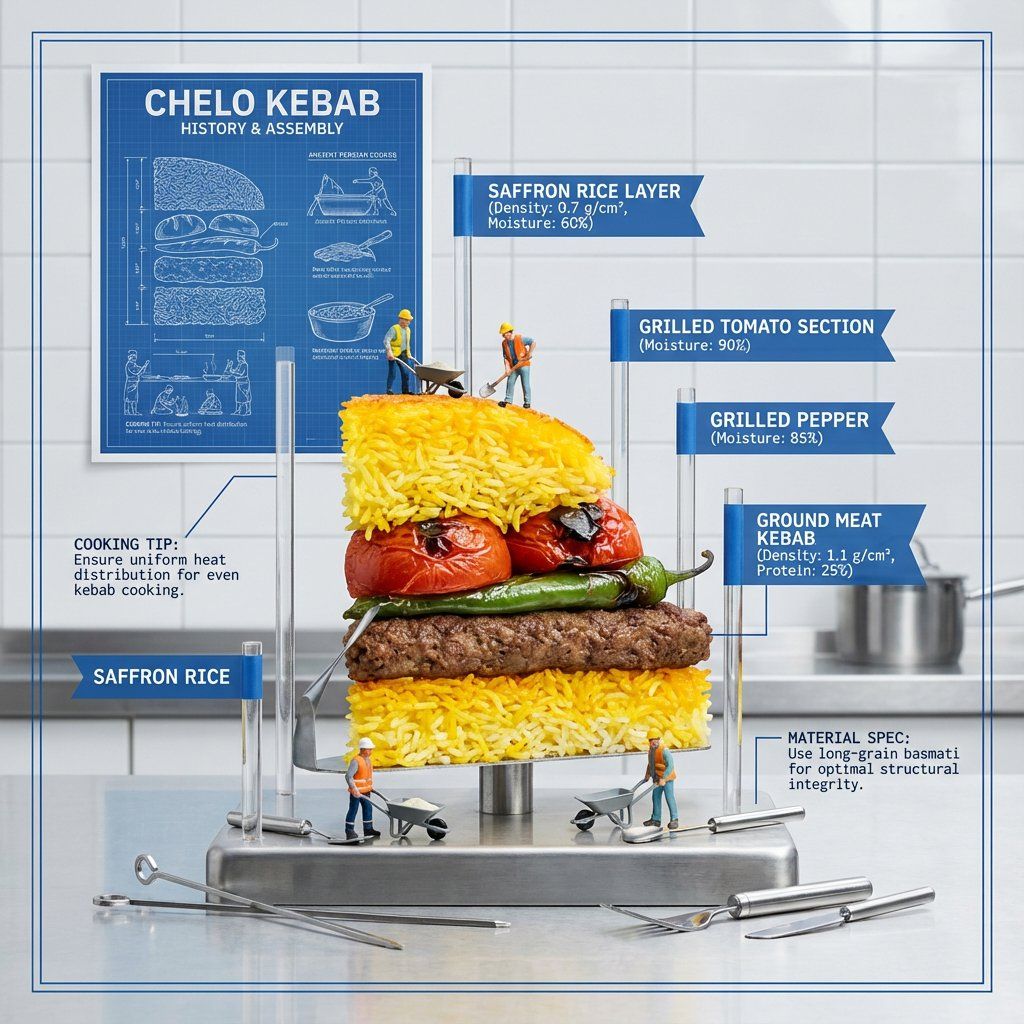
分解食物图技术摄影提示
提示词
<instructions>
Input A: Any layered/textured dish (e.g., {argument name="layered dish" default="lasagna, baklava, mille-feuille, biryani"})
Input B: Anatomical model / architectural blueprint
Goal: Half-eaten slice displayed like an architectural model with each layer labeled, showing structural engineering and material science of cooking.
Rules:
Dish cut in perfect cross-section, standing upright
Acrylic rods with flags labeling each layer
Only food relevant call outs and measurements
Food relevant background
Miniature construction workers on layers
History of the meal visualized on a poster on the wall
Cooking tips notes
Material specifications (density, moisture content)
Foundation layer with no label
Include tiny food tools
Technical drawing aesthetic with white and blue
Output: ONE image, technical photography, clean industrial lighting, 4:5 ratio </instructions>- 分类
- 创意图片
- 模型
- Nano Banana Pro
- 来源作者
- Gadgetify
- 来源 ID
- cbc1fcff-1584-47d4-b1f6-e5c2ed257089
- 发布时间
- 2026年3月8日
浏览量0



















