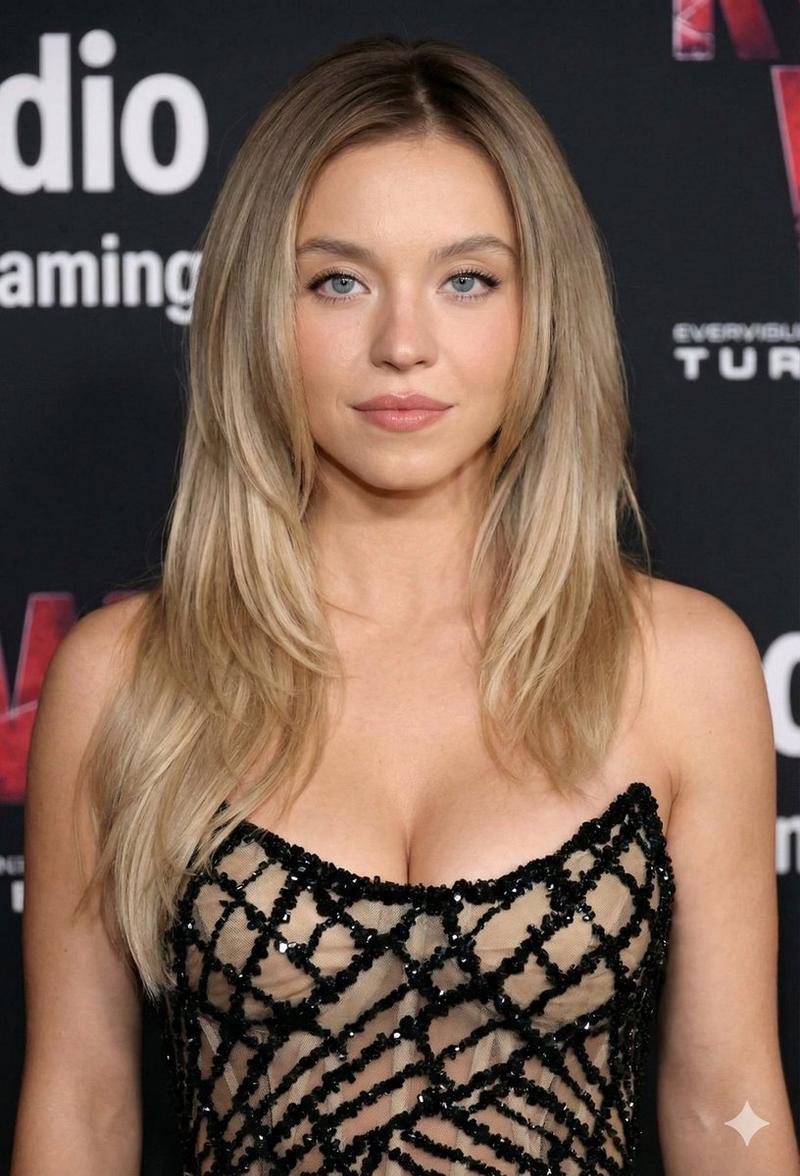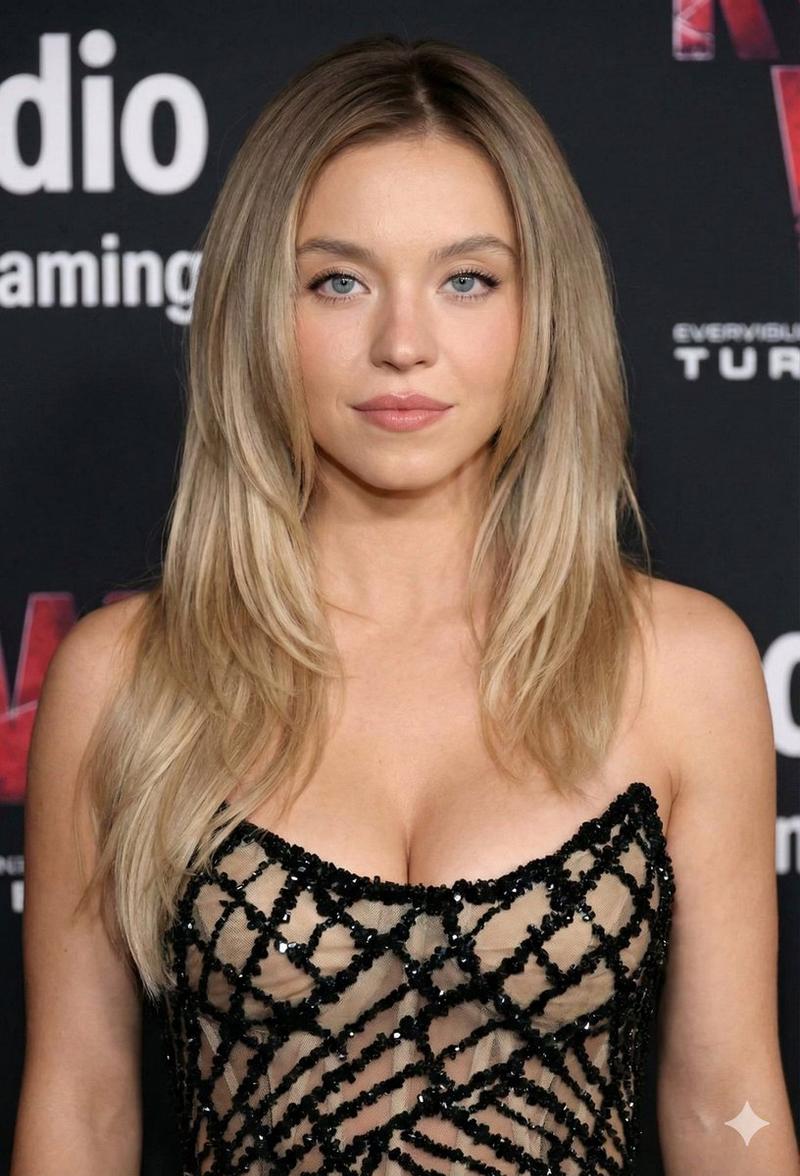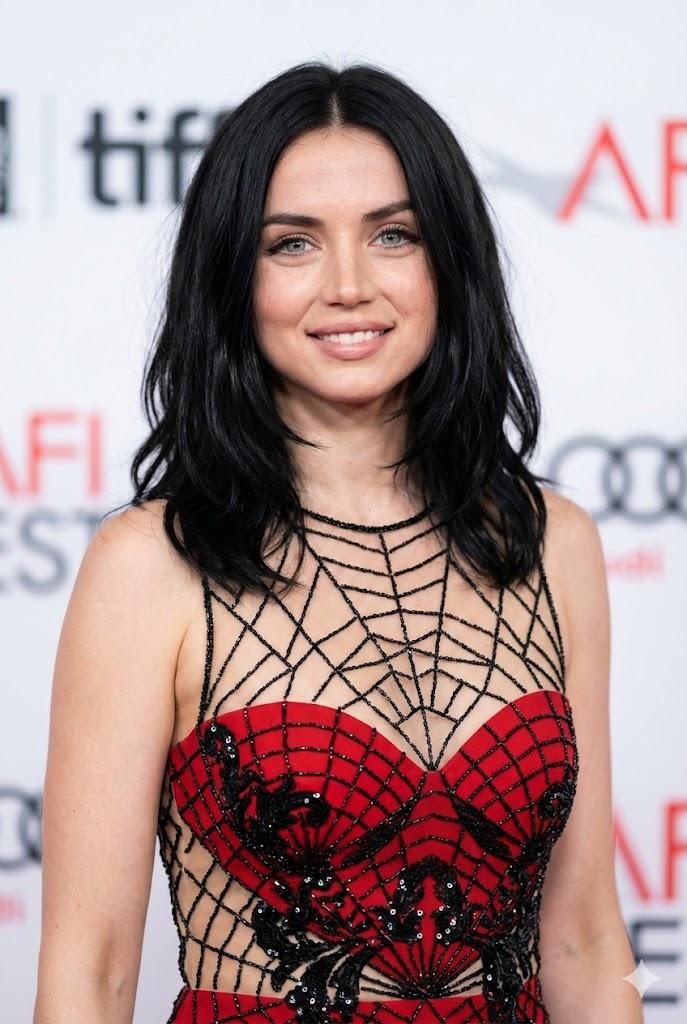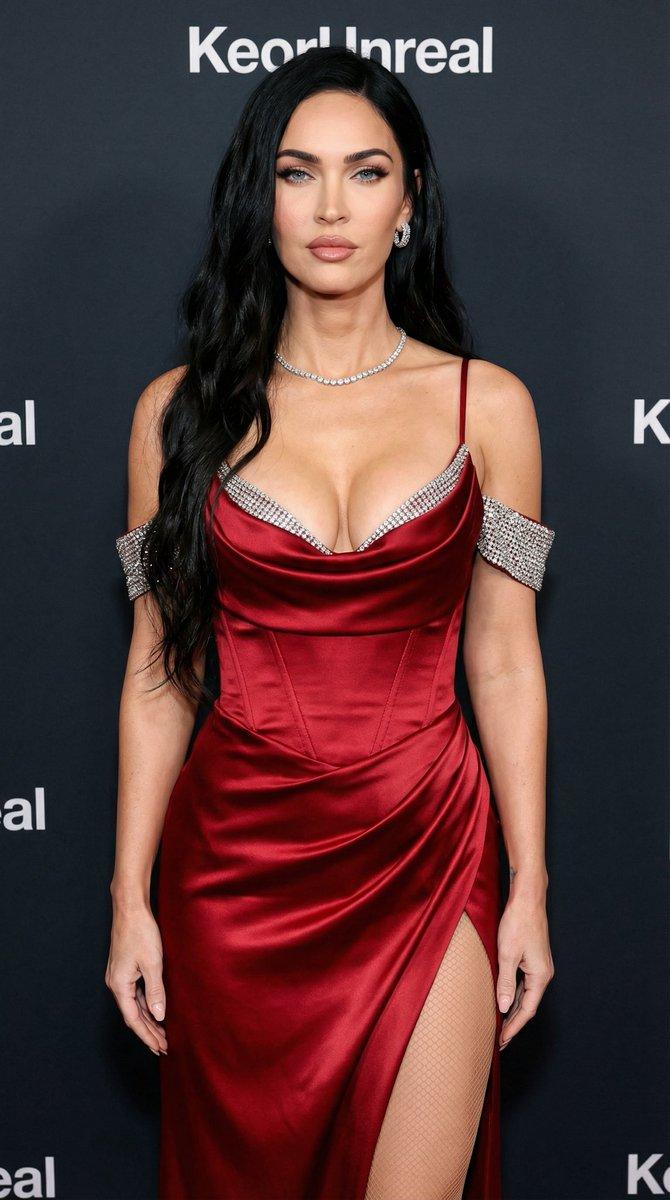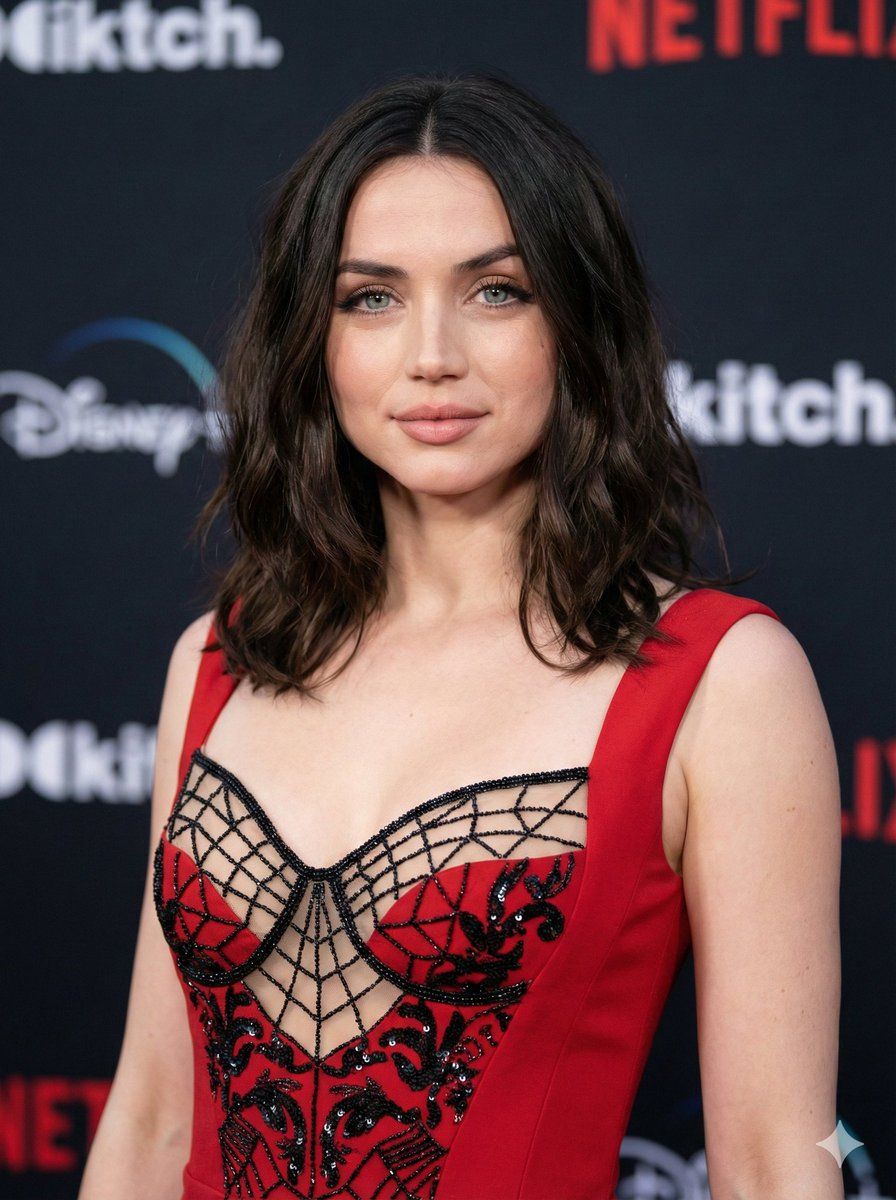
超逼真红毯肖像提示词
提示词
{
  "image_prompt": {
    "subject": {
      "name": "{argument name="subject name" default="Ana de Armas"}",
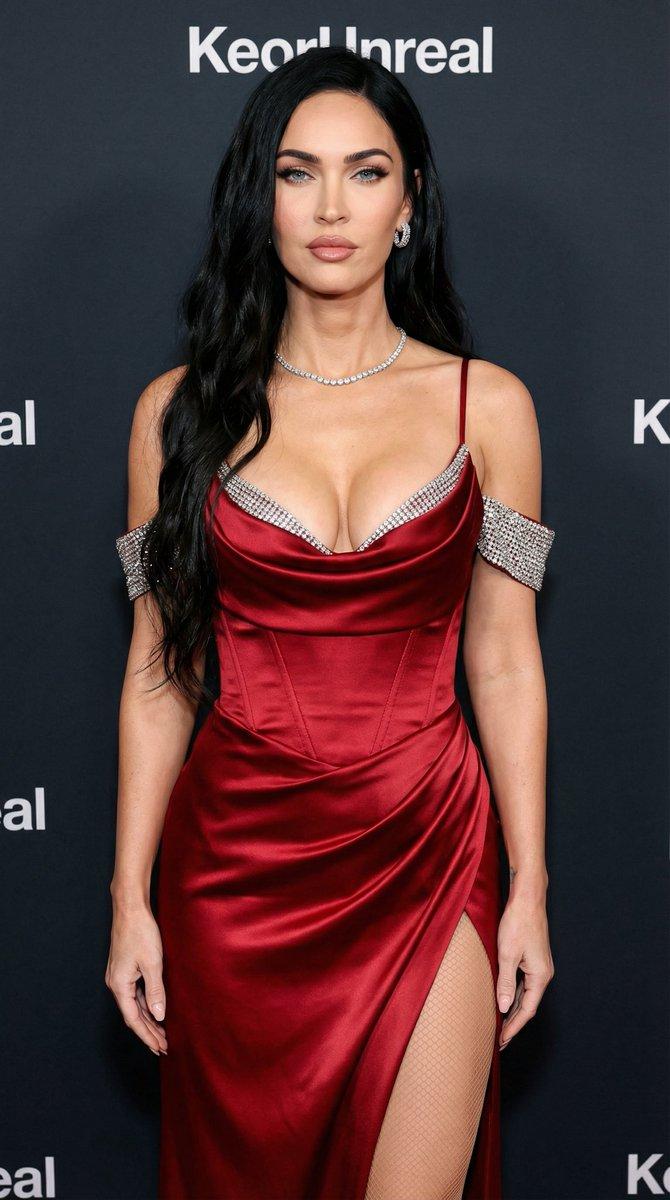
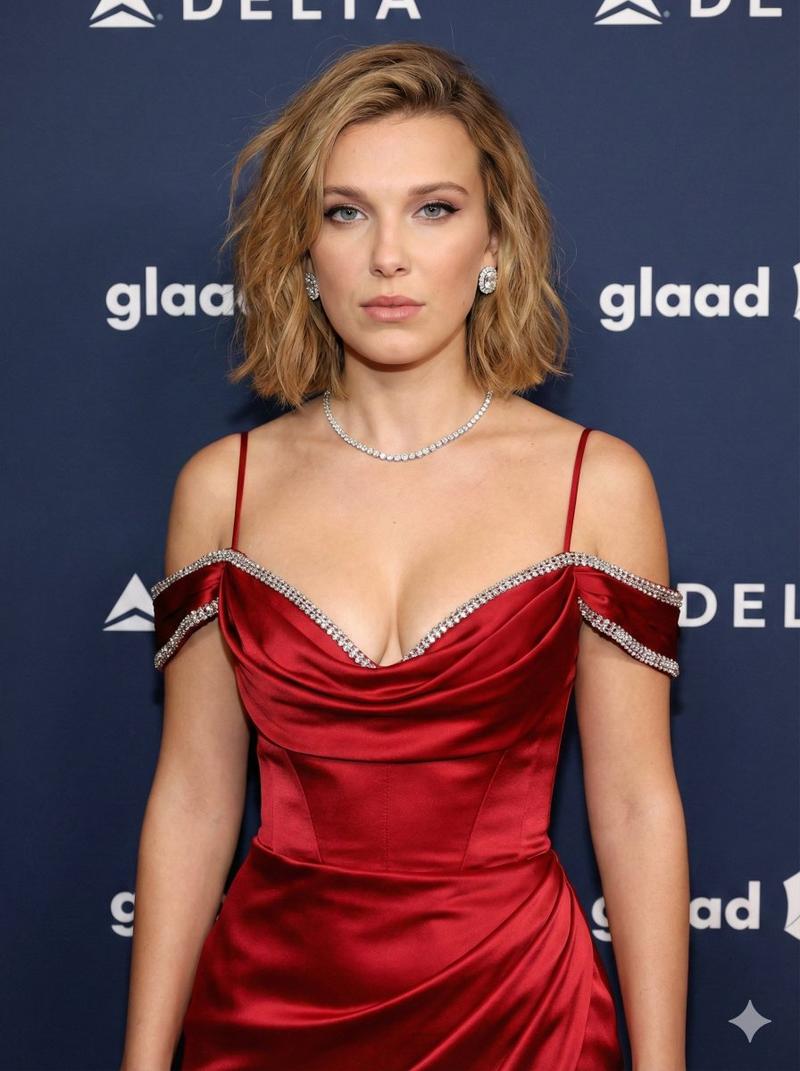
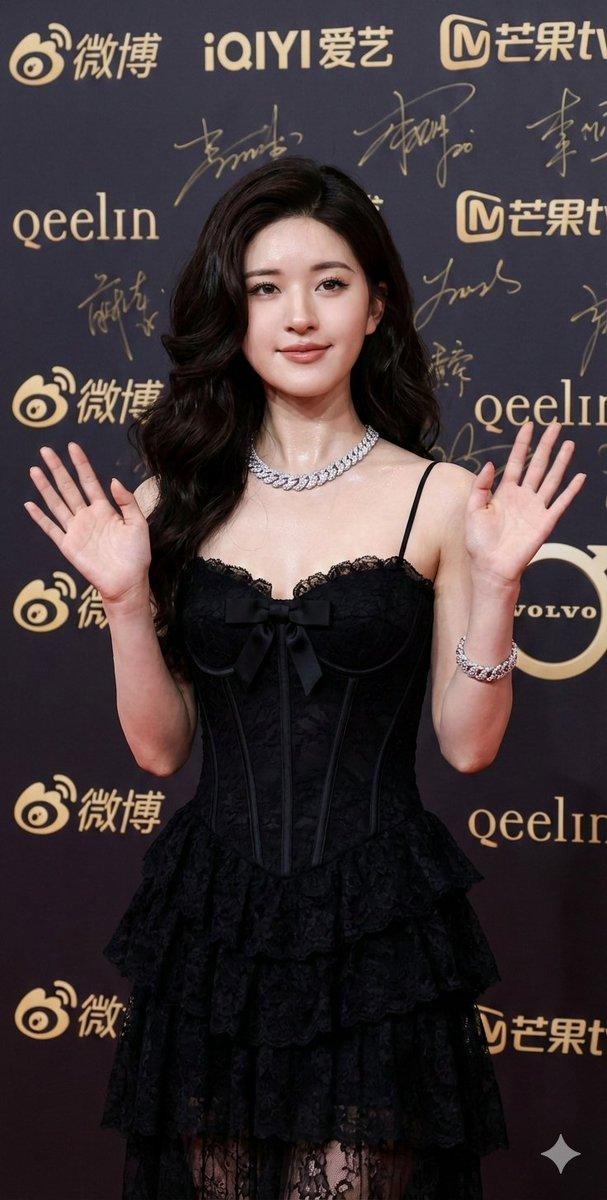
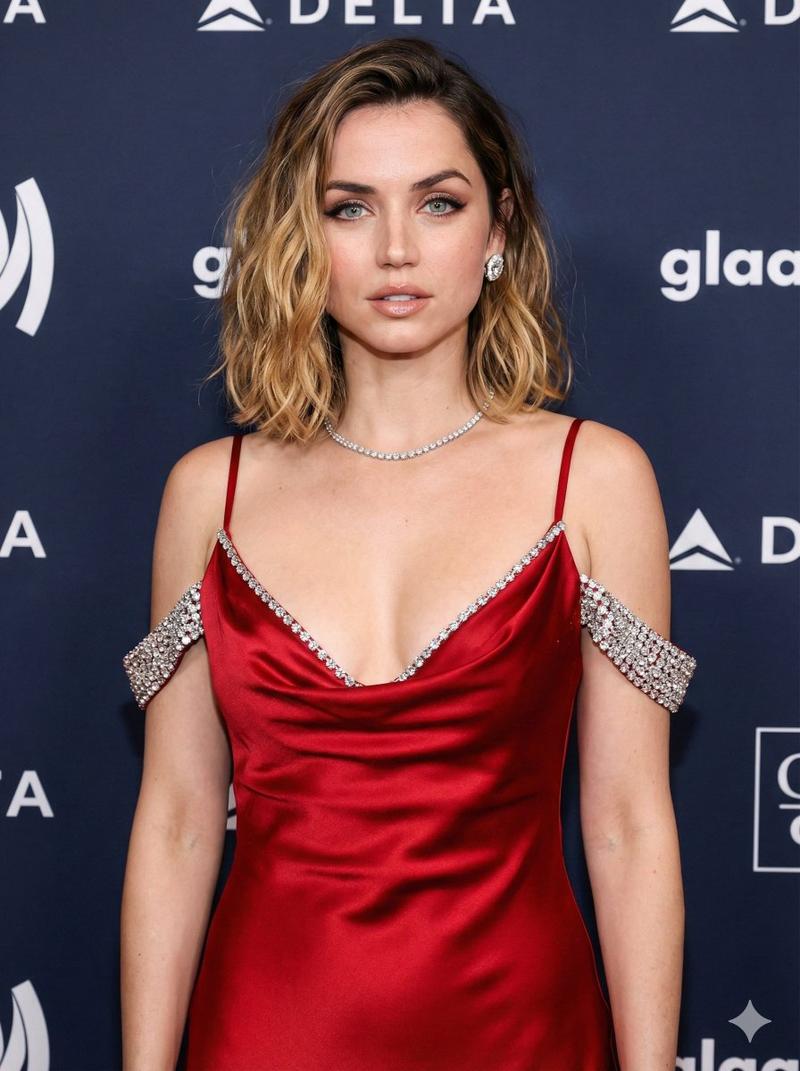
      "description": "young woman with shoulder-length layered Black hair, soft waves, blue eyes, soft natural makeup with nude pink lipstick, glowing skin complexion",
      "pose": "looking directly at camera, slight smile, confident red carpet stance, head and shoulders portrait"
    },
    "outfit": {
      "item": "{argument name="outfit item" default="Red dress"}",
      "details": "black beaded geometric web pattern over nude sheer illusion fabric, sweetheart neckline, intricate black sequin embroidery, sleeveless, structured fit",
      "style": "glamorous, high fashion, couture"
    },
    "environment": {
      "setting": "movie premiere red carpet event",
      "background": "dark blurred media wall with unrecognizable white and red logos, professional event backdrop",
      "atmosphere": "exclusive, cinematic, celebrity sighting"
    },
    "technical_specs": {
      "lighting": "soft professional flash photography, rim lighting on hair, even facial illumination, no harsh shadows",
      "camera": "85mm lens, f/1.8 aperture, sharp focus on eyes, bokeh background",
      "quality": "8k resolution, ultra-realistic, highly detailed texture, raw photo, photorealism, masterpiece",
      "aspect_ratio": "9:16"
    }
  },
  "negative_prompt": "cartoon, illustration, painting, drawing, bad anatomy, blurry, low quality, distorted eyes, text, watermark, logo, oversaturated, messy hair, wrong face",
  "parameters": {
    "size": "highest_resolution",
    "orientation": "vertical",
    "style_preset": "photographic" Ratio 3.4
}- 分类
- 创意图片
- 模型
- Nano Banana Pro
- 来源 ID
- 4f93e19d-49d6-4c15-8d23-08f7dfbc8ae6
- 发布时间
- 2026年3月8日
浏览量0