优雅秋日城市公园编辑场景
提示词
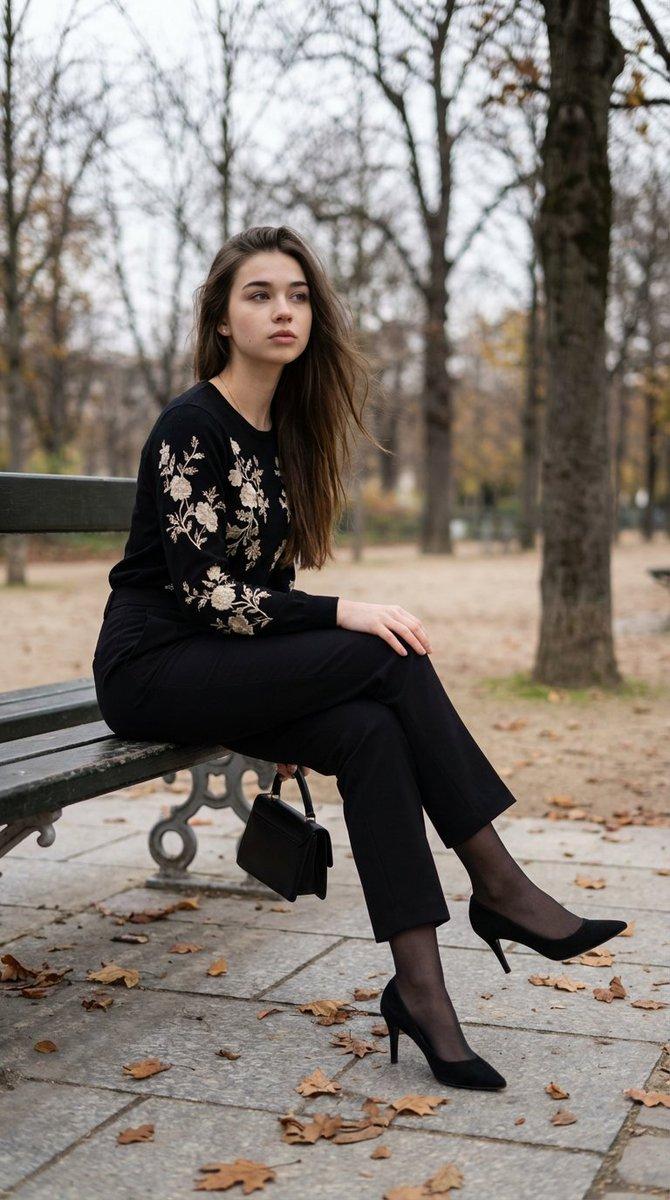
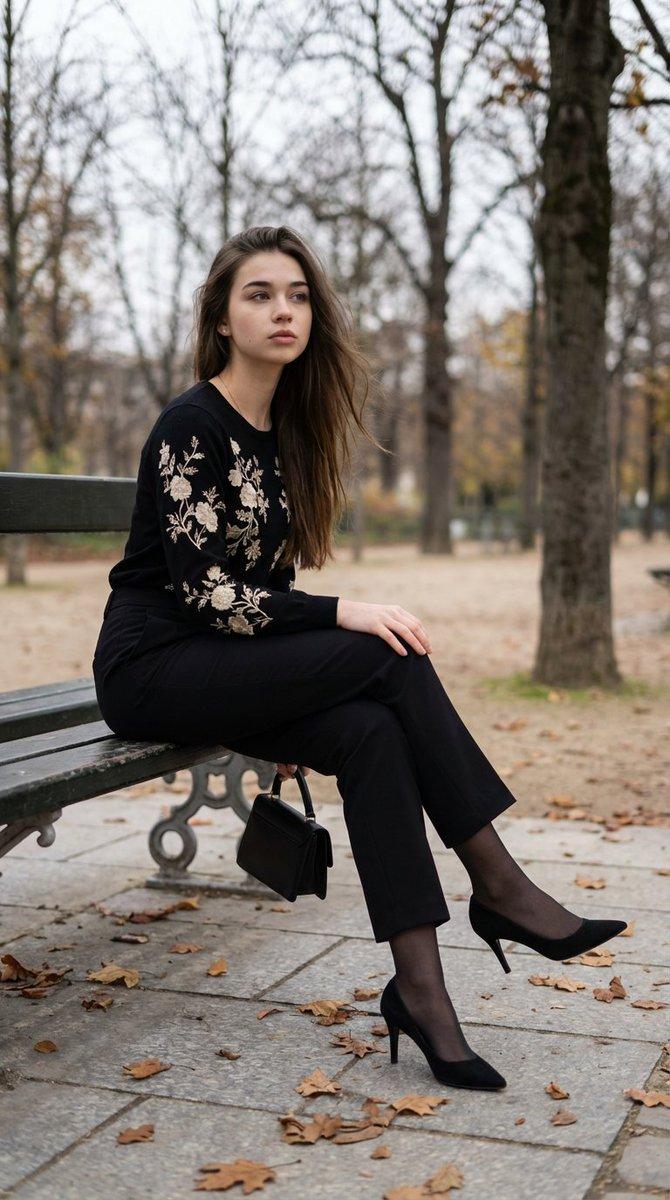
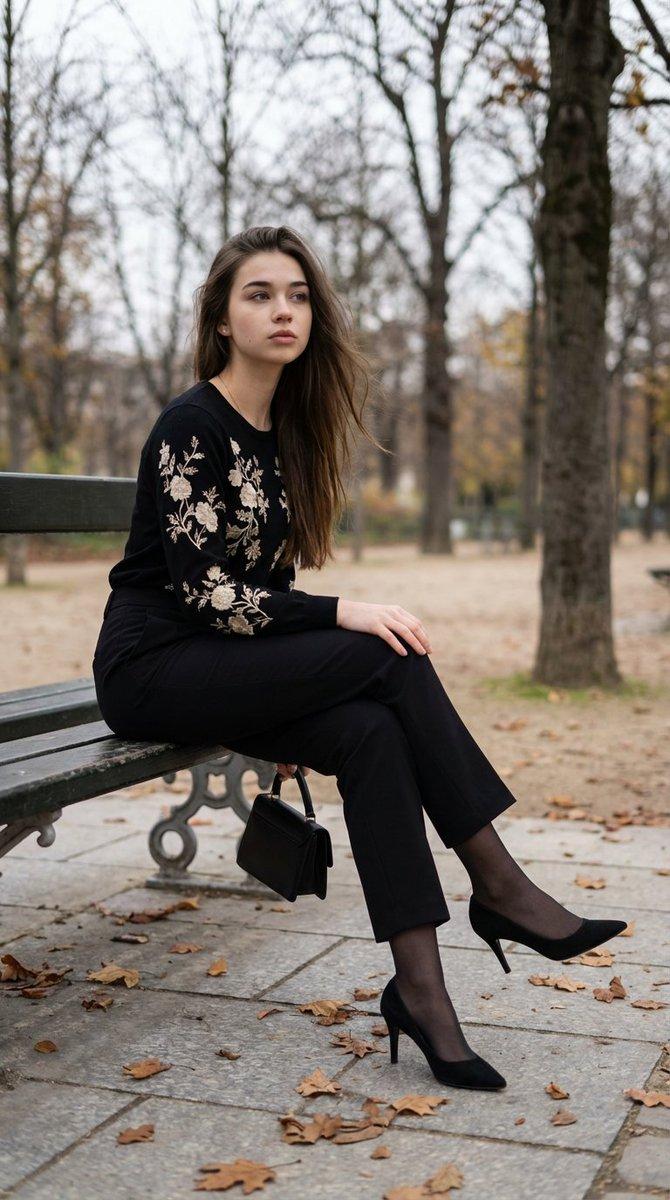
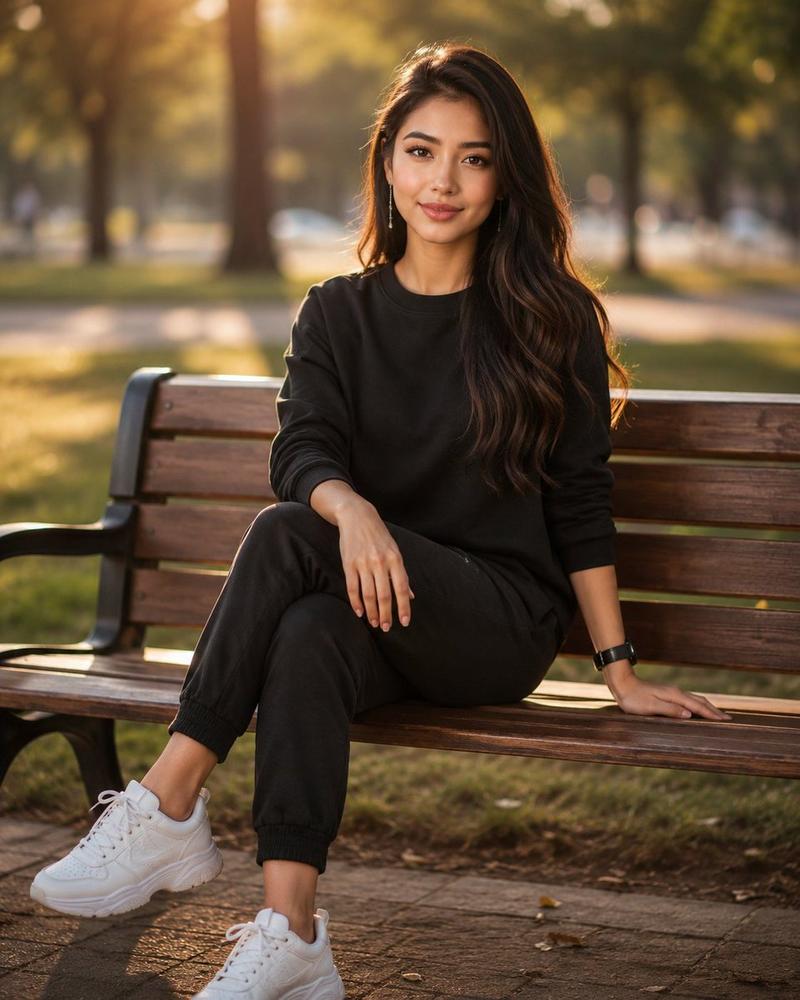
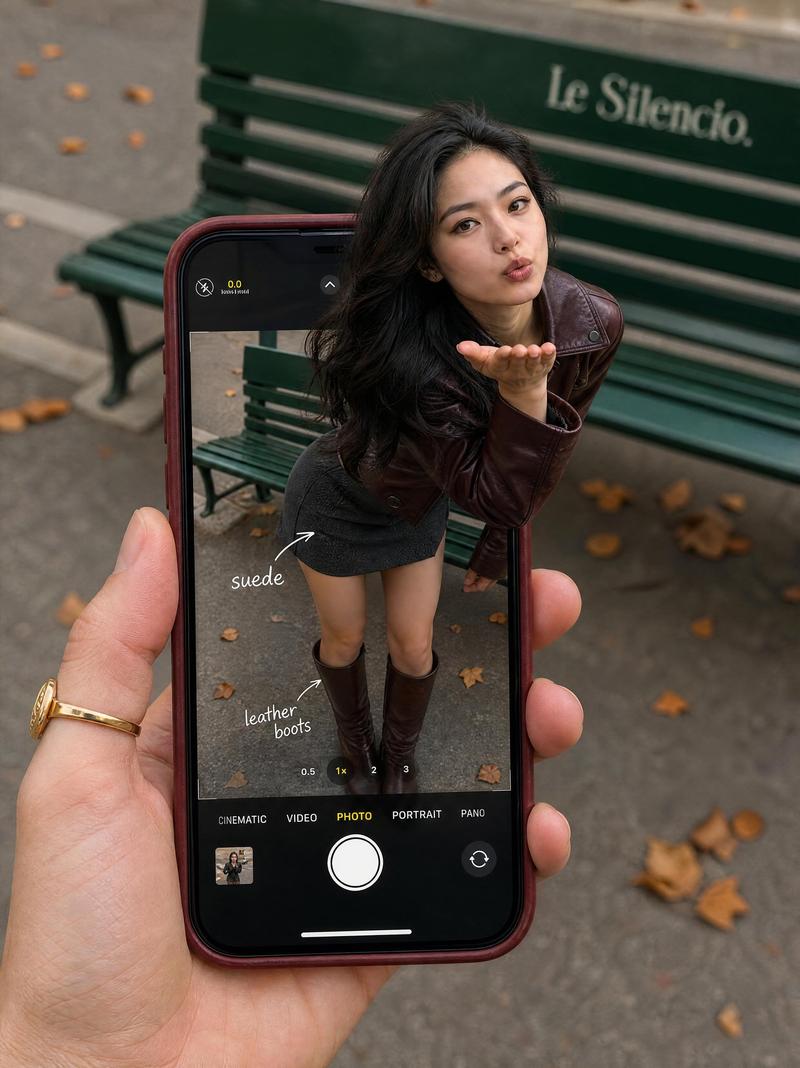
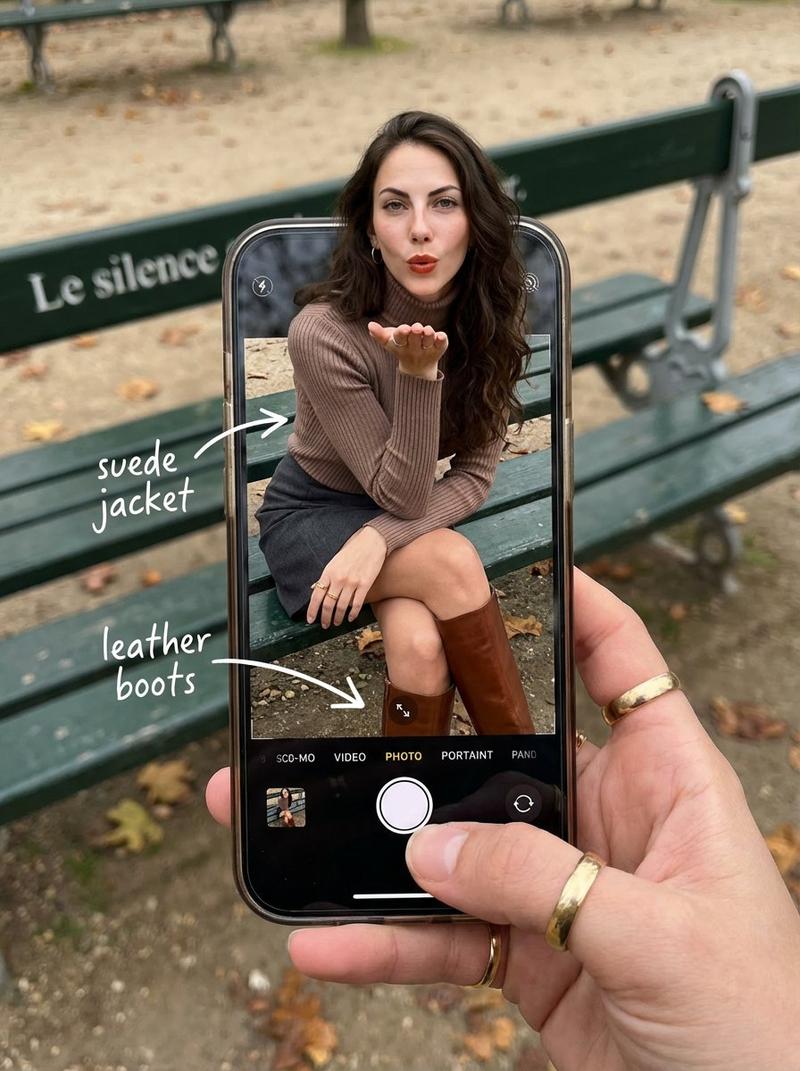
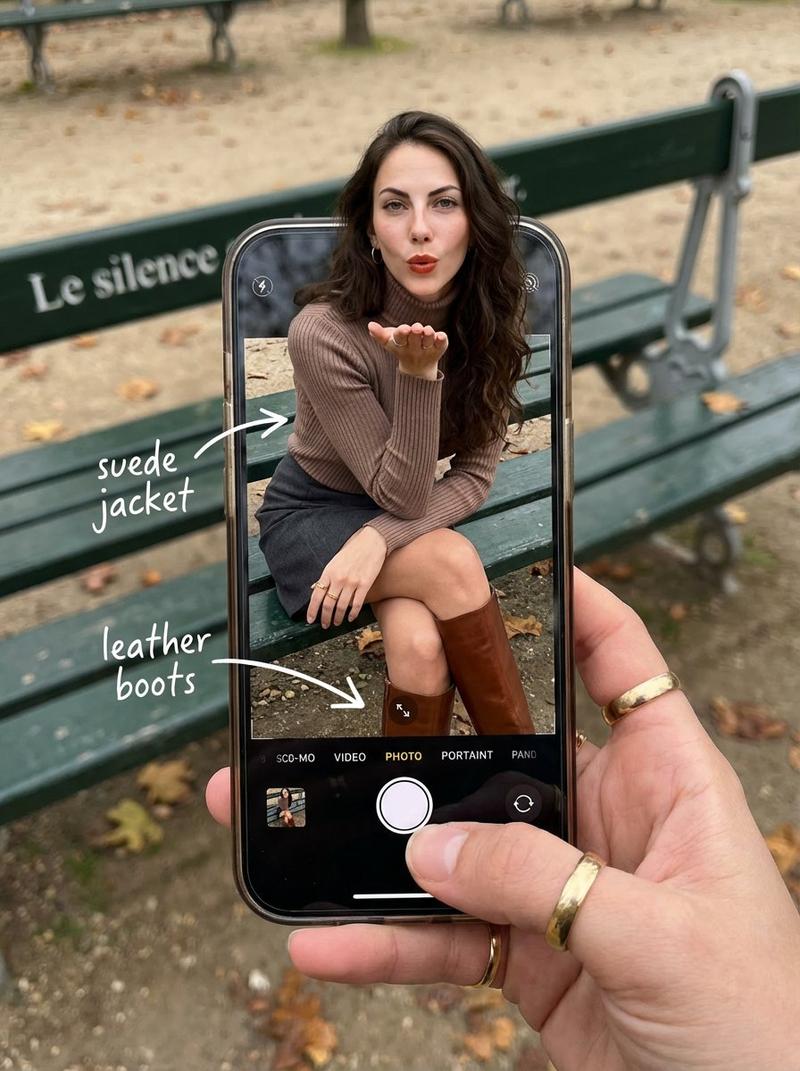
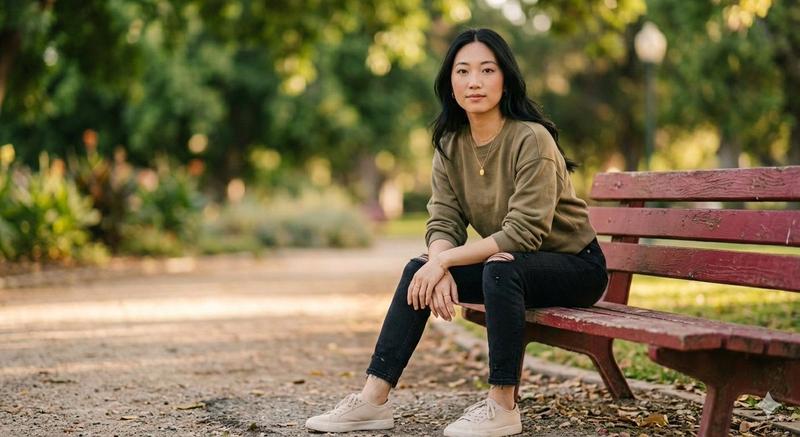
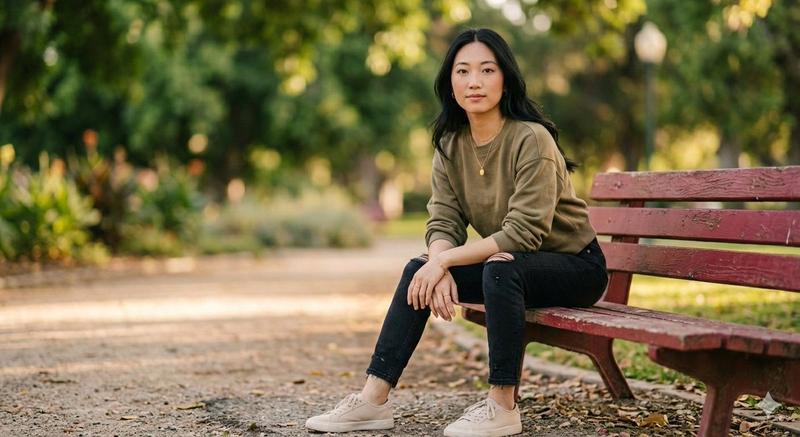
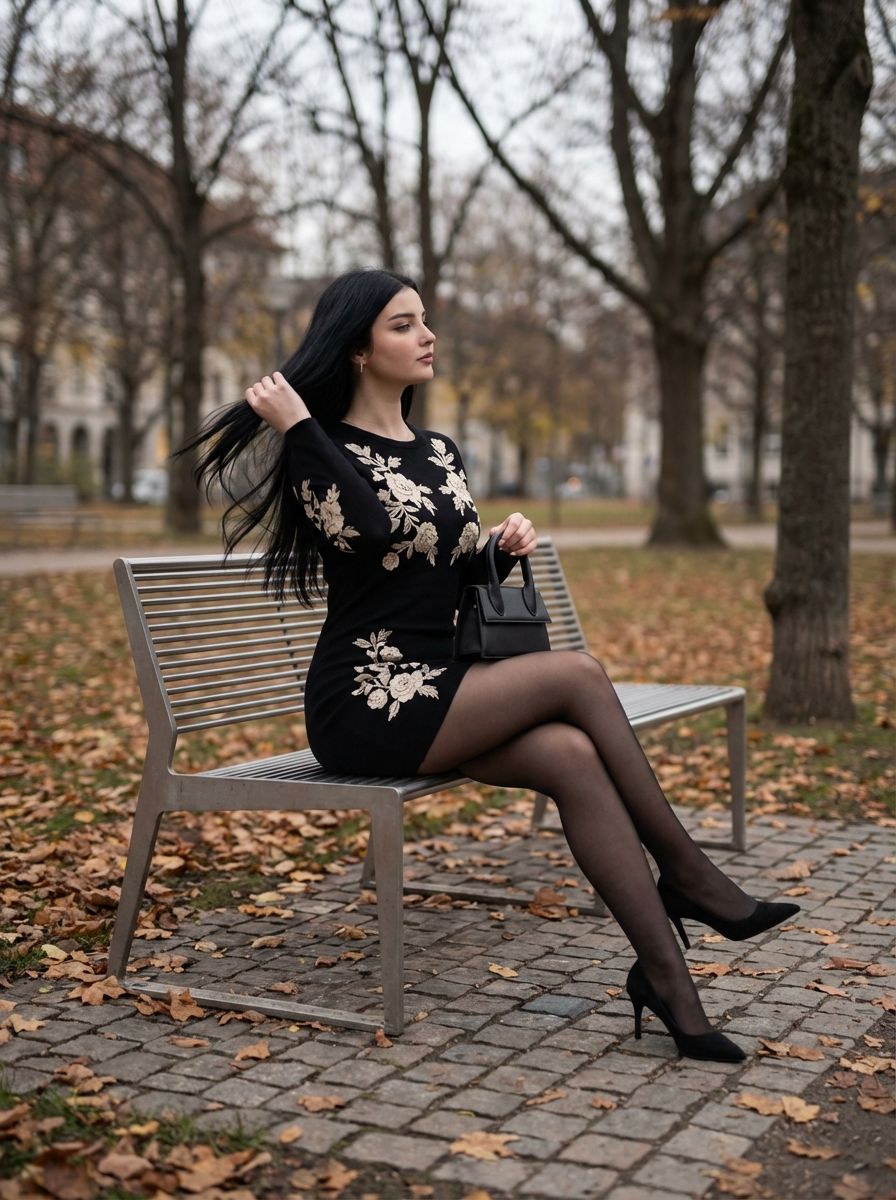
"Create a refined editorial-style scene set in a quiet city park during {argument name="season" default="late autumn"}. The subject is seated sideways on a minimalist metal bench, posture relaxed yet intentional, one leg extended and the other gently bent, heels resting on textured stone paving. Fallen leaves scatter around the ground, bare tree branches framing the background under a soft, overcast sky. The subject’s head is turned slightly away from the camera, suggesting introspection, with one hand resting near the bench edge and the other subtly adjusting hair or holding a small structured handbag. The overall mood is calm, elegant, and cinematic, with muted natural tones and a shallow depth of field that keeps focus on the subject while softly blurring the park surroundings.

Style the subject in a fitted black long-sleeve mini dress with delicate cream floral embroidery, sheer black tights, and classic black pointed heels. Hair is long, dark, and softly flowing, catching a light breeze. Makeup is natural with defined eyes, enhancing a timeless, Parisian-inspired elegance. The color grading leans cool and neutral, emphasizing contrast between the dark outfit and pale autumn leaves, evoking quiet confidence and femininity."- 分类
- 创意图片
- 模型
- Nano Banana Pro
- 来源作者
- Banana Prompts
- 来源 ID
- 43a0531e-2b06-49dd-afd6-77307c3829fa
- 发布时间
- 2026年3月8日
浏览量0