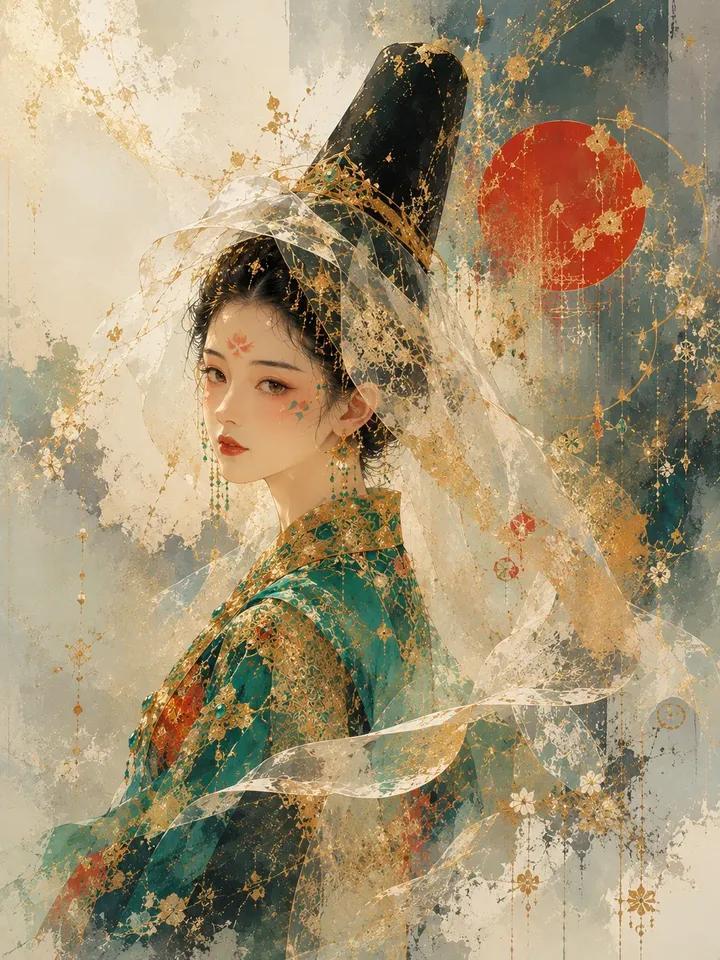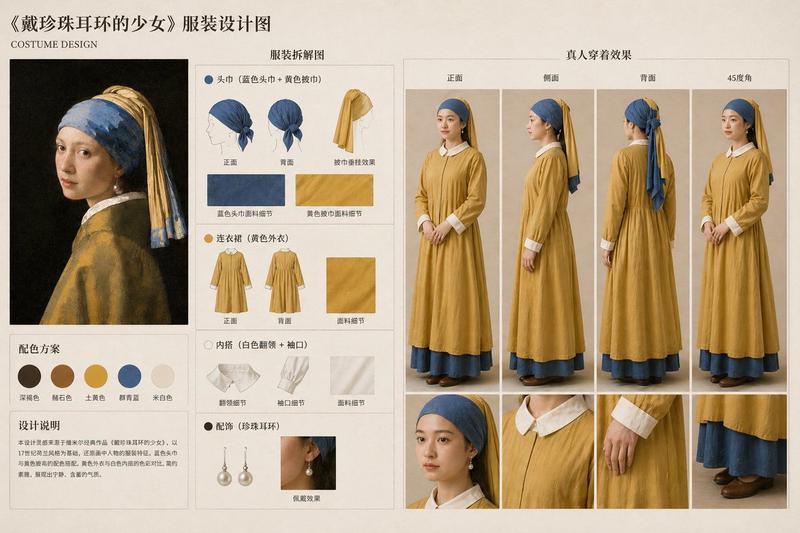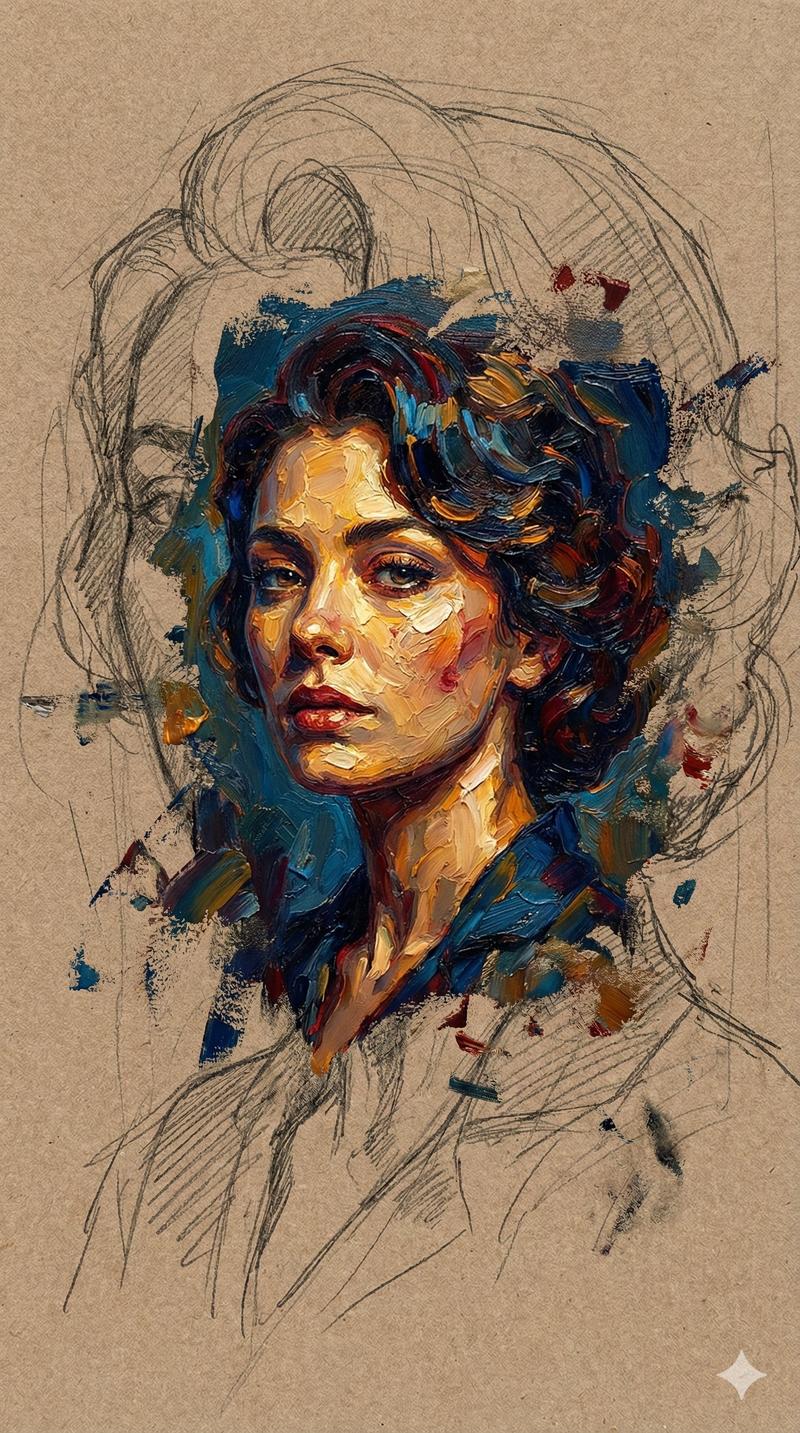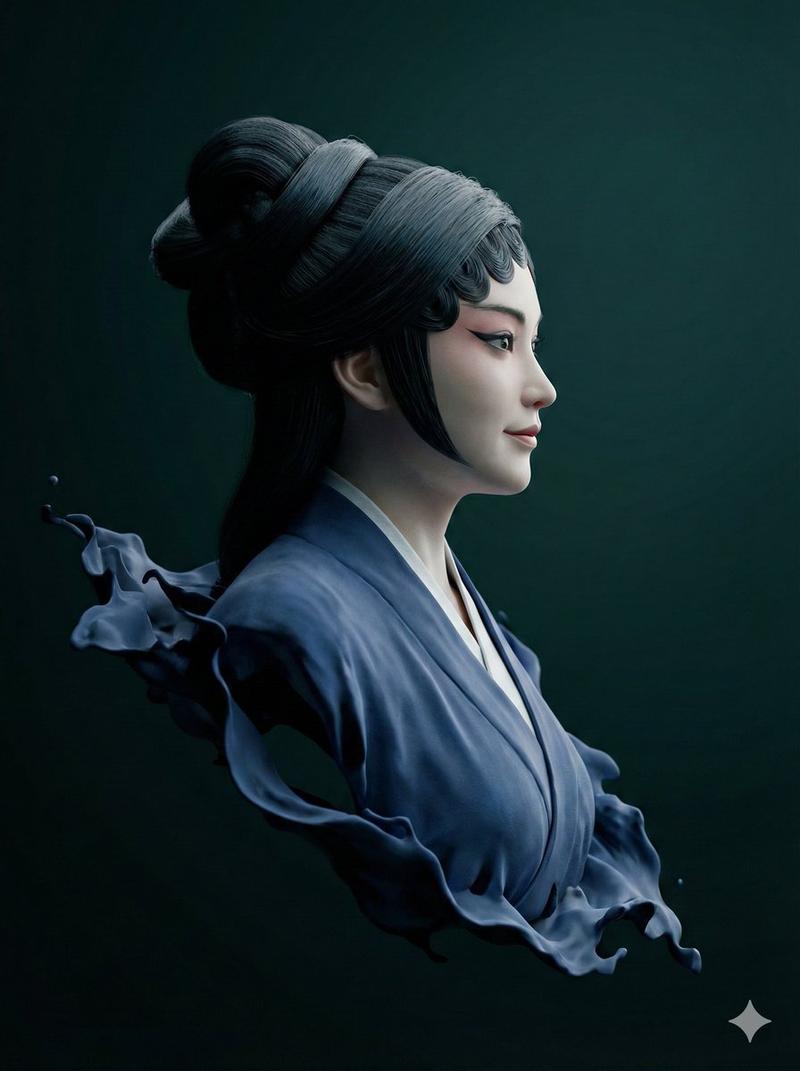
适用于 Nano Banana Pro 的法线贴图和深度贴图生成提示
提示词
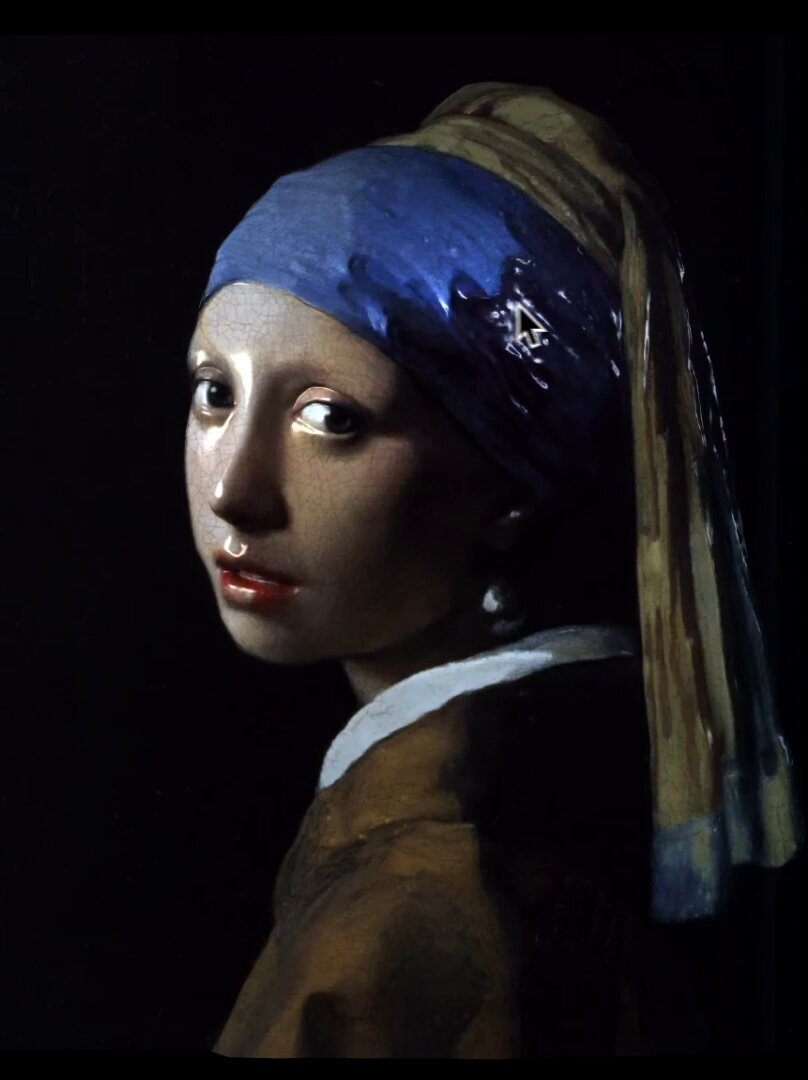
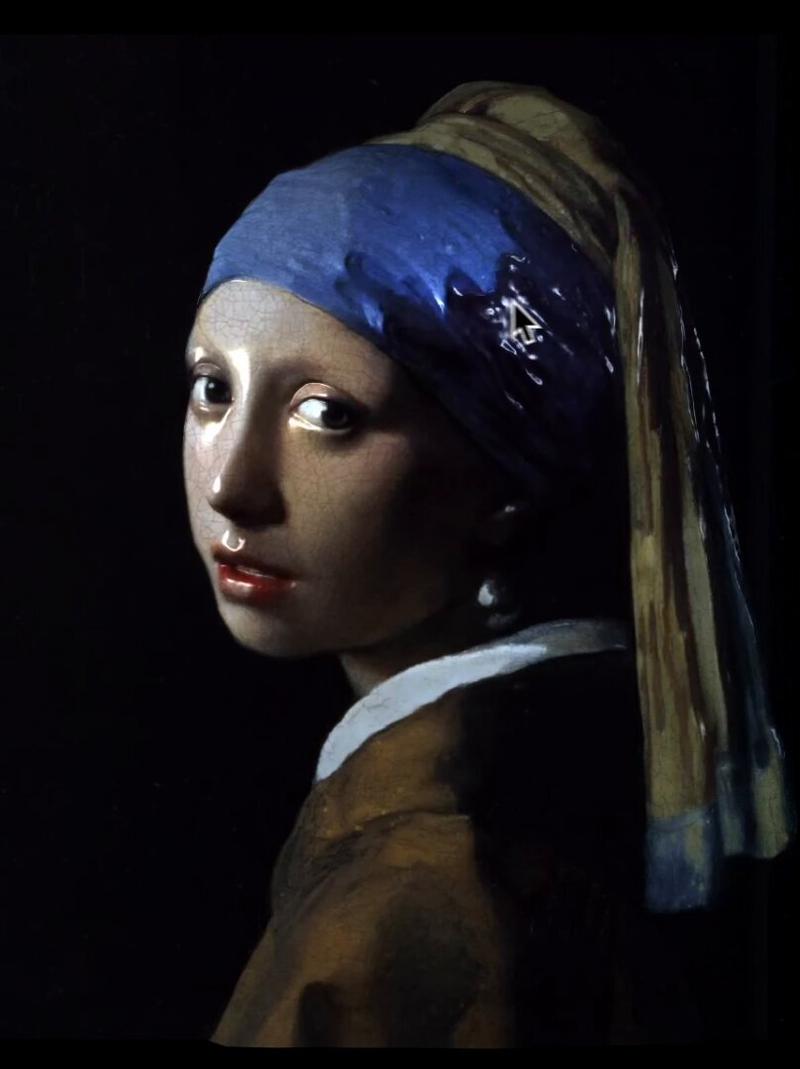
Generate a surface normal map from the input artwork image.

Output one RGB image where each pixel encodes the surface normal direction in standard tangent-space format:
•R = X direction
•G = Y direction
•B = Z direction

Requirements:
•Maintain the same resolution and aspect ratio as the input image.
•Normal directions must follow the local geometry implied by brush strokes, shading, and contours.
•Do NOT add new artistic elements or repaint the scene.
•Only infer plausible micro-geometry and surface orientation.
•Ensure smooth, consistent normal transitions without noise.

Generate a depth map from the input artwork image.

Output a single grayscale depth map where:
•White = near to the viewer
•Black = far from the viewer

Requirements:
•Maintain the same resolution and aspect ratio as the input image.
•Depth must be smooth, continuous, and physically plausible.
•Infer only geometric depth that could reasonably exist in the original artwork.
•Do NOT add new objects or details.
•Do NOT stylize, repaint, or reinterpret the scene.
•Avoid texture noise; focus solely on depth structure.
- 分类
- 创意图片
- 模型
- Nano Banana Pro
- 来源作者
- Takuma Hashimoto
- 来源 ID
- cfa10a8e-2f07-46a1-87d5-bac7967854cb
- 发布时间
- 2026年3月8日
浏览量0