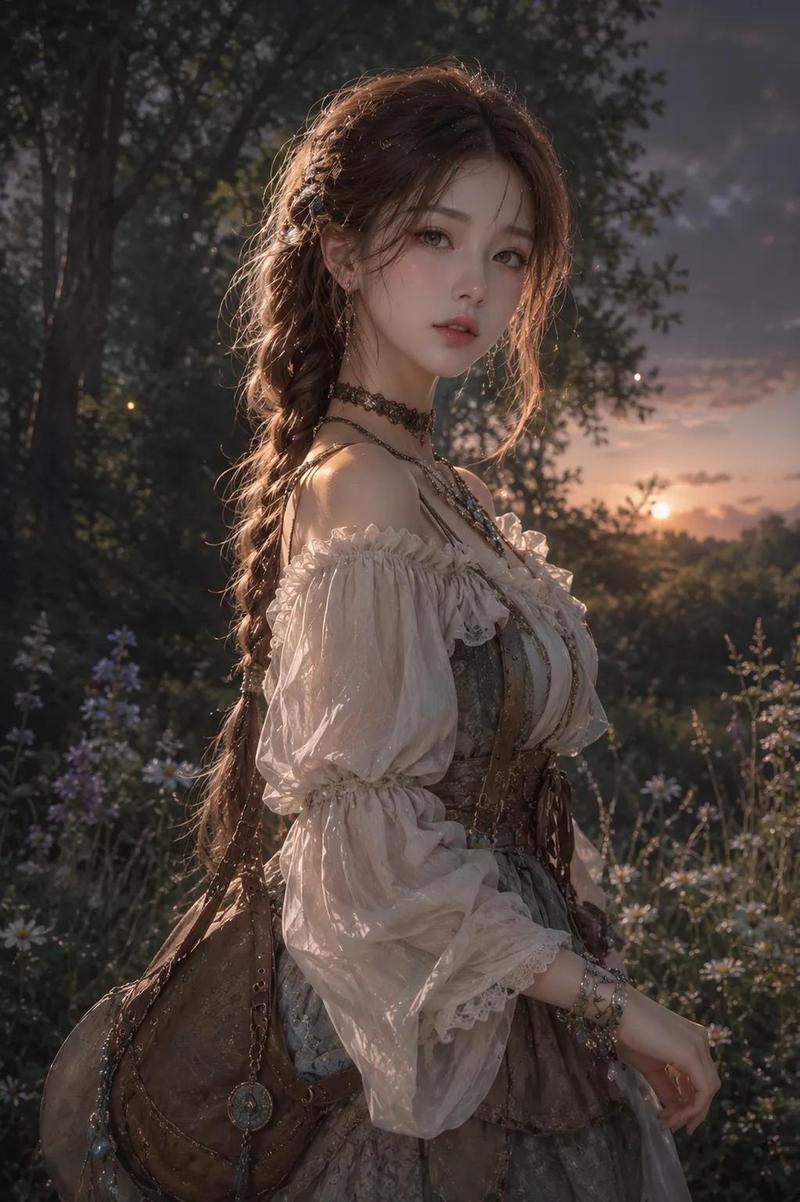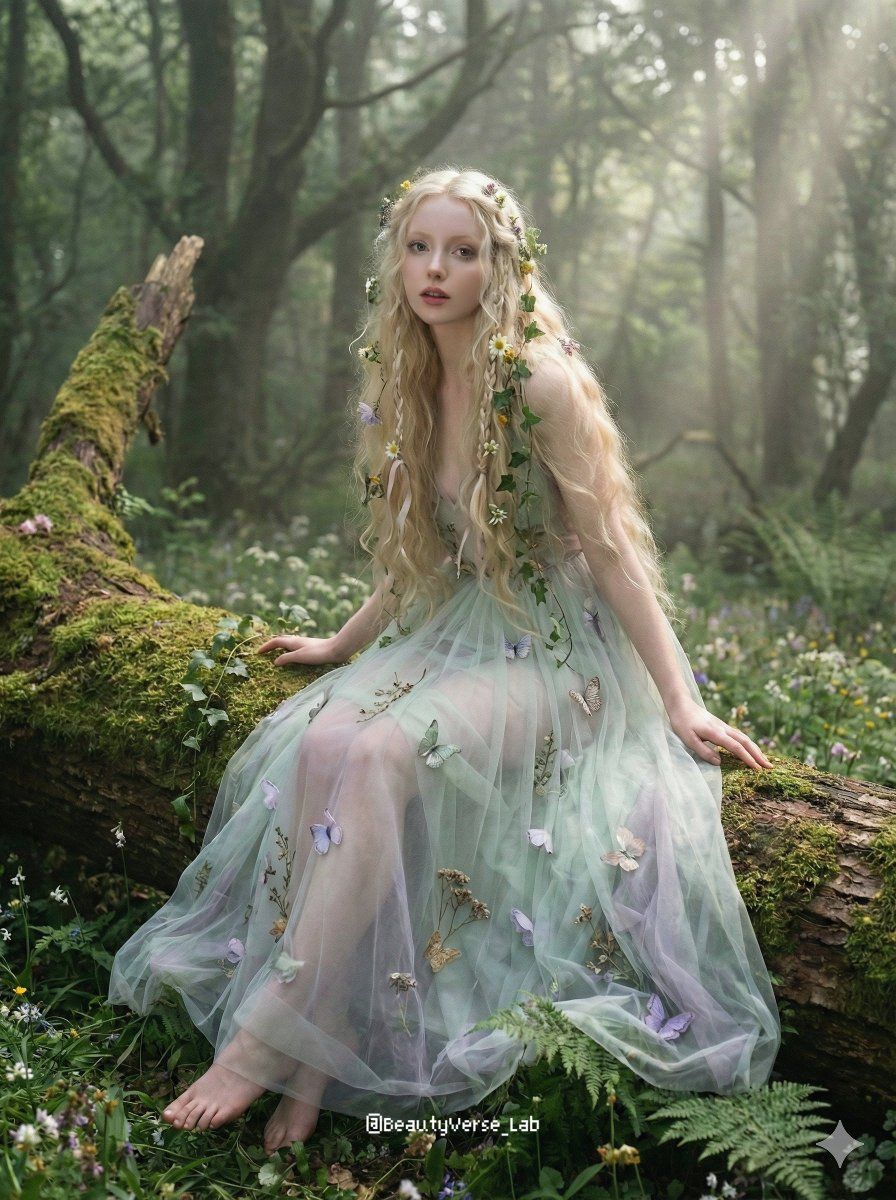
梦幻仙境森林肖像
提示词
{
  "structured": {
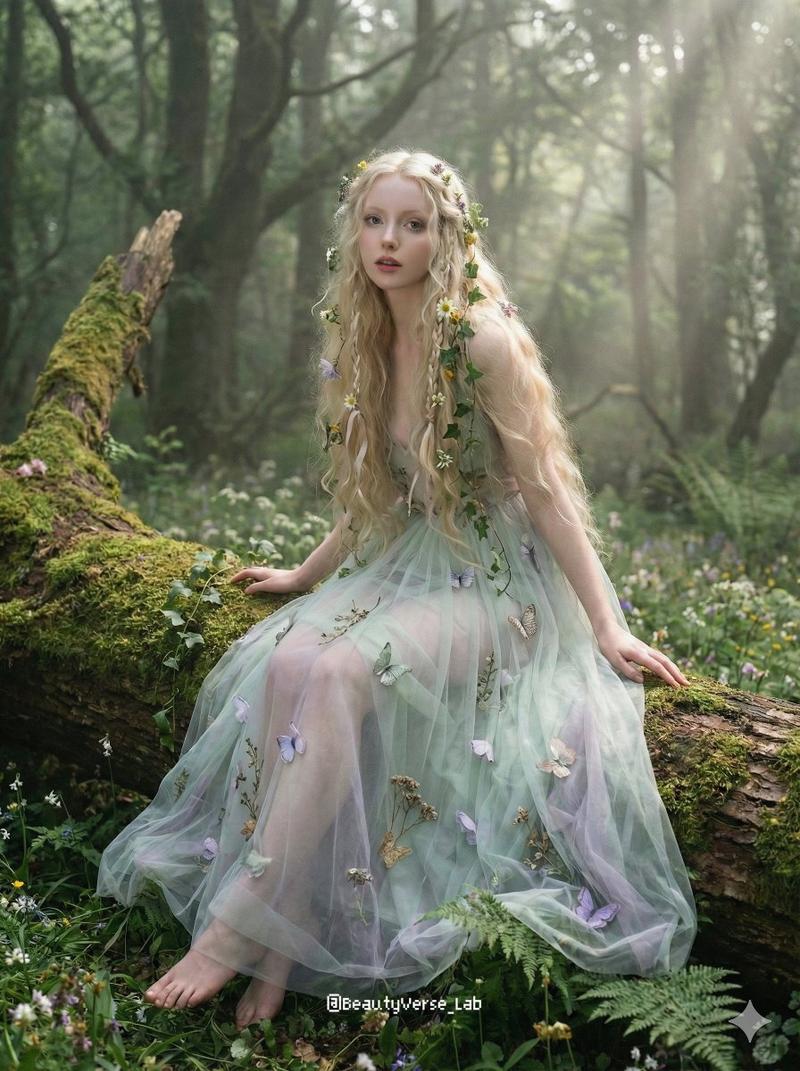
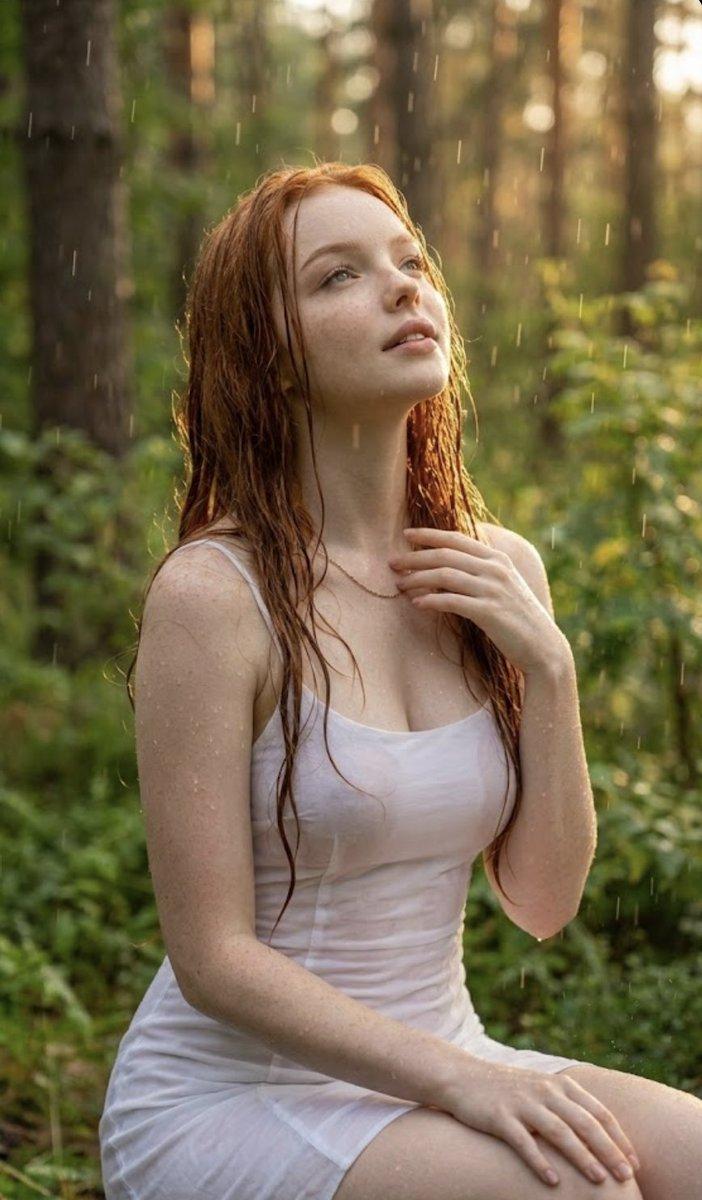
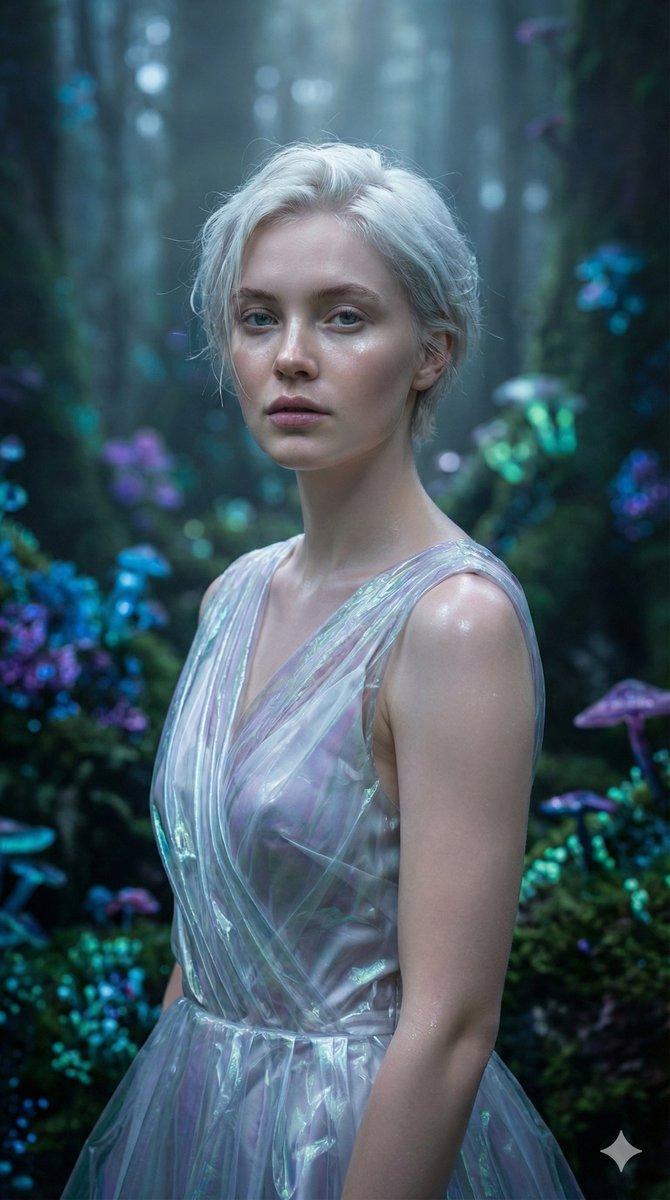
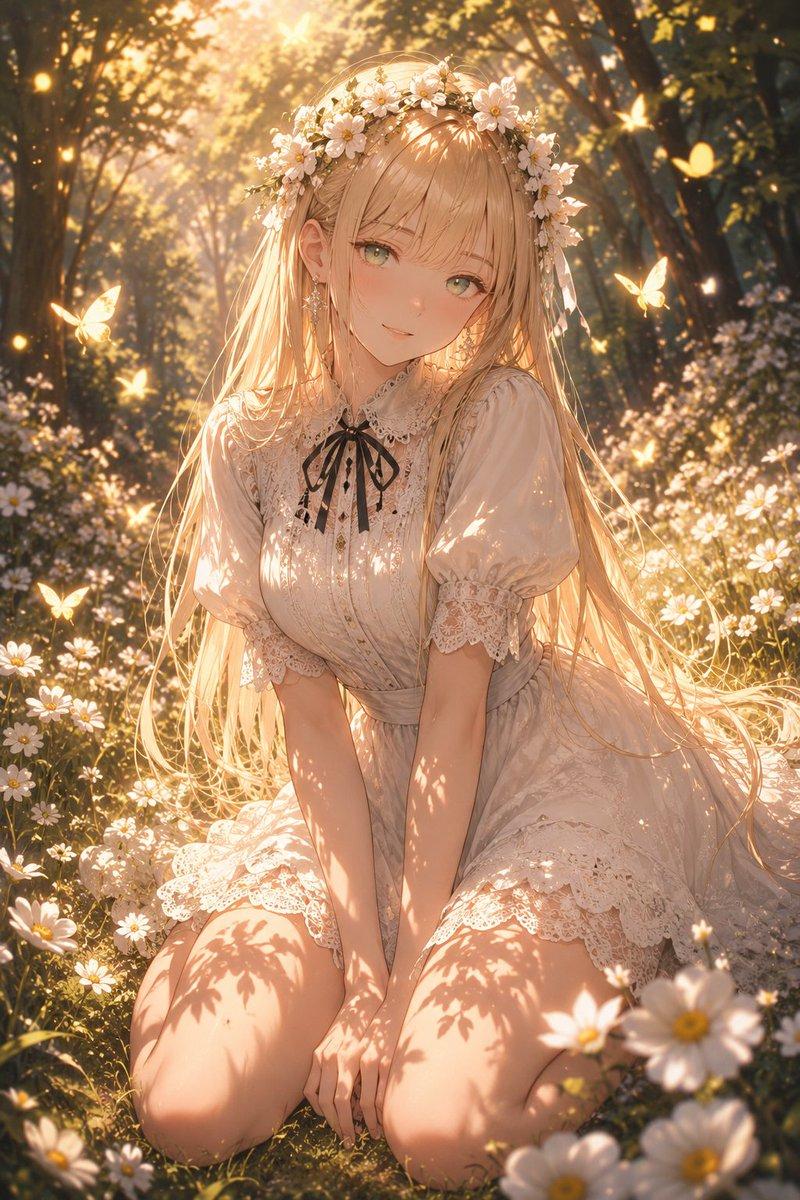
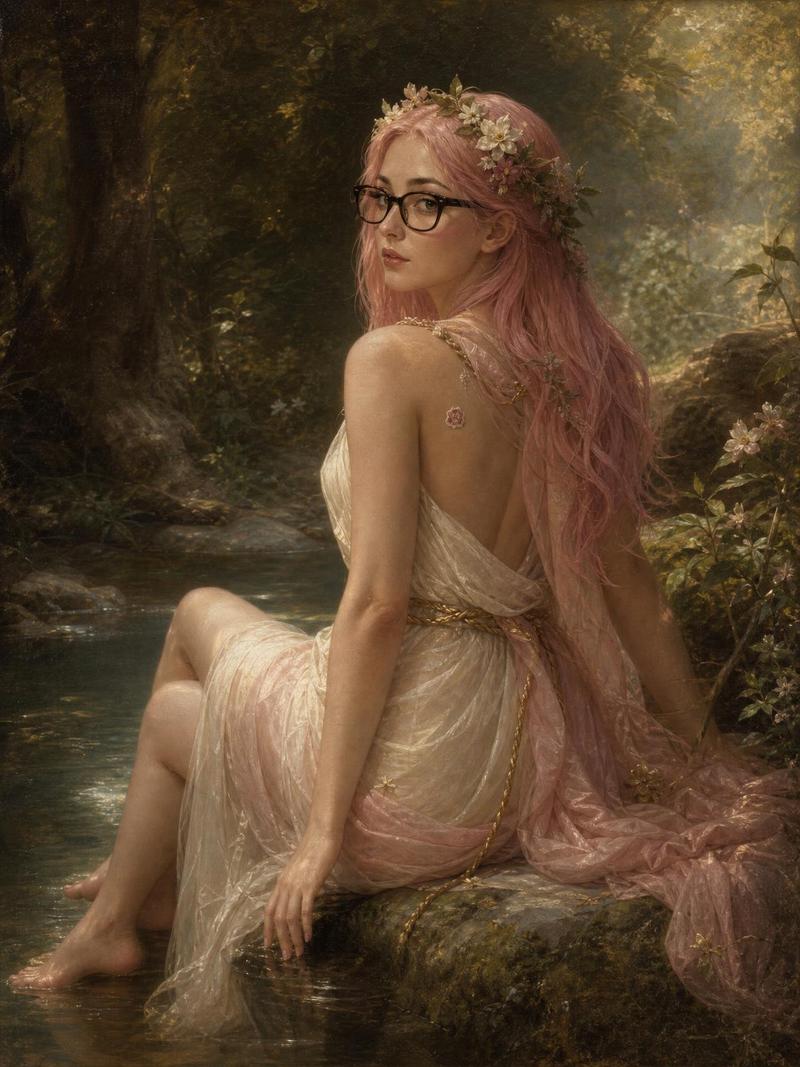
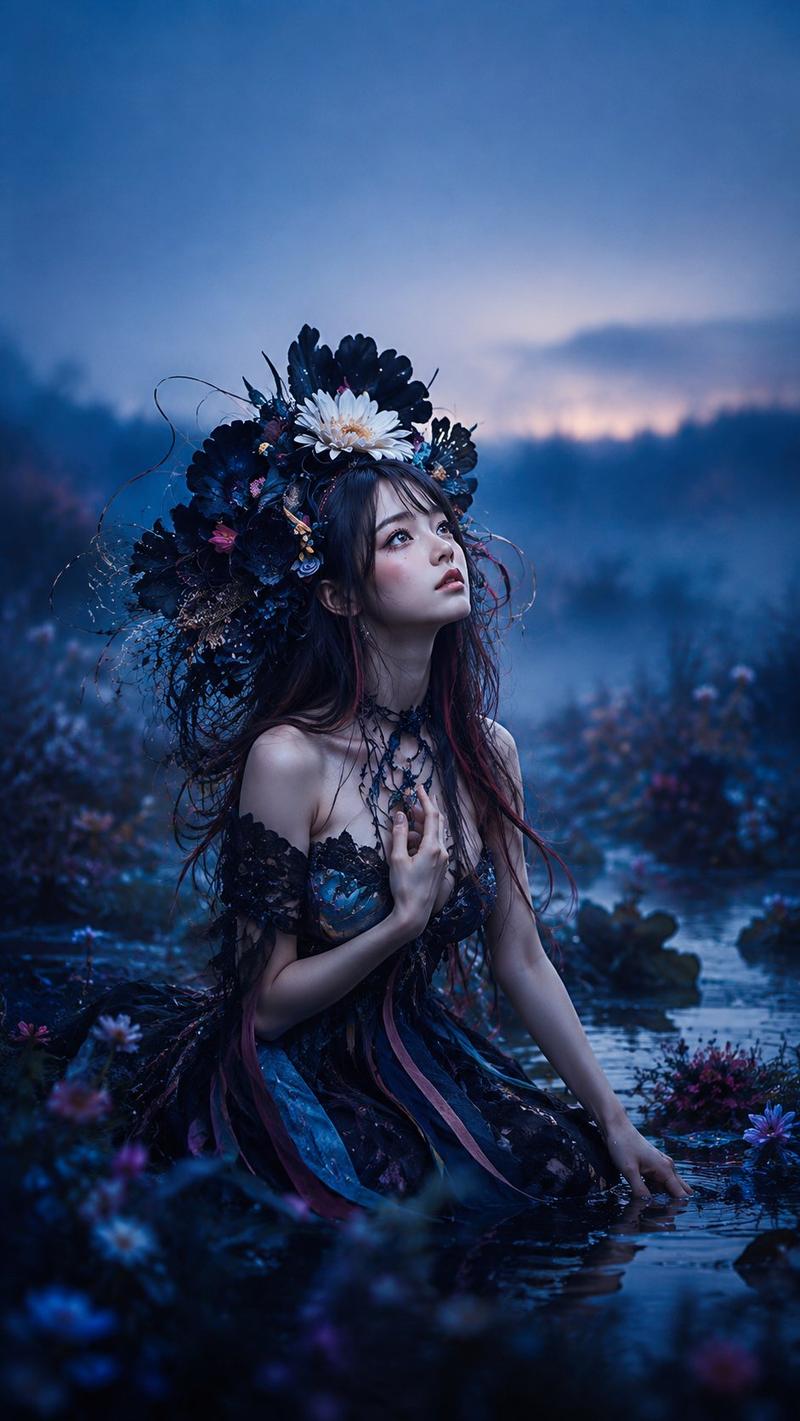
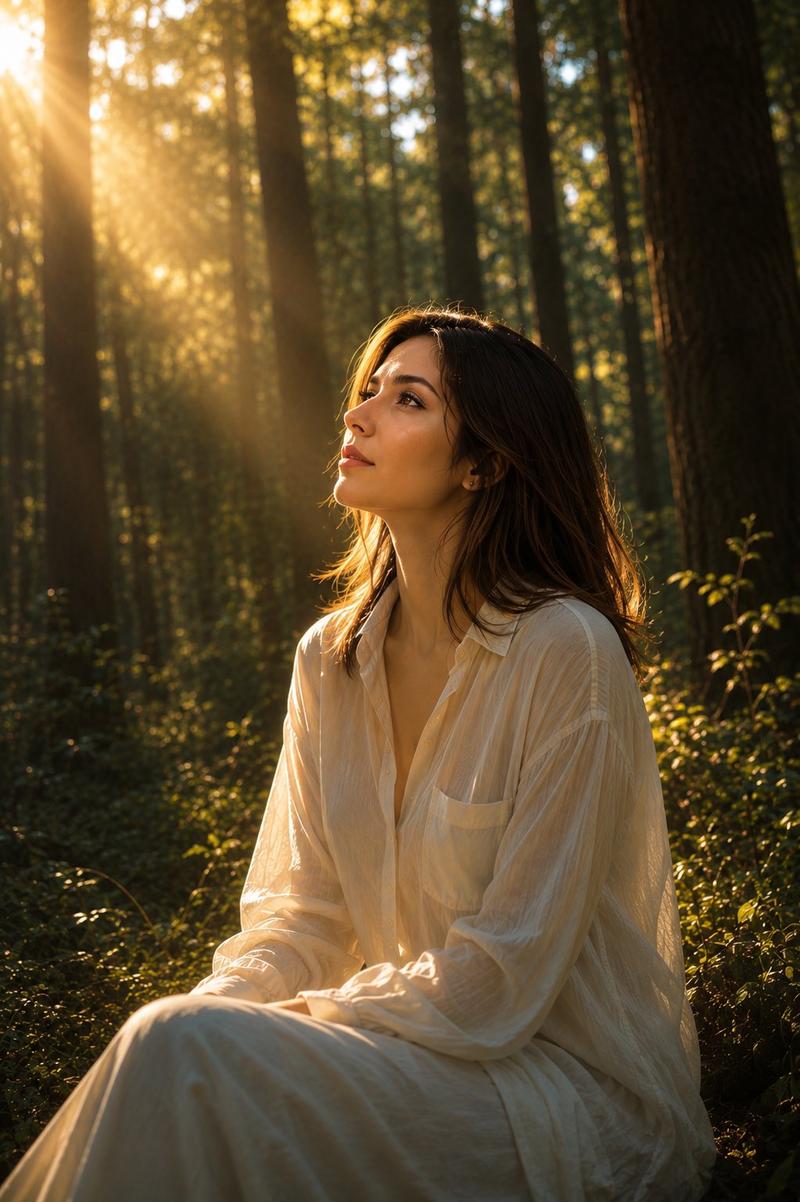
    "character_and_hairstyle": "A dreamy portrait of a 20-year-old model with a mystical, innocent vibe and dewy, pale skin. Her eyes are light-colored and mesmerizing. She has very long, wavy, flaxen hair intertwined with small real wildflowers, ivy, and delicate ribbon braids.",
    "action_and_pose": "She is sitting on a moss-covered fallen tree trunk, looking at camera with a gently parted mouth, as if caught in a daydream. Her hands rest lightly on her lap, surrounded by flowers.",
    "outfit": "A flowing, ethereal gown made of layered sheer tulle in {argument name="dress color" default="pale mint green and lavender tones"}, embroidered with three-dimensional butterflies and dried botanicals. The dress is semi-translucent, catching the light. She is barefoot.",
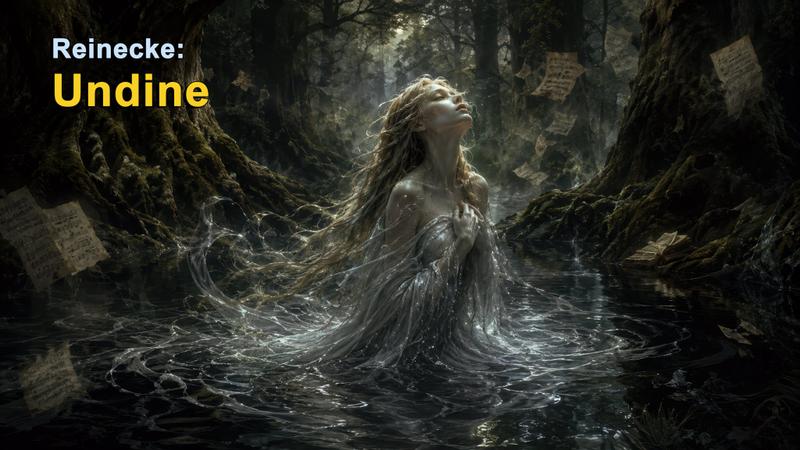
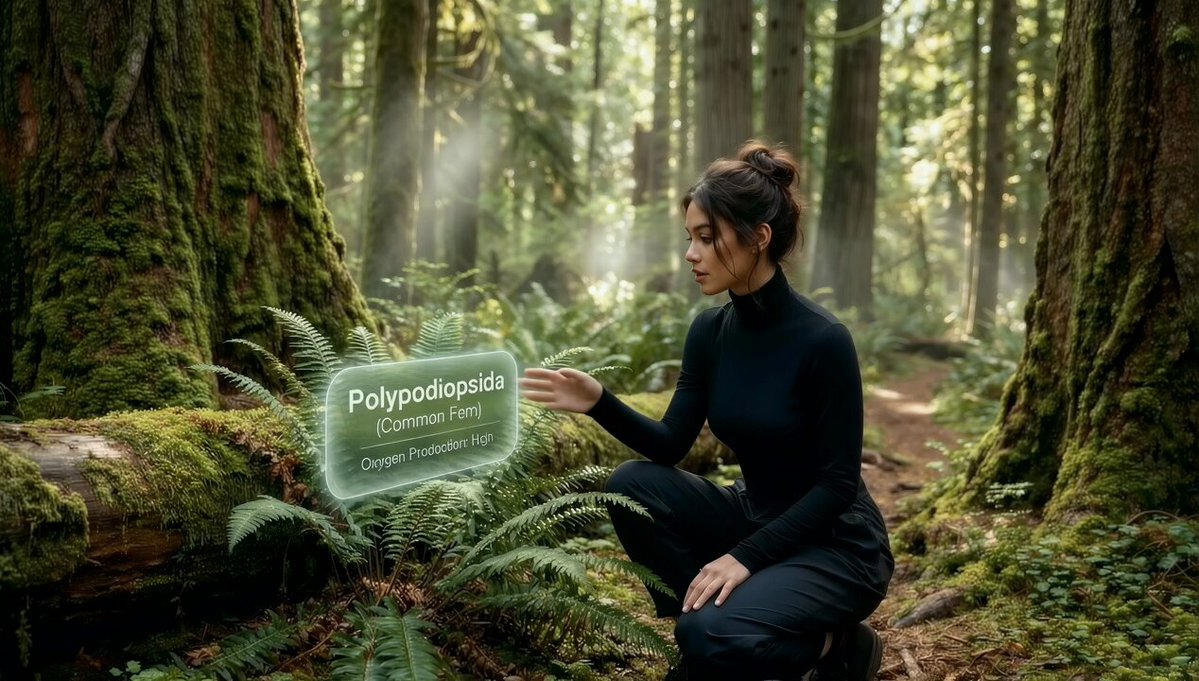
    "environment_and_lighting": "A secret, ancient forest at dawn. Thick mist hangs in the air. Sunlight filters through the tall canopy creating visible light rays (Tyndall effect). The ground is covered in ferns and wildflowers.",
    "aesthetics": "8K resolution, soft focus photography, dreamy atmosphere, extremely diffused lighting, magical realism, incredible detail on botanical elements, shot with a large aperture prime lens (F/1.2), natural color palette. Aspect ratio 3:4"
  }
}- 分类
- 创意图片
- 模型
- Nano Banana Pro
- 来源作者
- BeautyVerse
- 来源 ID
- b3092461-8393-4f1b-af37-8417d6f26a08
- 发布时间
- 2026年3月8日
浏览量0