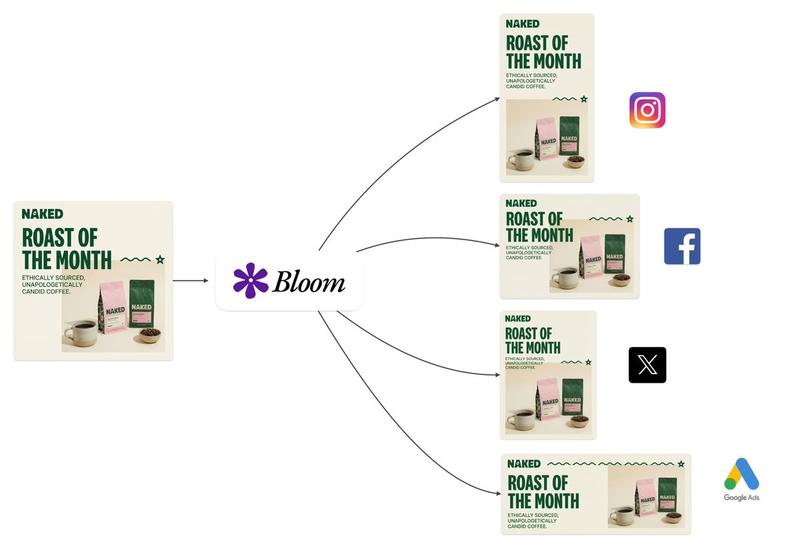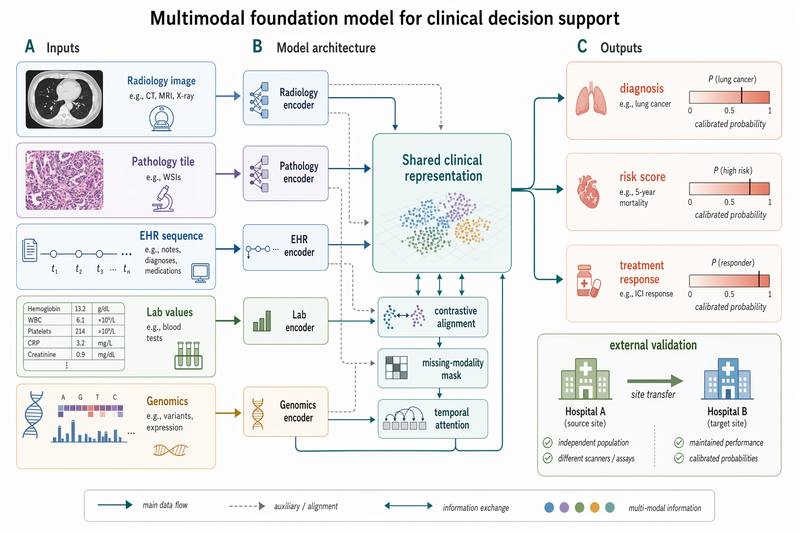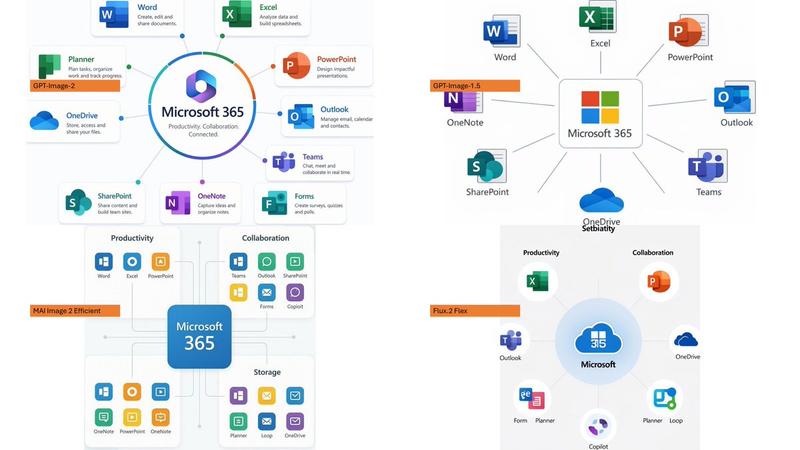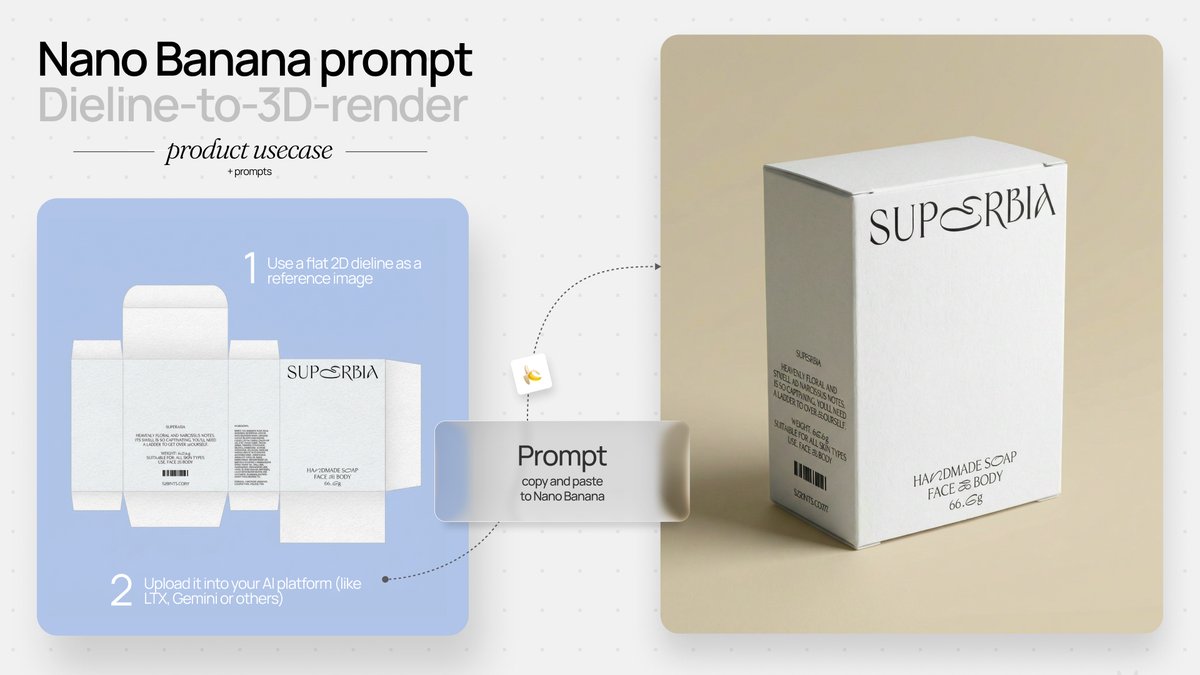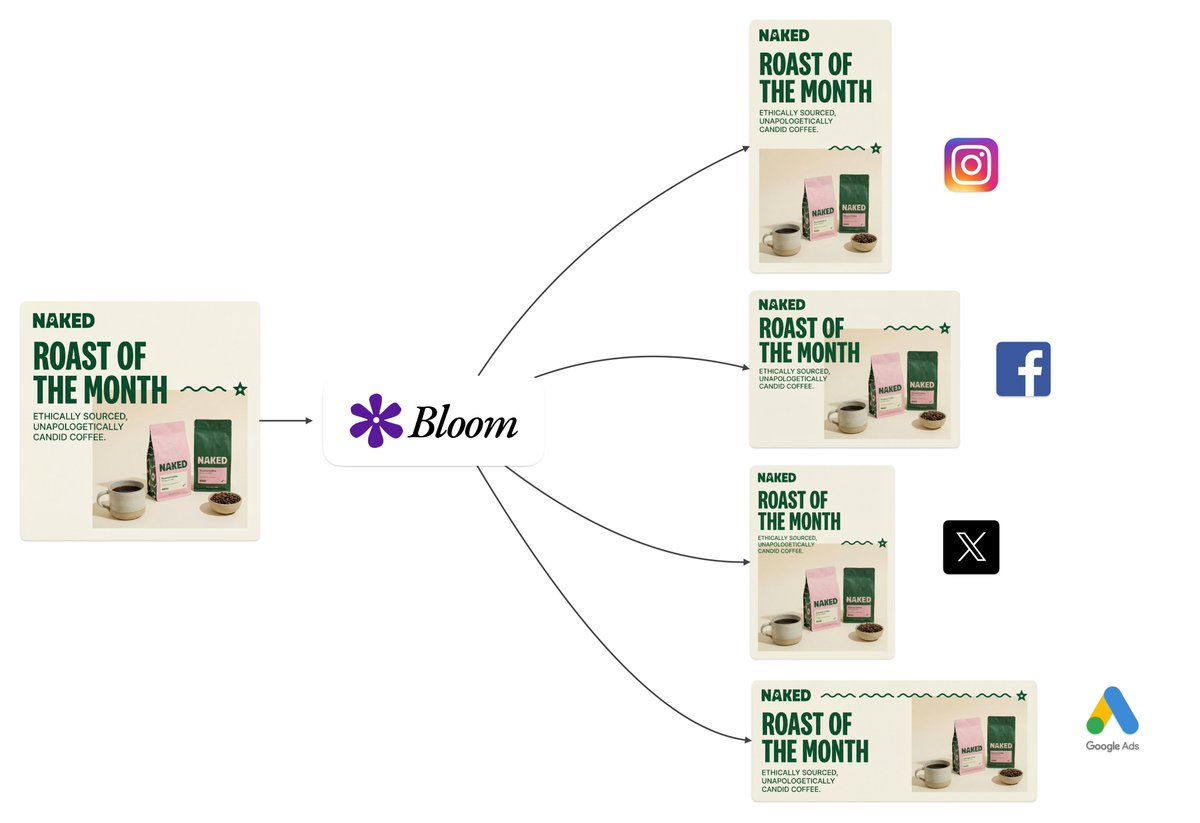
智能宽高比转换和构图感知
提示词
You are performing intelligent aspect ratio transformation with compositional awareness.

CONTEXT:
The source image exists within a specific dimensional space. Your task is to translate it into a new aspect ratio while preserving semantic integrity and visual coherence.

ANALYSIS PHASE:
- Identify the primary subject anchor point and secondary visual elements
- Map the compositional weight distribution across quadrants
- Detect edge dependencies (elements that rely on frame boundaries)
- Assess negative space utilization and breathing room requirements

TRANSFORMATION LOGIC:
- Calculate optimal subject placement using rule-of-thirds grid alignment for target ratio
- Determine extension vectors based on background continuity patterns
- Evaluate whether horizontal or vertical expansion better serves the composition
- Apply content-aware fill logic for generated regions while maintaining tonal consistency

PRESERVATION RULES:
- Typographic elements: maintain exact pixel fidelity, no scaling or repositioning unless required by new boundaries
- Brand marks and logos: preserve aspect ratio and relative positioning
- Facial features: no modification, distortion, or regeneration
- Fine details: texture patterns must flow naturally into extended regions

OUTPUT PARAMETERS:
- Seamless integration between original and generated content
- No detectable boundaries, halos, or color shifting at transition zones
- Lighting direction consistency across the full canvas
- The result must appear as if originally captured or designed at the target ratio

QUALITY THRESHOLD:
Production-ready output suitable for commercial use, print media, and high-resolution display contexts.
- 分类
- 创意图片
- 模型
- Nano Banana Pro
- 来源作者
- Ray
- 来源 ID
- cc54926a-58b8-499e-807f-91ce47a77681
- 发布时间
- 2026年3月8日
浏览量0