电影级科幻景观与金融科技 UI 设计提示
提示词
This one for Nano Banana Pro 4k:
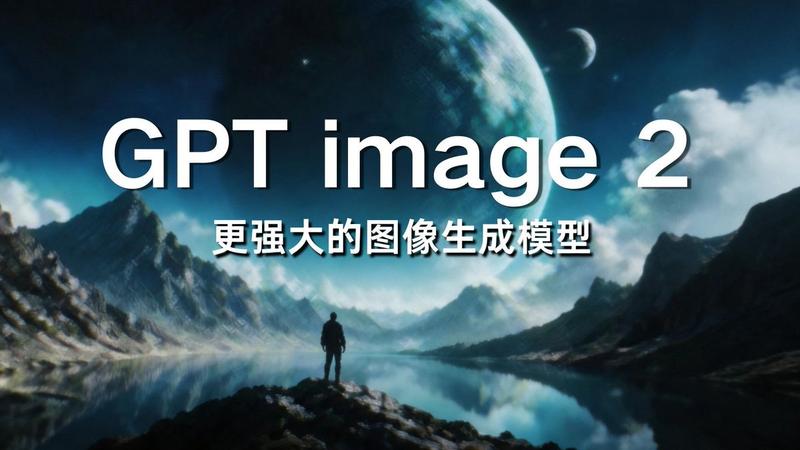
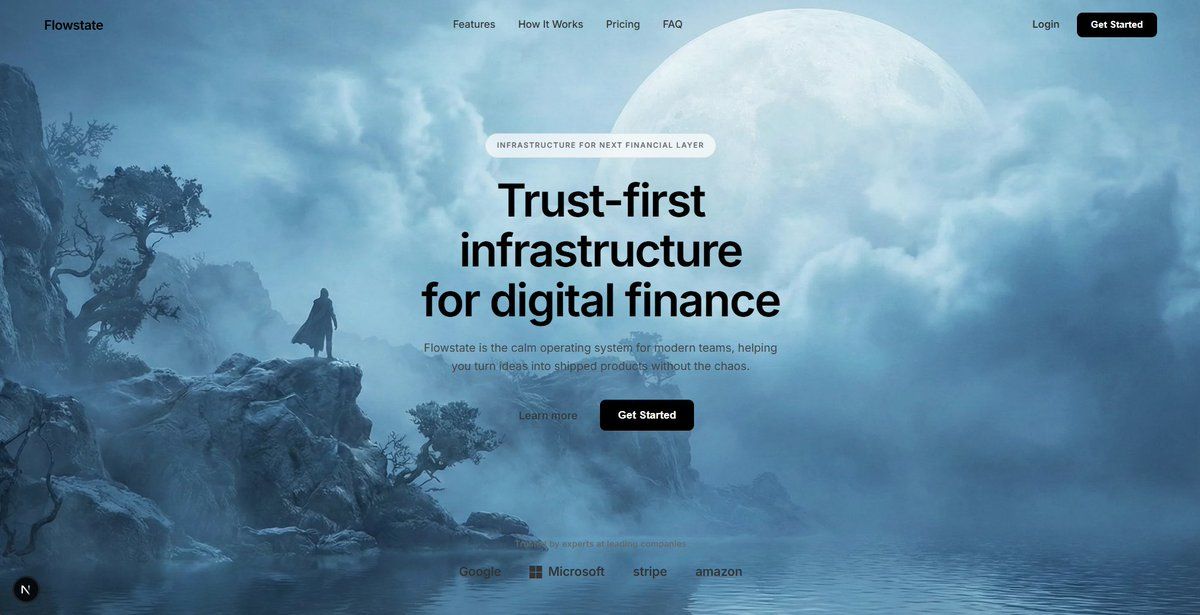
Cinematic sci-fi landscape, a massive pale celestial moon dominating the sky partially obscured by layers of thick clouds, a rugged rocky coastline with sparse ancient vegetation on the left, calm water in the foreground reflecting the scene, a solitary silhouette of a person standing on a rock ledge for scale, heavy atmospheric blue mist and fog, soft diffuse lighting, ethereal and dreamlike mood, cool color palette of icy blues and whites, high-quality digital matte painting, 4k resolution, photorealistic concept art.

This for the frontend:
High-fidelity UI design overlay for a modern fintech SaaS landing page, minimalist navigation bar with "Flowstate" logo and centered menu links, "Get Started" button in top right, centered hero section layout, pill-shaped transparent badge reading "INFRASTRUCTURE FOR NEXT FINANCIAL LAYER", large bold sans-serif headline "Trust-first infrastructure for digital finance", clean paragraph subtext below, primary solid black rounded button next to a secondary text link button, bottom row featuring monochrome trusted company logos (Google, Microsoft, Stripe), glassmorphism effects, white typography, transparent background, sleek Figma interface design
- 分类
- 创意图片
- 模型
- Nano Banana Pro
- 来源作者
- Leon Lin
- 来源 ID
- cb6bc9aa-9dcb-48d1-bfb4-f259054a27d8
- 发布时间
- 2026年3月8日
浏览量0