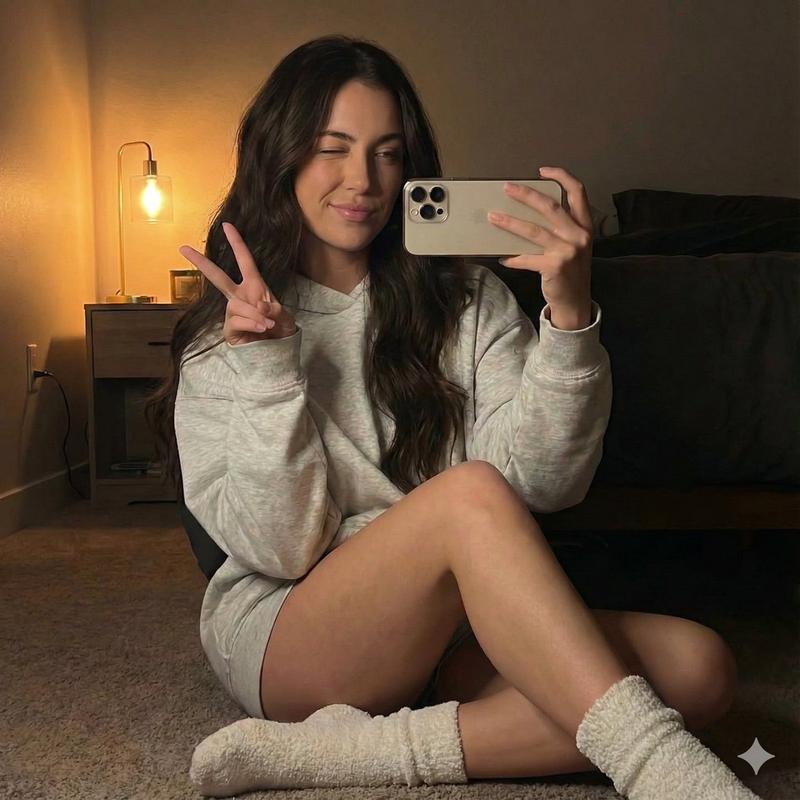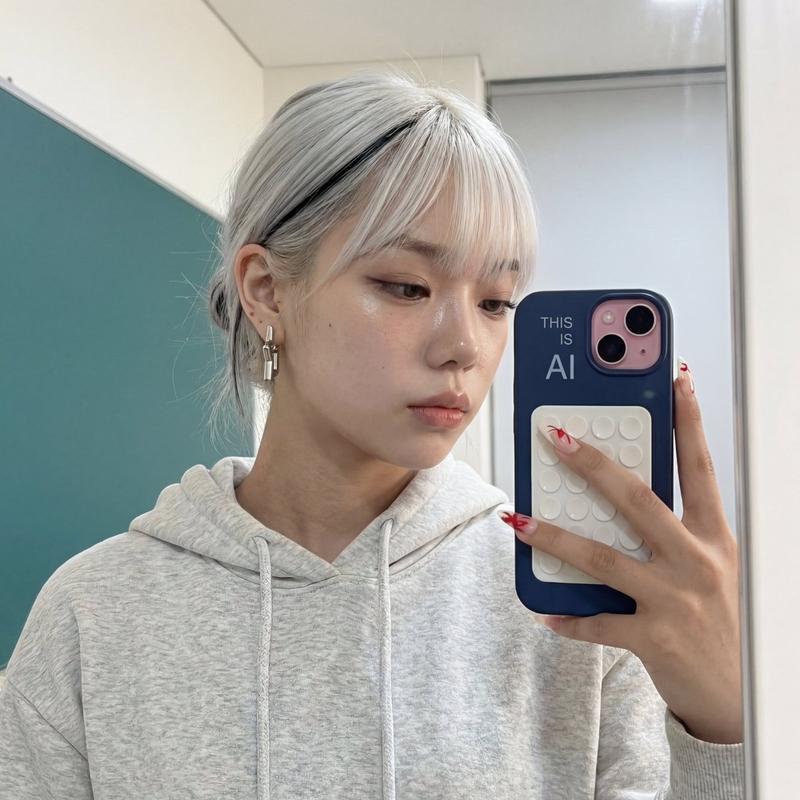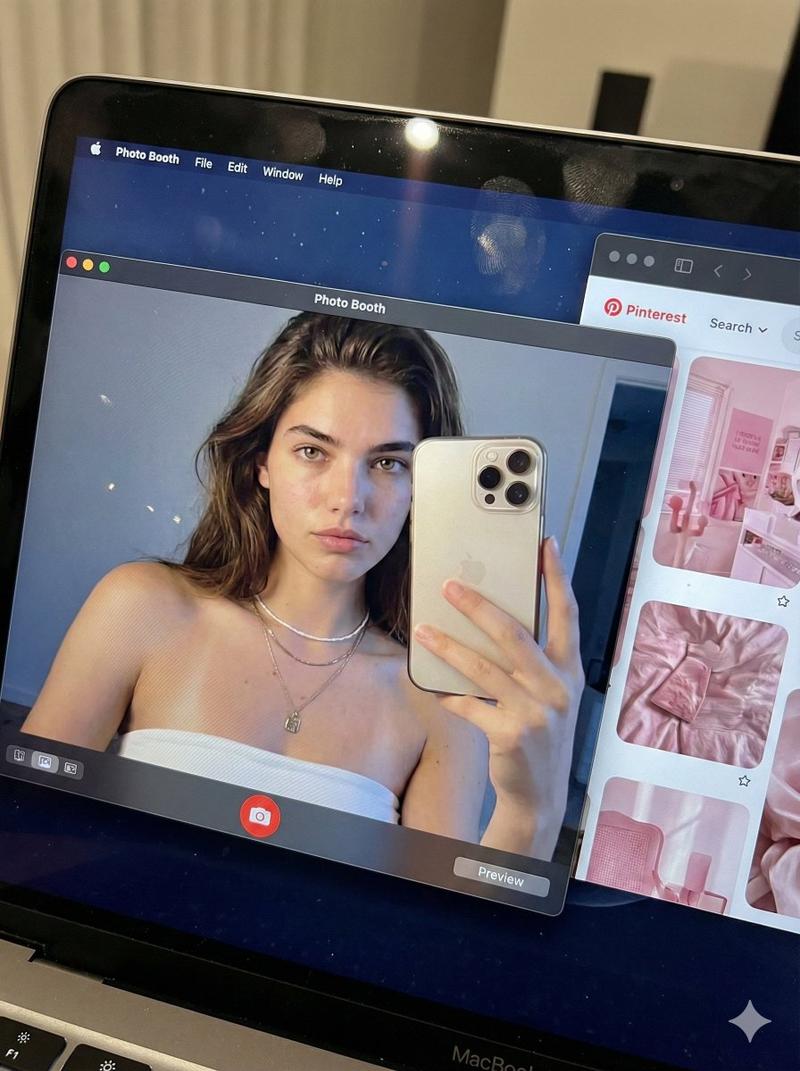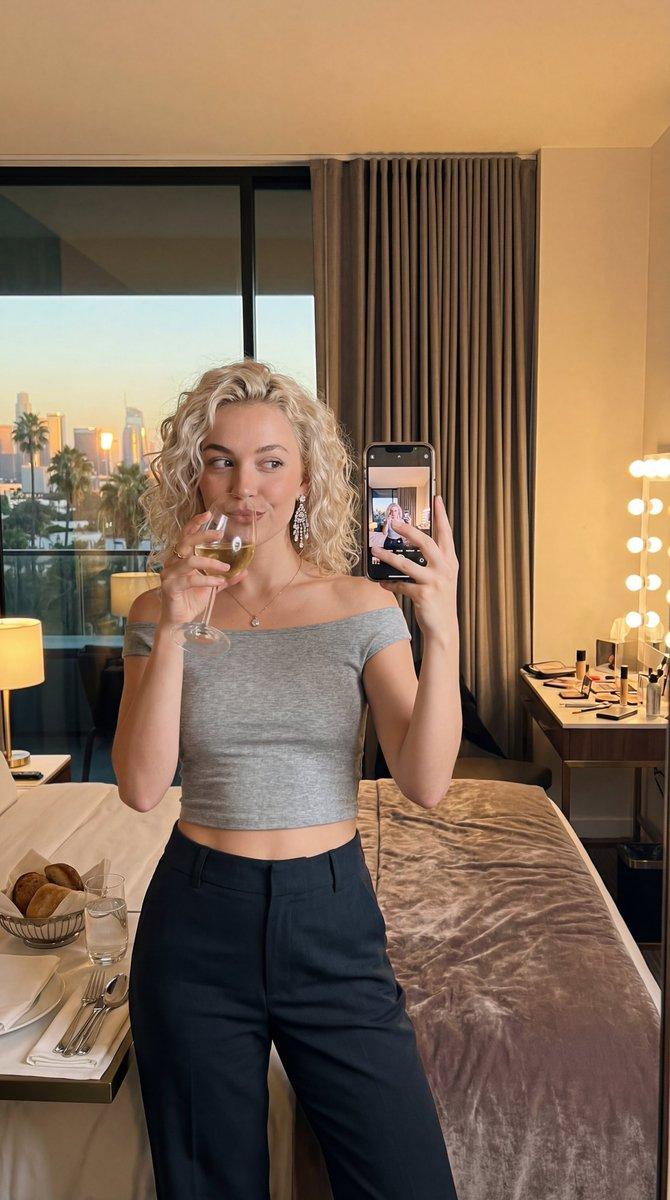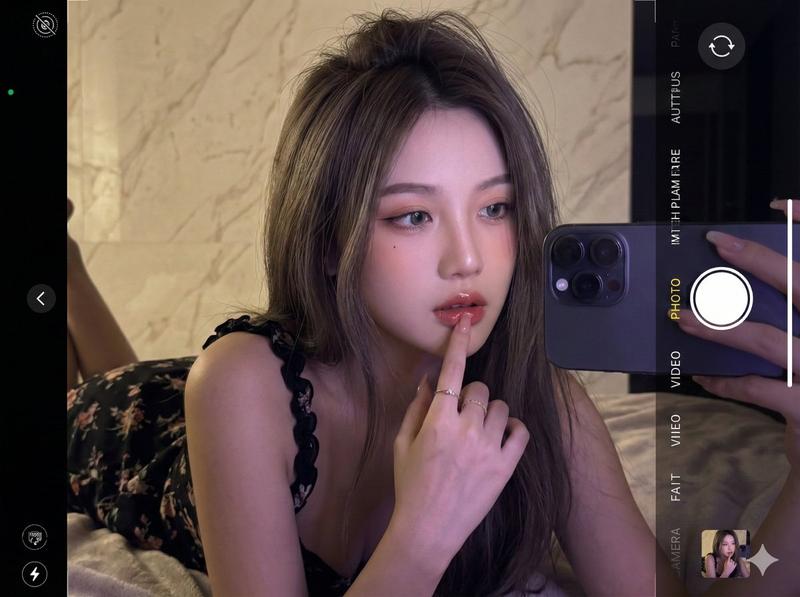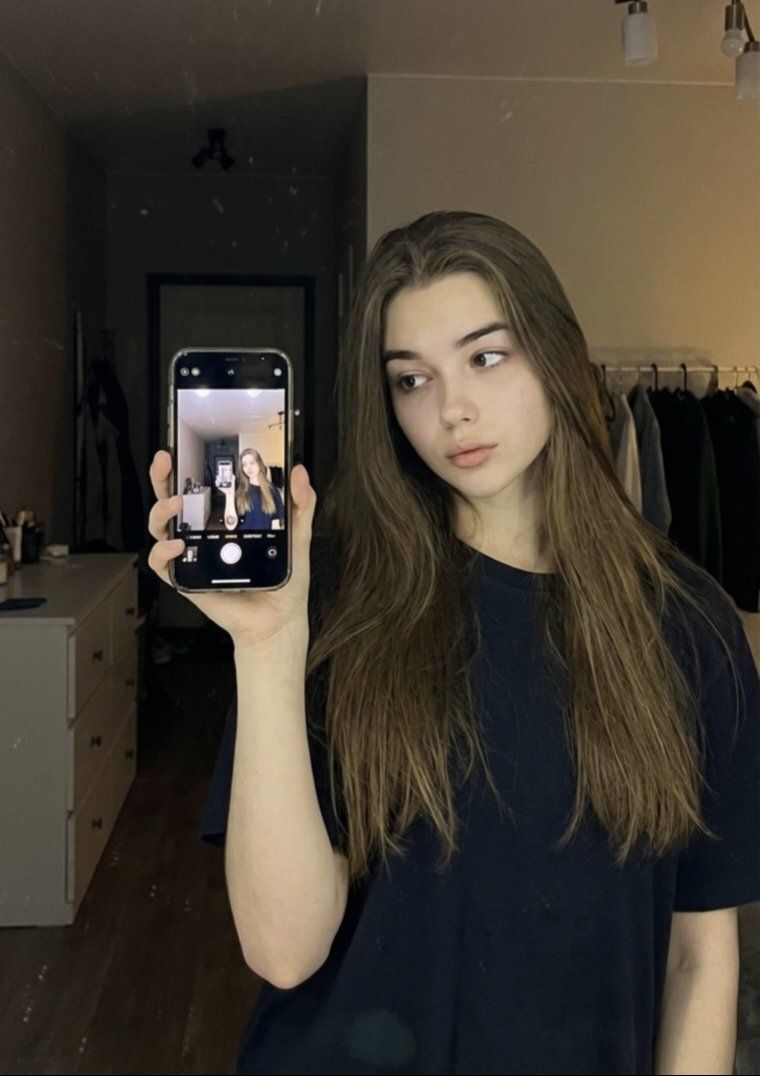
自拍肖像的详细 JSON 提示
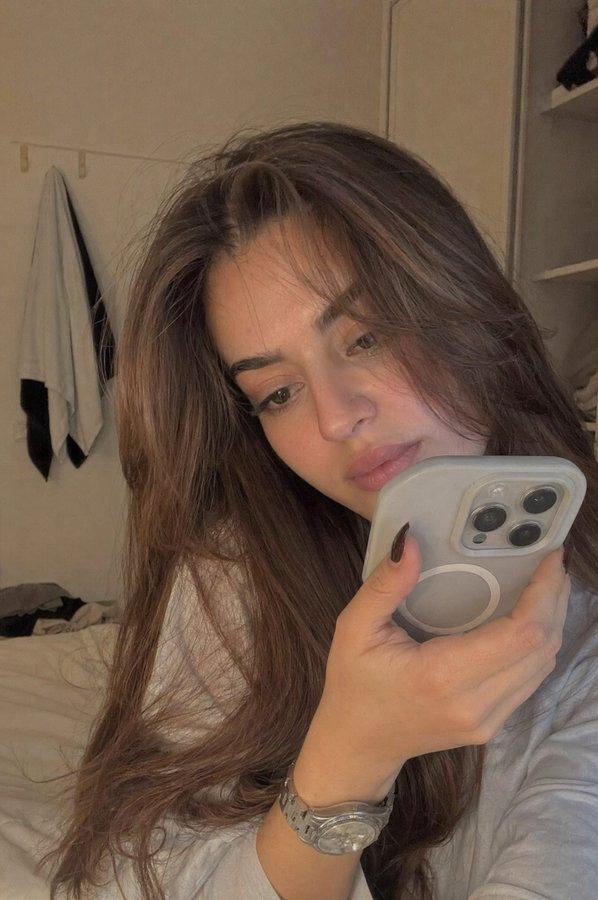
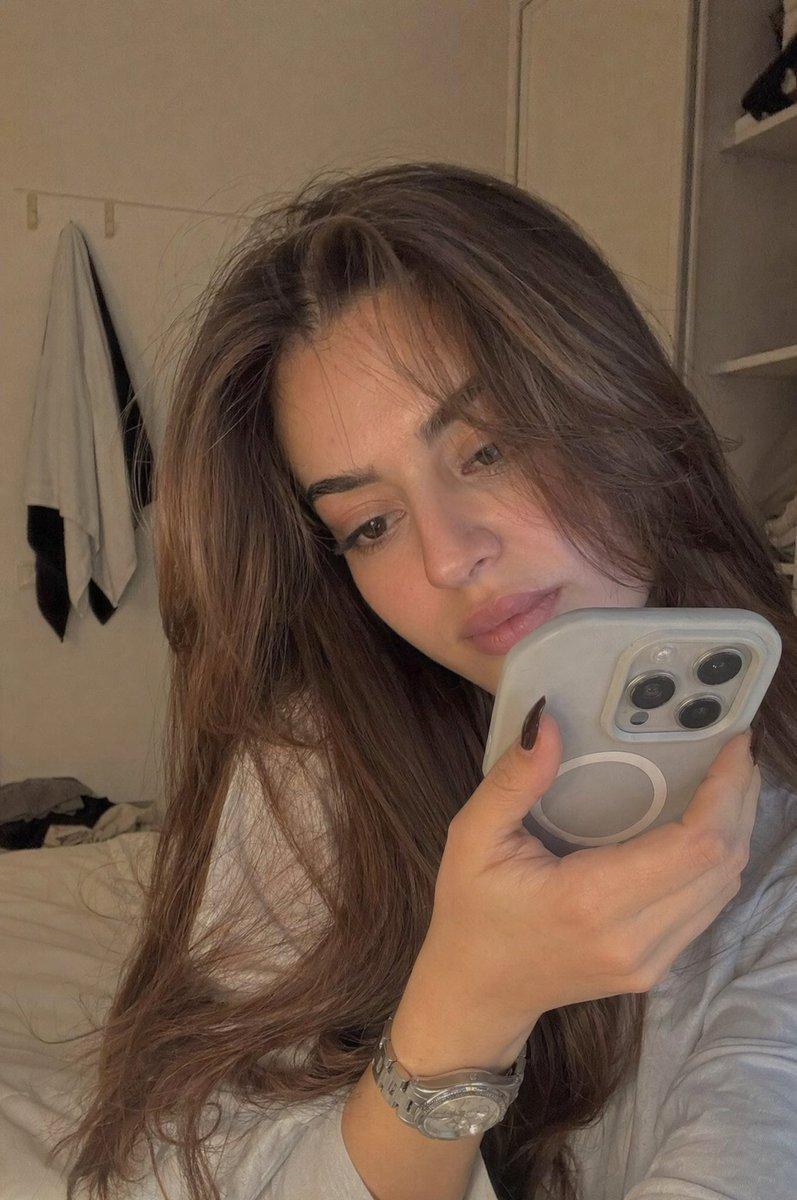
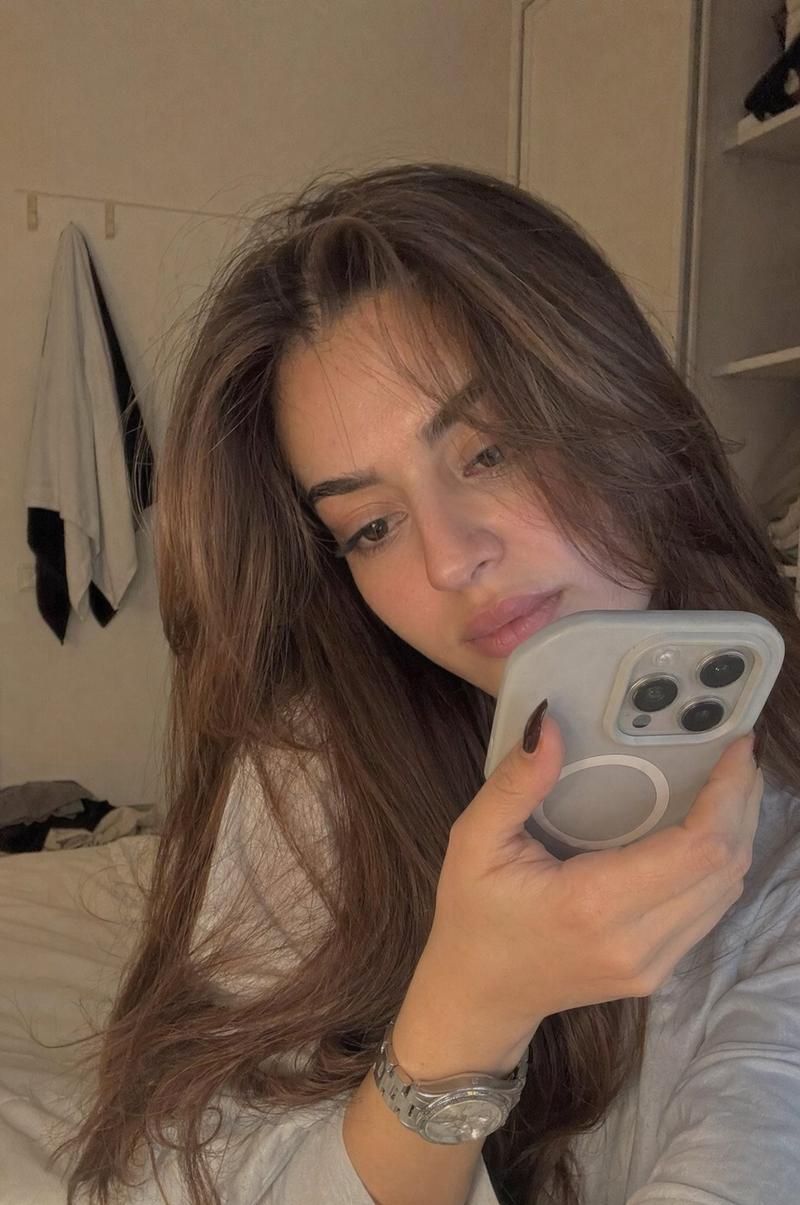
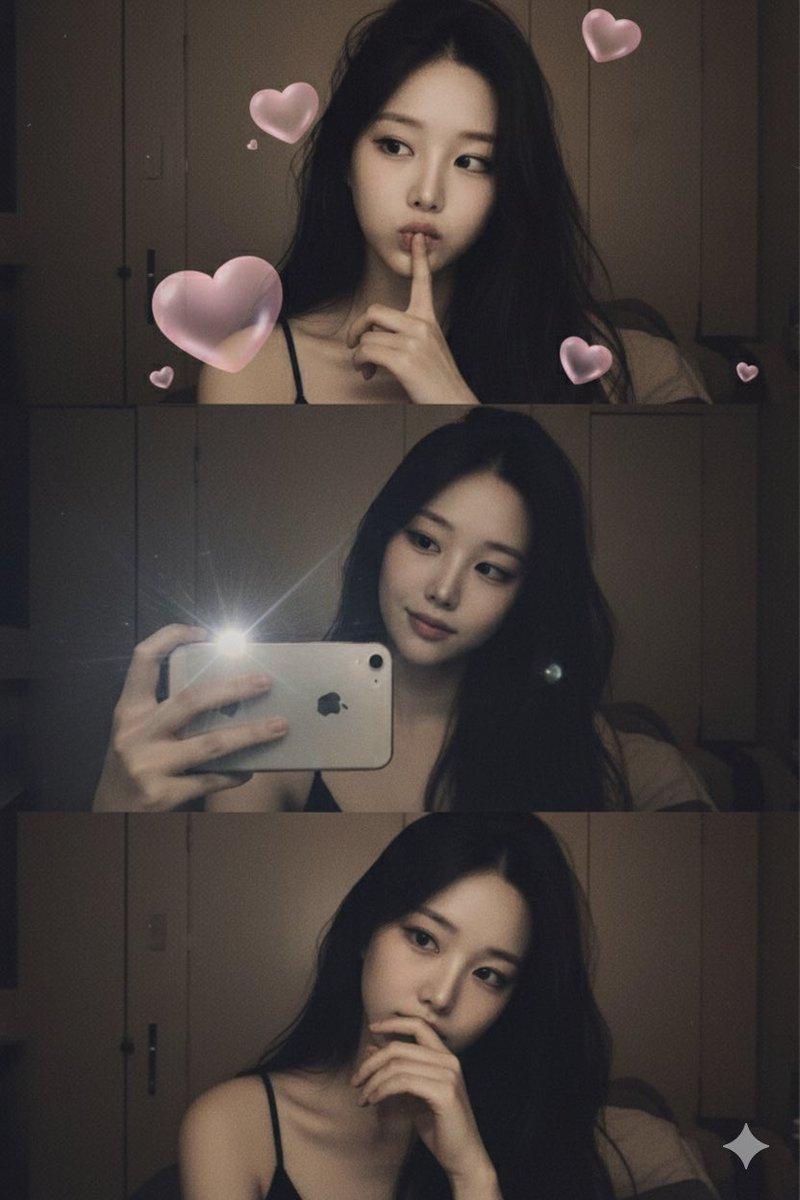
提示词
{
  "image_generation": {
    "face": {
      "preserve_original": true,
      "reference_match": true
   },
    "photo_style": {
      "type": "mirror selfie portrait",
      "camera_angle": "close-up to medium shot, eye-level via mirror reflection",
      "lighting": "soft warm indoor lighting with low contrast",
      "mood": "calm, introspective, minimal",
      "texture": "natural skin texture, soft shadows, subtle grain",
      "focus": "sharp focus on subject and phone reflection, background softly blurred"
    },

    "subject": {
      "pose": "standing indoors holding a smartphone up for a mirror selfie, head slightly turned to the side",
      "expression": "neutral, thoughtful, relaxed",
      "hair": {
        "style": "long, straight to slightly wavy, loose",
        "color": "natural brown"
      },
      "clothing": {
        "type": "casual indoor wear",
        "details": "loose dark-colored t-shirt with minimal styling"
      },
      "accessories": {
        "phone": "smartphone visible in hand with camera interface reflected in mirror"
      }
    },

    "environment": {
      "setting": "bedroom or dressing room",
      "background": "mirror surface, clothing rack, drawers, softly lit interior space",
      "atmosphere": "quiet, personal, cozy indoor environment"
    },

    "aesthetic": {
      "style": "natural lifestyle selfie",
      "features": [
        "mirror reflection composition",
        "soft ambient indoor lighting",
        "minimalist fashion",
        "casual everyday setting",
        "clean neutral color palette"
      ]
    }
  }
}- 分类
- 创意图片
- 模型
- Nano Banana Pro
- 来源作者
- 𝗦𝗮𝗻𝗶𝗮
- 来源 ID
- c0147c1b-3594-47cc-a5ab-f6f2ee1ff82c
- 发布时间
- 2026年3月8日
浏览量0