现实世界传送门动漫角色跨界场景
提示词
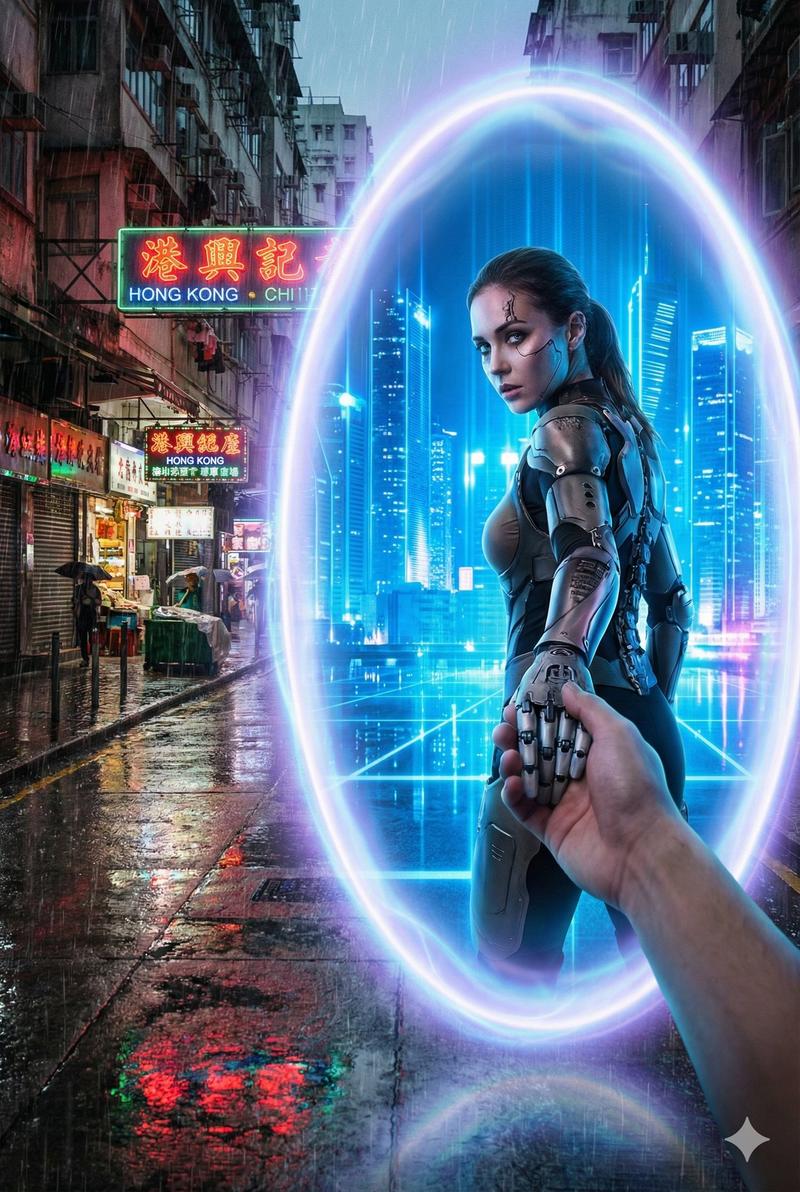
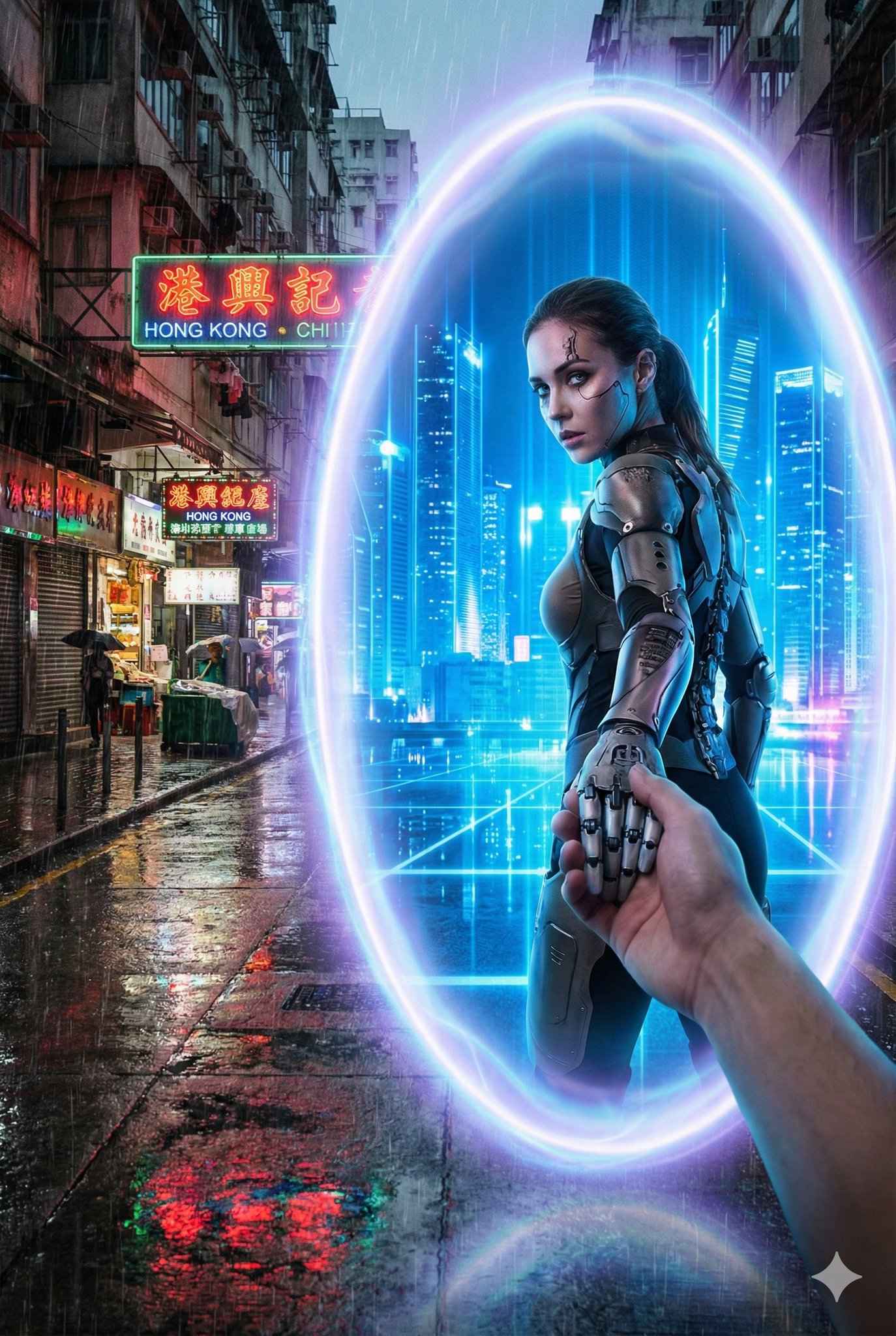
A glowing oval portal stands between {Real_World_Scene} and {Portal_Inner_Scene}.

Outside the portal, the real-world environment is {Real_World_Scene}, depicted with realistic textures, grounded atmosphere, and gritty or natural tones.

Inside the portal lies {Portal_Inner_Scene}, vibrant, imaginative, and contrasting sharply with the real world.

{Portal_Inner_Character} is stepping through the portal, turning back with a dynamic glance while holding the viewer’s hand, as if guiding them into the other world.

The portal emits mystical blue-purple light, drawn with clean outlines and soft shading consistent with the character’s style.

Optional overall visual style: {Art_Style} (defaults to a bold contrast between anime and reality).

Camera angle: third-person perspective, clearly showing the viewer’s hand being pulled into the new world.
No blur; sharp visual distinction between the two worlds.
Aspect ratio: 2:3.

----
Real_World_Scene: A winter street in Tokyo, low-saturation neon lights with a faint snowy haze
Portal_Inner_Scene:  A futuristic city street glowing with blue holograms, neon refracting through the air
Portal_Inner_Character: A cyborg girl with mechanical limbs wearing a semi-armored exosuit- 分类
- creative_scene
- 模型
- Nano Banana Pro
- 来源作者
- @dotey
- 来源 ID
- 461f02fc-d336-4d84-9995-70319e9bc199
- 发布时间
- 2025年12月27日
浏览量7