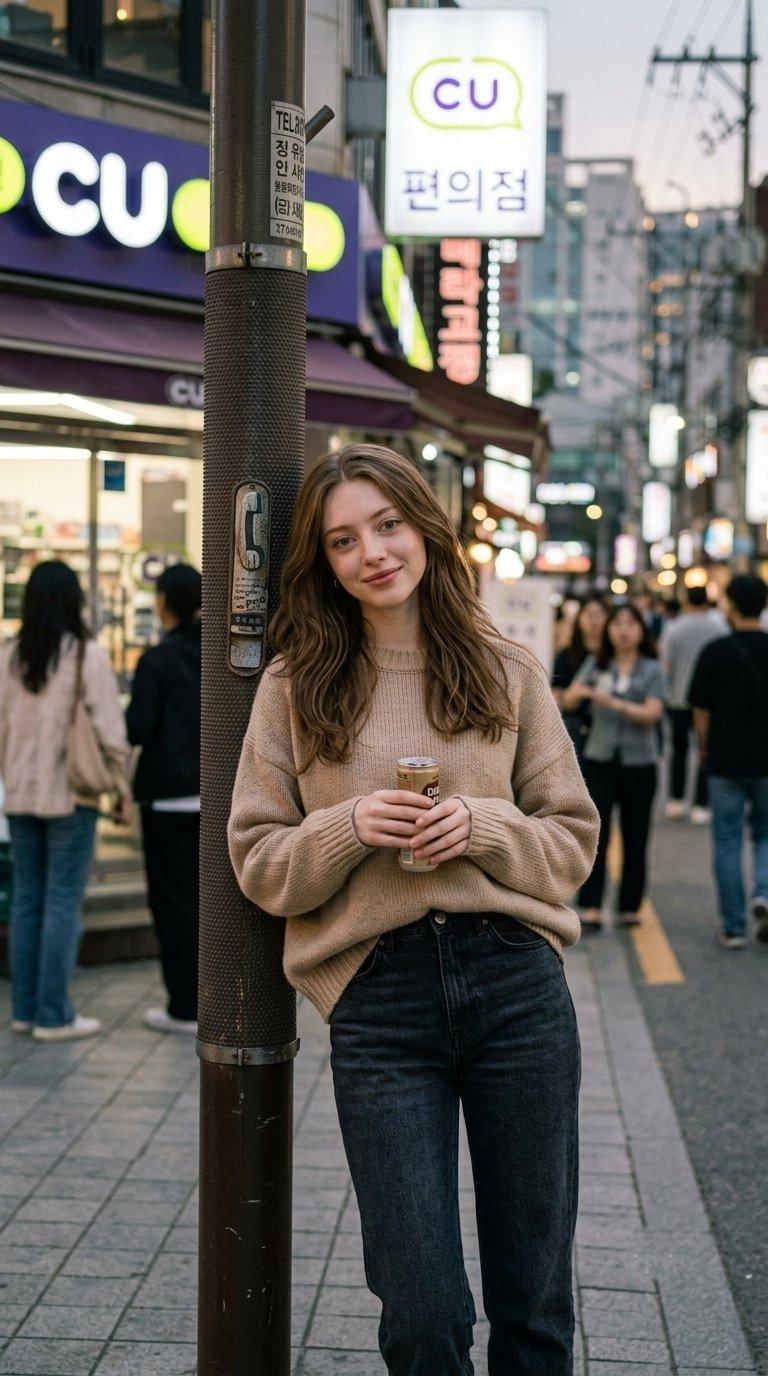
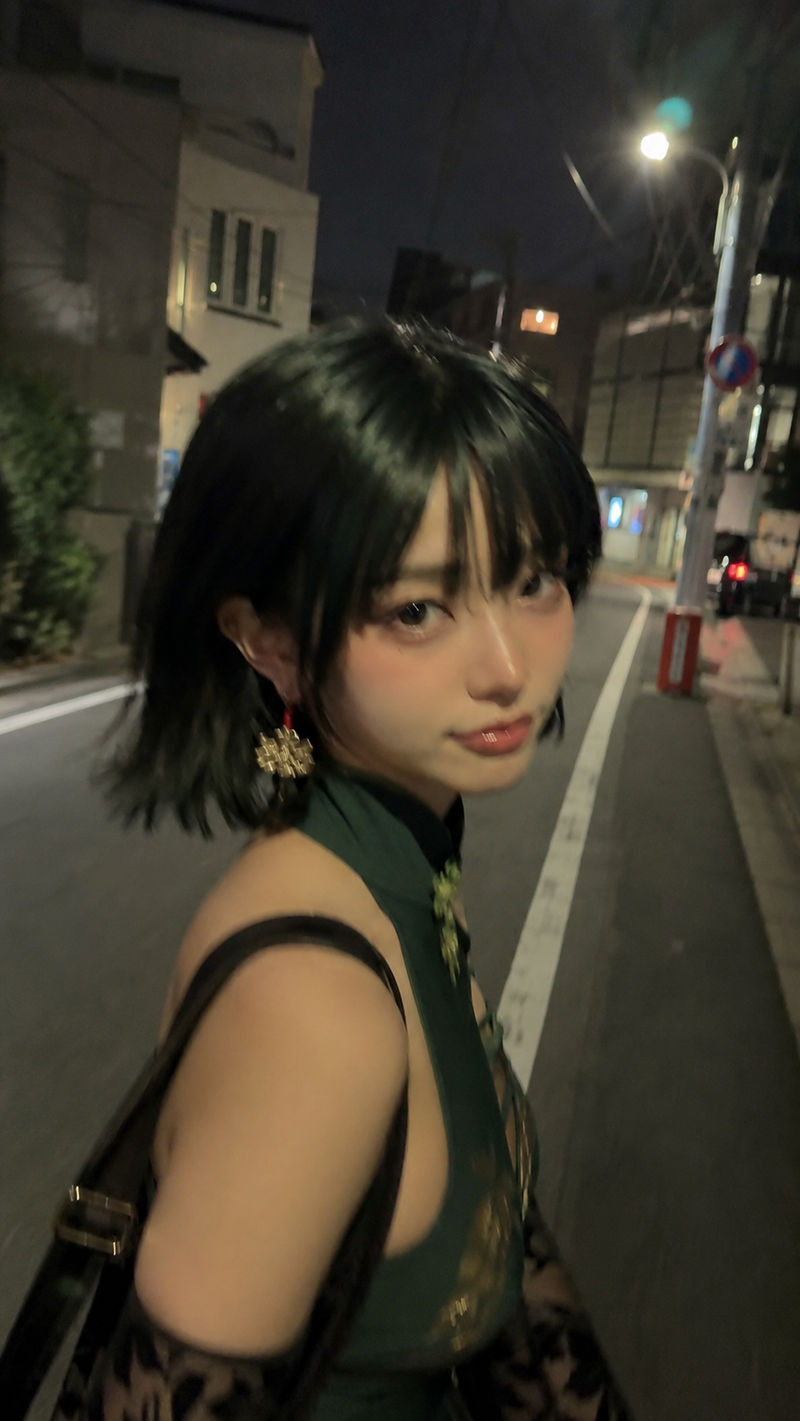
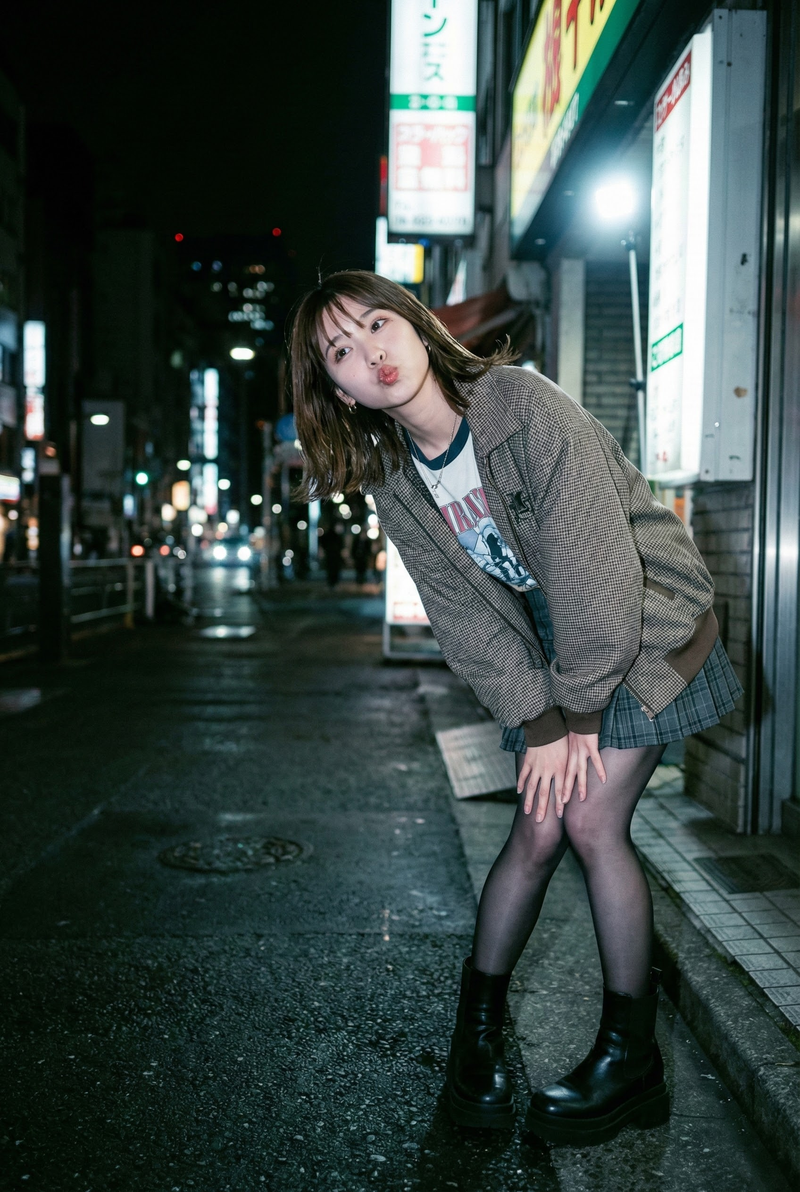
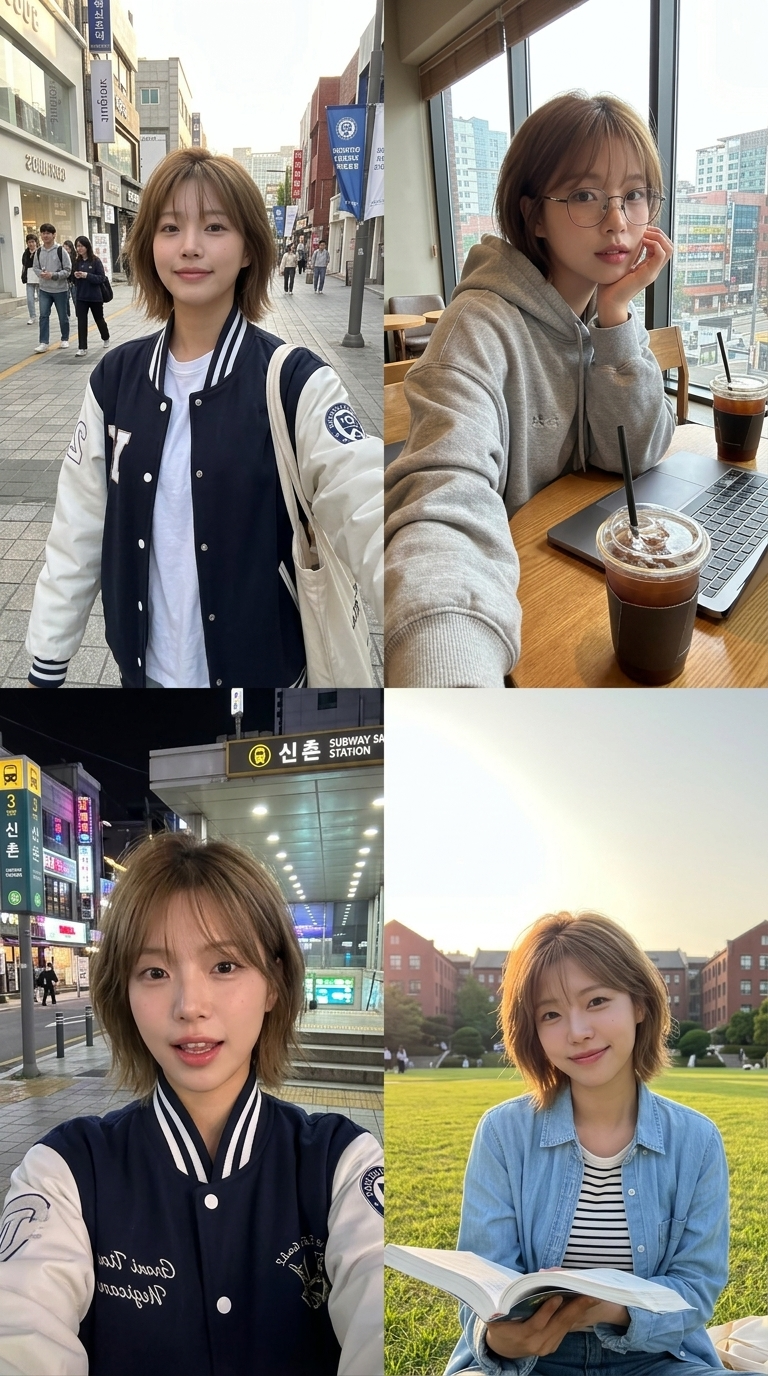
![[Nano Banana Pro] Photo × Music Playback Effect 写真 × 音楽再生エフェクト (Prompt below/プロ](https://cdn.pixshop.app/prompt-library/tweet-2001562159499870510/preview-0-1768139800879-801utgn7.jpeg)
[Nano Banana Pro] Photo × Music Playback Effect 写真 × 音楽再生エフェクト (Prompt below/プロ
提示词
[Nano Banana Pro]
Photo × Music Playback Effect
写真 × 音楽再生エフェクト

(Prompt below/プロンプトは下にあります)

How to use:
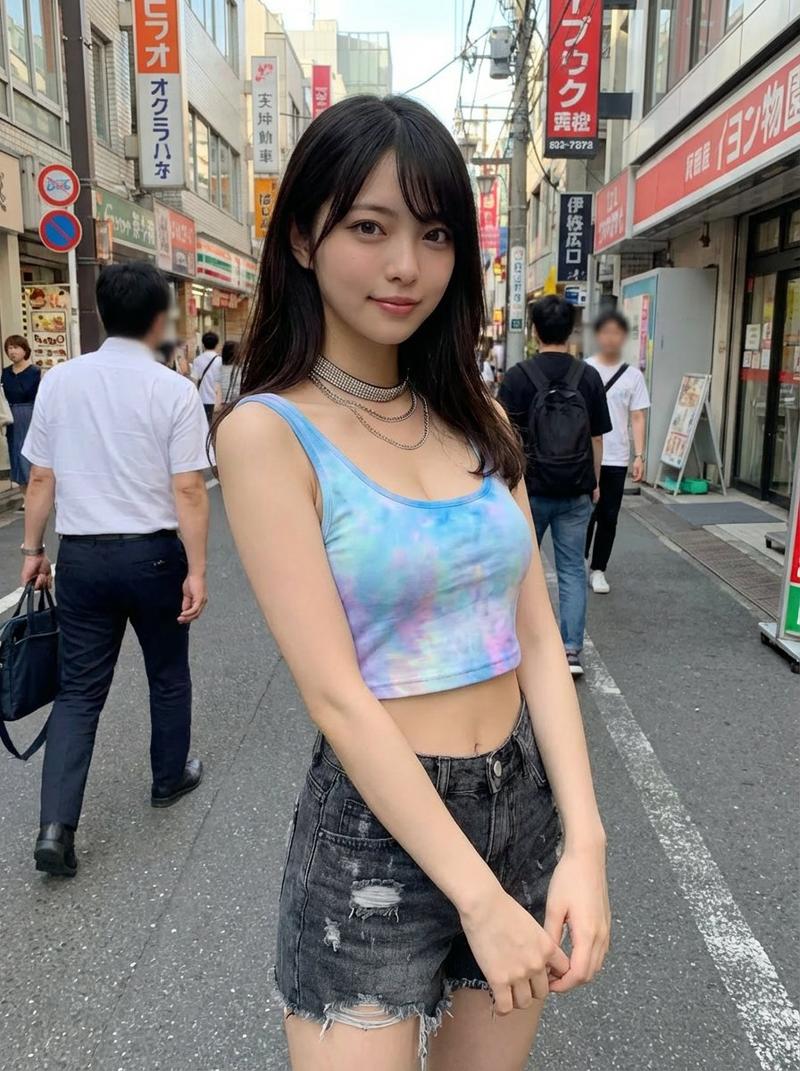
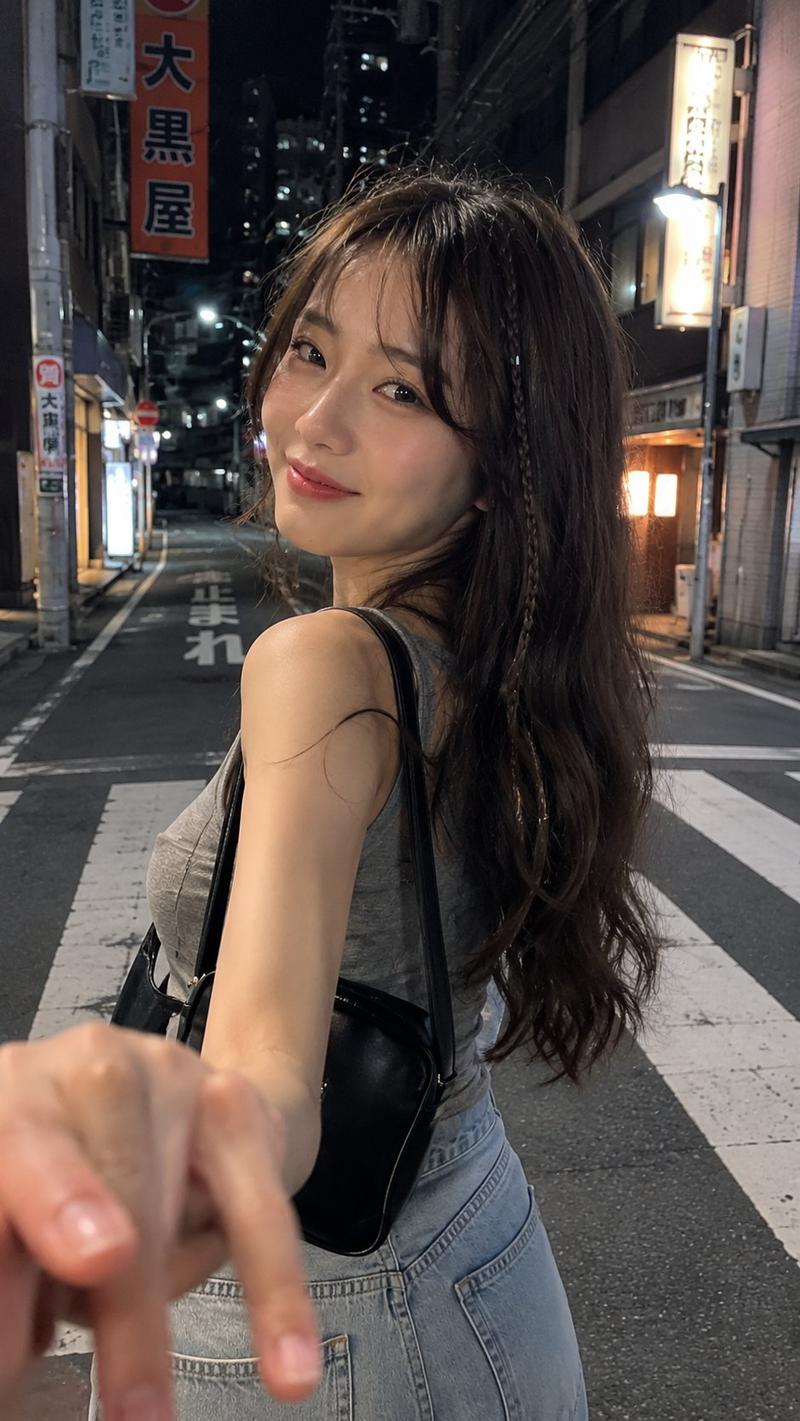
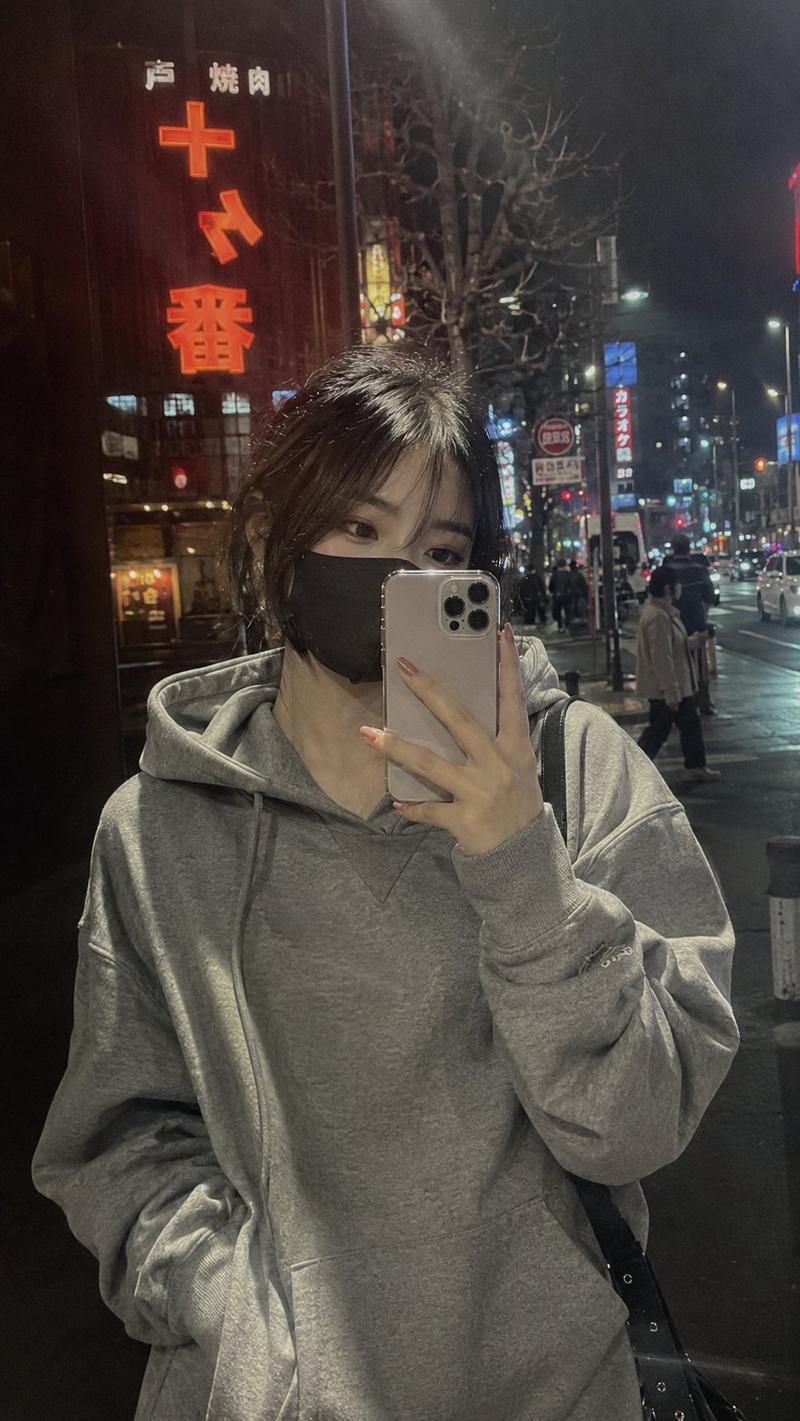
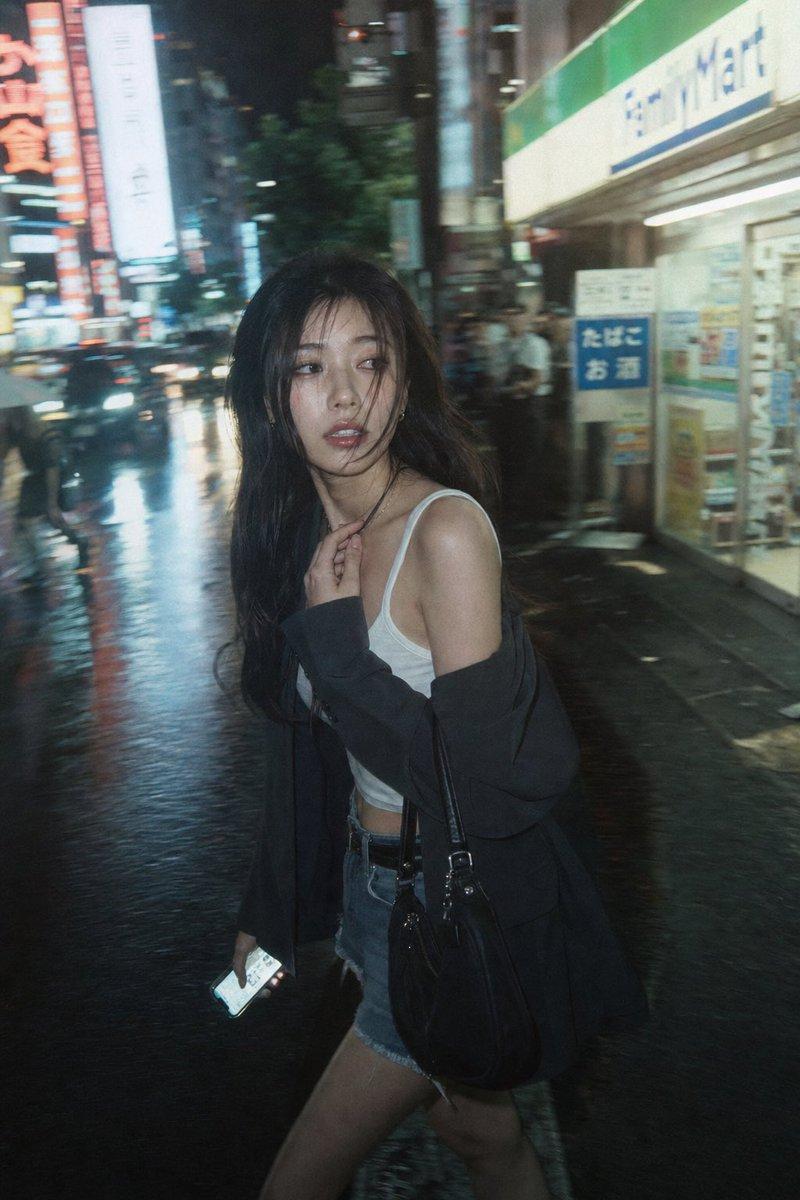
1.Prepare two images: one character reference and one album cover.
2.Copy and paste the prompt.
3.Feel free to change the song, album, or artist name as you like.

使い方:
1.画像を2枚用意します。1枚は人物リファレンス、もう1枚はアルバムジャケットです。
2.プロンプトをコピー&ペーストします。
3.曲名・アルバム名・アーティスト名は、お好みに合わせて自由に変更してください。

Maybe you want to try it out? @underwoodxie96 @SDT_side
[Prompt]

{
  "project_title": "Urban Streetwear Editorial Collage (Japan Edition)",
   "structure": "Asymmetric 3-panel triptych layout (Exactly 3 distinct frames, NO 4th panel)",
  "aspect_ratio": "3:4",
  "aesthetic_theme": {
    "style": "Editorial poster-style multi-panel collage",
    "mood": "Retro analog–digital fusion set in urban Japan",
    "color_palette": [
      "Warm ambers",
      "Washed neutrals",
      "Soft greys",
      "Muted browns",
      "Neon accent reflections"
    ],
    "textures": [
      "Reflective glass",
      "Wool plaid",
      "Polished leather",
      "Rain-slicked asphalt",
      "Japanese signage elements"
    ]
  },
  "subject_reference": {
    "source": "image_1.png",
    "instruction": "The subject's physical appearance, complete outfit, accessories (like cap/sunglasses if present), and general vibe must exactly match the person depicted in the provided reference image_1.png. The subject should be consistent across all frames."
  },
  "composition_layout": {
    "frame_1_left": {
      "type": "Reflective window shot",
      "subject_source": "Based on image_1.png",
      "pose": "Holding phone in front of face",
      "visual_effects": "Layered ghosting, architectural overlays (Japanese buildings and kanji signs), curvature distortion"
    },
    "frame_2_top_right": {
      "type": "Close-range, downward-angled ultra-wide portrait",
      "setting": "Narrow Tokyo backstreet with overhead power lines, small shops, and vending machines",
      "subject_source": "Based on image_1.png",
      "pose": "Leaning forward, hands in pockets, exaggerated pout (adapting the subject from image_1)",
      "visual_effects": "Lens perspective distortion, radiating street lines"
    },
    "frame_3_bottom_right": {
      "type": "Intimate overhead selfie",
      "subject_source": "Based on image_1.png",
      "setting": "Urban Japanese street corner",
      "lighting": "Soft overcast / evening city glow",
      "props": "Holding a drink",
      "overlays": "Faint digital-grid, minimal square facial-bounding graphic"
    }
  },
  "ui_elements": {
    "music_player": {
      "style": "Translucent iOS-style Apple Music mini-player placed in the center or bottom",
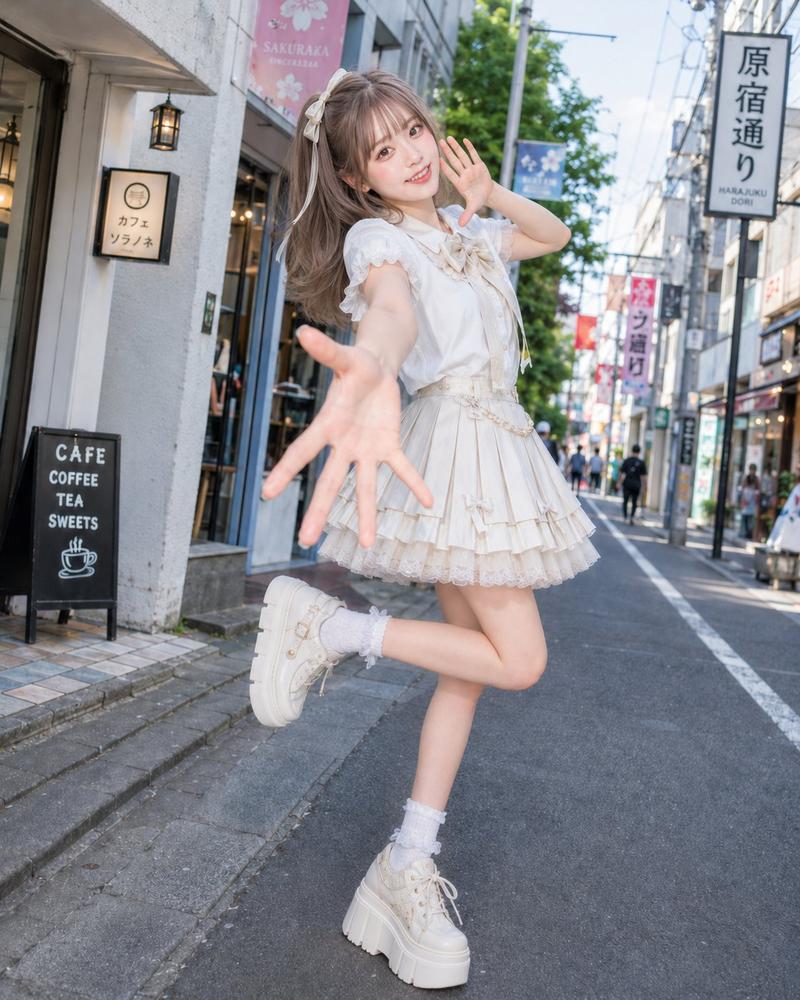
      "album_artwork_reference": {
        "source": "image_2.png",
        "instruction": "The square album cover art area inside the music player UI must display the exact content of the provided reference image_2.png."
      },
      "text_content_placeholder": "“Follow me on X” by BeautyVerse (Text should complement the visual of image_2.png)",
      "other_features": "Timeline bar, playback controls (no shadows)"
    },
    "graphics": "Subtle cursor-like frame lines, rectangular highlights"
  },
  "negative_constraints": [
    "Stickers",
    "Extra subjects different from image_1.png",
    "Wardrobe changes inconsistent with image_1.png",
    "Western style cobblestone streets",
    "Incorrect UI icons",
    "Neon color shifts (except for signage reflection)",
    "Futuristic sci-fi elements"
  ]
}

#NanoBananaPro- 分类
- figure_toy
- 模型
- Nano Banana Pro
- 来源作者
- Pixshop
- 来源 ID
- 99d97d8c-e4c3-4d2a-9b3b-d8667a169f6d
- 发布时间
- 2026年1月11日
浏览量6