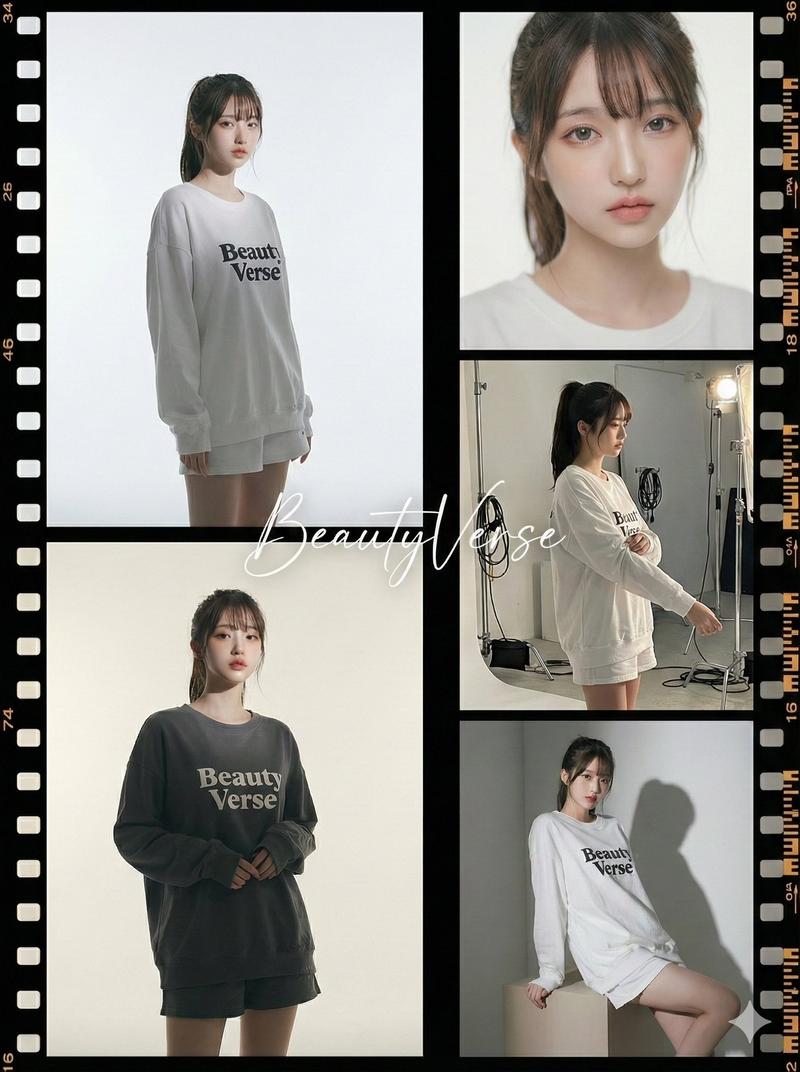
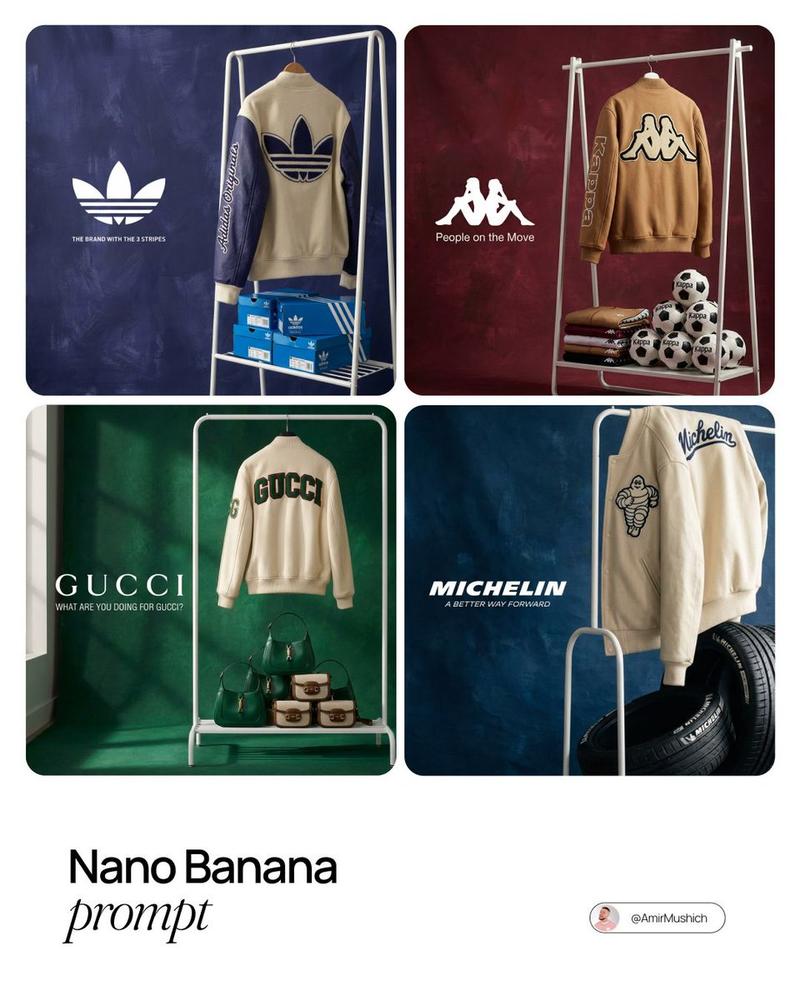
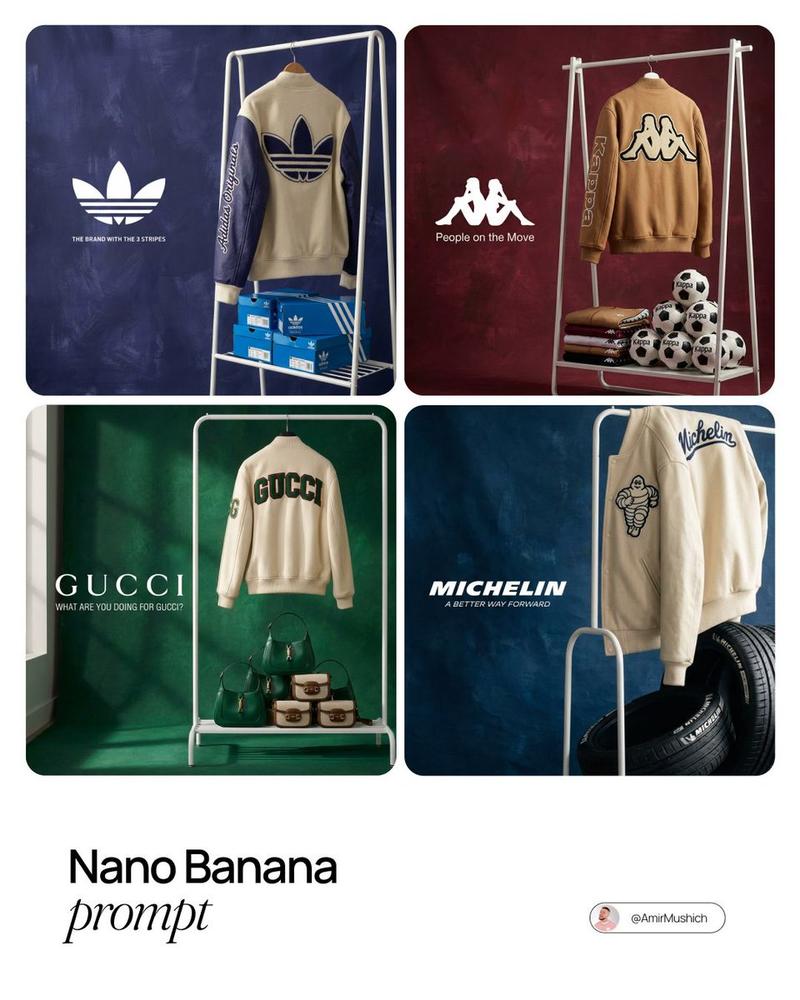
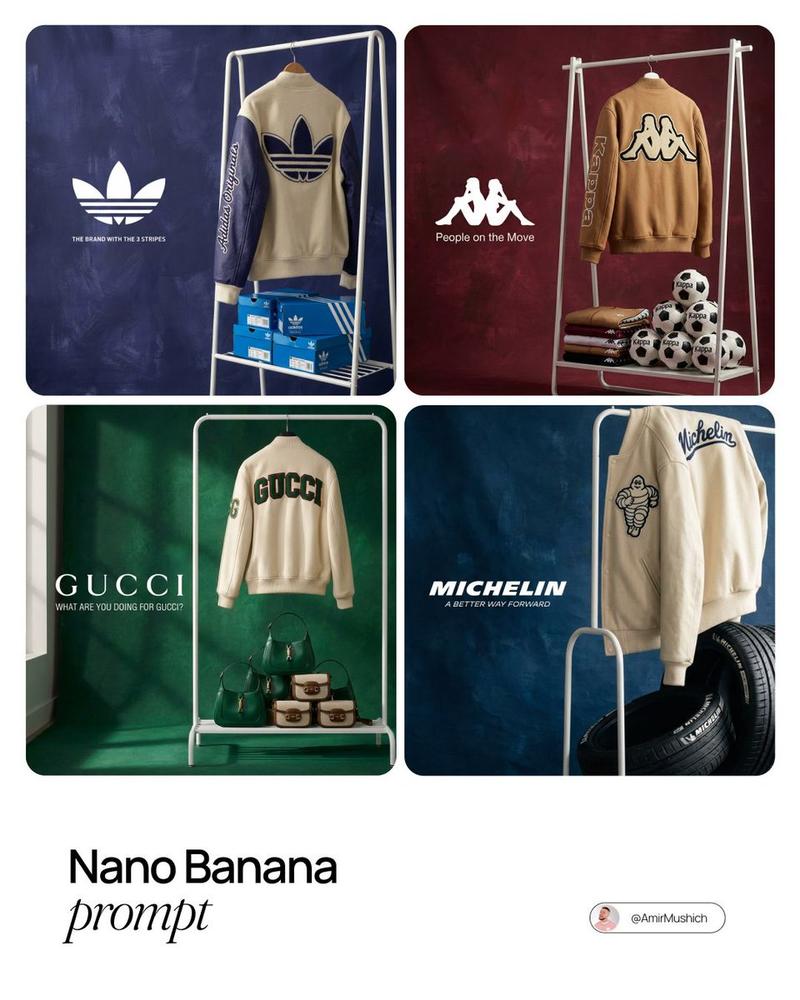
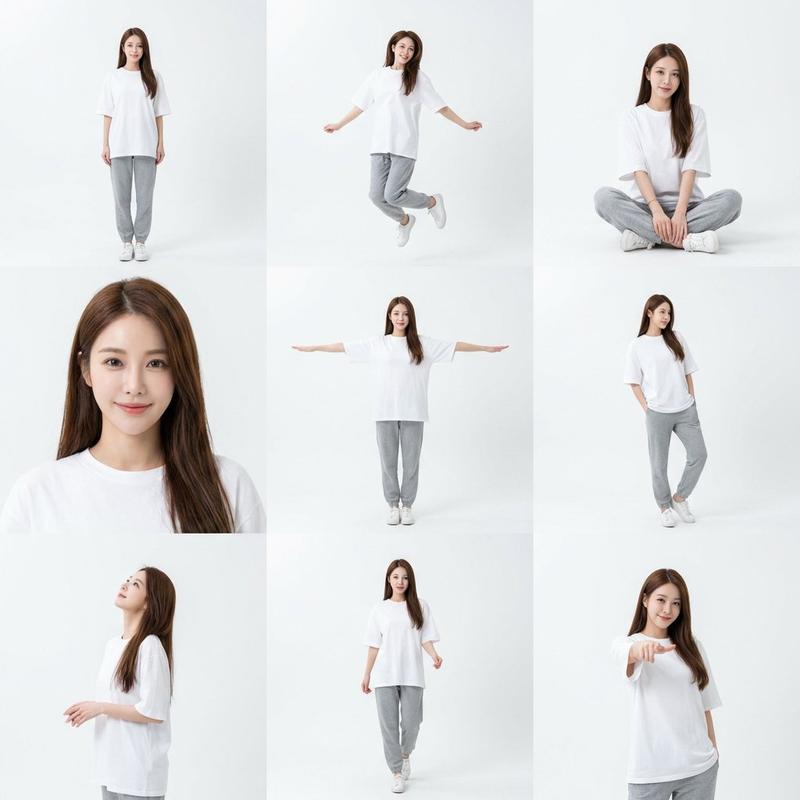
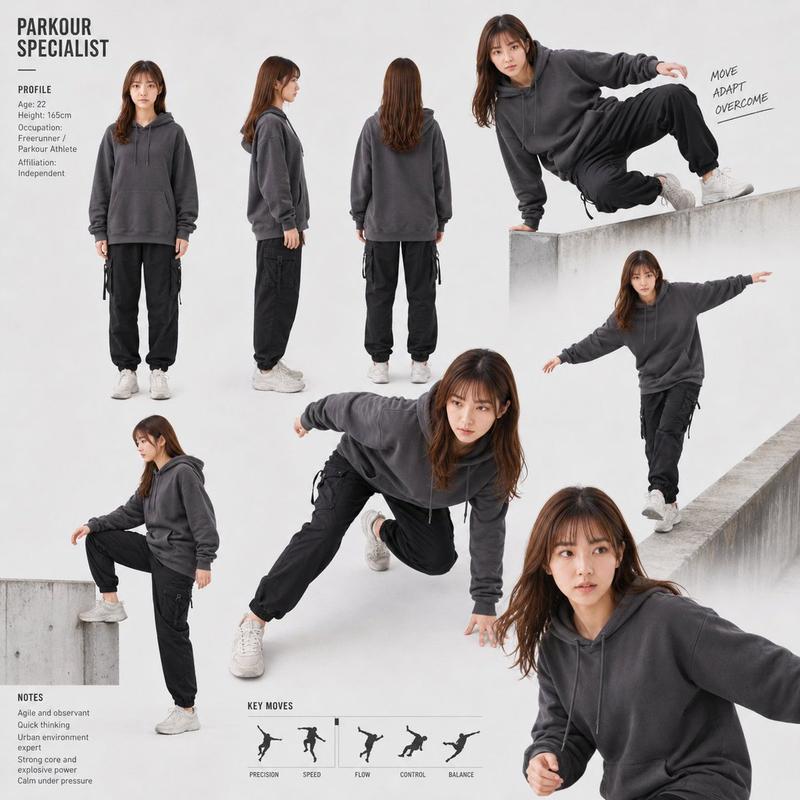
![[Nano Banana Pro] Studio × Film Effect スタジオ × フィルムエフェクト (Prompt below/プロンプト](https://cdn.pixshop.app/prompt-library/tweet-2002263911413031260/preview-0-1768179341805-3nfs6lay.jpeg)
[Nano Banana Pro] Studio × Film Effect スタジオ × フィルムエフェクト (Prompt below/プロンプト
提示词
[Nano Banana Pro]
Studio × Film Effect
スタジオ × フィルムエフェクト

(Prompt below/プロンプトは下にあります)
How to use:
1. Choose a character reference image.
2. Copy and paste the prompt.
3. Edit the handwritten signature name in the center and replace it with the name you want.

使い方:
1. 人物のリファレンス画像を1枚選びます。
2. プロンプトをコピー&ペーストします。
3. 画像中央の手書きサインの名前を、お好みの名前に書き換えてください。

[prompt]
{
  "project_title": "High-End Studio Fashion Editorial '5-Panel Wide Film' Collage",
  "structure": "Asymmetric 2-column layout: Left column contains 2 stacked panels; Right column contains 3 stacked panels. Total height of both columns is identical.",
  "aspect_ratio": "3:4",
  "aesthetic_theme": {
    "style": "Professional studio editorial mixed with seamless vintage film strip aesthetic",
    "mood": "Minimalist, sophisticated, balanced yet dynamic",
    "color_palette": [
      "Clean whites",
      "Sophisticated charcoals",
      "Soft champagne gold",
      "Deep black film borders",
      "Neutral skin tones"
    ],
    "textures": [
      "Subtle film grain",
      "Matte celluloid finish",
      "Seamless cyclorama wall",
      "High-fashion fabric textures"
    ]
  },
  "framing_and_borders": {
    "type": "Integrated 5-panel wide film strip",
    "details": [
      "The layout is a single large rectangular film frame divided into 5 segments",
      "Authentic film rebate with sprocket holes and frame numbers only on the FAR LEFT and FAR RIGHT outer vertical edges",
      "The top and bottom outer edges are clean black film borders",
      "Internal dividers: All internal lines (the central vertical divider and the horizontal lines on both sides) are simple, solid thin black lines"
    ]
  },
  "subject_reference": {
    "source": "image_1.png",
    "instruction": "The subject's physical appearance, complete outfit, and accessories must exactly match the person in image_1.png. Maintain visual consistency across all five frames."
  },
  "composition_layout": {
    "left_column_stack": {
      "dimensions": "Two stacked vertical panels",
      "frames": [
        {
          "id": "frame_top_left",
          "type": "Full-body studio editorial shot",
          "setting": "Clean minimalist studio",
          "pose": "Sophisticated standing pose, showcasing the full outfit silhouette",
          "lighting": "High-contrast rim lighting"
        },
        {
          "id": "frame_bottom_left",
          "type": "Medium-shot editorial",
          "setting": "Minimalist studio background",
          "pose": "Artistic sitting or leaning pose, focusing on the upper body and garment flow",
          "lighting": "Soft directional lighting"
        }
      ]
    },
    "right_column_stack": {
      "dimensions": "Three stacked horizontal panels matching the total height of the left column",
      "frames": [
        {
          "id": "frame_top_right",
          "type": "Close-up beauty portrait",
          "setting": "Professional studio setup",
          "pose": "Frontal view, elegant expression, focus on facial features",
          "visual_effects": "Shallow depth of field, sharp focus on eyes"
        },
        {
          "id": "frame_middle_right",
          "type": "Candid BTS side-shot",
          "setting": "Working studio environment with equipment visible",
          "lighting": "Raw studio working lights",
          "pose": "Relaxed, natural demeanor, perhaps looking at a monitor off-camera",
          "props_and_details": "Visible C-stands and studio cables"
        },
        {
          "id": "frame_bottom_right",
          "type": "Dynamic detail or medium-shot",
          "setting": "Studio corner with minimalist pedestal",
          "lighting": "Butterfly lighting setup",
          "pose": "Fashion-forward pose, highlighting accessories or specific outfit textures"
        }
      ]
    }
  },
  "central_element": {
    "type": "Signature Overlay",
    "content": "BeautyVerse",
    "position": "Center of the entire composition, placed on the central vertical divider",
    "style": {
      "appearance": "Elegant fluid cursive, translucent white ink",
      "texture": "Fine ink stroke",
      "scaling": "Medium-sized"
    }
  }
}

#NanoBananaPro- 分类
- creative_scene
- 模型
- Nano Banana Pro
- 来源作者
- Pixshop
- 来源 ID
- 1950d3f5-a210-4dac-a543-b7ac48b579d3
- 发布时间
- 2026年1月11日
浏览量5