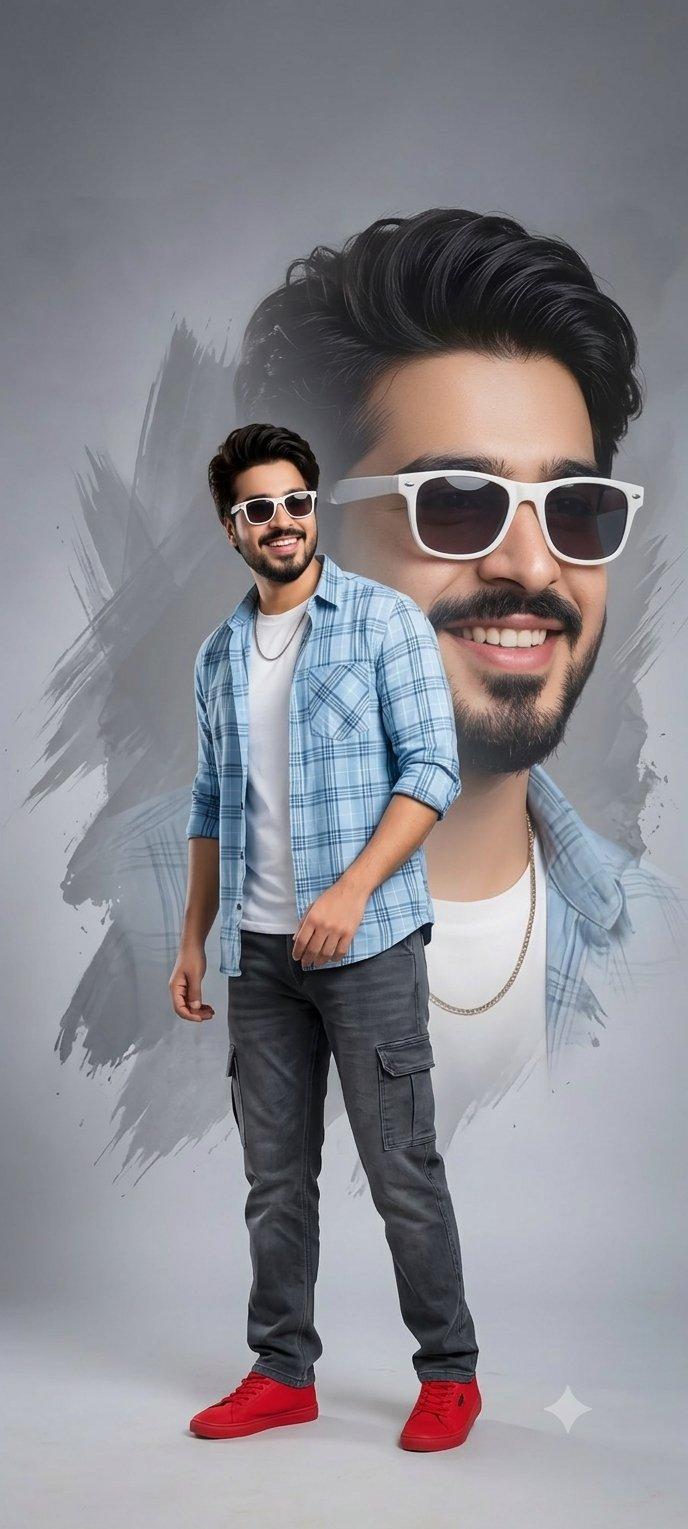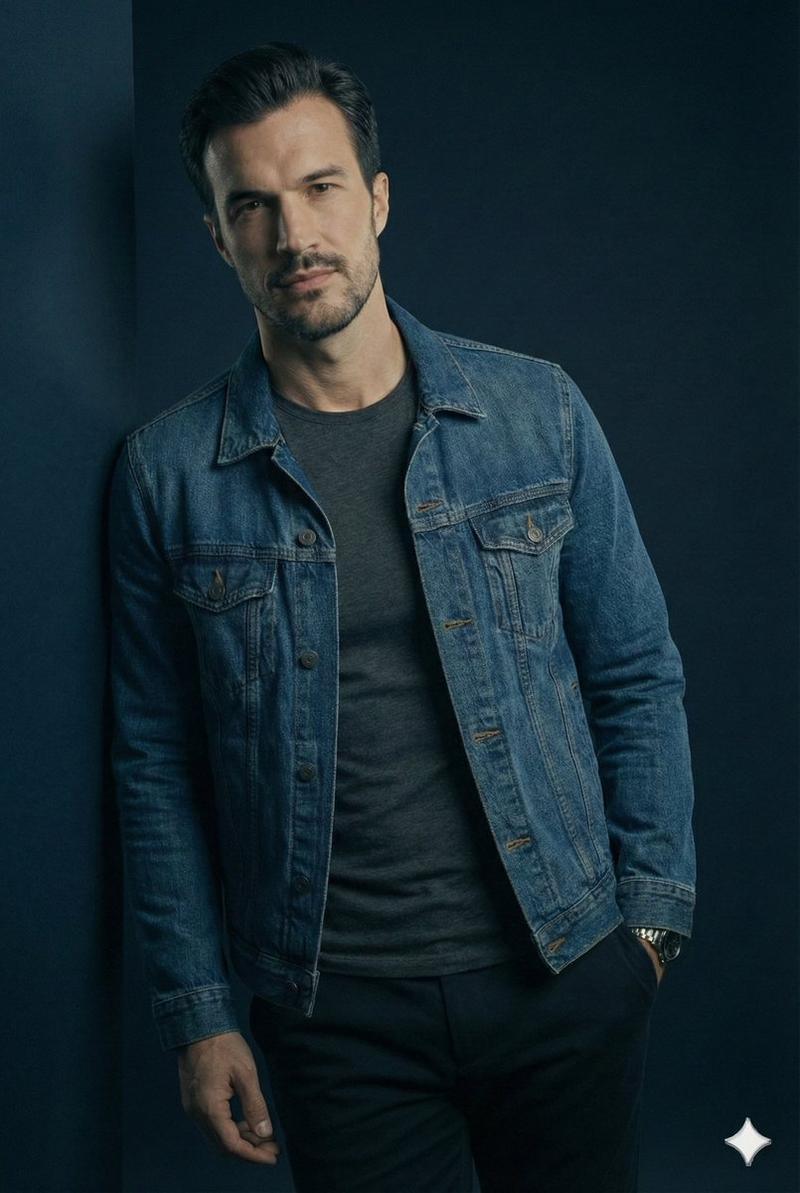
1. Open Gemini / Grok 2. Upload your image 3. Prompt : "A hyper-realistic cinem
提示词
1. Open Gemini / Grok

2. Upload your image

3. Prompt :

"A hyper-realistic cinematic full-body portrait of the uploaded image — seated casually on a modern metallic stool, placed at the center of a minimal white-blue Facebook-themed studio. Behind them, a large glowing translucent twitter 'X' logo stands upright, softly illuminating the scene in cool blue tones.

The subject wears a casual smart outfit — a white t-shirt layered with a blue denim jacket, beige chinos, and white sneakers. Their pose is relaxed, with one hand resting on the stool and the other raised in a natural gesture as if engaging in friendly conversation.

Lighting setup: Soft, diffused studio light with gentle rim highlights to enhance realism. Use 85mm f/1.8 lens simulation for cinematic depth.

Focus priority: Ultra-sharp face detail capturing real pores, fine hair strands, and subtle reflections in the eyes.

Mood & tone: Warm, authentic, and social — reflecting connection and openness.
Rendering style: Professional, realistic, high-end commercial photography aesthetic suitable for social branding.

Tried for Rajinikanth, Kamal Hassan, Vijay, Ajith
- 分类
- creative_scene
- 模型
- Nano Banana Pro
- 来源作者
- Pixshop
- 来源 ID
- c66f75cc-5480-4e11-ad12-6321b462e981
- 发布时间
- 2026年1月12日
浏览量3