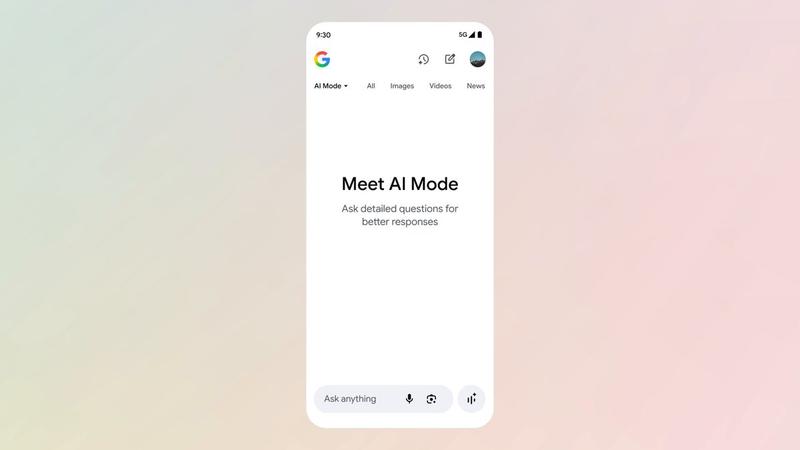
![Create a premium open-graph hero image for [BRAND]: A wide horizontal layout (16](https://whqgdndlpxjbwosvipip.supabase.co/storage/v1/render/image/public/prompt-source-media/promptsref/work-1350/image-1-c4bd720eb02f7b1d.png?width=1200&quality=80&resize=contain)
Create a premium open-graph hero image for [BRAND]: A wide horizontal layout (16
提示词
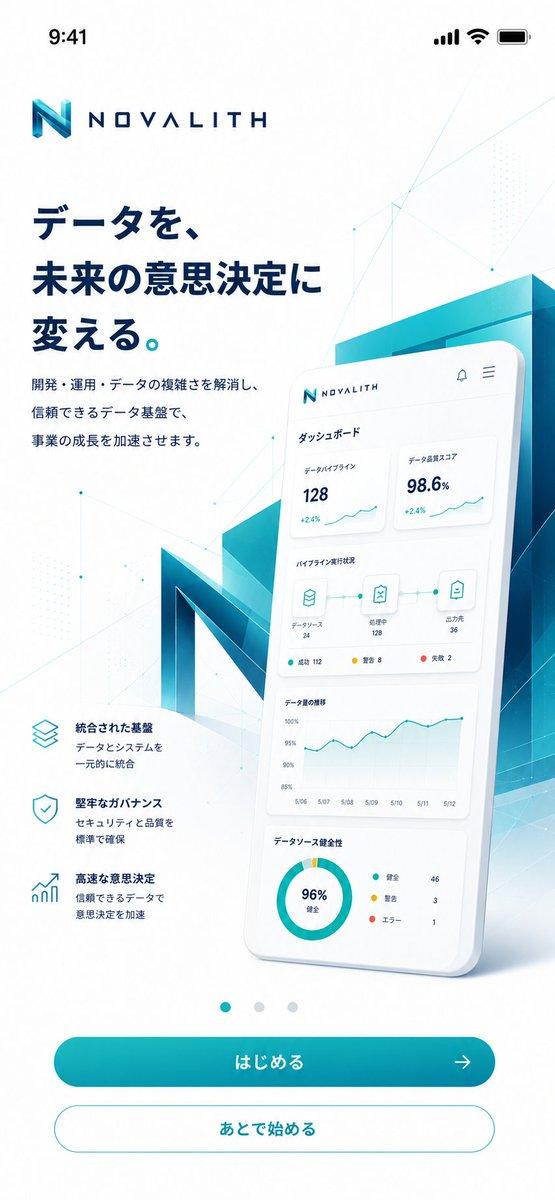
Create a premium open-graph hero image for [BRAND]:

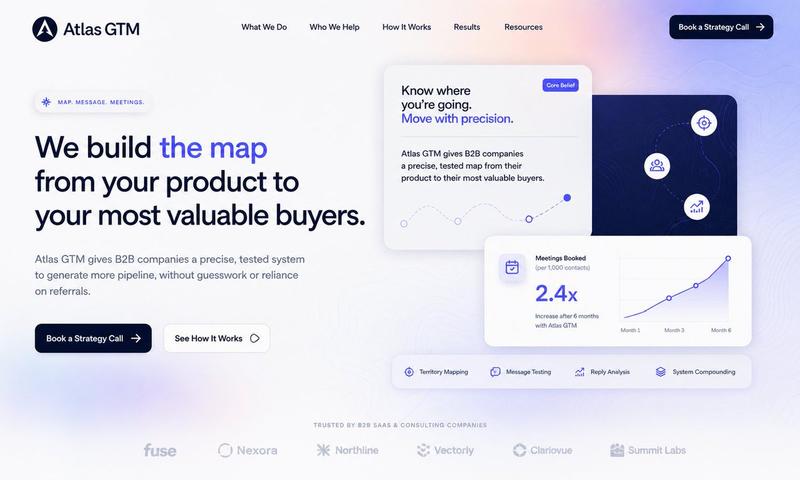
A wide horizontal layout (16:9 ratio) designed for social sharing, website headers, and marketing collateral. This is a high-end designer mockup presentation suitable for a branding portfolio or product launch. The focus is on clarity, balance, negative space and visual confidence.

LAYOUT STRUCTURE:

The composition is split into two clear zones with generous breathing room between them.

LEFT ZONE:
The [BRAND] logo and brand name are placed in the top-left corner. The logo is sized appropriately for the format, not too large, not too small. It reads clearly but doesn't dominate.

Below the logo, a single large headline is set in a clean, modern sans-serif typeface. The headline is short, typically 3-6 words maximum. It is confident, left-aligned, and sits comfortably within the left third of the canvas. The text color is derived from the brand palette.

RIGHT ZONE:
One floating, rounded rectangular panel suggesting a product interface, dashboard, or app screen. The panel has subtle depth, either through a soft drop shadow or slight elevation effect. The contents of the panel are suggestive rather than detailed, hinting at functionality without clutter.

The panel is angled very slightly or presented straight-on depending on what feels most balanced. It floats naturally in the composition, grounded by its shadow but with clear separation from the background.

NEGATIVE SPACE:
Strong use of negative space throughout. The background is clean and uncluttered. There is clear visual breathing room between the left text block and the right interface panel. Nothing feels cramped or crowded.

COLOR & STYLE:
Colors are drawn directly from the [BRAND] palette. The background can be a brand color, white, off-white, or a subtle gradient that complements the brand.

The overall style is flat or near-flat. No heavy gradients, no glossy effects, no 3D renders. Shadows are subtle and serve only to create gentle depth. Typography is modern, confident, and legible at small sizes.

MOOD & FEEL:
Clean SaaS homepage hero. Quiet confidence. The image should feel premium, polished and intentional. Every element is placed with purpose. The overall impression is of a company that knows what it's doing.

WHAT TO AVOID:
No stock photo elements. No people. No complex illustrations. No decorative graphics or patterns. No multiple interface panels. No visual noise. No text other than the headline and brand name. No borders or frames around the image.

OUTPUT:
A single 16:9 image with no watermarks, no mockup frames, and no external branding. Ready to use as an open-graph image, social header, or presentation slide.
- 分类
- 图表信息图
- 模型
- Nano Banana 2
- 来源作者
- xie underwood
- 来源 ID
- 1350
- 发布时间
- 2026年3月29日
浏览量25