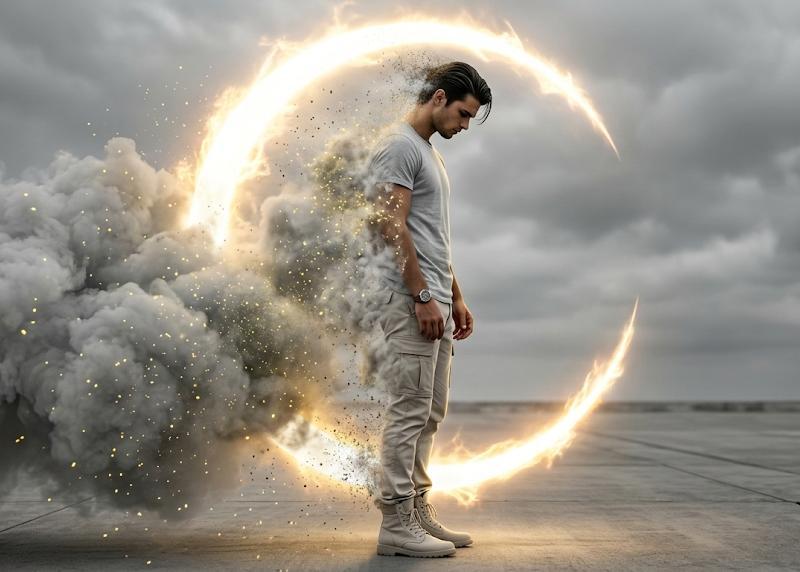
A cinematic 5-second animated landing page hero scene
提示词
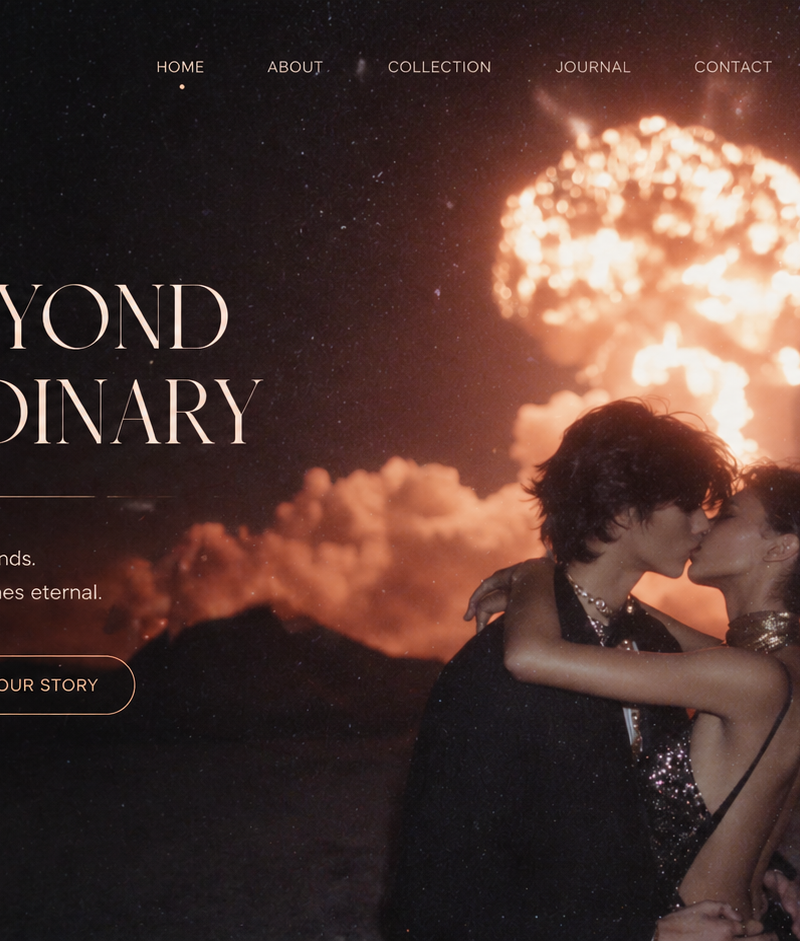
A cinematic 5-second animated landing page hero scene.

The UI layout, text, typography, and buttons must remain completely static and unchanged.

Scene:
A romantic couple kissing under a glowing explosion cloud at night, with a starry sky background.

Motion:
- subtle parallax movement in the star field
- slow expansion and pulsing glow of the explosion cloud, like breathing light
- gentle wind movement in the characters’ hair and clothing
- soft floating golden dust particles drifting across the scene

Lighting:
- warm cinematic lighting with volumetric glow from the explosion
- soft bloom, subtle lens flare, light leaks
- dreamy luxury atmosphere

UI micro-interactions:
- “Explore Now” button emits a soft glow pulse and very slight scale breathing (almost imperceptible)
- a gentle highlight shimmer sweeps across the button once
- “Scroll to Discover” indicator flickers softly with a small sparkle

Camera:
- very slow push-in (3–5% zoom) over the duration
- stable composition, no layout shift

Style:
high-end fashion campaign, luxury perfume advertisement, cinematic, soft focus, film grain

Duration: 5 seconds
Aspect ratio: 16:9
- 分类
- 图表信息图
- 模型
- Seedance 2.0
- 来源作者
- xie underwood
- 原始语言
- en
- 来源 ID
- 2322
- 发布时间
- 2026年4月28日
浏览量201




![一种超现实的概念性构图,以单色深红色调呈现,主体为[MAIN SUBJECT],孤立于干净的极简工作室环境中。漂浮元素、雕塑性构图、戏剧性的负空...](https://whqgdndlpxjbwosvipip.supabase.co/storage/v1/render/image/public/prompt-source-media/x-captures/2085561422508093853/snapshot-1-27fed92989a4cafb.jpg?width=800&quality=75)