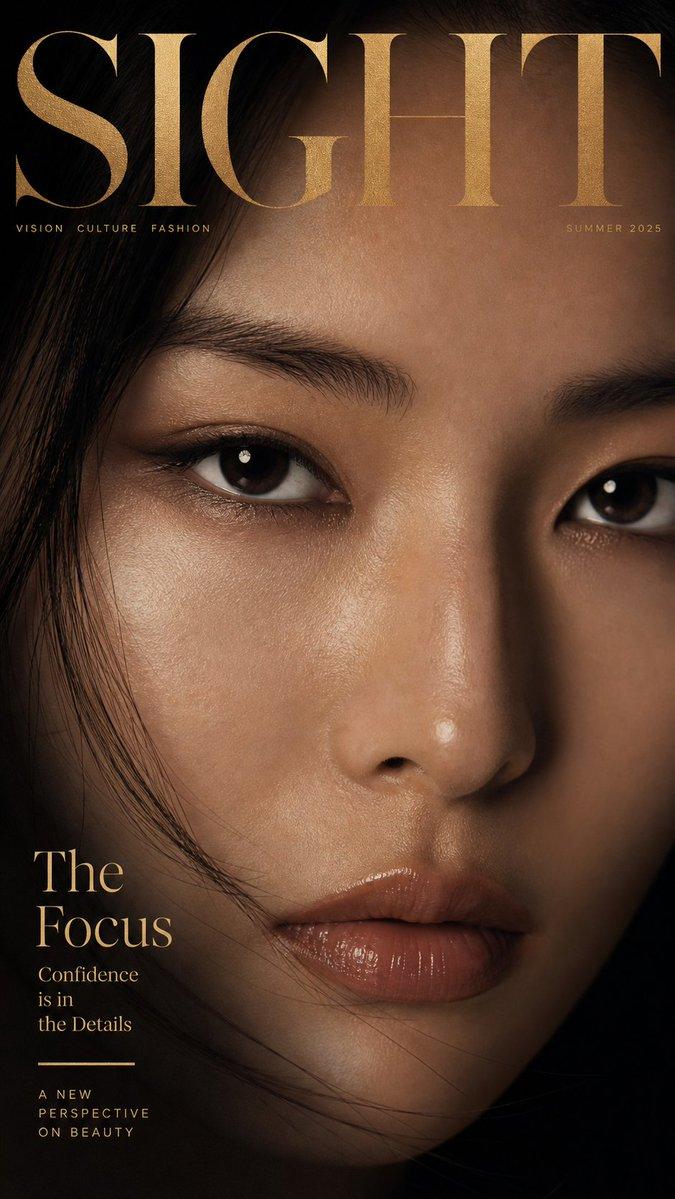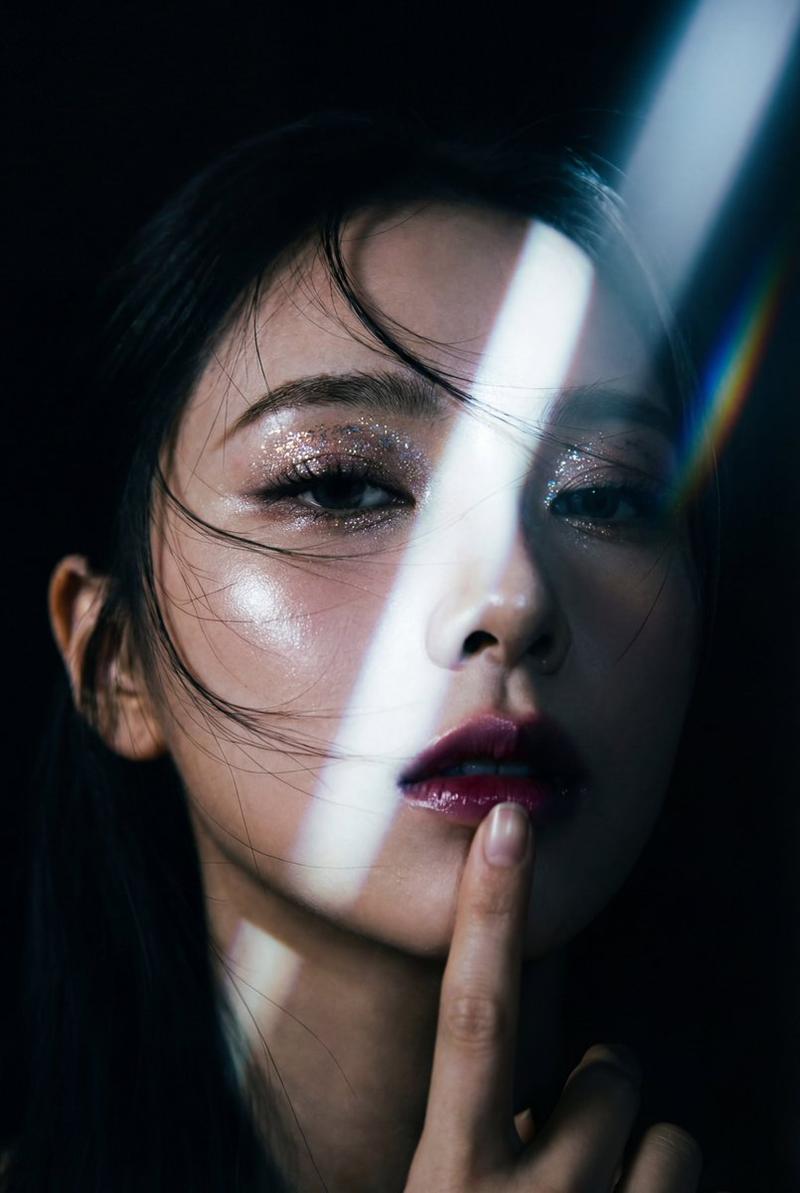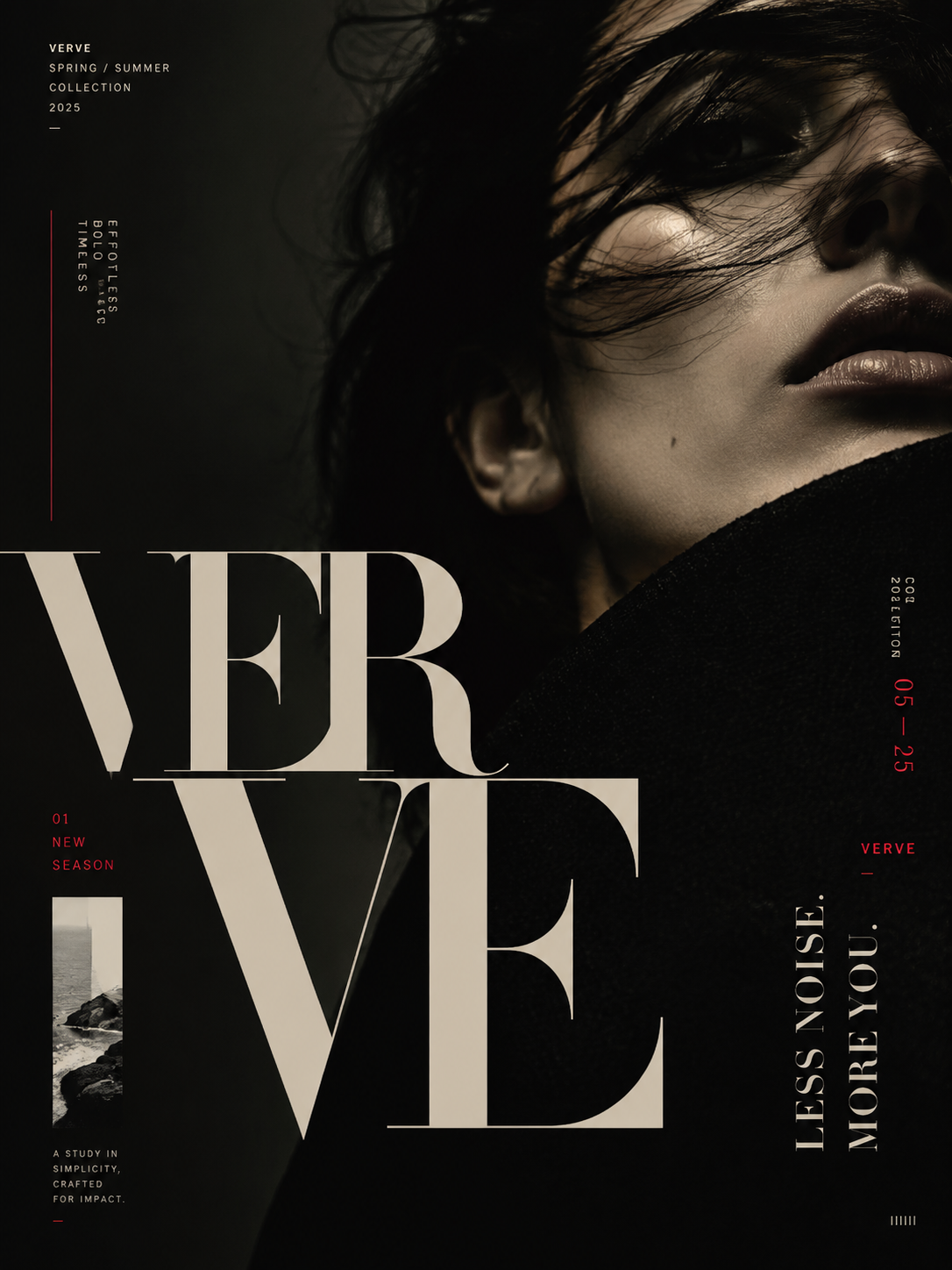
Designer-grade modern poster layout with strong visual hierarchy, asymmetric com
提示词
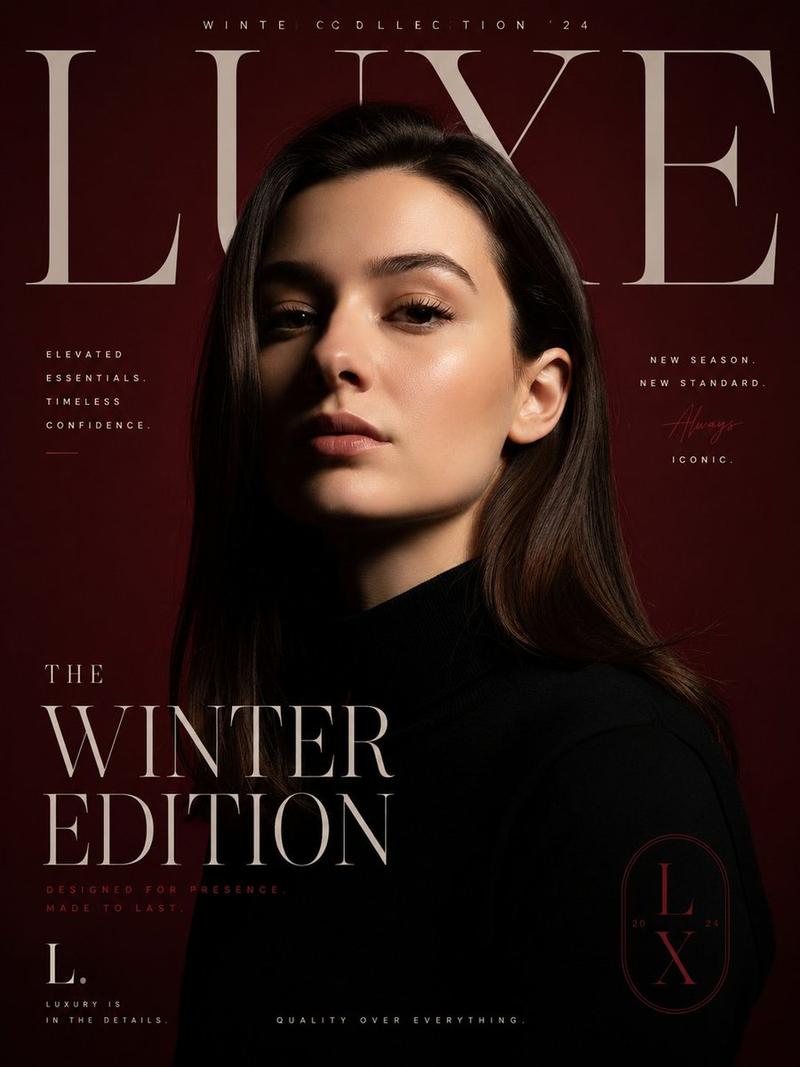
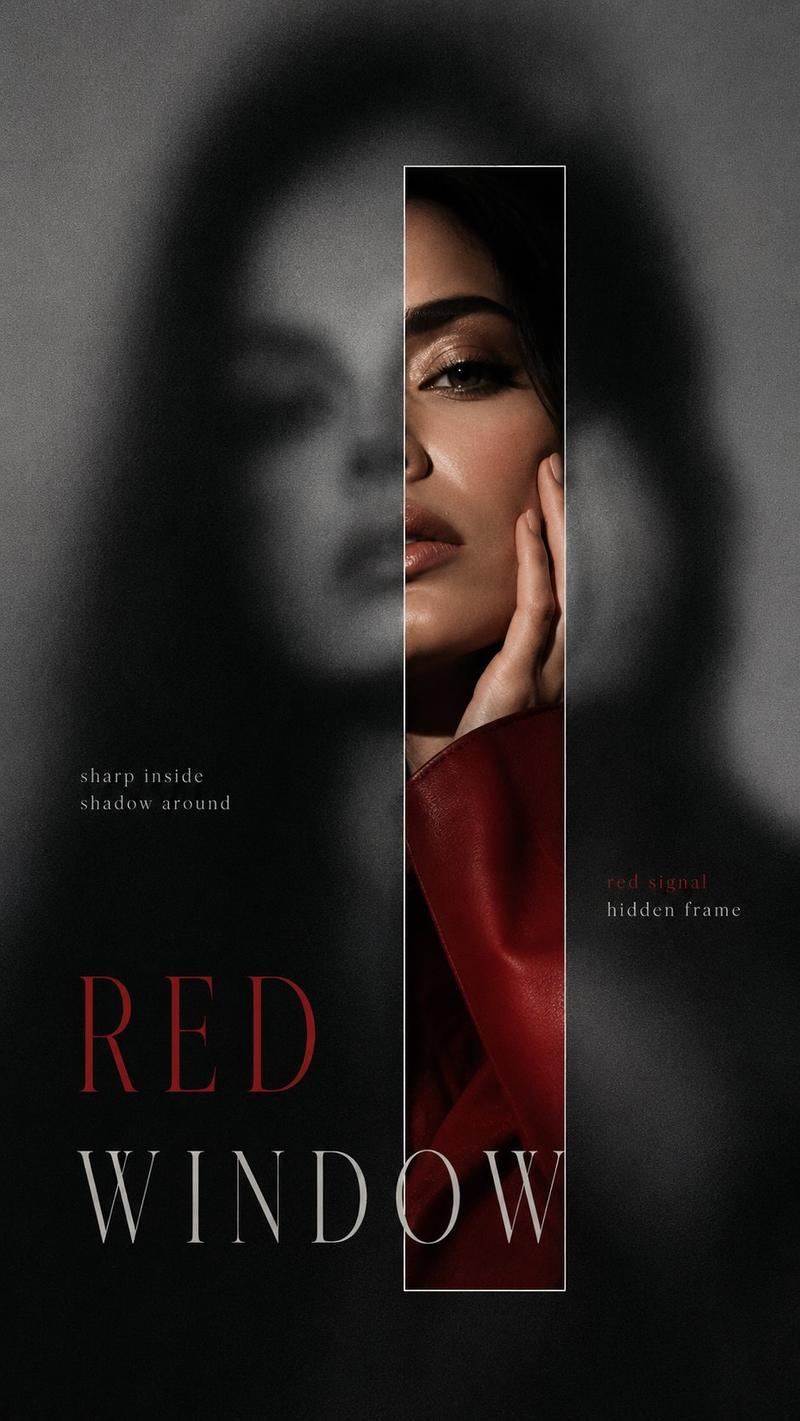
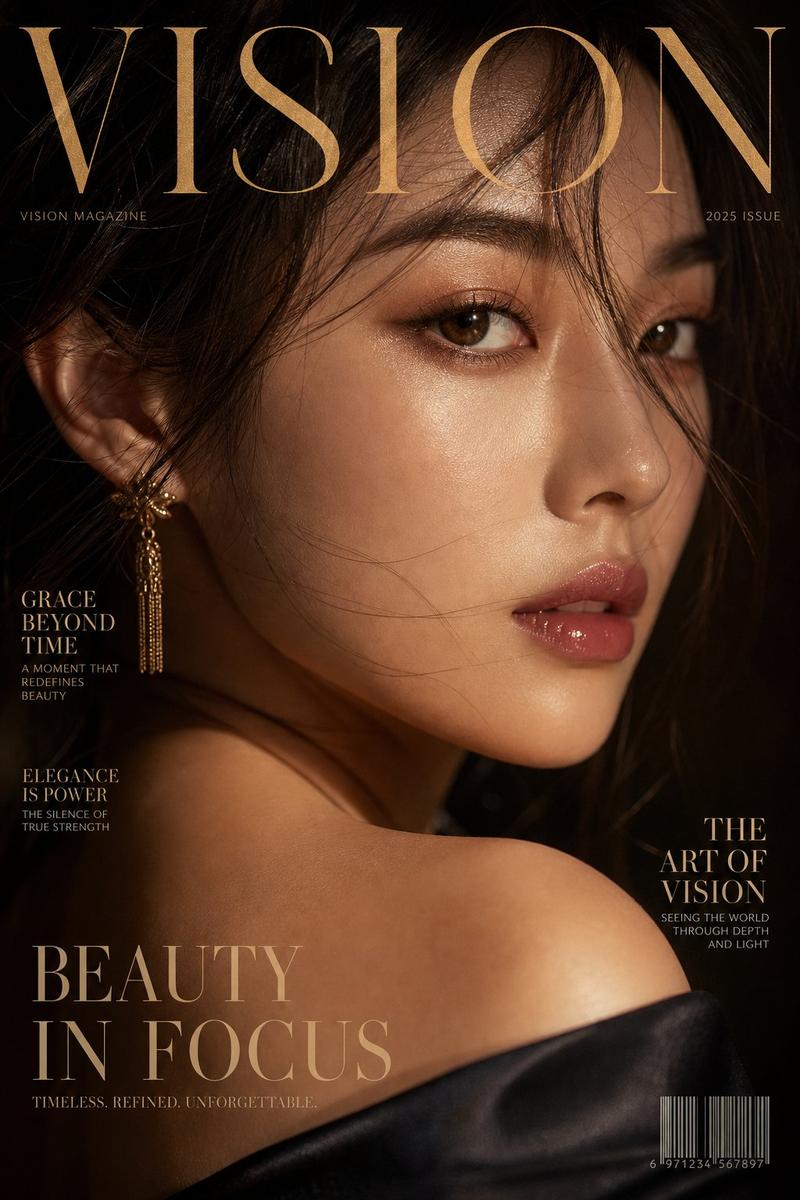
Designer-grade modern poster layout with strong visual hierarchy, asymmetric composition, intentional imbalance, editorial rhythm, and luxury fashion magazine aesthetics. Avoid generic AI poster style, centered layouts, boring placement, floating elements, cheap event-poster feel, or template-based composition.
Use a clear structure with hero zone, typography zone, breathing space, supporting detail area, and balanced graphic flow. Apply aggressive negative space, modular grid systems, layered visual rhythm, controlled chaos, cinematic cropping, and premium brand-level composition.
Typography must feel like a design element — oversized headlines, ultra-small metadata, cropped text, vertical or rotated typography, overlapping layers, edge-aligned placement, broken grid layouts, and strong size contrast. Create tension, movement, and visual flow instead of clean predictable alignment.
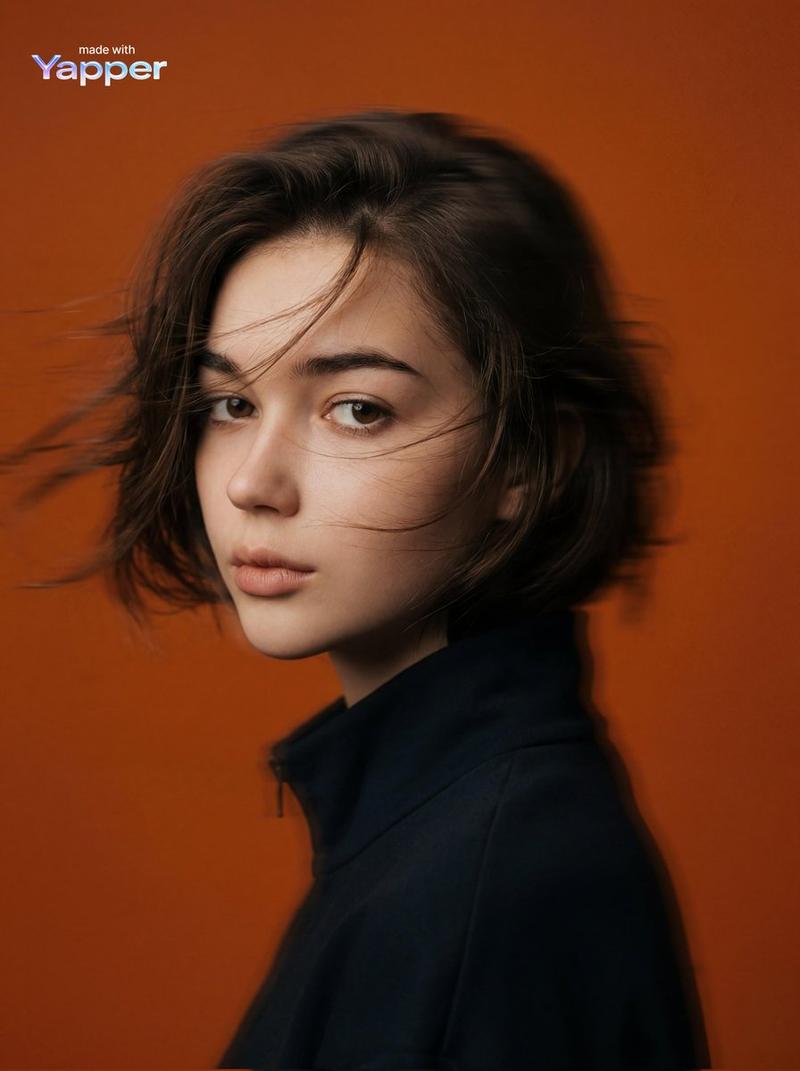
Use bold editorial cropping, unexpected framing, object overflow, and cinematic close-ups. Inspired by luxury fashion campaigns.
- 分类
- 图表信息图
- 模型
- GPT Image 2
- 来源作者
- xie underwood
- 来源 ID
- 2904
- 发布时间
- 2026年5月9日
浏览量137