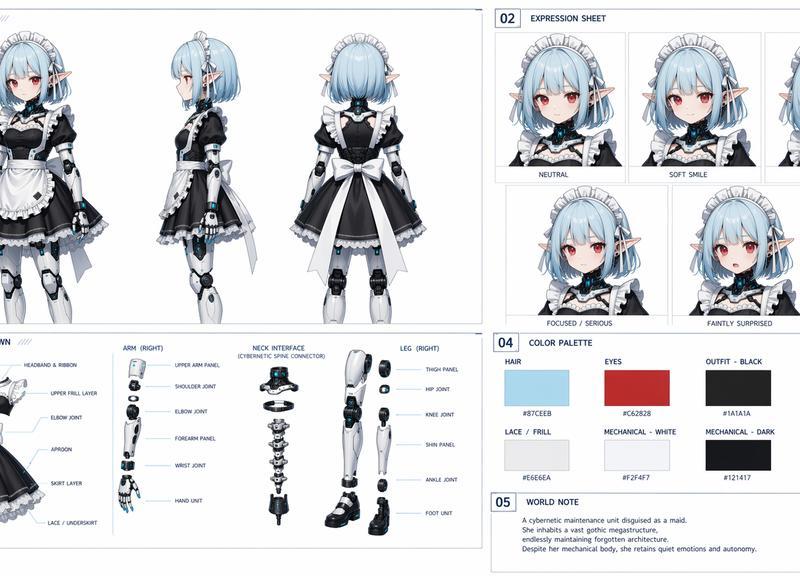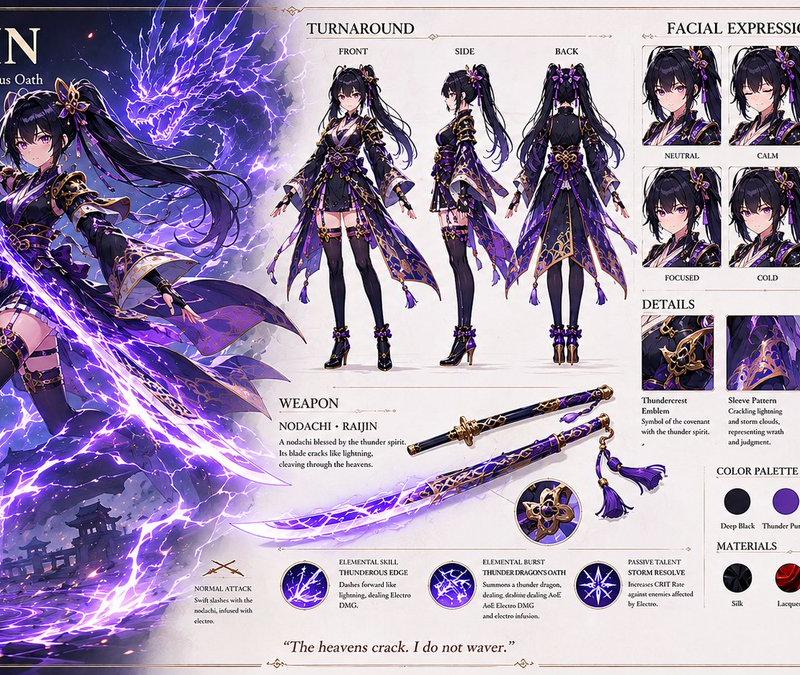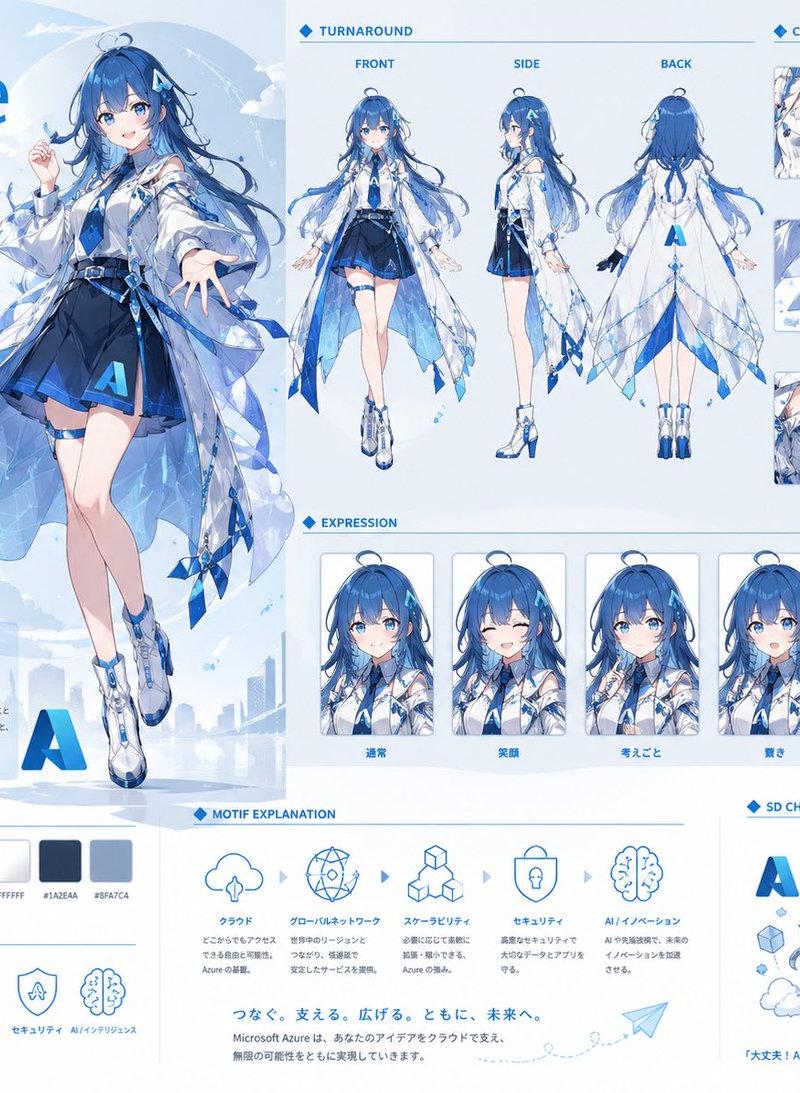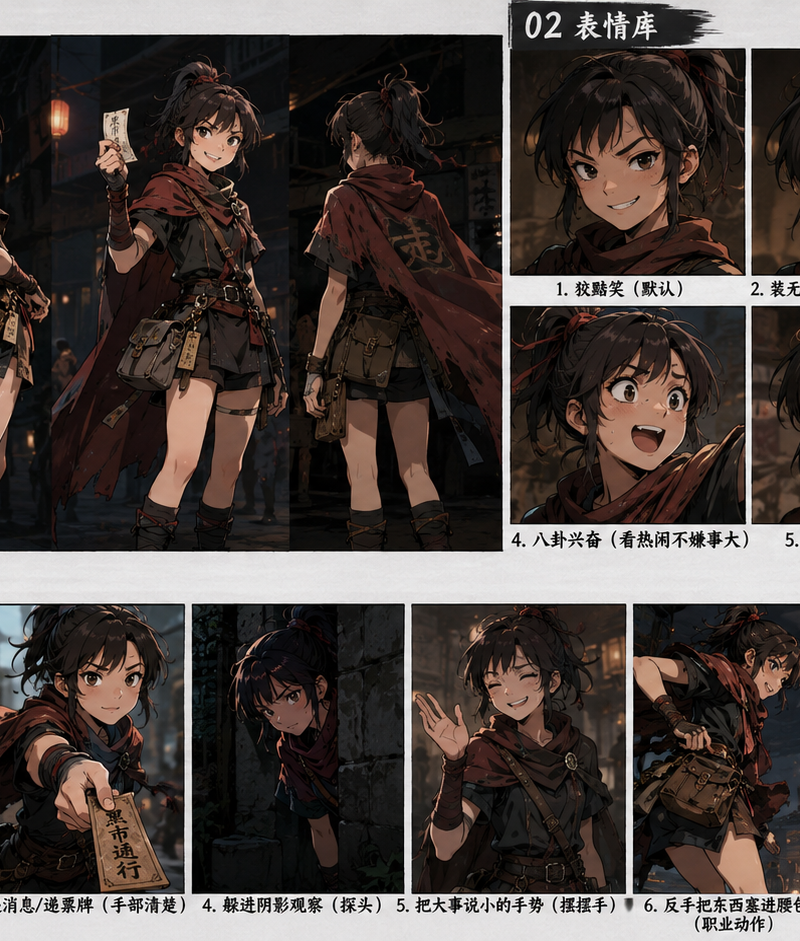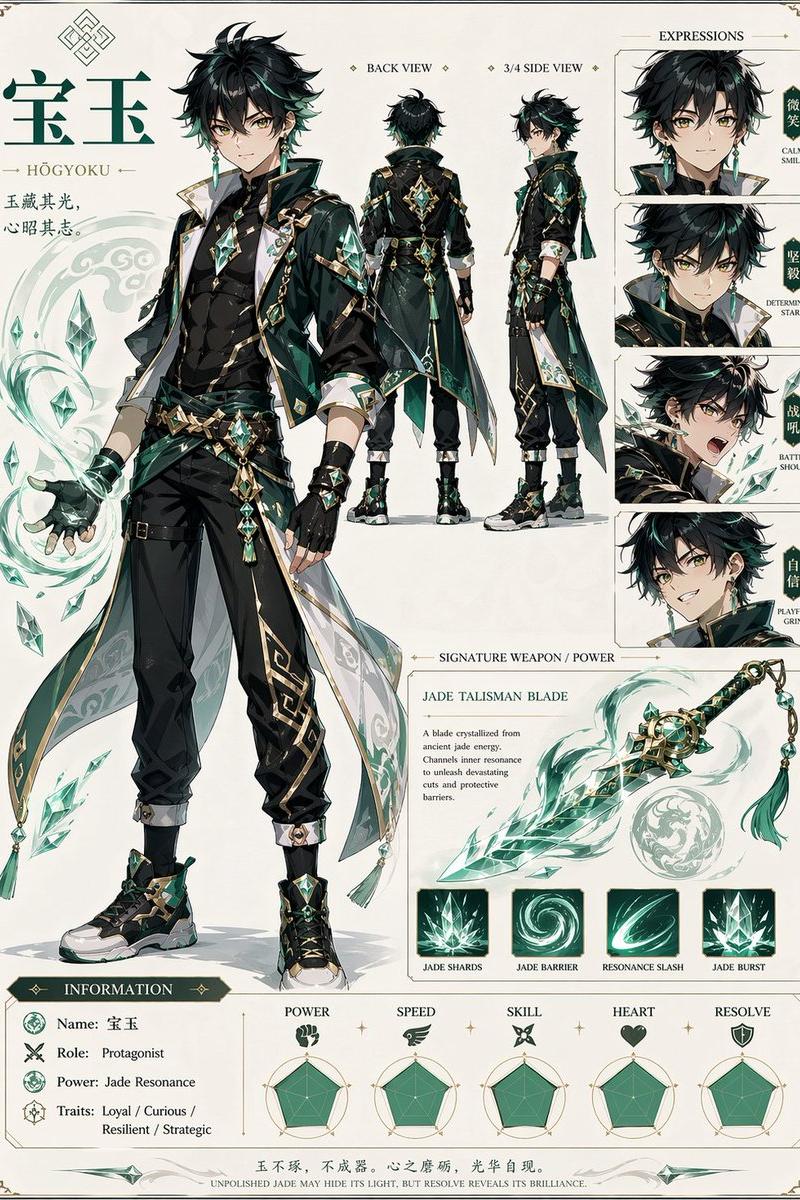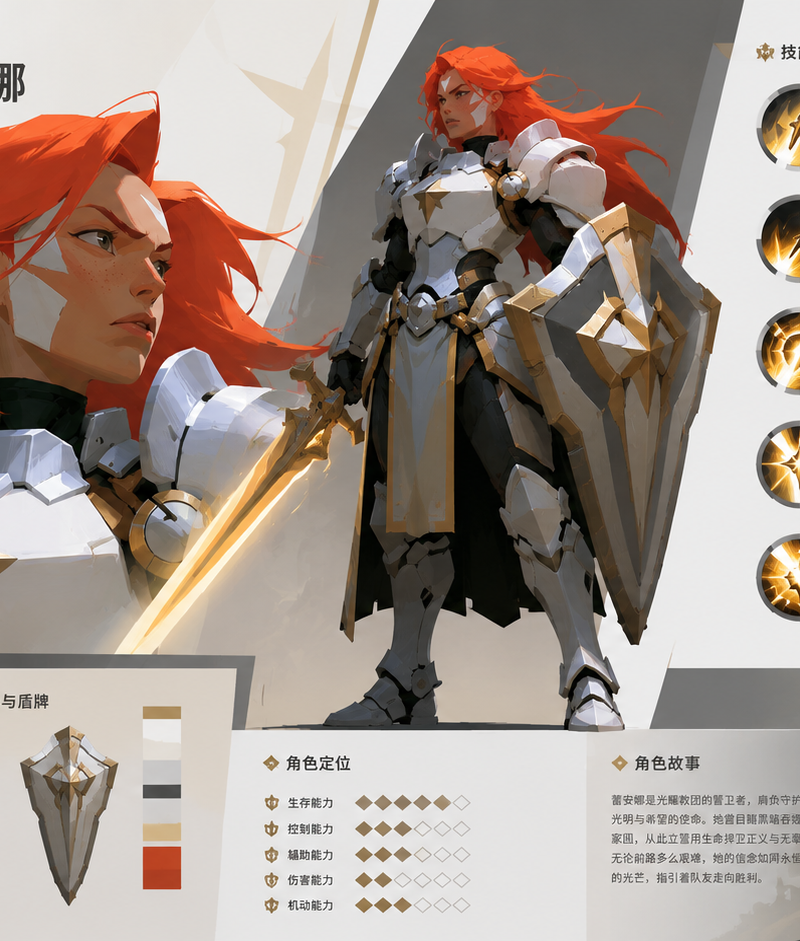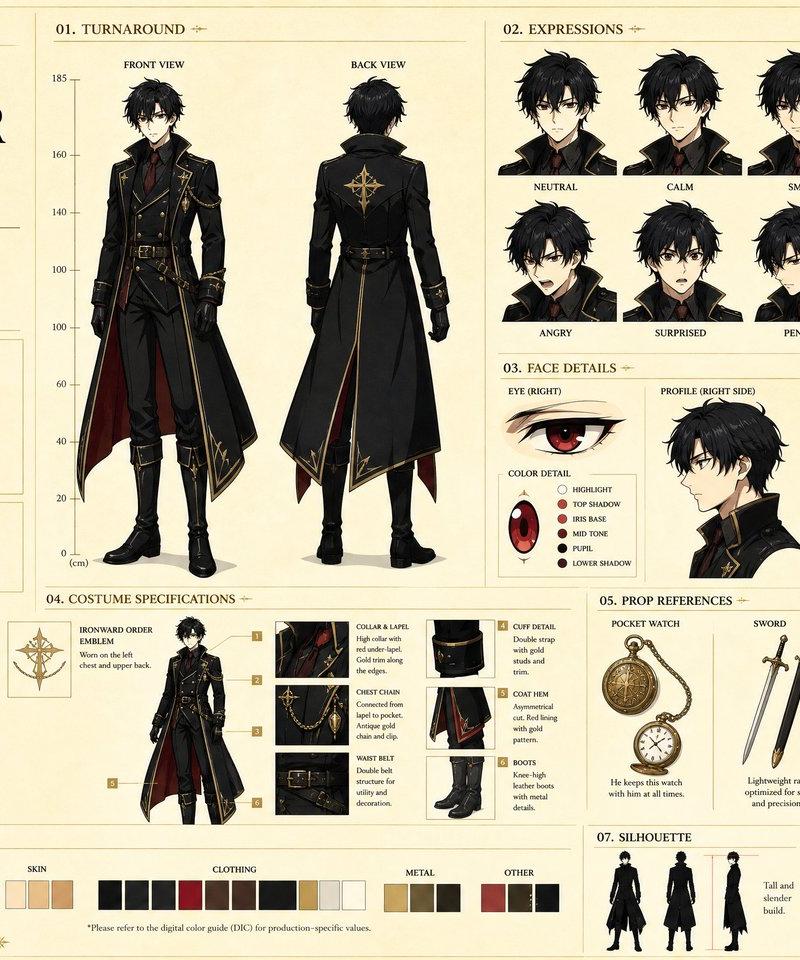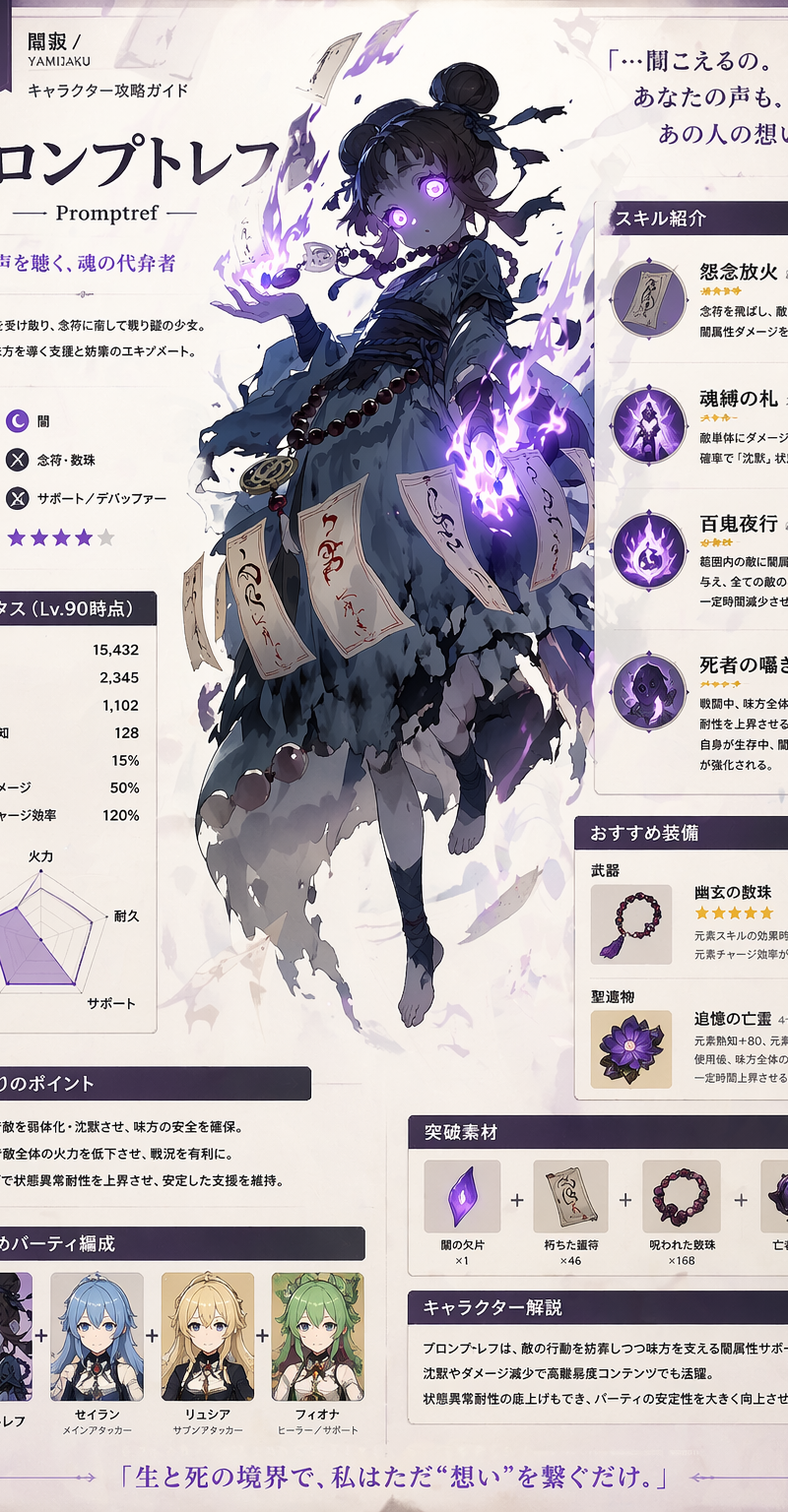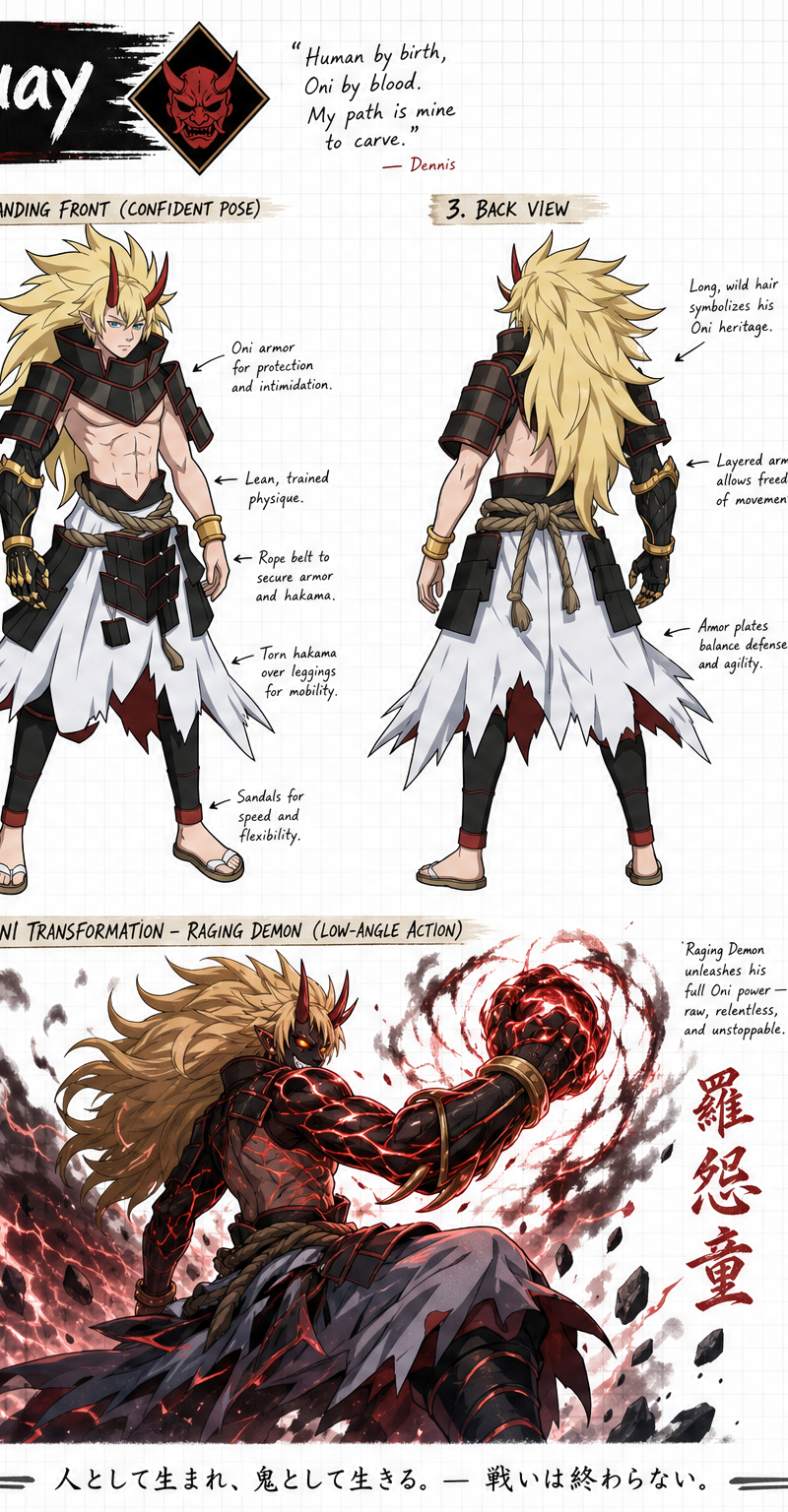
Create a wide, horizontal character reference sheet featuring Dennis (see refere
提示词
Create a wide, horizontal character reference sheet featuring Dennis (see reference photo 1). The background should be white grid paper.

The page should include multiple angles of the same character:

A front close-up
A confident standing front pose
A back-facing standing pose
A crouched pose with a demonic smile with the eyes glowing and the face cover a black (low-angle rear-side view)
An action pose of him in his Oni Transformation form using Raging Demon (low-angle rear-side view)

The layout should be customized to fit the character’s personality—visually rich yet clean and easy to read. You may include handwritten-style annotations, small arrows, and a prominent title area styled like a character name header.
Add these info below for his info box:
Dennis Lin-Quay

Alias: The Genma Slayer
Age: 16 (Super Legion 7 ‘Original Timeline and Revised Timeline'), 41 (Super Legion Tartarus)
Species: Human/Oni
Occupation: Yokai Hunter, Member of the Super Legion East
Realm: Midgard
Resistance: TouHa Kingdom

Height: 5'6


Add this info to his item section (make images of them)
Weapon: Oni Gauntlet

Add this info to his Ability section
Special Moves: Helm Splitter, Whirlwind, Phoenix, Oni Transformation, Oni Cutter, Rising Dragon, Soundwave Shock, Soul Absorption, Raging Demon (Based on Akuma 'SF')
- 分类
- 图表信息图
- 模型
- GPT Image 2
- 来源作者
- Albion Bennett
- 原始语言
- en
- 来源 ID
- 3001
- 发布时间
- 2026年5月9日
浏览量135