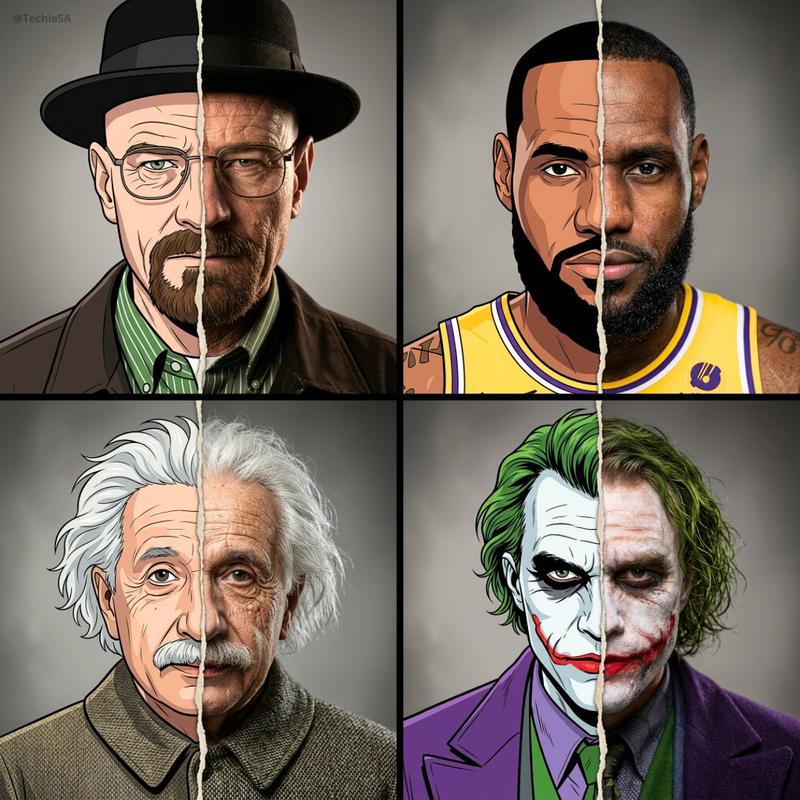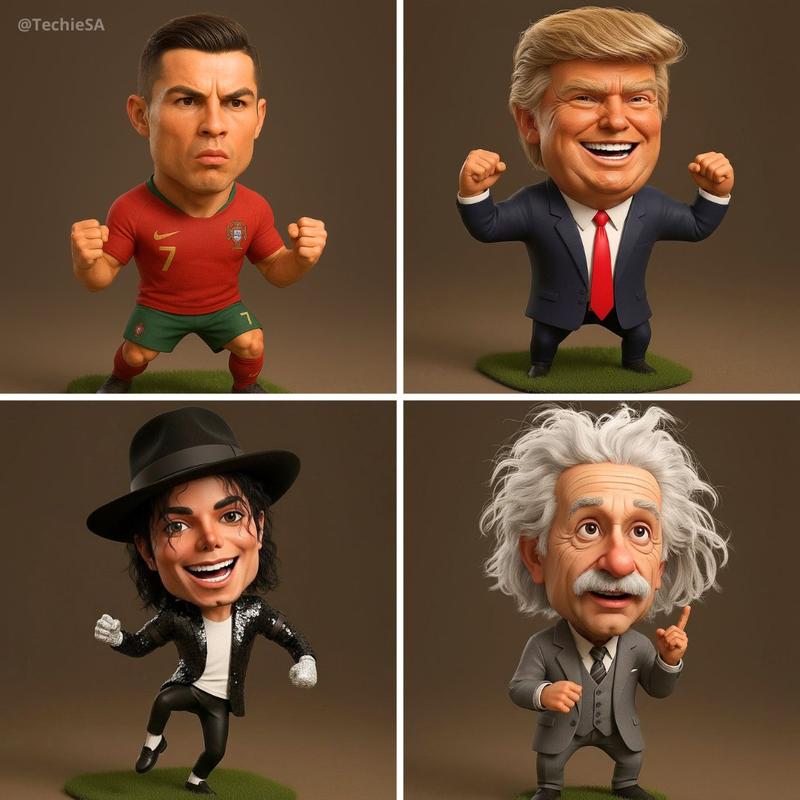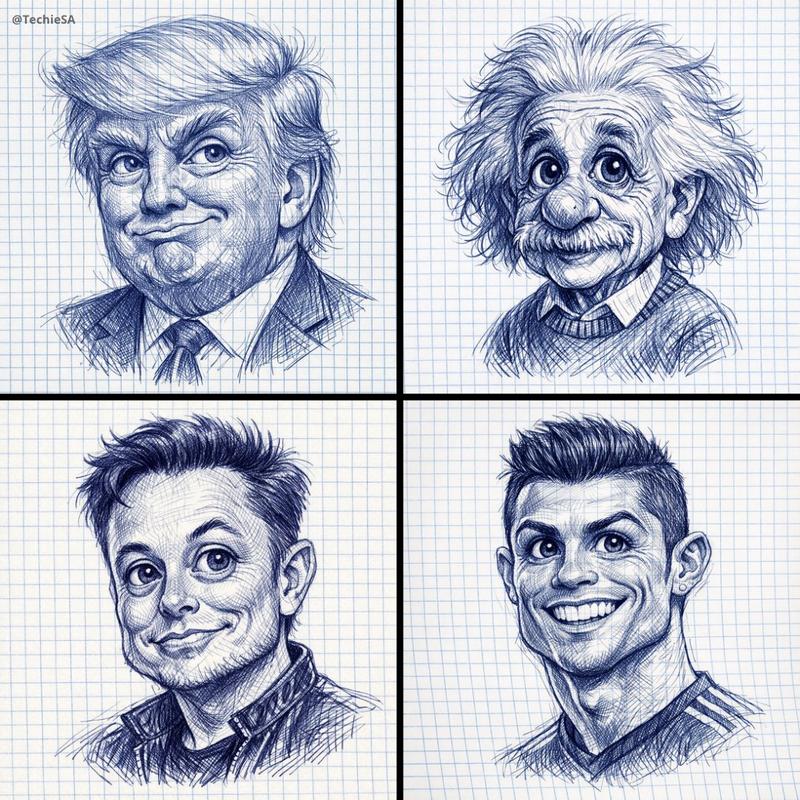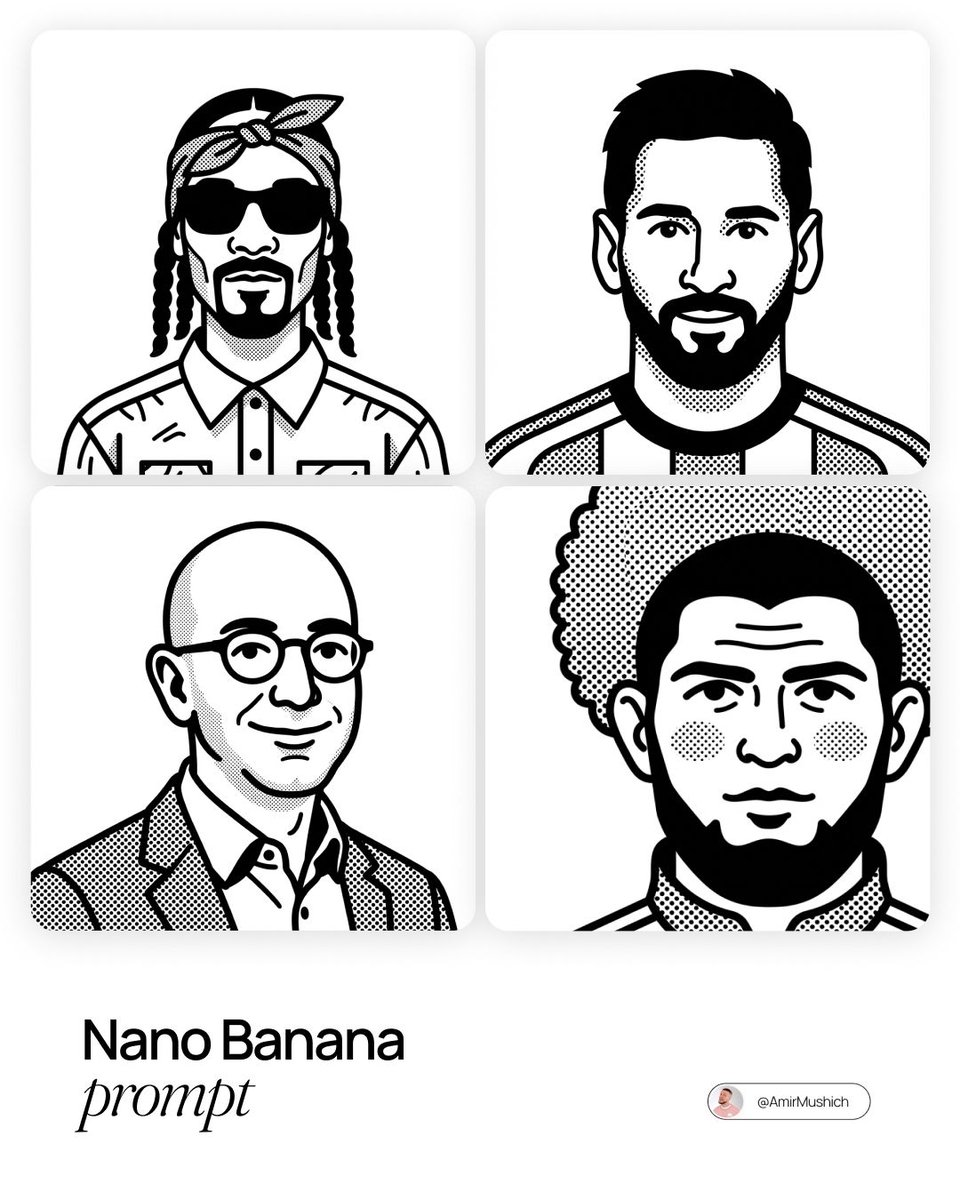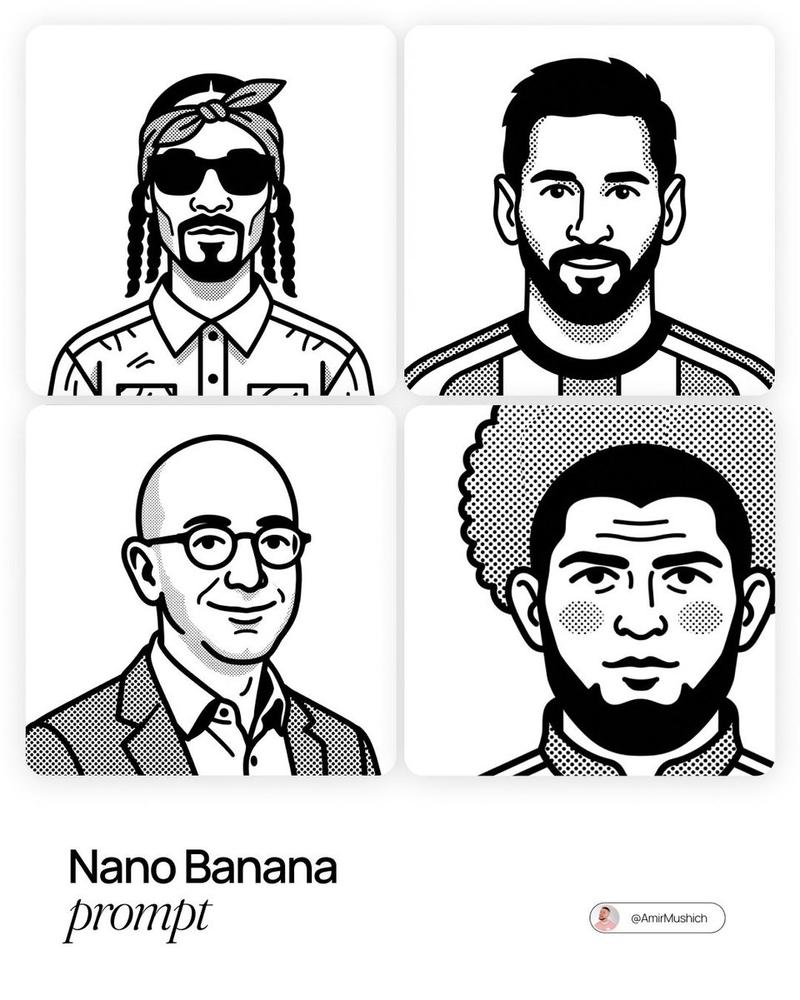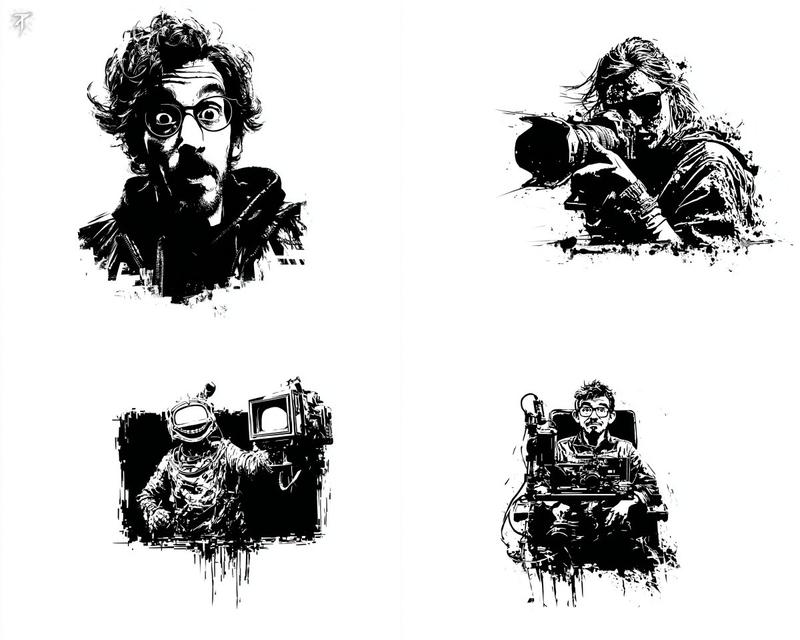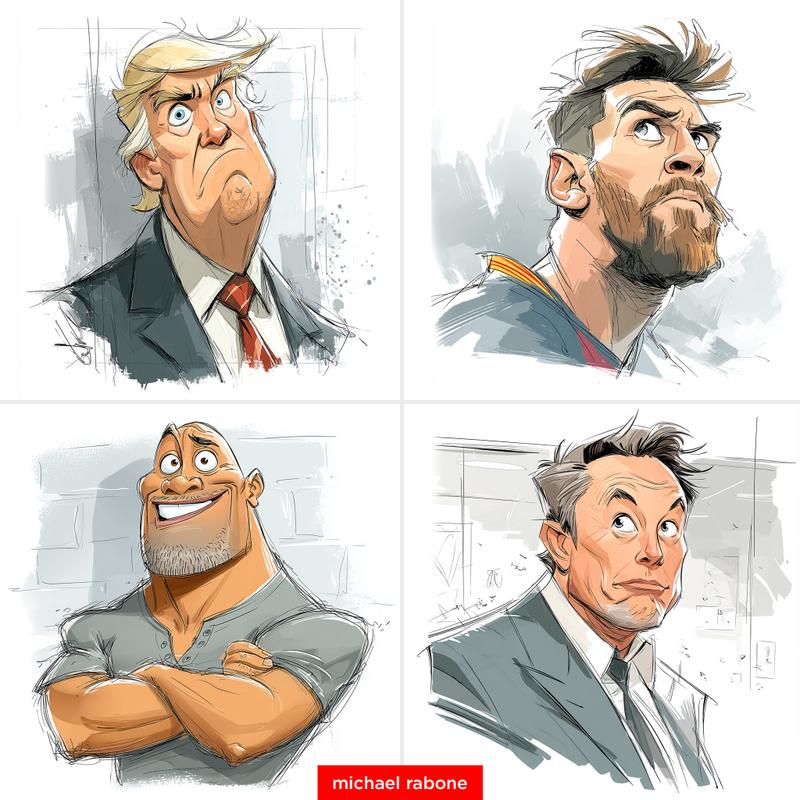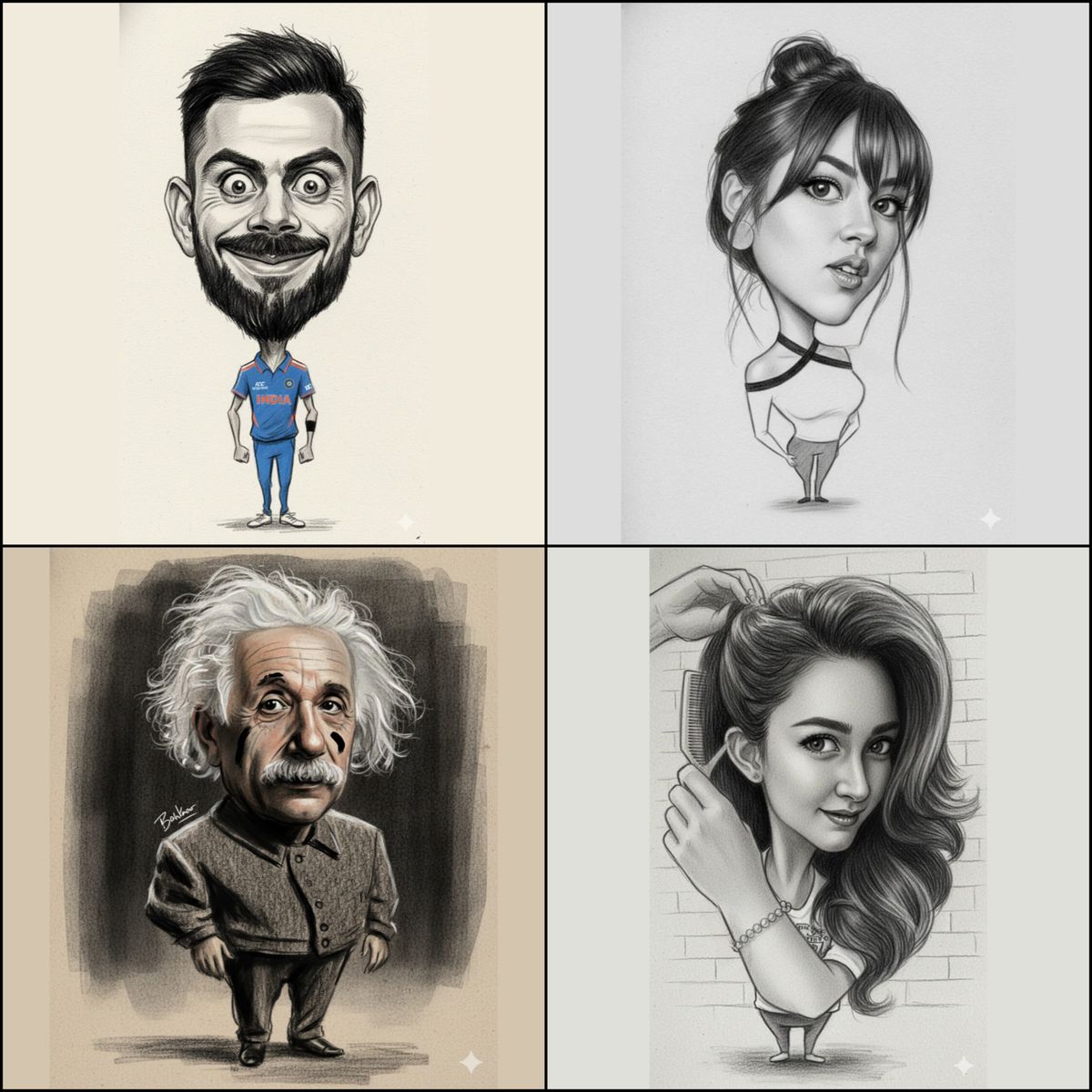
3D卡通素描肖像
提示词
☘️ 3D Caricature Sketch Portrait ☘️
✨Use Google Gemini ai
Prompt ⤵️
{
"image_edit": {
"subject": "uploaded_image",
"Goal":"proportional composition of The whole body bottom to head is a caricature with the face and head exaggerated in the extremely shape of the eyes, nose, lips.",
"style": "textured paper", "refine details, retain original charcoal structure and strong brushes pencil, aesthetic composition and expression, pure black, brushes stroke"
{"style": "pencil brush stroke", "no types text", "position":" stylized near shoulder, aesthetic replacement, no right_bottom"
},
{
"output":
"a big head caricature." Ensure to create an image with a noticeably exaggerated head size for the caricature effect you desire, while retaining the charcoal and brush stroke style"
}
}- 分类
- 真实摄影
- 模型
- Unknown
- 来源作者
- Shreya Yadav
- 来源 ID
- 3d-caricature-sketch-portrait
浏览量0