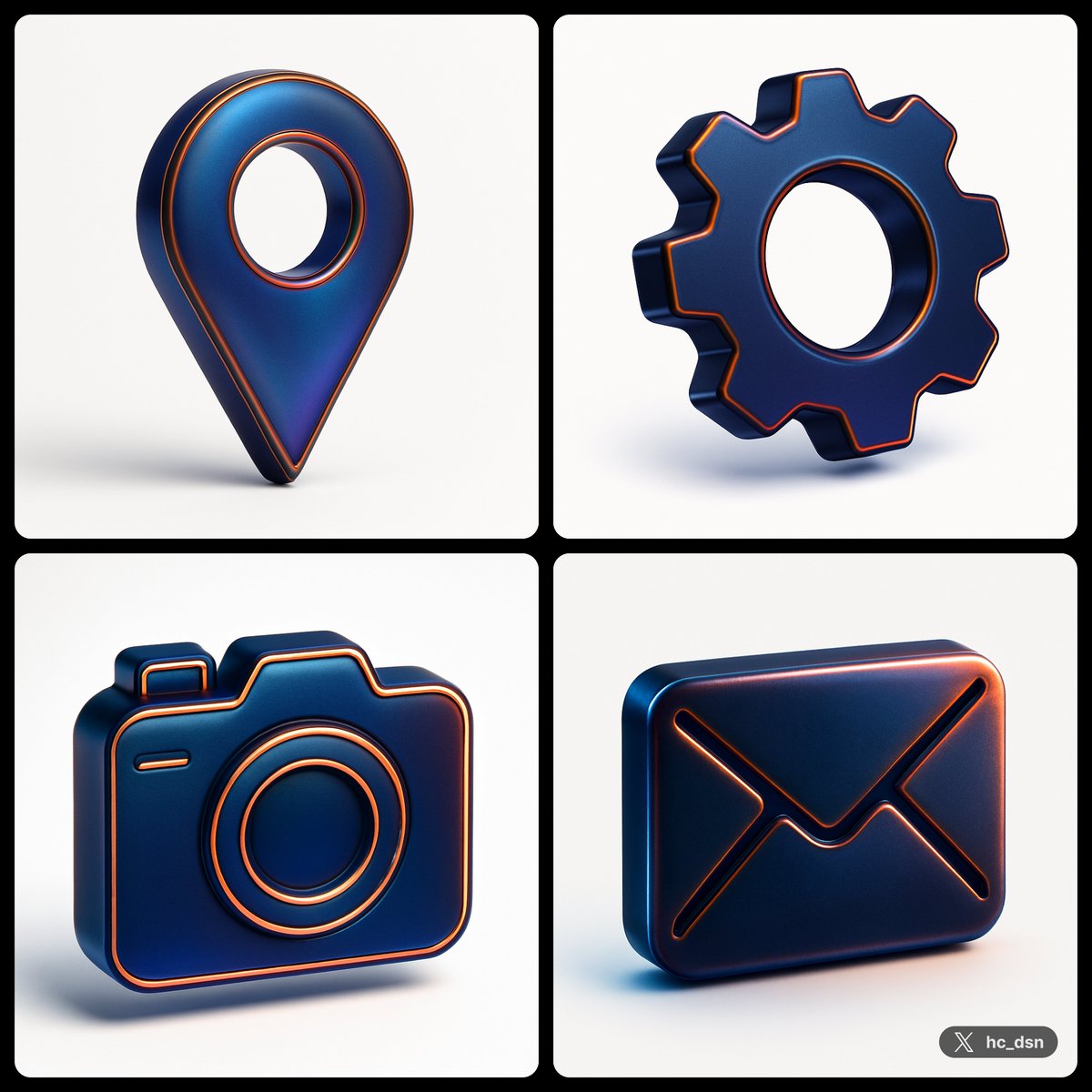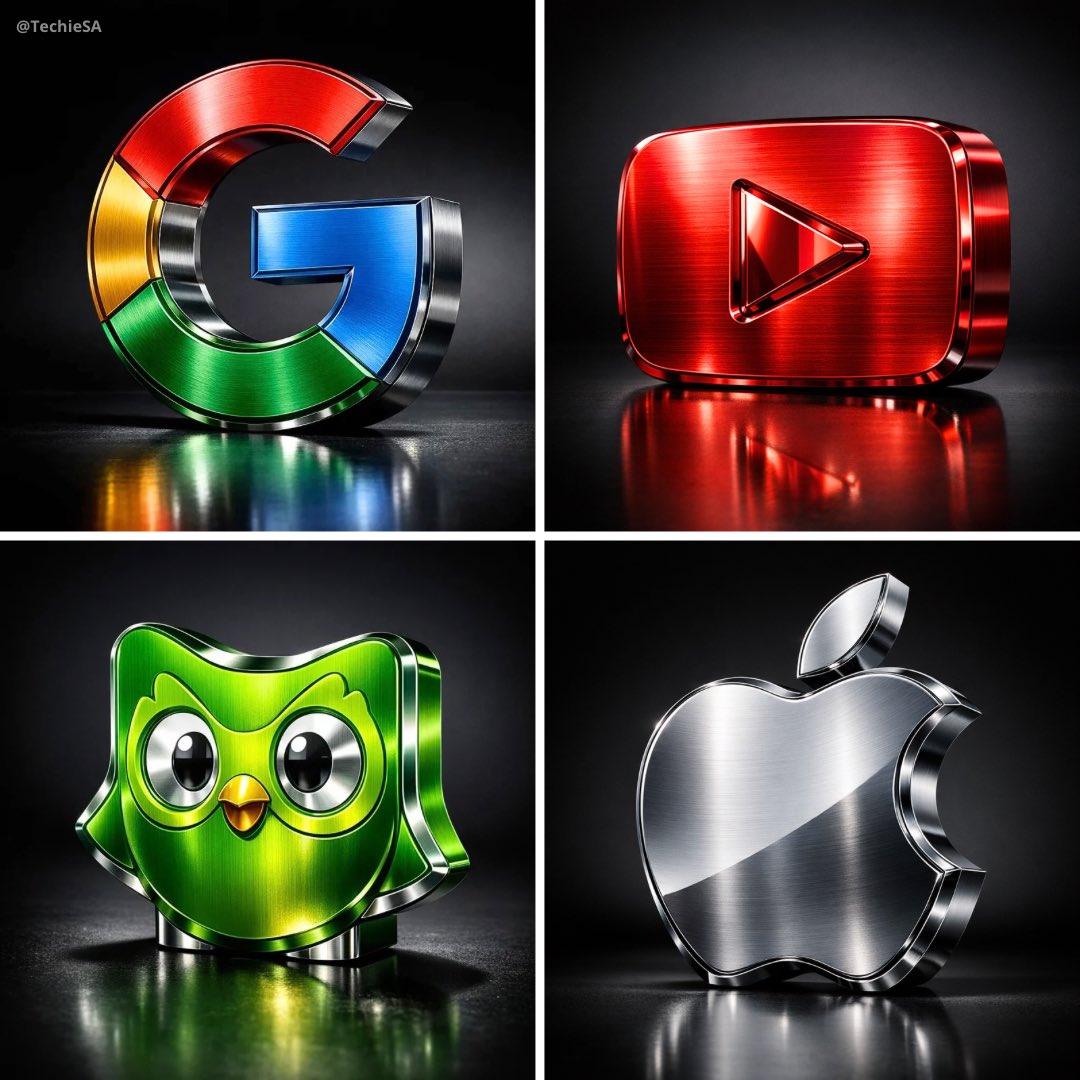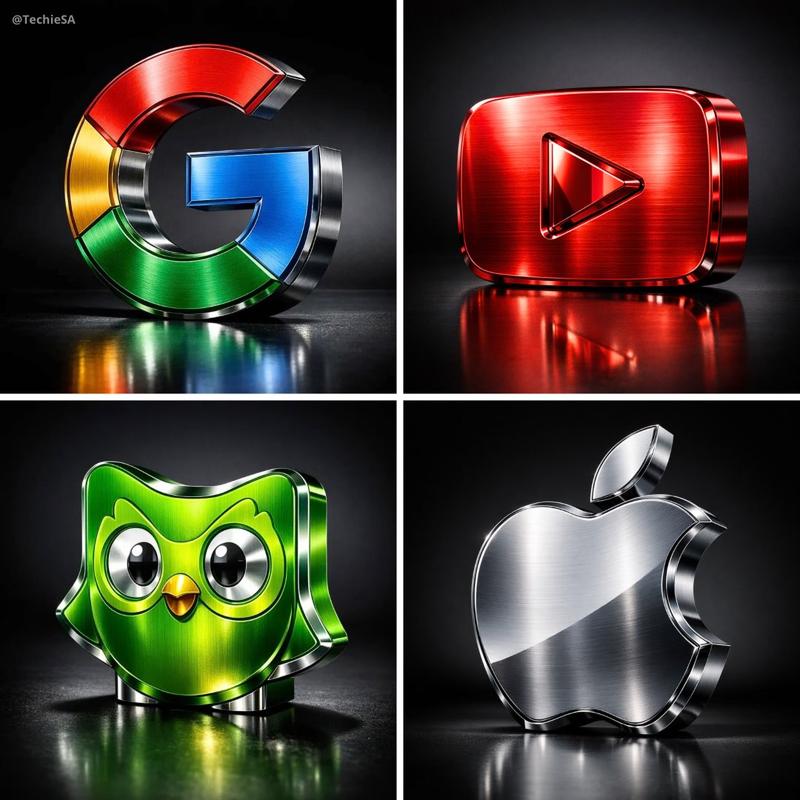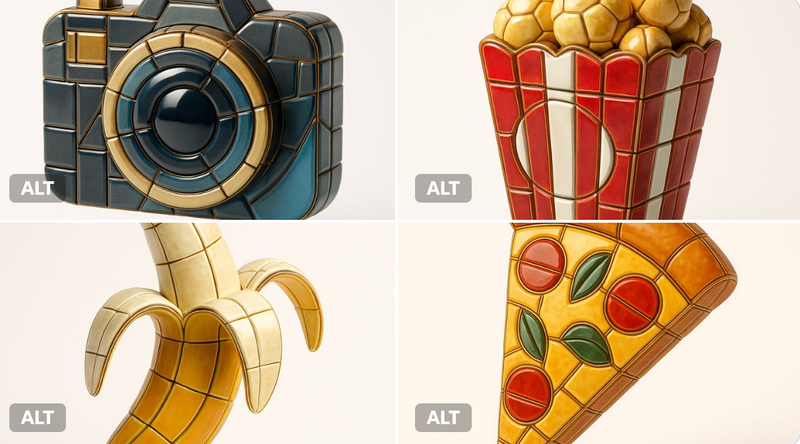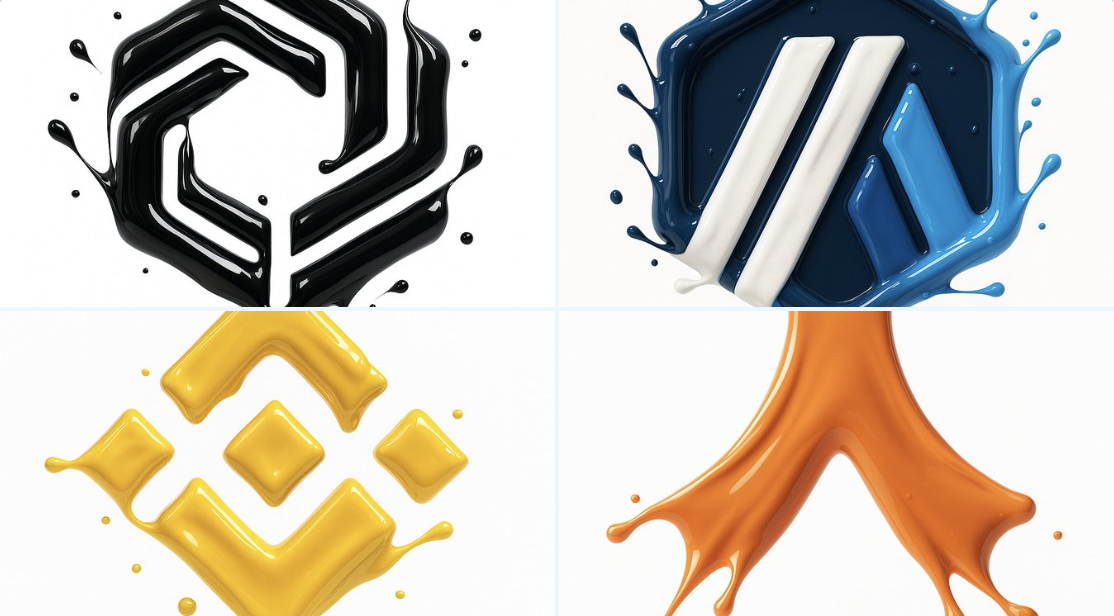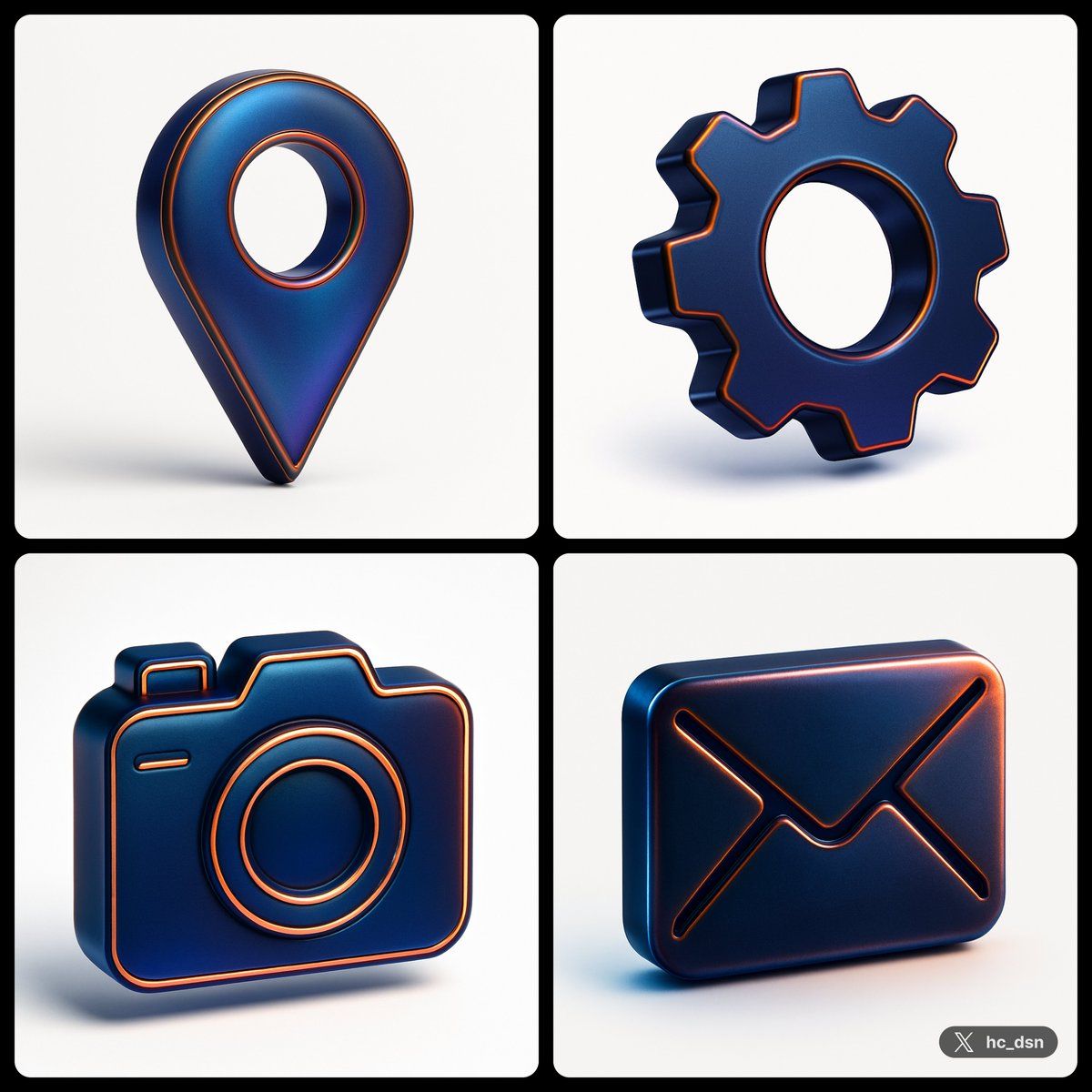
Alloy图标
提示词
create image with 1: 1 ratio \nturn a vector [ type\n] icon with the following json style \n{\n "object": "icon",\n "material": {\n "primary_surface": "smooth matted translucent metallic",\n "finish": "iridescent sheen",\n "color_profile": {\n "base_color": "deep blue",\n "secondary_tones": [\n "black",\n "violet",\n "copper-orange highlights"\n ]\n },\n "panel_lines": {\n "material": "metallic copper",\n "visual_treatment": "glowing edge with subtle bevel"\n },\n },\n "lighting": {\n "type": "studio",\n "key_light": {\n "position": "top-left",\n "effect": "smooth gradient highlight across the surface"\n },\n "rim_light": {\n "position": "right side",\n "effect": "sharp metallic edge glow"\n },\n "reflections": {\n "character": "diffused but iridescent, hinting at a highly polished or lacquered surface"\n },\n "shadows": "soft edge, minimal ground contact due to floating presentation"\n },\n "background": {\n "color": "#FFF",\n "style": "solid matte",\n },\n "composition": {\n "camera_angle": "centered, eye-level",\n "depth_of_field": "none (sharp focus throughout)",\n "presentation": "floating, isolated subject" "angle": "isometric style"\n },\n "visual_style": {\n "tone": "modern, high-impact",\n "inspiration": "sports branding meets futuristic product design",\n "aesthetic": "bold contrast, tech-luxury fusion"\n }\n}- 分类
- 真实摄影
- 模型
- Unknown
- 来源作者
- hc_dsn
- 来源 ID
- alloy-icon
浏览量0