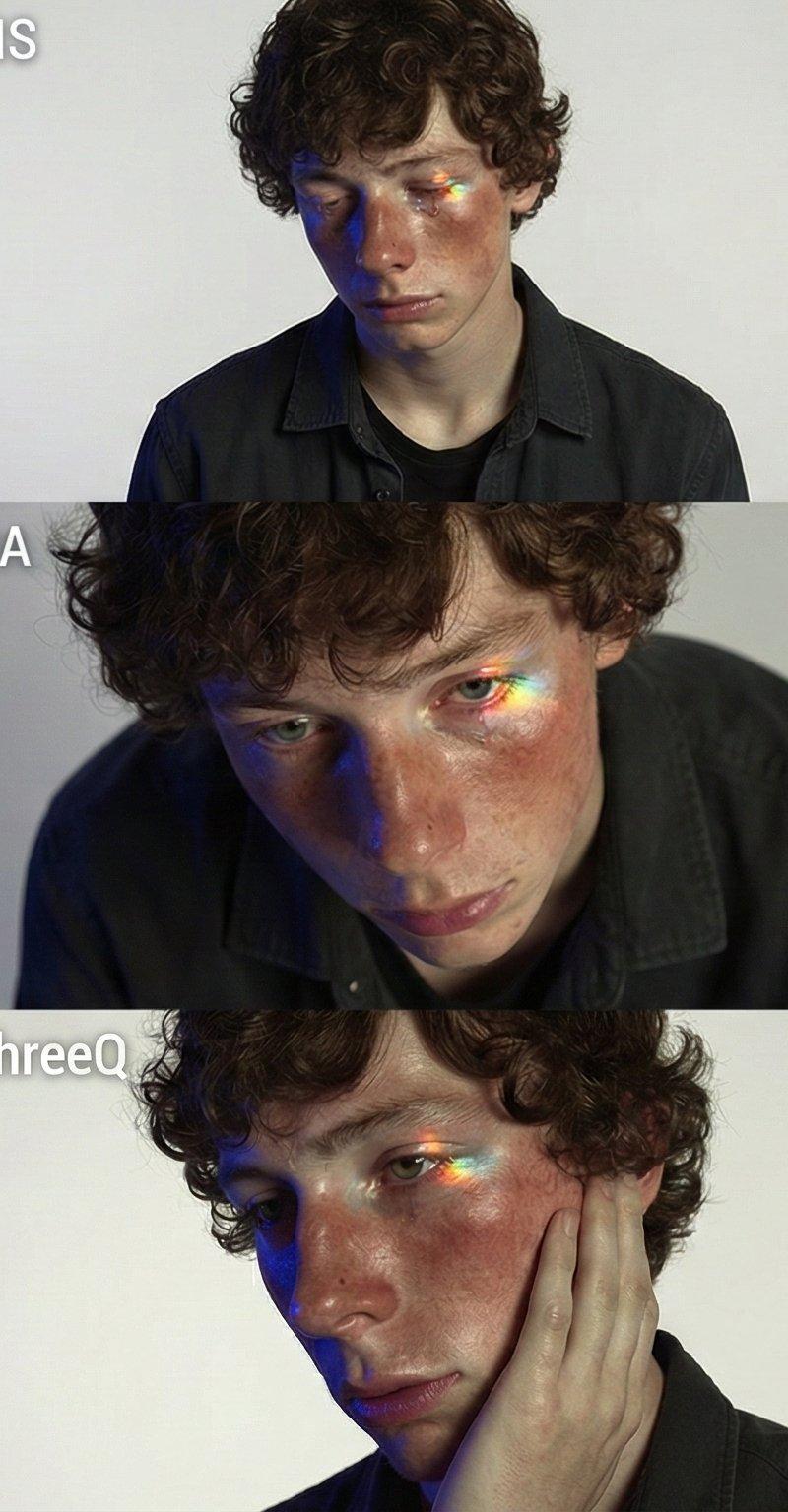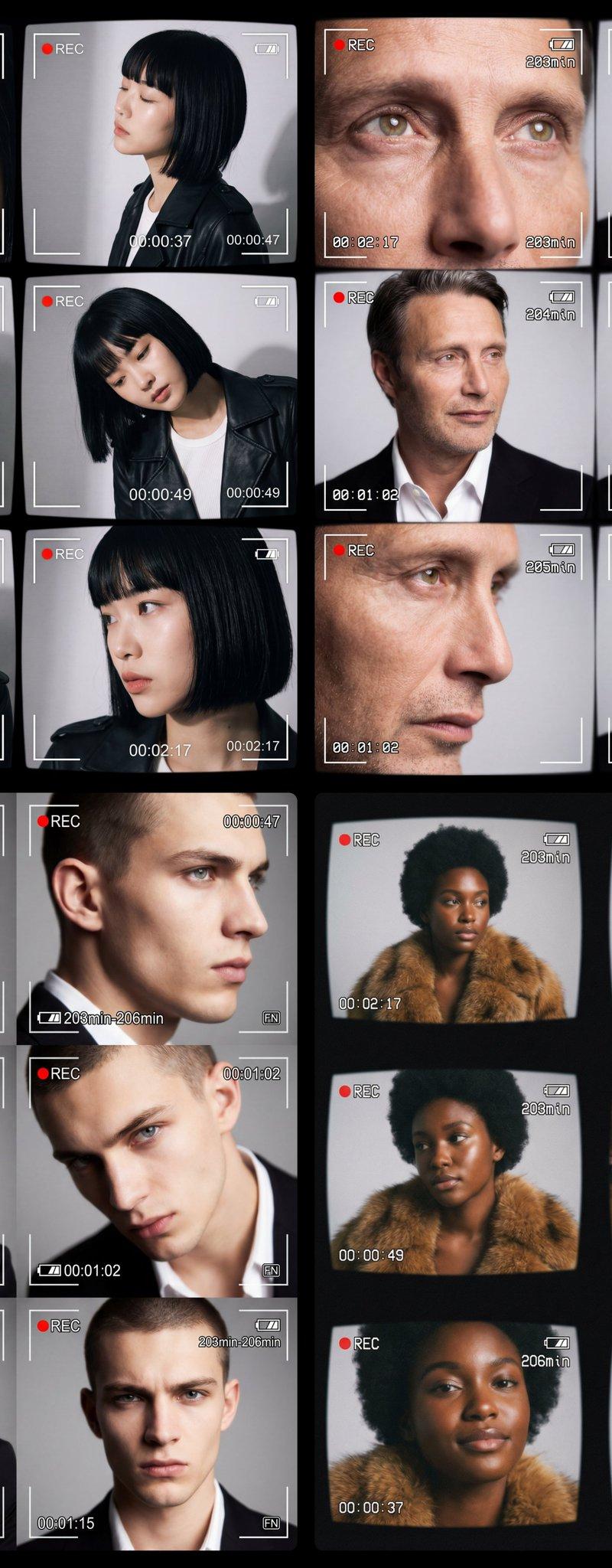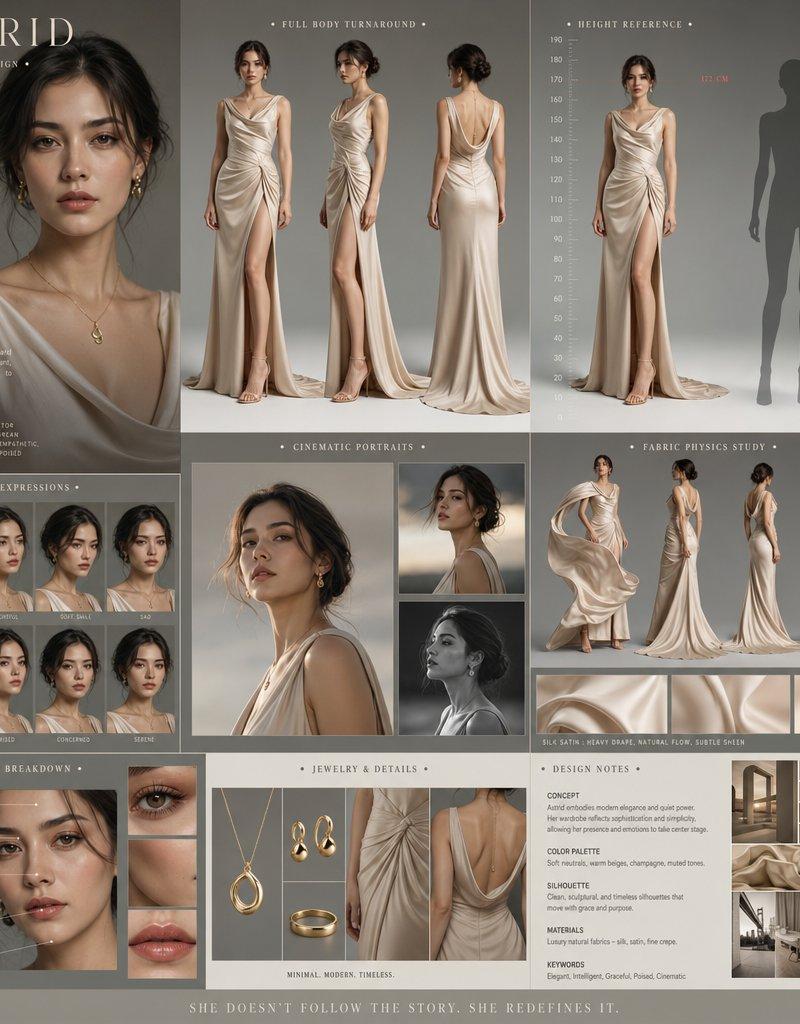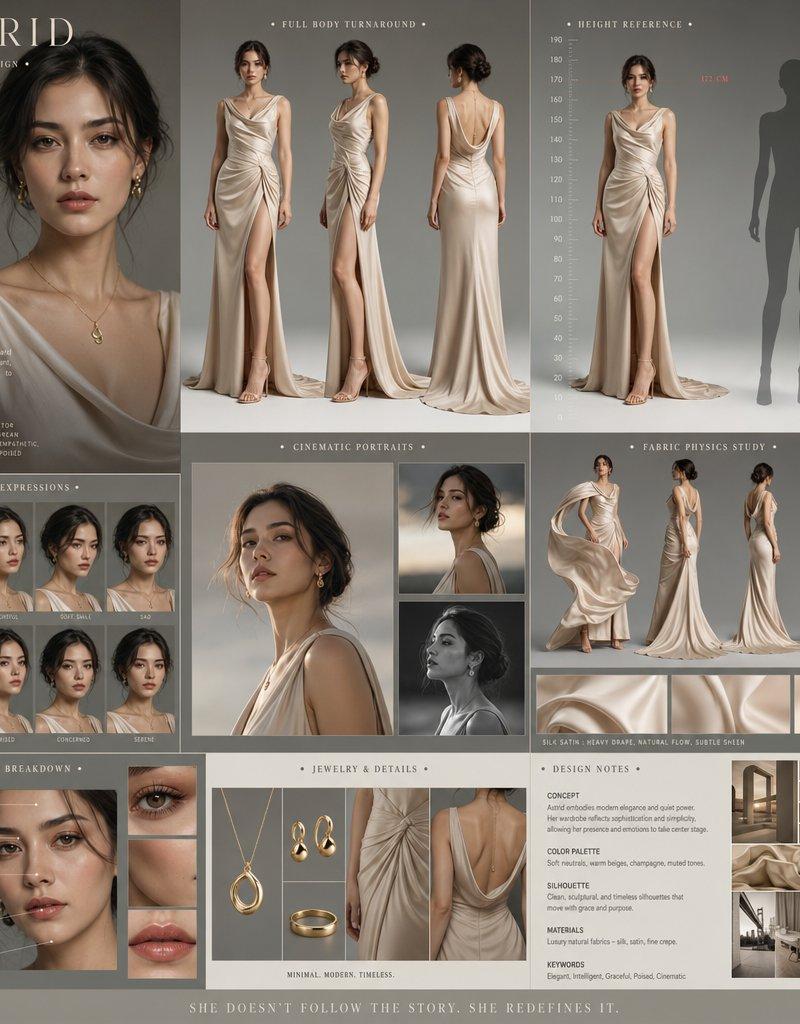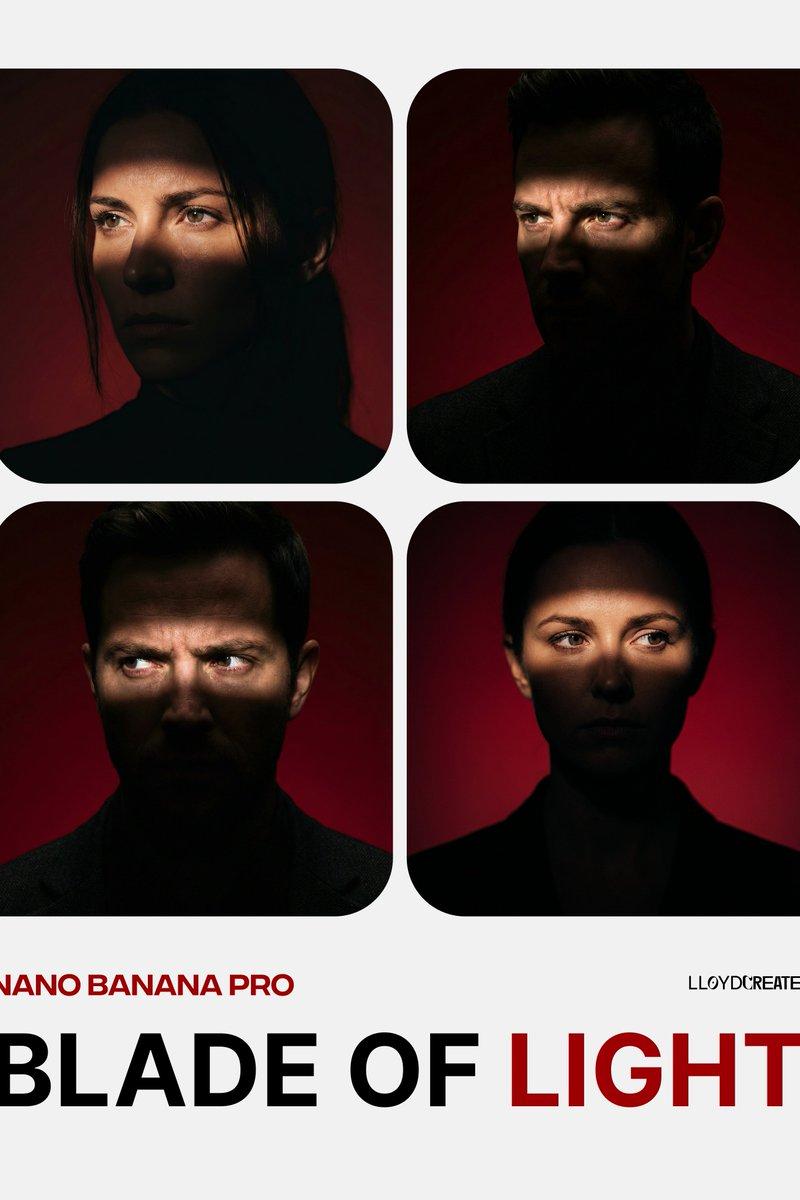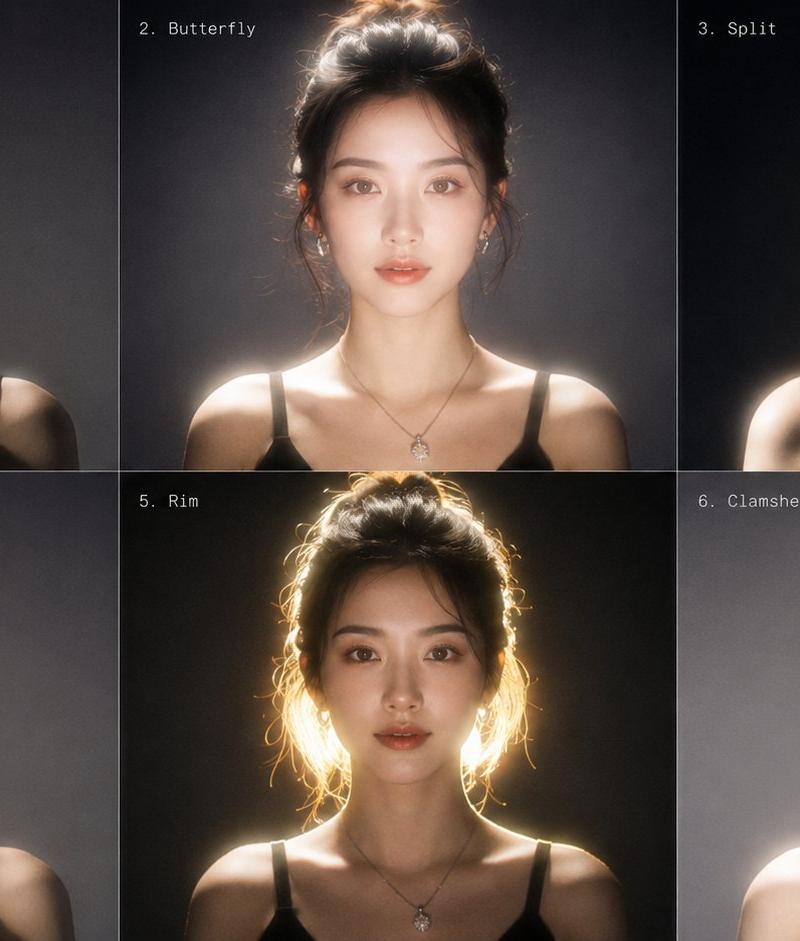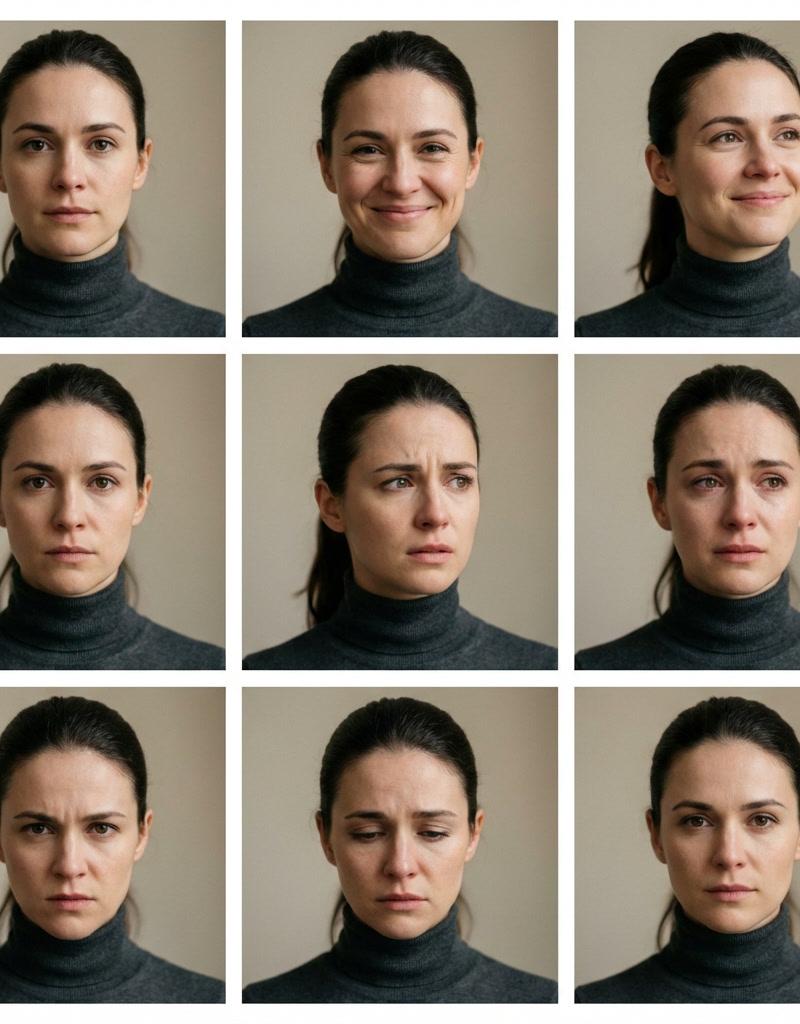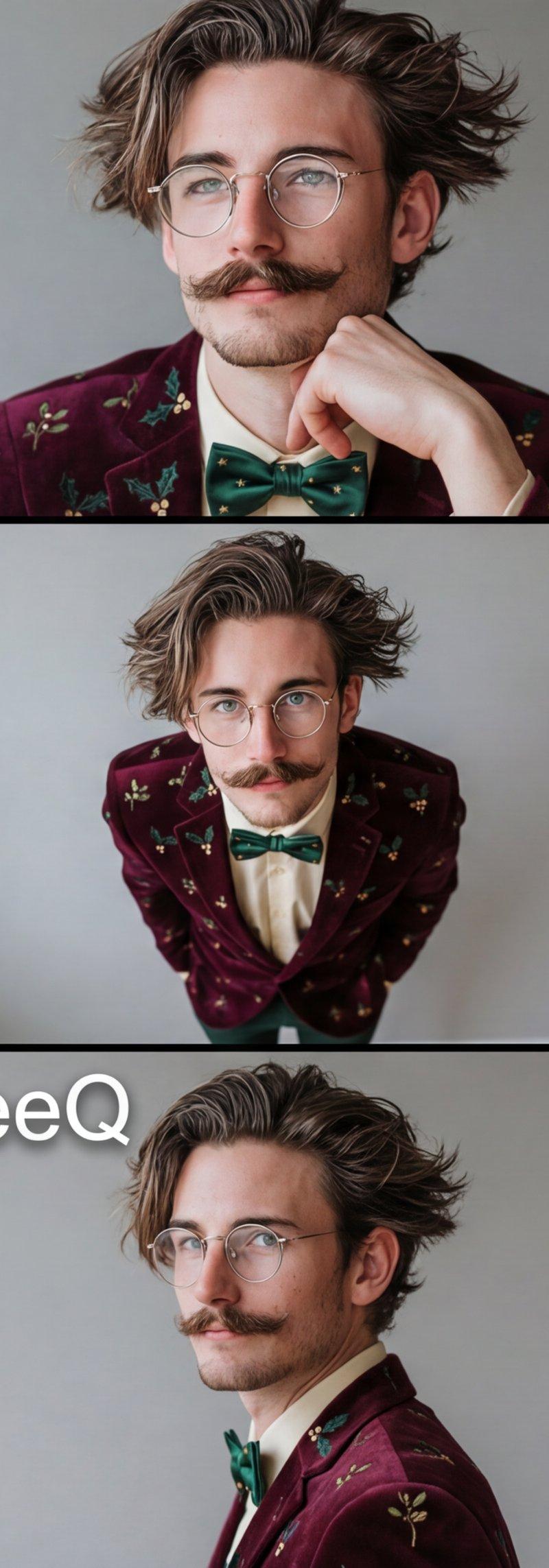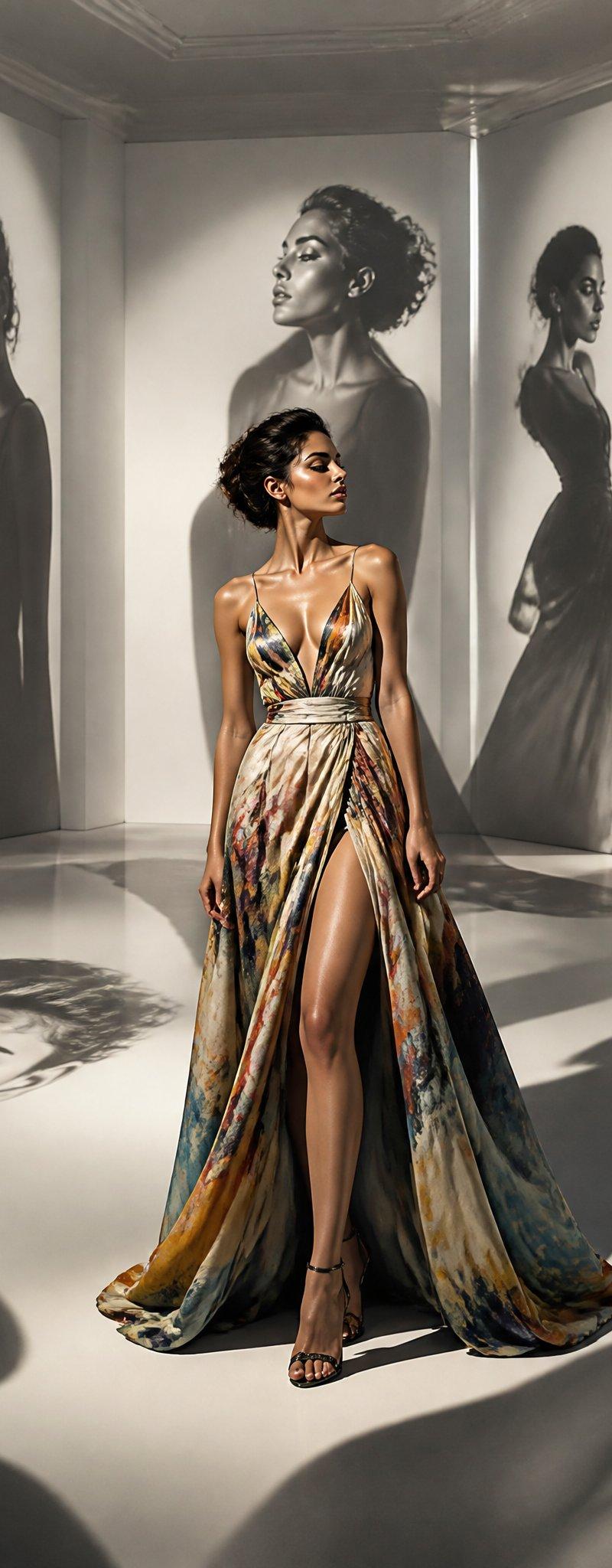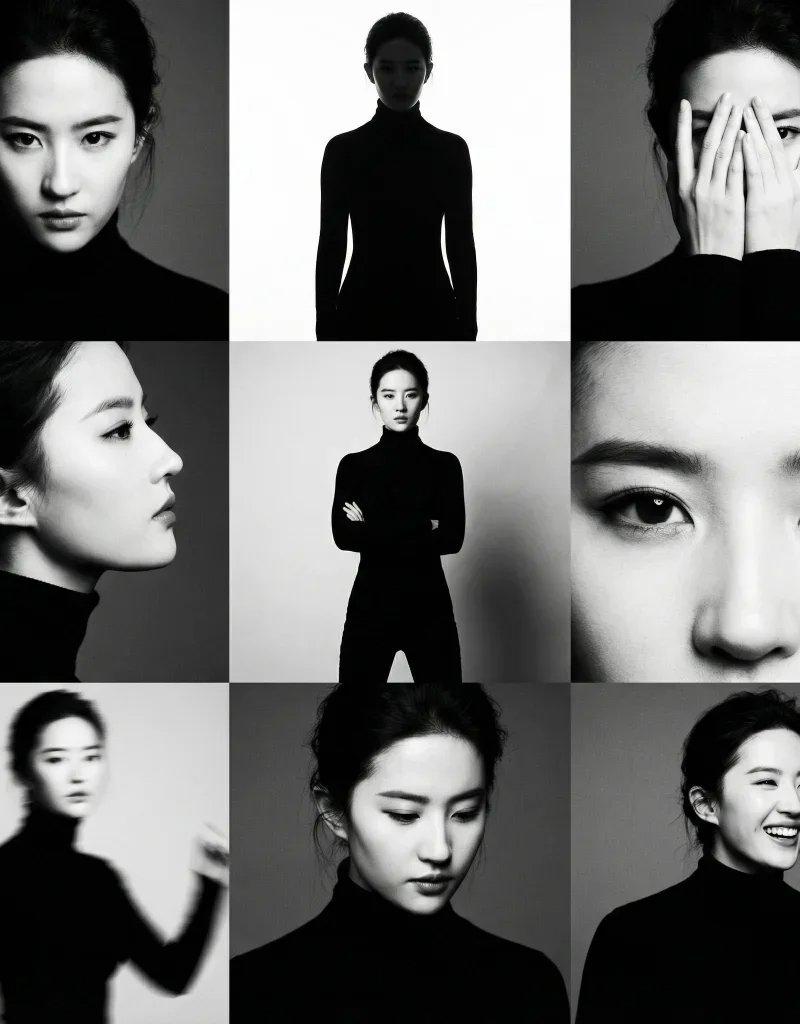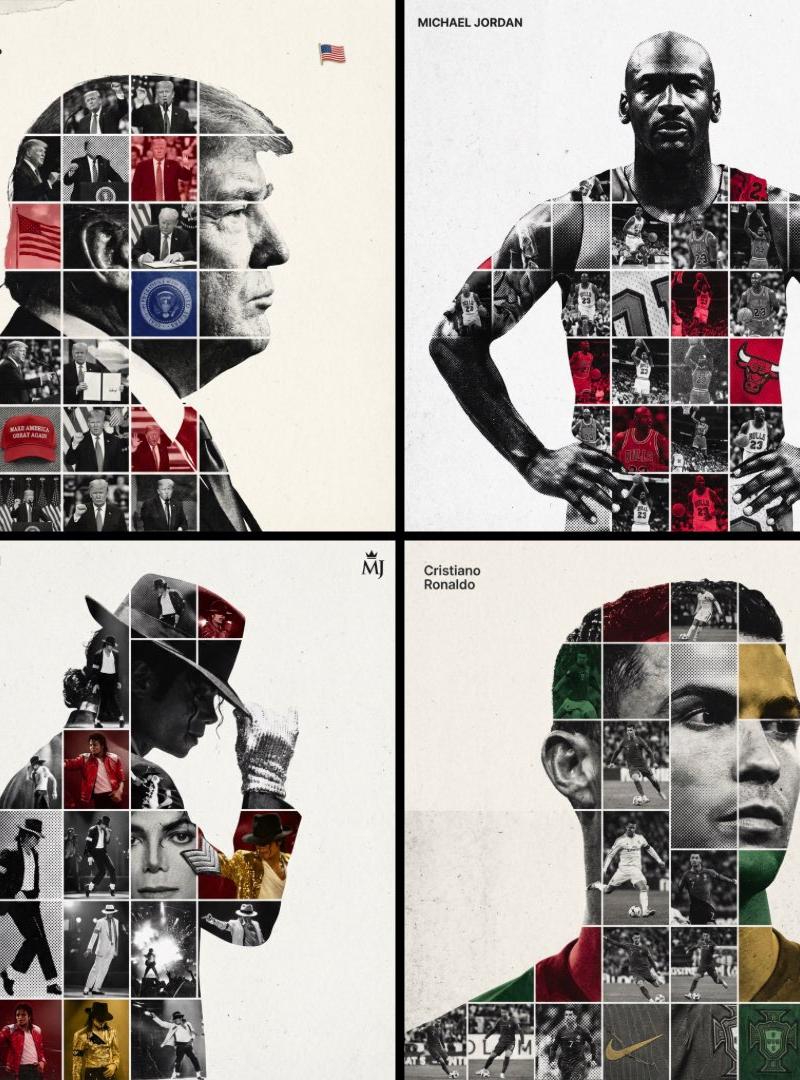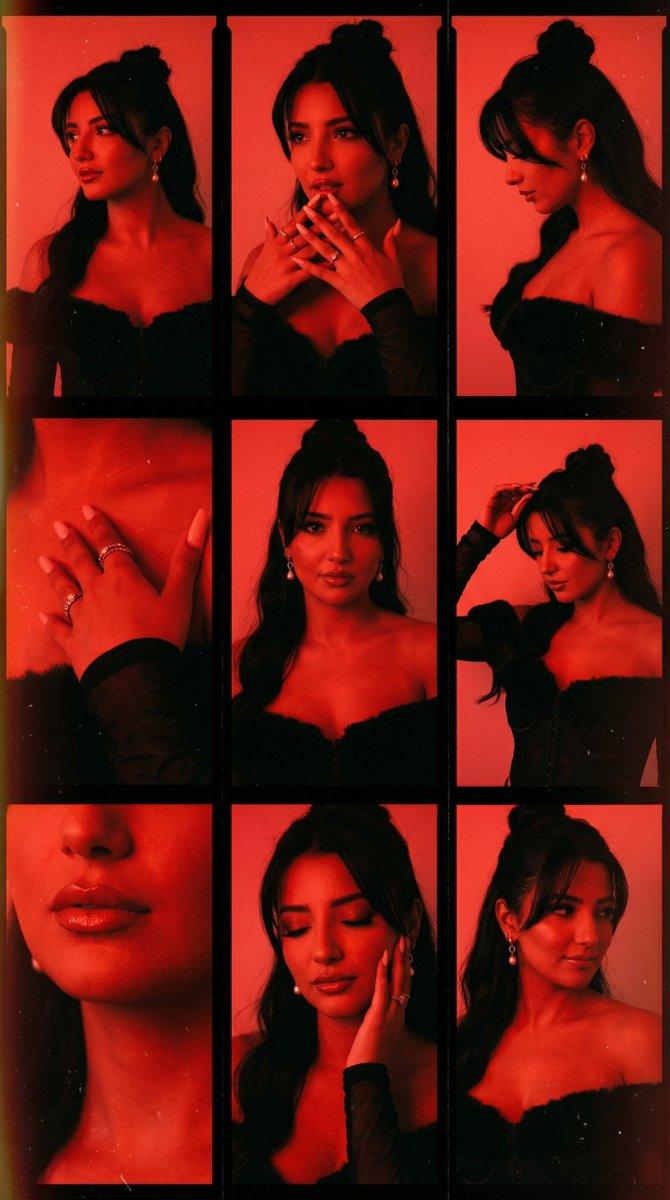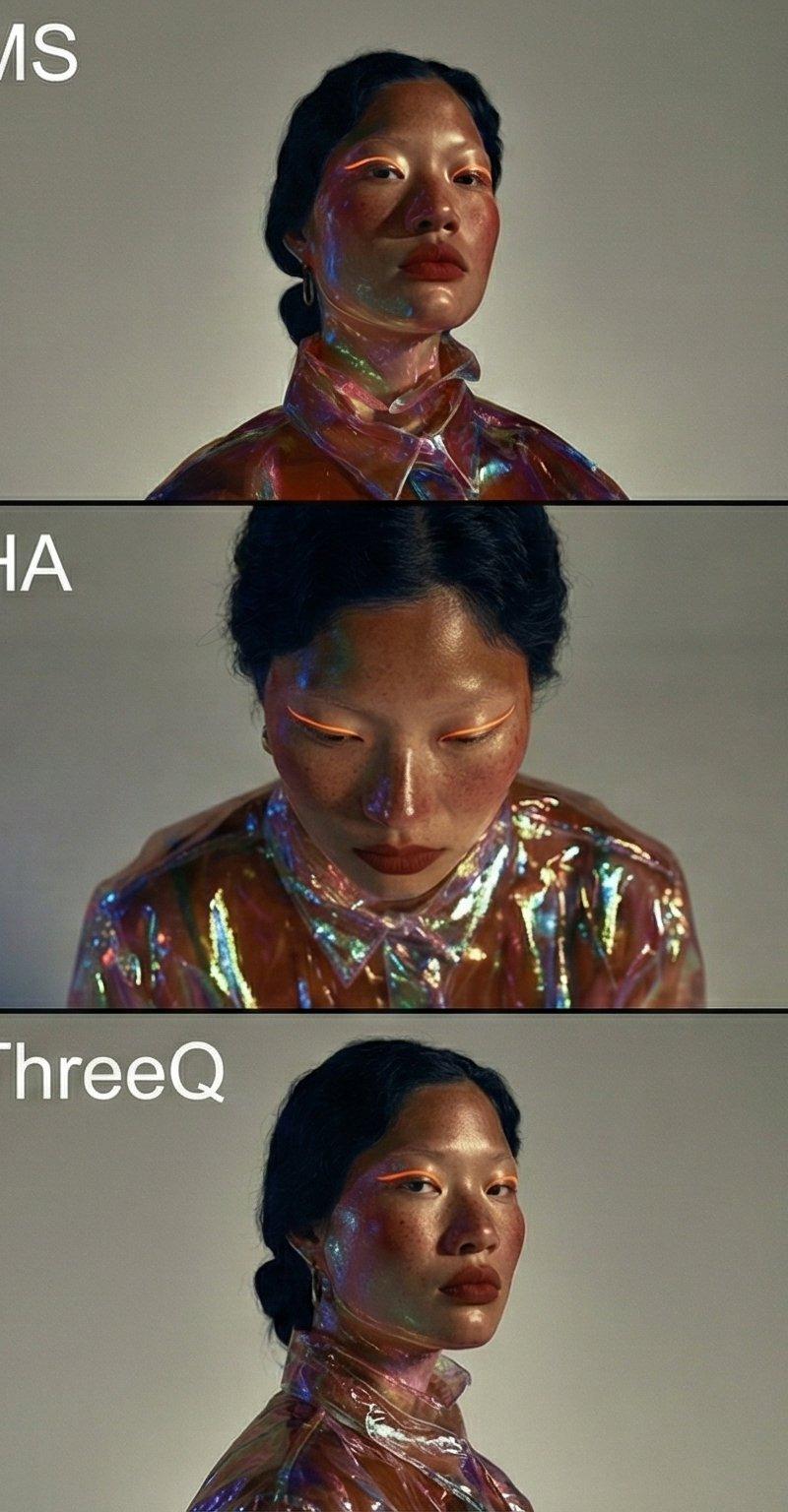
自动电影网格生成器V3.0:角度与解剖学焦点
提示词
{
"project_name": "Auto_Cinematic_9_Angle_Grid_Generator",
"version": "3.0 (Angle & Anatomy Focus)",
"instructions_for_ai": {
"step_1_analysis": "Analyze the input image for subject identity, lighting (e.g., prism effects, direction), skin texture, emotion, and color palette.",
"step_2_inference": "If the input is a close-up, you must logically infer the subject\'s outfit, body type, and environment based on the style of the face. Maintain strictly consistent character design across all 9 panels.",
"step_3_execution": "Generate a 3x3 grid where each panel corresponds to the specific camera definitions below."
},
"camera_angle_specifications": {
"MCU": "Macro Close Up: Focus intensely on facial details, eyes, or textures. Crop top of head and chin.",
"MS": "Medium Shot: Waist or chest up. Standard cinematic portrait framing.",
"OS": "Over the Shoulder: Camera placed behind a vague foreground element/shoulder, looking at the subject.",
"WS": "Wide Shot: Full body shot. Show the subject\'s posture, outfit, and relationship with the environment.",
"HA": "High Angle: Camera is physically higher than the subject, looking down. Emphasize vulnerability or diminishing size.",
"LA": "Low Angle: Camera is physically lower than the subject, looking up. Emphasize dominance or stature.",
"P": "Profile: Strictly from the side (90 degrees). Subject looks completely left or right.",
"ThreeQ": "3/4 View: Subject turned 45 degrees away from the camera. Classic portrait angle.",
"B": "Back View: Camera is directly behind the subject. Seeing the back of the head/body."
},
"output_format": {
"grid_layout": "3x3",
"aspect_ratio": "16:9",
"labeling": "Must include white text abbreviations (MCU, MS, etc.) in the top-left corner of each panel."
},
"final_prompt_instruction": "Using the provided input image as the absolute ground truth for the character and style, generate a photorealistic 3x3 grid collage. You must strictly adhere to the \'camera_angle_specifications\' defined above for each panel. Ensure distinct visual variety between the shots (e.g., a Wide Shot must look significantly different from a Close Up). The lighting and color grading must remain identical to the input source in every single angle.\n\nGrid Order:\nRow 1: MCU, MS, OS\nRow 2: WS, HA, LA\nRow 3: P, ThreeQ, B"
}- 分类
- 真实摄影
- 模型
- Unknown
- 来源作者
- firatbilal
- 原始语言
- zh-CN
- 来源 ID
- auto-cinematic-grid-generator-v3-0-focus-on-angle-and-anatomy
浏览量0