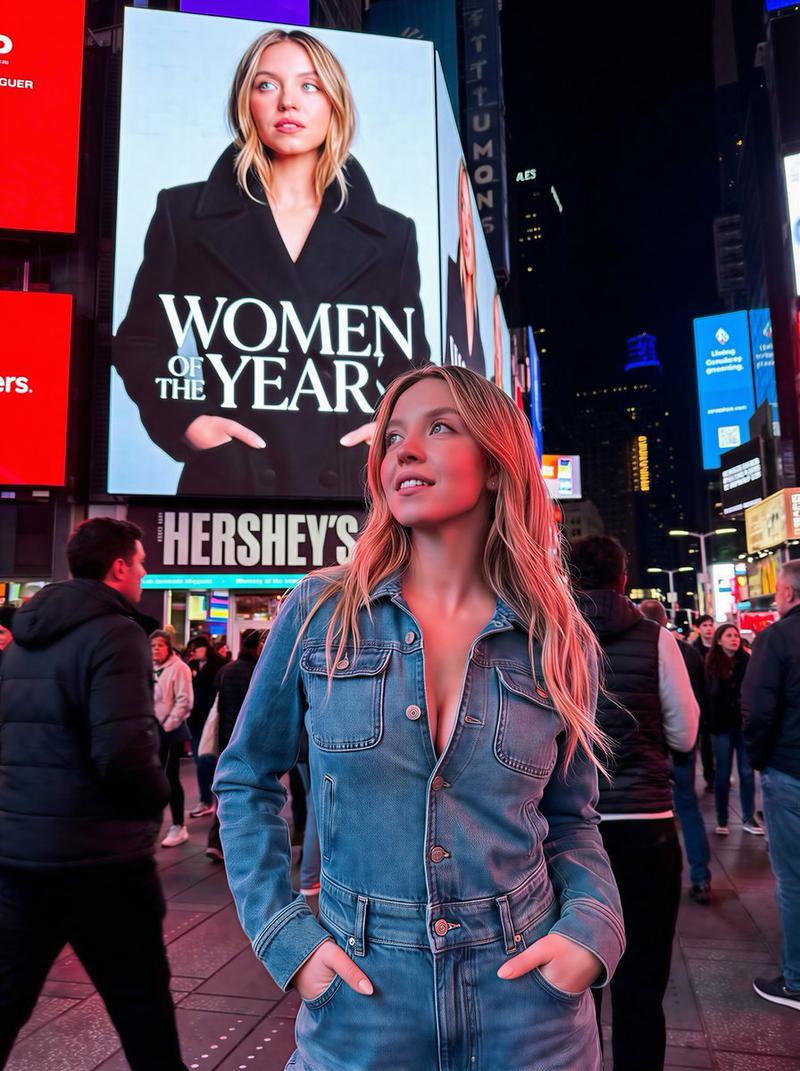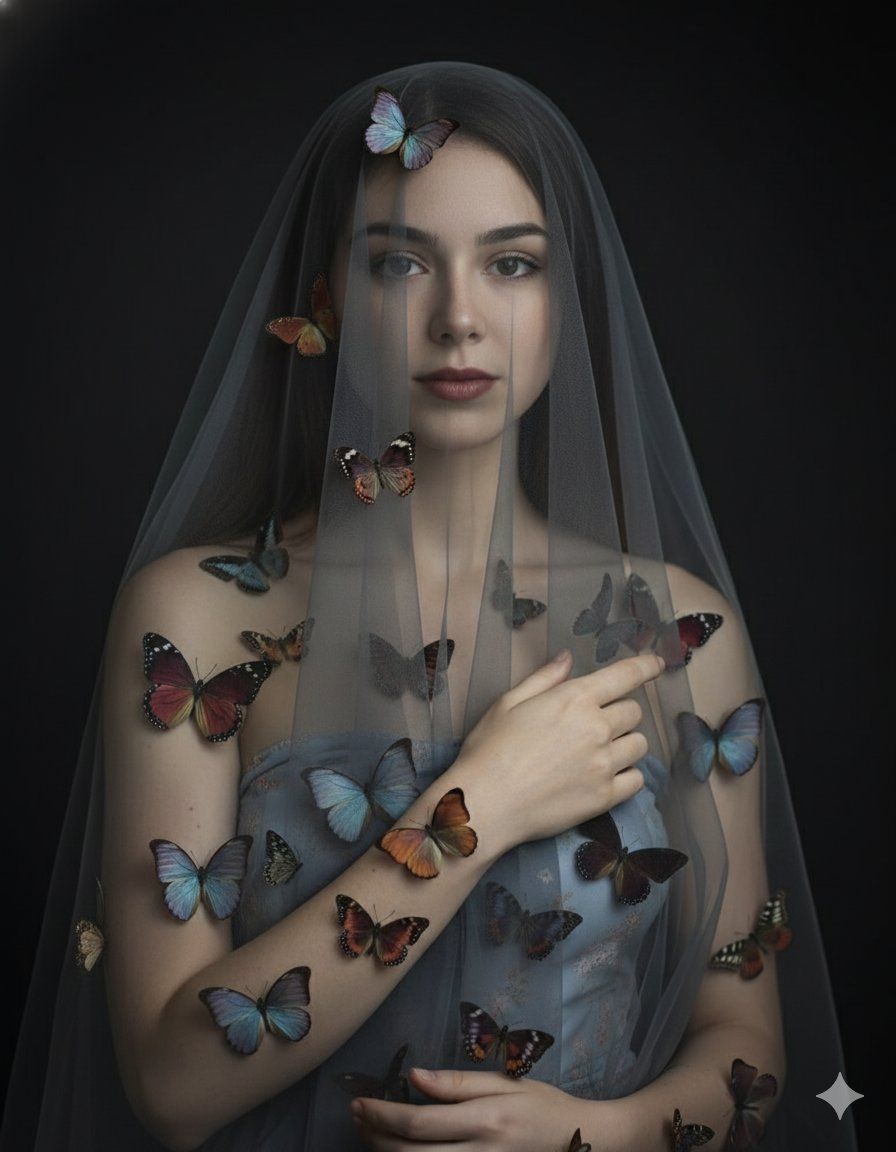
蝴蝶蜕变肖像
提示词
Butterflies don’t heal they transform. 🦋
1. Open Google Gemini ai
2. Select your Photo
3. Write Prompt 👇🏻
{
 "prompt": "Use the attached reference photo as identity and facial structure guidance only. Create a hyperrealistic fine-art close-up portrait of the same woman, framed tightly from chest up. She has a delicate translucent veil draped over her head, partially obscuring her face while keeping the eyes and facial planes readable. Her presence feels ethereal, vulnerable, melancholic, mysterious, and otherworldly. Place various realistic butterfly species gently on her skin and along the veil, arranged like a surreal living adornment. Skin tone is pale with natural texture and subtle imperfections. Hands (if included at frame edge) are graceful and delicate with slightly visible veins and a hint of redness. Styling: keep the subject modestly covered with a minimal, strapless nude-toned wrap or soft fabric that blends into shadow (no explicit nudity, no visible nipples, no explicit genital detail). Background is dark and neutral fading into black with soft, diffused lighting. Camera look: 85mm lens, f/1.8 shallow depth of field focused on her face; background softly blurred. Exposure feel: 1/60 sec, ISO 400. Color grade: muted, desaturated tones with a subtle warmth in skin. Add a subtle vignette to draw focus to the center. Fine art portrait aesthetic blending surrealism and classic beauty. Ultra-detailed, 8K UHD look.",
 "negative_prompt": "Explicit nudity, visible nipples, exposed genitals, pornography, erotic pose, sexual act, fetish imagery, overly glossy plastic skin, heavy makeup glam, cartoon/anime, low-res, harsh flash, blown highlights, deformed hands, extra fingers, distorted face, text, watermark, logo.",
 "composition": {
 "framing": "chest_up_tight",
 "subject_position": "centered",
 "focus": "face"
 },
 "camera": {
 "lens_mm": 85,
 "aperture": "f/1.8",
 "shutter_speed": "1/60",
 "iso": 400,
 "depth_of_field": "shallow"
 },
 "lighting": {
 "style": "soft_diffused",
 "key": "front_3_4",
 "background": "falloff_to_black"
 },
 "color_grading": {
 "saturation": "muted_desaturated",
 "skin_tone": "slightly_warm",
 "vignette": "subtle"
 },
 "render": {
 "style": "hyperrealistic_fine_art_portrait",
 "detail_level": "ultra",
 "resolution_hint": "8k_uhd"
 },
 "input_ids": [
 "PASTE_YOUR_ATTACHED_IMAGE_ID_HERE"
 ],
 "caption": "Haunting close-up veiled portrait with butterflies, fine-art, dark background",
 "file_name": "veiled_butter.png"
}- 分类
- 真实摄影
- 模型
- Unknown
- 来源作者
- Shreya Yadav
- 来源 ID
- butterfly-transformation-portrait
浏览量0