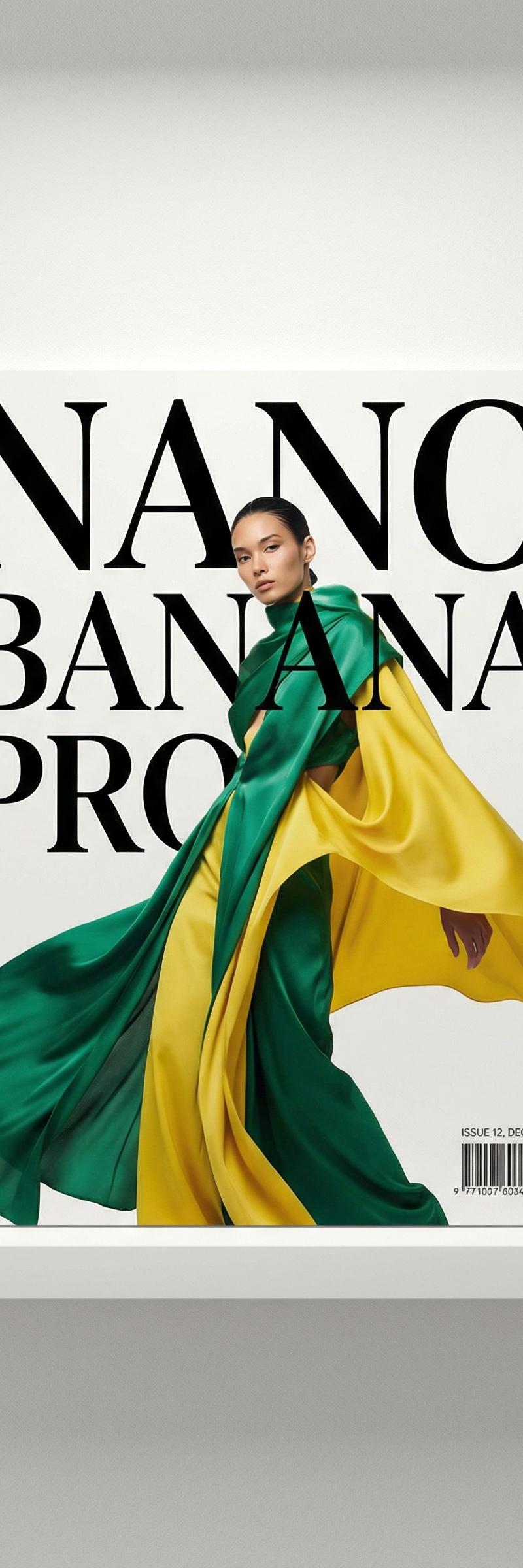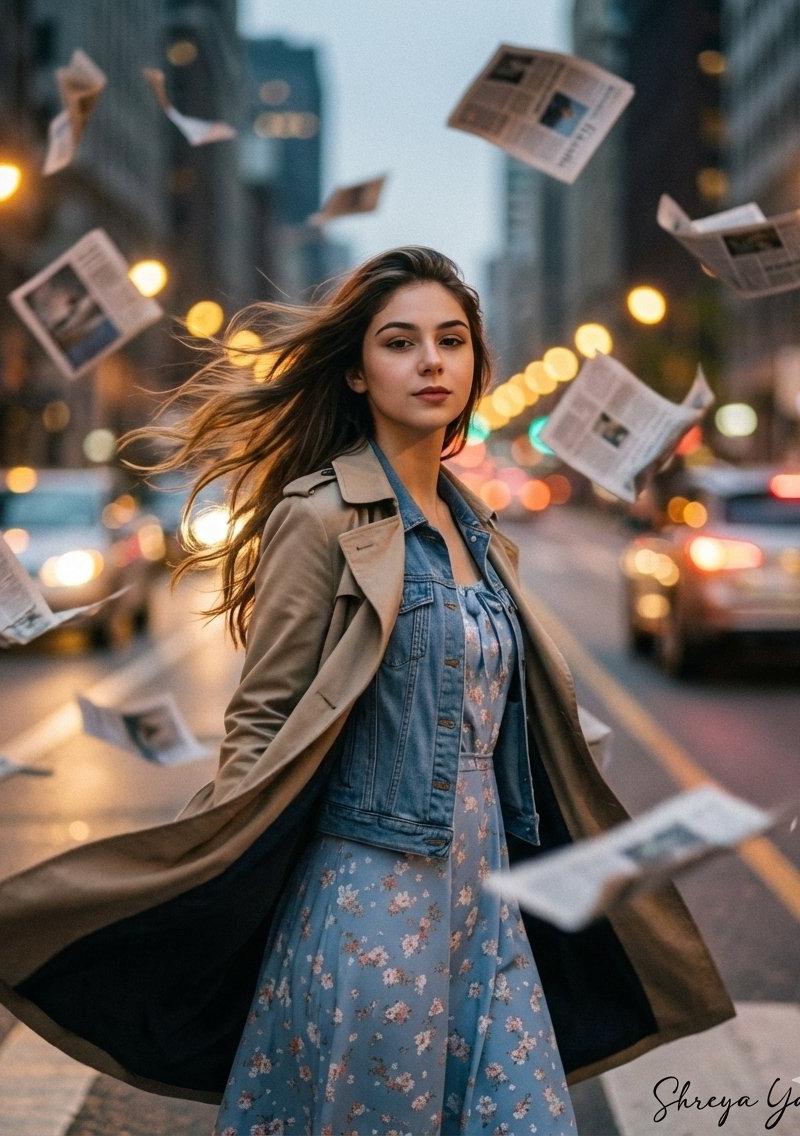
Cinematic 动态模糊编辑
提示词
Google Gemini ai Nano Banana 3 Pro ✨
{
 "project_title": "Cinematic_Motion_Blur_Editorial",
 "user_signature": "Shreya Yadav",
 "generation_parameters": {
 "positive_prompt": "High-fashion cinematic editorial portrait, medium shot. A subject facing the camera caught in a chaotic windstorm on a metropolitan street. Hundreds of flying newspapers swirling in the air, debris, heavy horizontal motion blur on the background and papers to convey intense speed and wind. The subject is wearing a [INSERT_OUTFIT_DETAILS_HERE]. The face is kept in sharp focus with hyper-realistic skin texture and dramatic lighting, while the environment is blurred. Vogue aesthetic, 8k resolution, masterpiece, depth of field, freeze-frame action shot.",
 "negative_prompt": "static, calm, still air, blurry face, distorted features, cartoon, illustration, 3d render, bad anatomy, watermark, low quality, noise, grain, ugly, deformed.",
 "face_restoration_settings": {
 "enabled": true,
 "method": "Face Swap / IP-Adapter",
 "strength": 1,
 "instruction": "Preserve exact identity and facial features of the source photo."
 },
 "text_overlay": {
 "content": "Shreya Yadav",
 "font_style": "Handwritten Signature Script",
 "position": "Bottom Right",
 "color": "#FFFFFF",
 "opacity": 0.85
 },
 "technical_settings": {
 "aspect_ratio": "2:3",
 "sampler": "DPM++ 2M Karras",
 "steps": 30,
 "cfg_scale": 7
 }
 }
}- 分类
- 真实摄影
- 模型
- Nano Banana
- 来源作者
- Shreya Yadav
- 原始语言
- zh-CN
- 来源 ID
- cinematic-motion-blur-editorial
浏览量0