18

食品说明/广告视频的工作流程
放大

示例图片

食品说明/广告视频的工作流程

提示词
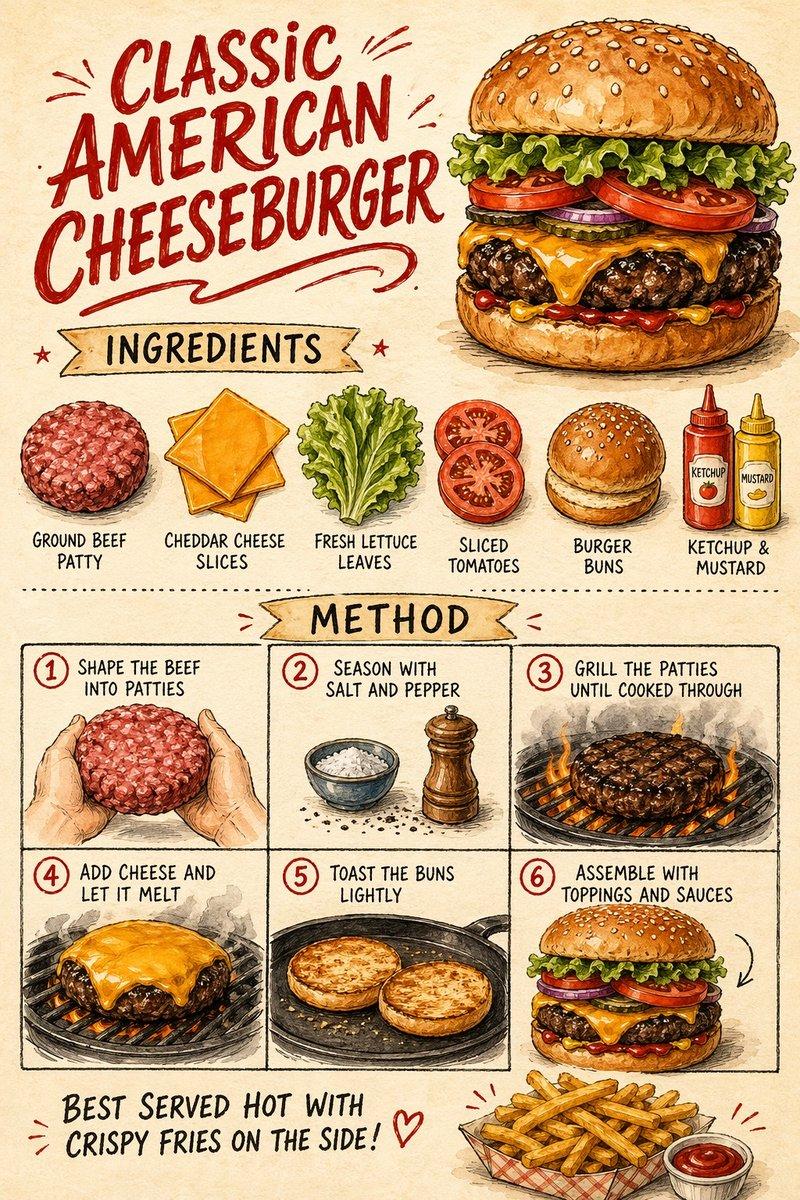
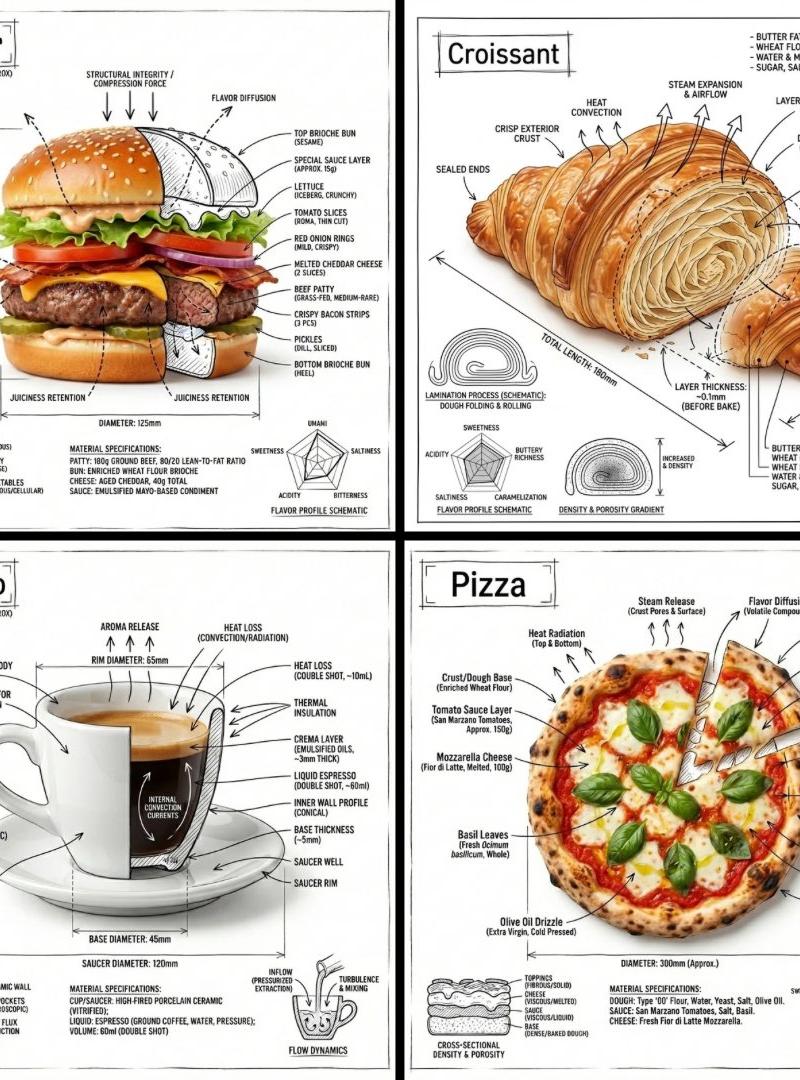
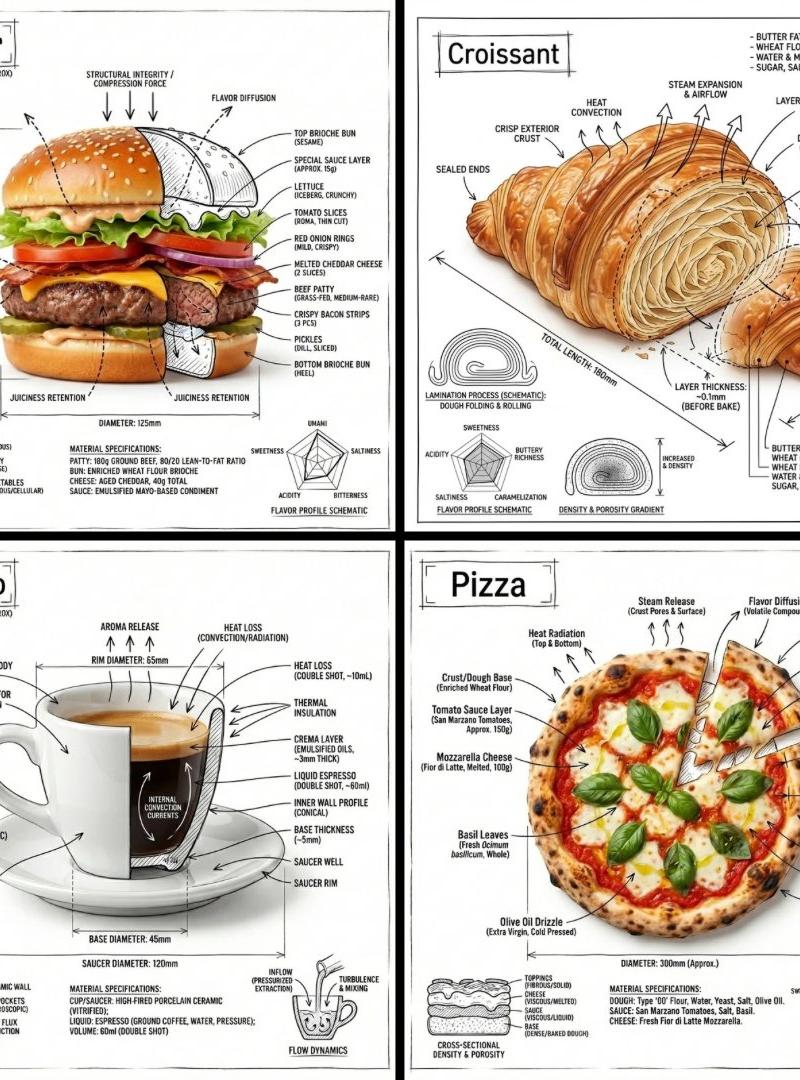
A super clean workflow for a food explainer/ad video:
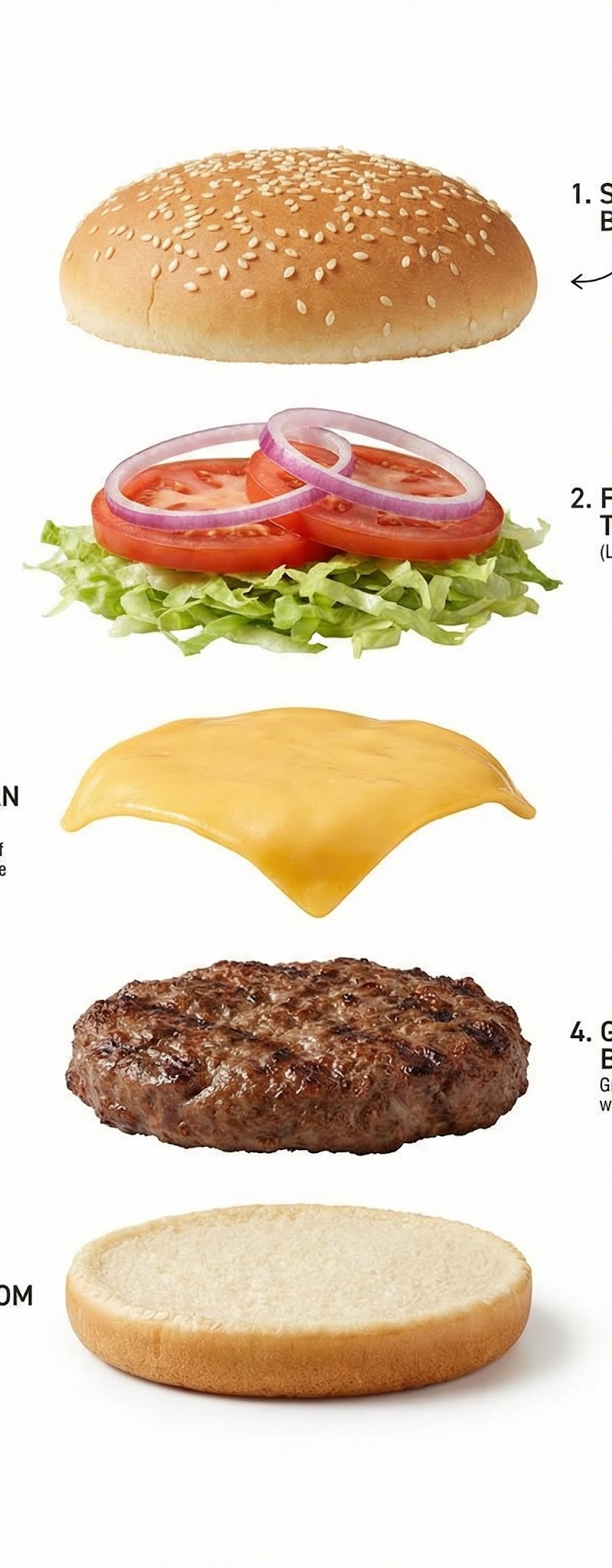
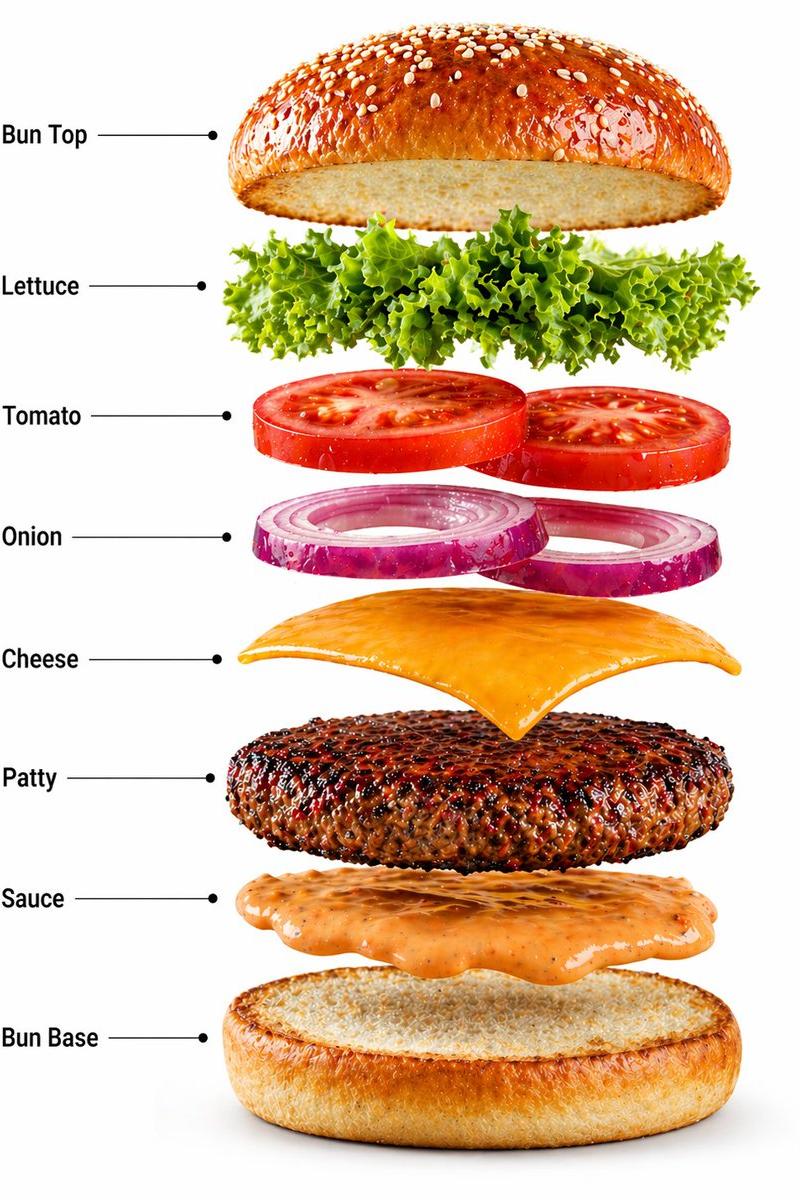
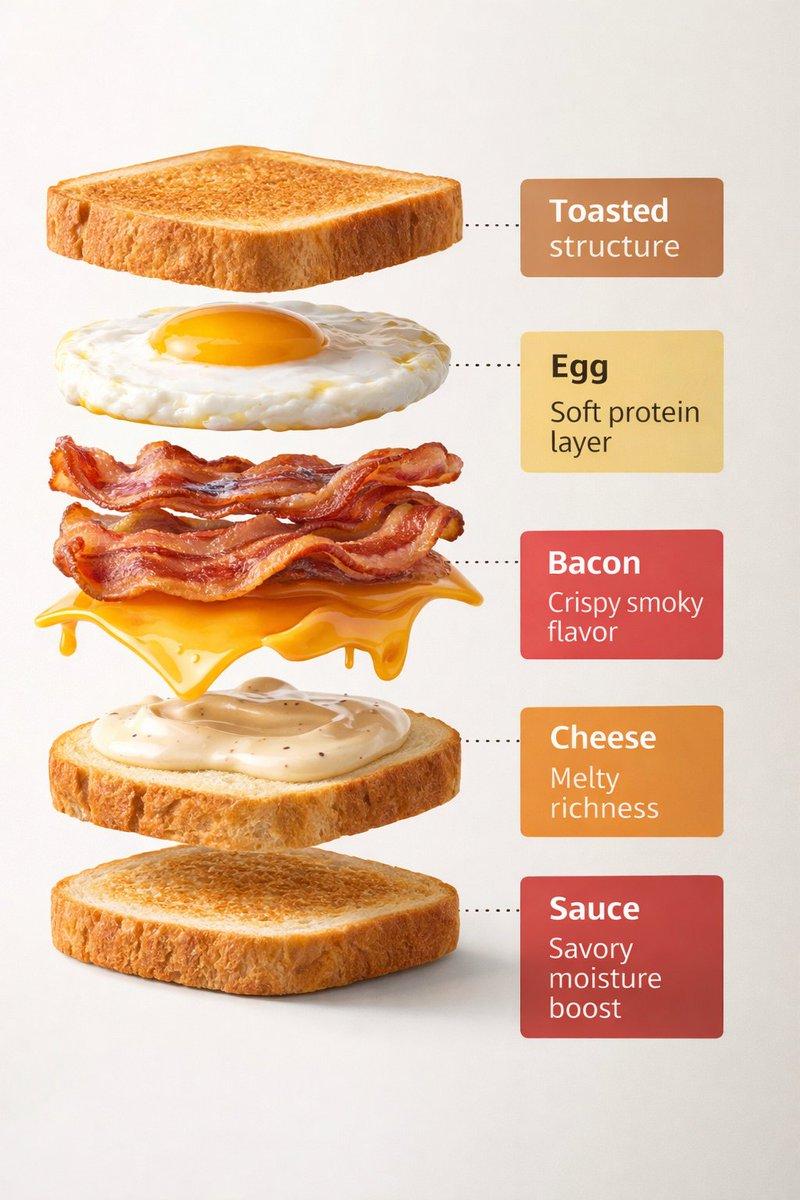
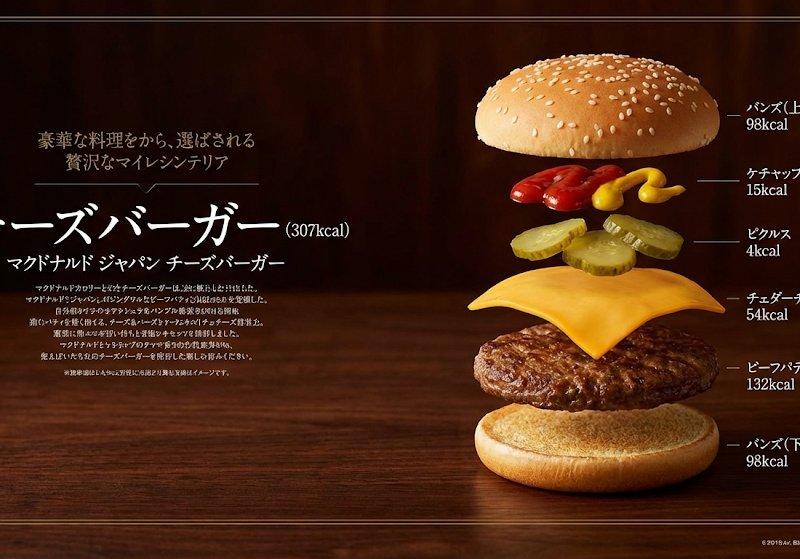
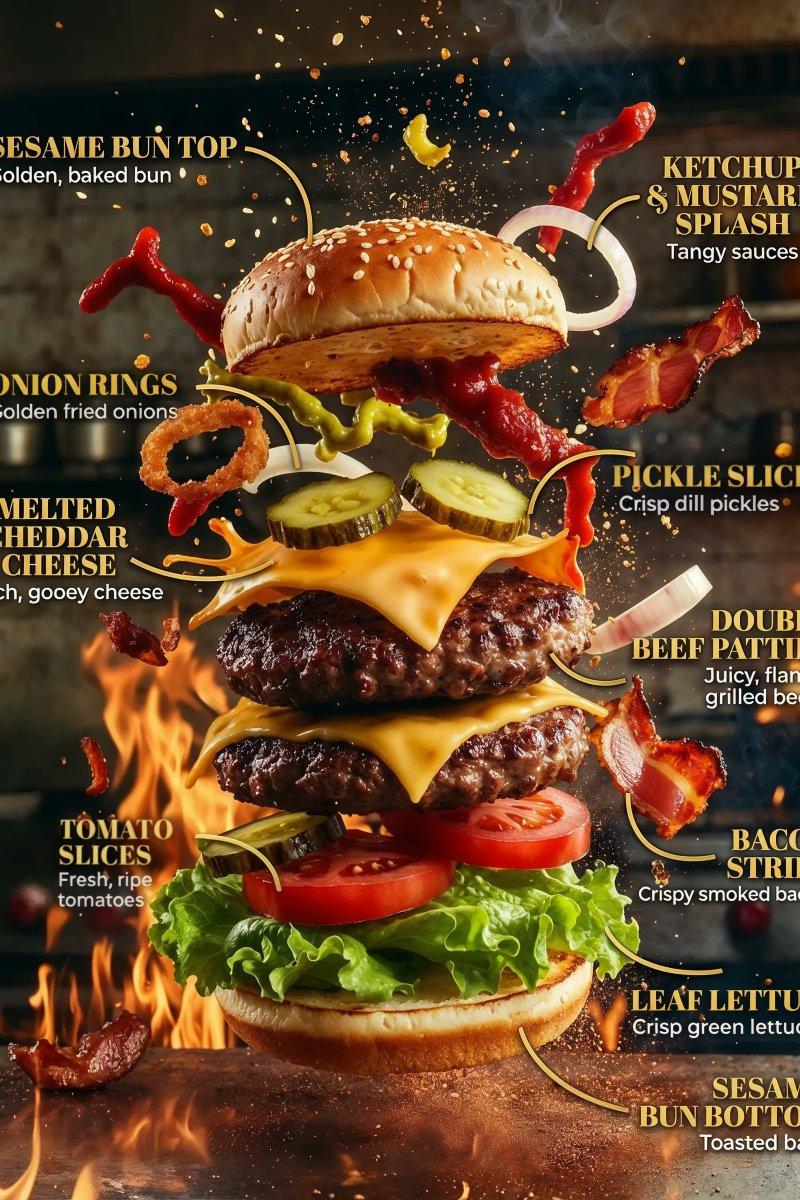
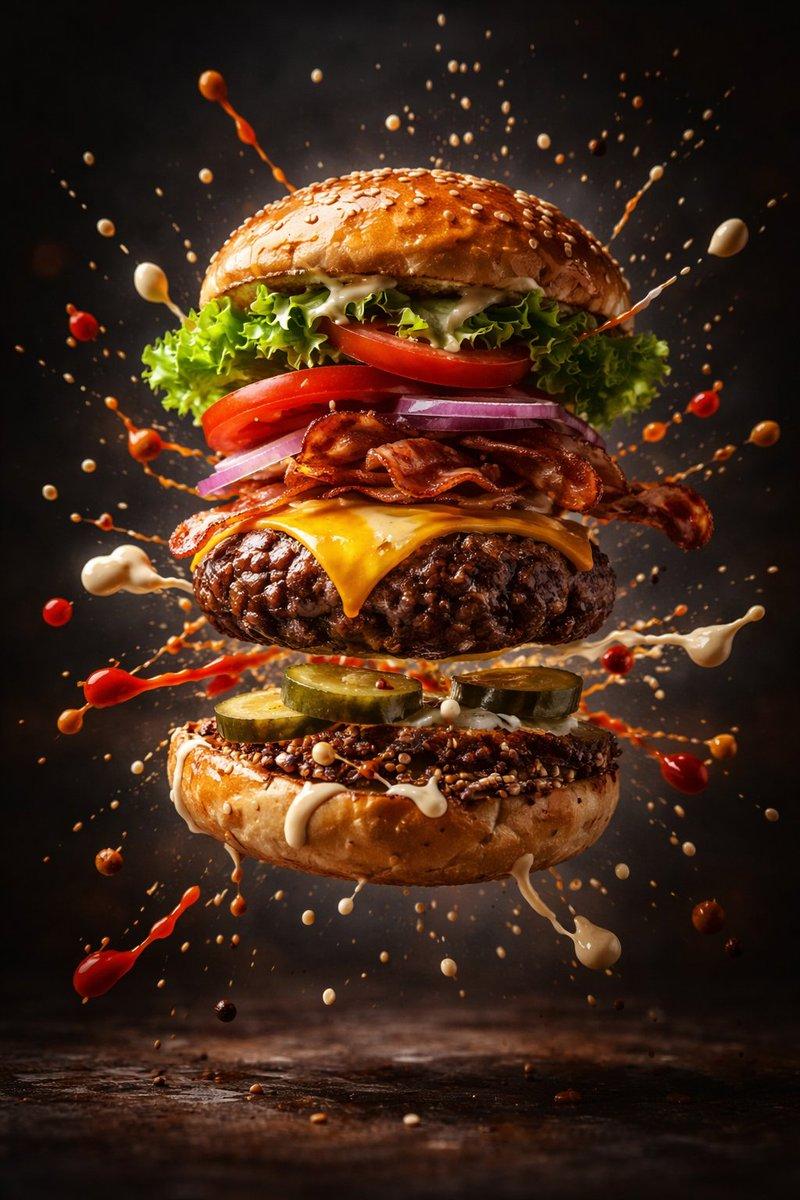
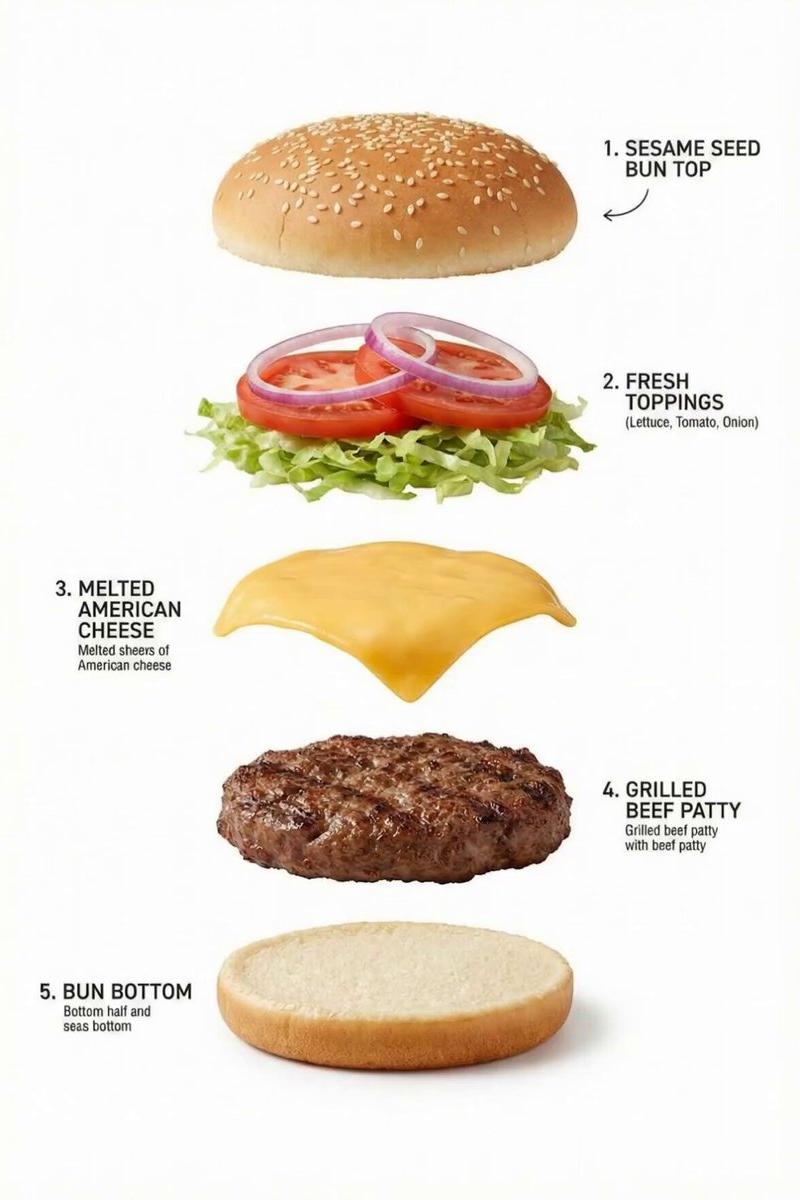
1. Generate the first frame (exploded view) using @Strength04_X’s prompt:
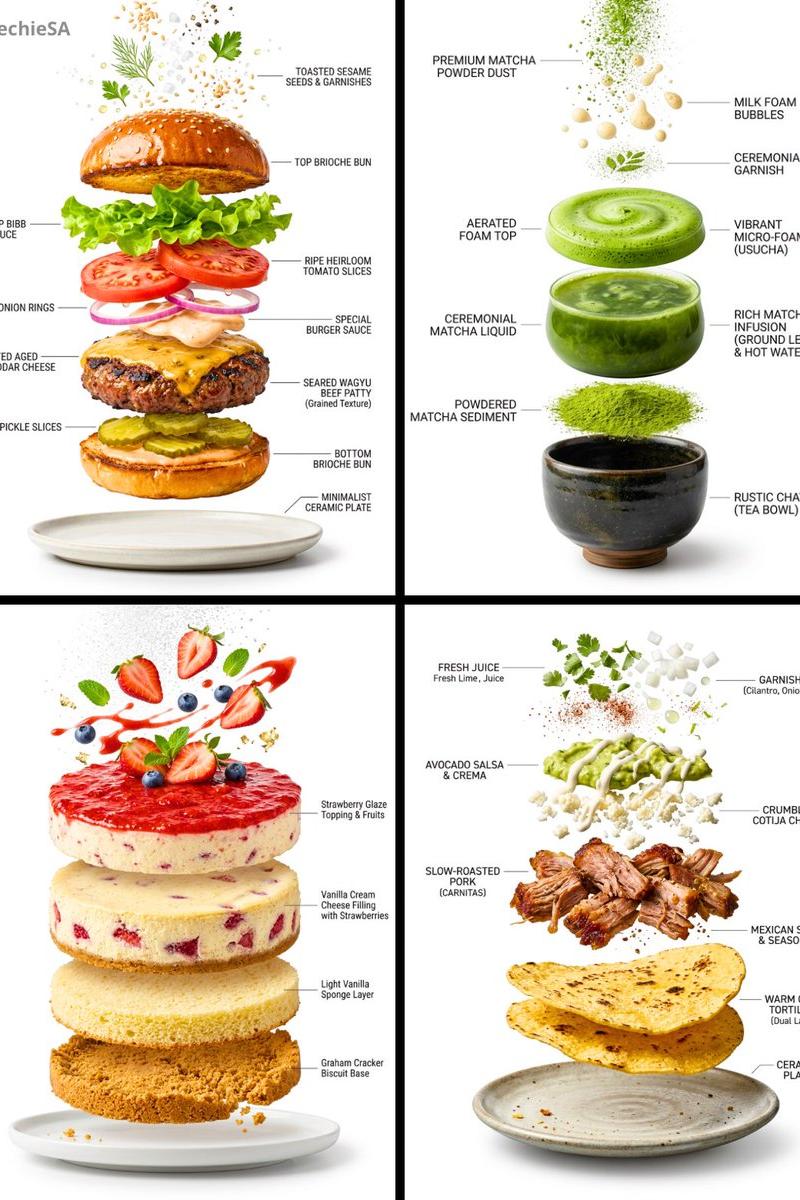
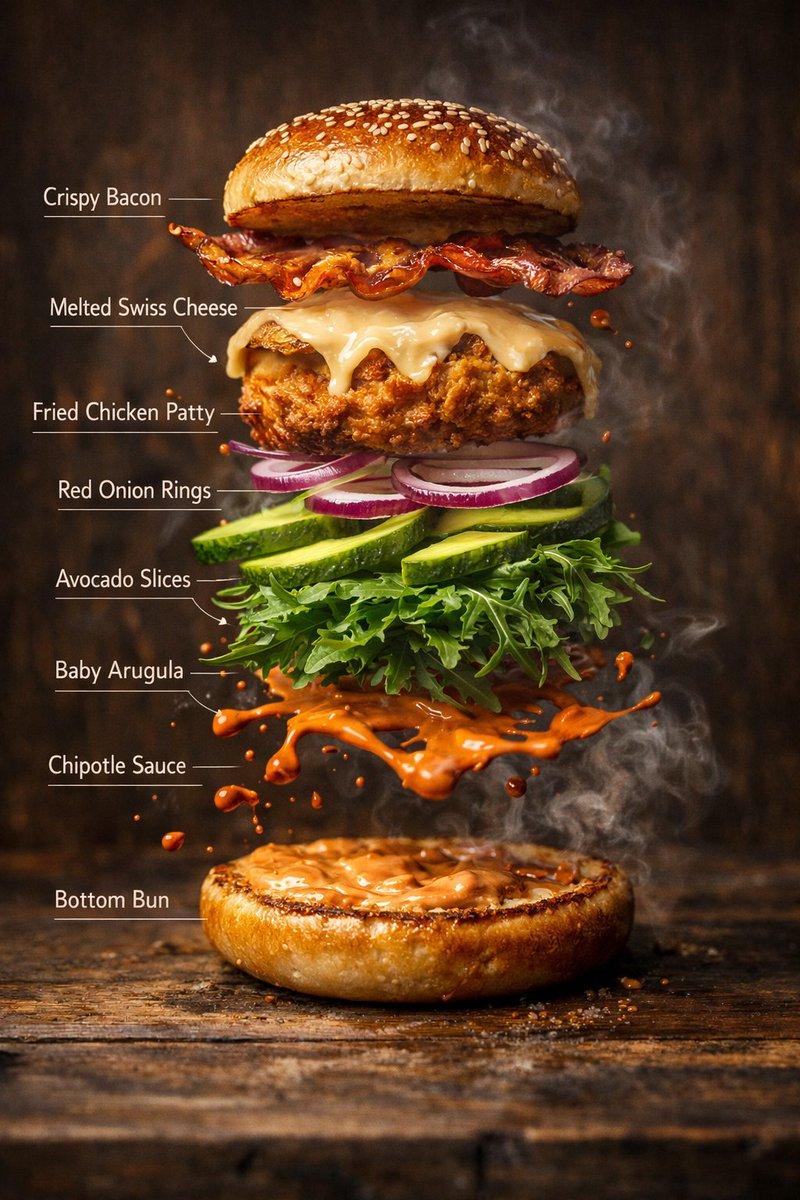
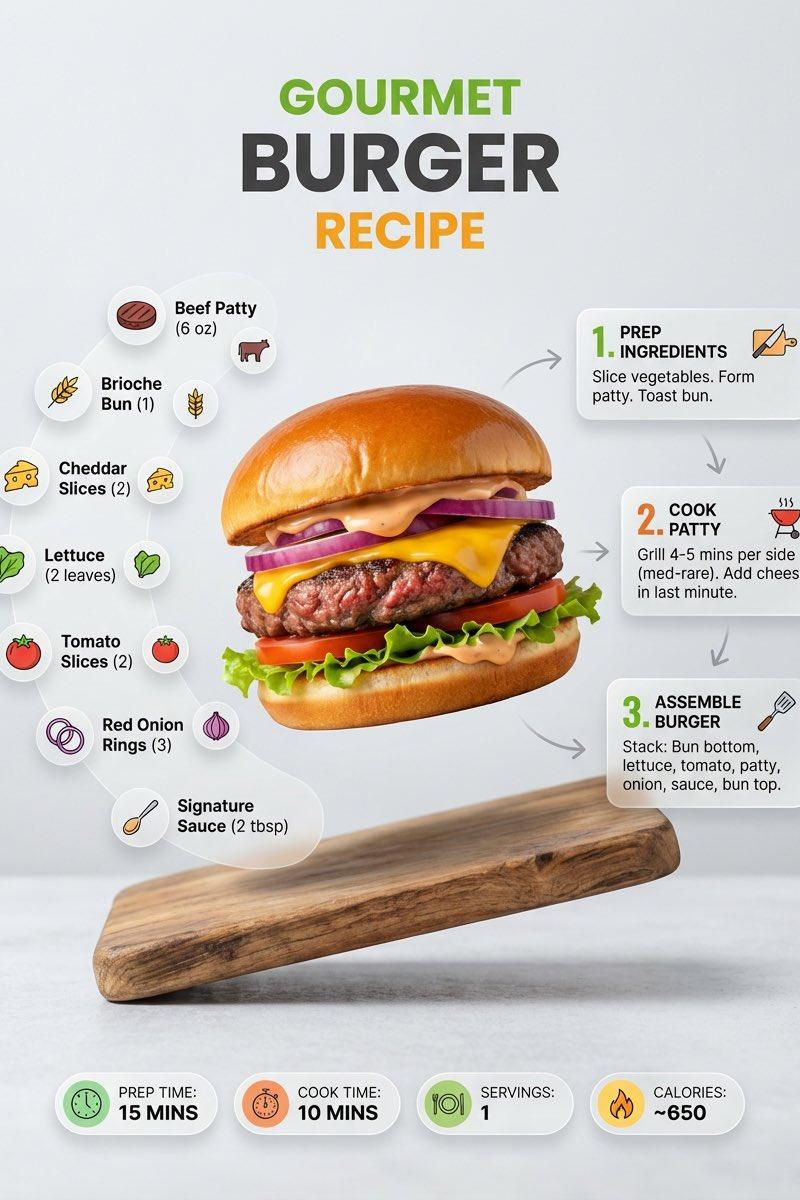
Exploded view of the Hamburger, presented as a clean, commercial recipe-style breakdown. Exactly five ingredients, matching the first image, separated and arranged vertically from top to bottom, evenly spaced and perfectly aligned.
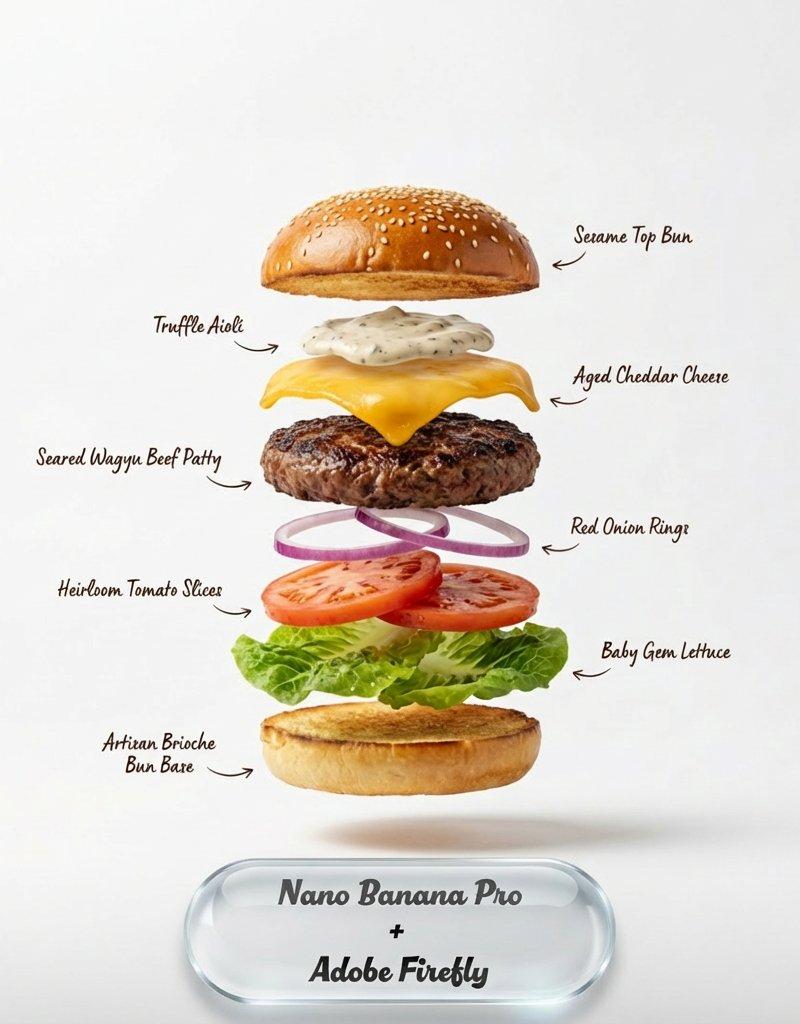
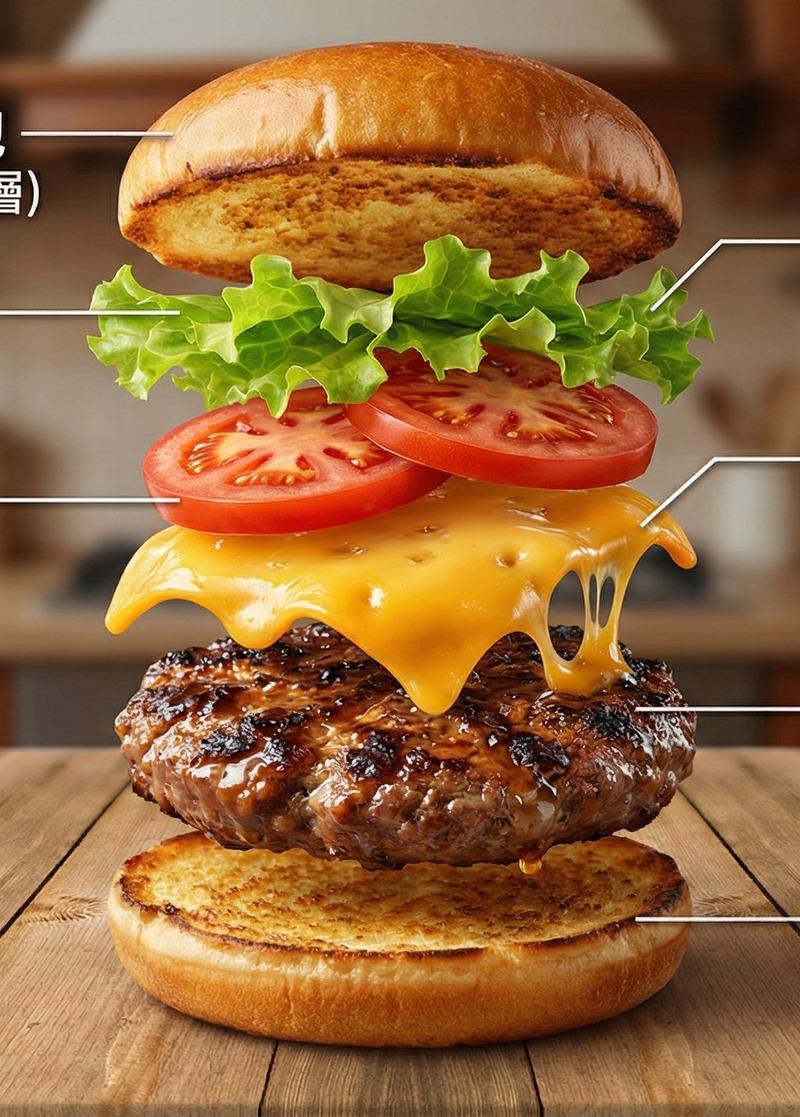
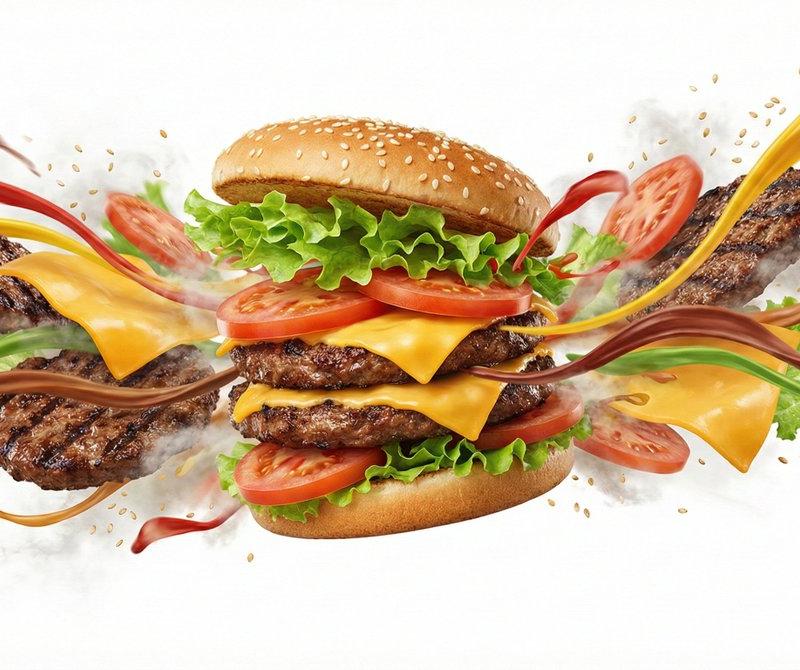
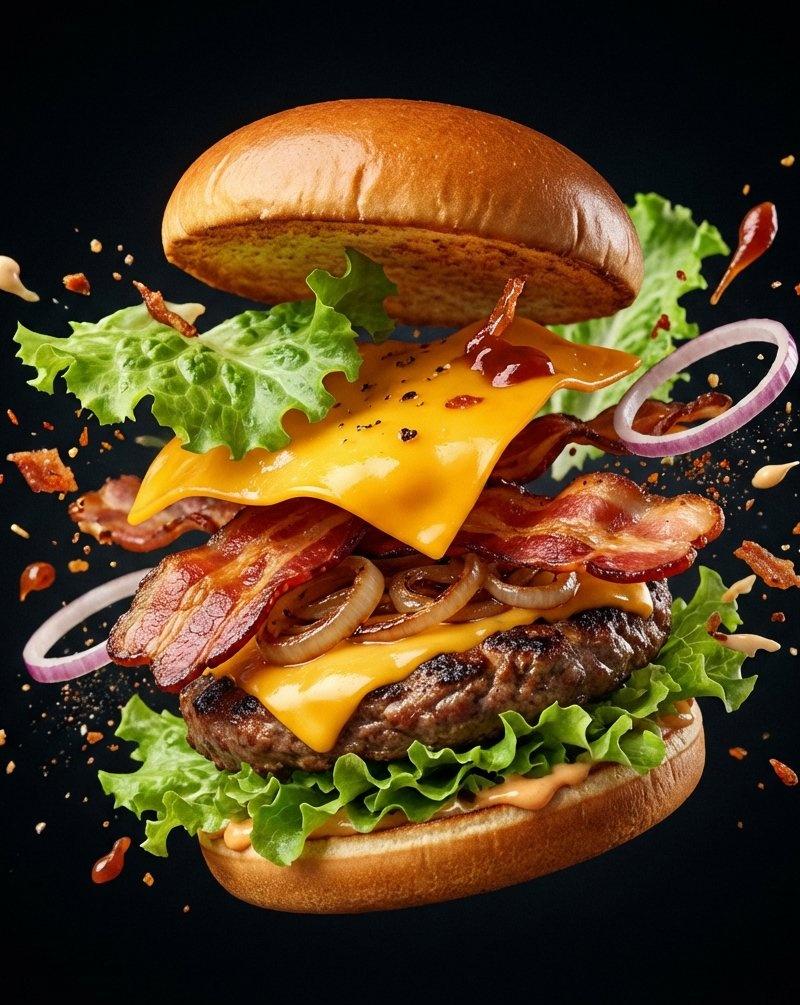
2. Create the assembled burger image with Nano Banana Pro
3. Animate with Kling O1 (text gradually fades + clean premium background), prompt:
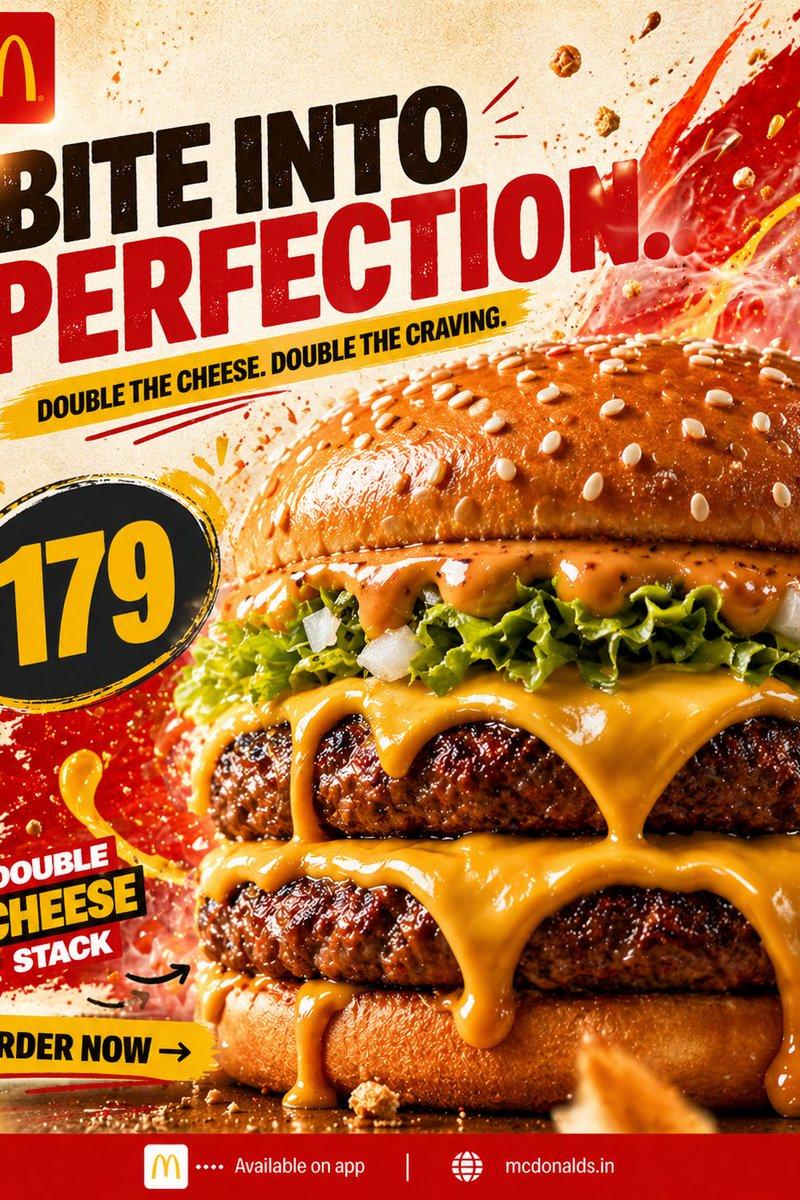
This is a food advertisement that combines the ingredients in the picture into a hamburger; The text gradually disappeared. the background is clean, giving it a sophisticated and high-quality feel.
分类
图表信息图
模型
Nano Banana Pro
来源作者
underwood
原始语言
zh-CN
浏览量0
来源 ID
food-explainer-ad-video-workflow
Studio

使用说明

关于「食品说明/广告视频的工作流程」

这条提示词适合做什么?

「食品说明/广告视频的工作流程」AI 图片提示词,适用于 Nano Banana Pro,分类:图表信息图。A super clean workflow for a food explainer/ad video: 1. Generate the first frame (exploded view) using @…

页面上方提供可复制的完整提示词正文与示例效果图,适合直接用于 AI 图片生成或在 Picva 中一键同款。

如何使用这条提示词

  1. 步骤 1

    打开提示词详情

    查看「食品说明/广告视频的工作流程」的示例图、分类与完整 Prompt 文本。

  2. 步骤 2

    复制提示词

    一键复制页面中的提示词正文,或在 Studio 中直接带入。

  3. 步骤 3

    选择模型(Nano Banana Pro)

    优先使用 Nano Banana Pro;如切换其他模型,可保留主体与构图,微调风格词。

  4. 步骤 4

    生成并导出

    在 Picva 一键生成同款,或导出到你的工作流继续编辑发布。

常见问题

「食品说明/广告视频的工作流程」是什么提示词?
这是一条可用于 Nano Banana Pro 的图片生成提示词,属于「图表信息图」分类。页面提供完整 Prompt 文本、示例效果图,以及在 Picva 中一键生成同款的入口。
如何使用这条提示词生成图片?
复制页面中的提示词,或点击一键生成 / Studio。可直接粘贴到支持的图像模型,也可在 Picva 中结合参考图生成同款视觉效果。
这条提示词适合哪个模型?
页面标注模型为 Nano Banana Pro。多数描述型提示词也可迁移到 GPT Image、Flux、Midjourney 等相近图像模型,必要时微调风格与构图词。
可以商用吗?需要注意什么?
提示词文本通常可复制用于创作,但最终图片是否可商用取决于你使用的模型条款、参考图版权以及生成内容本身。请遵守来源作者与平台规则。