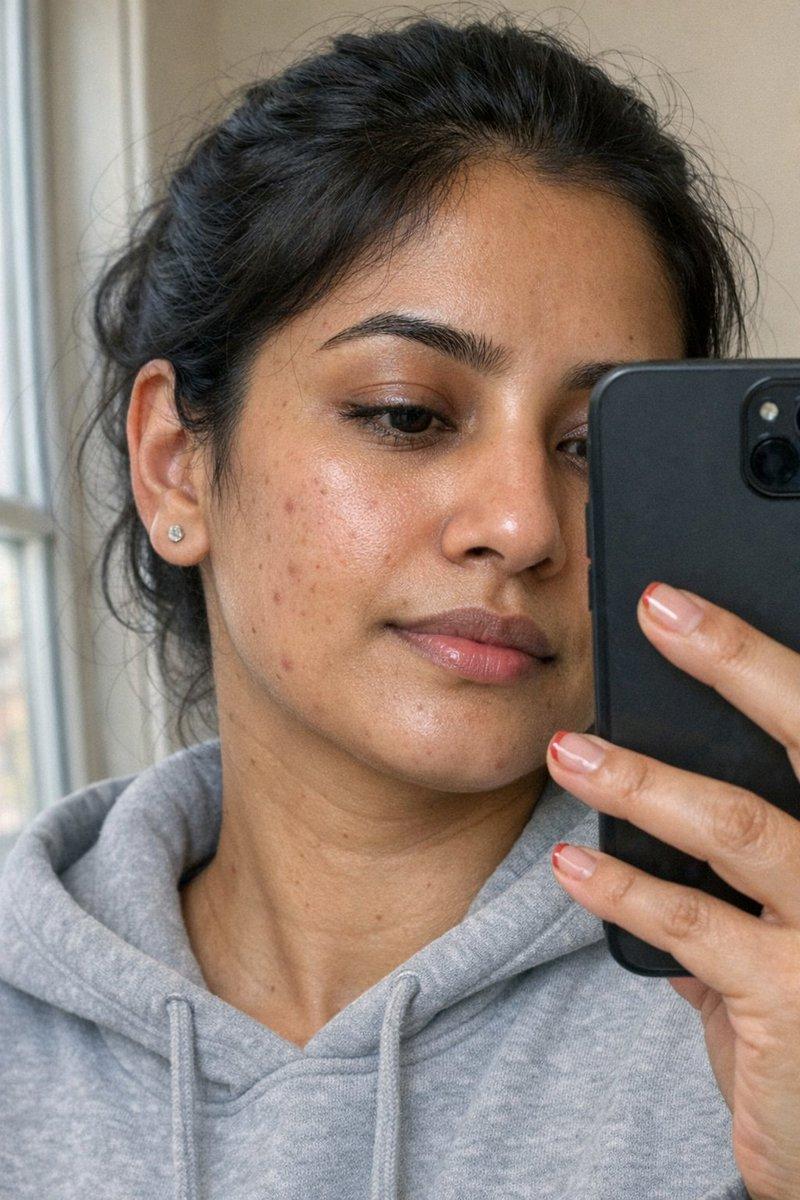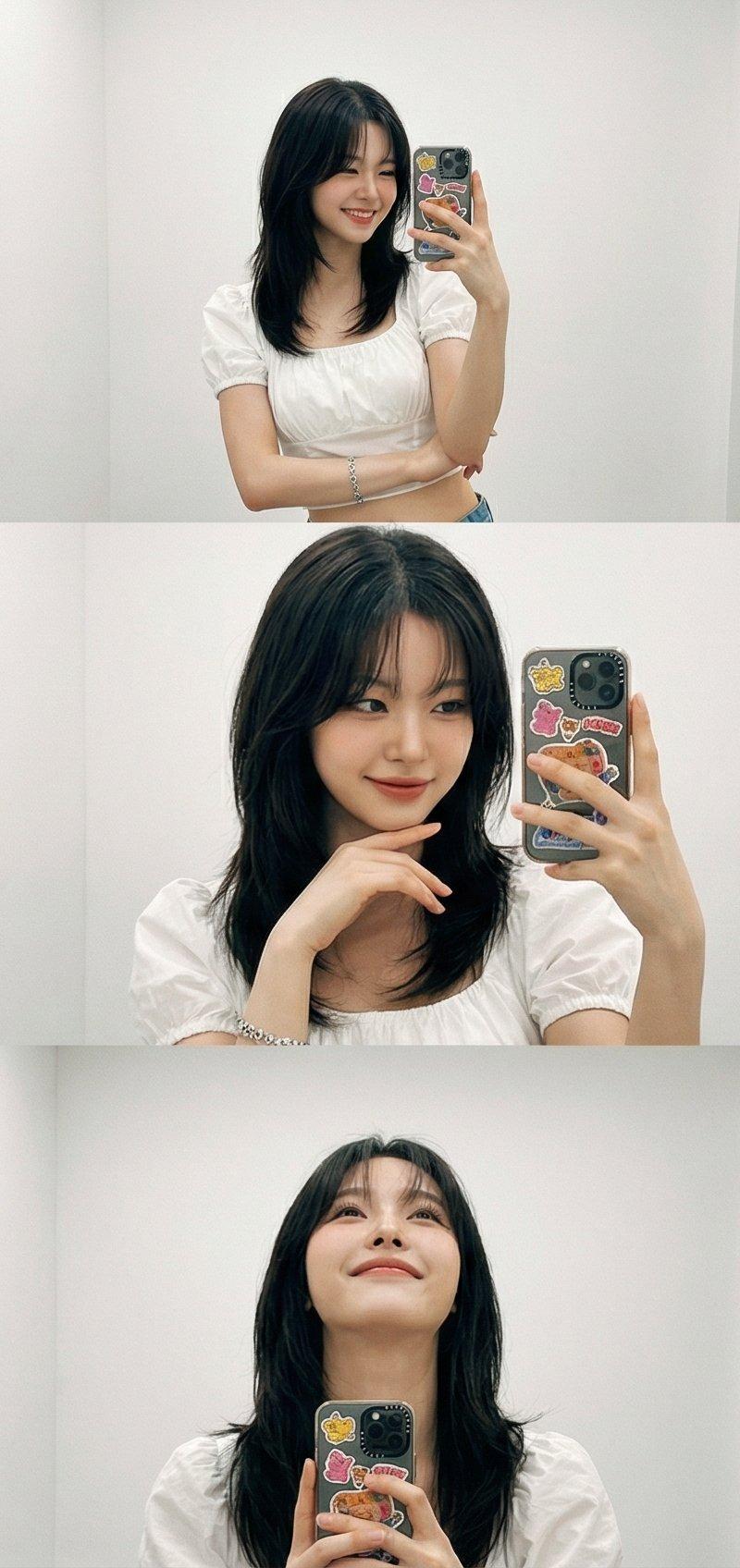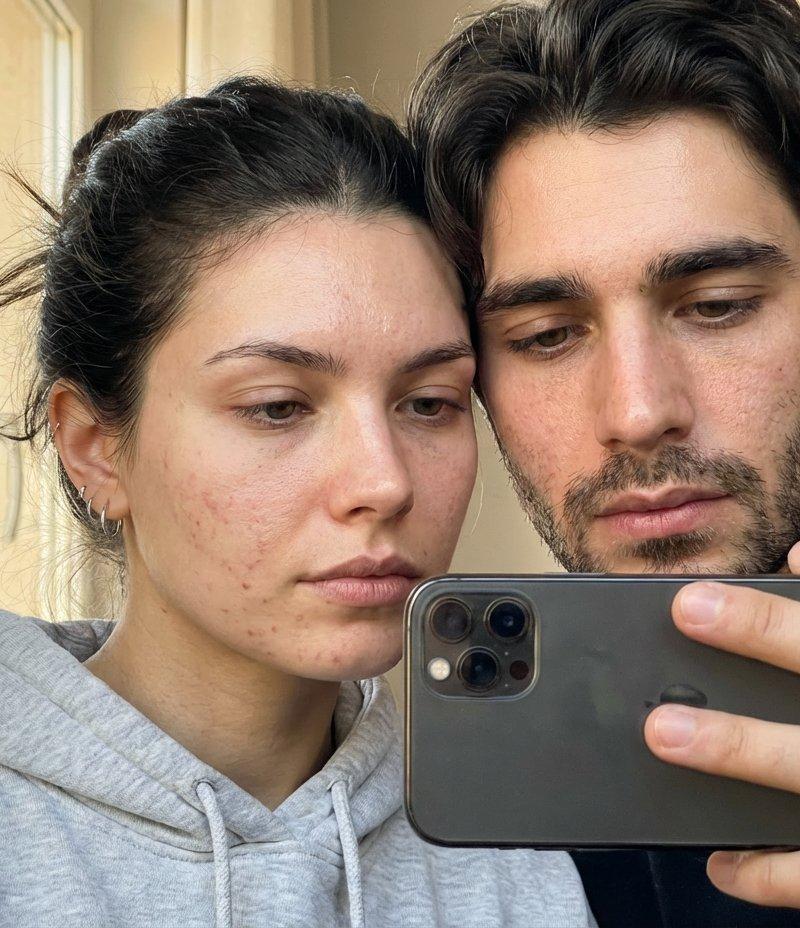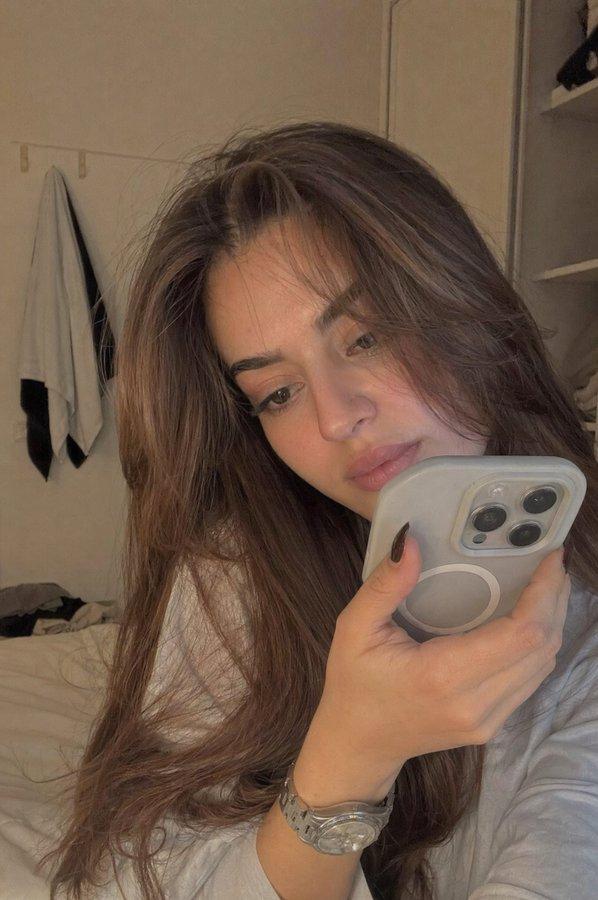
镜前自拍
提示词
Google Gemini Nano Banana pro 3.0 and Grok imagine
{
"prompt": "Generate a detailed description of the image",
"image_description": {
"scene": "A selfie taken in front of a mirror",
"subject": {
"person": "A young woman",
"pose": "She is holding her right hand up taking a selfie with a phone, while her left hand rests on her cheek with the elbow resting on her shoulder",
"appearance": {
"hair": "Long, straight black hair",
"eyes": "Purple-colored contact lenses with dramatic eyeliner and makeup",
"lips": "Nude or natural pink lipstick",
"attire": "Red sleeveless top",
"accessories": "A small tattoo of the letter \'Z\' on her left forearm"
},
"expression": "Thoughtful or pensive gaze towards the camera"
},
"phone": {
"color": "White",
"position": "Held in the right hand with the camera flash reflecting brightly on the back of the phone",
"camera": "Dual-camera setup visible on the back"
},
"lighting": {
"effect": "Dramatic flash flare from the phone camera, with additional lens flare spots in the image",
"setting": "Dimly lit background with contrast between the subject and dark surroundings"
},
"background": {
"details": "A plain wall divided into a dark left side and a lighter right side, suggesting indoor setting with mirror selfie"
}
},
"output_style": "Detailed photographic description suitable for AI image generation or reconstruction",
"additional_notes": "Capture the aesthetic of modern selfie photography with dramatic makeup and lighting effects"
}- 分类
- 真实摄影
- 模型
- Nano Banana Pro
- 来源作者
- Sharon Riley
- 原始语言
- zh-CN
- 来源 ID
- mirror-selfie
浏览量0