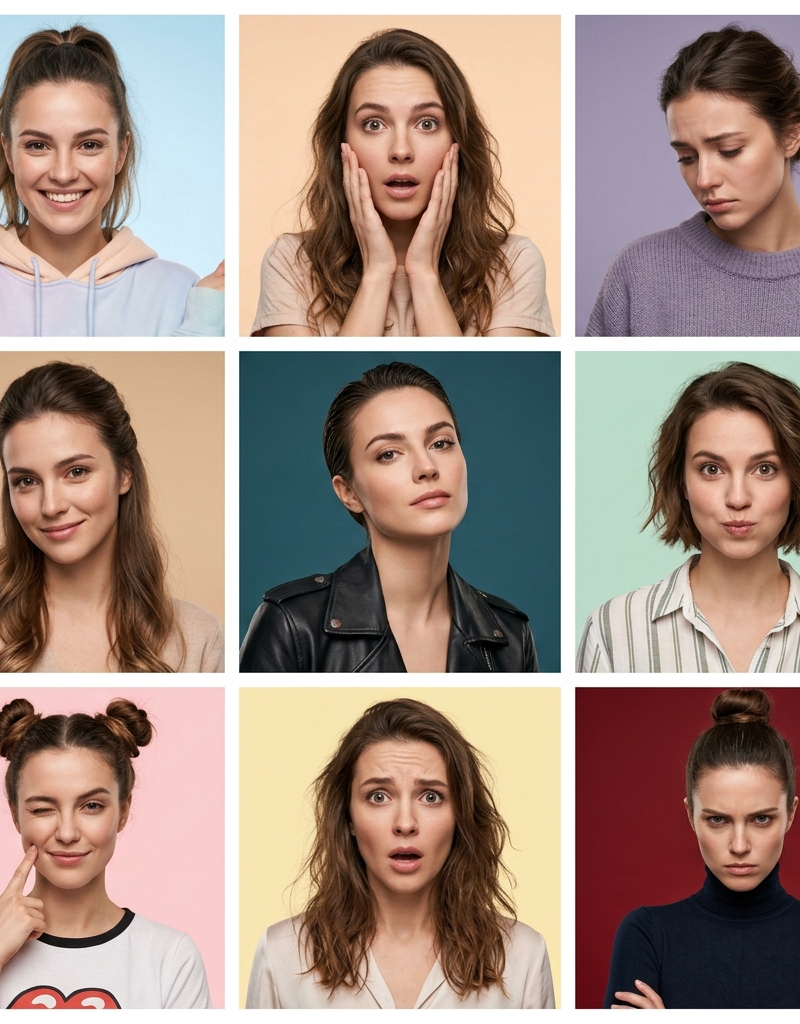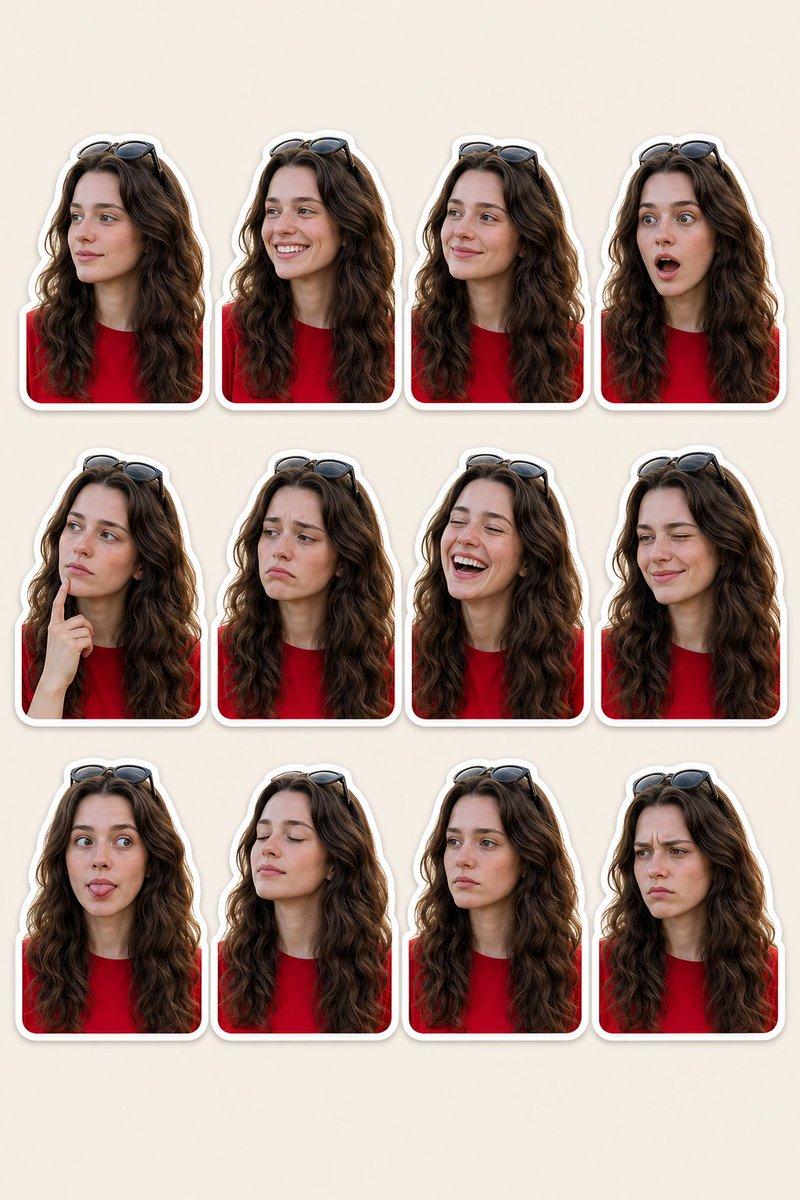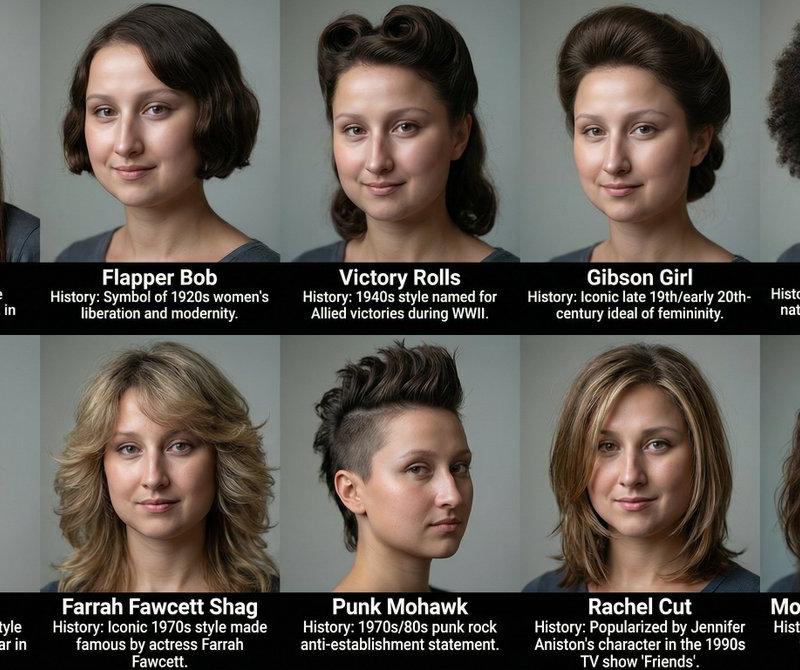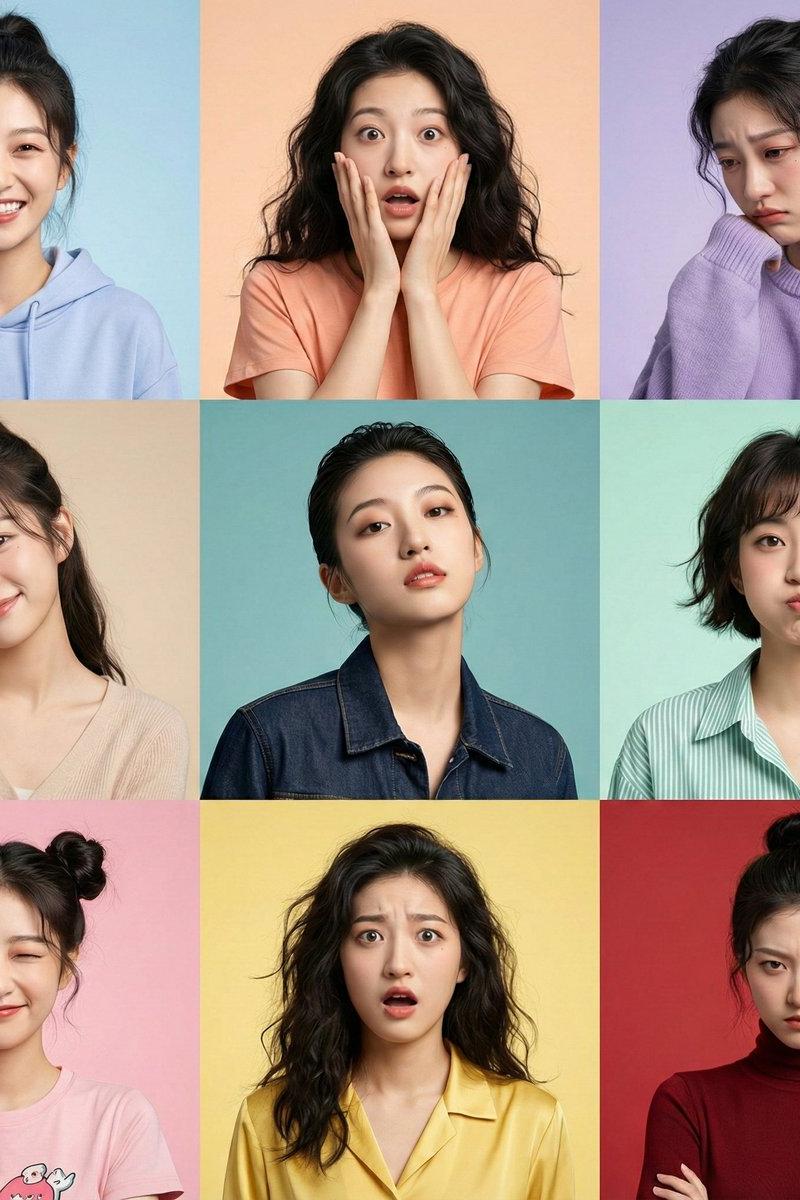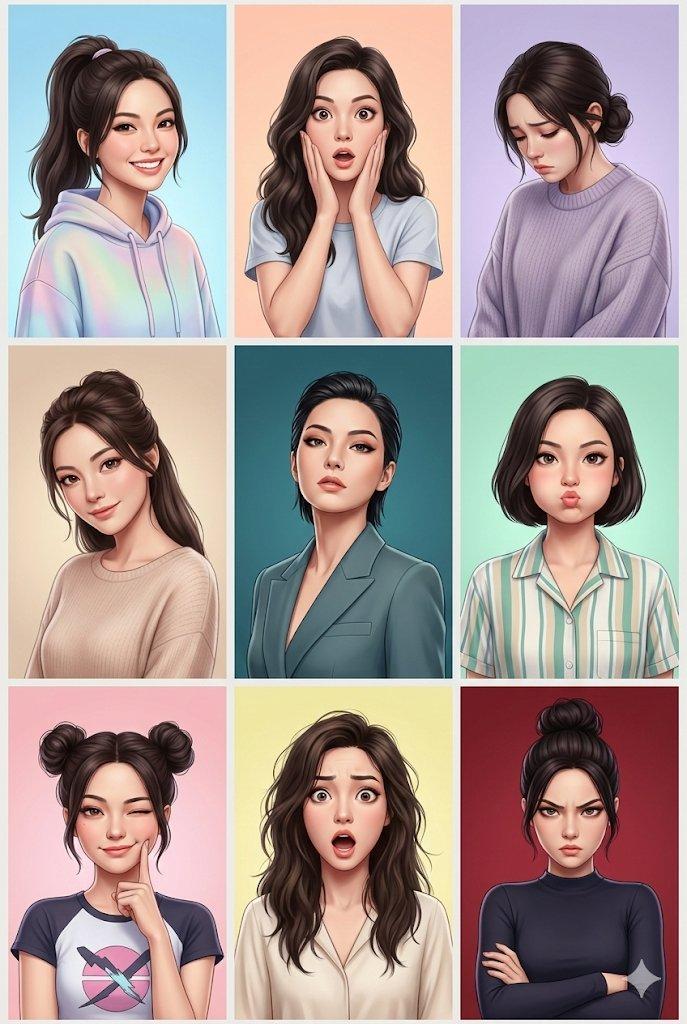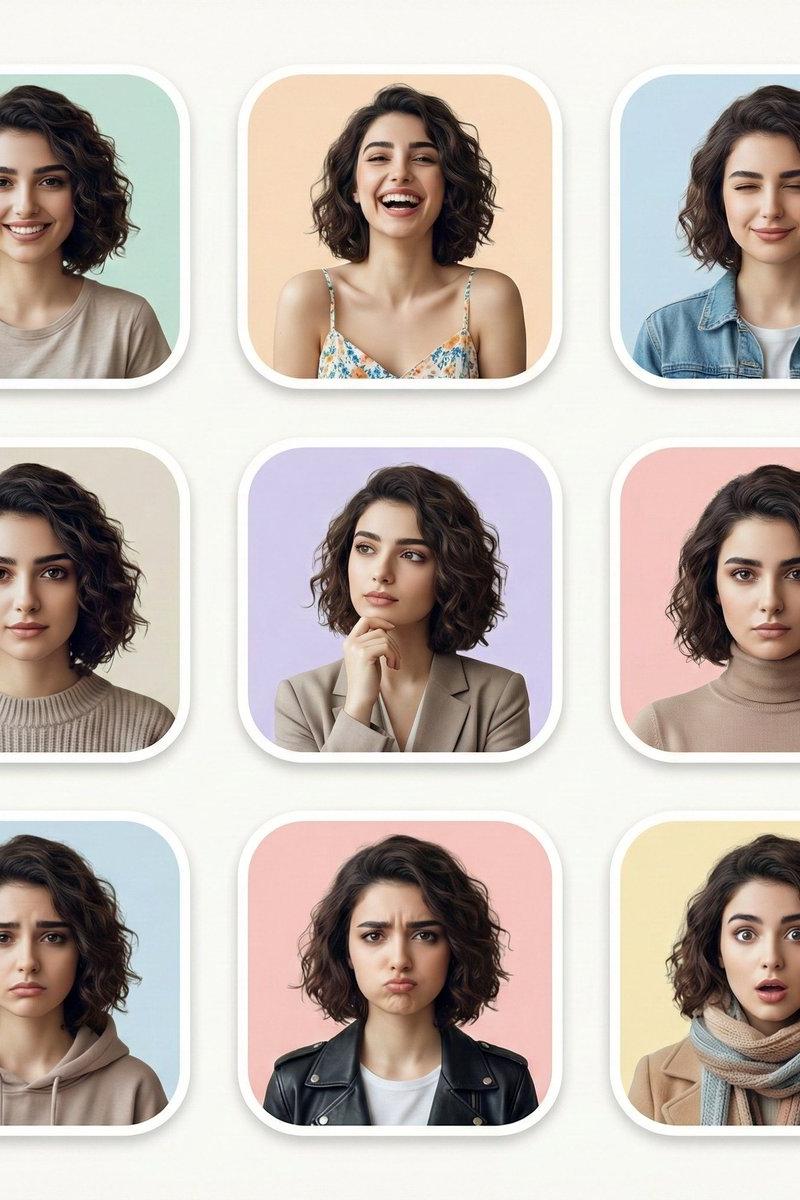
现代多表情人像网格
提示词
Create your image with different expressions in Google Gemini Nano Banana using the prompt 👇
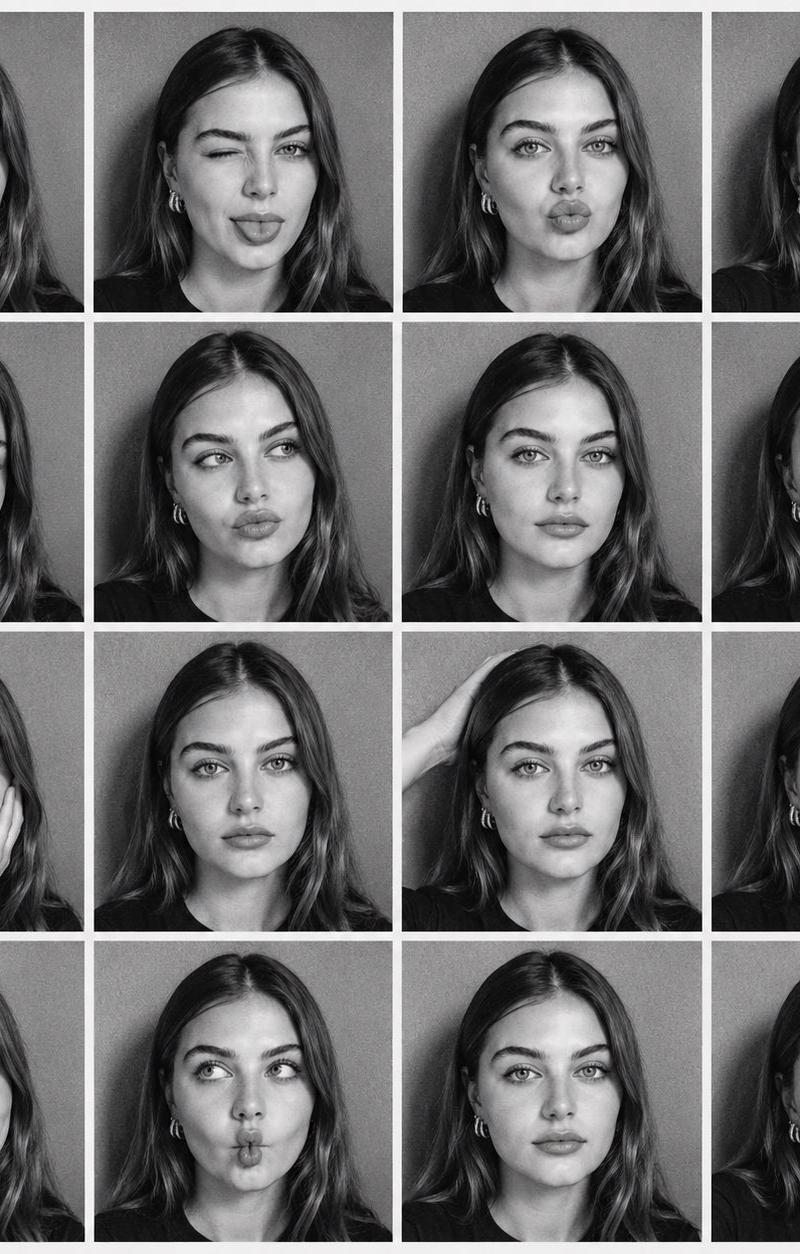
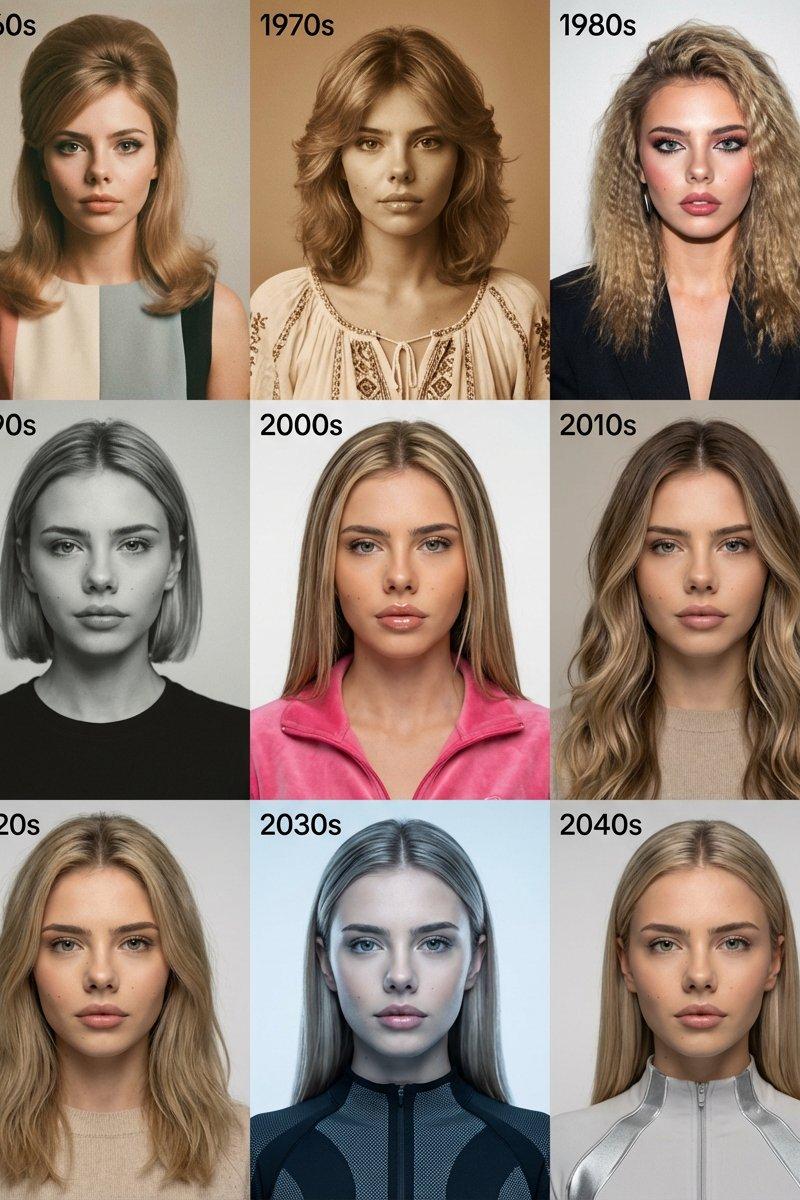
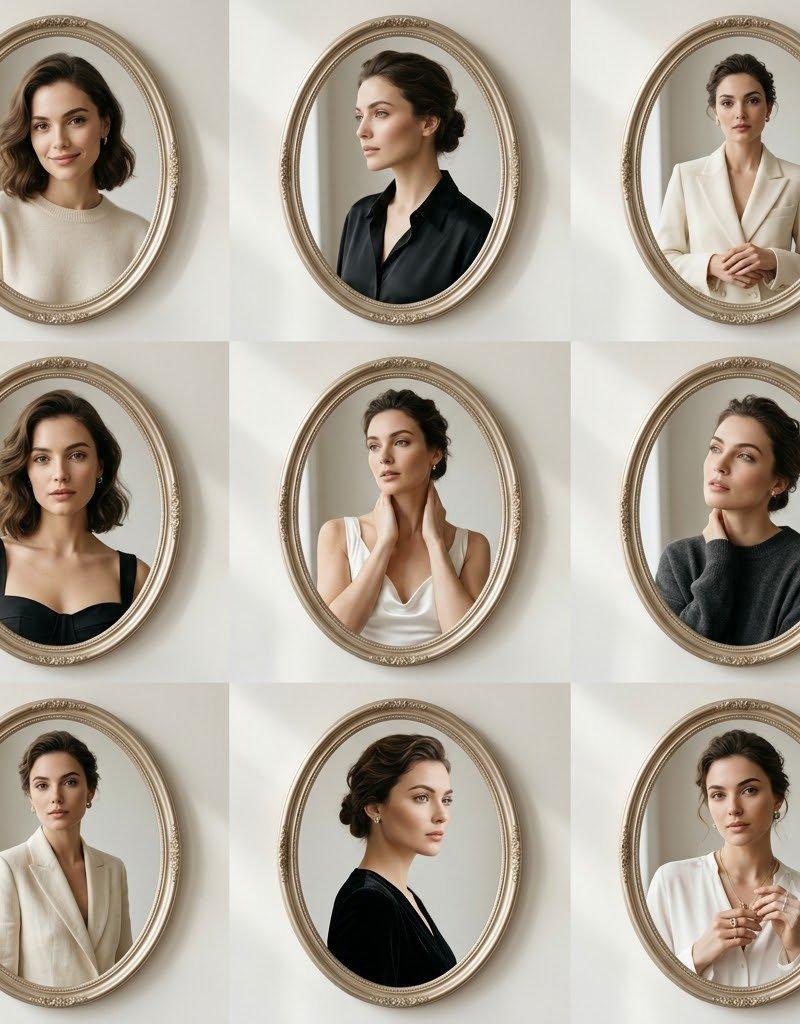
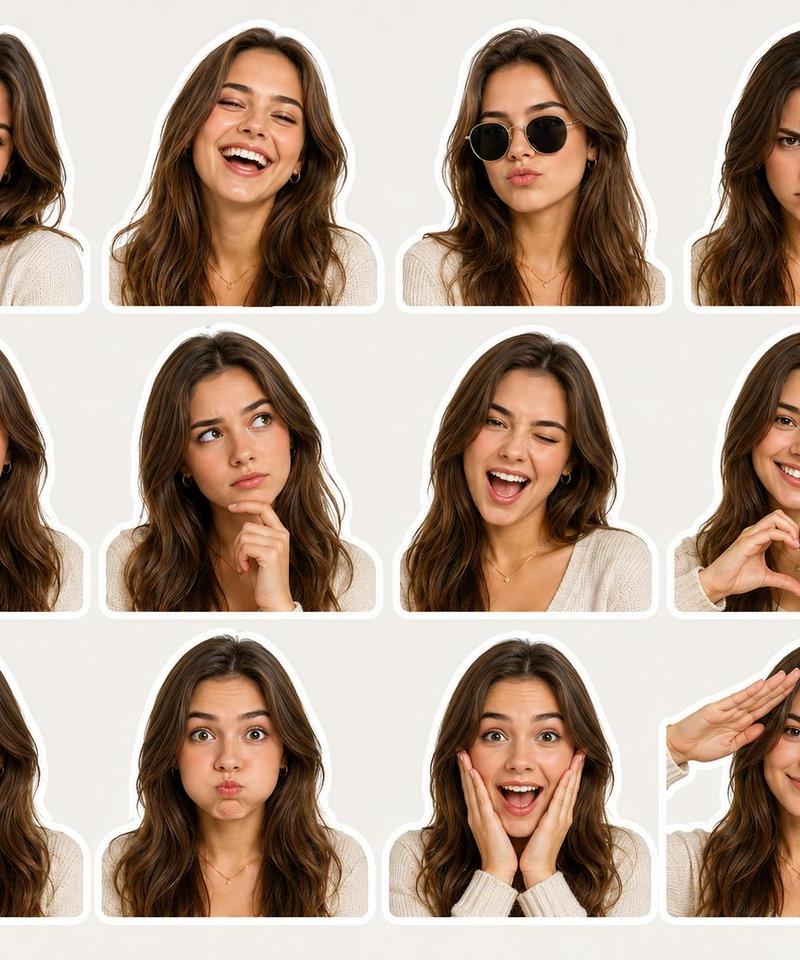
Using the uploaded photo as the base reference, create a clean, modern portrait grid featuring the same person shown in multiple facial expressions and moods. Arrange the images in a neat 3×3 layout with rounded-corner frames and soft pastel backgrounds. Each portrait should maintain identical facial features, hairstyle, and realism, changing only the expression and subtle styling. Include expressions such as: natural smile, joyful laughter, calm with eyes closed, serious neutral look, thoughtful pose with hand on chin, confident composed expression, sad or disappointed mood, playful pout, and surprised wide-eyed reaction. Use soft studio lighting, high-detail skin texture, shallow depth of field, minimal wardrobe variations, cohesive color palette, ultra-realistic, editorial portrait style, high resolution, clean aesthetic.
- 分类
- 真实摄影
- 模型
- Nano Banana
- 来源作者
- Smiling Khan
- 原始语言
- zh-CN
- 来源 ID
- modern-portrait-grid-multiple-expressions
浏览量0