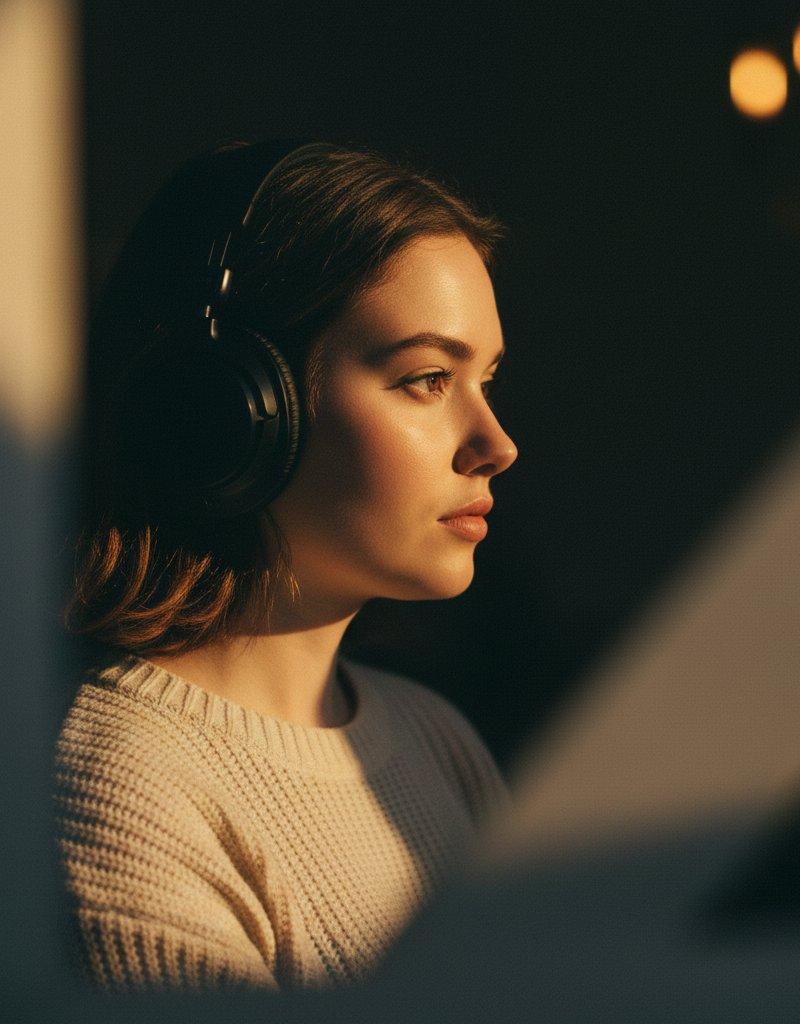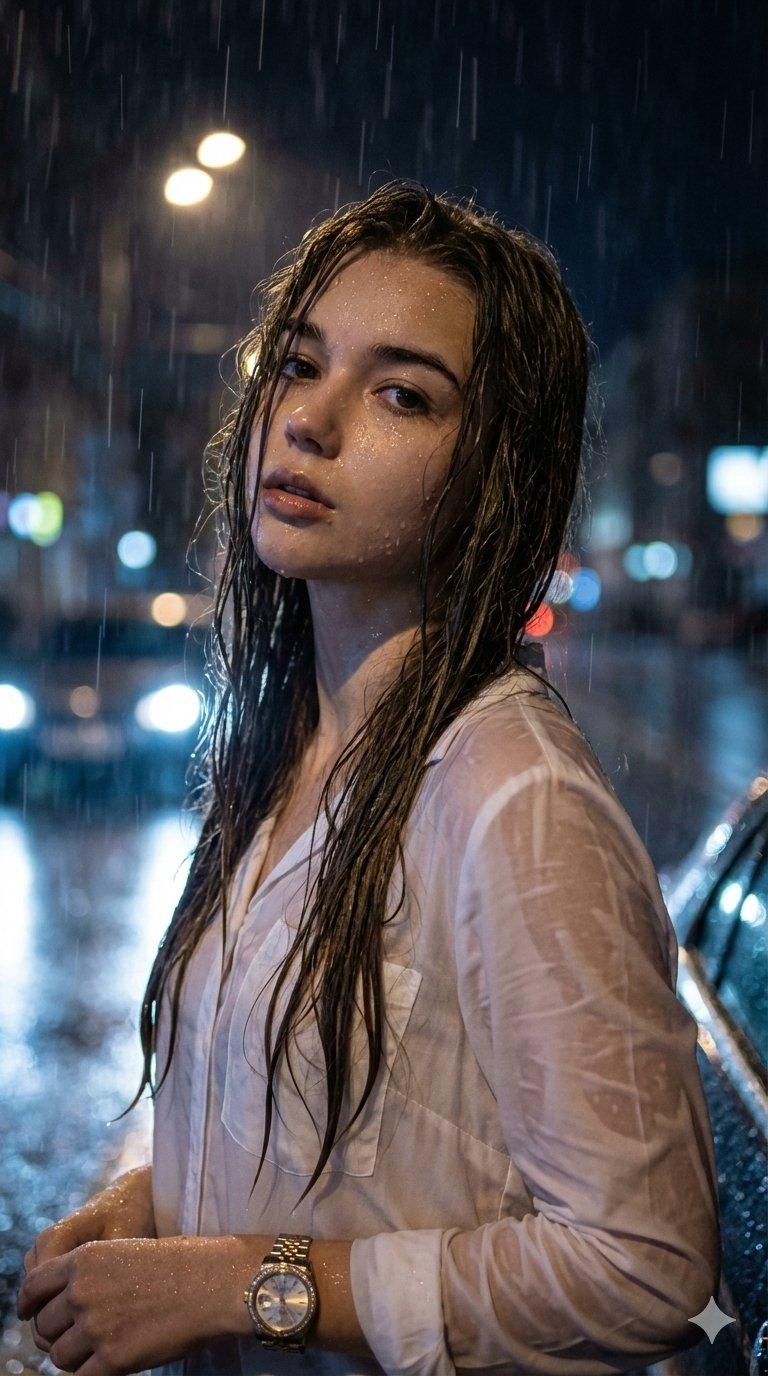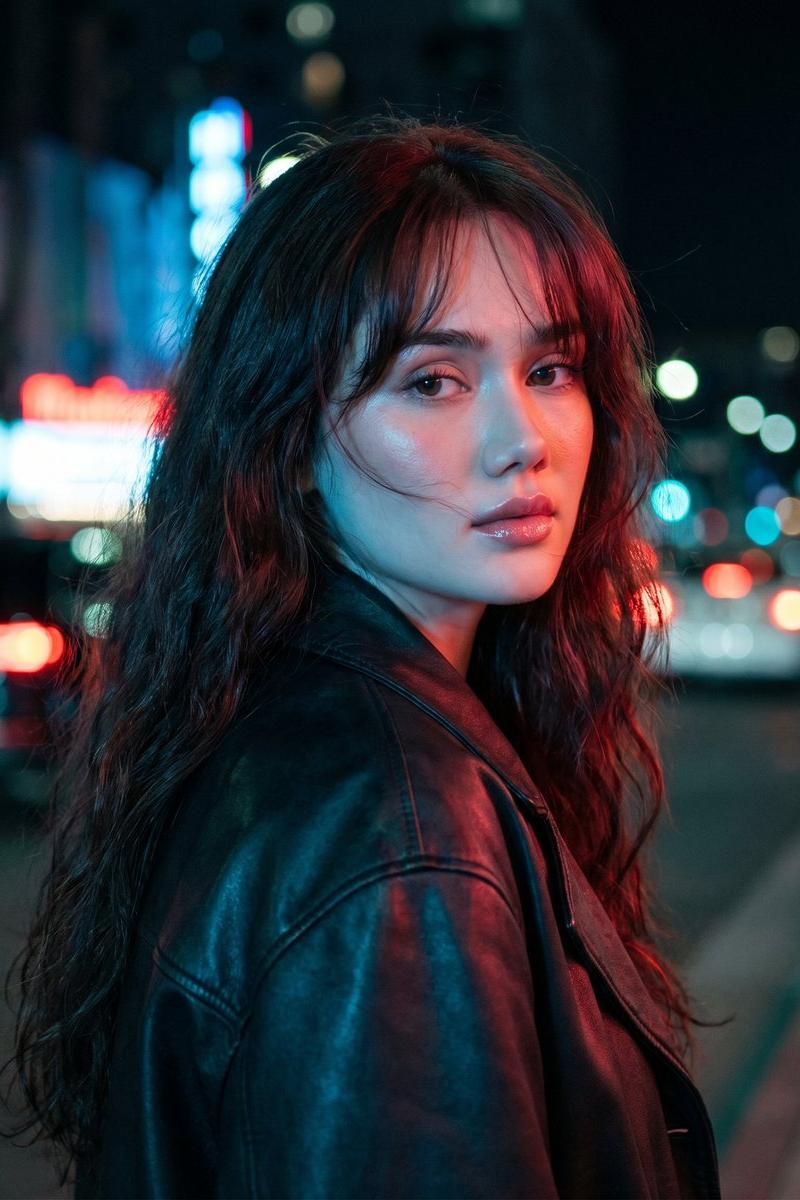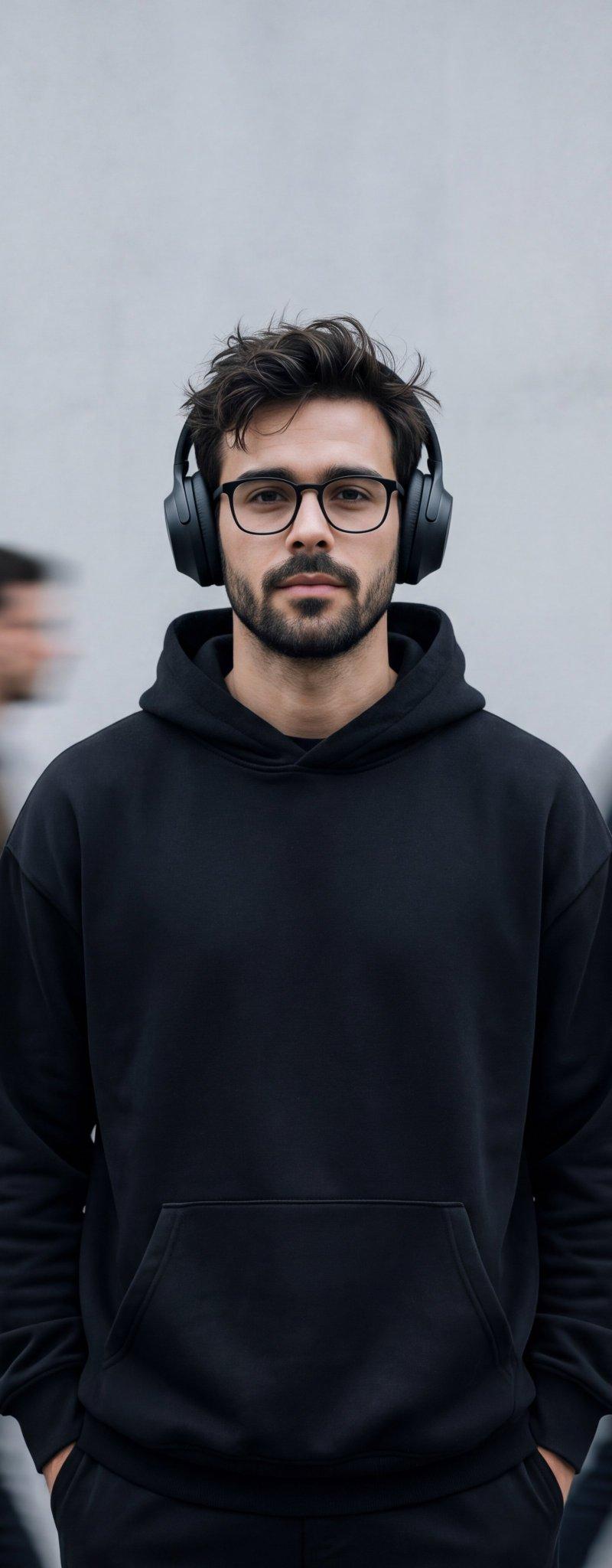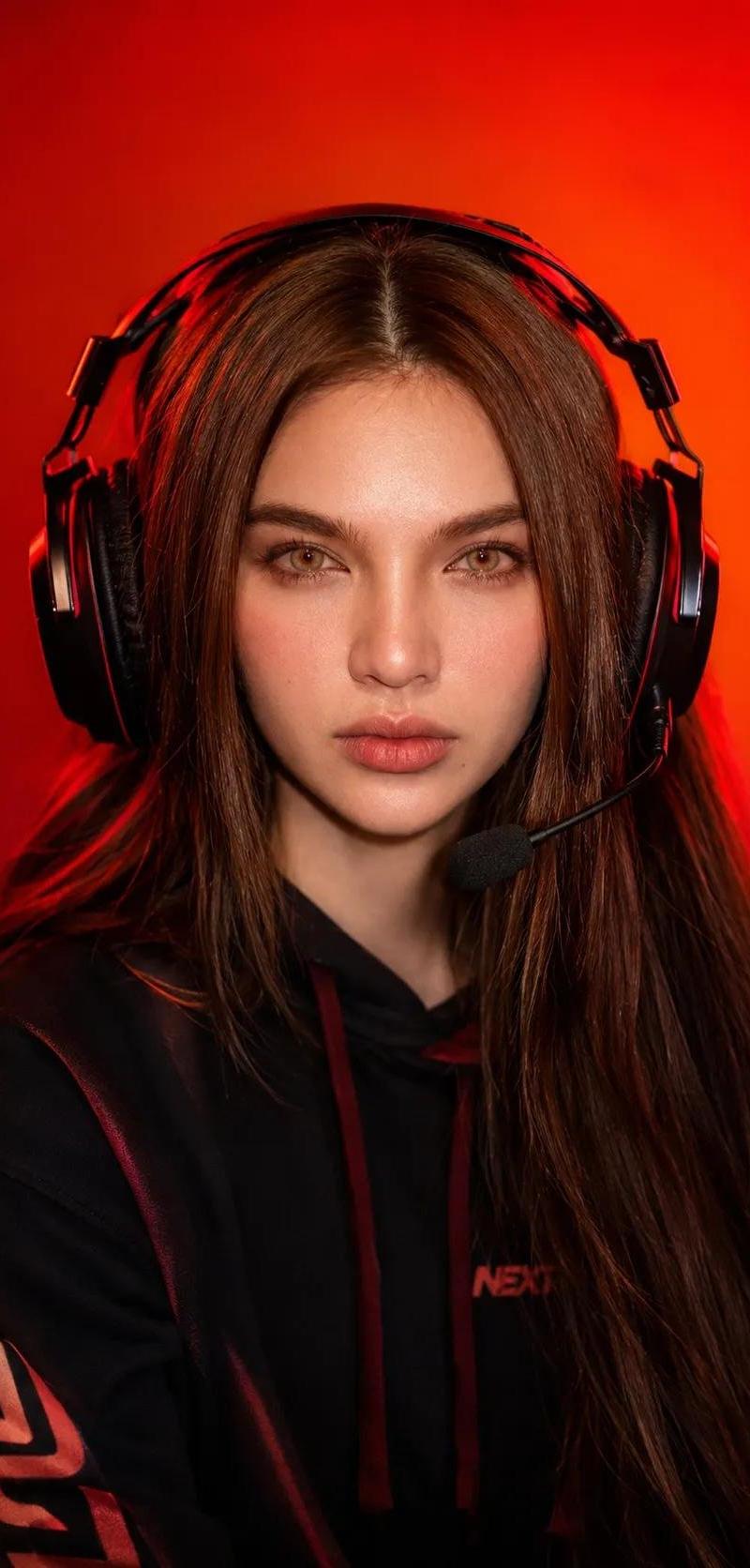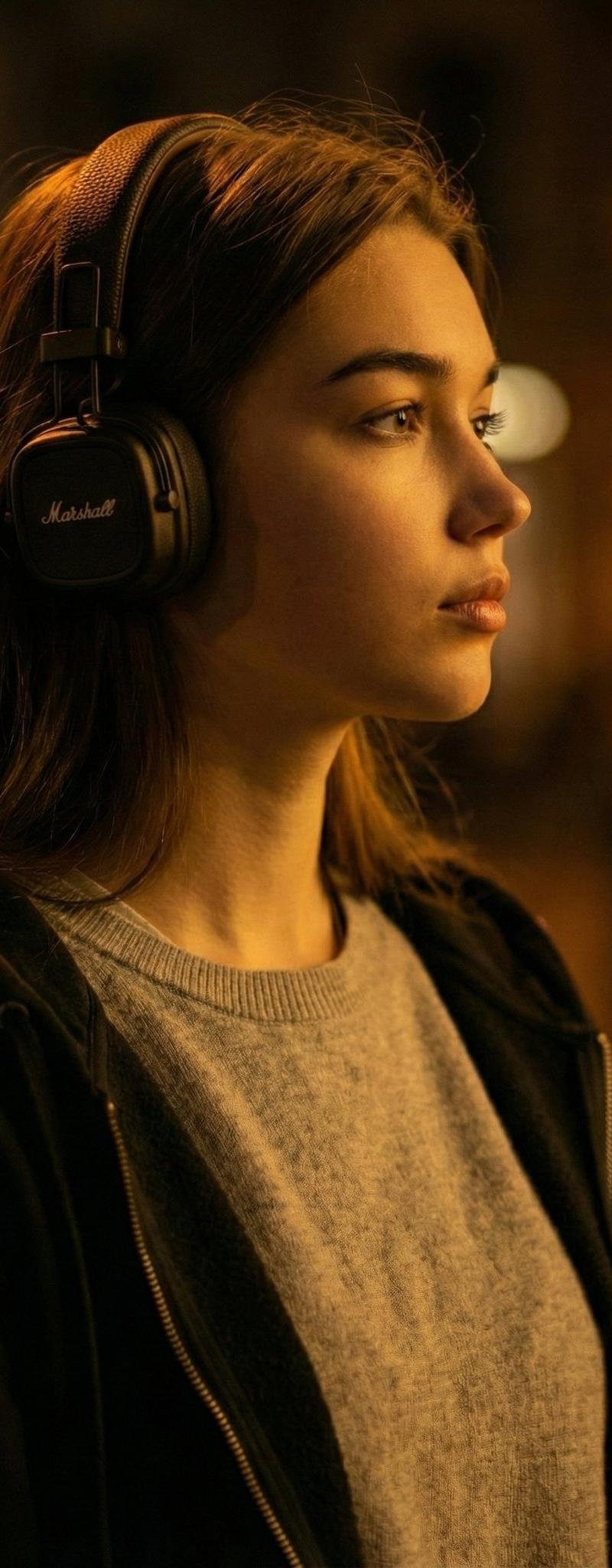
忧郁电影感写实肖像
提示词
Nano banana Pro on Gemini app.
Platform: https://t.co/1eTv3I0WPx
{
 "prompt": "A moody, cinematic, and realistic candid profile portrait of a young woman with long brown hair, wearing black Marshall over-ear headphones. She has a contemplative gaze, looking off-camera to the right. Her attire includes a light grey crewneck sweater layered beneath a dark, open zip-up hoodie or jacket. The scene is dominated by rich, warm amber lighting, creating dramatic low-key contrast and deep shadows on her face and the surrounding environment. The composition features an extremely shallow depth of field, with sharp focus on the subject. The background is a dark, blurry street or indoor setting with indistinct warm bokeh lights. Intentional dark, out-of-focus elements occupy the foreground, enhancing the depth and low-key atmosphere. The overall feeling is one of introspection and isolation.",
 "style": [
 "moody",
 "cinematic",
 "low-key lighting",
 "realistic portrait",
 "shallow depth of field",
 "bokeh"
 ],
 "subject": "Young woman with Marshall headphones, contemplative gaze",
 "lighting": "Rich warm amber light, dramatic contrast, deep shadows",
 "clothing": "Light grey crewneck sweater, dark zip-up hoodie/jacket",
 "shot_type": "Close-up profile"
}- 分类
- 真实摄影
- 模型
- Nano Banana Pro
- 来源作者
- 𝗦𝗮𝗻𝗶𝗮
- 原始语言
- zh-CN
- 来源 ID
- moody-cinematic-realistic-portrait
浏览量0