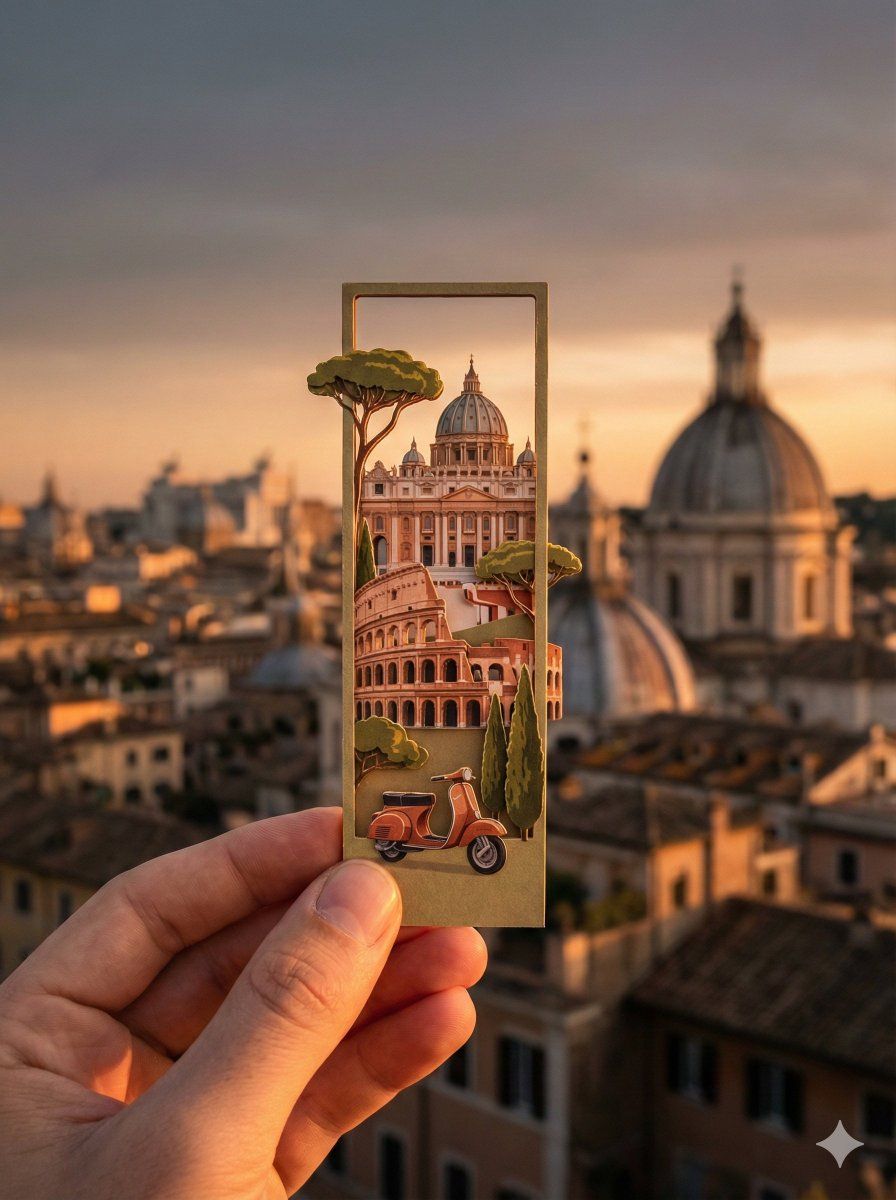
Rome城市剪影中的纸艺书签
提示词
Rome
{
"image_request": {
"subject": "A person\'s hand holding a long, narrow vertical die-cut bookmark",
"bookmark_design": {
"style": "Intricate layered paper-cut illustration, 3D depth, whimsical artistic style",
"content": "Iconic landmarks and symbols of {{location}} depicted inside the bookmark frame, some elements slightly popping out of the edges (die-cut)",
"artistic_elements": "Delicate textures, vibrant colors, miniature architectural details"
},
"background": {
"setting": "A romantic, cinematic wide shot of the actual {{location}} skyline and scenery",
"depth_of_field": "Soft bokeh, blurred background to emphasize the bookmark in focus",
"time_of_day": "{{time_of_day}}",
"lighting_effects": "Atmospheric lighting matching the {{time_of_day}}, golden hour glows, city lights, or soft daylight"
},
"composition": {
"framing": "Close-up on the hand and bookmark, centered vertically",
"vibe": "Nostalgic, aesthetic, travel-inspired, poetic",
"color_palette": "Harmonized colors between the bookmark\'s art and the real-world background"
},
"technical_specs": {
"quality": "8k resolution, highly detailed, photorealistic hand, sharp focus on bookmark",
"aspect_ratio": "3:4"
}
},
"variables": {
"location": ["Istanbul", "Paris", "Tokyo", "London", "Rome"],
"time_of_day": ["Sunrise", "Sunset", "Night with city lights", "Bright daylight"]
}
}- 分类
- 真实摄影
- 模型
- Unknown
- 来源作者
- firatbilal
- 来源 ID
- paper-art-bookmark-rome-silhouette
浏览量0