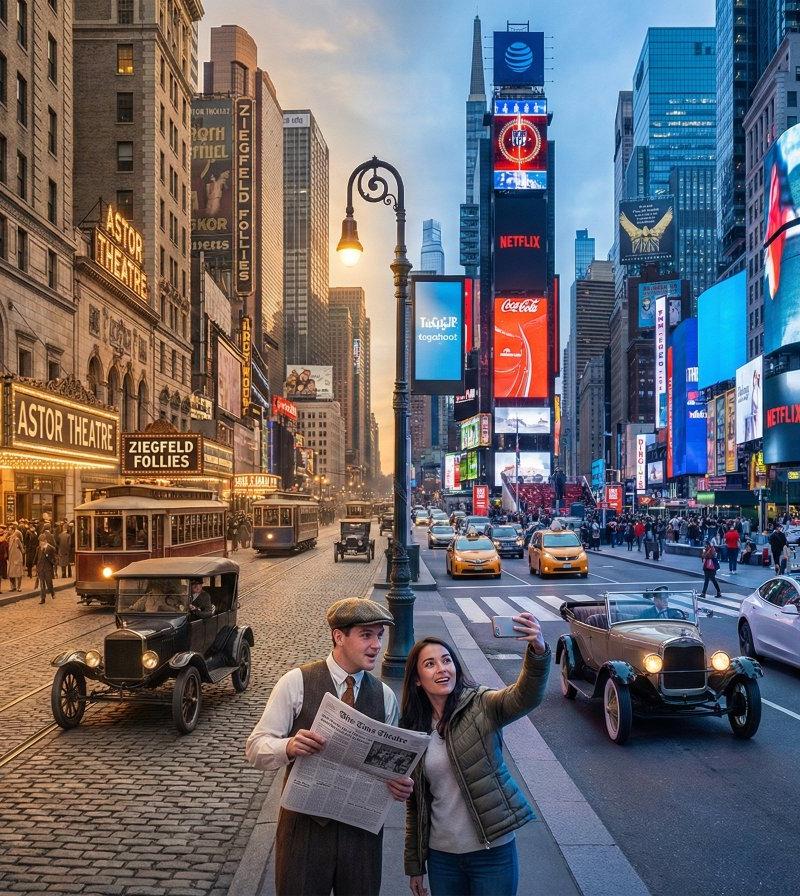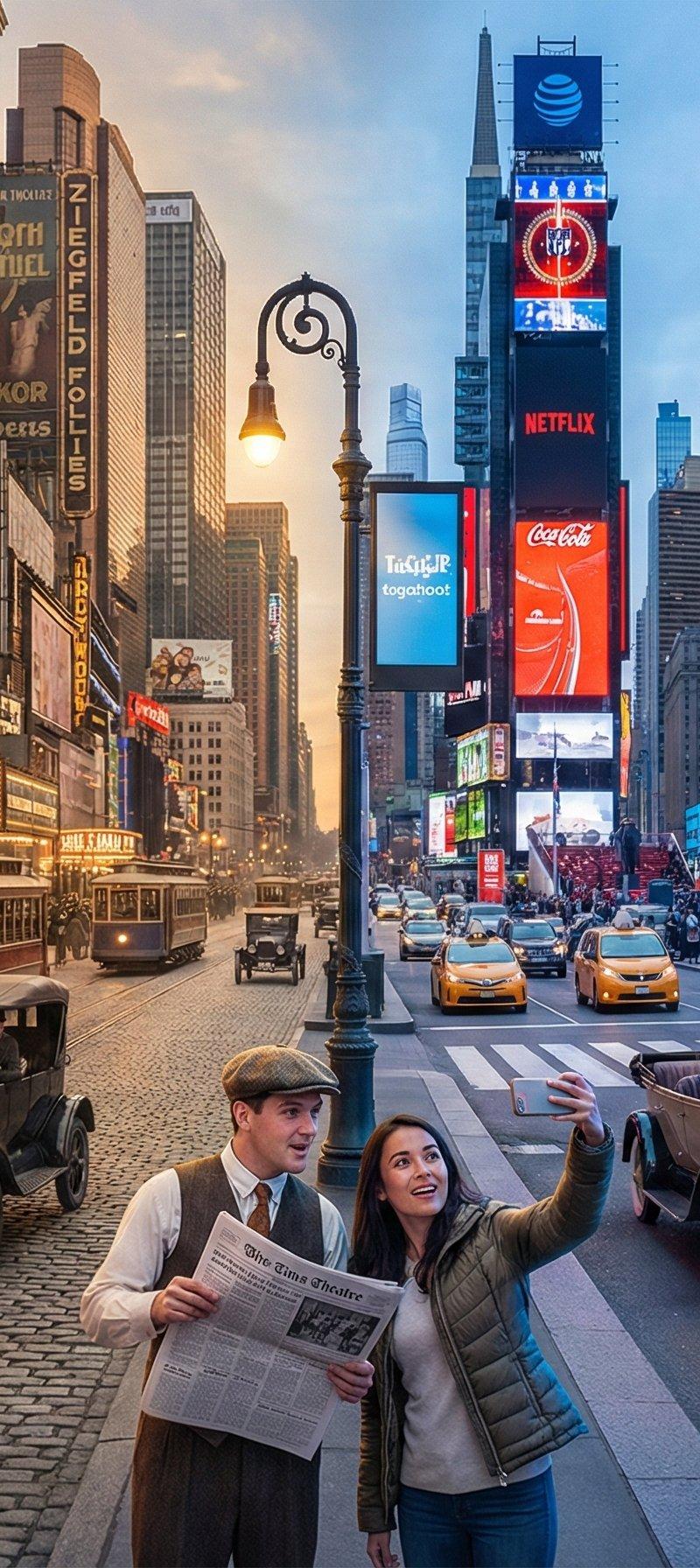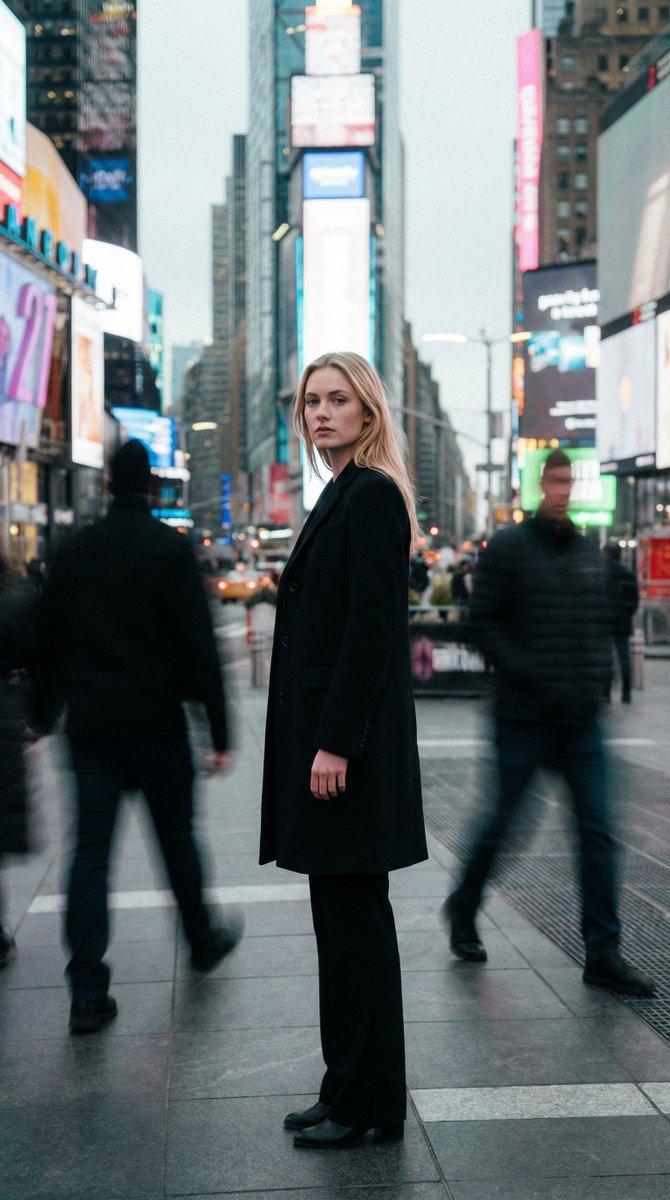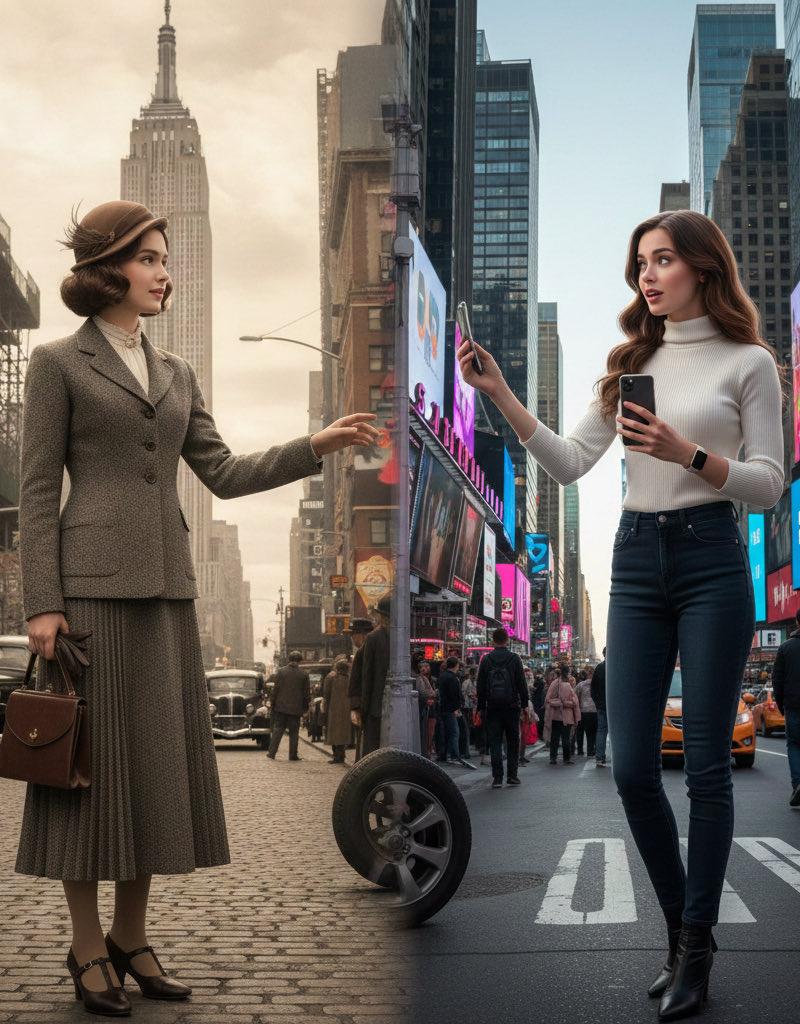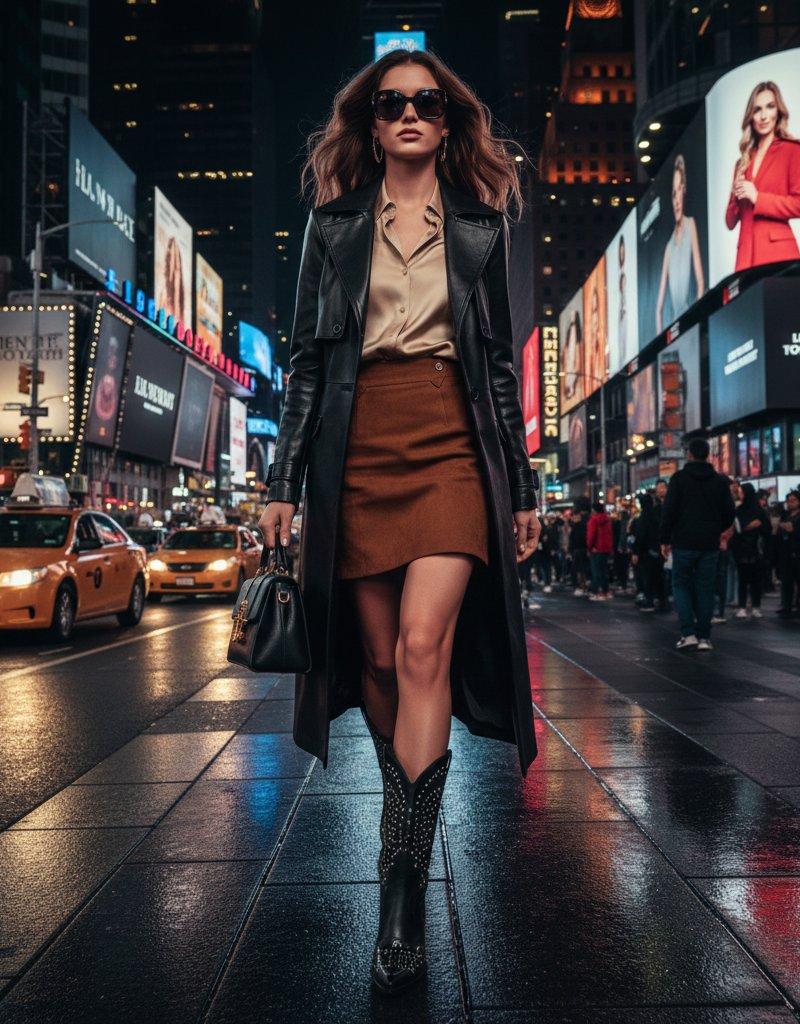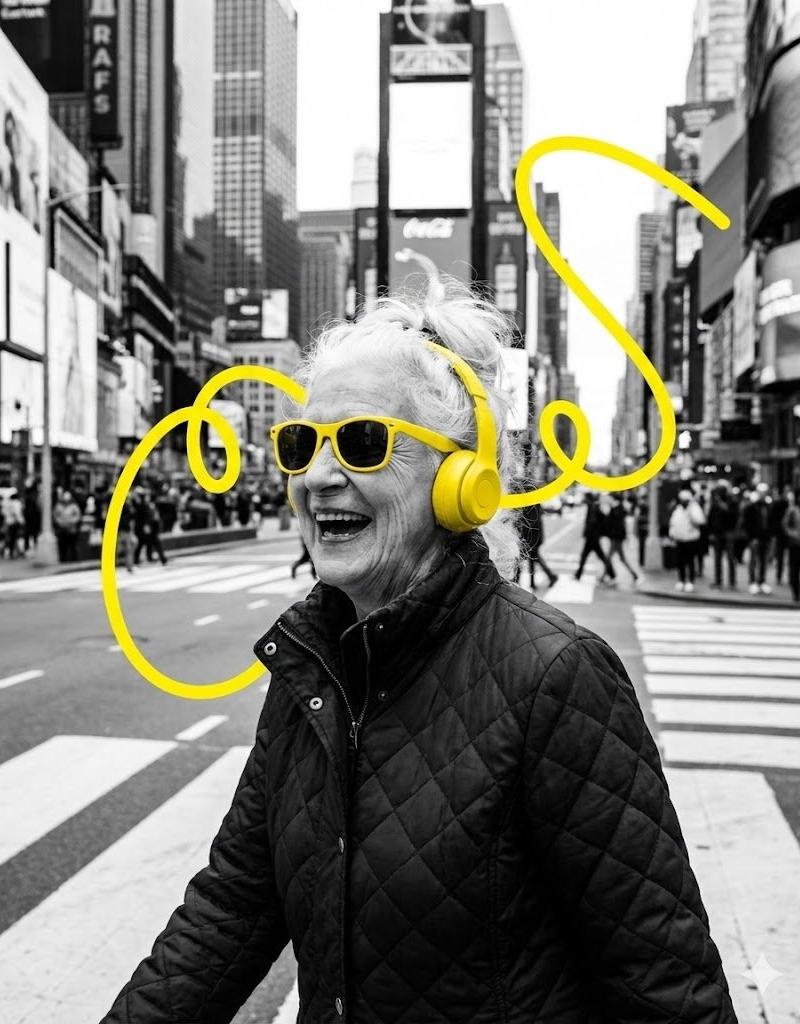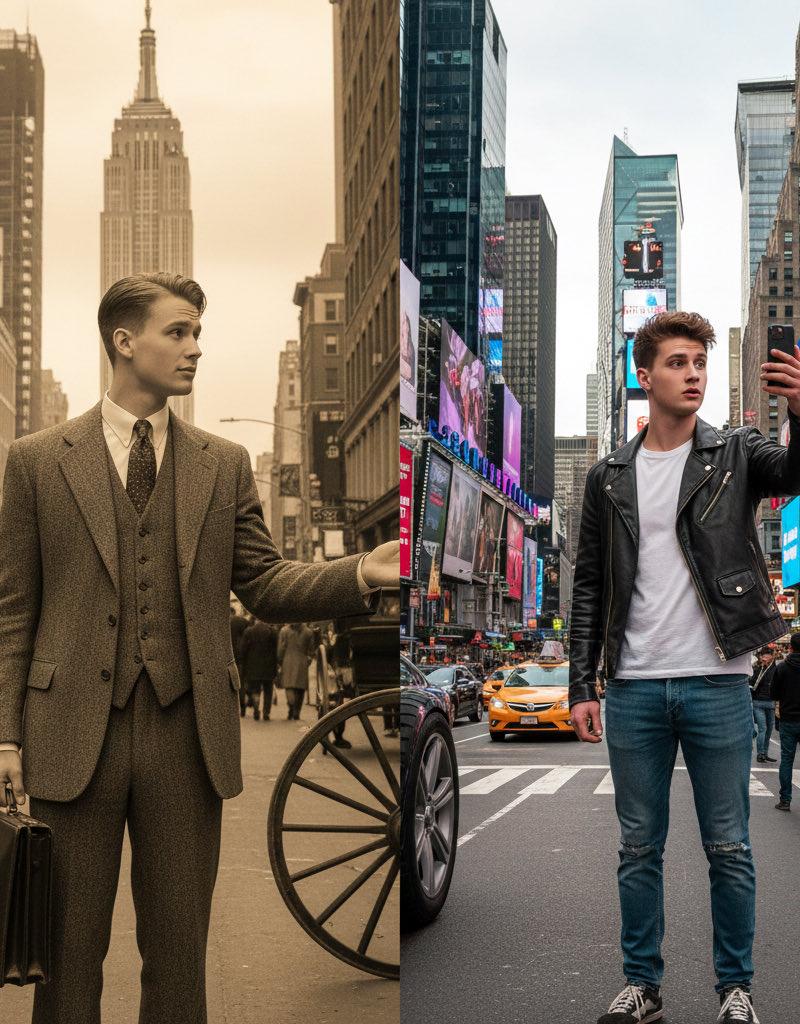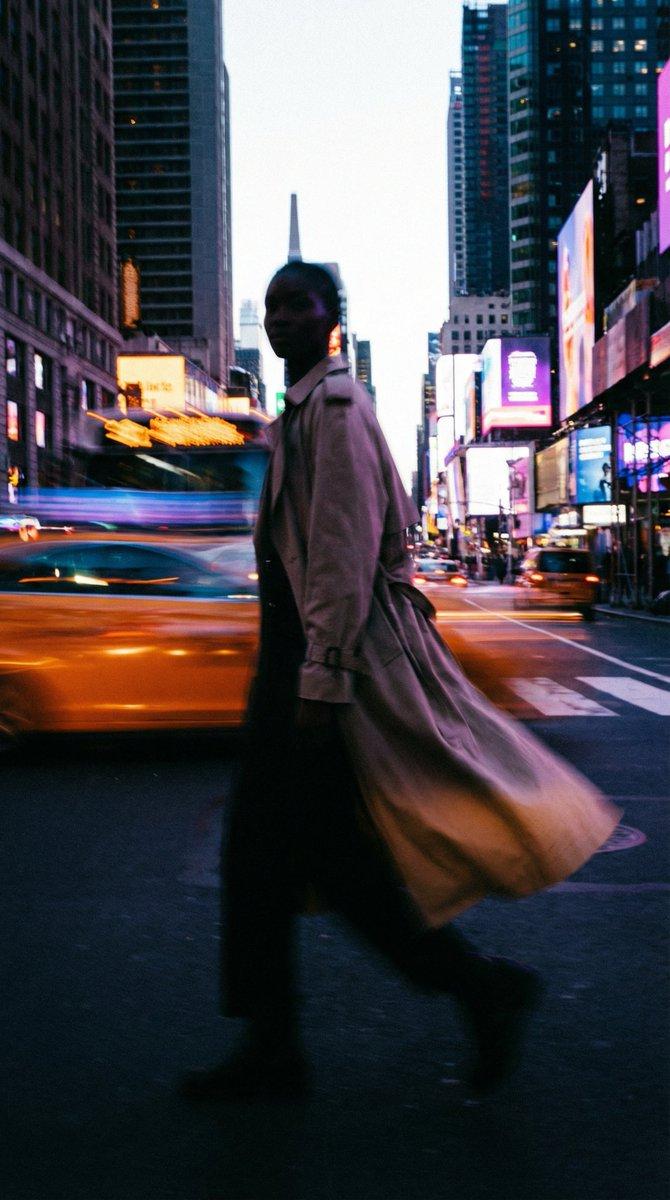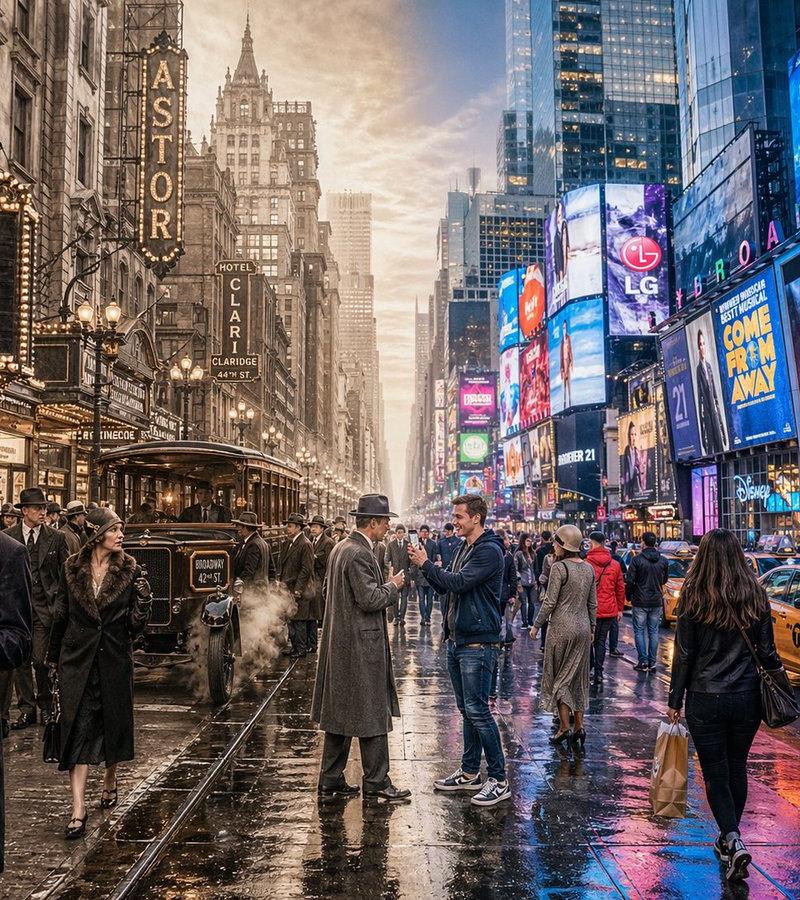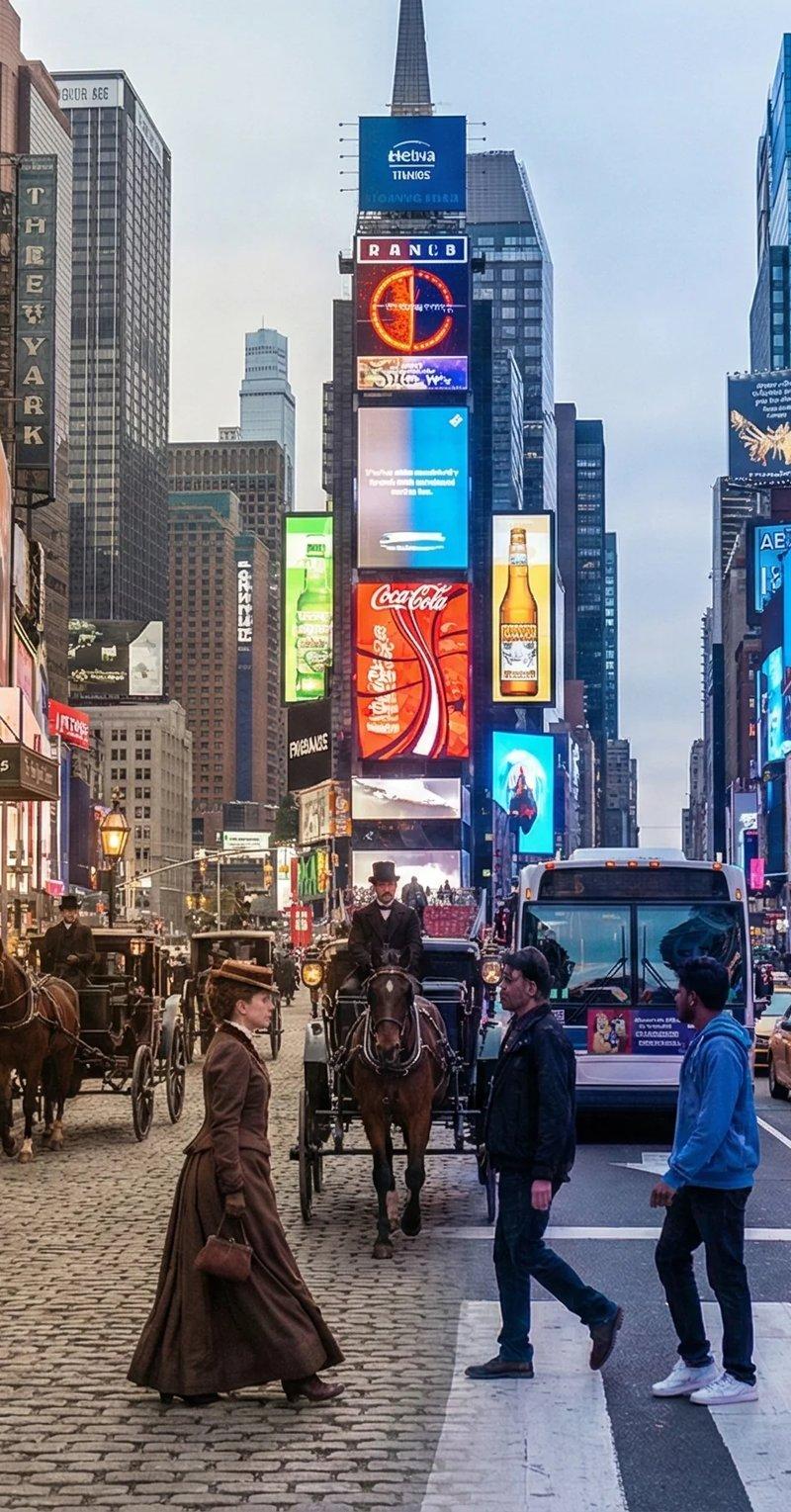
时空交错:纽约时代广场1880年代与现今
提示词
Split screen Photo Merging Past and Present with Nano Banana Pro
Prompt:
A horizontal split-screen cinematic shot of {Scene}, seamlessly blending two different eras: {Era\_A} on the left and {Era\_B} on the right (default: about 100 years ago vs. present day).
On the left side ({Era\_A}): show era-appropriate architecture, interior or environment design, materials, vehicles, and props that clearly belong to that historical period. People wear authentic clothing from {Era\_A}, including hairstyles, accessories, and typical items in their hands (such as books, umbrellas, instruments, letters, newspapers, etc.). The overall mood feels nostalgic and historically accurate.
On the right side ({Era\_B}): show the same {Scene} in the modern era, with updated architecture or renovated structures, contemporary materials (glass, steel, LED screens, modern furniture), modern vehicles or equipment, and current technology (smartphones, laptops, cameras, etc.). People wear contemporary fashion that matches today’s style in this setting.
In the center: the two eras merge and overlap organically, without a hard dividing line. Elements from {Era\_A} and {Era\_B} visually interact: people from different times look at each other, walk through each other’s space, or seem surprised by the other era’s technology and objects. Architecture and environment smoothly morph from old to new (for example, stone gates turning into modern campus gates, classical concert hall décor fading into a futuristic stage, old street shops transforming into neon-lit storefronts).
Make sure the scene is not just a simple left/right comparison but a dynamic time-travel interaction where buildings, clothing, props, and human gestures clearly emphasize the contrast and fusion between the two eras. Photorealistic, 8k resolution, cinematic lighting, wide angle, highly detailed textures, rich sense of time-travel storytelling.
\---
SCENE: Times Square, New York
Era Comparison: 1880s and present day
Aspect Ratio: 4:3- 分类
- 真实摄影
- 模型
- Nano Banana Pro
- 来源作者
- ChillaiKalan__
- 原始语言
- zh-CN
- 来源 ID
- time-travel-interaction-1880s-vs-present-day-times-square-new-york
浏览量0