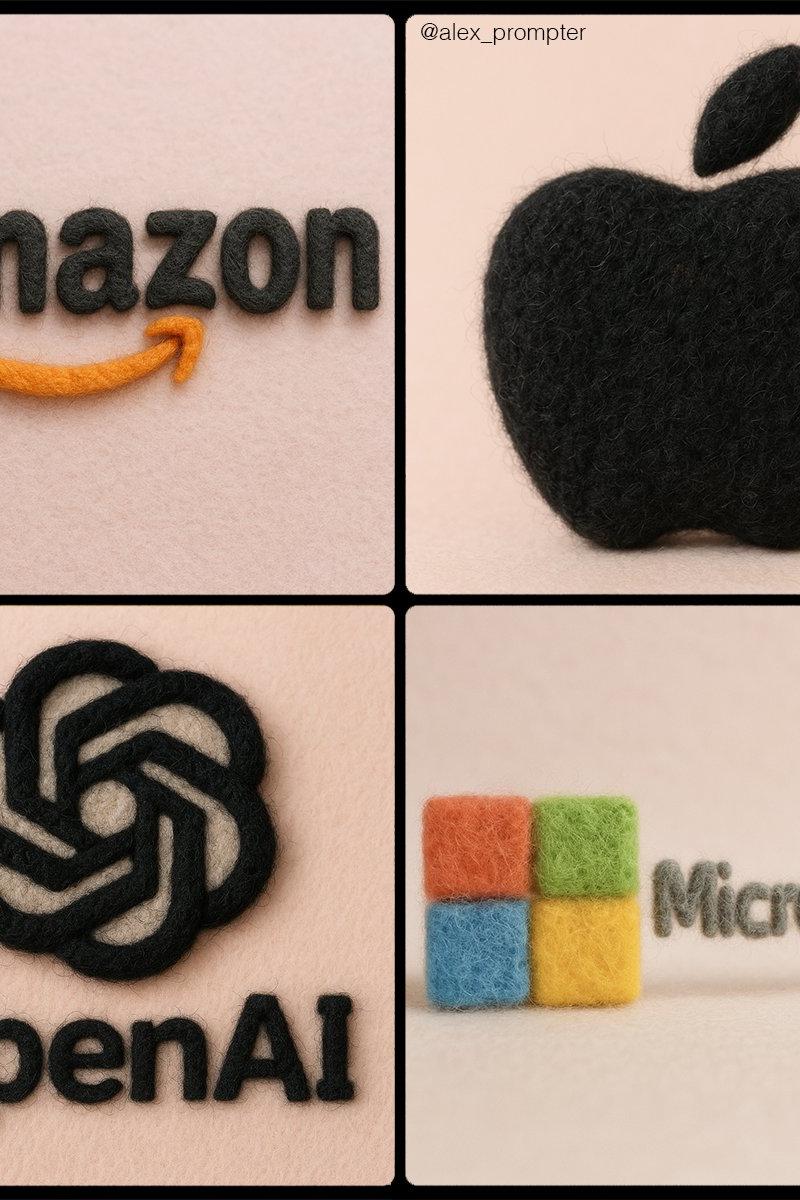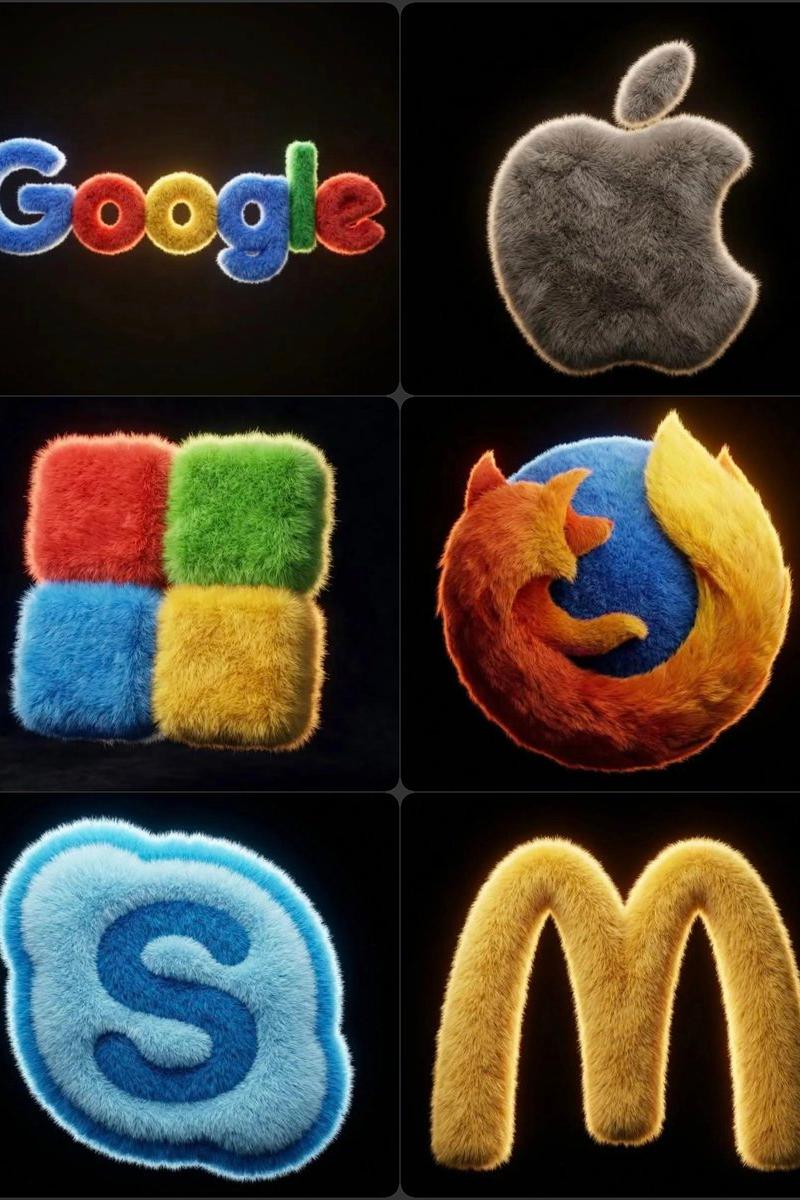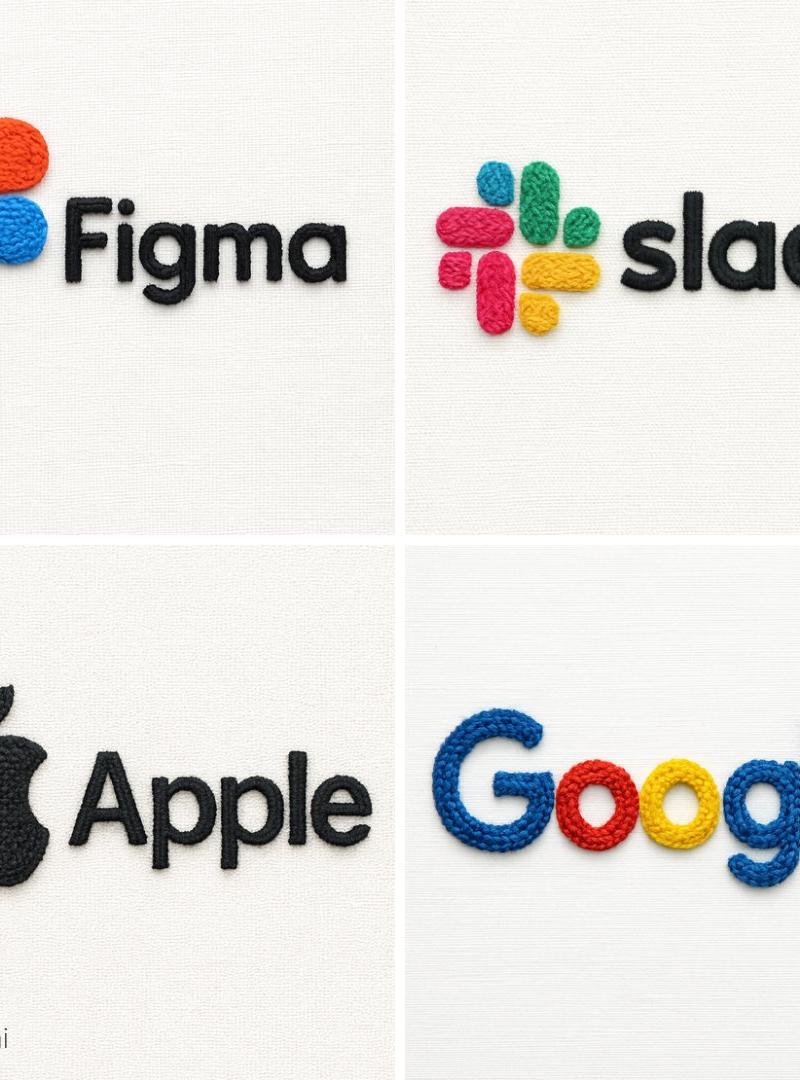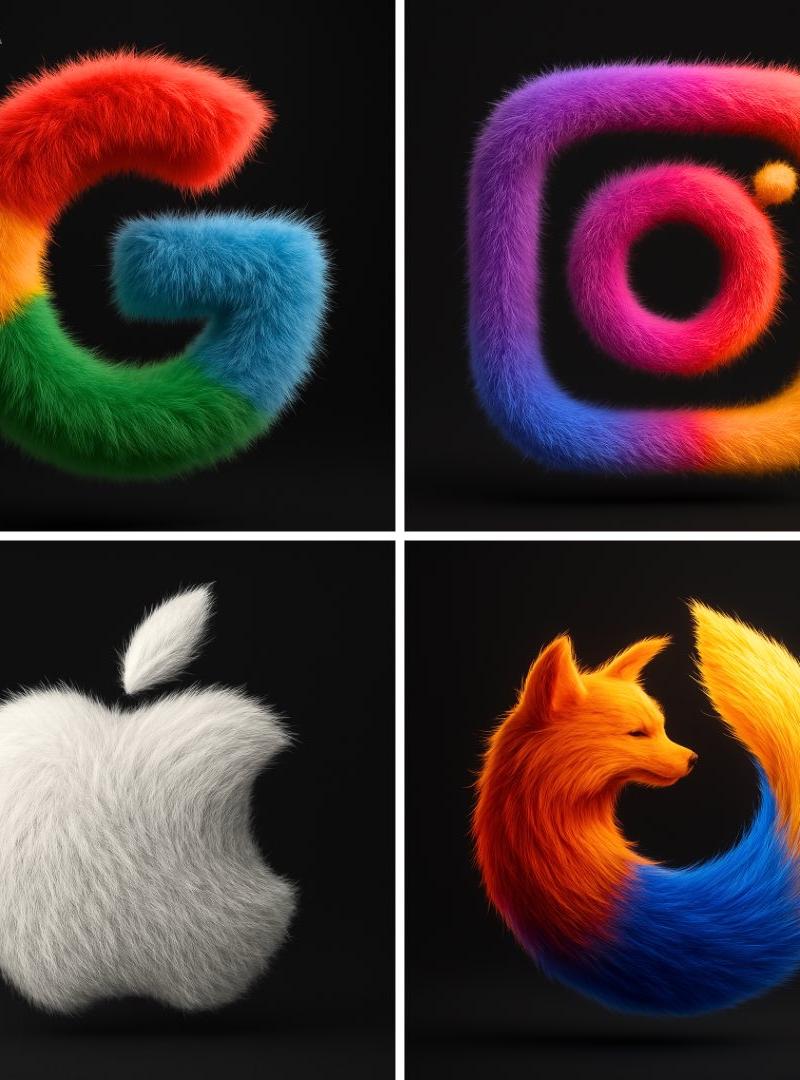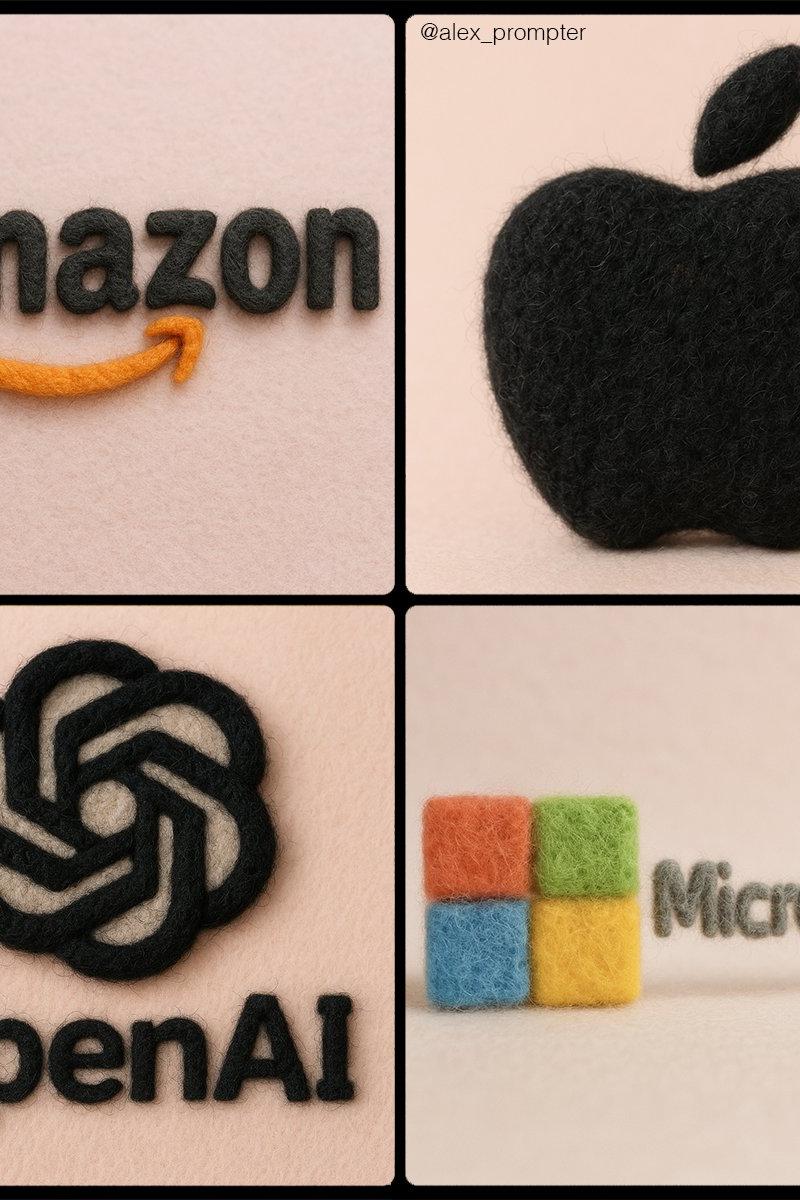
将您的标志变成毛毡纹理
提示词
Retexture [BRAND NAME] logo following my JSON aesthetic below:\n{\n"style": "realistic needle-felted wool sculpture",\n"subject_handling": {\n"adapt_to_uploaded_image": true,\n"preserve_original_shape_and_layout": true,\n"preserve_uploaded_color_values": true,\n"preserve_text_if_present": true,\n"preserve_text_case": true,\n"preserve_exact_letterforms": true,\n"use_uploaded_image_as_pixel_map": true,\n"prevent_color_estimation_or_stylization": true\n},\n"needle_felting": {\n"material_type": "dyed wool fibers matched precisely to uploaded image pixels",\n"texture_description": "fluffy soft felt with clear fiber strands",\n"construction_style": "needle-felted, light irregularities allowed but no color bleeding",\n"color_application_method": "direct color transfer from uploaded image to wool sculpture",\n"prevent_auto_saturation_adjustment": true,\n"prevent_color_fading": true,\n"color_binding_mode": "pixel-level color fidelity per original image"\n},\n"lighting": {\n"lighting_type": "neutral soft studio lighting",\n"shadow": "soft, gray-toned shadows under the object only",\n"highlight_behavior": "matte highlights only from felt surface — no bloom or color shift"\n},\n"background": {\n"type": "plain matte studio",\n"background_color": "pastel tone that contrasts with logo color",\n"color_conflict_handling": "auto-adjust background brightness — do not alter logo colors"\n},\n"camera": {\n"focus_style": "macro lens",\n"depth_of_field": "shallow — full subject in sharp detail, soft background",\n"angle": "frontal or slightly elevated, full subject visible"\n},\n"post_processing": {\n"color_preservation_enforced": true,\n"disable_auto-enhancement_or_tinting": true,\n"no artistic reinterpretation": true,\n"no auto-correction, bloom, or white balance adjustments": true\n},\n"image_constraints": {\n"transparent_background": false,\n"aspect_ratio_locked": true,\n"include_text_if_present": true,\n"preserve_text_case": true,\n"preserve_uploaded_color_values": true,\n"prevent_shape_or_color_change": true,\n"enforce_exact_pixel_color_match_to_uploaded_image": true\n},\n"notes": "The uploaded image must be converted into a needle-felted wool sculpture using its exact colors and shape. Use pixel-level mapping to apply the uploaded color values to simulated dyed wool fibers. Do not change, brighten, dull, average, or blend colors. Text must remain intact and readable. Background should be soft pastel to contrast the logo — never adjust the logo to fit the scene."\n}- 分类
- 真实摄影
- 模型
- Unknown
- 来源作者
- alex_prompter
- 原始语言
- zh-CN
- 来源 ID
- turn-your-logo-into-felt-texture
浏览量0