图表信息图YouMindgpt-image-2charts-infographics
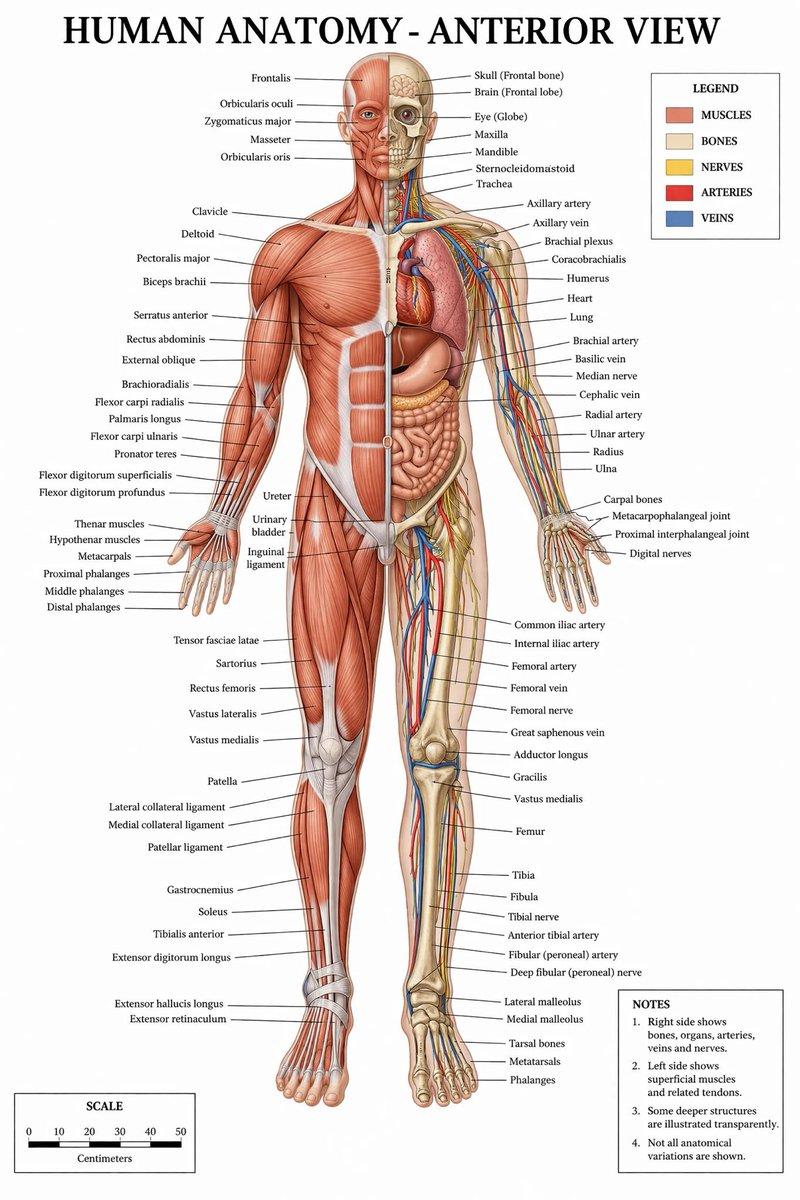
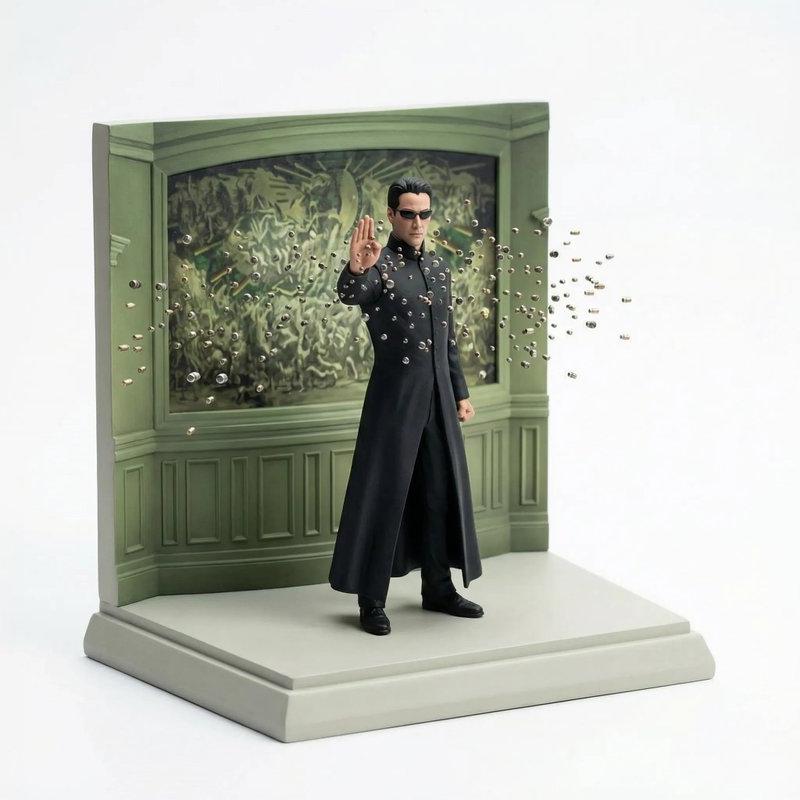
微缩模型场景重构
提示词
{
 "reference_images": {
 "scene_reference": "ATTACHED_IMAGE",
 "usage_rule": "Use this image as the exact source for scene layout, object placement, and composition. Do not reinterpret or replace the scene."
 },
 "concept": {
 "type": "miniature diorama reconstruction",
 "intent": "Rebuild the attached scene as a clean, collectible-scale diorama while preserving the original spatial relationships"
 },
 "environment": {
 "scale": "tabletop miniature",
 "ground": {
 "type": "sculpted base",
 "behavior": "supports all objects naturally without enclosure",
 "edges": "clean, minimal, slightly beveled"
 },
 "background": {
 "type": "seamless studio backdrop",
 "color": "pure white",
 "constraint": "no environment beyond the diorama base"
 }
 },
 "objects_and_elements": {
 "layout_rule": "All objects must remain in the same relative positions as in the reference image",
 "primary_elements": "exact vehicles, structures, props, and terrain visible in the reference",
 "detail_handling": "simplified but faithful miniature proportions",
 "characters": {
 "presence": "only if present in the reference",
 "style": "miniature figurines, no facial realism"
 }
 },
 "composition": {
 "view": "isometric or slightly elevated 3/4 perspective",
 "framing": "entire diorama visible, centered",
 "cropping": "no zoom, no cinematic crop"
 },
 "camera": {
 "lens_equivalent": "35mm-50mm",
 "perspective": "miniature realism",
 "distortion": "none"
 },
 "lighting": {
 "type": "soft studio lighting",
 "direction": "overhead and slightly angled",
 "shadows": "subtle contact shadows only beneath objects",
 "avoid": ["dramatic lighting", "spotlights", "cinematic contrast"]
 },
 "materials_and_style": {
 "surface_finish": "smooth, matte or lightly satin",
 "material_quality": "high-quality scale model materials",
 "aesthetic": "clean, modern, premium diorama"
 },
 "quality_controls": {
 "image_clarity": "ultra-clean",
 "grain": "none",
 "noise": "none",
 "motion_blur": "none"
 },
 "negative_prompts": [
 "glass case", "display box", "museum enclosure",
 "transparent cube", "protective casing",
 "reflections on glass", "labels or plaques",
 "text overlays", "busy background", "cinematic blur"
 ]
}- 分类
- 图表信息图
- 模型
- GPT Image 2
- 来源作者
- PromptLab
- 原始语言
- en
- 来源 ID
- 24254
- 发布时间
- 2026年6月5日
浏览量313