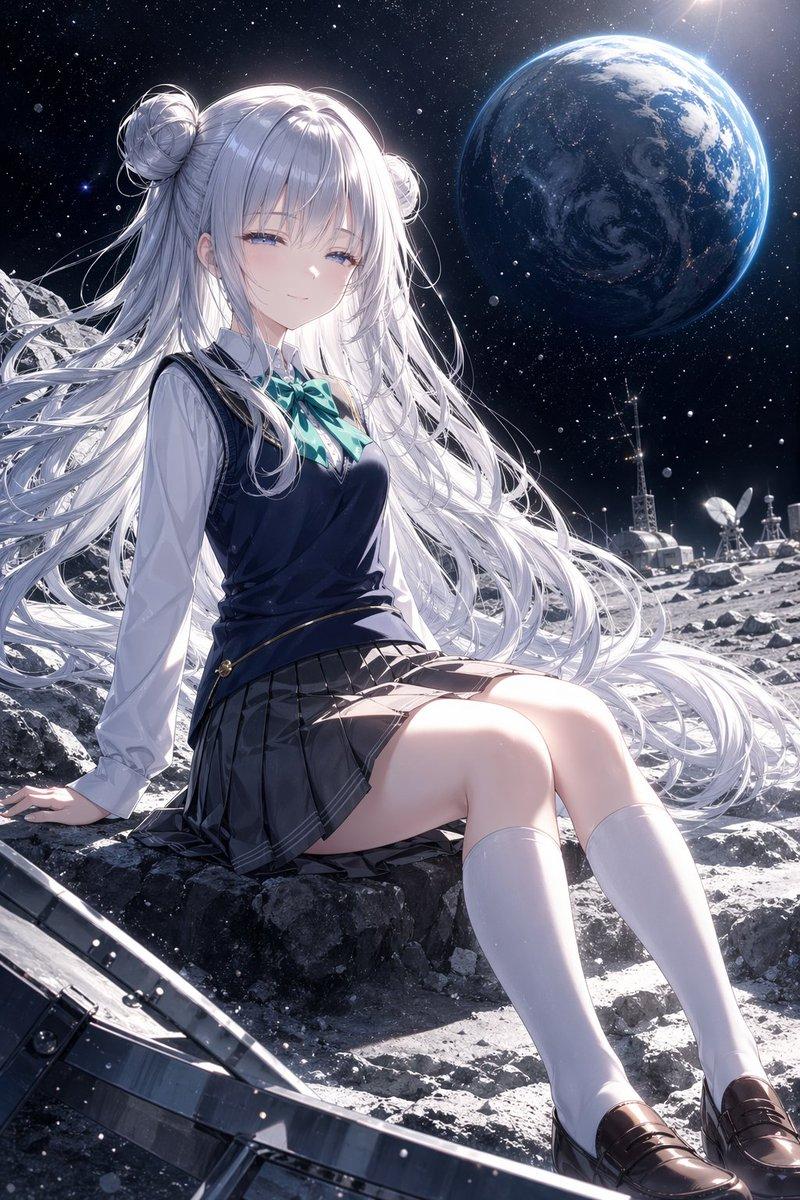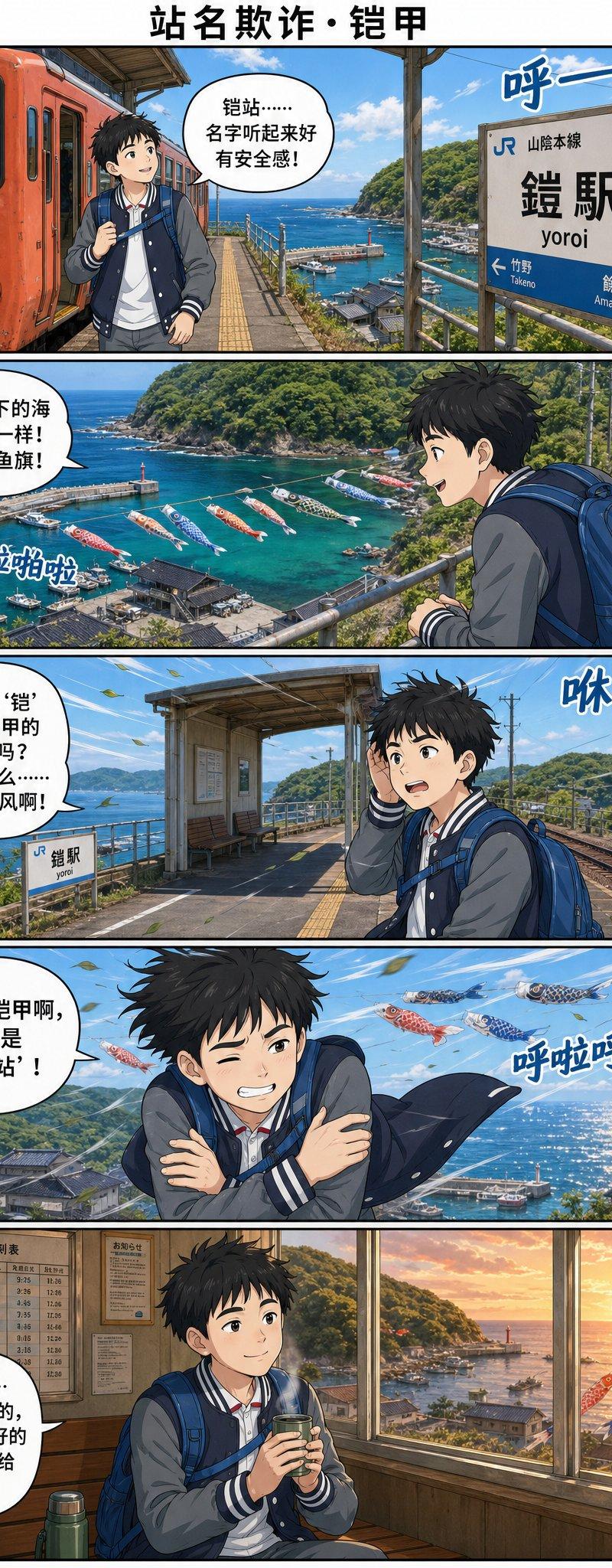
铠站海滨漫画
提示词
Goal: Create a vertical full-color manga travel comic page about a boy discovering a station-name misunderstanding at a seaside railway stop, using Chinese dialogue and Japanese station signage.

Canvas: Tall webcomic page in a 2:3 aspect ratio, clean white margins, black panel borders, five horizontal panels stacked vertically. Add a bold centered Chinese title at the top: {argument name="comic title" default="站名欺诈・铠甲"}. Use cinematic anime realism with detailed backgrounds, bright ocean colors, crisp linework, and polished gpt-image-2 style rendering.

Main character: A teenage Japanese schoolboy traveler with messy black hair, average build, wearing a navy-and-gray varsity jacket over a white shirt, dark pants, and a large blue backpack. His face is deliberately obscured by a soft square blur in every panel. He carries a small drink cup in the final panel. Mood progression: excited, amazed, confused, shivering, then comforted.

Setting: JR Yoro Station on the Sanin Main Line, a small coastal station high above a harbor. Show a red-orange local train, platform roof, rails, station signs, blue sea, green hills, fishing harbor, lighthouse, boats, and koinobori carp streamers flying over the water. The station name sign should read Japanese text: 「JR 山陰本線」「鎧駅」「yoroi」 with arrows toward 「竹野 Takenō」 and 「餘部 Amarube」. Keep the station identity legible.

Layout and panel details: Use exactly 5 panels.
1. Panel 1: At the station platform beside a red-orange train on the left, the boy stands with backpack and looks around. The ocean and harbor are visible beyond the platform. Add one speech bubble saying: {argument name="panel 1 dialogue" default="铠站……名字听起来好有安全感!"}. Add one blue wind sound effect near the station sign: 「呼ー」.
2. Panel 2: Wide scenic overlook from the platform railing, showing turquoise harbor water, boats, a lighthouse, green hills, and many colorful carp streamers over the sea. The boy is seen from behind/right with his blue backpack. Add one speech bubble saying: {argument name="panel 2 dialogue" default="哇,底下的海像宝石一样! 还有鲤鱼旗!"}. Add one sound effect near the carp streamers: 「拍啦拍啦」.
3. Panel 3: The boy stands on the platform near tracks and the small station structure, holding a hand to his head as wind blows. A small station sign is visible. Add one speech bubble saying: {argument name="panel 3 dialogue" default="等等,‘铠’不是铠甲的意思吗? 这站怎么……四面漏风啊!"}. Add one blue wind sound effect: 「咻ー」.
4. Panel 4: Dramatic windy panel with the boy crossing his arms and shivering, jacket flapping, sea glittering behind him, carp streamers flying overhead. Add one speech bubble saying: {argument name="panel 4 dialogue" default="这哪是铠甲啊,分明是‘裸奔站’!"}. Add one sound effect: 「呼啦呼啦」.
5. Panel 5: Warm indoor waiting room at sunset, wooden interior, timetable board on the wall, large windows overlooking the harbor and orange sun over the sea, a thermos near the boy. The boy sits calmly holding a hot drink. Add one speech bubble saying: {argument name="panel 5 dialogue" default="不过……没遮没挡的,倒是把最好的风景都让给我了。"}.

Text constraints: Preserve the Chinese title and dialogue exactly as written, with clean readable lettering inside white speech bubbles. Preserve the Japanese station sign text exactly. Include exactly 5 speech bubbles, exactly 4 blue sound effects, and exactly 5 comic panels. Do not add extra captions, logos, watermarks, or unrelated characters.- 分类
- 图表信息图
- 模型
- GPT Image 2
- 来源作者
- 刘仙升
- 原始语言
- en
- 来源 ID
- 24330
- 发布时间
- 2026年6月5日
浏览量58