图表信息图YouMindgpt-image-2charts-infographics
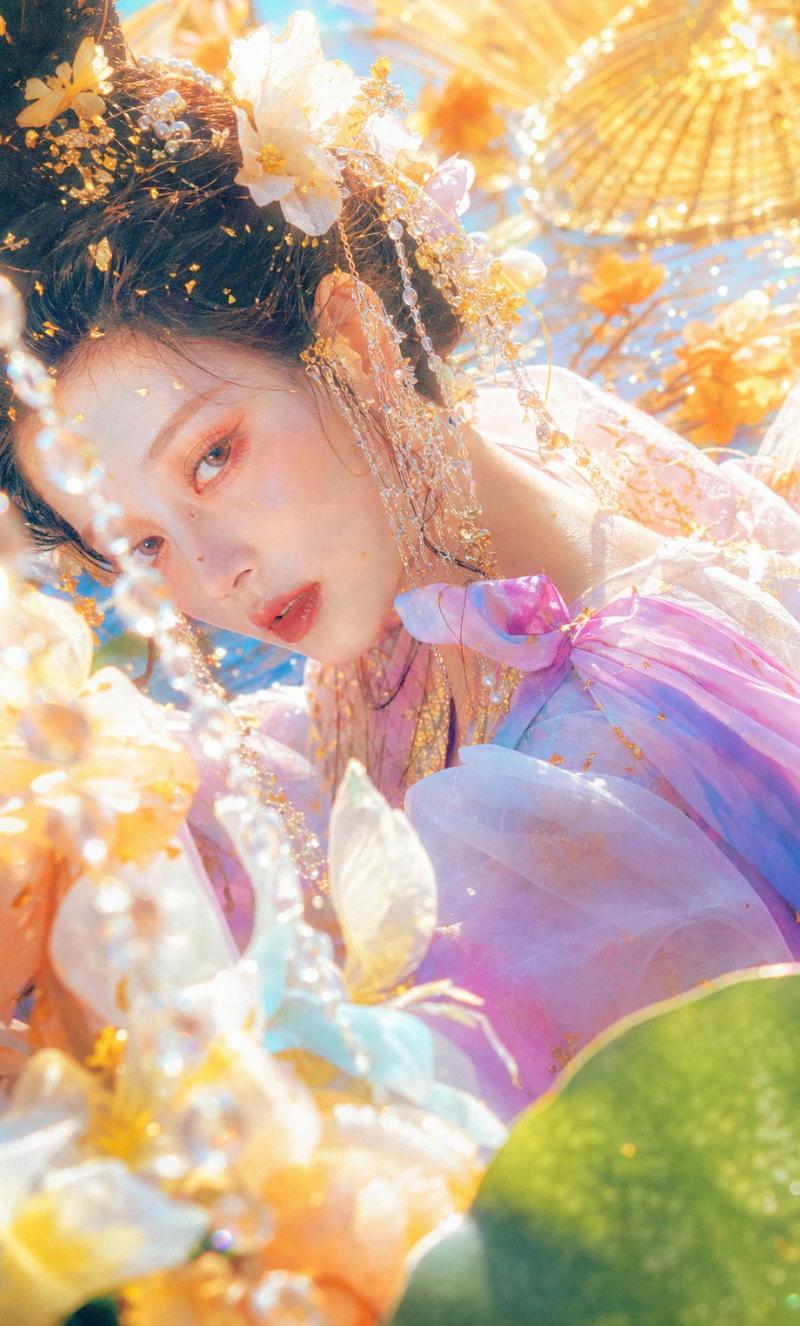
空灵花卉奇幻肖像
提示词
Create a dreamy ultra-bright fantasy fashion portrait in a vertical 2:3 composition, photographed from very close range with shallow depth of field and heavy golden backlight. The subject is a young woman in ornate fairy-like hanfu-inspired styling, reclining or turned sideways so her head and shoulder fill the upper half of the frame; place a large opaque square censor block over the center-left face area, colored muted peach-beige, covering most facial features. She has {argument name="hair color" default="dark brown"} hair arranged in an elaborate updo, decorated with exactly 5 visible categories of ornaments: large white blossoms, tiny gold leaf flakes, dangling pearl strands, fine gold chains, and sparkling crystal beads. Her outfit is a translucent pastel gown in {argument name="dress color" default="lavender pink"} with iridescent organza layers, a bow-like shoulder detail, gold embroidery flecks, and soft blue-pink highlights. Surround her with abundant oversized foreground flowers and petals in cream, peach, pale yellow, and light blue, plus glossy green lotus-like leaves at the bottom right. In the background, show exactly 2 golden paper parasols, one large parasol in the upper right and one partial parasol near the top center, both blurred into radiant bokeh. The style should feel like {argument name="visual style" default="ethereal Chinese fantasy editorial photography"}: high exposure, sun-drenched haze, glittering highlights, lens bloom, pastel color grading, macro floral foreground blur, luxurious jewelry detail, romantic overexposed summer atmosphere, no readable text, no watermark.- 分类
- 图表信息图
- 模型
- GPT Image 2
- 来源作者
- AnionAI
- 原始语言
- en
- 来源 ID
- 24344
- 发布时间
- 2026年6月5日
浏览量178