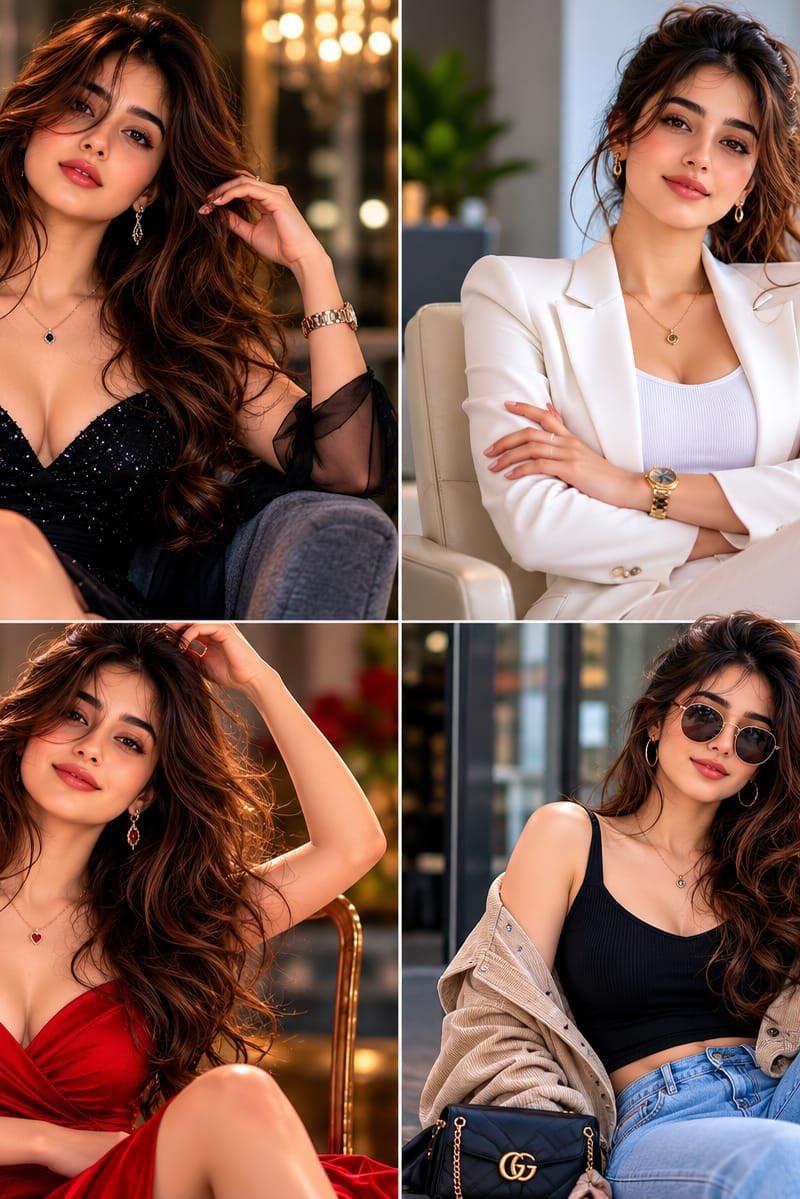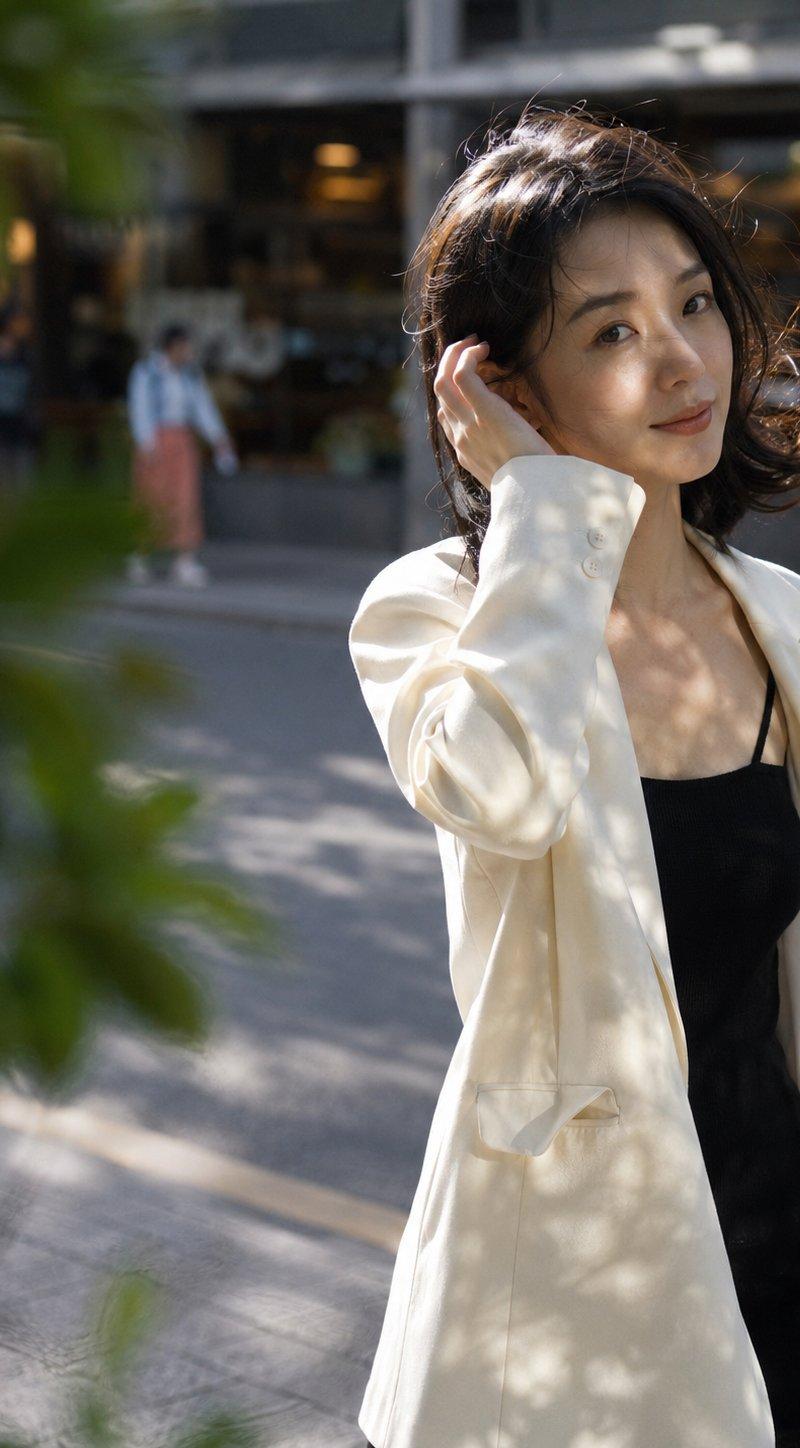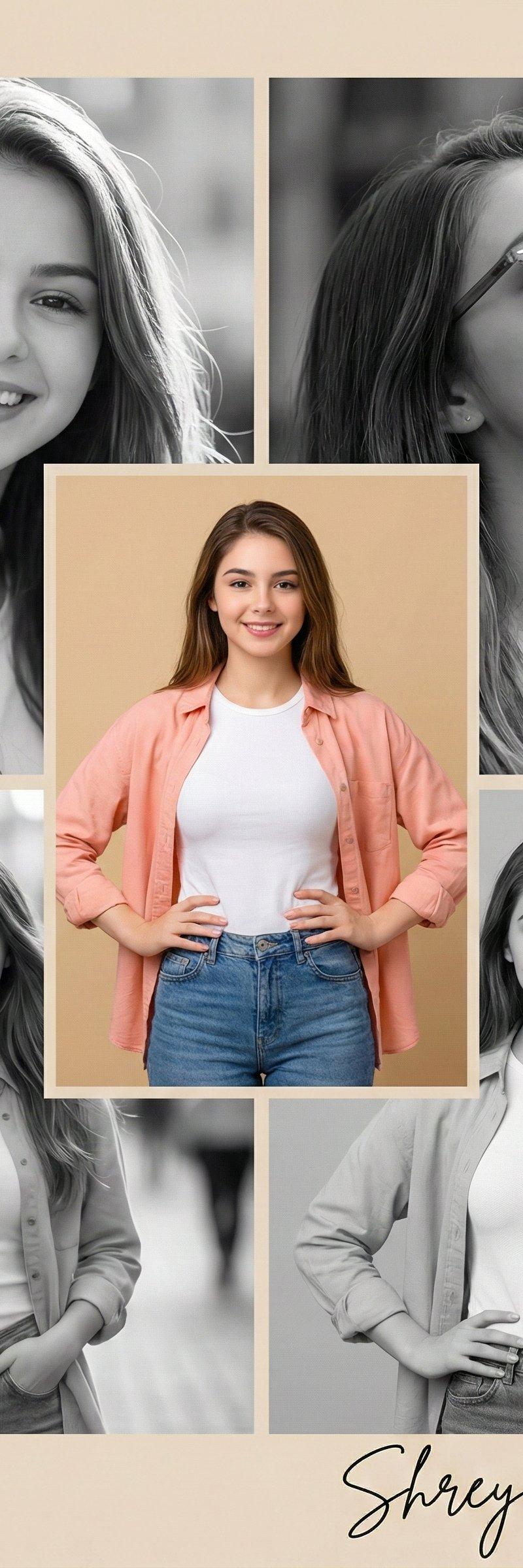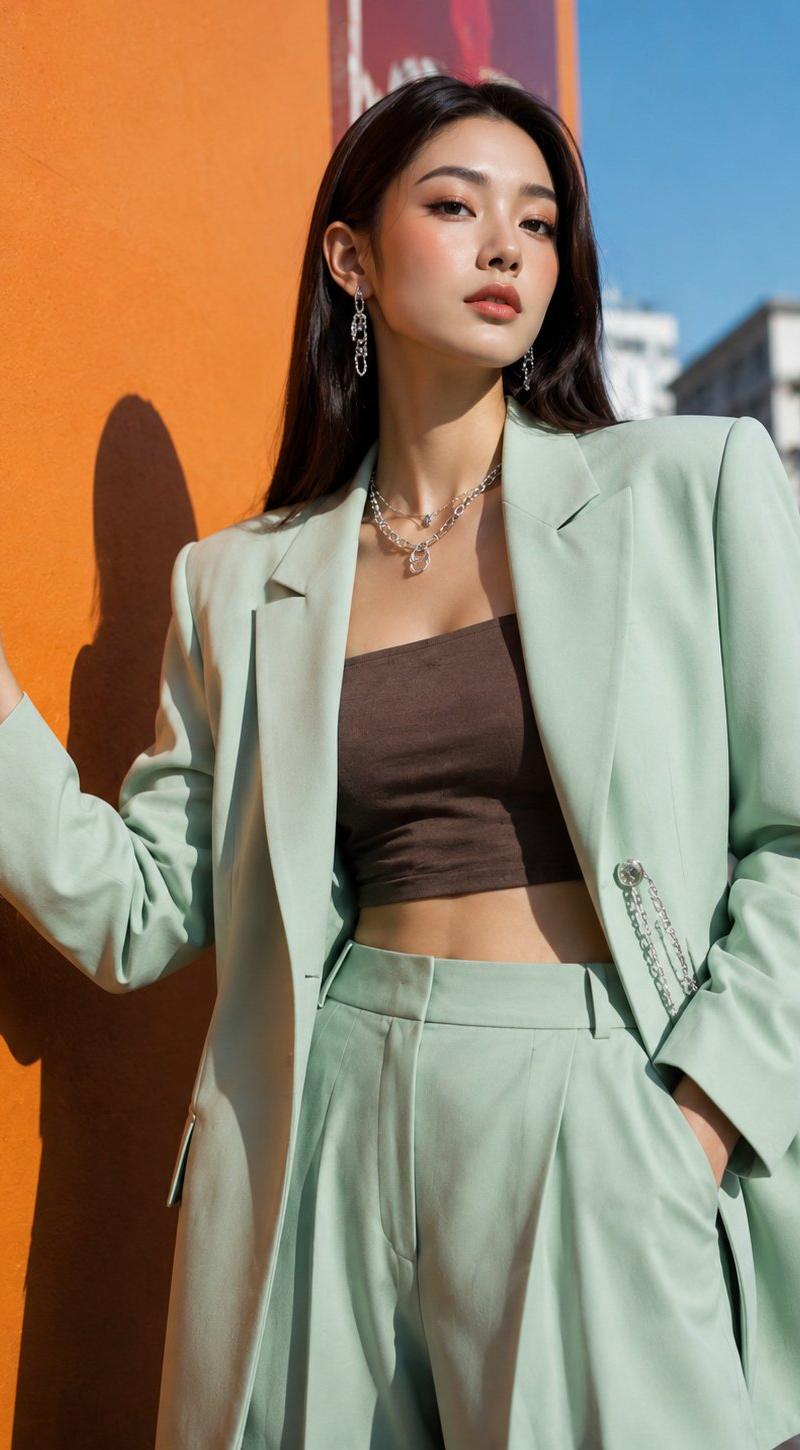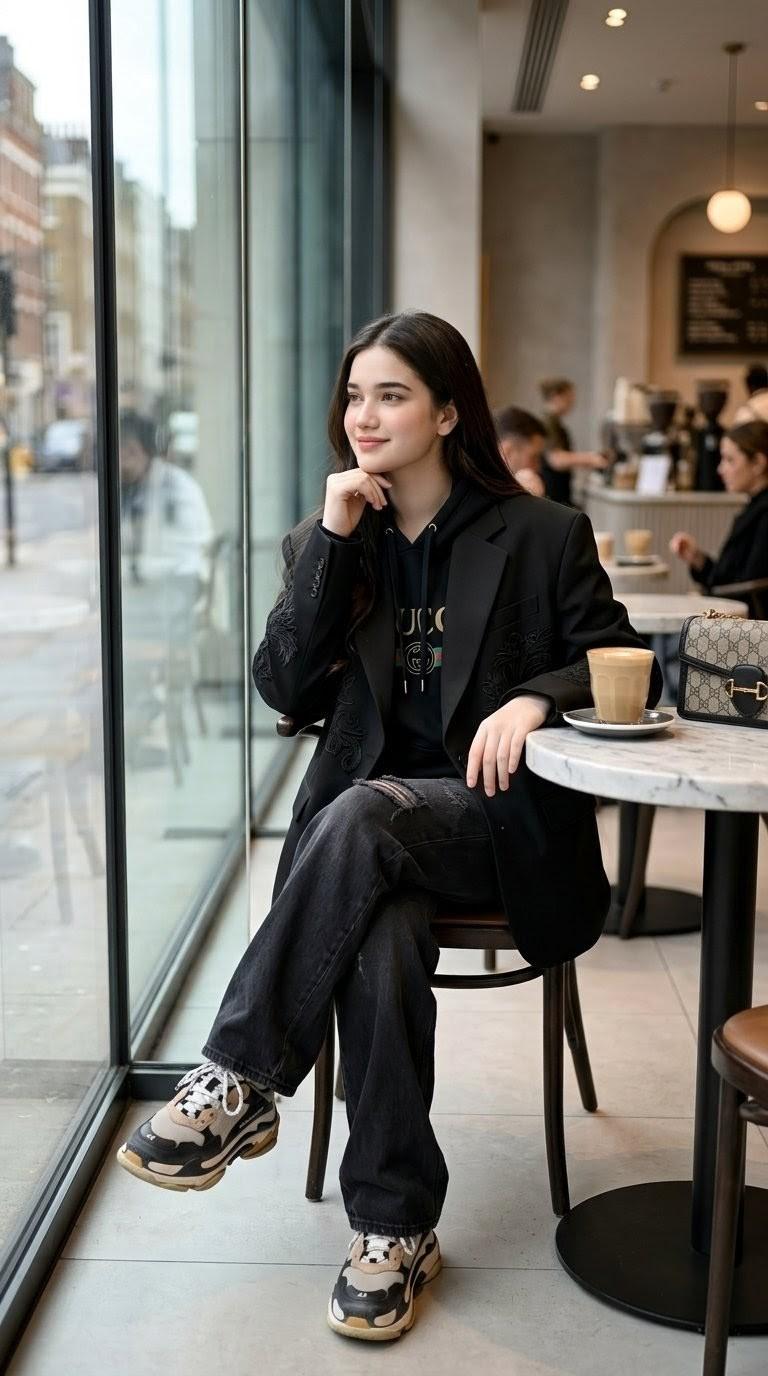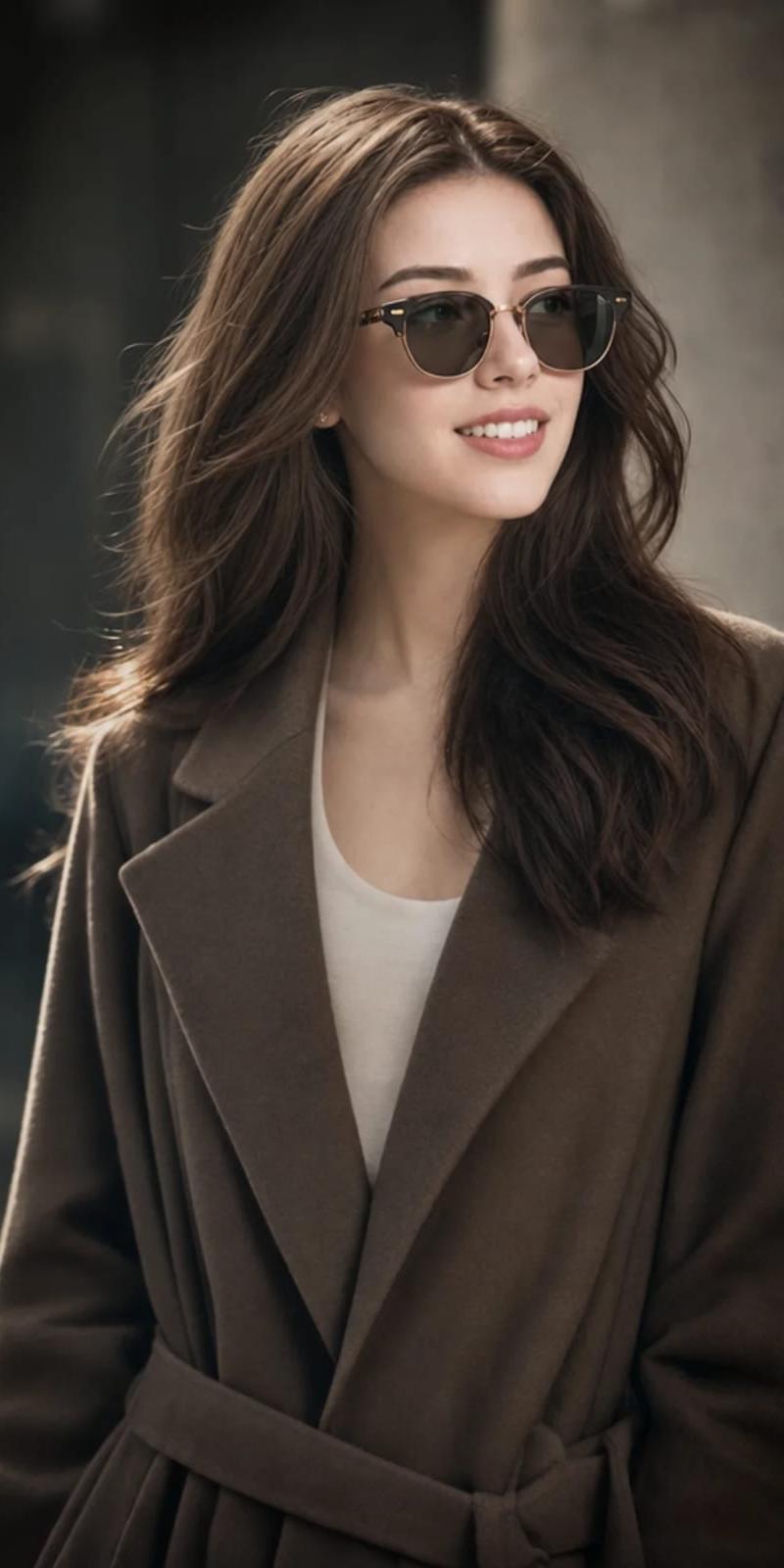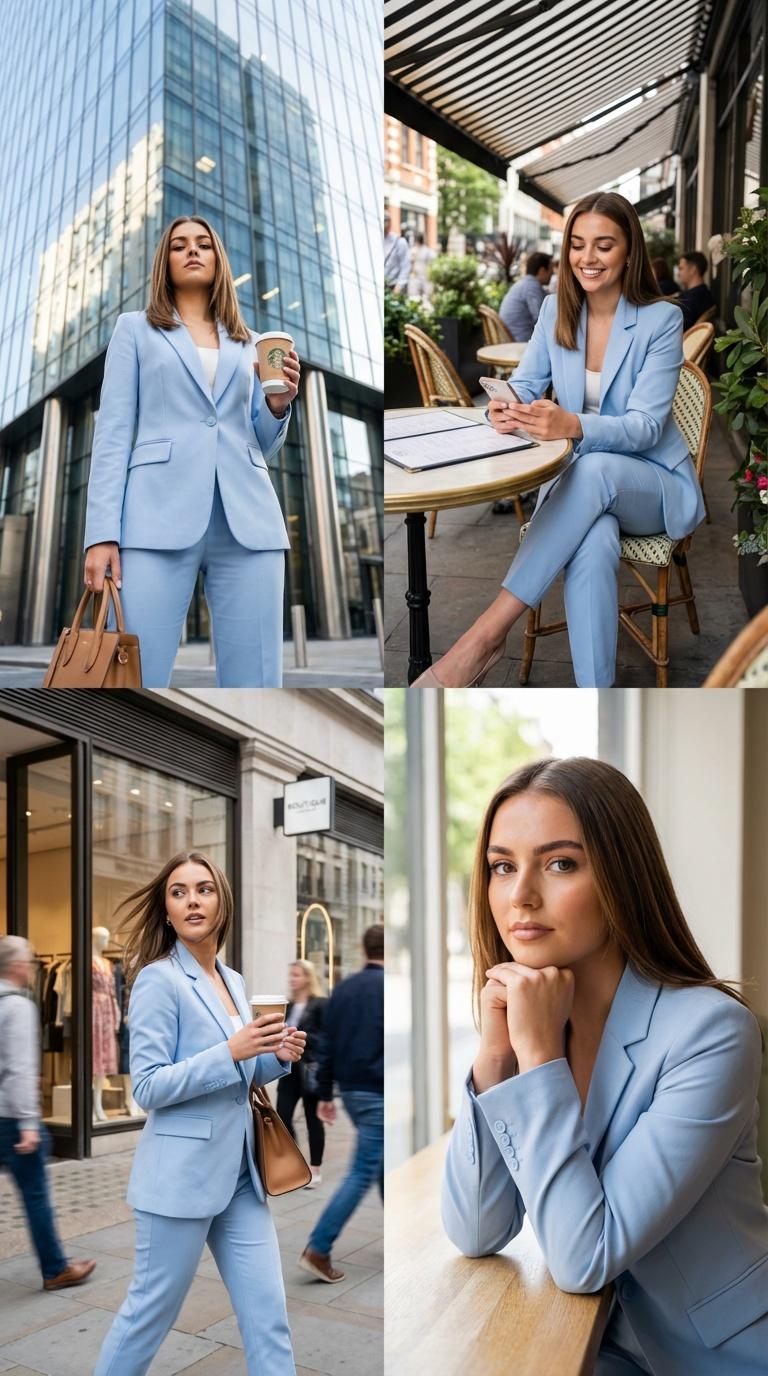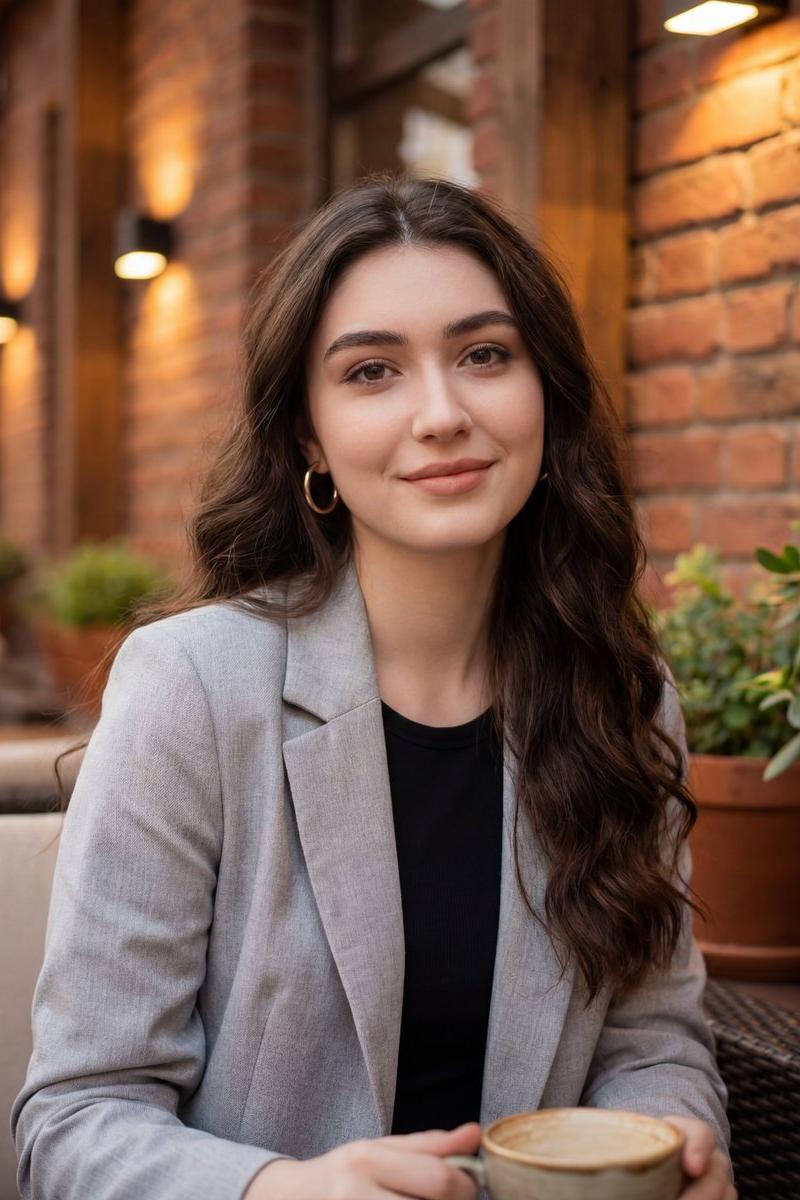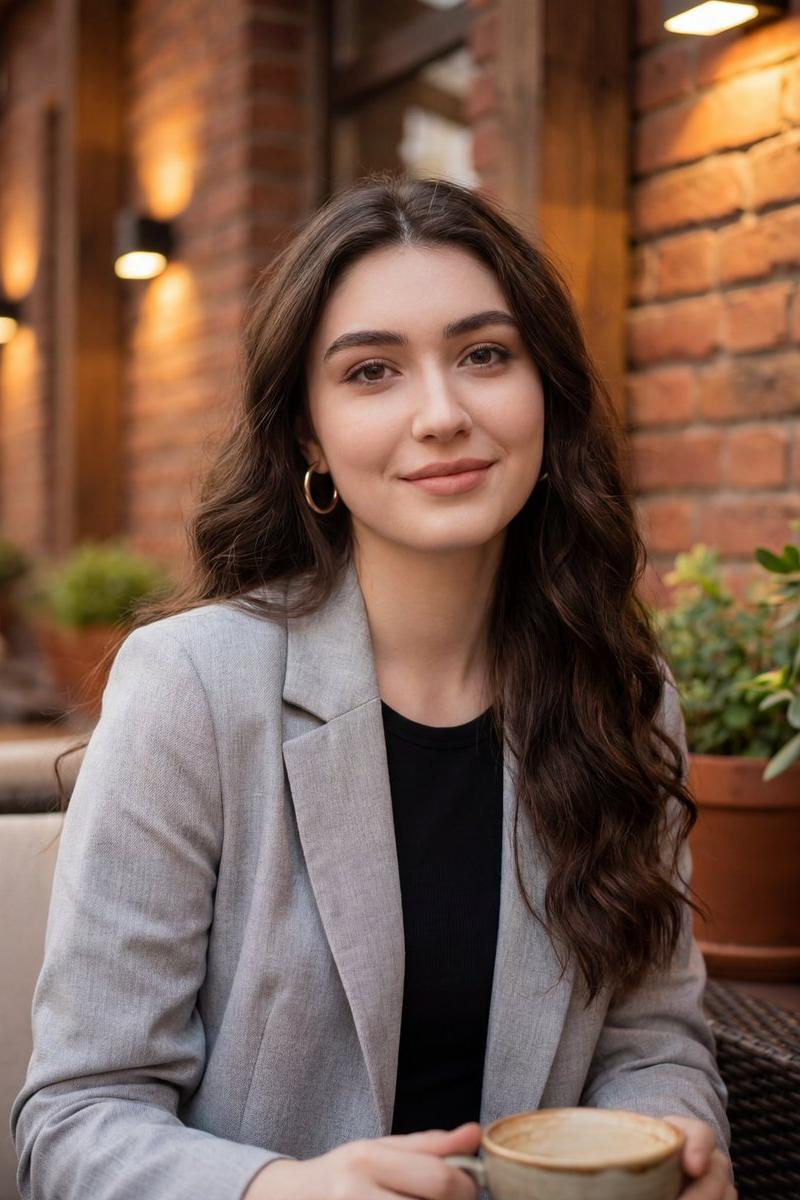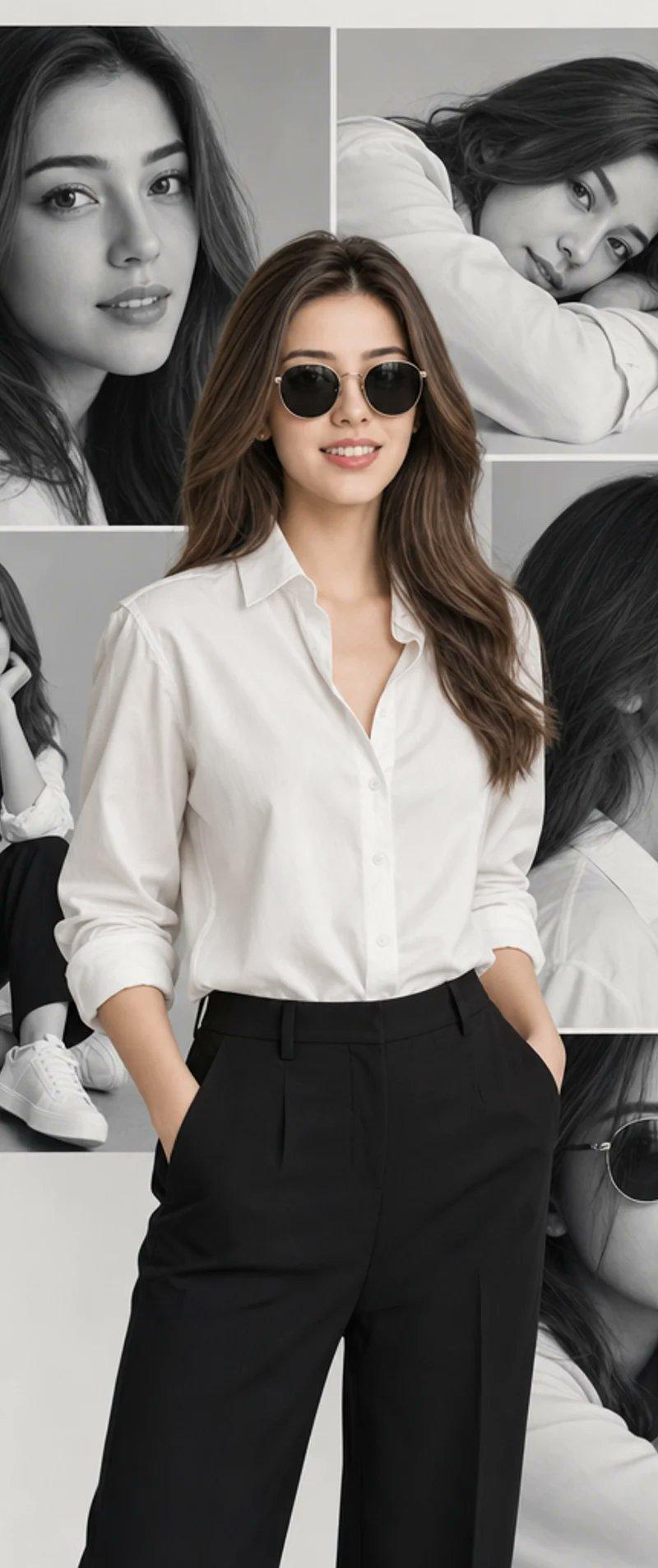
奢华时尚杂志拼贴画
提示词
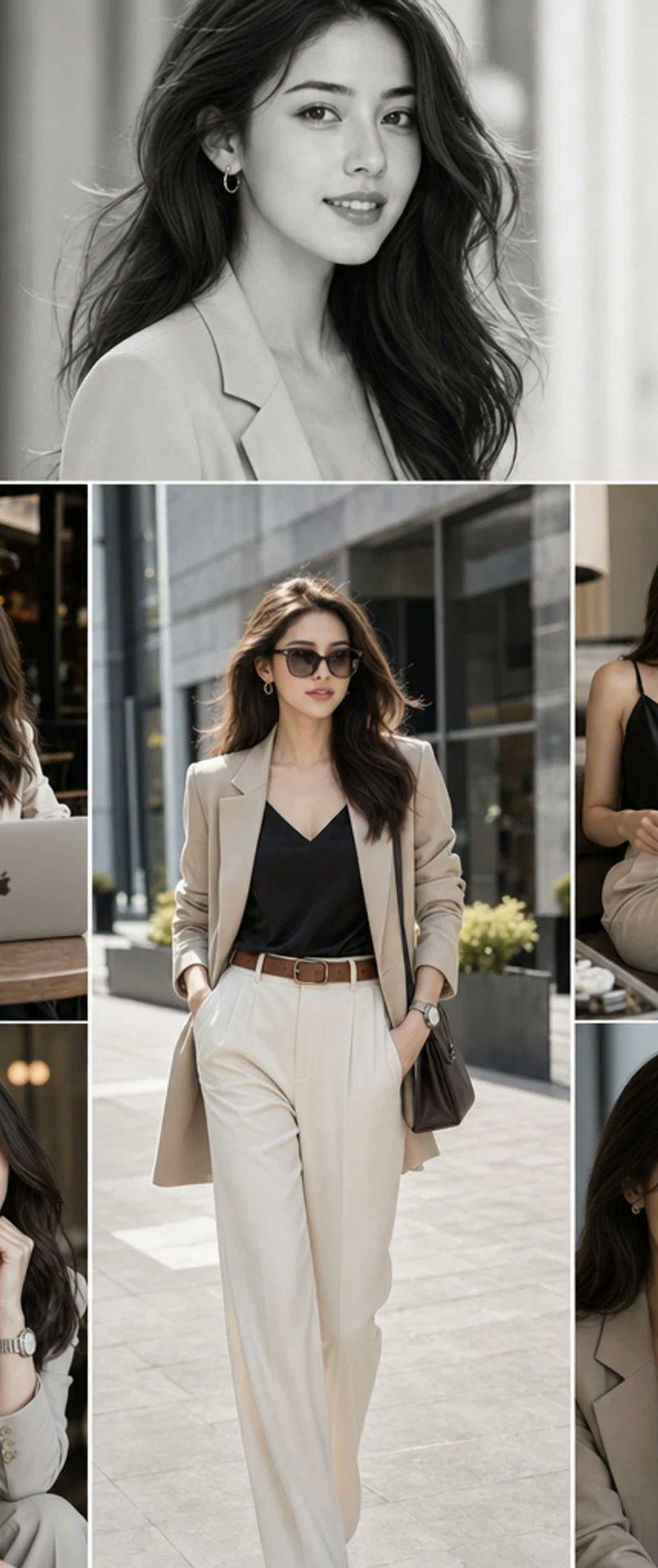
Goal: Create a high-fashion magazine editorial collage mood board inspired by “VOGUE BANGKOK NIGHTS,” featuring {argument name="character description" default="a sophisticated East Asian woman with long, straight-to-softly-wavy black hair"} in elegant neutral tailoring, with her face intentionally anonymized by a soft rectangular blur in every panel.

Canvas: Vertical portrait collage, 768×1152 or 2:3 aspect ratio, clean white gutters between panels, premium fashion editorial look. Use six discrete cinematic frames arranged as a magazine contact-sheet layout.

Layout: Use exactly 6 panels: 1 wide horizontal hero panel across the full top third; below it, a three-column collage where the center column is one tall full-body walking frame, the left column has 2 stacked frames, and the right column has 2 stacked frames. Keep crisp white dividers between panels.

Subject details: The same woman appears in all 6 panels. She has long dark hair with polished volume, understated hoop earrings, refined makeup implied but hidden by blur, and a poised luxury lifestyle presence. Wardrobe palette is cream, beige, black, and soft taupe. Main outfit: {argument name="outfit" default="a cream tailored blazer over a black satin camisole, high-waisted ivory wide-leg trousers, a brown leather belt, a silver wristwatch, and small hoop earrings"}. Include variations such as a black satin slip-style top and beige trousers while maintaining the same sophisticated wardrobe identity.

Panel descriptions: Panel 1, top hero: black-and-white close-up portrait from chest up, woman in a pale blazer, hair flowing, shallow depth of field with tall blurred city-window shapes behind her. Panel 2, lower left top: woman seated at a cafe table working on a silver laptop with a visible black Apple-like logo, white coffee cup nearby, warm indoor cafe lighting behind her. Panel 3, lower center tall: full-body street-style shot of her walking confidently outdoors in the cream blazer, black camisole, ivory trousers, brown belt, watch, and shoulder bag; modern glass-and-stone city architecture in the background. Panel 4, lower right top: woman seated indoors wearing a black sleeveless satin top and light trousers, holding an interior design magazine, relaxed luxury lounge atmosphere. Panel 5, lower left bottom: close portrait at a cafe table, cream blazer and black top, hand near chin, visible silver watch, warm bokeh background. Panel 6, lower right bottom: close portrait from slightly above, cream blazer over black top, hand near chin, silver watch prominent, intimate editorial crop.

Visual style: Photorealistic high-fashion editorial photography, cinematic natural light, shallow depth of field, soft contrast, neutral luxury palette, glossy magazine mood board, refined Bangkok-nightlife-meets-modern-city ambiance. Mix monochrome and color: only the top hero panel is black and white; the five lower panels are full color.

Text content: No typography, no captions, no logos except the subtle laptop emblem and magazine cover-like design. The magazine may show faint readable cover text such as {argument name="magazine cover text" default="INTERIOR DESIGN"}.

Constraints: Use exactly 6 panels and exactly one woman repeated across all panels. Keep faces covered by smooth rectangular blur masks, not detailed facial features. Maintain realistic anatomy, consistent hair and wardrobe, premium editorial lighting, and clean white collage borders. Avoid extra people, clutter, heavy text, watermarks, or cartoon styling.- 分类
- 图表信息图
- 模型
- GPT Image 2
- 来源作者
- Anaya Ai
- 原始语言
- en
- 来源 ID
- 24359
- 发布时间
- 2026年6月5日
浏览量3153